Acer Predator X34 X5 vs Lenovo Legion Y34wz-30
Both panels land at 46 pixels per degree from a desk distance, so sharpness is not the deciding factor here — the table below is where they actually separate.
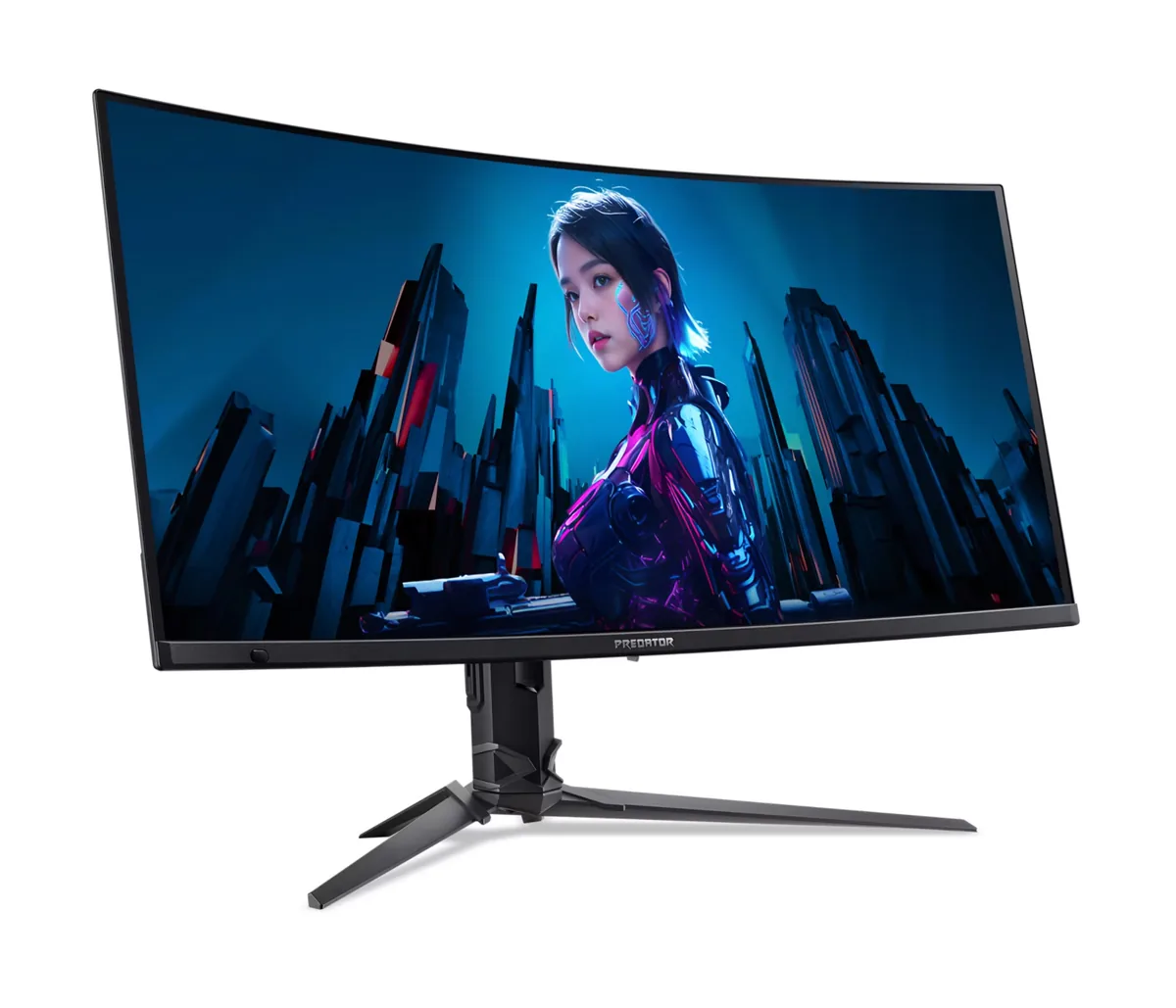
Acer
Acer Predator X34 X5
46ppd · sharpReal HDR~$900
The 1800R curve on this one is gentle enough to disappear after a day and steep enough to keep the far edges of a 34-inch panel at a consistent distance.
Best for: Single-player games and sim racing where the extra width does the work
- 2×HDMI 2.1· full speed(DSC)
- DisplayPort 1.4· full speed(DSC)
- USB-C (DP Alt Mode)· full speed(DSC)
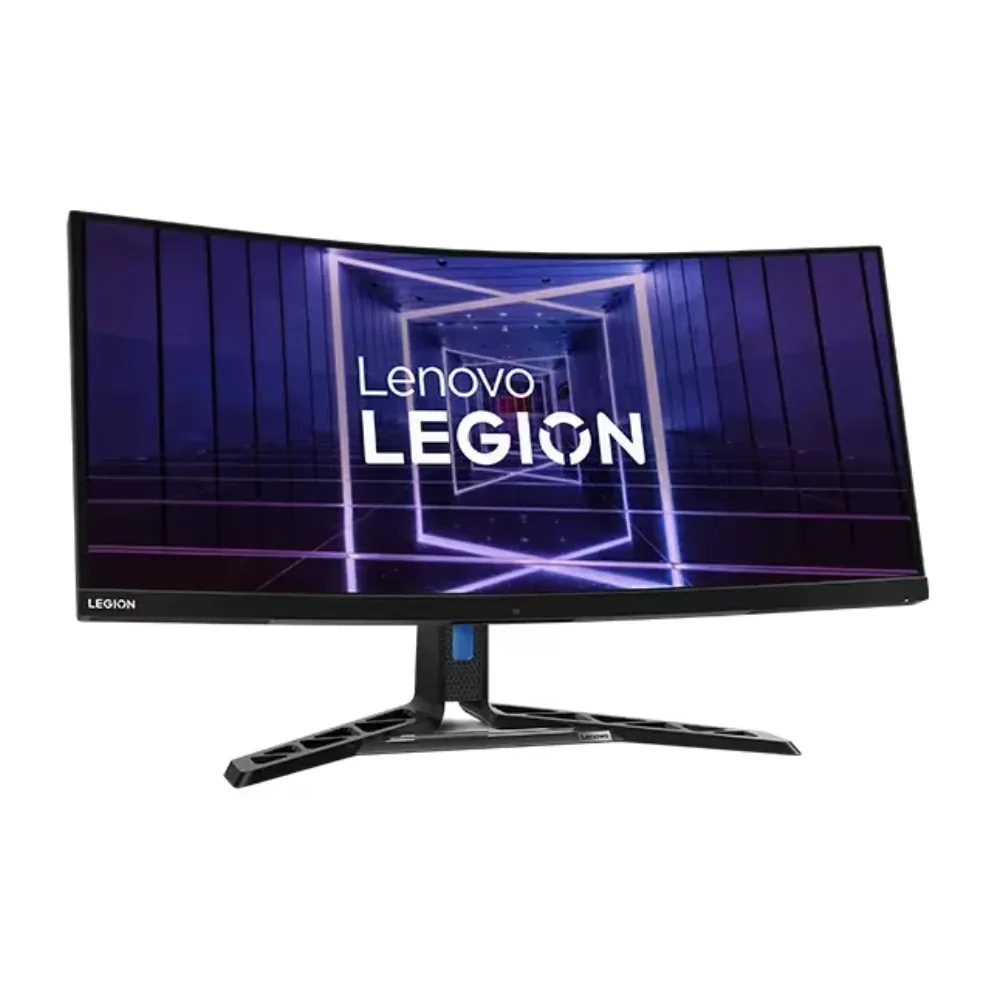
Lenovo
Lenovo Legion Y34wz-30
46ppd · sharpReal HDR~$660
Very few ultrawides pair a 384-zone mini-LED backlight with a 140 W USB-C dock, and this is the one that does.
Best for: One ultrawide doing HDR gaming and laptop docking without a separate hub
- 2×HDMI 2.1· full speed
- DisplayPort 1.4· depends on DSC, which is not published
- USB-C (DP Alt Mode)· depends on DSC, which is not published
| Specification | Acer Predator X34 X5 | Lenovo Legion Y34wz-30 |
|---|---|---|
| Approx. price | ~$900 | ~$660 |
| Type | Ultrawide | Ultrawide |
| Screen size | 34 in | 34 in |
| Resolution | 3440×1440 | 3440×1440 |
| Aspect ratio | 21:9 | 21:9 |
| Pixels per degree | 46 — sharp | 46 — sharp |
| Pixels per inch | 110 | 110 |
| Panel | QD-OLED | Mini-LED VA |
| Finish | glossy | matte |
| Curvature | 1800R | 1500R |
| Max refresh | 240 Hz | 165 Hz |
| Response time | 0.03 ms GtG | 11 ms GtG |
| VRR | FreeSync Premium Pro | FreeSync Premium Pro |
| HDR tier | Real HDR | Real HDR |
| HDR certification | DisplayHDR True Black 400 | DisplayHDR 1000 |
| Peak brightness | 1,000 nits claimed | 1,200 nits claimed |
| SDR brightness | 250 nits | 720 nits |
| Local dimming | Per-pixel (emissive) | 384 zones |
| Static contrast | effectively infinite | 3,000:1 |
| Colour gamut | 99% DCI-P3 | 95% DCI-P3 |
| Colour depth | 10-bit | 8-bit+FRC |
| HDMI | 2 × HDMI 2.1 | 2 × HDMI 2.1 |
| DisplayPort | 1 × DisplayPort 1.4 | 1 × DisplayPort 1.4 |
| DSC | Supported | Not published |
| Port speed | 3 of 3 inputs at full speed | 1 of 3 inputs at full speed |
| USB-C | Video in over USB-C | Video in over USB-C |
| USB-C power | 90 W — 14-inch class laptop | 140 W — 16-inch workstation |
| Thunderbolt | No | No |
| KVM | Built in | Built in |
| USB hub | 2 ports | 5 ports |
| Speakers | Built in | Built in |
| Stand | height, tilt, swivel | height, tilt, swivel |
| VESA | 100x100 | 100x100 |
| Burn-in cover | 3 years | — |
| Weight | 19.9 lb | 23.1 lb |
| Released | 2024 | 2023 |
| $ per inch | $26 | $19 |
| $ per megapixel | $182 | $133 |
Acer Predator X34 X5: what it gives up
- The glossy QD-OLED surface reflects a lit room back at you, and there is no matte option in this line
- 250 nits in SDR is at the dim end even for OLED, so a bright room will fight it
- No portrait pivot, which is normal for an ultrawide but worth knowing
- 3440×1440 at 240 Hz needs DSC on every input, so an older GPU may cap out lower
Lenovo Legion Y34wz-30: what it gives up
- Lenovo's own rated native grey-to-grey is 11 ms; the 1 ms number is MPRT, which is a backlight trick
- VA off-axis gamma shift is visible across a screen this wide at normal viewing distance
- The stand lifts and swivels but does not rotate to portrait
- 8-bit plus frame-rate control rather than a native 10-bit panel
- 46 pixels per degree — the same pixel density as a 27-inch 1440p panel, spread wider; a 27-inch 4K resolves far more detail
Full specifications: Acer Predator X34 X5 · Lenovo Legion Y34wz-30