Dell monitors

6 models, $290–$2,400 · IPS

Ordered by pixels per degree at a 24-inch viewing distance, which puts the sharpest panel first regardless of how big it is. None of them has hardware that can produce an HDR image — every HDR badge in this lineup is an edge-lit panel accepting the signal.

Sharpest in the lineup
Dell S2725QS68 pixels per degree
Fastest panel
Dell S2725QS120 Hz
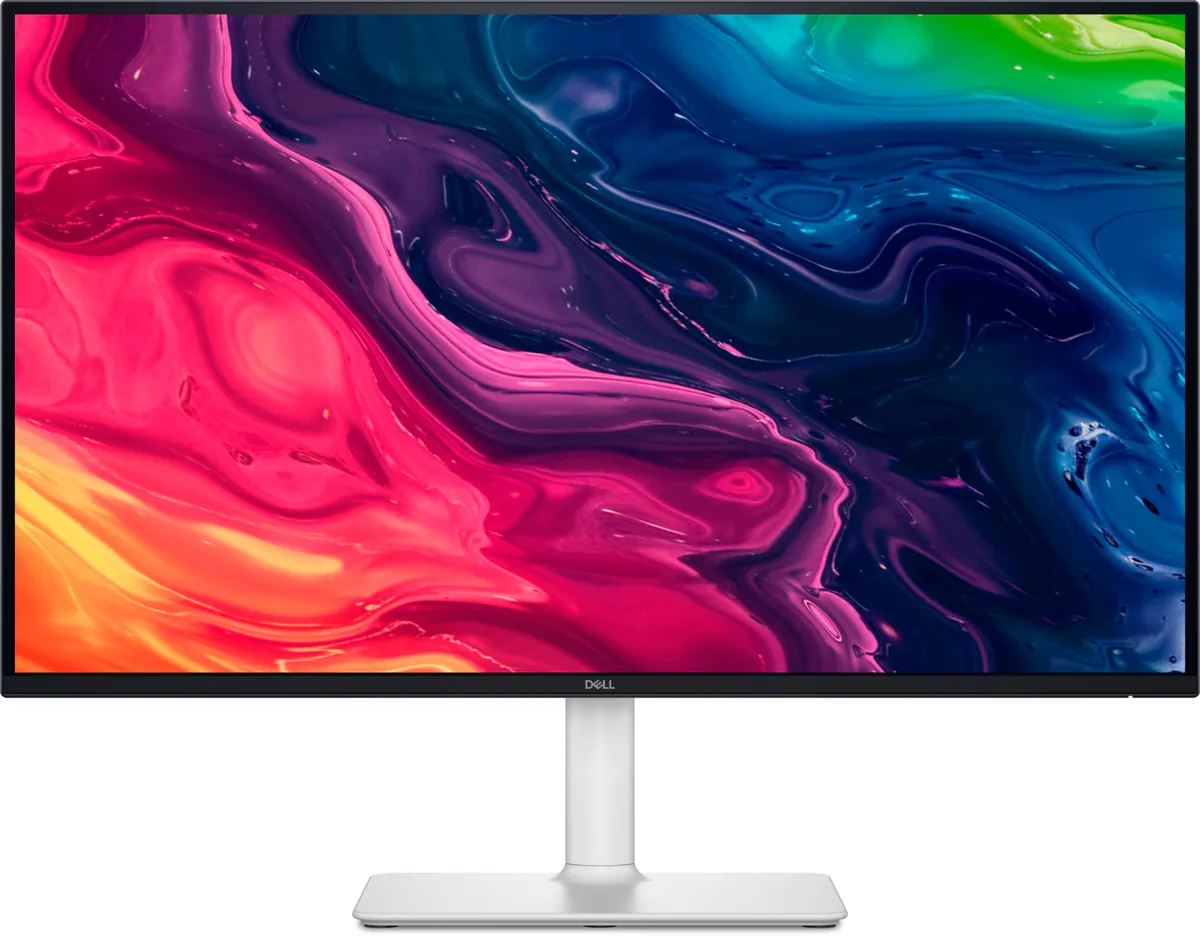
Dell S2725QS monitor
Dell~$300

Dell S2725QS

27″ · 3840×2160 · 120 Hz · IPS

Sharpness
68ppd · retina-class
HDR
No HDR
USB-C power
No USB-C power
  • 4K at 120 Hz
  • Around $300
  • Four-way stand
  • Console at full speed

Best for: A cheap sharp desktop for a console and a recent graphics card
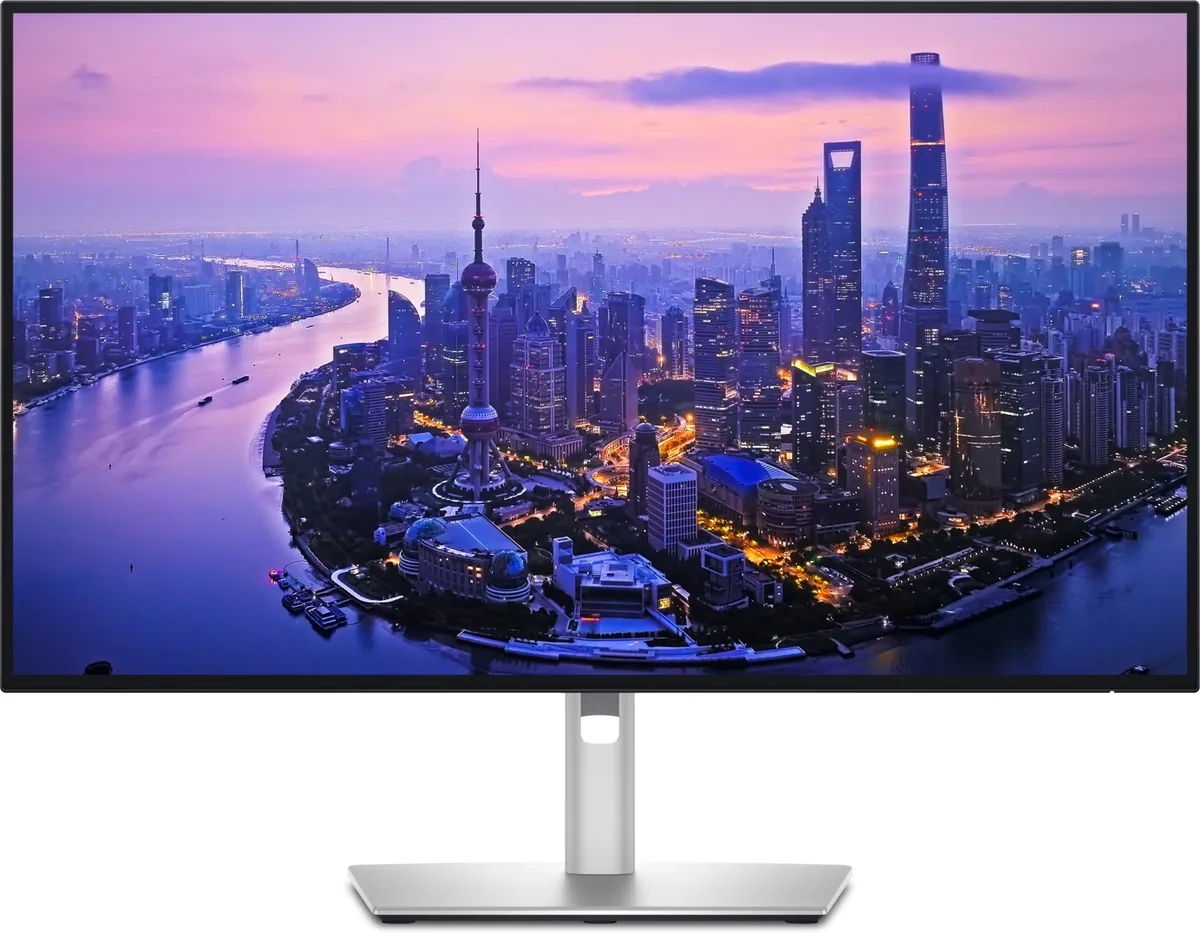
Dell UltraSharp U2725QE monitor
Dell~$850

Dell UltraSharp U2725QE

27″ · 3840×2160 · 120 Hz · IPS

Sharpness
68ppd · retina-class
HDR
Accepts an HDR signal
  • IPS Black 3000:1
  • Thunderbolt 4, 140 W
  • KVM
  • Console at full speed

Best for: A two-machine desk that should run from one cable and one keyboard

Dell UltraSharp U4025QW monitor
Dell~$2,400

Dell UltraSharp U4025QW

39.7″ · 5120×2160 · 120 Hz · IPS

Sharpness
59ppd · sharp
HDR
Accepts an HDR signal
  • 5K2K at 120 Hz
  • Thunderbolt 4, 140 W
  • KVM
  • Console at full speed

Best for: One screen replacing a dual-4K setup, driven and powered by one cable

Dell UltraSharp U3425WE monitor
Dell~$1,050

Dell UltraSharp U3425WE

34″ · 3440×1440 · 120 Hz · IPS

Sharpness
46ppd · sharp
HDR
No HDR
  • 21:9 at 120 Hz
  • Thunderbolt 4, 90 W
  • KVM
  • Console at full speed

Best for: A wide business desktop where two source machines share one keyboard

Dell UltraSharp U2724DE monitor
Dell~$640

Dell UltraSharp U2724DE

27″ · 2560×1440 · 120 Hz · IPS

Sharpness
46ppd · sharp
HDR
No HDR
  • 1440p at 120 Hz
  • Thunderbolt 4, 90 W
  • KVM
  • Console at full speed

Best for: A docked work laptop where 100% scaling matters more than pixel density