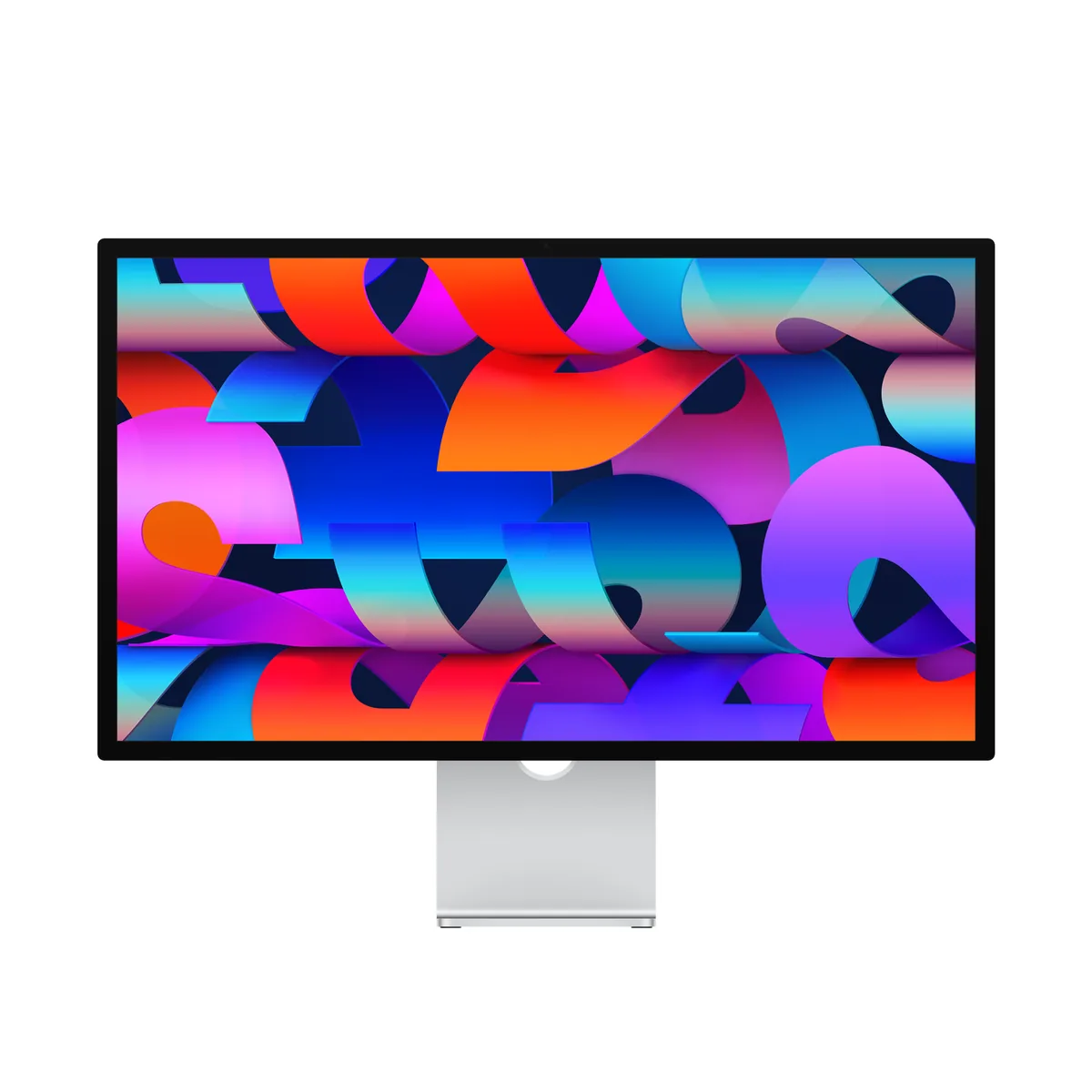
Apple~$1,599
Apple Studio Display
27″ · 5120×2880 · 60 Hz · IPS
- Sharpness
- 91ppd · retina-class
- HDR
- No HDR
- USB-C power
- 96 W
- 5K at 218 ppi
- 600 nits
- Thunderbolt 5
Best for: A Mac desk where text sharpness and a clean cable matter more than refresh rate
High-resolution panels sold on colour coverage, factory calibration and pixel density rather than speed. Most run at 60 Hz, most dock a laptop over USB-C or Thunderbolt, and the ones that matter publish a gamut figure you can check.
8 models · 6 brands, $429–$2,999 · 1 with HDR hardware
27″ · 5120×2880 · 60 Hz · IPS
Best for: A Mac desk where text sharpness and a clean cable matter more than refresh rate
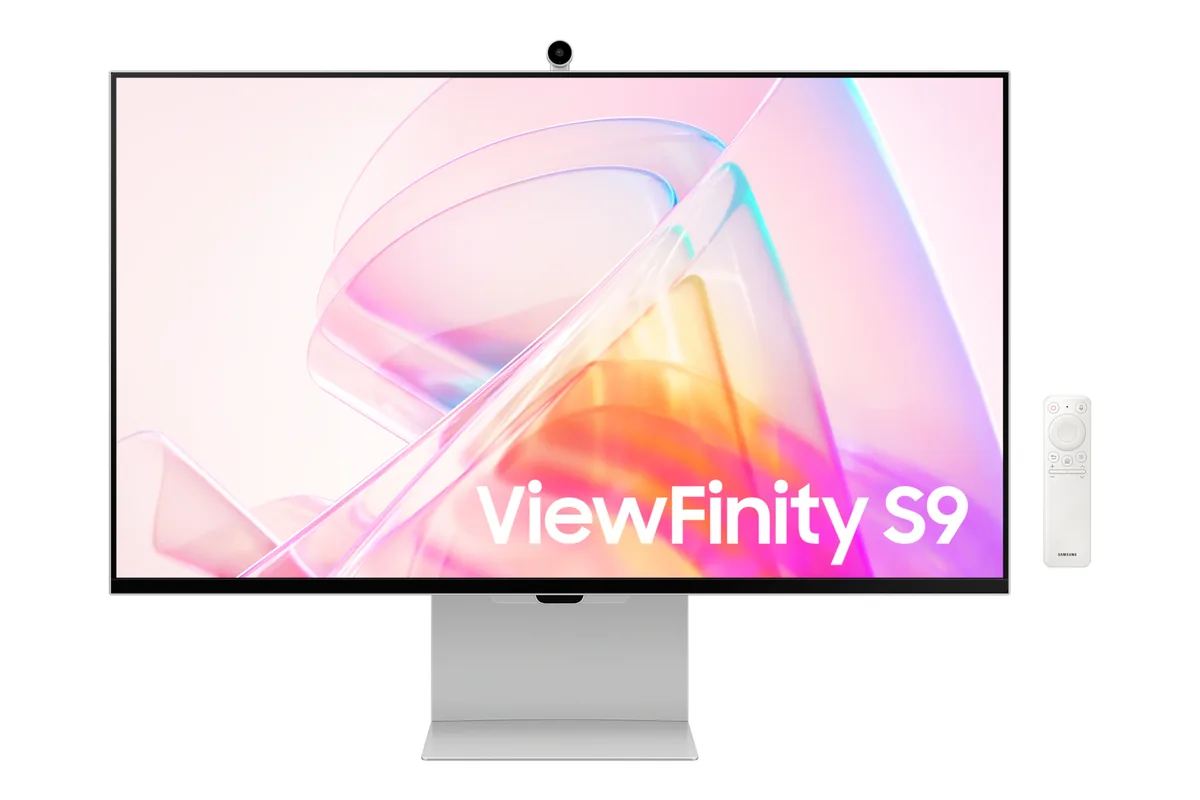
27″ · 5120×2880 · 60 Hz · IPS
Best for: macOS at a true 2× scaling factor without a glass panel
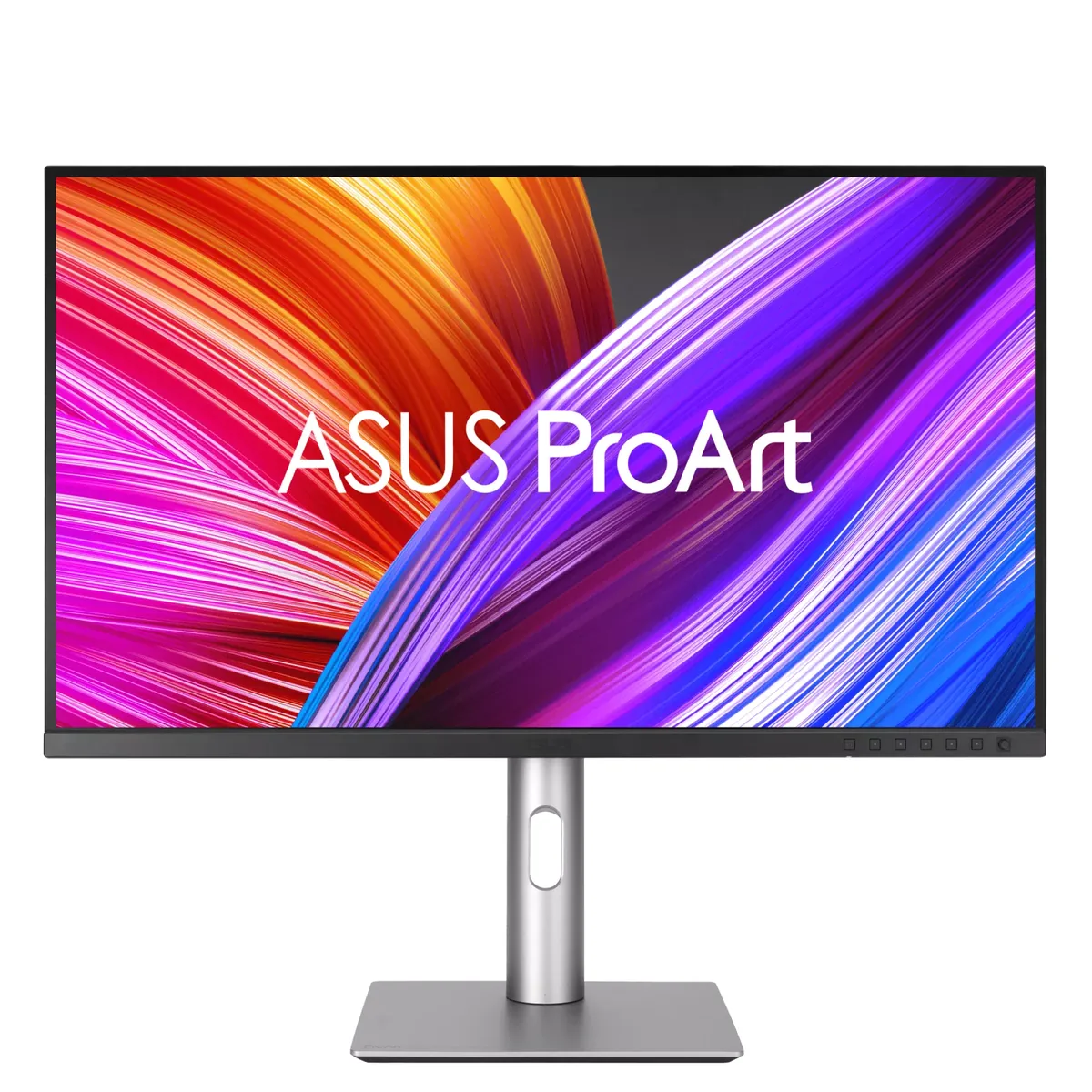
27″ · 3840×2160 · 60 Hz · IPS
Best for: Colour-critical photo and video work on a real budget
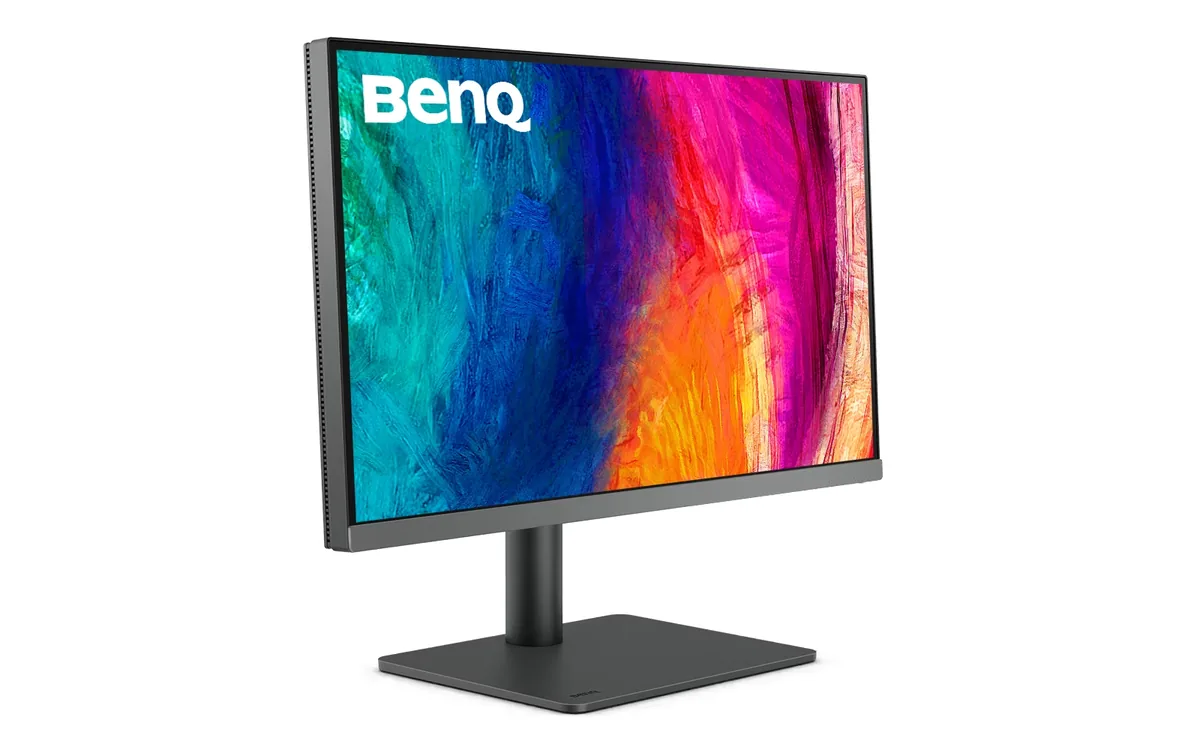
27″ · 3840×2160 · 60 Hz · IPS
Best for: A designer who wants one cable to a laptop and calibrated colour out of the box
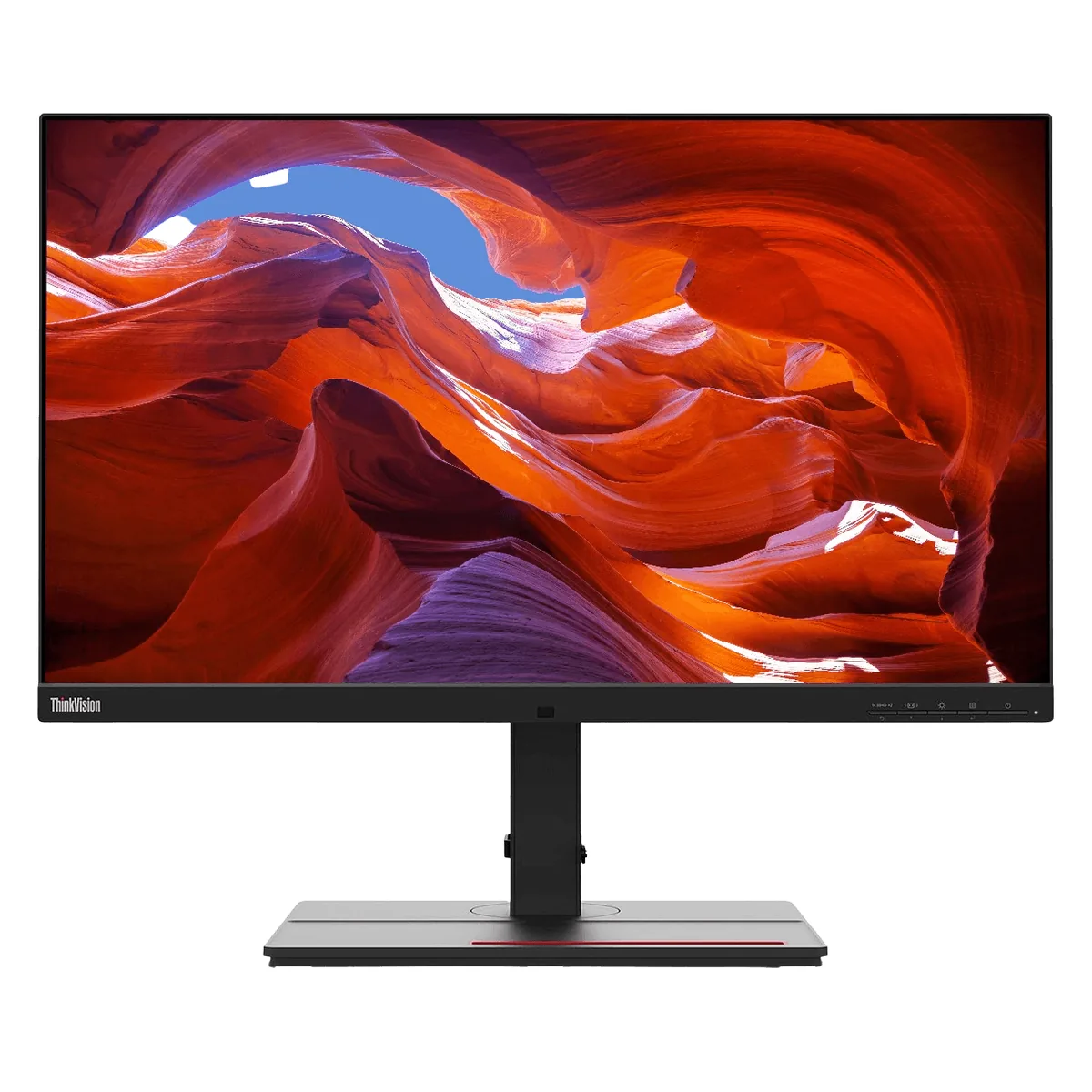
27″ · 3840×2160 · 60 Hz · IPS
Best for: Photo and print work off a single laptop cable
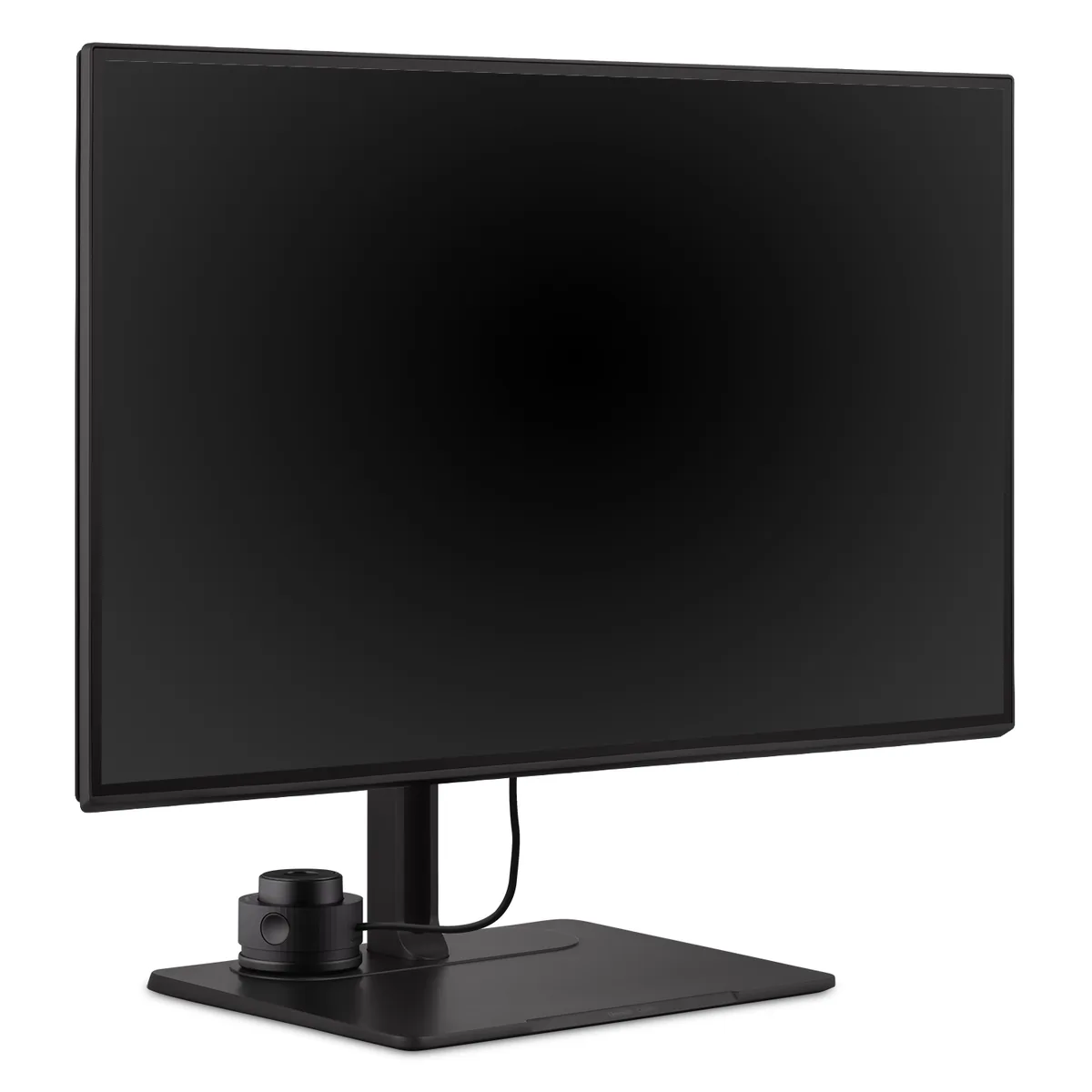
27″ · 3840×2160 · 60 Hz · IPS
Best for: Print and prepress work where Adobe RGB matters more than refresh rate
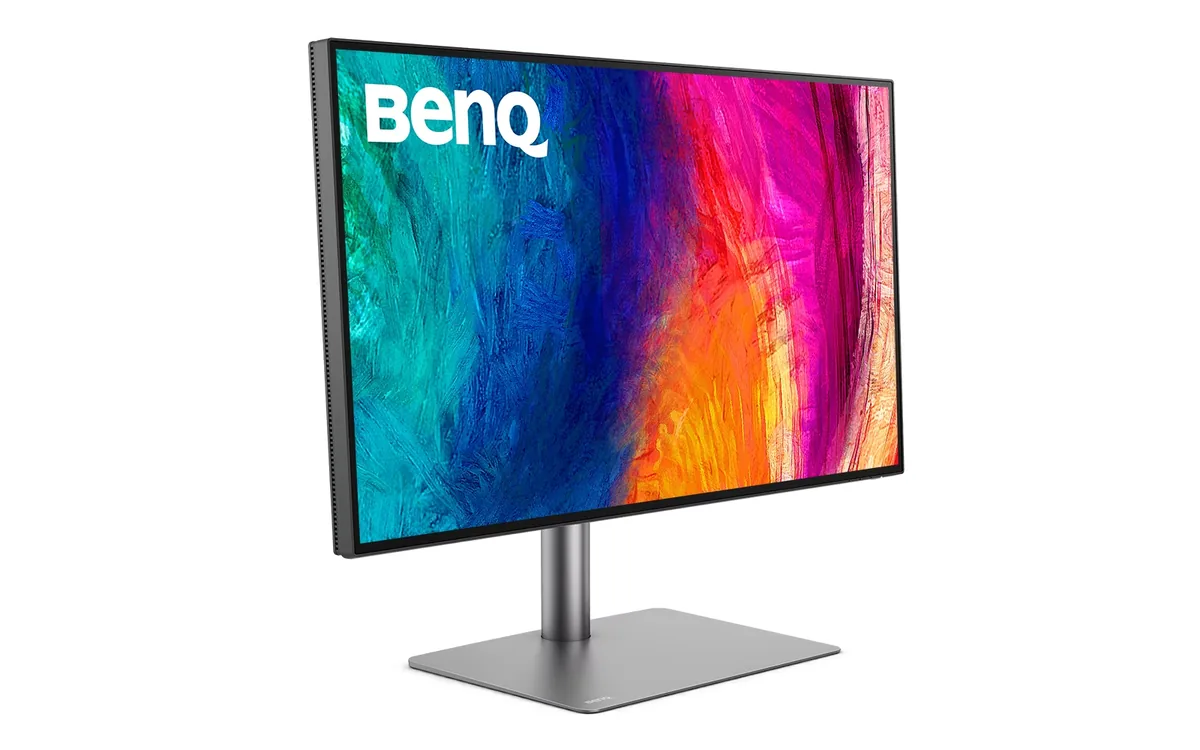
31.5″ · 3840×2160 · 60 Hz · IPS
Best for: Mac-based photo and video work that needs deep blacks and a Thunderbolt dock in one box
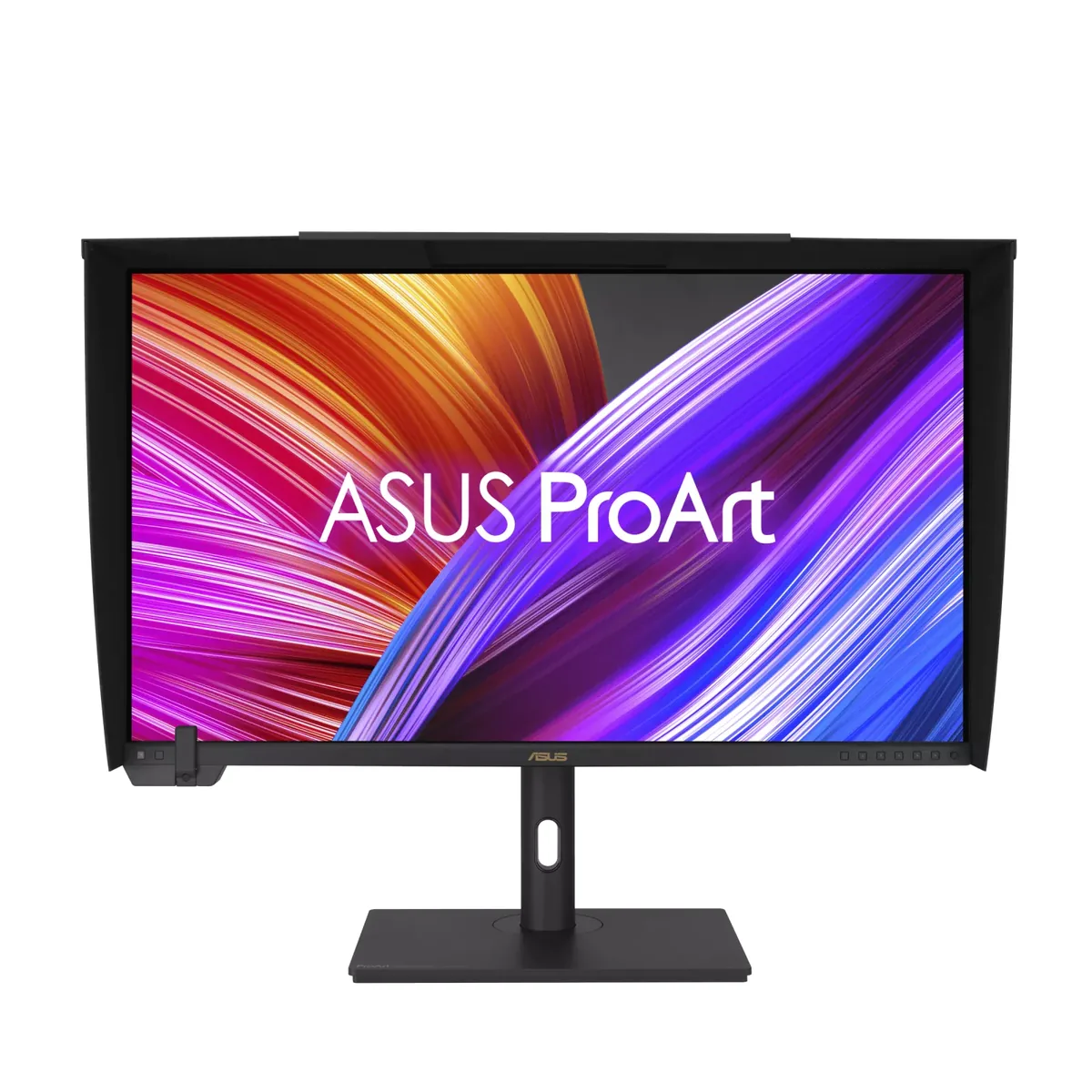
32″ · 3840×2160 · 60 Hz · Mini-LED IPS
Best for: Grading HDR where the display itself has to be trusted