Monitors a PS5 or Xbox Drives at 4K 120 Over HDMI
A console outputs over HDMI and nothing else, which makes the HDMI port the spec that decides the purchase — and "HDMI 2.1" on a box is not the same claim as 48 gigabits on the port. Every row below was checked by arithmetic rather than by badge: the pixels the panel needs per second, times the bits each one carries, plus blanking overhead, against the usable data rate of the input. Anything that only reaches its headline numbers over DisplayPort is a PC monitor, however good the panel is.
How this list is ordered: Every 4K-or-higher monitor at 120 Hz or more whose HDMI input carries the panel's full resolution, refresh and bit depth — computed from link rate, not from the HDMI version number. 19 of the catalog’s monitors qualify. 1 of them is no longer listed by its maker in the US — Samsung Odyssey OLED G8 G80SD — so this list includes models you cannot currently buy new.
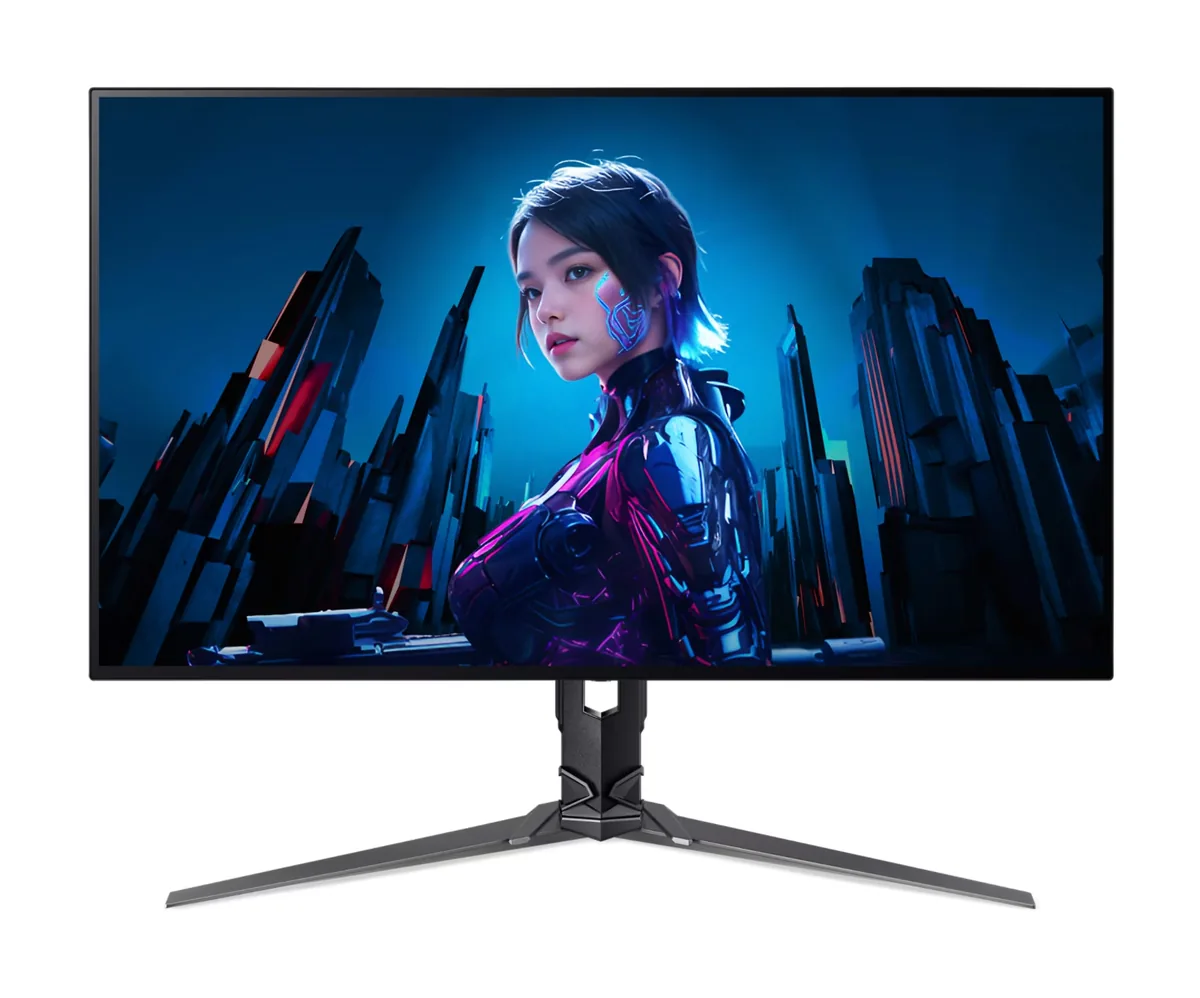
1Acer
~$880Acer Predator X32 X3
Dual mode is the argument for this panel.
- Panel maximum
- 3840×2160 at 240 Hz
- Panel
- 31.5″ WOLED
- HDR
- Real HDR
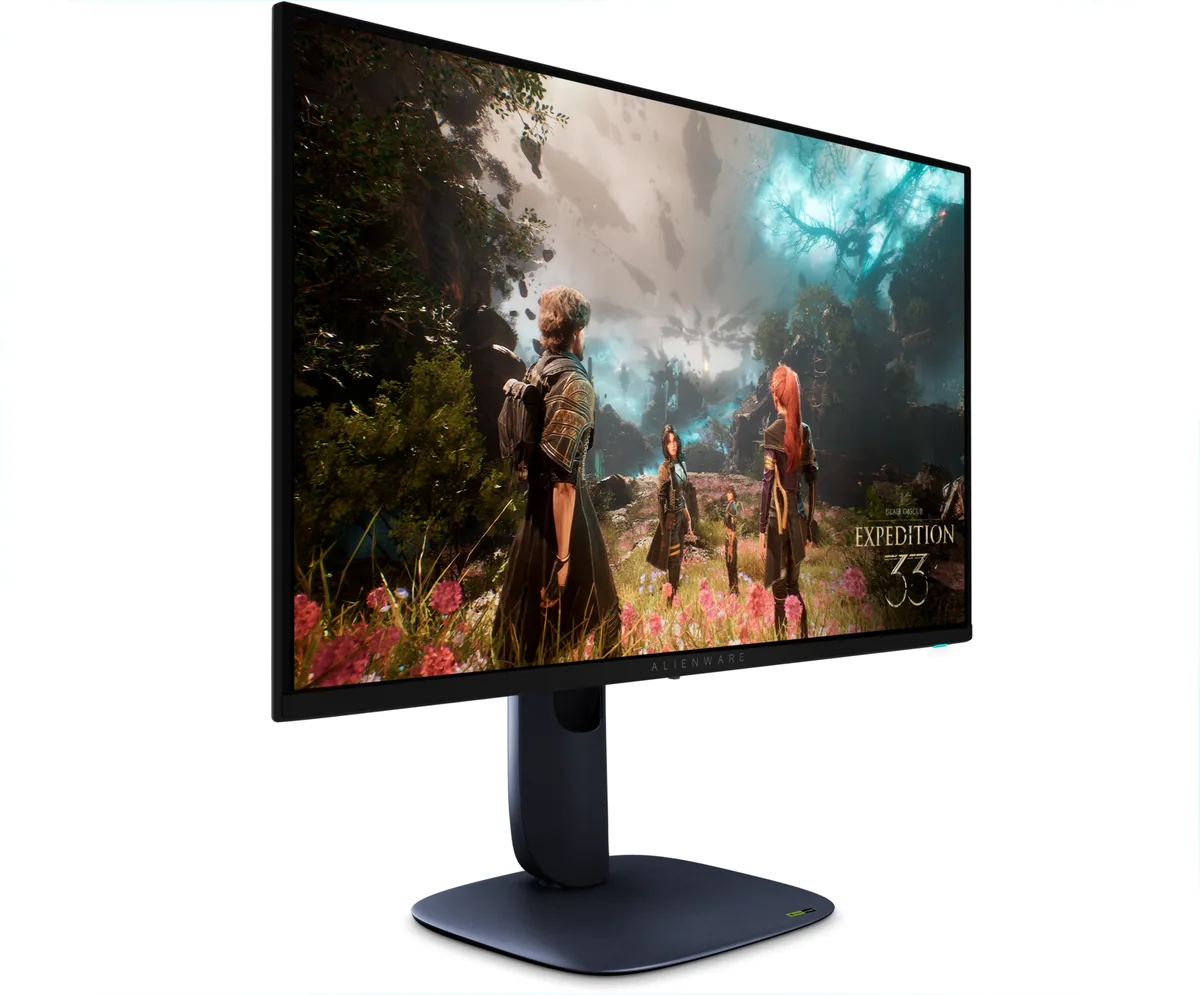
2Alienware
~$900Alienware AW2725Q
Fourth-generation QD-OLED at 27 inches and 4K, which works out to 165 pixels per inch — the highest density on any OLED in this catalog and the panel that finally makes an OLED reasonable to write code on.
- Panel maximum
- 3840×2160 at 240 Hz
- Panel
- 26.7″ QD-OLED
- HDR
- Real HDR
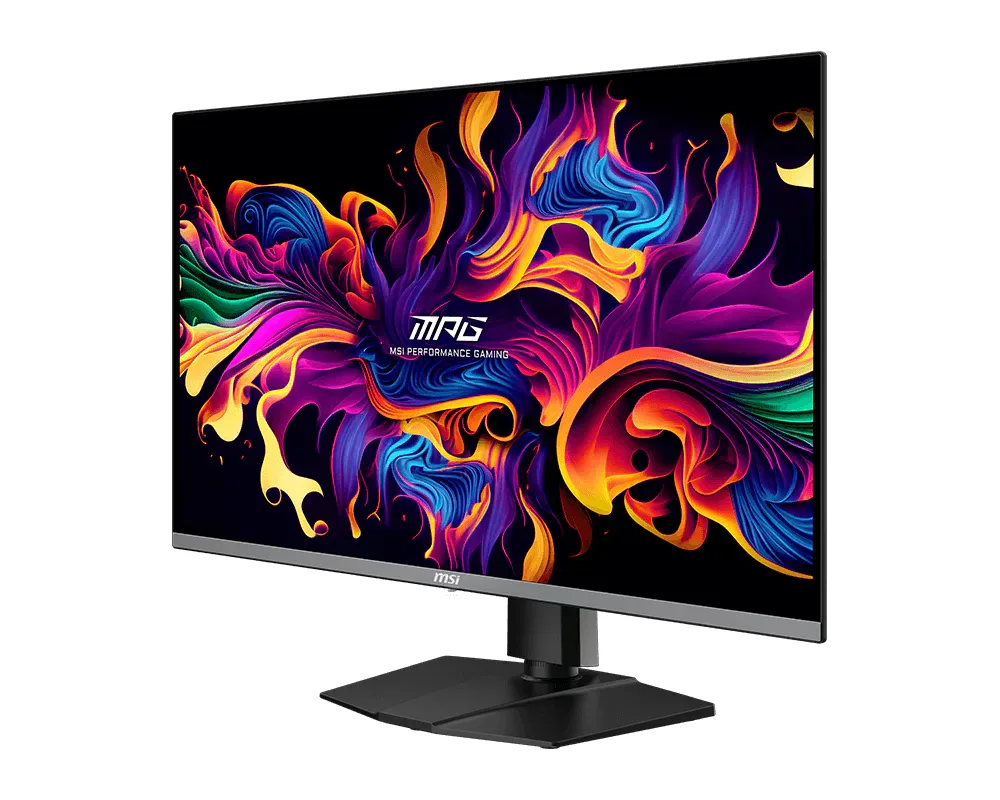
3MSI
~$950MSI MPG 321URX QD-OLED
A 32-inch 4K QD-OLED at $950 that still finds room for 90 watts of USB-C and a KVM sits at the value end of this field.
- Panel maximum
- 3840×2160 at 240 Hz
- Panel
- 31.5″ QD-OLED
- HDR
- Real HDR
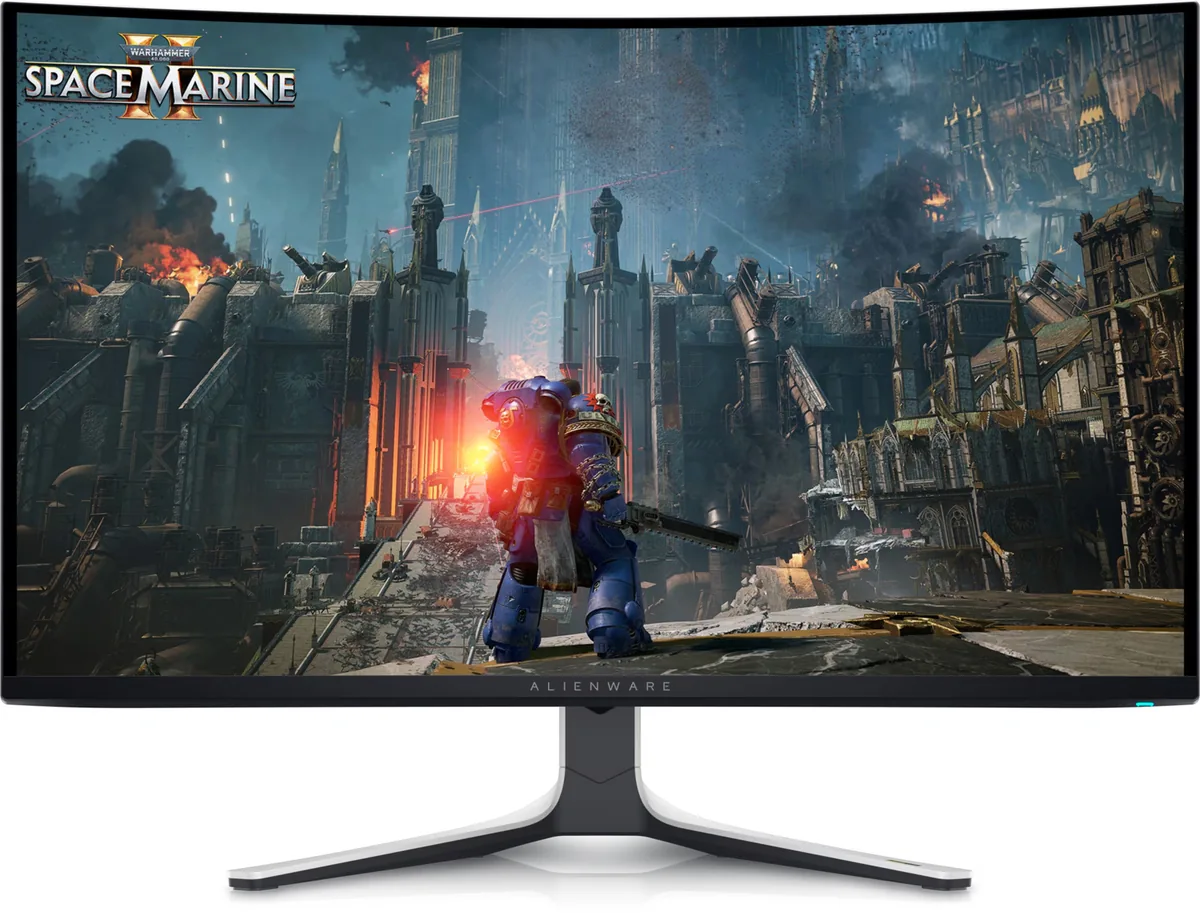
4Alienware
~$1,000Alienware AW3225QF
A gentle 1700R curve on a 32-inch 4K QD-OLED, which sounds like a contradiction and works better than it reads — the curve is shallow enough to be invisible on a desktop and just enough to even out the viewing distance at the edges.
- Panel maximum
- 3840×2160 at 240 Hz
- Panel
- 31.6″ QD-OLED
- HDR
- Real HDR
5ASUS
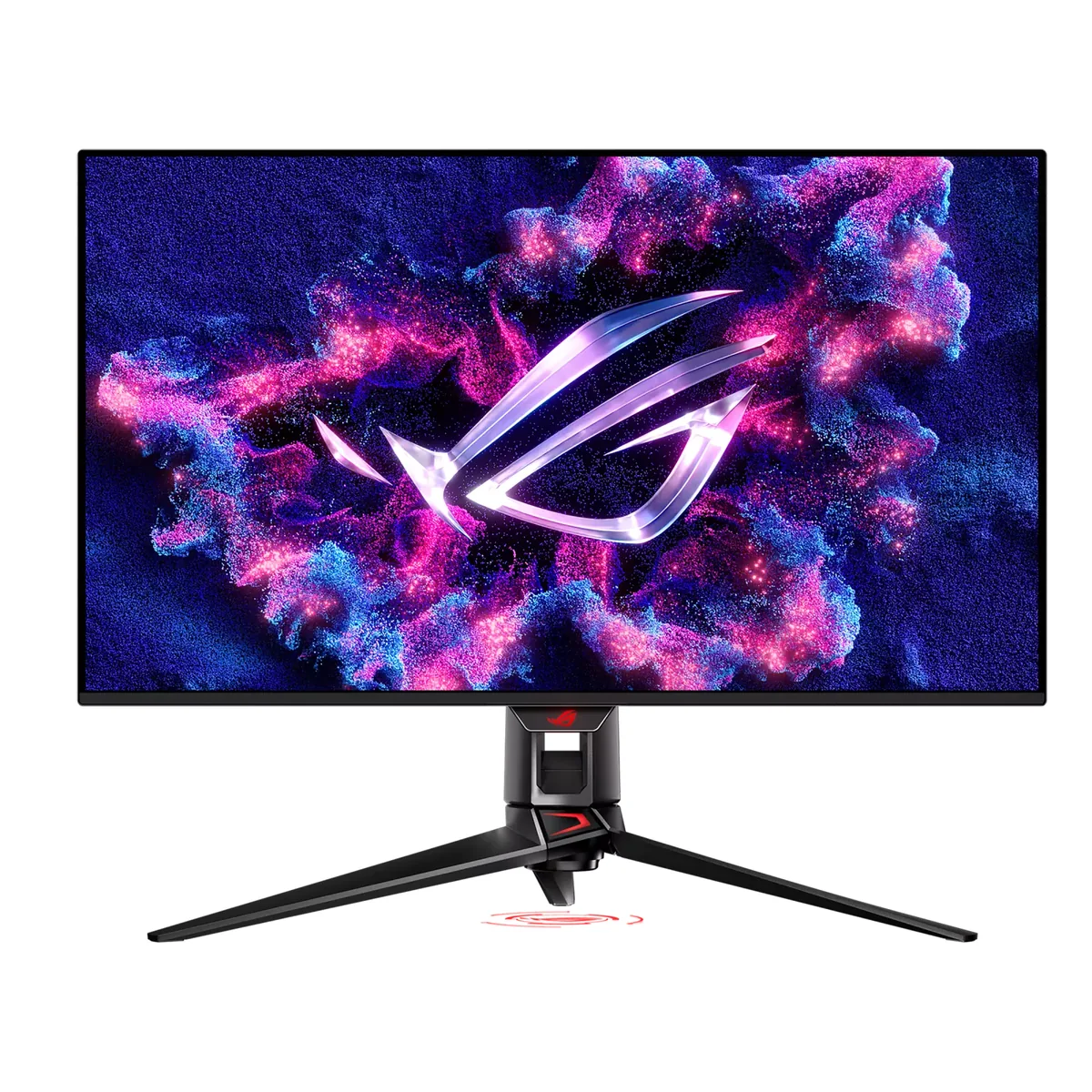
~$1,199ASUS ROG Swift OLED PG32UCDM
Among the wave of 32-inch 4K OLEDs that arrived in 2024, this is the one that bothered with the desk: 90 watts of USB-C, a KVM and a three-port hub.
- Panel maximum
- 3840×2160 at 240 Hz
- Panel
- 31.5″ QD-OLED
- HDR
- Real HDR
6Gigabyte
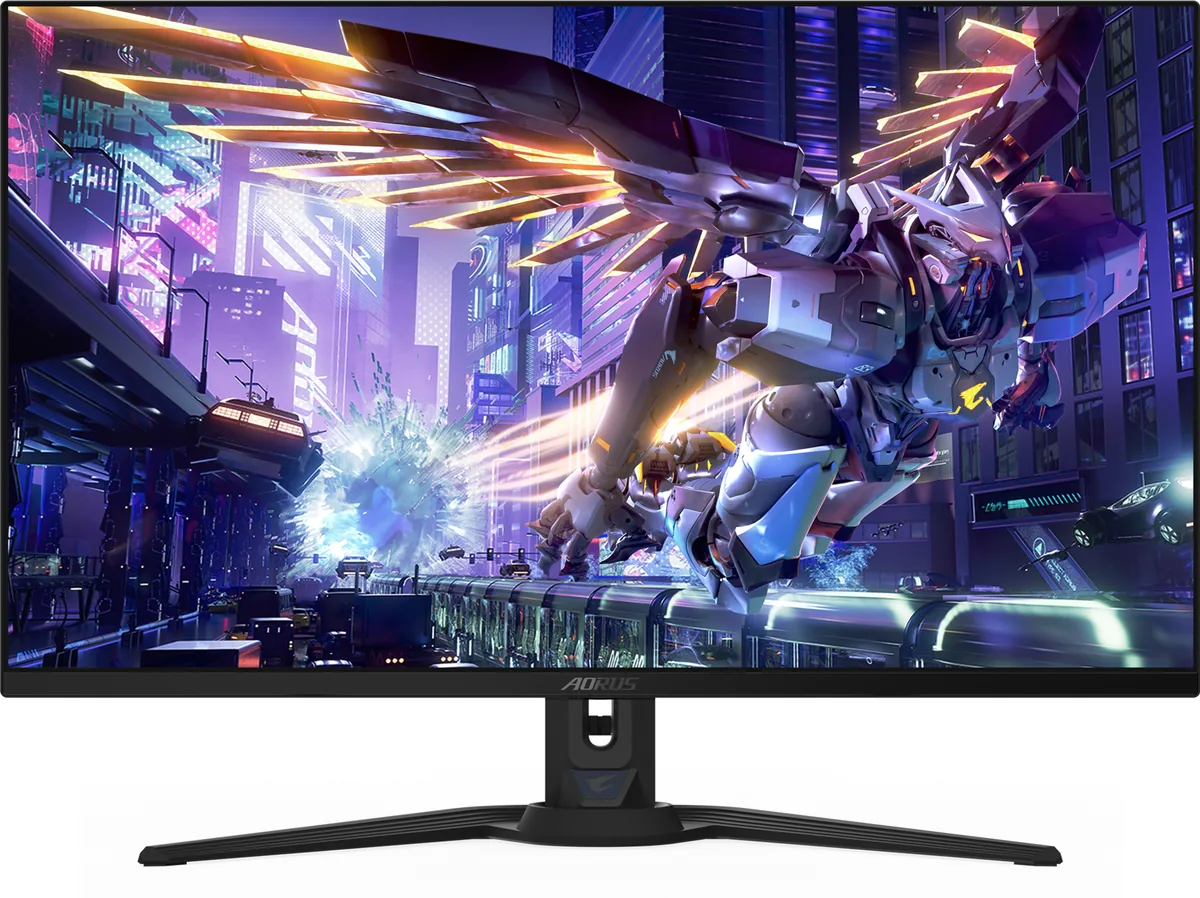
~$1,199Gigabyte AORUS FO32U2P
The only 32-inch 4K OLED here with DisplayPort 2.1 at the full UHBR20 rate, which carries 4K at 240 Hz in 10-bit without compression — every rival does the same job through DSC.
- Panel maximum
- 3840×2160 at 240 Hz
- Panel
- 31.5″ QD-OLED
- HDR
- Real HDR
7Samsung
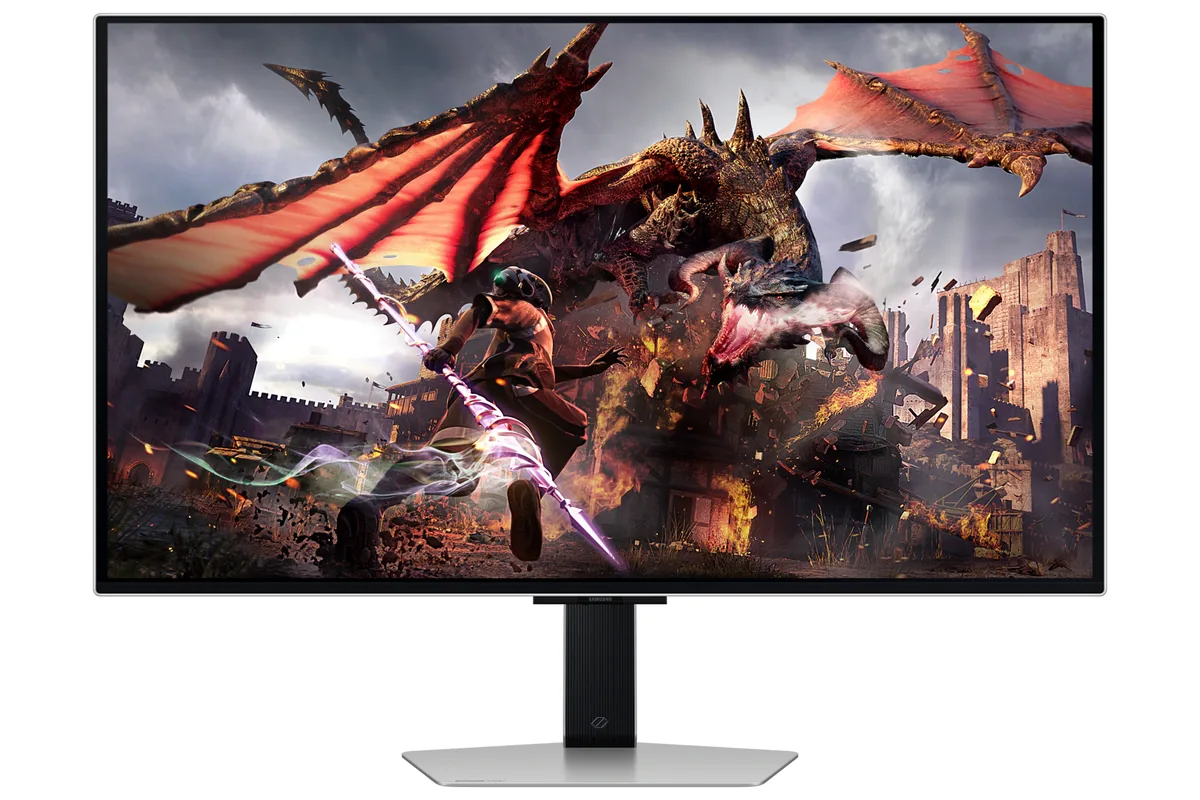
~$1,300Samsung Odyssey OLED G8 G80SDNo longer listed by Samsung
Tizen, the smart-TV platform off Samsung's televisions, ships on this 32-inch 4K QD-OLED and cuts both ways: apps and streaming with no PC attached, and an interface that would rather be a television.
- Panel maximum
- 3840×2160 at 240 Hz
- Panel
- 32″ QD-OLED
- HDR
- Real HDR
8LG
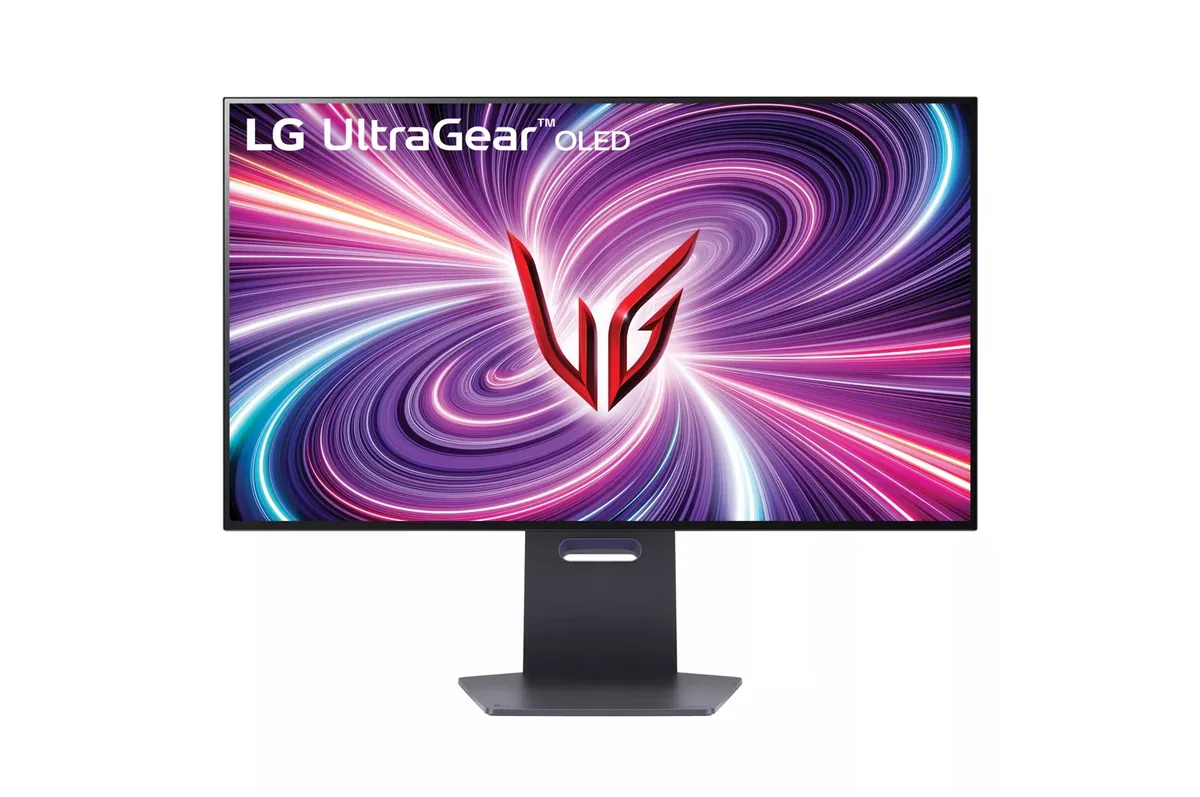
~$1,400LG UltraGear 32GS95UE
A button on the joystick drops the panel from 4K at 240 Hz to 1080p at 480 Hz, using the same physical pixels four at a time rather than scaling them — LG calls it Dual Mode, and it is what lets one screen serve both a cinematic single-player library and a competitive shooter.
- Panel maximum
- 3840×2160 at 240 Hz
- Panel
- 31.5″ WOLED
- HDR
- Real HDR
9Acer
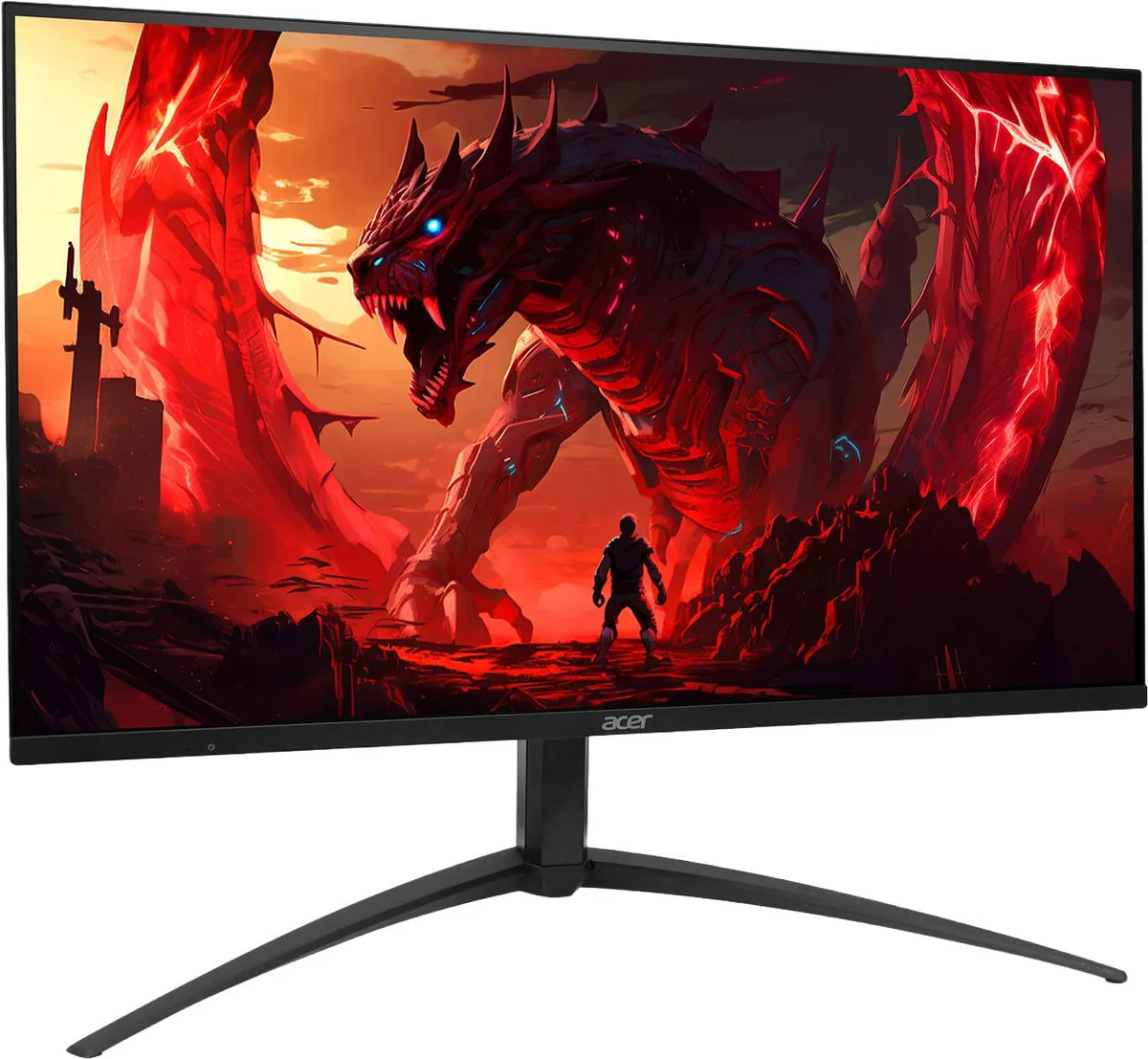
~$400Acer Nitro XV275K V3
VESA DisplayHDR 1000 on a 4K 160 Hz panel at four hundred dollars is the pitch, and the certification is the evidence behind it: VESA does not award that tier without real local dimming, however many zones do the work — Acer publishes no count for this version.
- Panel maximum
- 3840×2160 at 160 Hz
- Panel
- 27″ IPS
- HDR
- Real HDR
10Gigabyte
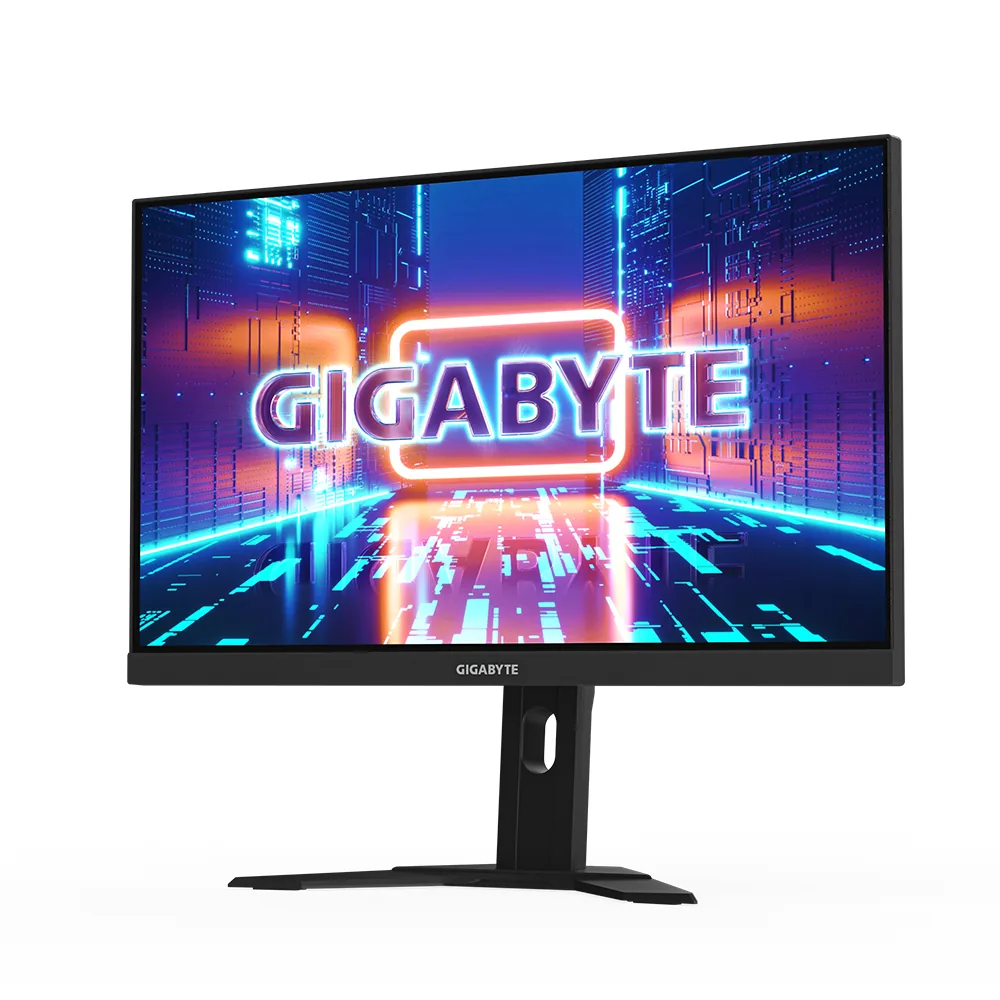
~$530Gigabyte M27U
Gigabyte's habit of fitting a KVM to mid-priced gaming monitors is what separates this from LG's 27GR93U, which is otherwise the same proposition: 27-inch 4K, two HDMI 2.1 ports and an edge-lit IPS panel, with no way to share one keyboard between two machines.
- Panel maximum
- 3840×2160 at 160 Hz
- Panel
- 27″ Fast IPS
- HDR
- Real HDR
11Sony
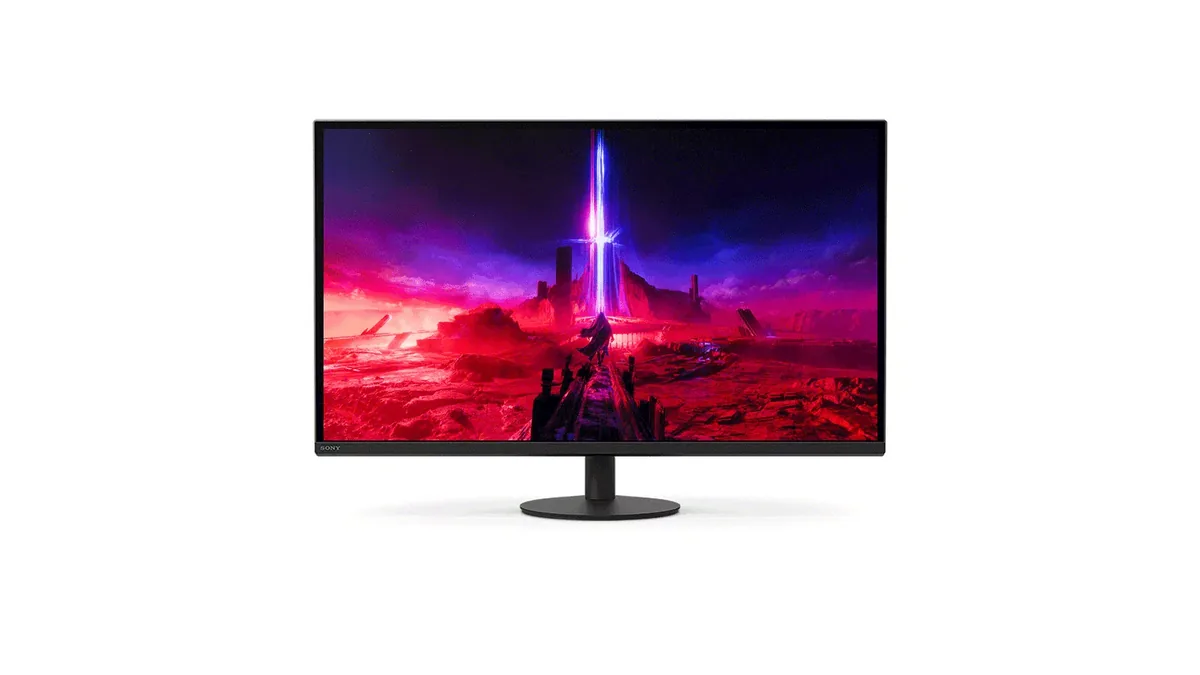
~$800Sony INZONE M9 II
Sony built this one around the PlayStation as much as the PC: both HDMI ports are 2.1, the monitor recognises a PS5 and switches picture modes with it, and the case is styled to sit beside one.
- Panel maximum
- 3840×2160 at 160 Hz
- Panel
- 26.9″ IPS
- HDR
- Real HDR
12Dough
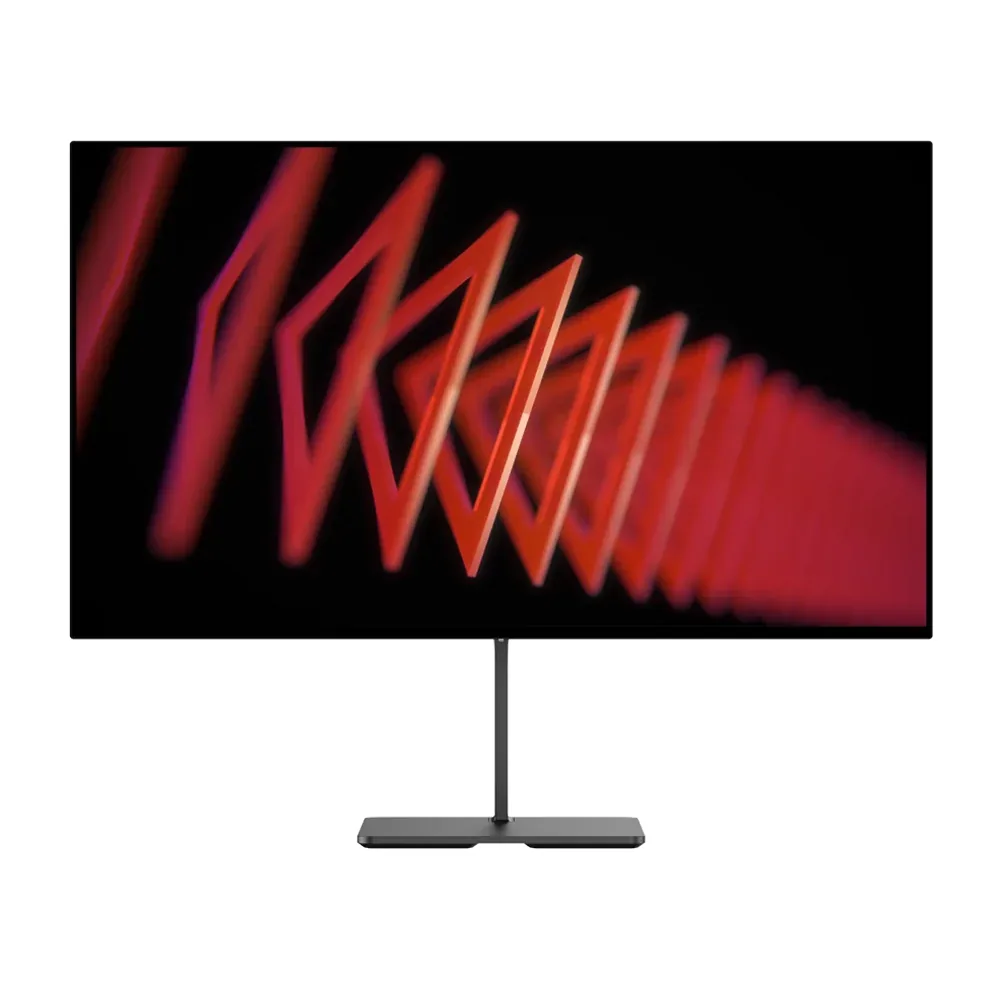
~$349Dough Spectrum One
It ships without a stand, and that is the clearest statement of intent on this page — the assumption is that you already own an arm.
- Panel maximum
- 3840×2160 at 144 Hz
- Panel
- 27″ IPS
- HDR
- Real HDR
13LG
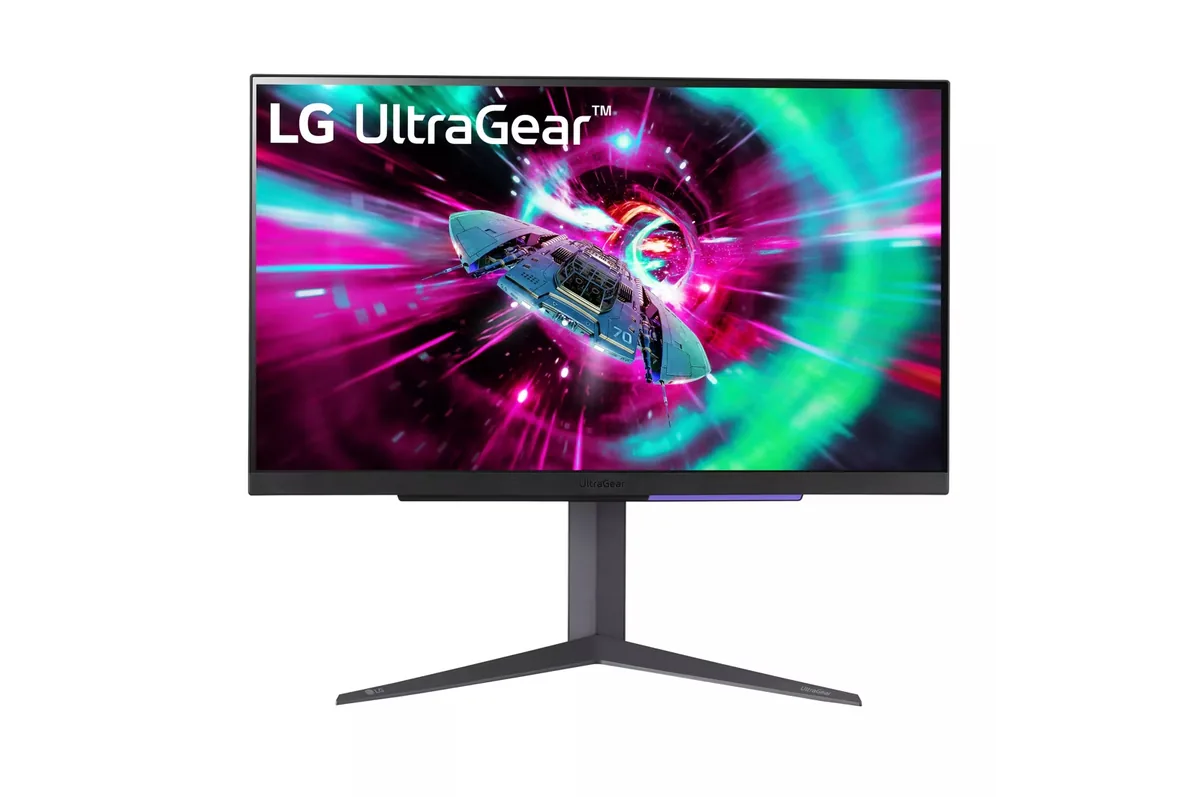
~$500LG UltraGear 27GR93U
Two HDMI 2.1 inputs are what separates this one from the rest of LG's 27-inch 4K line, and they are the reason it keeps turning up in console threads: a PS5 or a Series X drives it at 4K120 without compression or a fallback mode.
- Panel maximum
- 3840×2160 at 144 Hz
- Panel
- 27″ IPS
- HDR
- Accepts an HDR signal
14Gigabyte
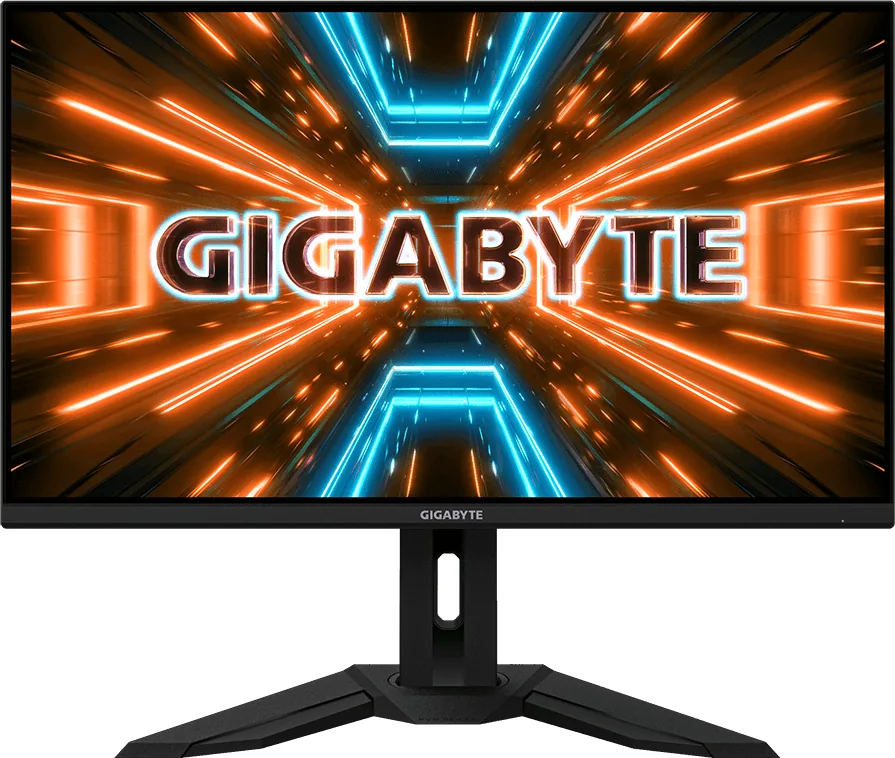
~$550Gigabyte M32U
Five years after launch, the combination it offers has barely been beaten: 32-inch 4K, 144 Hz, two HDMI 2.1 ports and a KVM, for well under six hundred dollars.
- Panel maximum
- 3840×2160 at 144 Hz
- Panel
- 31.5″ Fast IPS
- HDR
- Accepts an HDR signal
15LG
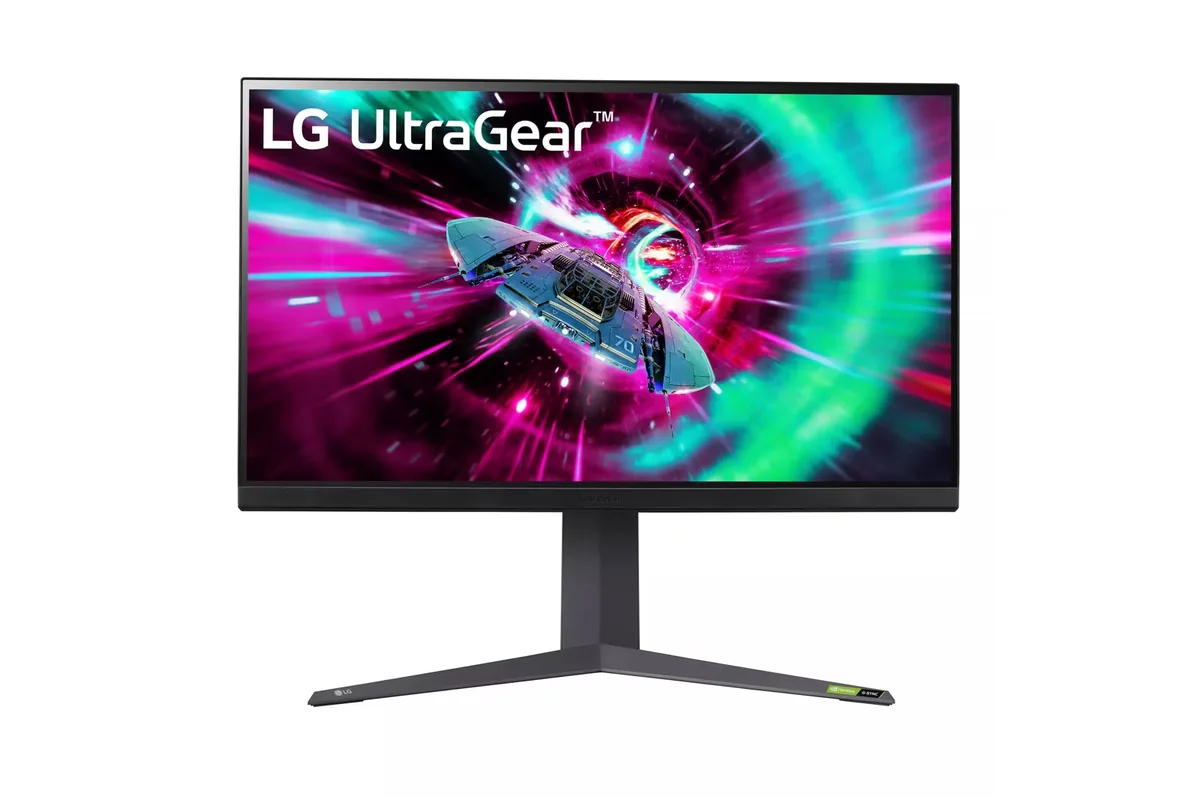
~$600LG UltraGear 32GR93U
The 27GR93U's larger sibling, and the size where 4K stops being a luxury and starts being the only sensible resolution — 140 pixels per inch at 32 inches is what makes Windows usable at 100% scaling instead of 150%.
- Panel maximum
- 3840×2160 at 144 Hz
- Panel
- 31.5″ IPS
- HDR
- Accepts an HDR signal
16BenQ
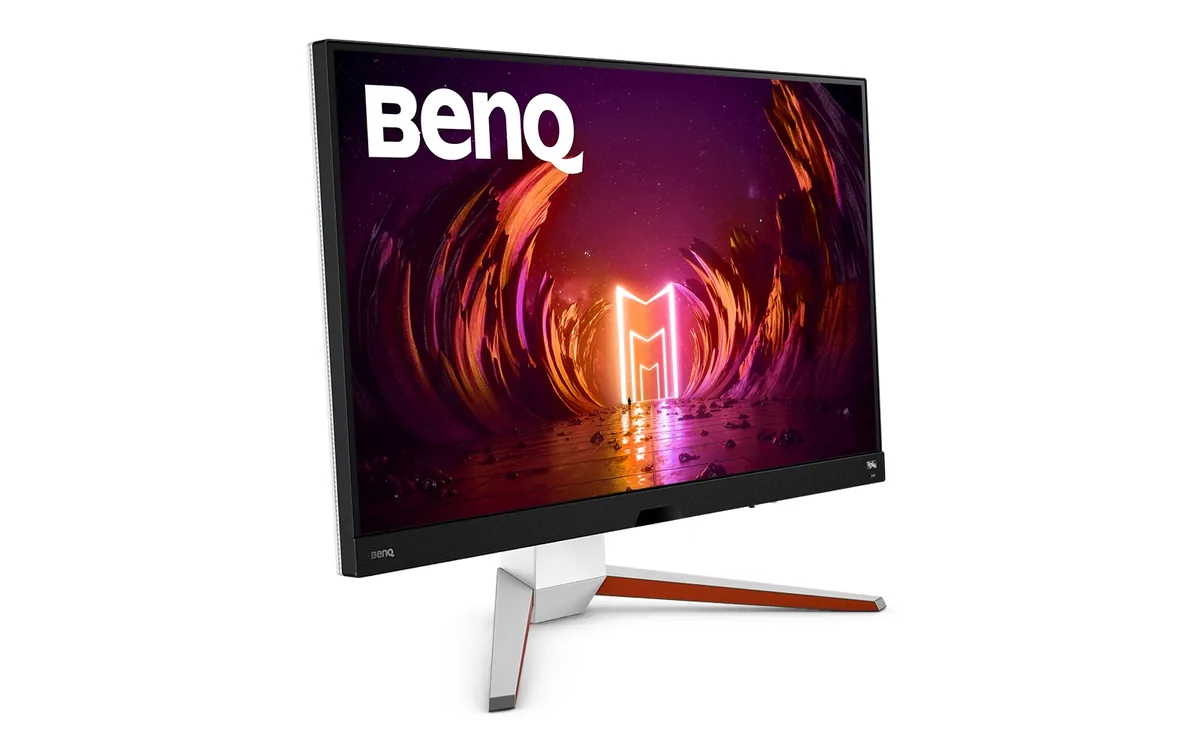
~$700BenQ MOBIUZ EX3210U
Sixteen dimming zones is not many, and BenQ never pretended otherwise — what they buy is enough highlight headroom to clear DisplayHDR 600 on a 4K 144 Hz panel that covers 98% of Display P3.
- Panel maximum
- 3840×2160 at 144 Hz
- Panel
- 31.5″ IPS
- HDR
- Real HDR
17Dell
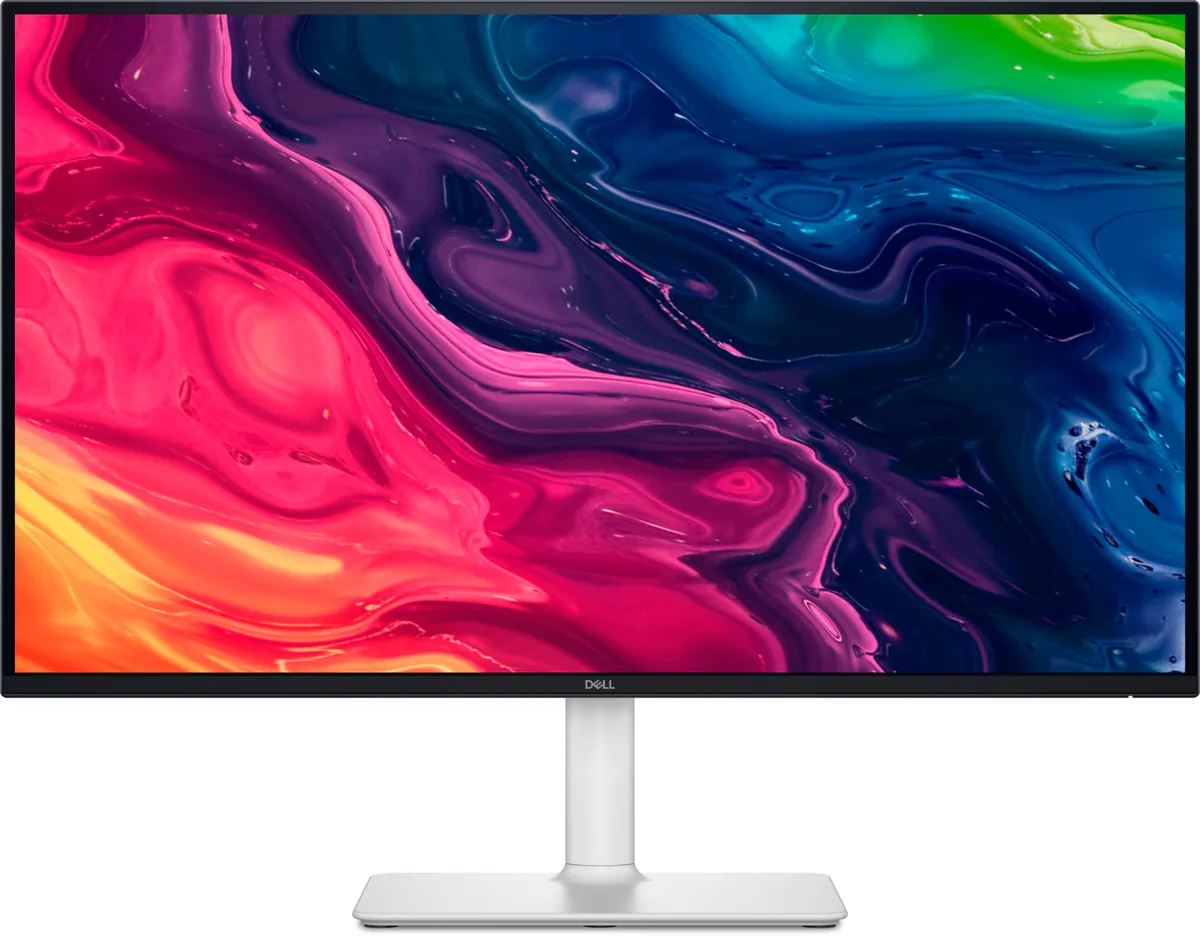
~$300Dell S2725QS
About $300 buys 4K at 120 Hz here, with a stand that moves every way a $900 monitor's does.
- Panel maximum
- 3840×2160 at 120 Hz
- Panel
- 27″ IPS
- HDR
- No HDR
18Dell
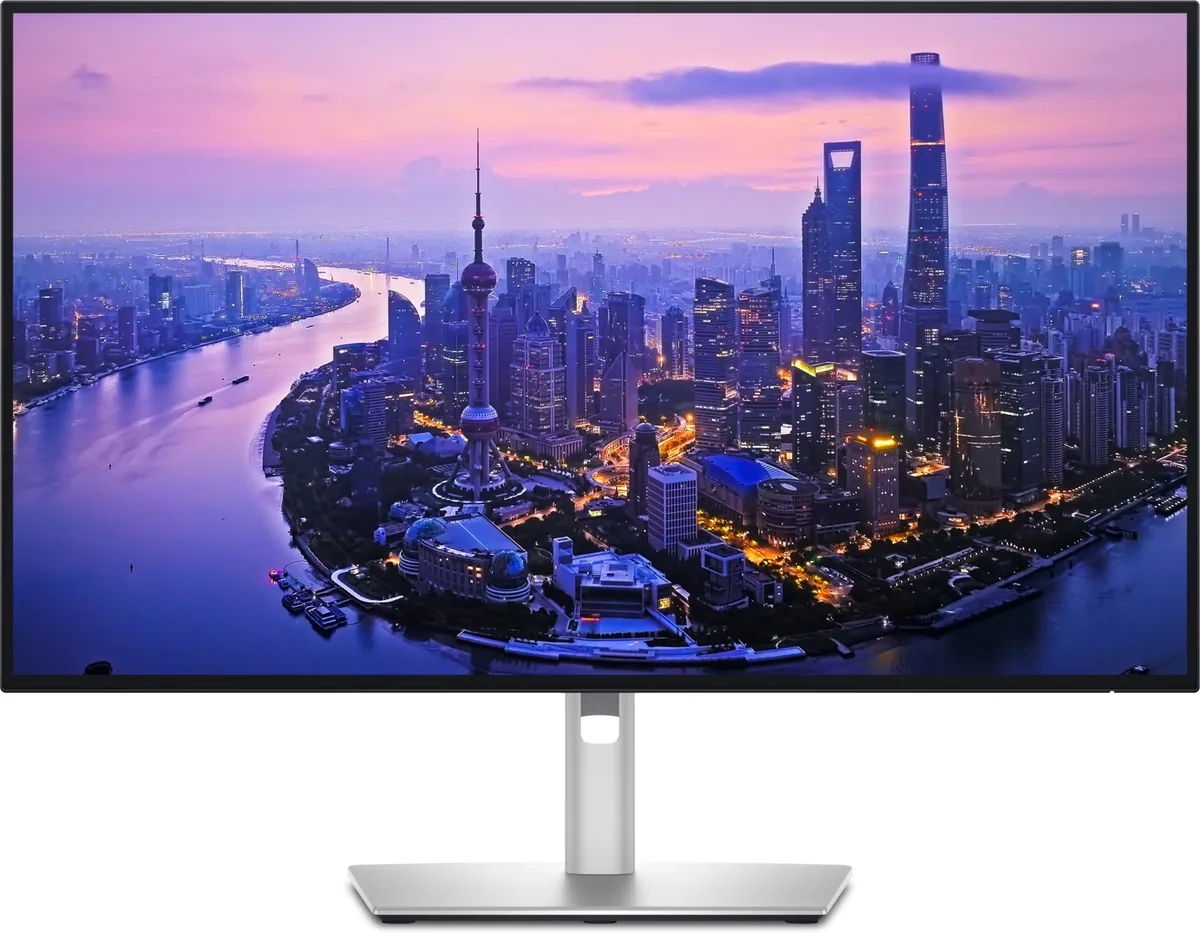
~$850Dell UltraSharp U2725QE
Dell's IPS Black panel technology exists to fix the one thing IPS has always been bad at, and it works: 3000:1 static contrast is triple a normal IPS panel and puts it within sight of VA without giving up the viewing angles.
- Panel maximum
- 3840×2160 at 120 Hz
- Panel
- 27″ IPS
- HDR
- Accepts an HDR signal
19Dell
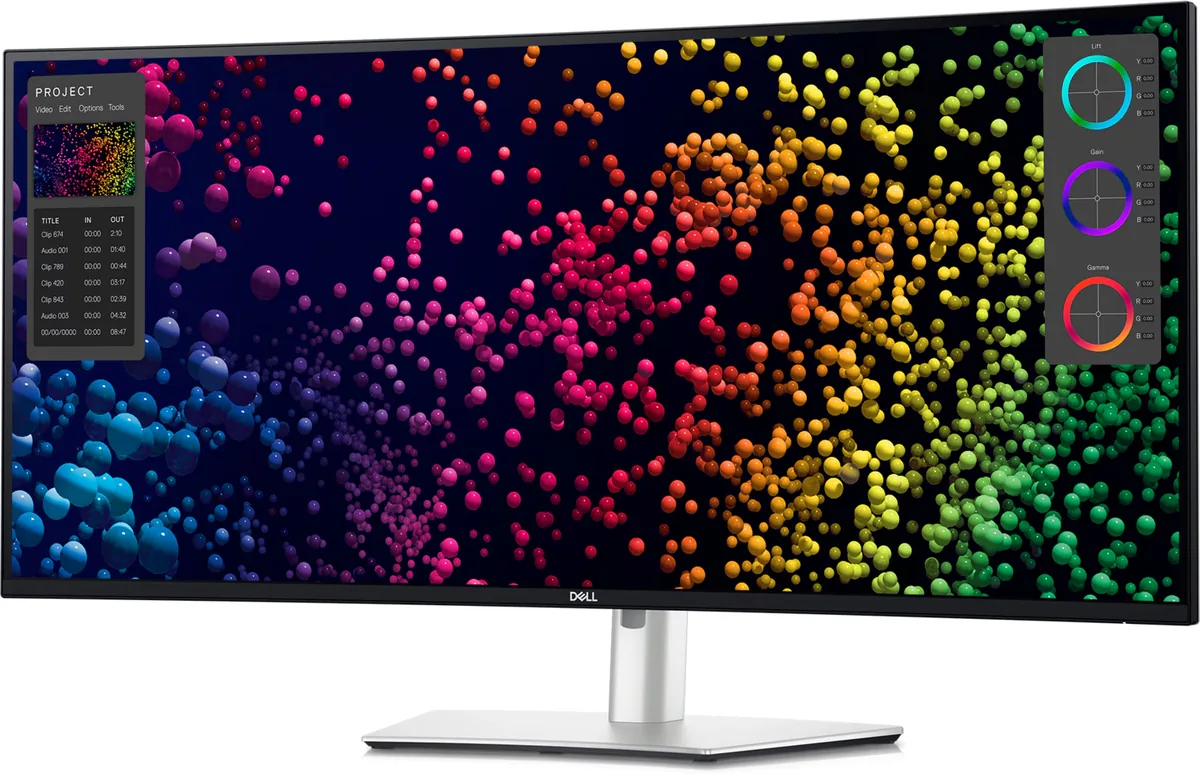
~$2,400Dell UltraSharp U4025QW
The 5K2K ultrawide brought up to date — LG's 40WP95C established this panel size at 72 Hz, and Dell's version runs it at 120 with IPS Black contrast, 140 watts of Thunderbolt and a KVM.
- Panel maximum
- 5120×2160 at 120 Hz
- Panel
- 39.7″ IPS
- HDR
- Accepts an HDR signal