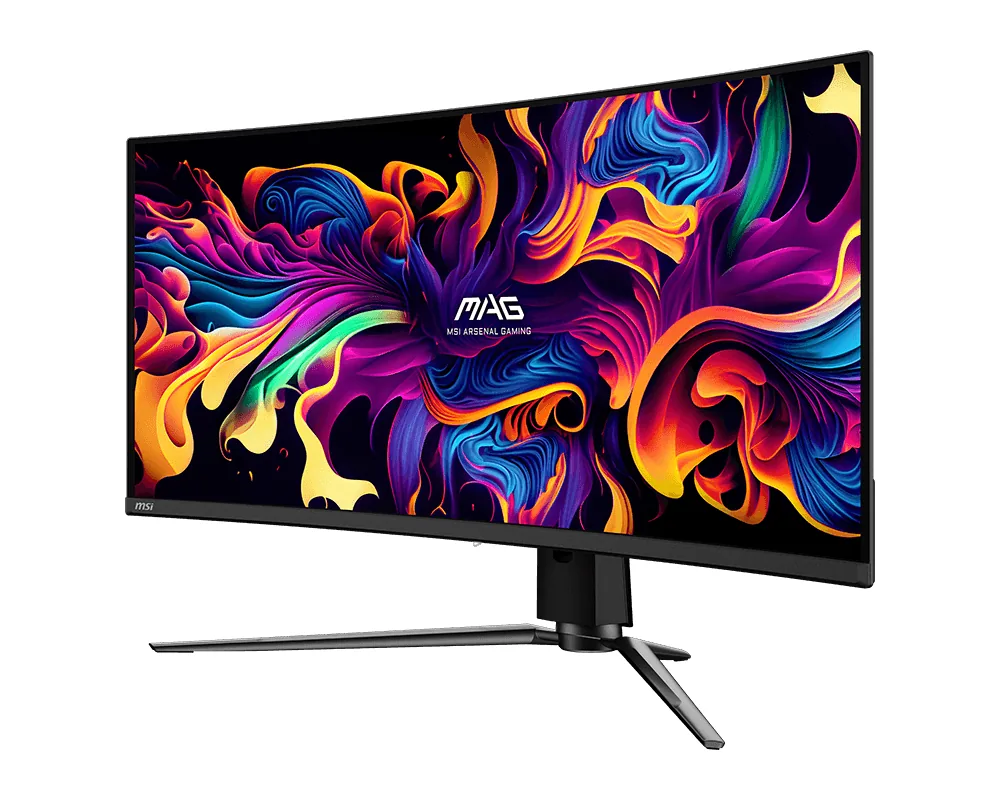
MSI~$700
MSI MAG 341CQP QD-OLED
34″ · 3440×1440 · 175 Hz · QD-OLED
- Sharpness
- 46ppd · sharp
- HDR
- Real HDR
- USB-C power
- 15 W
- QD-OLED under $750
- HDMI 2.1
- KVM
- Console at full speed
Best for: An ultrawide OLED where 175 Hz is enough and the price is not
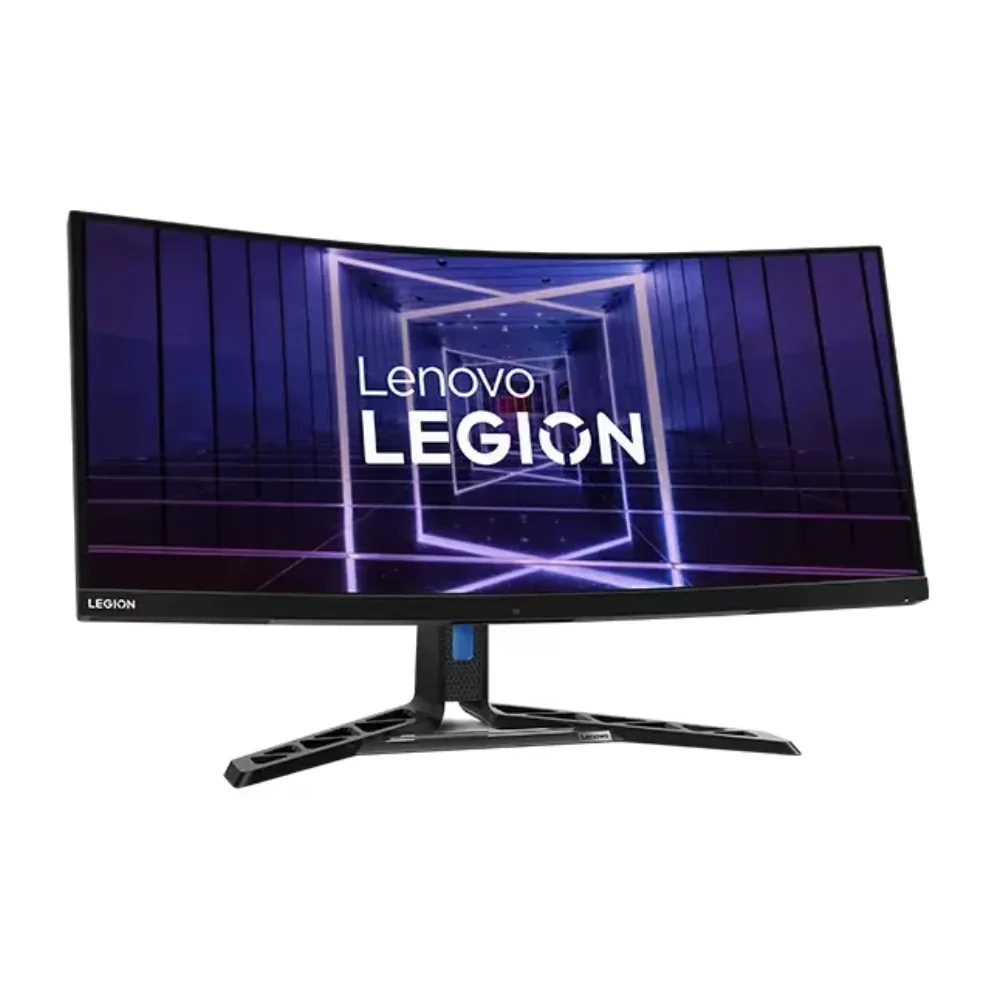 Ultrawide~$660
Lenovo
Very few ultrawides pair a 384-zone mini-LED backlight with a 140 W USB-C dock, and this is the one that does. Lenovo rates it at 1,200 nits peak and 720 nits in ordinary use, certifies it DisplayHDR 1000, and then adds 2.5-gigabit Ethernet, a KVM switch and a True Split mode that halves the screen between two inputs. The awkward number on the sheet is the response time: Lenovo publishes an 11 ms native grey-to-grey alongside the 1 ms MPRT figure in the marketing.
Approx. price
~$660
snapshot, not a live price
Port speed — can each input carry this panel?
This panel needs 29.4 Gbps at 3440×1440, 165 Hz and 30 bits per pixel, and the maker does not say whether it supports DSC compression.
Best for: One ultrawide doing HDR gaming and laptop docking without a separate hub
The two lists above come from the maker’s specifications and from published third-party measurements, not from owner reports. Where owner discussion has been read it appears in its own section below, so the two are never mistaken for each other.
Buyers do not arrive at this monitor by accident. The people who buy it have already decided against OLED — usually because they spend their working day staring at fixed toolbars and code, sometimes because they already killed a QD-OLED panel — and then discover that a curved 34-inch mini-LED barely exists. Three models keep coming up in those searches, and this one is reliably the cheapest of the three by a wide margin.
What owners rave about is the back panel rather than the front. The 140W USB-C input, Ethernet jack and USB hub let a work laptop dock with one cable while a desktop stays wired up behind it, and picture-by-picture puts both on screen at once. What they complain about is everything that has to coordinate: the KVM switches slowly and gets confused when one machine goes away, hub ports drop keyboards and mice, and the second USB-C port has injected audible interference into at least one owner's powered speakers. The panel itself behaves like the VA it is, with black smearing visible in fast shooters and even in dark scrolling, weak vertical viewing angles, and local dimming that owners describe as aggressive enough to blow out bright elements.
The repeated bottom-left image retention is the report that deserves the most weight, because it undercuts the reason people chose the monitor — one owner hit it on three consecutive units, arriving within a month on the replacements. Treat this as a productivity dock with strong HDR punch for the money, buy it where returns are easy, and check that corner in the first week. Reviews of it are genuinely scarce and it has already gone in and out of US availability, so shoppers cross-shopping the TCL and Acer alternatives are mostly comparing zone counts on paper rather than measured numbers.
It is the first thing every shopper flags, and owners who came from high-zone-count mini-LED TVs do notice looser control. In practice the bigger complaint is not blooming halos but how hard the dimming pushes — bright elements read as overblown, and people who work on dark backgrounds with white text worry about it. No owner calls it unwatchable, but it is visibly a step behind the 1150-zone TCL alternative.
It should not, which is exactly why the reports here are unsettling. Multiple owners describe retention in the bottom-left corner — one went through three units and saw it on all three, appearing within a month on the replacements, and another found a logo-shaped grey patch after roughly six months. Buy somewhere with a real return window and put a full-screen colour slide up in the first week to check.
Not reliably. Owners report the dedicated button works but switches slowly, and the sequence breaks if one machine is disconnected — several describe having to plug the Mac back in before they can switch to Windows, and Windows re-detecting inputs at its own pace afterwards. People who need single-press switching between a work Mac and a home PC have ended up keeping a separate KVM or two sets of peripherals.
Owners consistently say it is far better than VA panels from a decade ago but still there. One describes noticing it in Counter-Strike and Valorant and also while scrolling dark Windows settings pages. If competitive FPS is the main use, this is the compromise you are accepting in exchange for skipping burn-in risk.
That is the part owners are happiest with. The USB-C input carries 140W alongside video, and with the Ethernet port and USB hub in use a laptop picks up network, audio interface, keyboard and mouse from one cable. Watch the downstream ports though: some owners have had peripherals plugged into the monitor stop responding after a few seconds, and one had powered speakers on the second USB-C port develop audible interference.
Availability has been patchy — it went scarce in the US and buyers have posted looking for new stock. Prices owners quote run from around €550 on sale to €950 at full ask, against roughly €750-950 for the TCL 34R83Q. At the low end of that range owners think it is good value despite the faults; at the top of it the alternatives with more dimming zones become the sensible pick.
34″ · 3440×1440 · 175 Hz · QD-OLED
Best for: An ultrawide OLED where 175 Hz is enough and the price is not
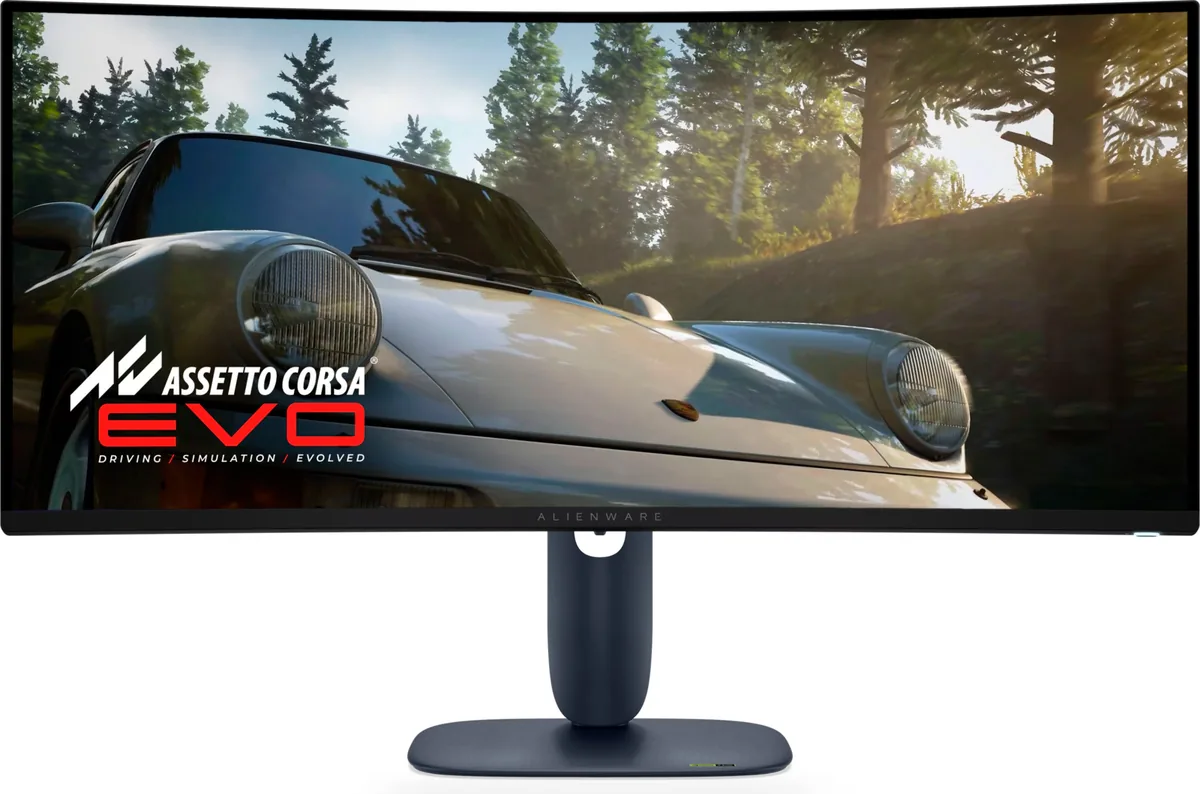
34″ · 3440×1440 · 240 Hz · QD-OLED
Best for: An ultrawide OLED where a console also needs full bandwidth
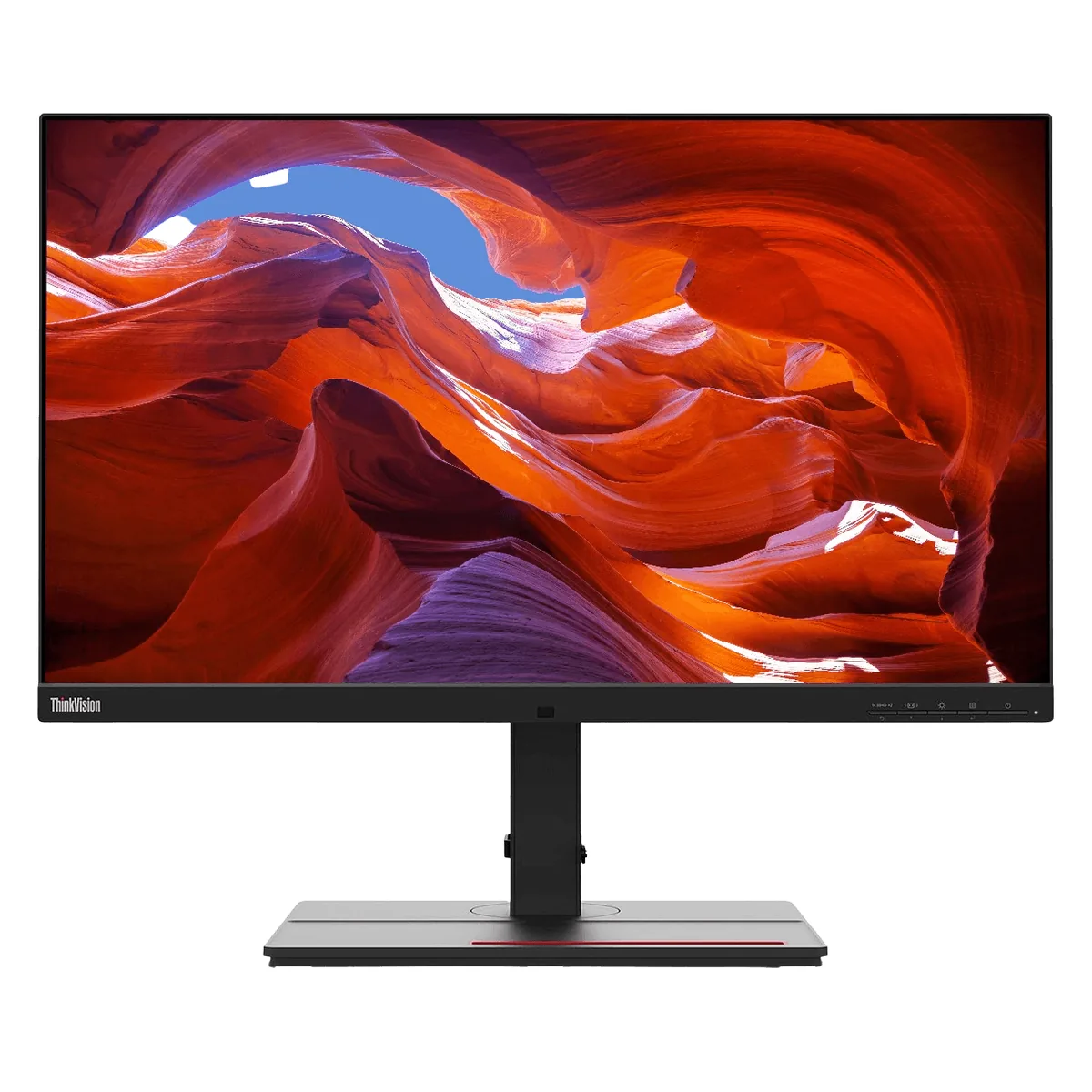
27″ · 3840×2160 · 60 Hz · IPS
Best for: Photo and print work off a single laptop cable