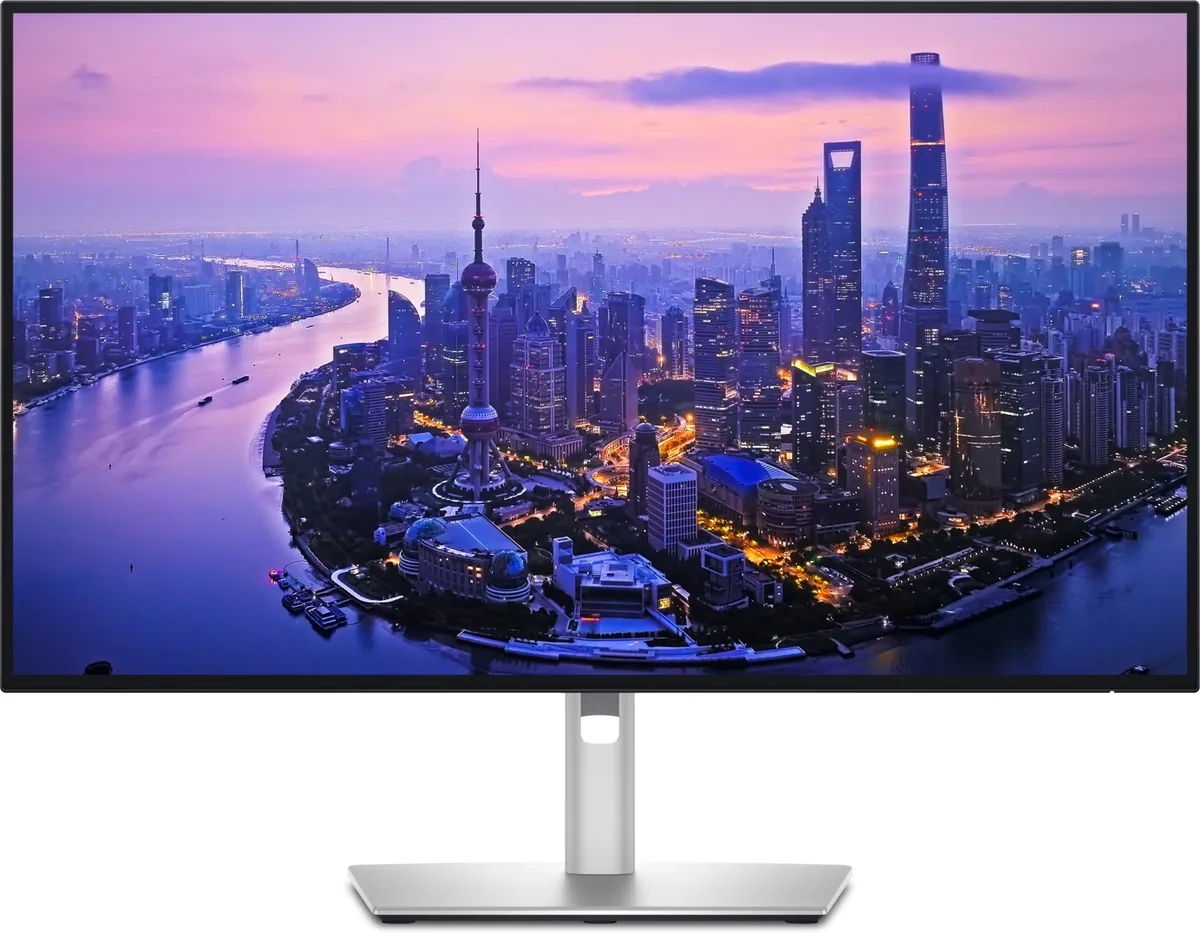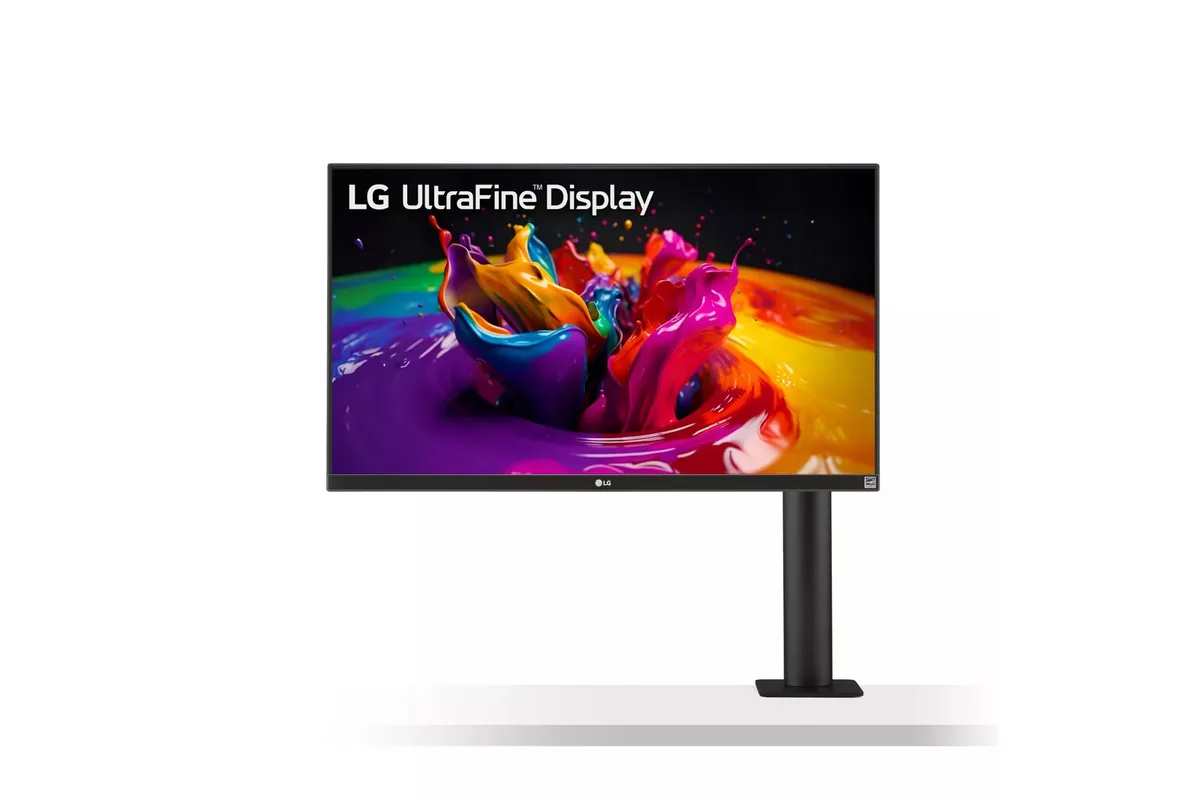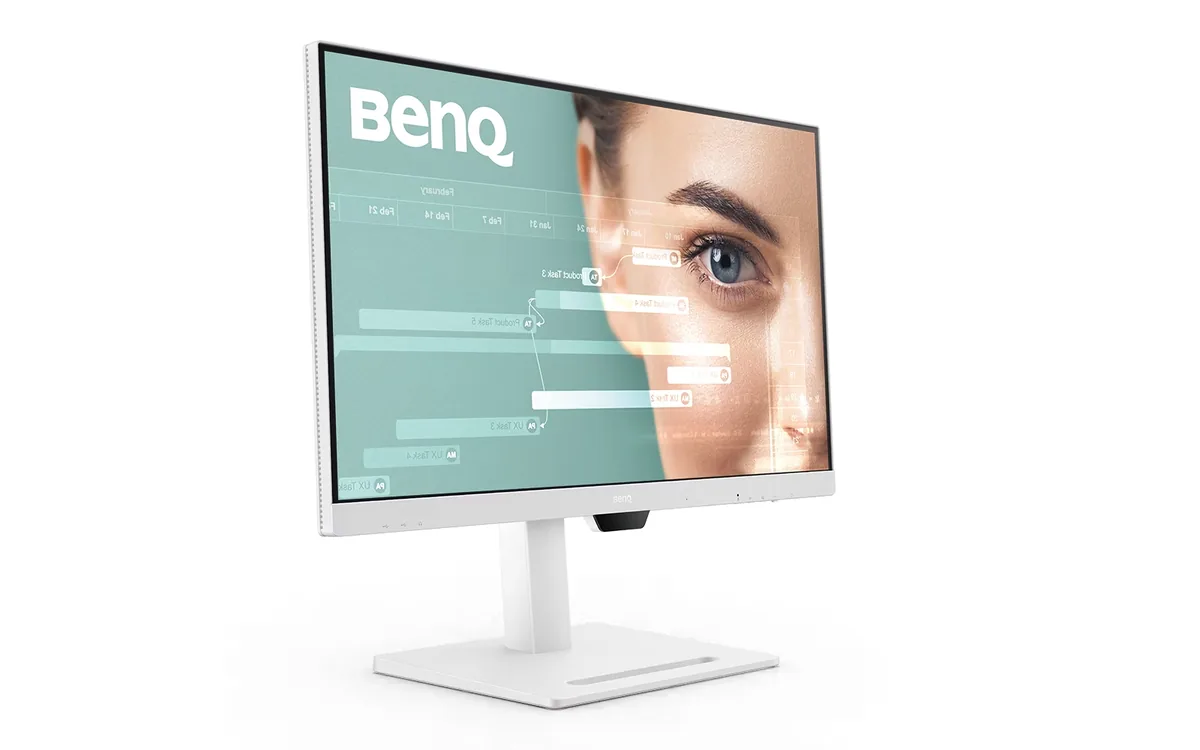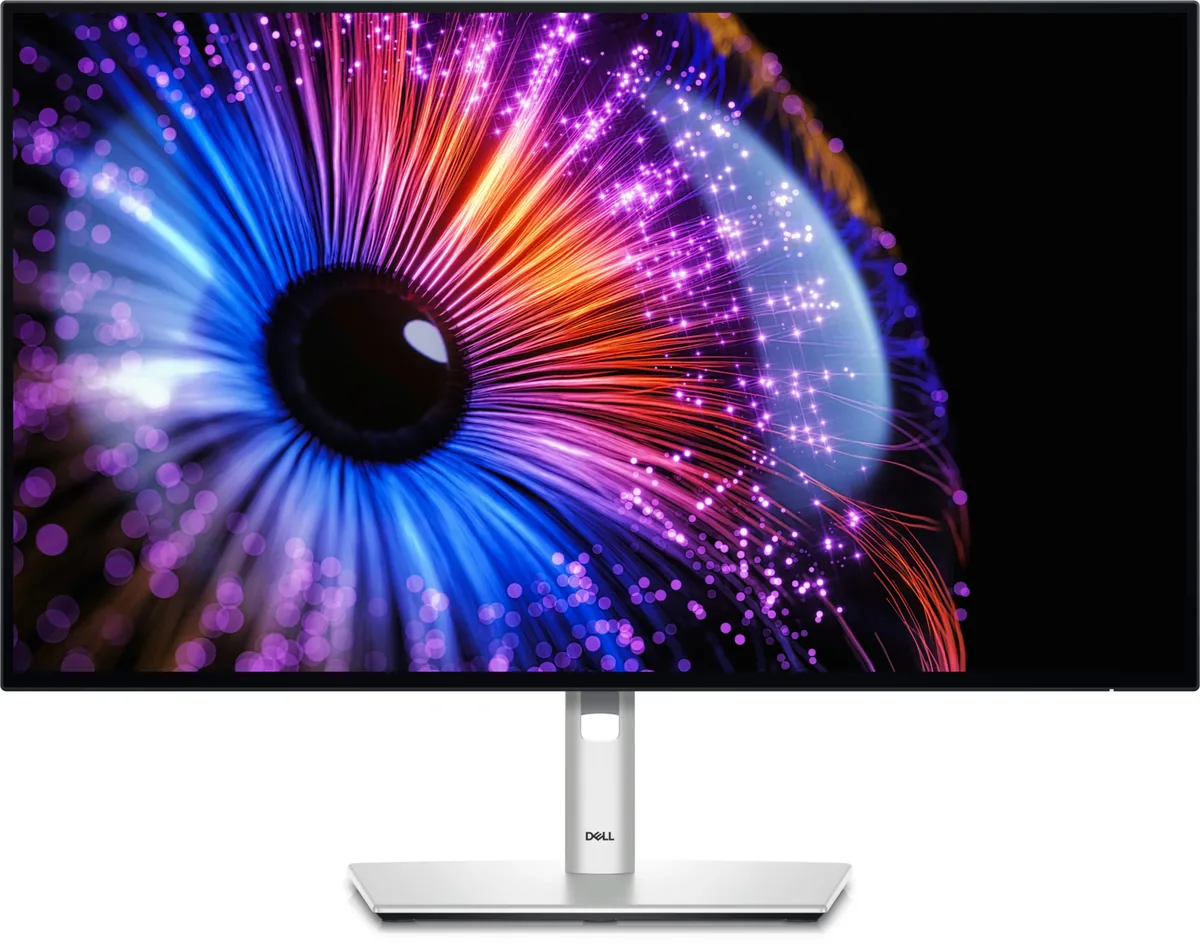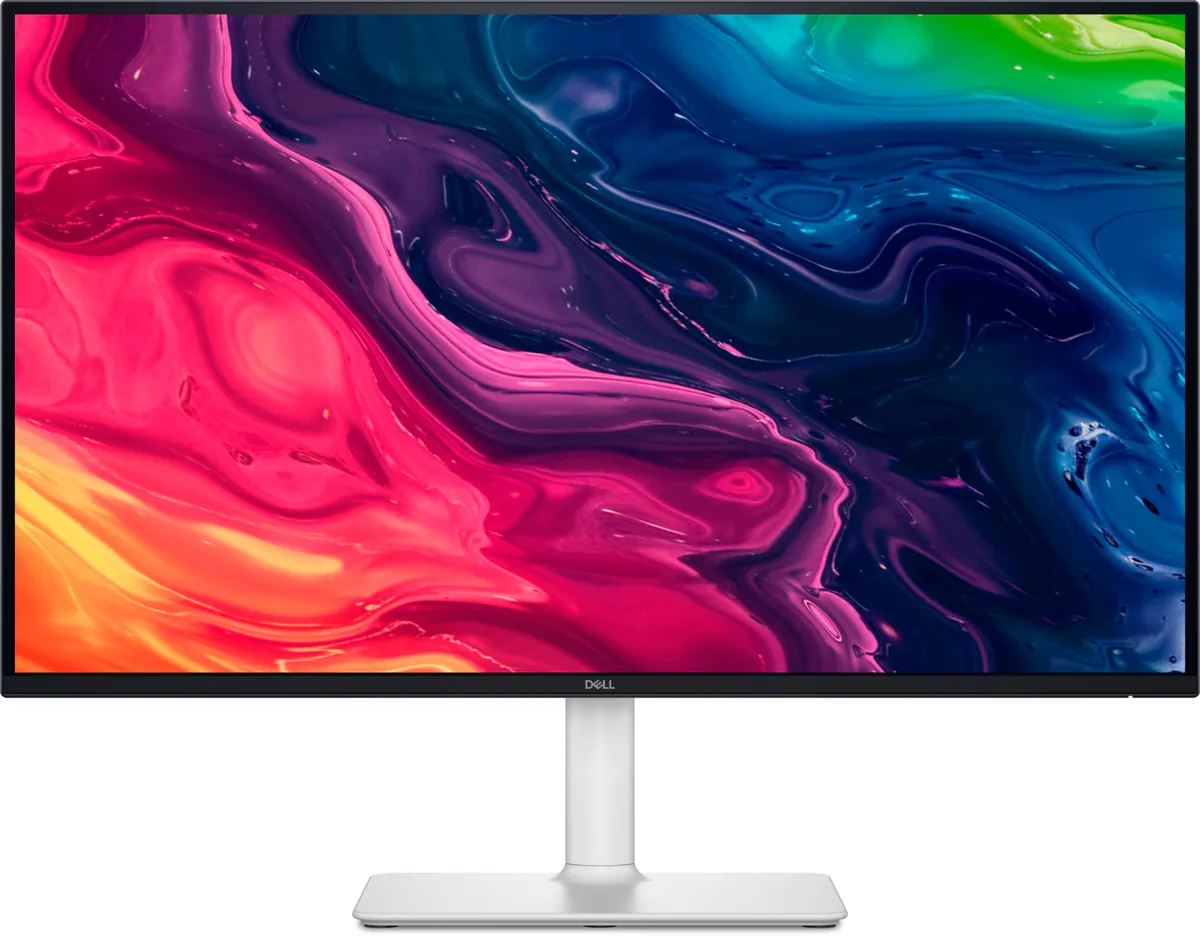
Dell S2725QS
27″ · 3840×2160 · 120 Hz · IPS
- Sharpness
- 68ppd · retina-class
- HDR
- No HDR
- USB-C power
- No USB-C power
- 4K at 120 Hz
- Around $300
- Four-way stand
- Console at full speed
Best for: A cheap sharp desktop for a console and a recent graphics card
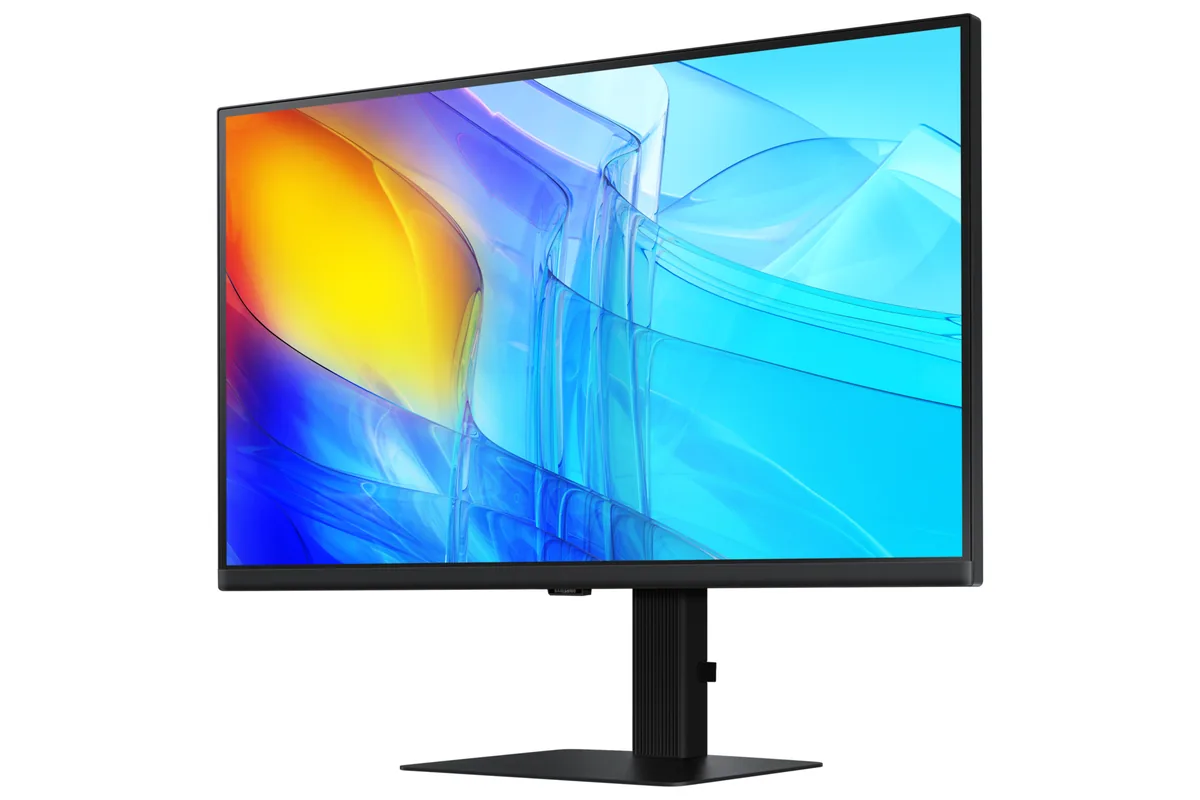
Panels bought for a desk that does spreadsheets, documents and video calls. The specifications that matter are the ones gaming monitors ignore: USB-C power delivery, a KVM switch, a stand that goes to portrait, and text that stays legible all day.
7 models · 5 brands, $300–$850 · 0 with HDR hardware

27″ · 3840×2160 · 120 Hz · IPS
Best for: A cheap sharp desktop for a console and a recent graphics card
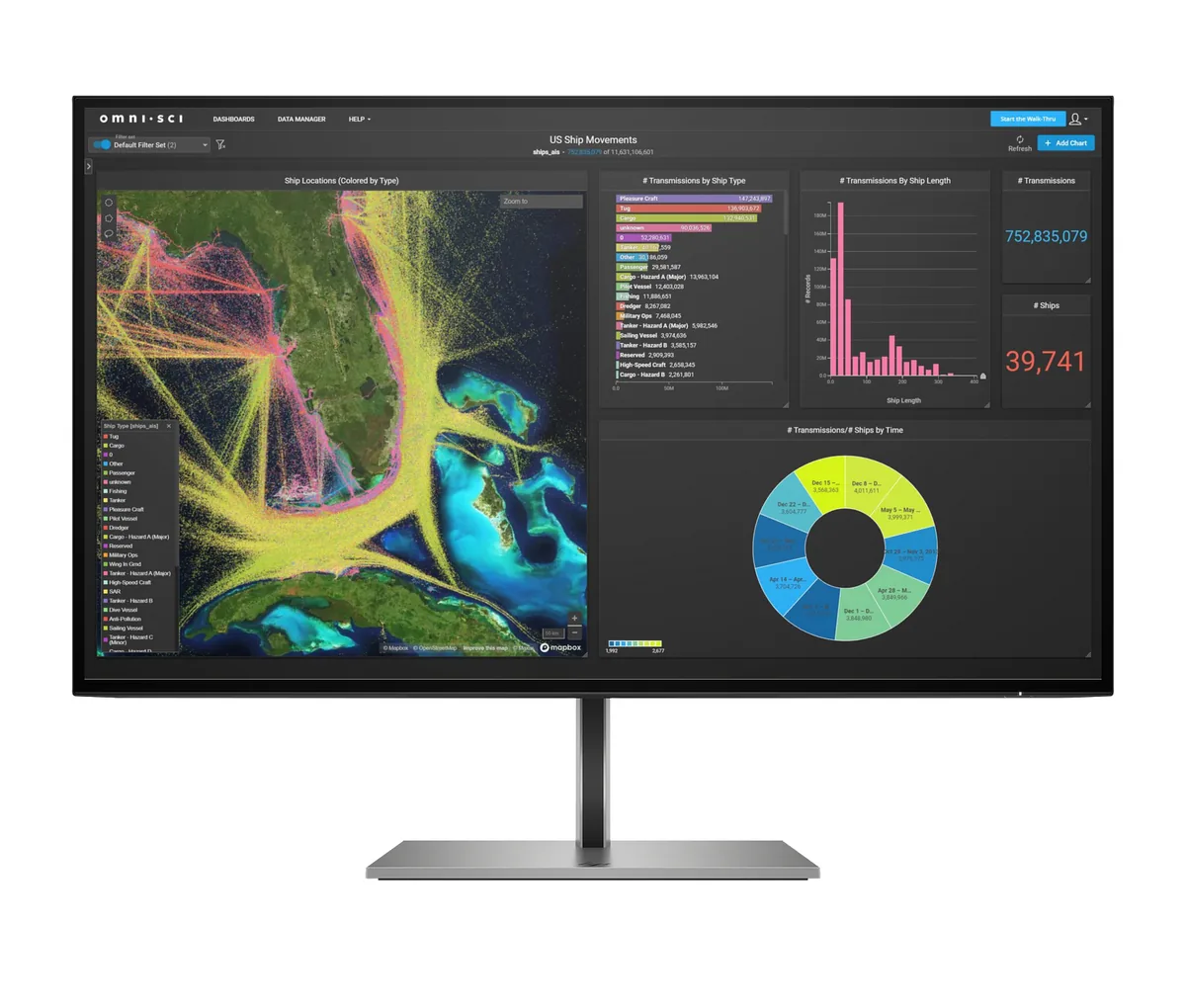
27″ · 3840×2160 · 60 Hz · IPS
Best for: A cheap one-cable 4K dock for a work laptop

27″ · 3840×2160 · 60 Hz · IPS
Best for: One-cable docking for a work laptop that also needs a network port

27″ · 3840×2160 · 120 Hz · IPS
Best for: A two-machine desk that should run from one cable and one keyboard

31.5″ · 3840×2160 · 60 Hz · IPS
Best for: A small desk where the monitor foot is the thing you cannot spare

27″ · 2560×1440 · 75 Hz · IPS
Best for: A home-office desk where the laptop docks with one cable and the calls never stop

27″ · 2560×1440 · 120 Hz · IPS
Best for: A docked work laptop where 100% scaling matters more than pixel density