USB-C Monitors With Enough Power for a 16-Inch Laptop
A 65-watt monitor will tell a 16-inch laptop it is charging and then let the battery drain anyway once the CPU and GPU are both working, because the machine asks for more than the monitor can give. The wattage printed on a monitor box is a ceiling for negotiation, not a promise about your laptop, and the honest threshold for a 16-inch class machine is 100 watts — with 140 the figure that covers the hungriest of them at full draw. Everything below runs the display, the laptop and the peripherals on one cable, which is the entire reason to pay for this.
How this list is ordered: Every monitor delivering 100 W or more over USB-C, ordered by wattage and then by price. 8 of the catalog’s monitors qualify.
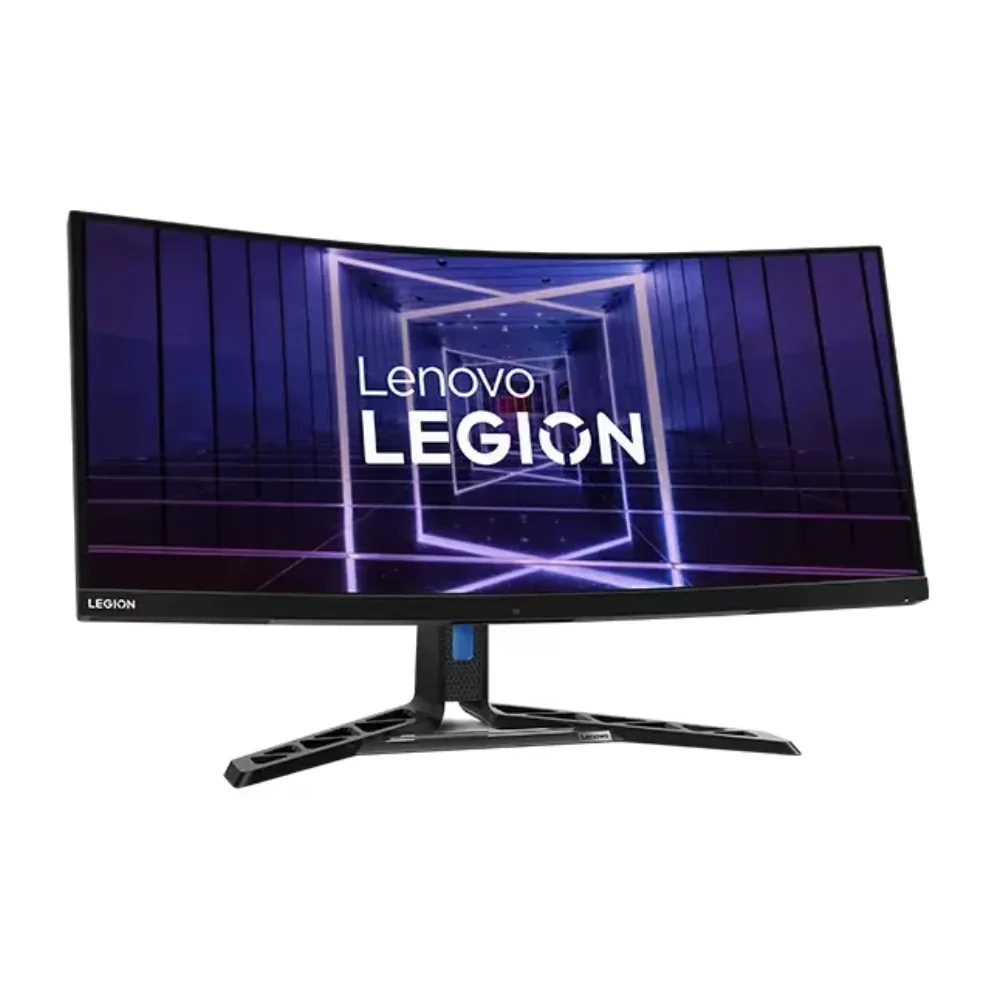
1Lenovo
~$660Lenovo Legion Y34wz-30
Very few ultrawides pair a 384-zone mini-LED backlight with a 140 W USB-C dock, and this is the one that does.
- USB-C power
- 140 W
- Panel
- 34″ Mini-LED VA
- HDR
- Real HDR
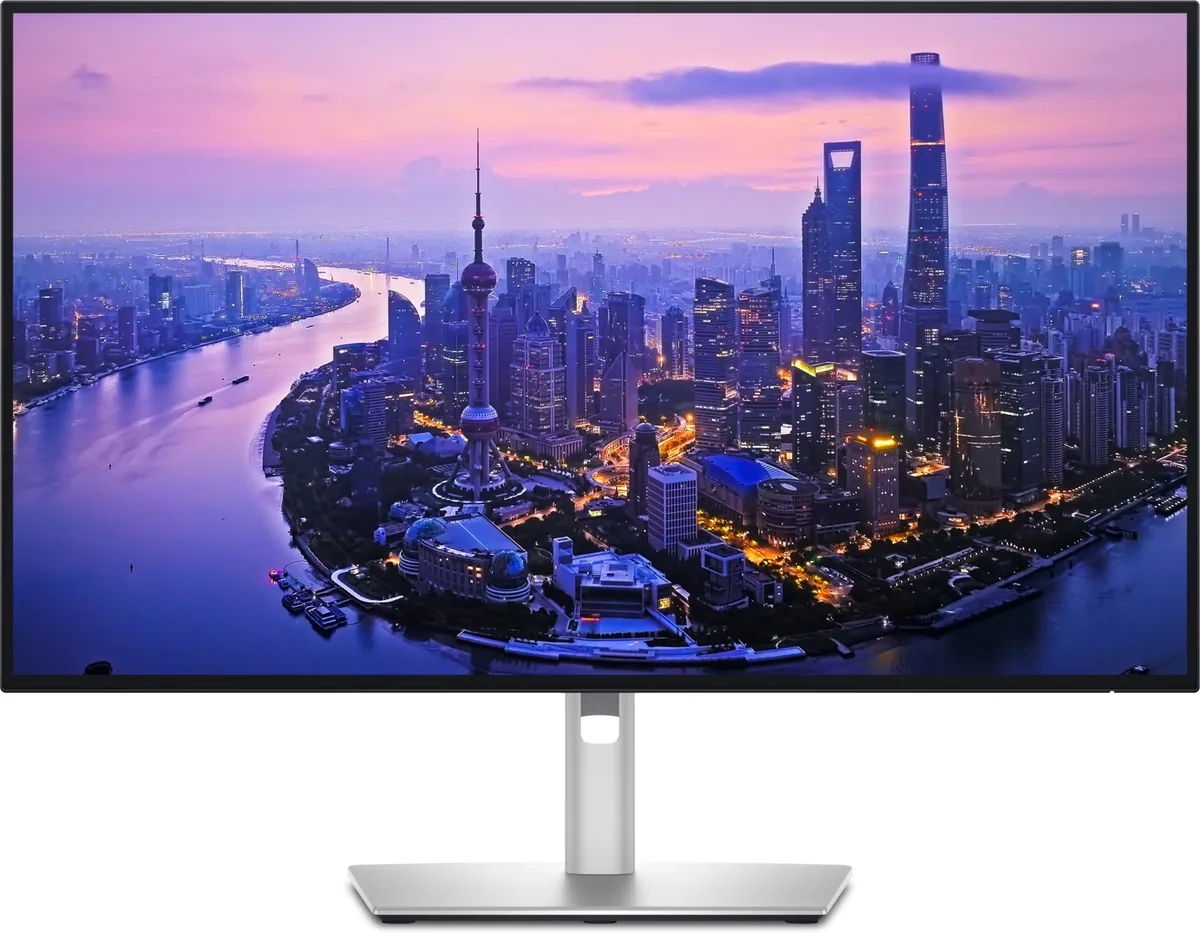
2Dell
~$850Dell UltraSharp U2725QE
Dell's IPS Black panel technology exists to fix the one thing IPS has always been bad at, and it works: 3000:1 static contrast is triple a normal IPS panel and puts it within sight of VA without giving up the viewing angles.
- USB-C power
- 140 W
- Panel
- 27″ IPS
- HDR
- Accepts an HDR signal
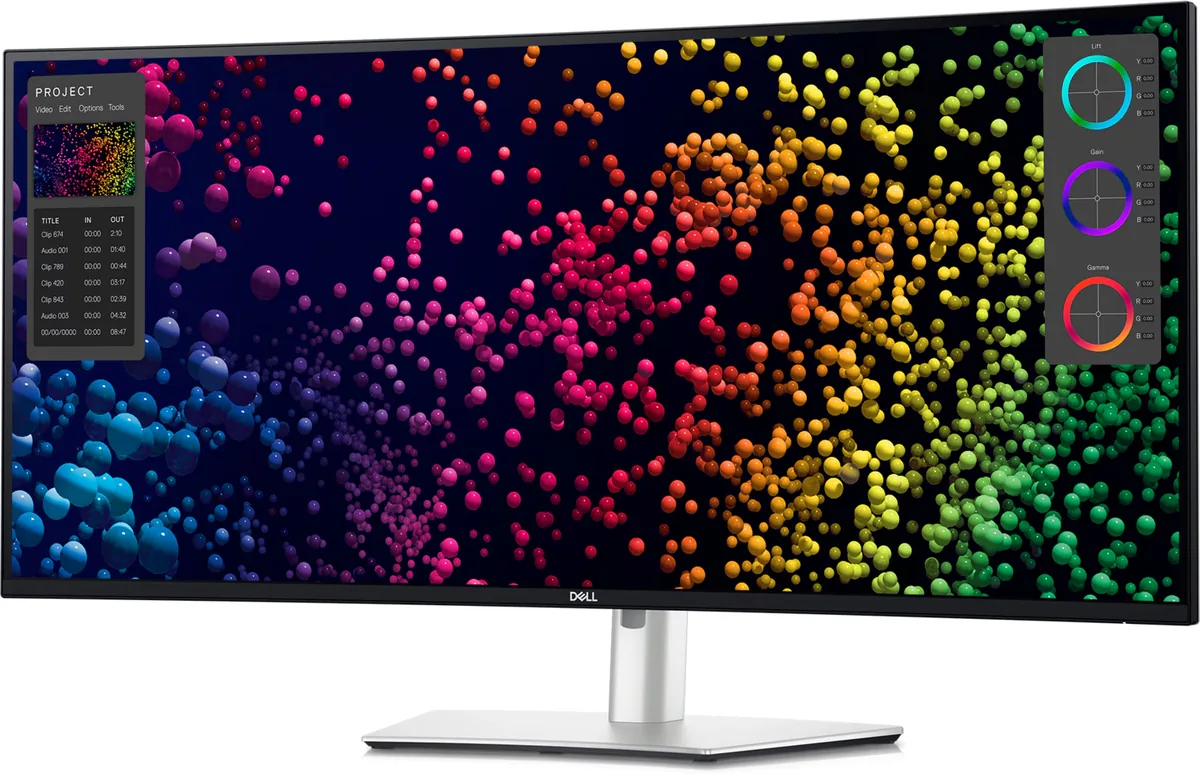
3Dell
~$2,400Dell UltraSharp U4025QW
The 5K2K ultrawide brought up to date — LG's 40WP95C established this panel size at 72 Hz, and Dell's version runs it at 120 with IPS Black contrast, 140 watts of Thunderbolt and a KVM.
- USB-C power
- 140 W
- Panel
- 39.7″ IPS
- HDR
- Accepts an HDR signal
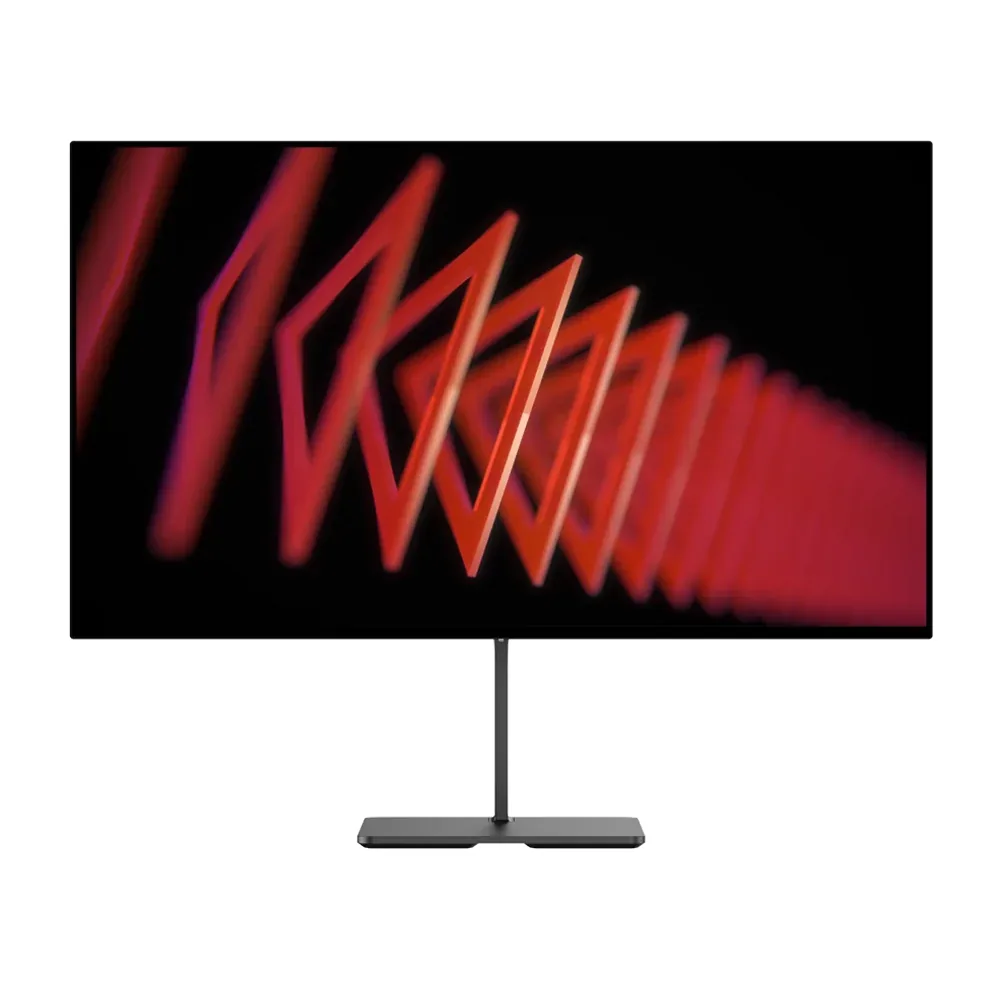
4Dough
~$349Dough Spectrum One
It ships without a stand, and that is the clearest statement of intent on this page — the assumption is that you already own an arm.
- USB-C power
- 100 W
- Panel
- 27″ IPS
- HDR
- Real HDR
5HP
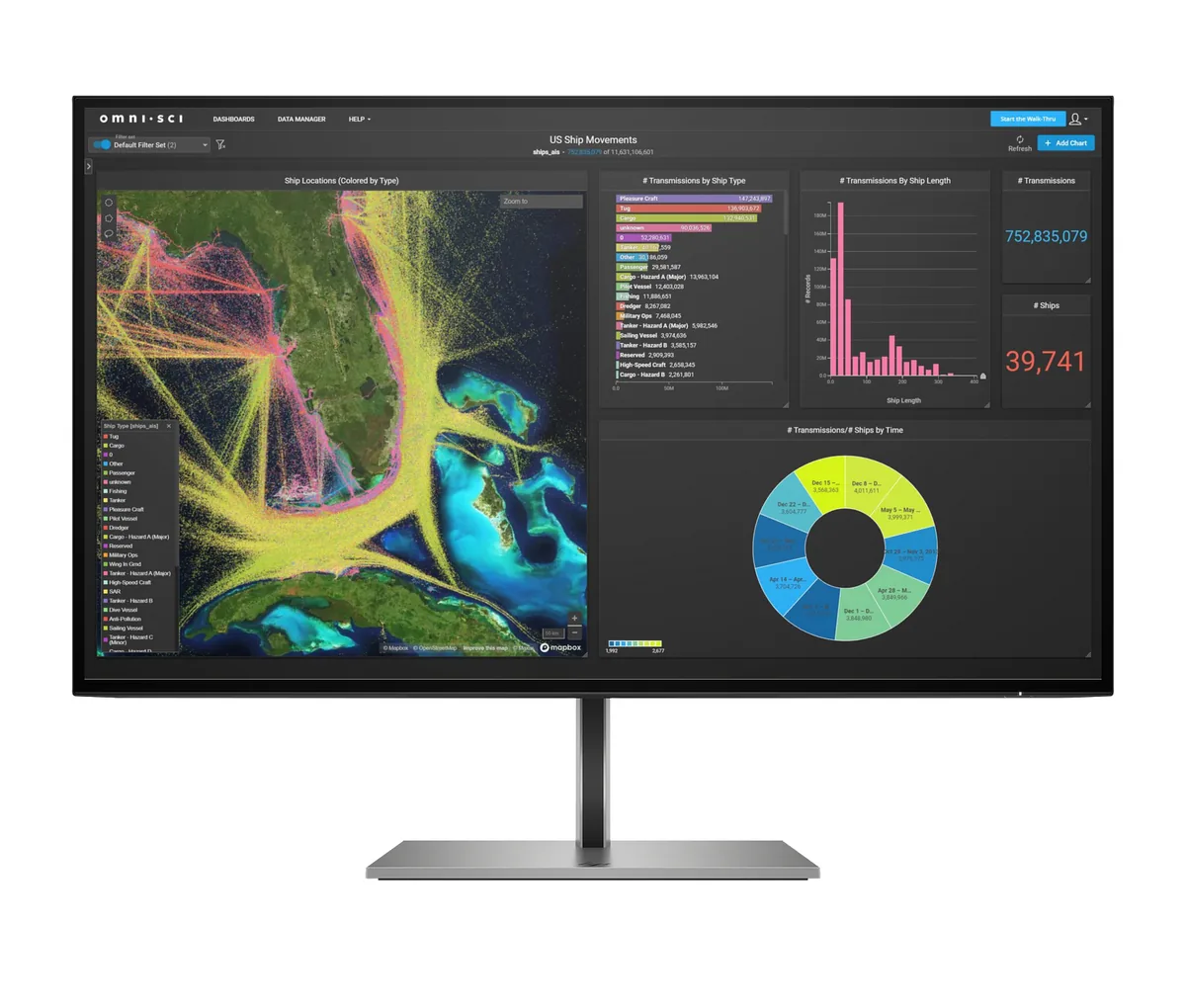
~$600HP Z27k G3
A corporate 4K docking monitor, and it is honest about being nothing else: 350 nits, 1,000:1, 60 Hz, no HDR claim, no adaptive sync.
- USB-C power
- 100 W
- Panel
- 27″ IPS
- HDR
- No HDR
6Lenovo
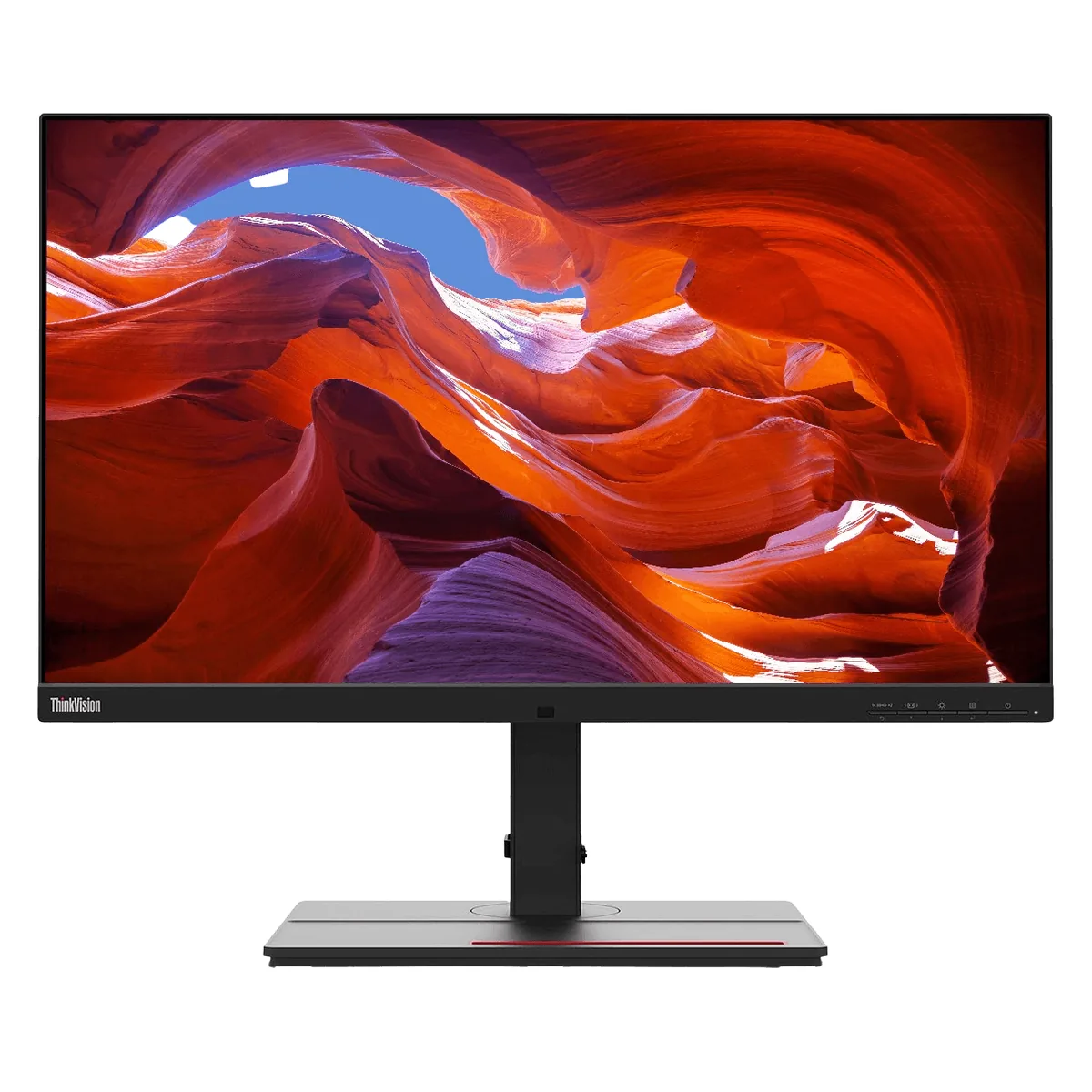
~$884Lenovo ThinkVision P27u-20
Thunderbolt 4 in, Thunderbolt 4 out, gigabit Ethernet and 100 W of charging make this a dock that happens to have a screen attached.
- USB-C power
- 100 W
- Panel
- 27″ IPS
- HDR
- Accepts an HDR signal
7HP
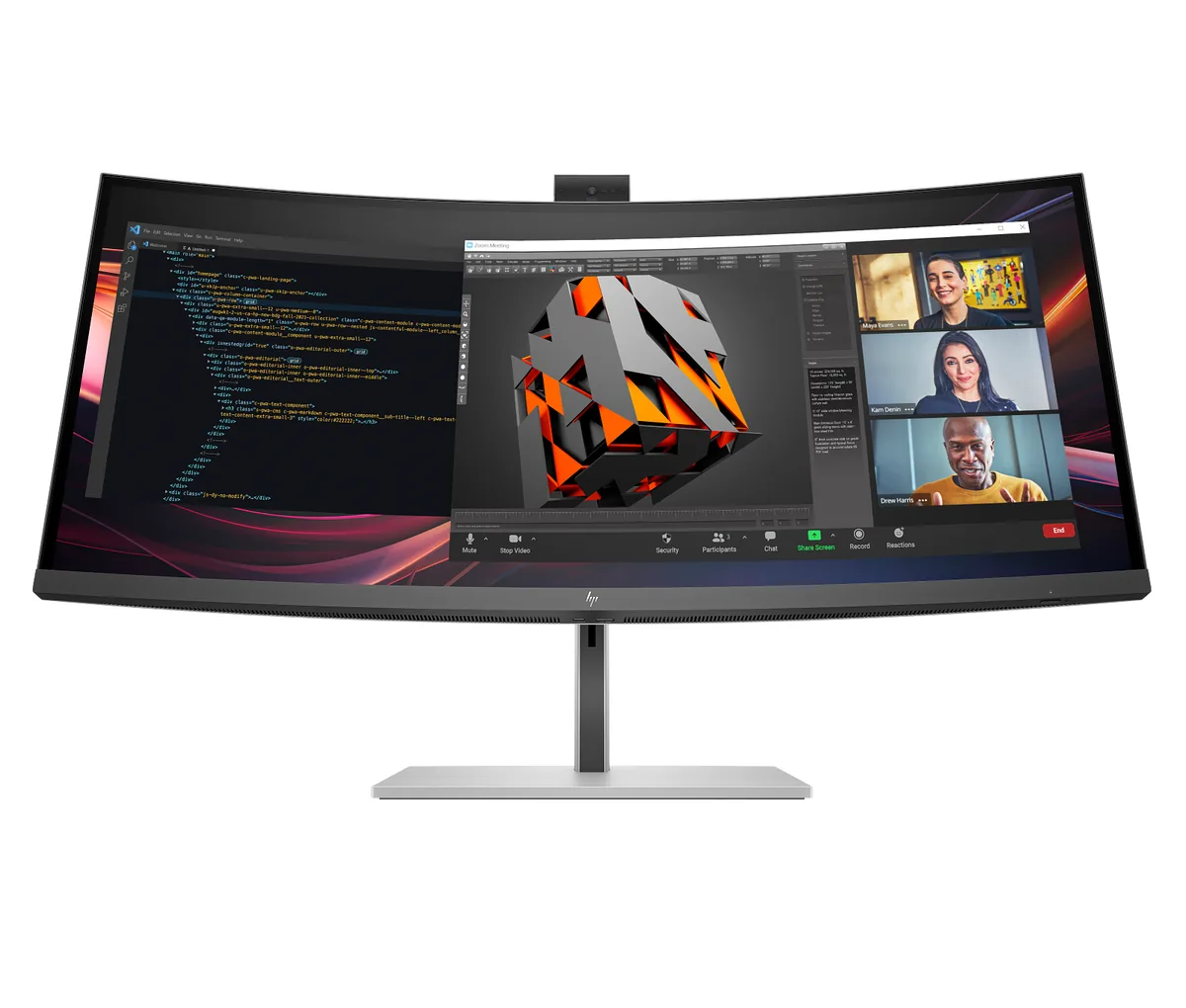
~$1,229HP Series 7 Pro 734pm
Everything a hybrid-work desk usually needs three separate boxes for is inside this one: a Thunderbolt 4 dock with 100 W of charging and gigabit Ethernet, a pop-up 5 MP HDR webcam, a four-speaker Poly Studio array with dual noise-cancelling microphones, and a KVM that swaps keyboard and mouse between two machines.
- USB-C power
- 100 W
- Panel
- 34″ IPS
- HDR
- Accepts an HDR signal
8HP
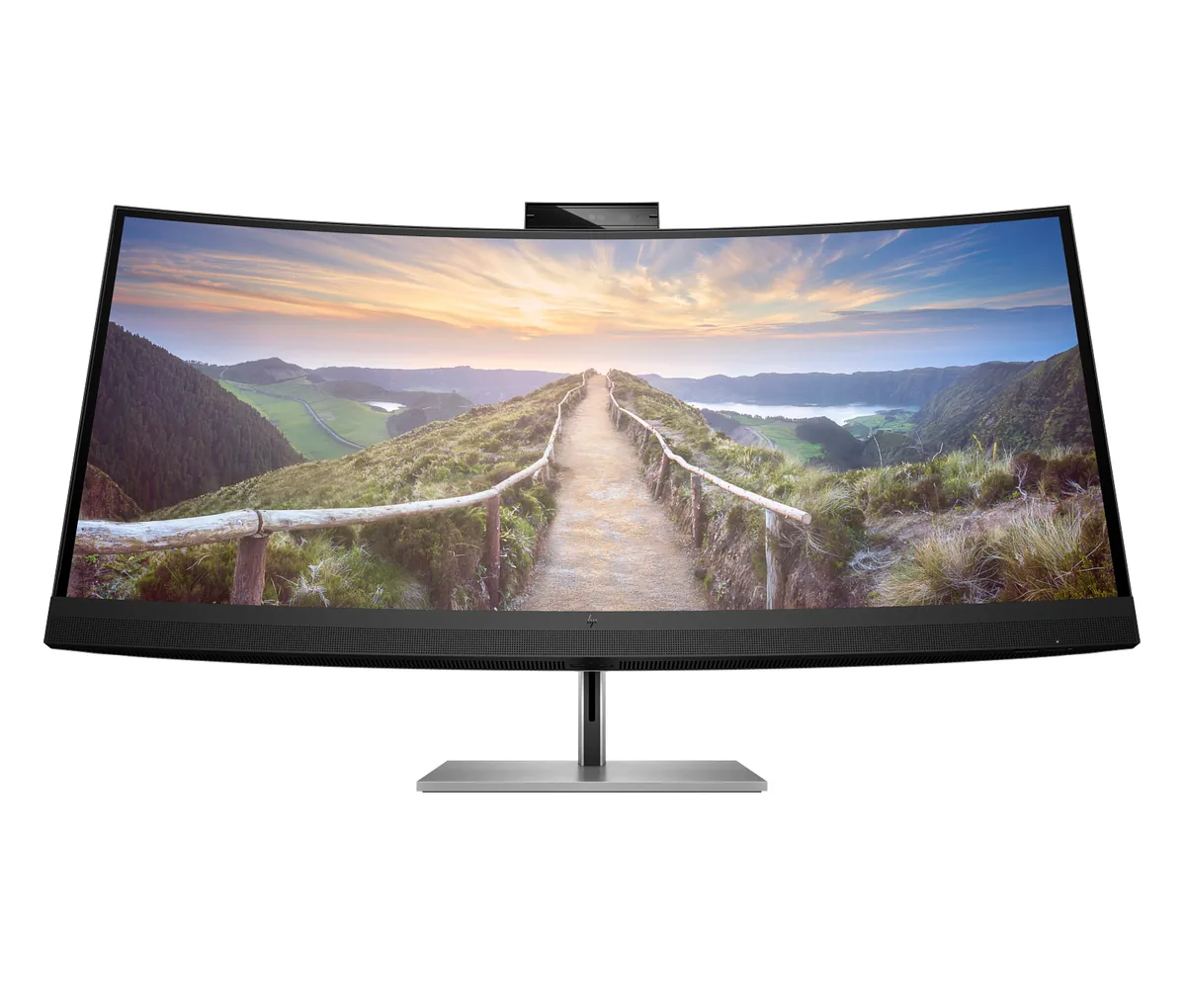
~$1,499HP Z40c G3
Half the pitch here is the ports: two Thunderbolt inputs with 100 W charging, gigabit Ethernet, a four-port hub, two 5 W speakers and a 13 MP webcam that pops out of the top bezel for Windows Hello.
- USB-C power
- 100 W
- Panel
- 39.7″ IPS
- HDR
- No HDR