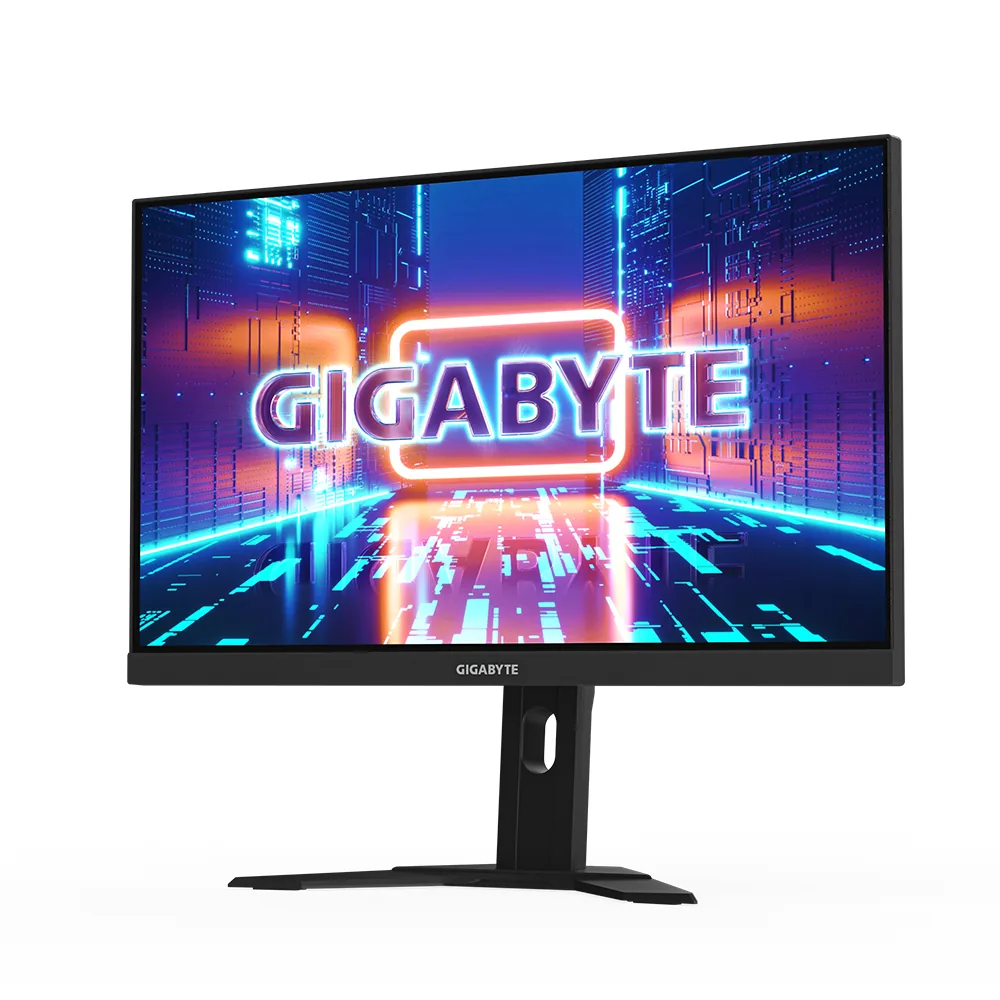
Gigabyte~$530
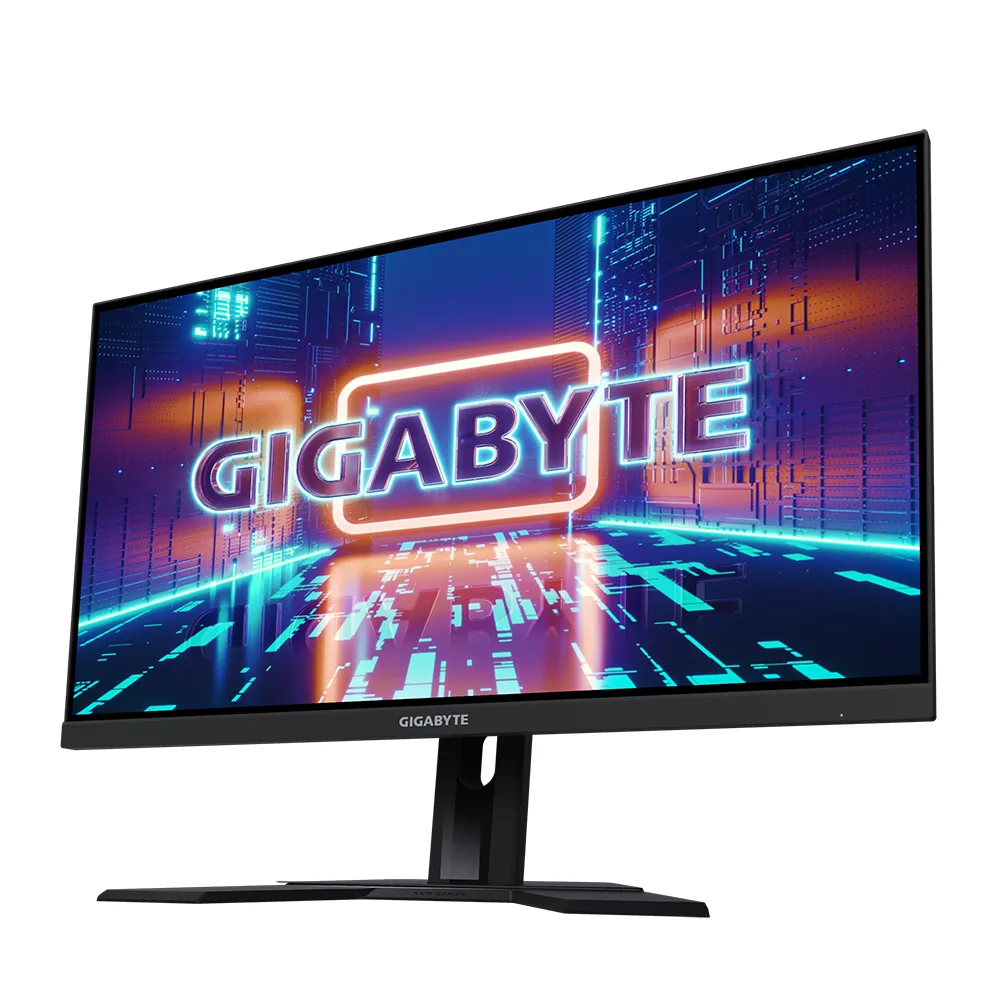
Gigabyte M27U
27″ · 3840×2160 · 160 Hz · Fast IPS
- Sharpness
- 68ppd · retina-class
- HDR
- Real HDR
- USB-C power
- 18 W
- 4K at 160 Hz
- KVM built in
- 2× HDMI 2.1
- Console at full speed
Best for: A 4K gaming desk shared between a PC and a work laptop
5 models, $400–$1,199 · Fast IPS, QD-OLED
Ordered by pixels per degree at a 24-inch viewing distance, which puts the sharpest panel first regardless of how big it is. 3 of these have hardware that can produce an HDR image rather than only accept the signal.
27″ · 3840×2160 · 160 Hz · Fast IPS
Best for: A 4K gaming desk shared between a PC and a work laptop
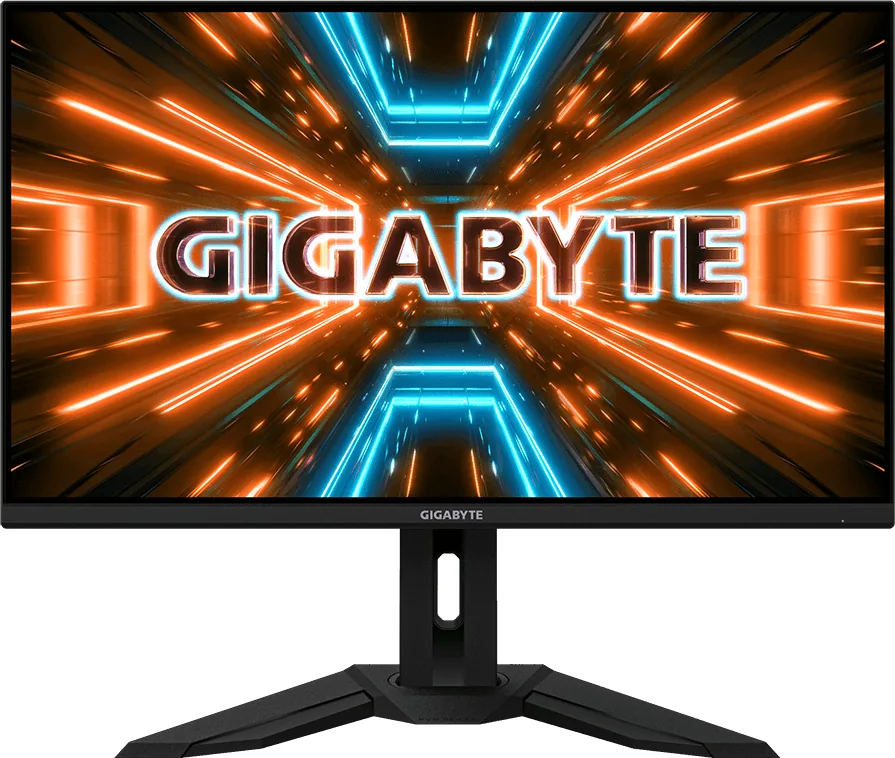
31.5″ · 3840×2160 · 144 Hz · Fast IPS
Best for: A large 4K gaming desktop that also has to switch between two machines
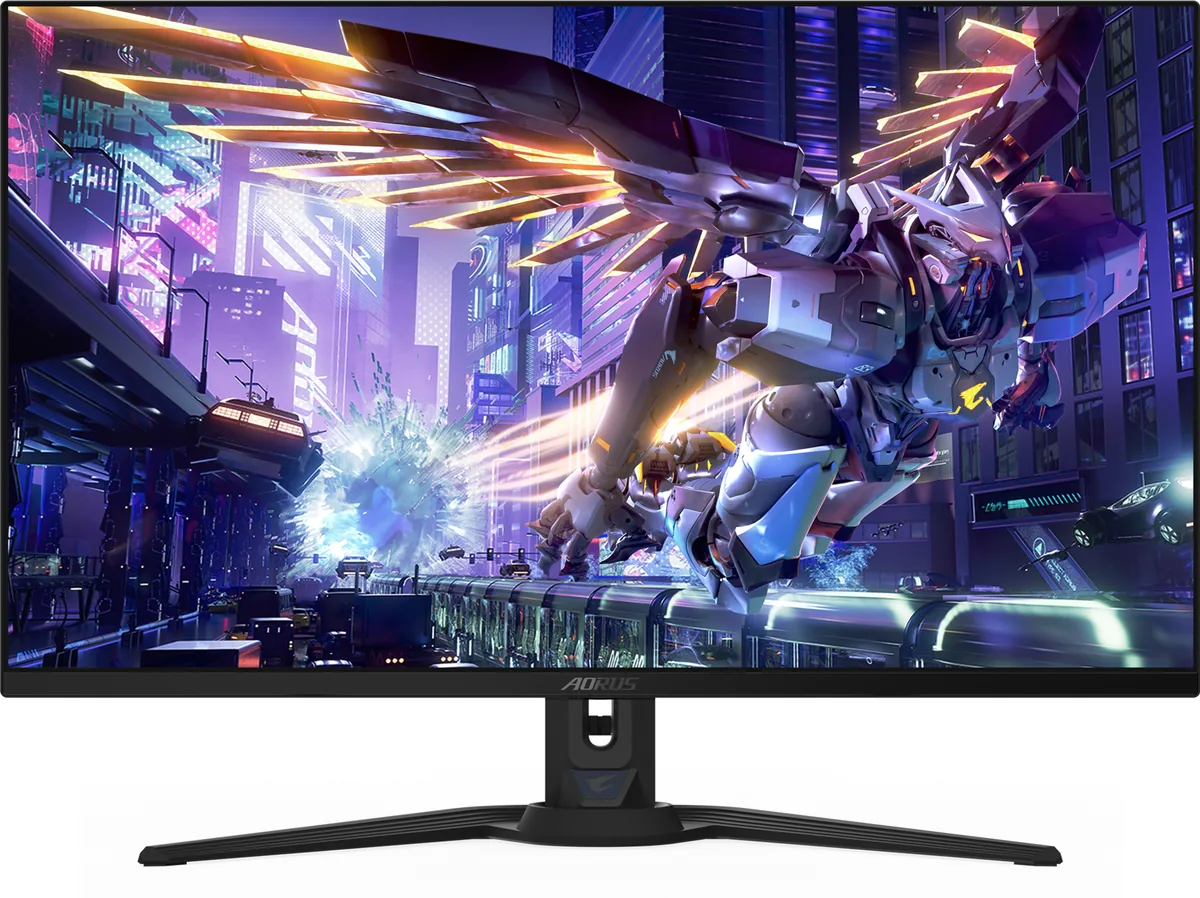
31.5″ · 3840×2160 · 240 Hz · QD-OLED
Best for: A 4K OLED driven uncompressed by a DisplayPort 2.1 graphics card
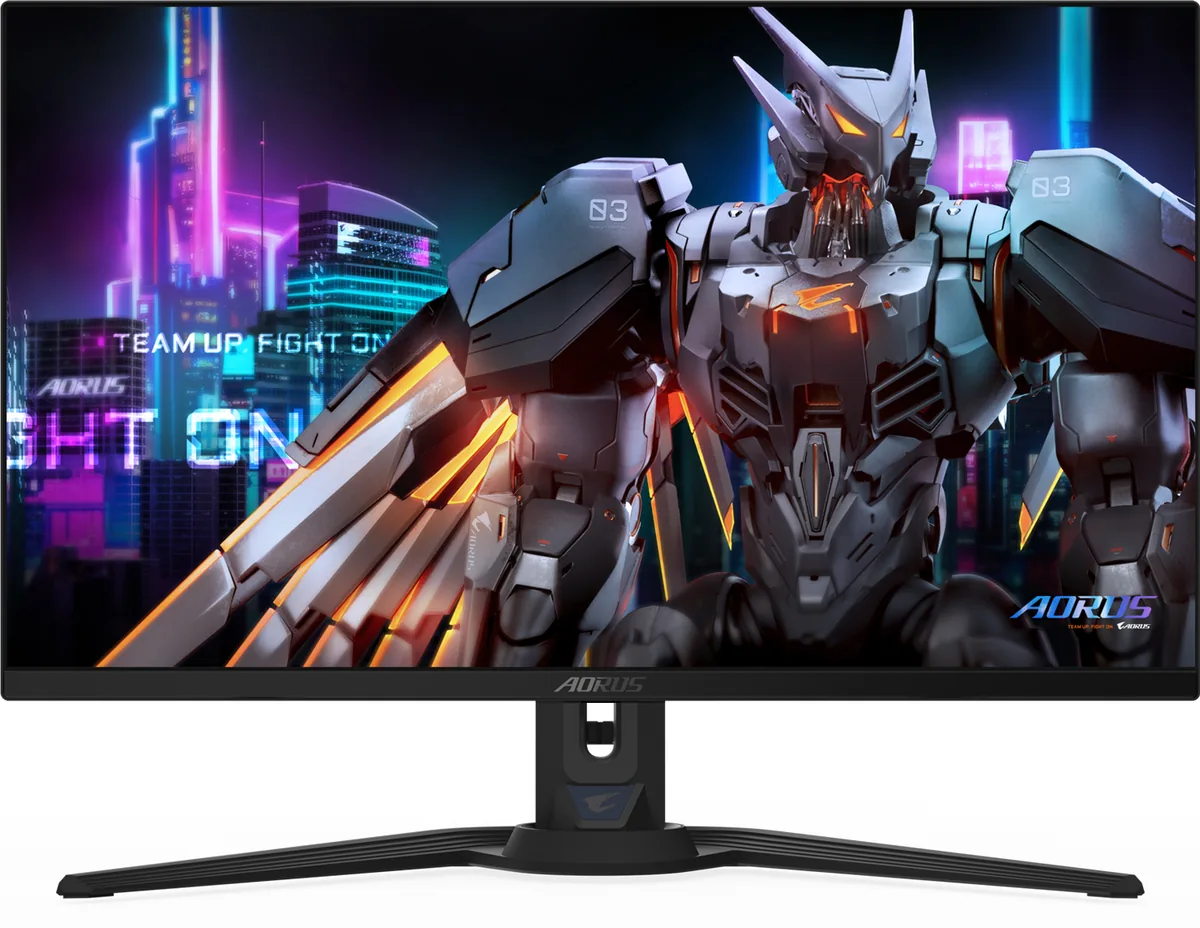
26.5″ · 2560×1440 · 360 Hz · QD-OLED
Best for: A fast OLED for a desk that switches between two machines
27″ · 2560×1440 · 240 Hz · Fast IPS
Best for: High-refresh 1440p and a KVM on the smallest budget that buys both