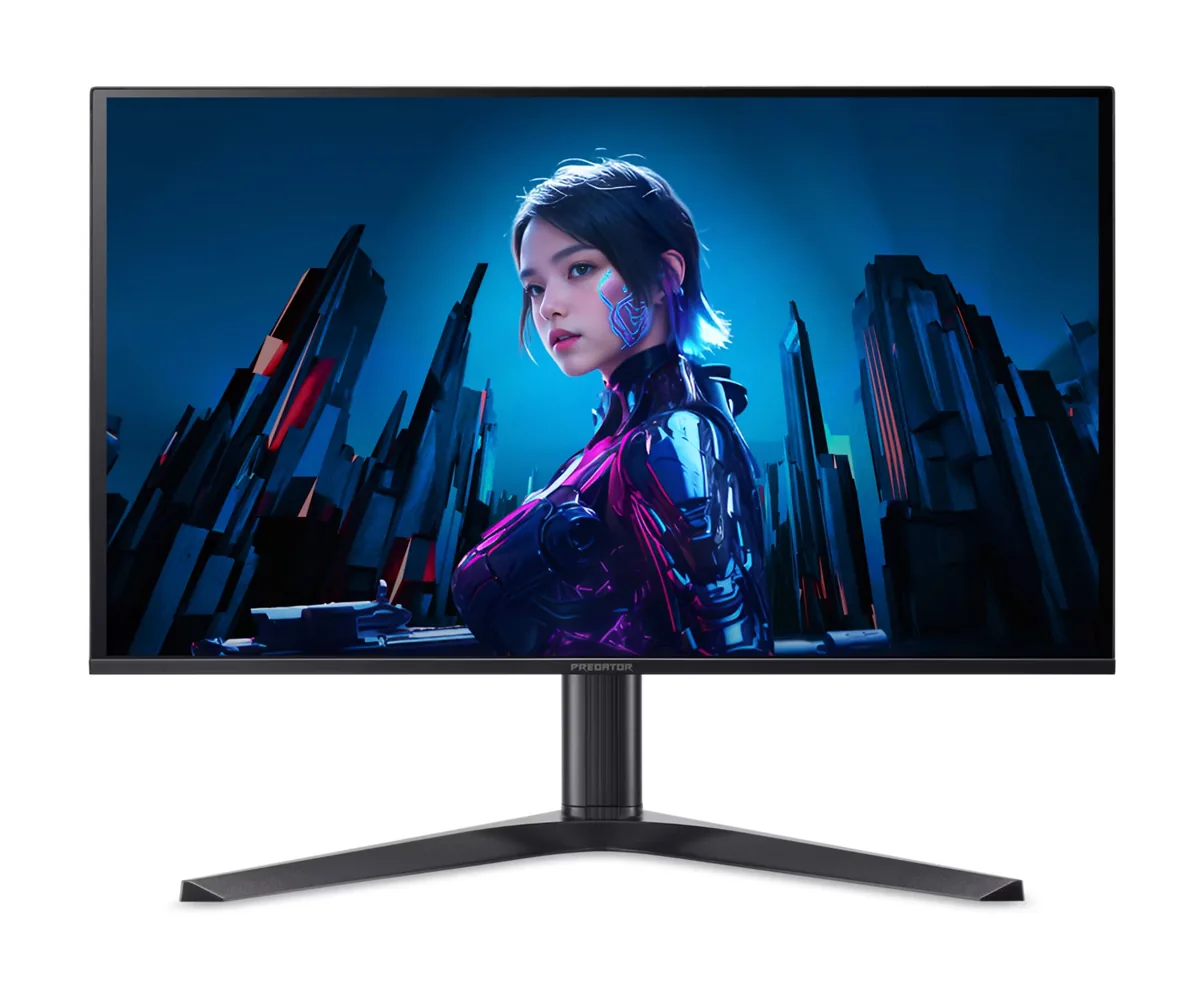
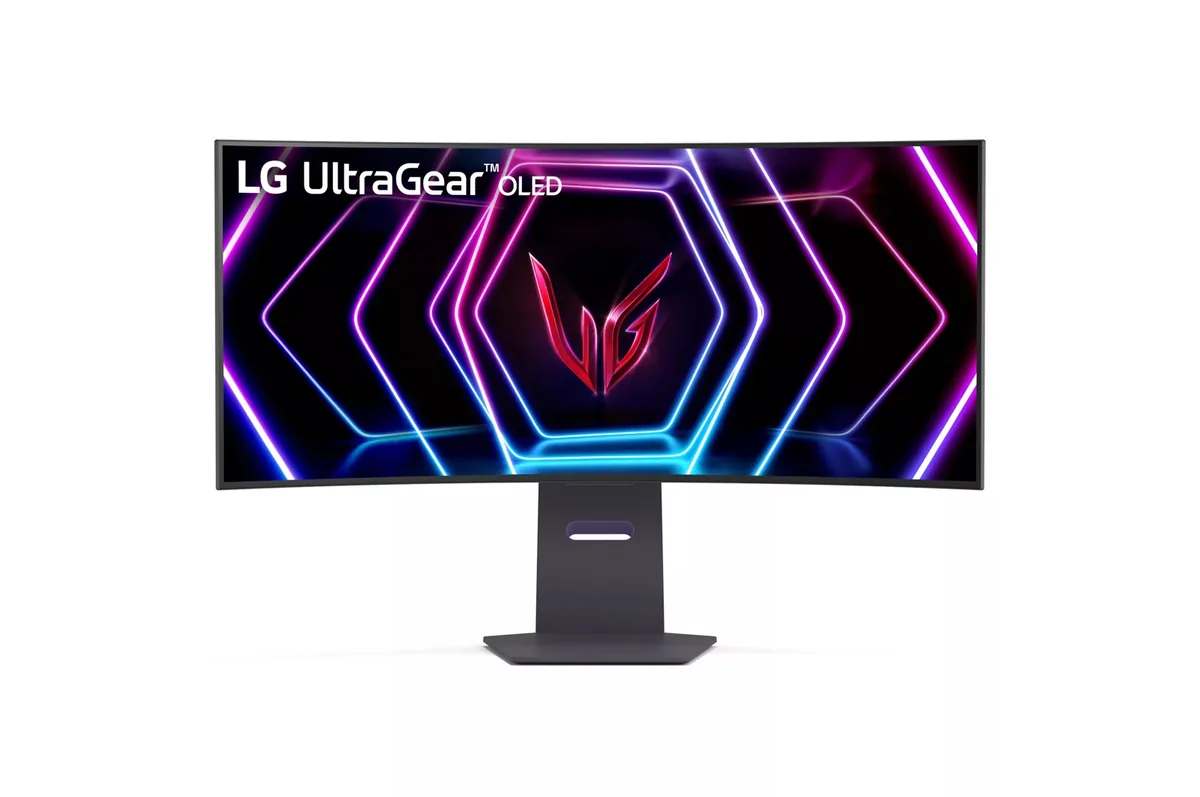
Acer Predator X34 X5 monitorUltrawide~$900

Acer

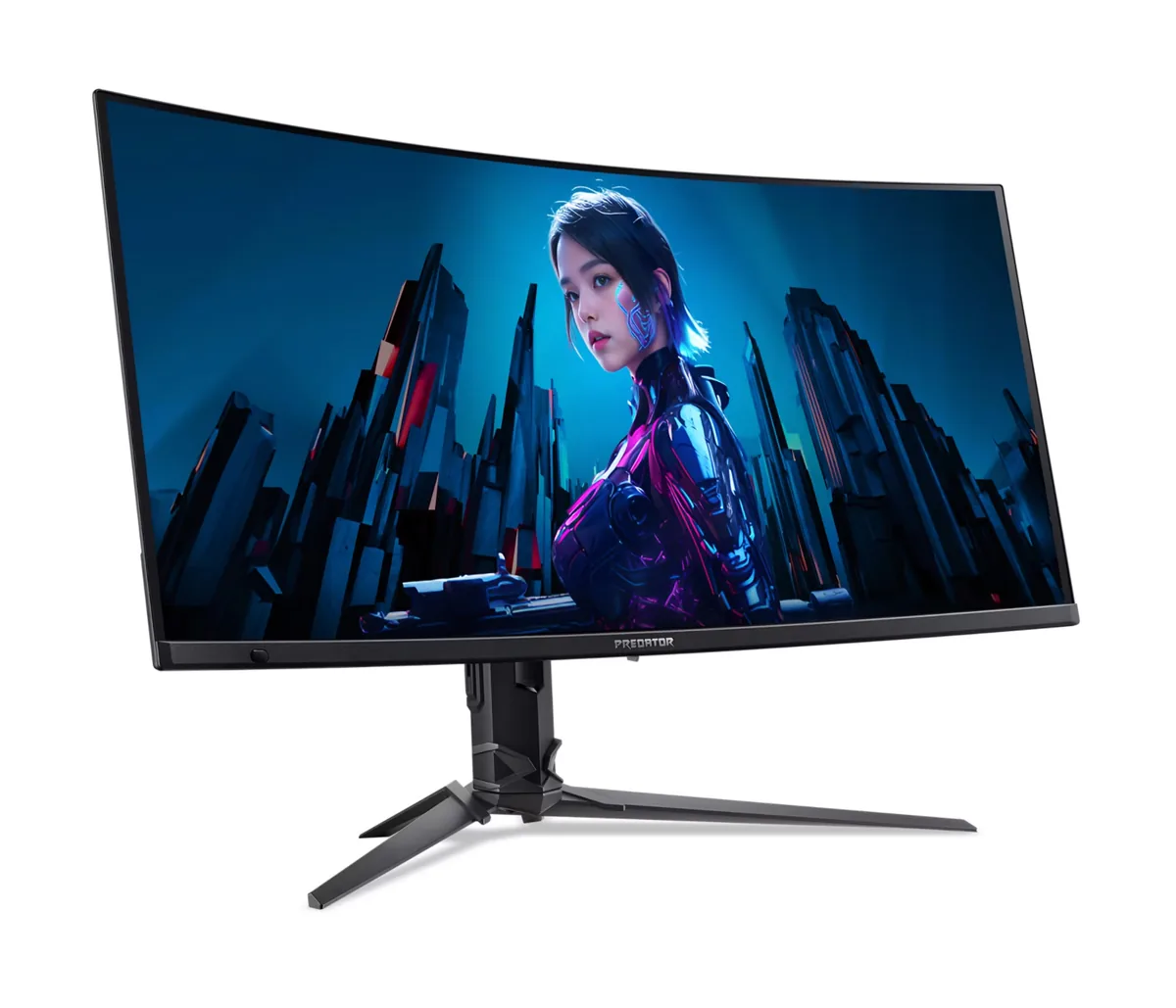
Acer Predator X34 X5

The 1800R curve on this one is gentle enough to disappear after a day and steep enough to keep the far edges of a 34-inch panel at a consistent distance. Underneath is Samsung's 3440×1440 QD-OLED at 240 Hz — the same panel generation that made ultrawide OLED affordable, here with 90 W USB-C, a KVM and a quick-release stand. Acer prices it against the Alienware and ASUS versions of the same panel and wins on ports rather than on picture.

Approx. price

~$900

snapshot, not a live price

Sharpness

46ppd · sharp

text is clean; pixel edges show if you look for them

HDR tier

Real HDR

per-pixel emissive — every pixel is its own backlight, so a highlight can sit beside true black

Peak brightness

1,000nits claimed

DisplayHDR True Black 400

USB-C power

90 W

keeps a 14-inch machine charged under normal load

Max refresh

240 Hz

0.03 ms GtG rated

Port speed — can each input carry this panel?

  • 2×HDMI 2.1· full speed(DSC)
  • DisplayPort 1.4· full speed(DSC)
  • USB-C (DP Alt Mode)· full speed(DSC)

This panel needs 42.8 Gbps at 3440×1440, 240 Hz and 30 bits per pixel, and supports DSC compression.

Best for: Single-player games and sim racing where the extra width does the work

Specifications

Approx. price
~$900
Type
Ultrawide
Resolution
3440×1440
Pixels per degree
46 — sharp
Panel
QD-OLED
Finish
glossy
Response time
0.03 ms GtG
VRR
FreeSync Premium Pro
HDR tier
Real HDR
HDR certification
DisplayHDR True Black 400
Peak brightness
1,000 nits claimed
Local dimming
Per-pixel (emissive)
Static contrast
effectively infinite
Colour gamut
99% DCI-P3
HDMI
2 × HDMI 2.1
DisplayPort
1 × DisplayPort 1.4
DSC
Supported
Port speed
3 of 3 inputs at full speed
USB-C
Video in over USB-C
USB-C power
90 W — 14-inch class laptop
KVM
Built in
USB hub
2 ports
Speakers
Built in
Stand
height, tilt, swivel
VESA
100x100
Weight
19.9 lb
Released
2024
$ per inch
$26
$ per megapixel
$182

Features

  • 3440×1440 QD-OLED at 240 Hz with a 1800R curve
  • Per-pixel dimming, 1000 nits at a 3% window
  • 90 W USB-C input with DisplayPort Alt Mode
  • KVM switch across two systems
  • Two HDMI 2.1 inputs and DisplayPort 1.4 with DSC
  • 150 mm height adjustment with a quick-release stand

What it does well

  • Per-pixel black levels on a 21:9 panel make dark scenes and night driving look right in a way no curved VA manages
  • 110 pixels per inch is the same density as a 27-inch 1440p monitor, so nothing about the desktop feels coarse
  • 90 W of USB-C power and a KVM turn it into a laptop dock, which most ultrawide gaming panels are not
  • Adaptive sync runs from 48 Hz to 240 Hz with low framerate compensation below that
  • Burn-in is covered for three years by Acer's published OLED warranty statement

What it gives up

  • The glossy QD-OLED surface reflects a lit room back at you, and there is no matte option in this line
  • 250 nits in SDR is at the dim end even for OLED, so a bright room will fight it
  • No portrait pivot, which is normal for an ultrawide but worth knowing
  • 3440×1440 at 240 Hz needs DSC on every input, so an older GPU may cap out lower

The two lists above come from the maker’s specifications and from published third-party measurements, not from owner reports. Where owner discussion has been read it appears in its own section below, so the two are never mistaken for each other.

What owners say

Owners keep asking the same question about this monitor: why does nobody talk about it? The specification reads like the answer to every ultrawide shopping list — 34 inches of curved QD-OLED at 240 Hz, a KVM, high-wattage USB-C charging, speakers and a remote in the box — and it regularly sells for less than the ASUS and LG ultrawides it competes against. One owner wrote a small essay arguing the silence says more about which monitors reviewers get sent than about this one.

That silence is also the main risk. Reviewers skipped it almost entirely, which leaves buyers with no independent measurement and, worse, a naming collision: Acer sells an X34 X built on a different manufacturer's panel, and that one did get covered. People arrive at the store page unsure which monitor they are reading about. The owners who did buy are mostly happy — long-time upgraders in particular — though one moving from a curved IPS ultrawide found himself unsatisfied and eyeing a 32-inch flat OLED instead, so it is not universal.

A few practical gaps are worth knowing. There is no picture-by-picture mode, which the same panel gets elsewhere. The colour profile Acer later published looks washed out next to the Windows default, so an owner who had been running without one was better off before. And because it discounts hard, refurbished units circulate widely — at least one arrived with panel blemishes that would not clean off, which is the usual price of buying this category second-hand.
What owners like

  • Feature for feature it is the most complete 34-inch OLED package at the price — a KVM, roughly 90 W of USB-C charging, speakers and an actual remote control, which one owner in Germany summed up as a perfect bundle that nobody talks about.
  • Discounts are steep and frequent. Owners picked it up for $749 after a $250 reduction, and one found it new at 480 euros, well under the ASUS and LG ultrawides on the same shortlist.
  • Owners who bought it after years on an older screen are unreserved — one described it seven years on from his last monitor as one hell of an upgrade, and another with a newer flagship in mind admitted he really loves how clean the OLED looks.
  • The panel is a newer QD-OLED generation than the Alienware ultrawide that has dominated this category, and buyers researching both treated it as a straight upgrade path with better ports.
  • The 1800R curve matches what owners moving from curved IPS ultrawides are already used to, so the transition does not involve relearning a flat 32-inch layout.

Common complaints

  • No picture-by-picture or picture-in-picture, which surprised an owner who assumed every ultrawide had it and who noted MSI ships the same panel with the feature.
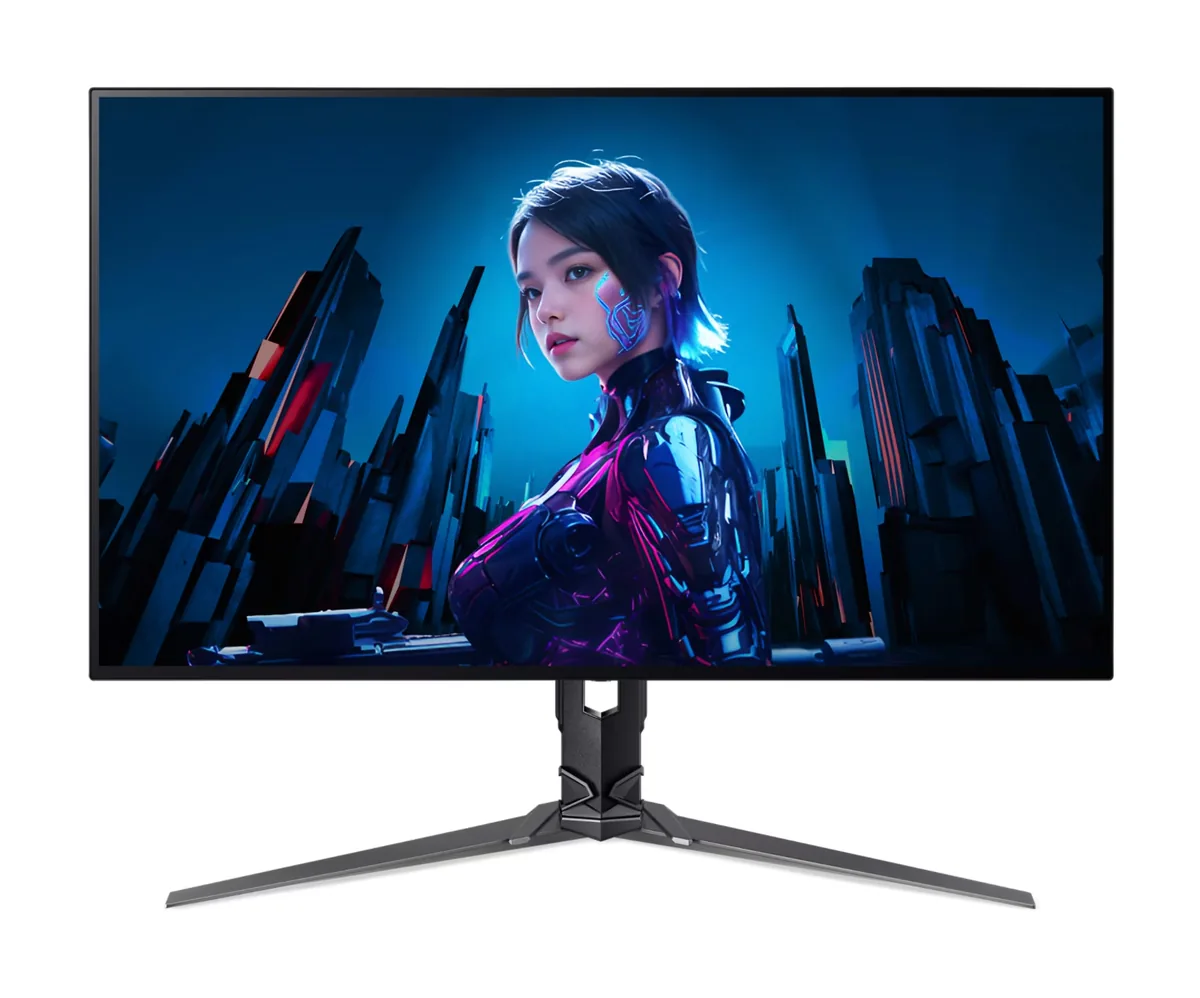
  • Acer sells a nearly identically named X34 X built around a different panel maker's glass, that one got reviewed and this one did not, and buyers regularly cannot work out which they are looking at or why the prices differ.
  • Independent coverage is effectively absent. Owners hunting for impressions before buying found nothing newer than pre-release previews, and one who bought anyway said the lack of reviews left him unsure he had chosen well.
  • The colour profile Acer eventually published for it made things look washed out compared with the Windows default, according to an owner a year into using the monitor without one.
  • Refurbished units are widely available and are a gamble — one buyer received a $500 refurb with large blemishes on the panel that no amount of careful cleaning removed.

Questions owners ask about the Acer Predator X34 X5

What is the difference between the X34 X5 and the X34 X?

They are different monitors with nearly the same name, built around panels from different manufacturers — this one uses Samsung's QD-OLED, the other an LG panel. The other model attracted the reviews, which is why searching turns up coverage that does not describe what you are buying. Check the full part number on the listing before ordering; a lower price is usually a different monitor rather than a worse version of this one.

Does it support picture-by-picture from two inputs?

No, and an owner who assumed it would was caught out — MSI ships a monitor using the same panel that does. What you get instead is a KVM, which covers the common case of two machines sharing one keyboard, mouse and screen, but not two sources on screen at once.

Should I install the colour profile from Acer's support page?

An owner who had run the monitor for a year on the Windows default installed it when it appeared and found everything looked washed out afterwards. If the picture already looks right to you, there is no obligation to load it, and reverting is straightforward if you try it and prefer what you had.

Windows HDR calibration measures a higher peak than the rated 1000 nits. Which should I trust?

Let the calibration tool finish where it actually lands rather than forcing it to the number on the box — the wizard is measuring what your panel does with the test pattern, and clamping it lower just tone-maps highlights earlier than necessary. The rated figure is a typical small-window value, not a promise about every unit.

Is it a genuine step up from the Alienware AW3423DWF?

On paper yes: a newer QD-OLED generation, a higher refresh rate, and ports the Alienware does not have, including the KVM and high-wattage USB-C that buyers coming from it specifically wanted. The catch is evidence — the Alienware has been measured to death and this has barely been measured at all, so you are trading a known quantity for a better specification.

Are the refurbished ones worth the saving?

They circulate constantly because the monitor discounts so heavily, and one buyer who paid around $500 received a unit with large blemishes on the panel that damp cleaning would not touch. On an emissive panel, marks and wear are exactly what you cannot fix afterwards. Buy refurbished only with a return path you are confident using, and inspect on a black screen immediately.

Others in the same part of the catalog

Acer Predator X32 X3 monitor
Acer~$880

Acer Predator X32 X3

31.5″ · 3840×2160 · 240 Hz · WOLED

Sharpness
59ppd · sharp
HDR
Real HDR
  • 4K 240 Hz / 1080p 480 Hz
  • Per-pixel contrast
  • 90 W USB-C
  • Console at full speed

Best for: One desk that has to serve 4K single-player games and competitive shooters

Acer Predator X27U F5 monitor
Acer~$800

Acer Predator X27U F5

26.5″ · 2560×1440 · 500 Hz · QD-OLED

Sharpness
46ppd · sharp
HDR
Real HDR
  • 500 Hz QD-OLED
  • 3-year burn-in cover
  • Console at full speed

Best for: Competitive shooters where motion clarity matters more than resolution

LG UltraGear 34GS95QE monitor
LG~$800

LG UltraGear 34GS95QE

34″ · 3440×1440 · 240 Hz · WOLED

Sharpness
46ppd · sharp
HDR
Real HDR
USB-C power
No USB-C power
  • 240 Hz 21:9
  • 800R curve
  • 98.5% DCI-P3
  • Console at full speed

Best for: A curved 21:9 gaming panel that still holds up for desktop work

More from Acer →

← Back to the catalog