Monitors Under $700 That Can Actually Display HDR
DisplayHDR 400 asks for 400 nits and permits an edge-lit backlight with no dimming zones at all, which is how a certified monitor ends up showing HDR content with less contrast than its own SDR mode. The list below ignores the badge and asks what the hardware can do: either every pixel makes its own light, or there is a backlight bright enough and divided enough to put a highlight next to a shadow. Under $700 the field is three kinds of hardware: 1440p OLEDs, whose compromise is full-field brightness in a lit room; mini-LED LCDs, which stay bright and pay for it in halos around small highlights; and ordinary LCDs whose backlight divides into only eight or sixteen zones, which clears this page's bar without doing what the other two do. One row here is a monitor whose maker certifies DisplayHDR 1000 but publishes no zone count; the certificate cannot be awarded without local dimming, so it qualifies on that and the page says so rather than inventing a number.
How this list is ordered: Restricted to per-pixel emissive panels and to backlights claiming 600 nits or more with at least one dimming zone, then ordered by price. 10 of the catalog’s monitors qualify.
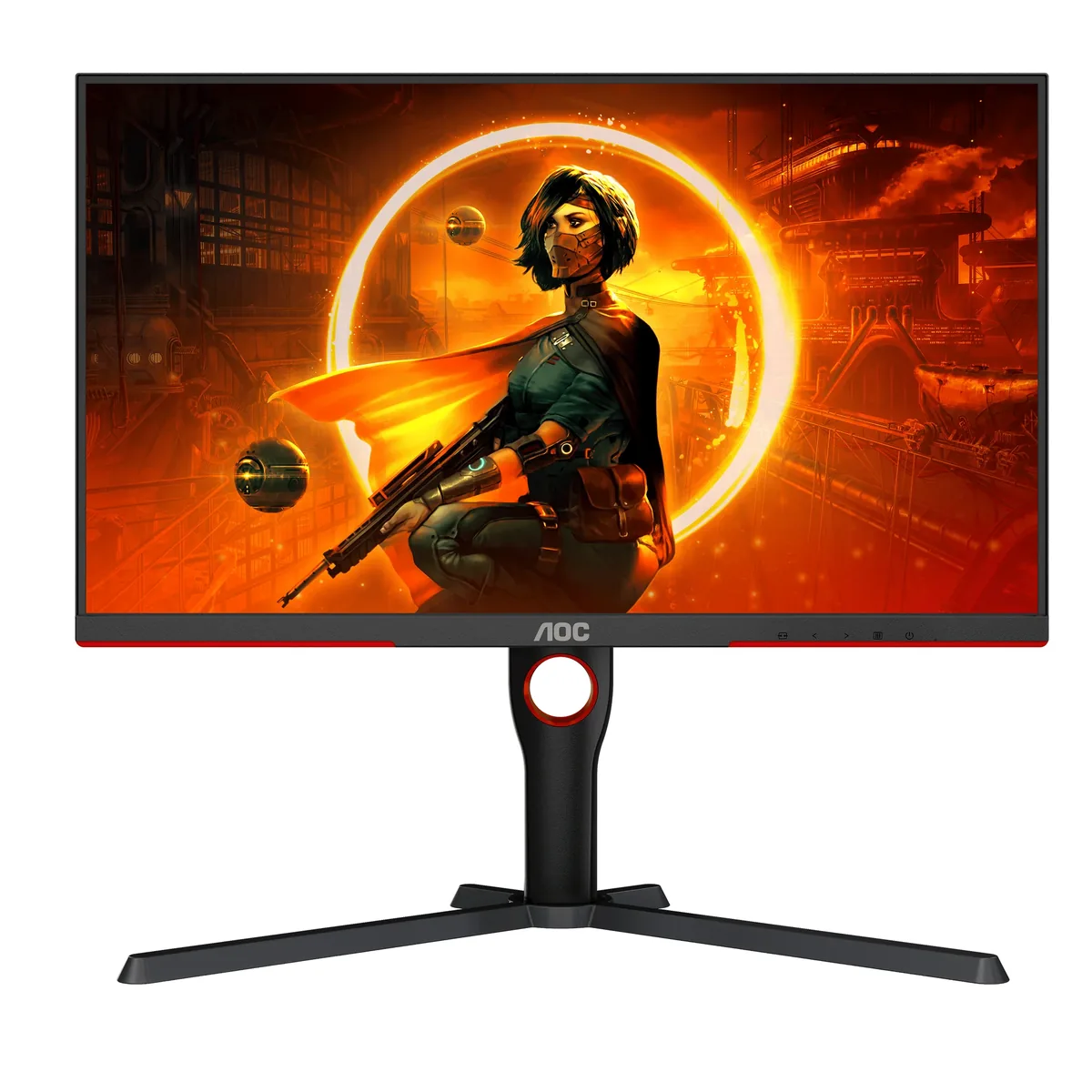
1AOC
~$270AOC Gaming Q27G3XMN
Local dimming starts here: nothing else in this catalog costs less and still has a backlight that dims in sections.
- Static contrast
- 4,000:1
- Panel
- 27″ Mini-LED VA
- HDR
- Real HDR
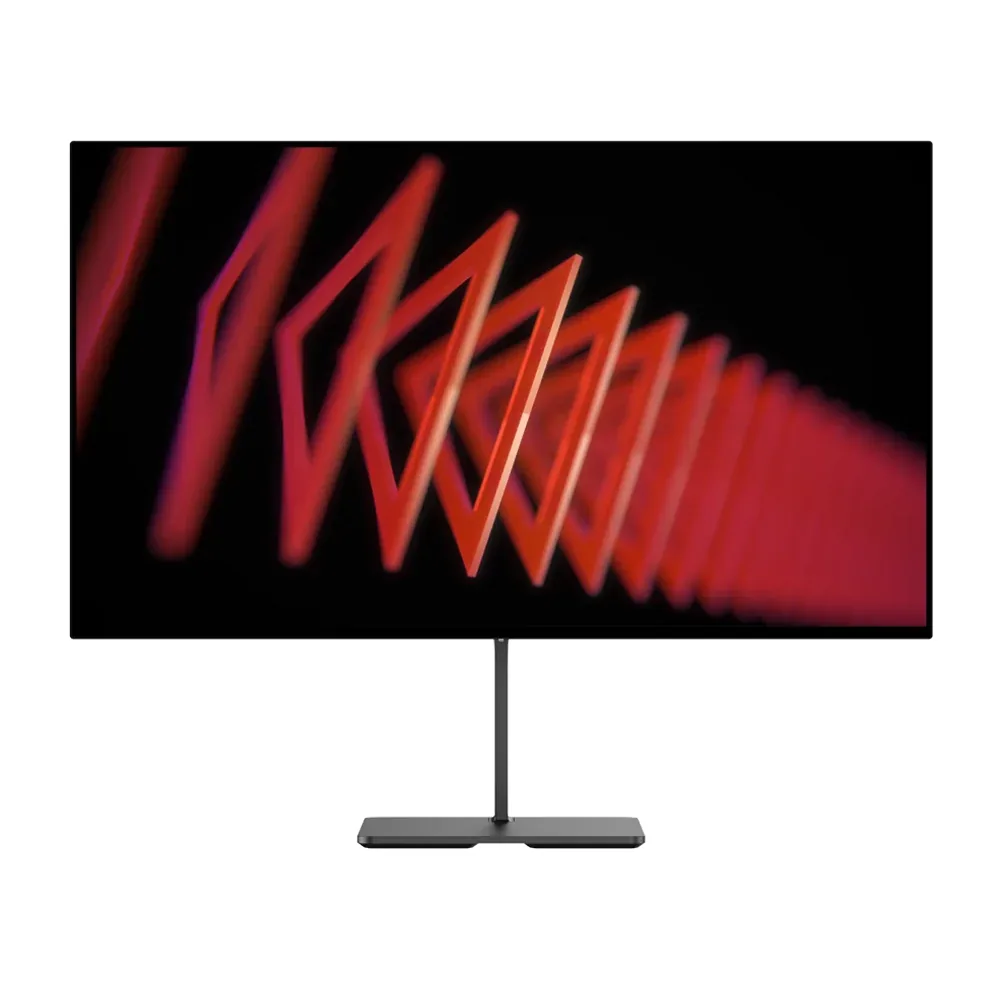
2Dough
~$349Dough Spectrum One
It ships without a stand, and that is the clearest statement of intent on this page — the assumption is that you already own an arm.
- Static contrast
- 1,000:1
- Panel
- 27″ IPS
- HDR
- Real HDR
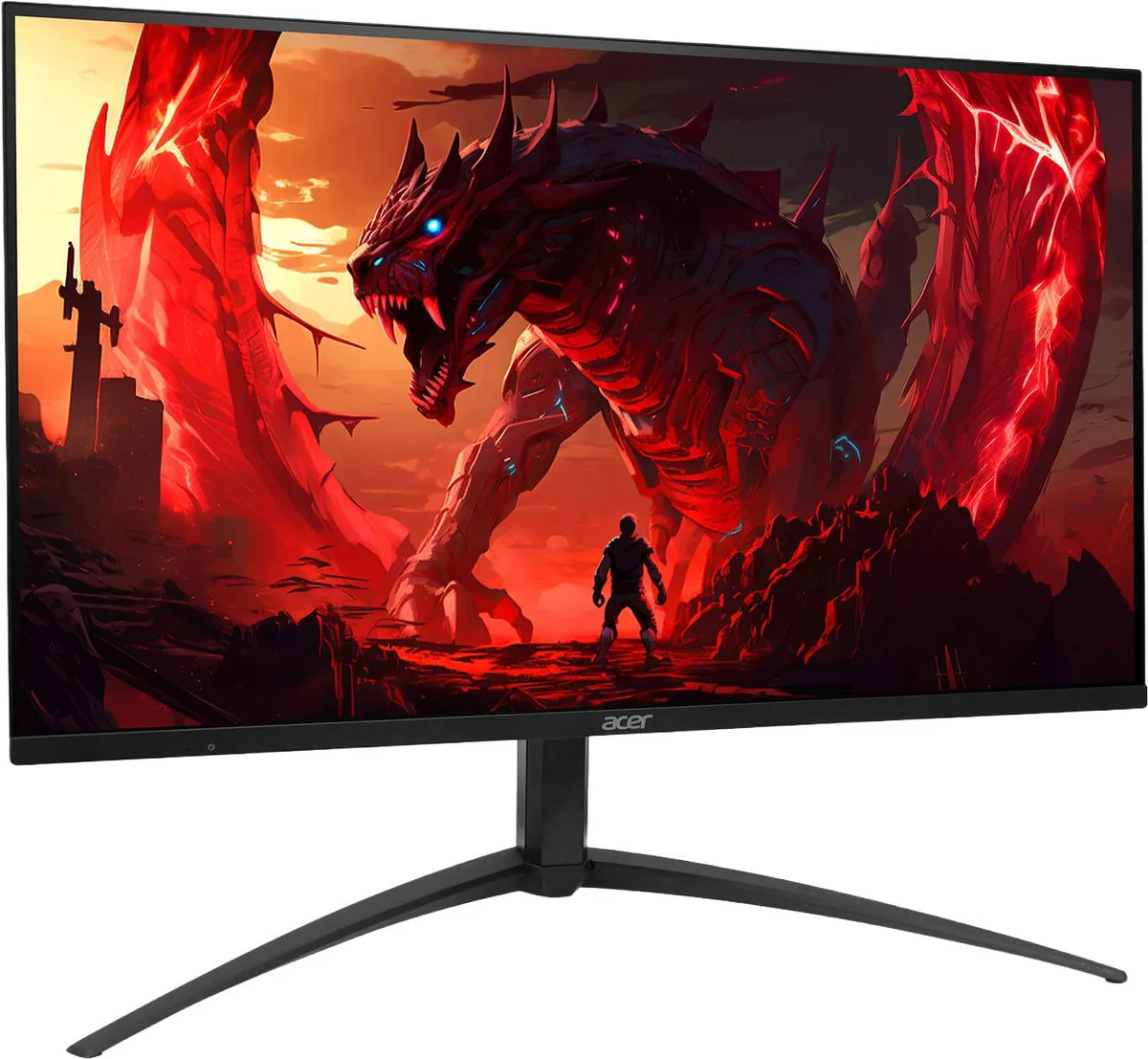
3Acer
~$400Acer Nitro XV275K V3
VESA DisplayHDR 1000 on a 4K 160 Hz panel at four hundred dollars is the pitch, and the certification is the evidence behind it: VESA does not award that tier without real local dimming, however many zones do the work — Acer publishes no count for this version.
- Static contrast
- Panel
- 27″ IPS
- HDR
- Real HDR
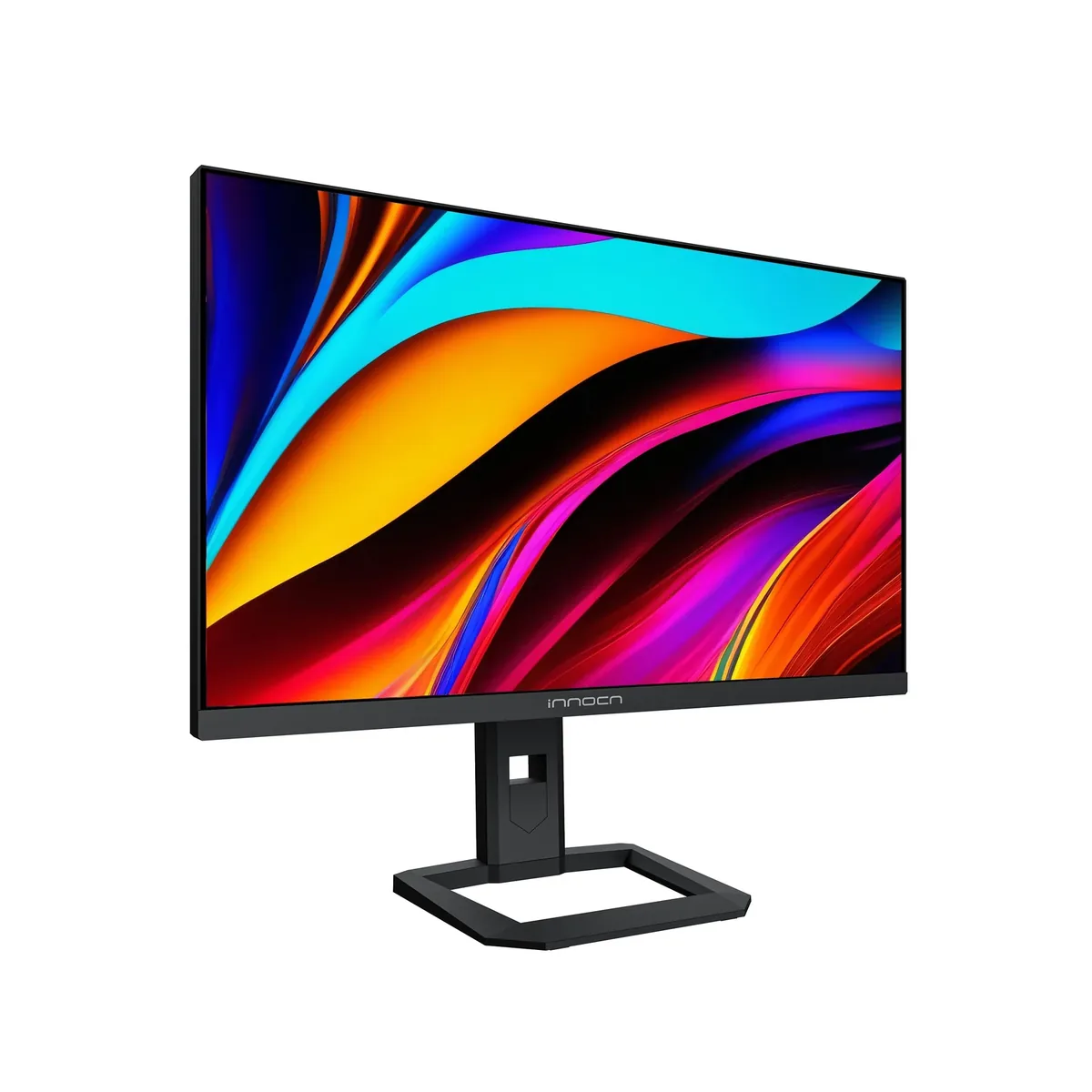
4Innocn
~$500INNOCN 32M2V
A 2,304-zone backlight normally turns up on an $1,800 superultrawide, not a $500 32-inch 4K desktop panel — only Samsung's Neo G9 fields more zones in this catalog, at three and a half times the price.
- Static contrast
- 1,000:1
- Panel
- 32″ Mini-LED IPS
- HDR
- Real HDR
5Gigabyte
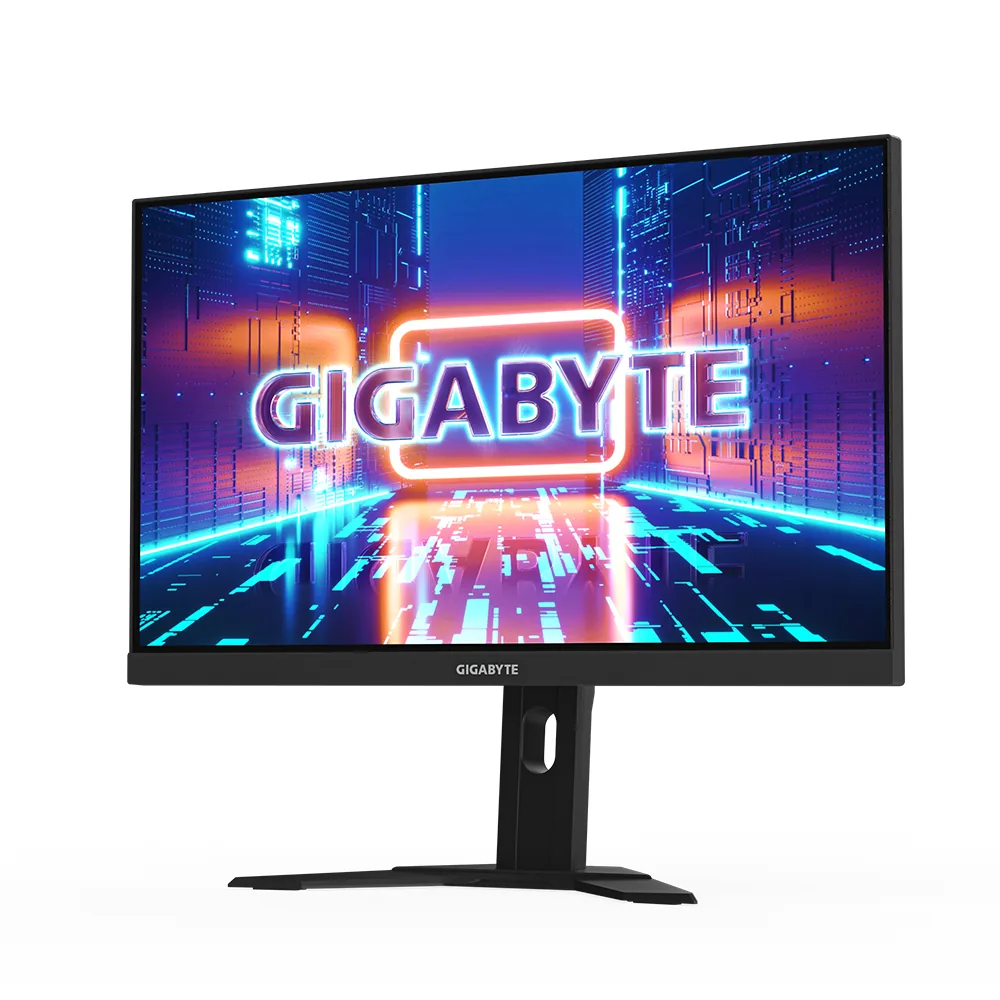
~$530Gigabyte M27U
Gigabyte's habit of fitting a KVM to mid-priced gaming monitors is what separates this from LG's 27GR93U, which is otherwise the same proposition: 27-inch 4K, two HDMI 2.1 ports and an edge-lit IPS panel, with no way to share one keyboard between two machines.
- Static contrast
- 1,000:1
- Panel
- 27″ Fast IPS
- HDR
- Real HDR
- KTCG27P626.5″ · 2560×1440
6KTC
~$590KTC G27P6
Same LG Display WOLED panel as the far pricier 27-inch OLEDs of its generation, and it measures accordingly: TFTCentral recorded 904 nits of HDR peak against KTC's 1,000-nit spec, and 209 nits on a full white screen once the brightness limiter settles.
- Static contrast
- effectively infinite
- Panel
- 26.5″ WOLED
- HDR
- Real HDR
7ASUS
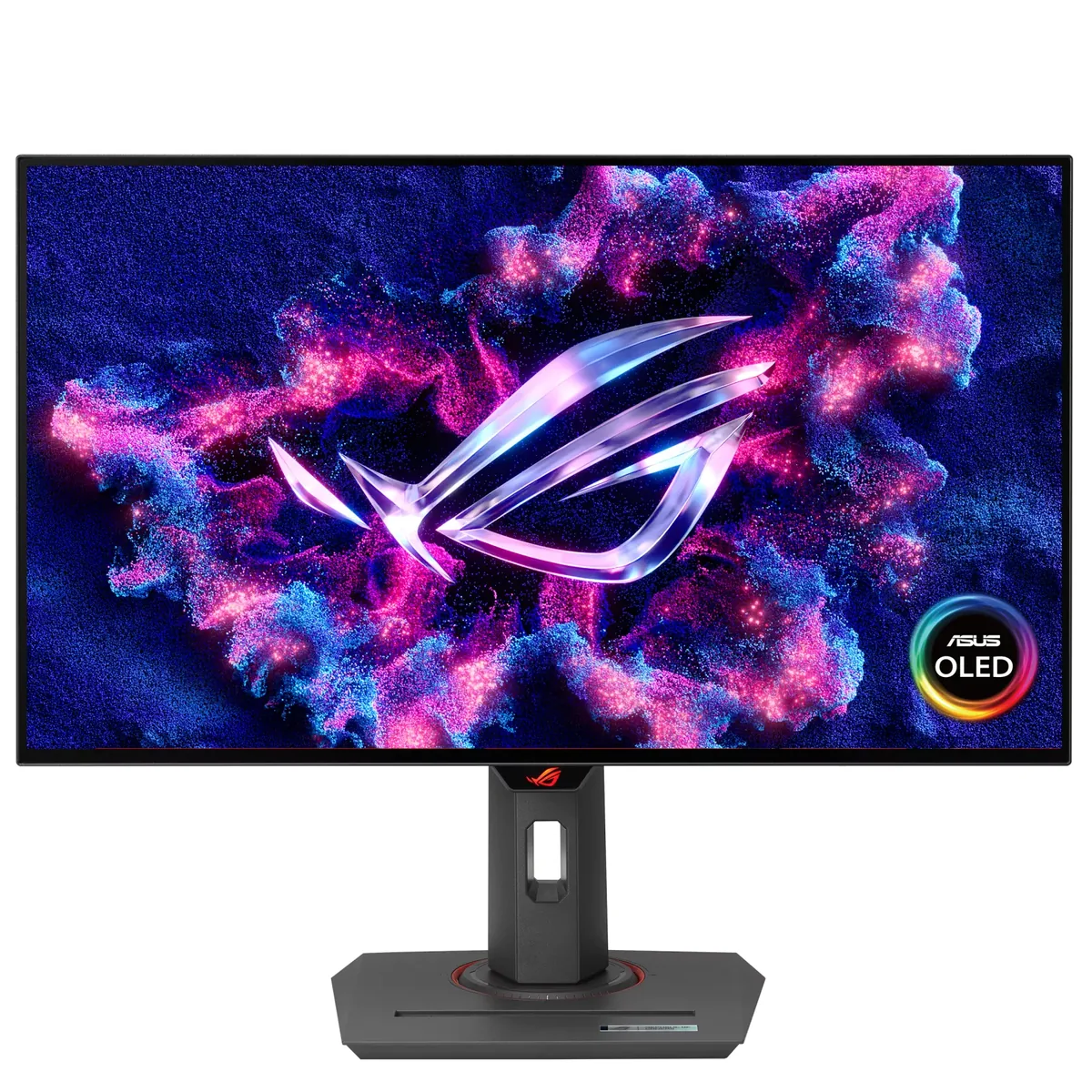
~$599ASUS ROG Strix XG27AQDMG
Same 26.5-inch 1440p size and 240 Hz refresh as the PG27AQDM, but a newer panel generation behind it: ASUS claims 1,300 nits peak against the older model's 1,000, and three years of burn-in cover against two.
- Static contrast
- effectively infinite
- Panel
- 26.5″ WOLED
- HDR
- Real HDR
8MSI
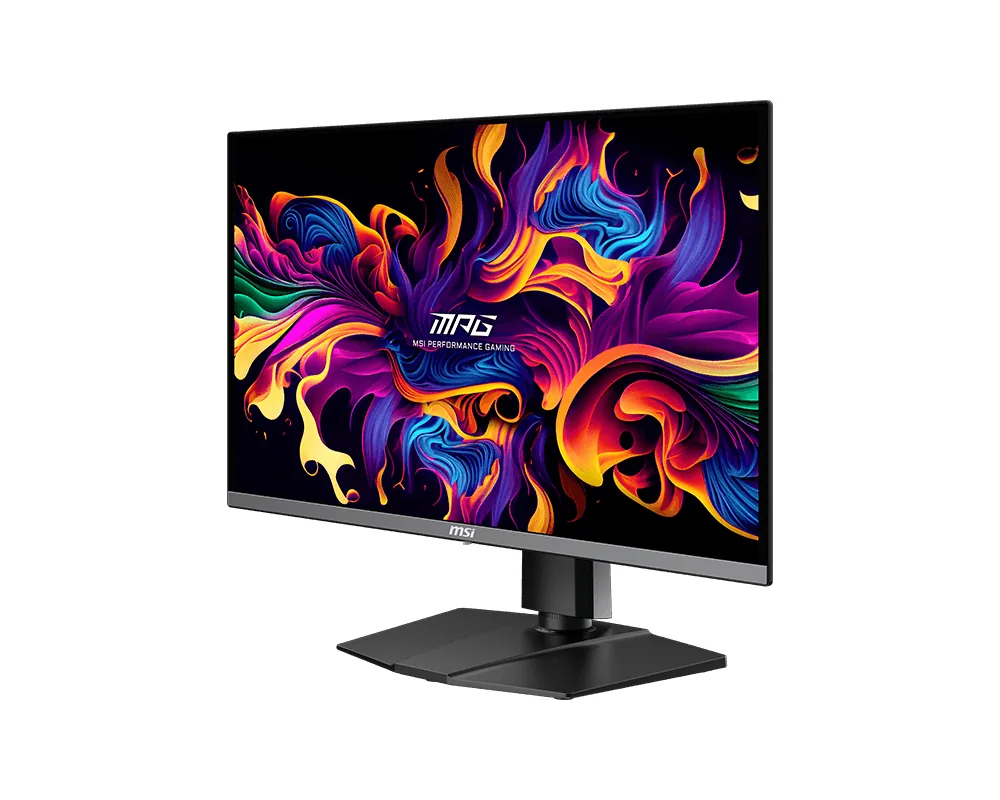
~$630MSI MPG 271QRX QD-OLED
Ninety watts of USB-C, a KVM and a 360 Hz QD-OLED panel add up to a gaming monitor that also replaces a docking station.
- Static contrast
- effectively infinite
- Panel
- 26.5″ QD-OLED
- HDR
- Real HDR
9Alienware
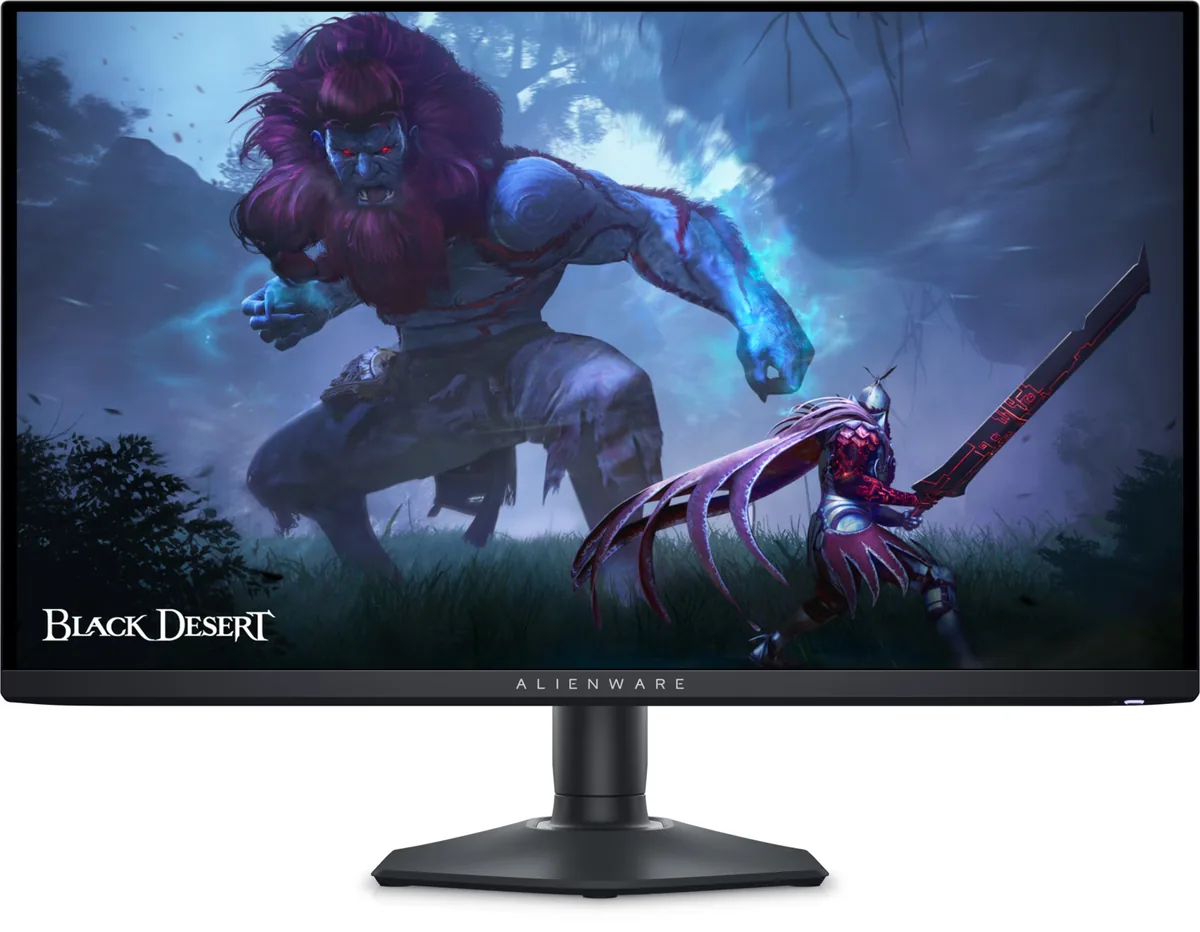
~$650Alienware AW2725DF
Alienware's 27-inch QD-OLED runs at 360 Hz for about $650, the fastest refresh on any Alienware panel here.
- Static contrast
- effectively infinite
- Panel
- 26.7″ QD-OLED
- HDR
- Real HDR
10Lenovo
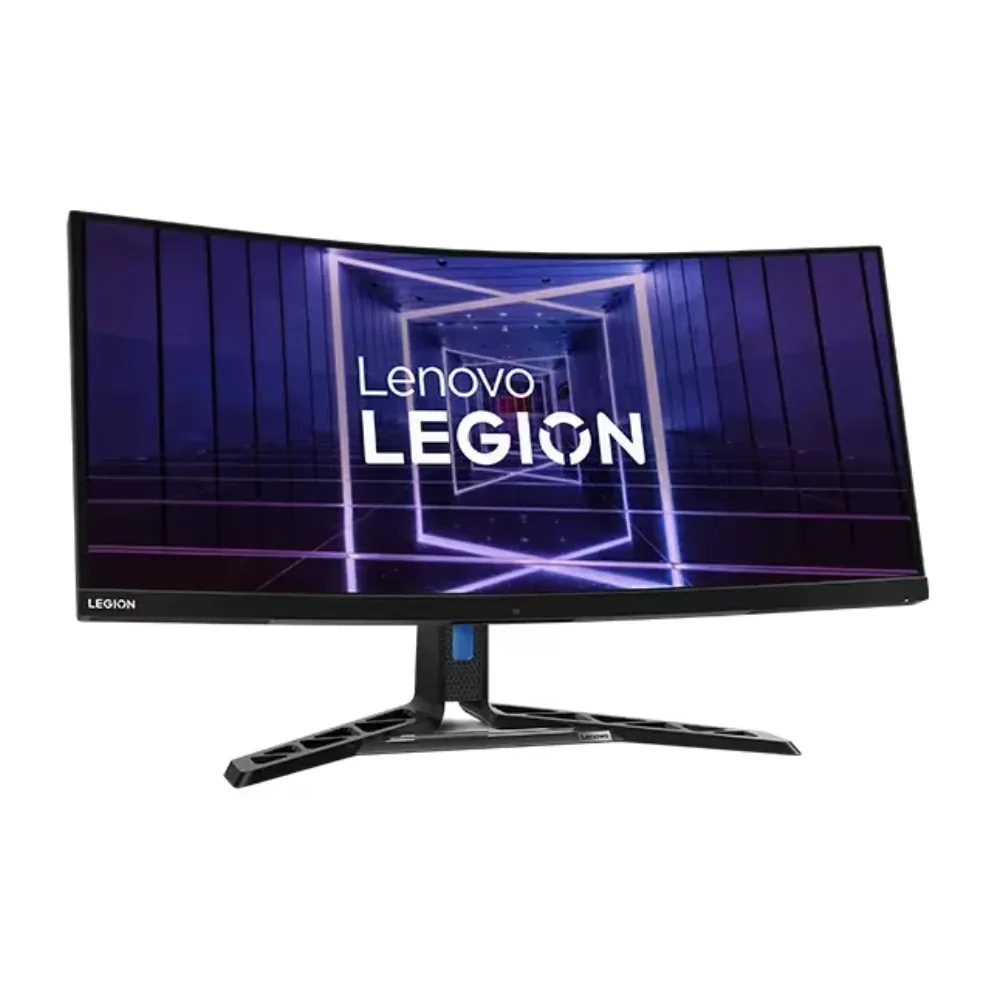
~$660Lenovo Legion Y34wz-30
Very few ultrawides pair a 384-zone mini-LED backlight with a 140 W USB-C dock, and this is the one that does.
- Static contrast
- 3,000:1
- Panel
- 34″ Mini-LED VA
- HDR
- Real HDR