Alienware AW3225QF vs Alienware AW2725Q
The Alienware AW2725Q is 11 pixels per degree sharper at a desk distance — 69 against 58, and that is the line between sharp and retina-class. Every other published specification for both is in the table, with the rows where they differ tinted.
Alienware
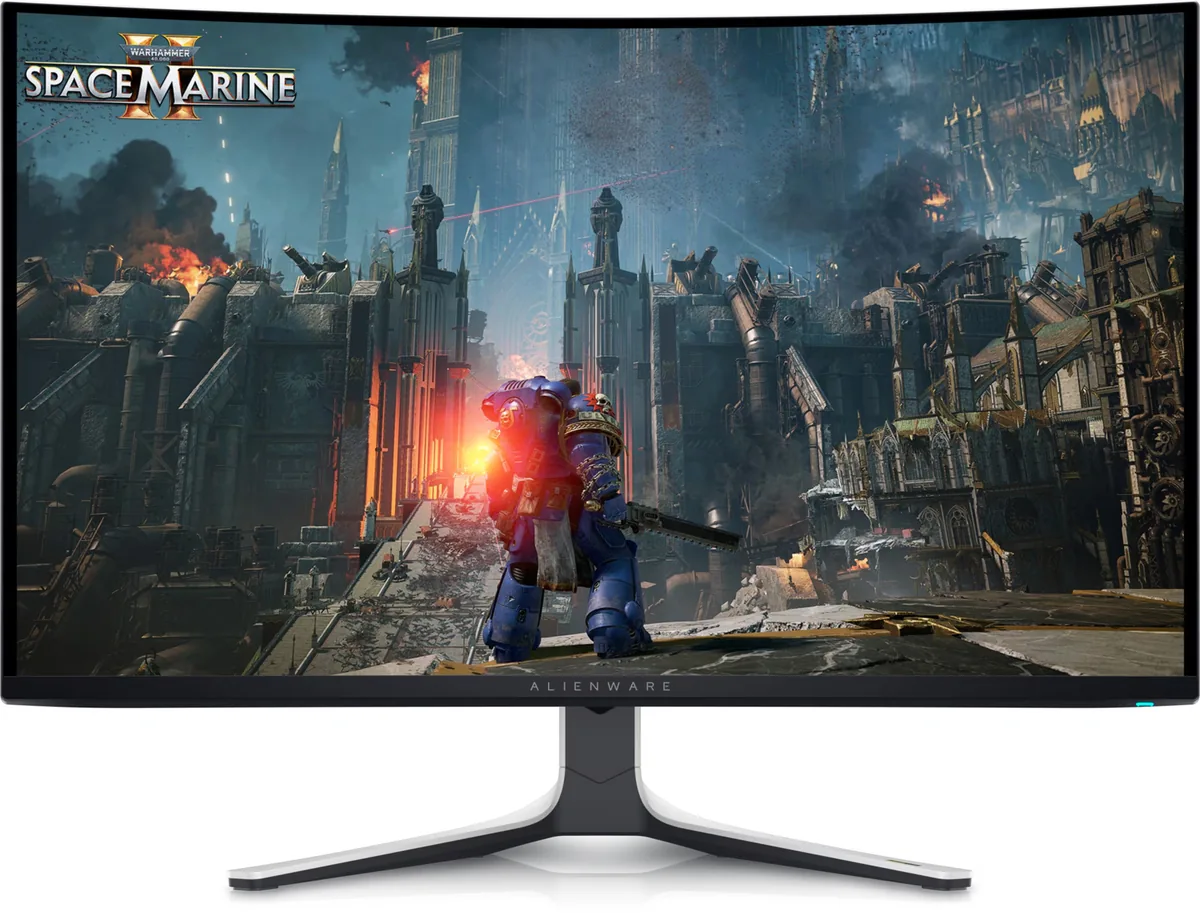
Alienware AW3225QF
58ppd · sharpReal HDR~$1,000
A gentle 1700R curve on a 32-inch 4K QD-OLED, which sounds like a contradiction and works better than it reads — the curve is shallow enough to be invisible on a desktop and just enough to even out the viewing distance at the edges.
Best for: A single flagship gaming panel where 4K and 240 Hz both matter
- 2×HDMI 2.1· full speed(DSC)
- DisplayPort 1.4· full speed(DSC)
Alienware
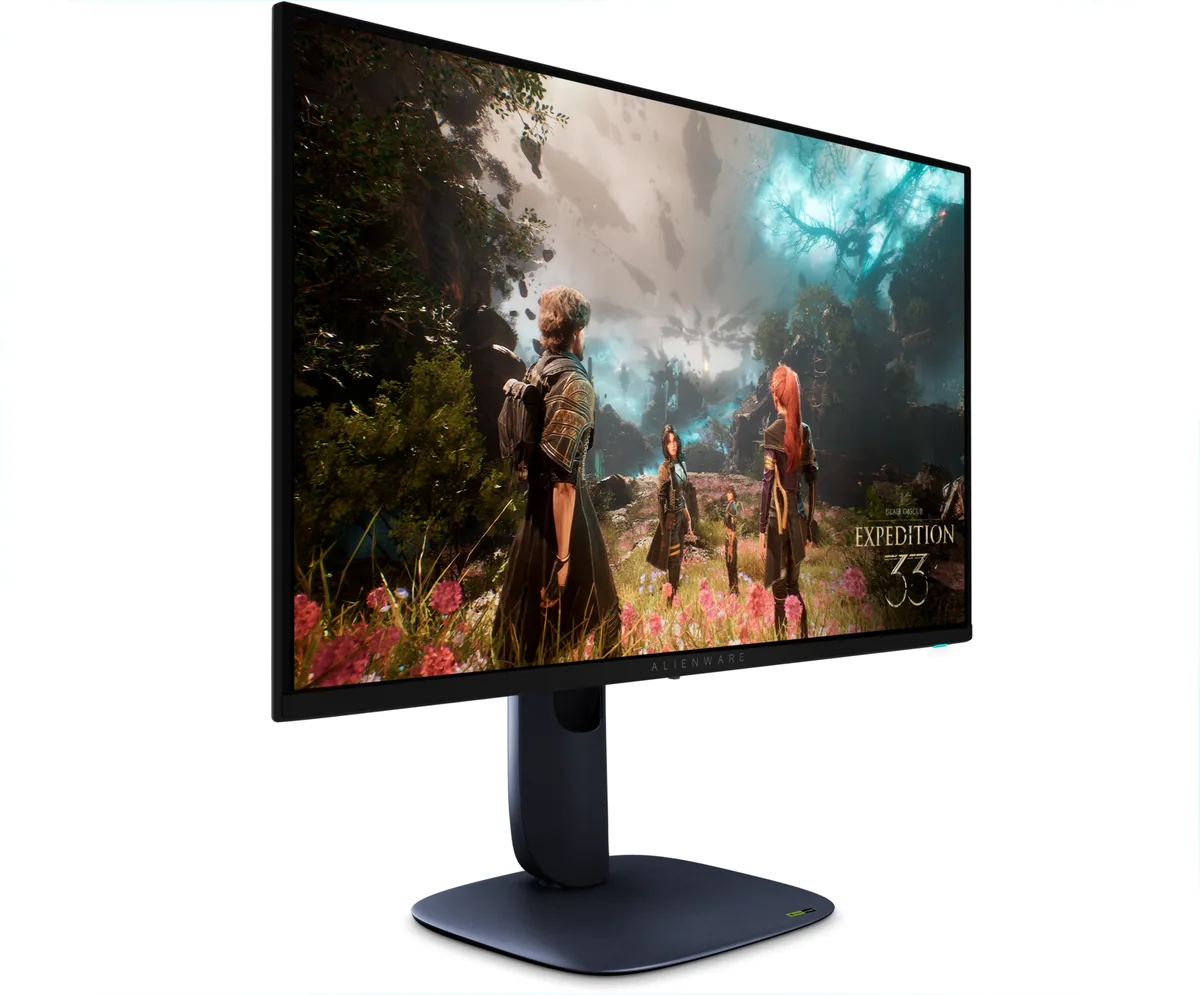
Alienware AW2725Q
69ppd · retina-classReal HDR~$900
Fourth-generation QD-OLED at 27 inches and 4K, which works out to 165 pixels per inch — the highest density on any OLED in this catalog and the panel that finally makes an OLED reasonable to write code on.
Best for: An OLED that has to handle text as well as it handles motion
- 2×HDMI 2.1· full speed(DSC)
- DisplayPort 1.4· full speed(DSC)
| Specification | Alienware AW3225QF | Alienware AW2725Q |
|---|---|---|
| Approx. price | ~$1,000 | ~$900 |
| Type | OLED gaming | OLED gaming |
| Screen size | 31.6 in | 26.7 in |
| Resolution | 3840×2160 | 3840×2160 |
| Aspect ratio | 16:9 | 16:9 |
| Pixels per degree | 58 — sharp | 69 — retina-class |
| Pixels per inch | 139 | 165 |
| Panel | QD-OLED | QD-OLED |
| Finish | semi-glossy | semi-glossy |
| Curvature | 1700R | Flat |
| Max refresh | 240 Hz | 240 Hz |
| Response time | 0.03 ms GtG | 0.03 ms GtG |
| VRR | G-Sync Compatible | G-Sync Compatible |
| HDR tier | Real HDR | Real HDR |
| HDR certification | DisplayHDR True Black 400 | DisplayHDR True Black 400 |
| Peak brightness | 1,000 nits claimed | 1,000 nits claimed |
| Measured peak | 1,014 nits · TFTCentral | — |
| SDR brightness | 271 nits | 250 nits |
| Local dimming | Per-pixel (emissive) | Per-pixel (emissive) |
| Static contrast | effectively infinite | effectively infinite |
| Colour gamut | 99% DCI-P3 | 99% DCI-P3 |
| Colour depth | 10-bit | 10-bit |
| HDMI | 2 × HDMI 2.1 | 2 × HDMI 2.1 |
| DisplayPort | 1 × DisplayPort 1.4 | 1 × DisplayPort 1.4 |
| DSC | Supported | Supported |
| Port speed | 2 of 2 inputs at full speed | 2 of 2 inputs at full speed |
| USB-C | None | None |
| Thunderbolt | No | No |
| KVM | None | None |
| USB hub | 4 ports | 4 ports |
| Speakers | None | None |
| Stand | height, tilt, swivel | height, tilt, swivel, pivot |
| VESA | 100x100 | 100x100 |
| Burn-in cover | 3 years | 3 years |
| Weight | 20.61 lb | 13.8 lb |
| Released | 2024 | 2025 |
| $ per inch | $32 | $34 |
| $ per megapixel | $121 | $109 |
Alienware AW3225QF: what it gives up
- TFTCentral measured only 271 nits in SDR, so daylight is the enemy
- Semi-glossy QD-OLED still reflects what is behind you and raises black level under room light
- The only USB-C is a downstream port and the hub upstream is USB-B, so nothing docks here on one cable
- No KVM despite a four-port hub
- QD-OLED subpixel geometry still fringes text; Windows ClearType helps but does not fix it
Alienware AW2725Q: what it gives up
- 4K at 26.7 inches needs Windows scaling at 150%, and scaled text on an OLED subpixel grid is where fringing reappears
- Nine hundred dollars for a 27-inch monitor
- The only USB-C is downstream and the hub connects over USB-B, so there is no single-cable laptop setup
- 250 nits full-field in SDR behind a semi-glossy coating, which a bright room will fight
Full specifications: Alienware AW3225QF · Alienware AW2725Q