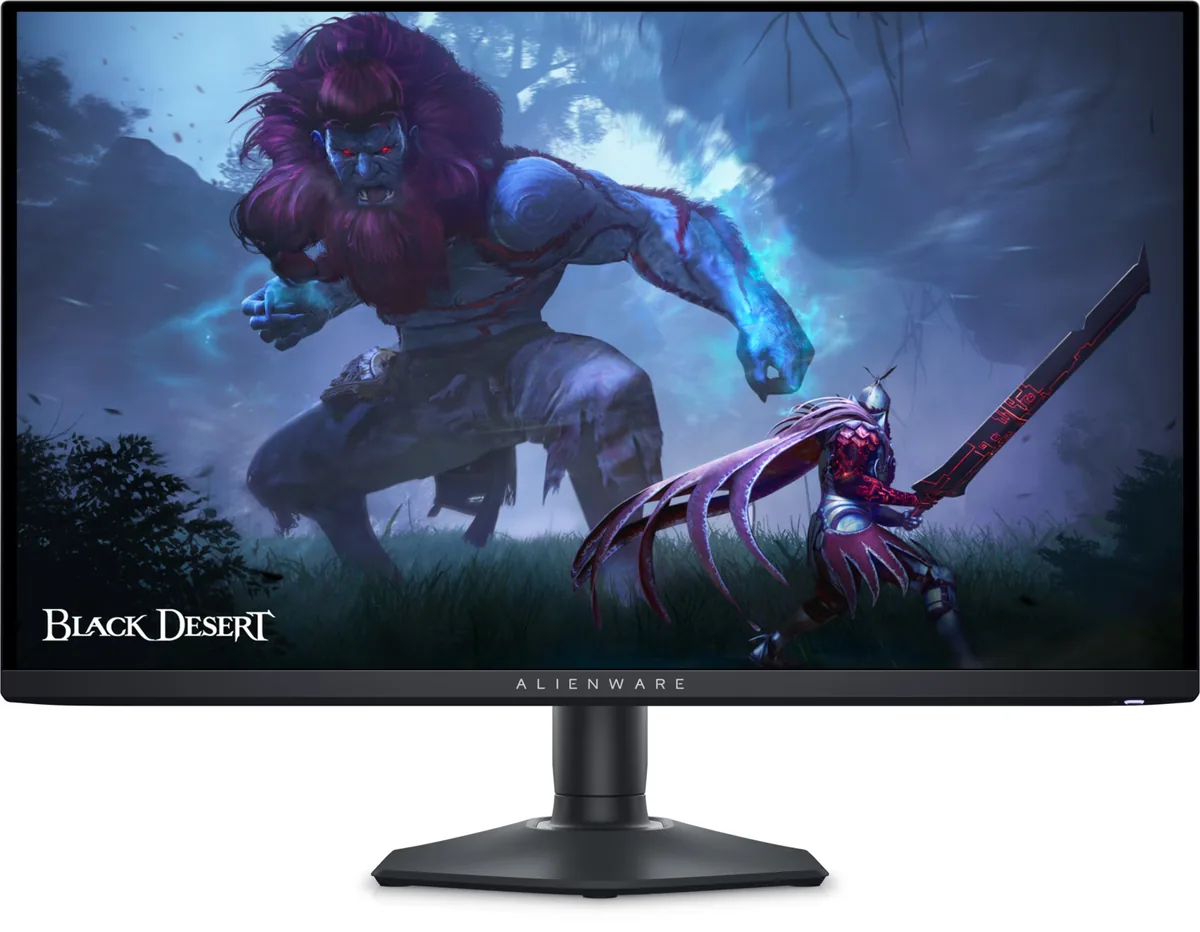
Alienware AW2725Q monitorOLED gaming~$900

Alienware

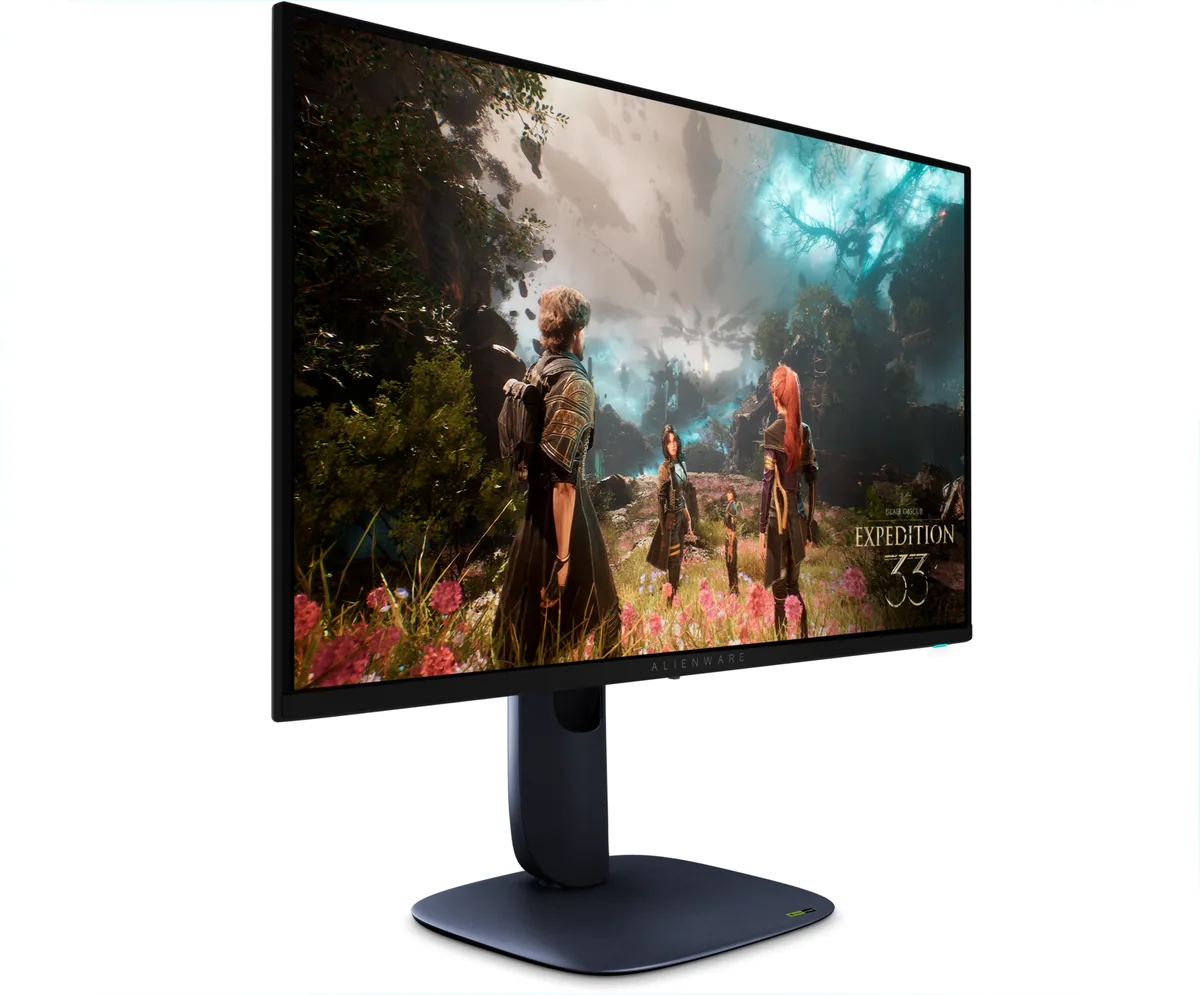
Alienware AW2725Q

Fourth-generation QD-OLED at 27 inches and 4K, which works out to 165 pixels per inch — the highest density on any OLED in this catalog and the panel that finally makes an OLED reasonable to write code on. Its hub runs off a USB-B upstream port, so a laptop still arrives on two cables. The compromise is size: 4K on a 27-inch OLED means Windows scaling, and OLED subpixel layouts and scaled text have never been friends.

Approx. price

~$900

snapshot, not a live price

Sharpness

69ppd · retina-class

past the ~1 arcminute limit of 20/20 acuity — the grid is gone

HDR tier

Real HDR

per-pixel emissive — every pixel is its own backlight, so a highlight can sit beside true black

Peak brightness

1,000nits claimed

DisplayHDR True Black 400

USB-C power

None

video and data only, or no USB-C at all

Max refresh

240 Hz

0.03 ms GtG rated

Port speed — can each input carry this panel?

  • 2×HDMI 2.1· full speed(DSC)
  • DisplayPort 1.4· full speed(DSC)

This panel needs 71.7 Gbps at 3840×2160, 240 Hz and 30 bits per pixel, and supports DSC compression.

Best for: An OLED that has to handle text as well as it handles motion

Specifications

Approx. price
~$900
Type
OLED gaming
Resolution
3840×2160
Pixels per degree
69 — retina-class
Panel
QD-OLED
Finish
semi-glossy
Response time
0.03 ms GtG
VRR
G-Sync Compatible
HDR tier
Real HDR
HDR certification
DisplayHDR True Black 400
Peak brightness
1,000 nits claimed
Local dimming
Per-pixel (emissive)
Static contrast
effectively infinite
Colour gamut
99% DCI-P3
HDMI
2 × HDMI 2.1
DisplayPort
1 × DisplayPort 1.4
DSC
Supported
Port speed
2 of 2 inputs at full speed
USB-C
None
KVM
None
USB hub
4 ports
Speakers
None
Stand
height, tilt, swivel, pivot
VESA
100x100
Weight
13.8 lb
Released
2025
$ per inch
$34
$ per megapixel
$109

Features

  • 4K on a 27-inch QD-OLED — 165 pixels per inch
  • 240 Hz with 0.03 ms response
  • Three downstream USB-A ports and one downstream USB-C
  • Two HDMI 2.1 inputs
  • Three-year burn-in warranty

What it does well

  • 165 pixels per inch is the densest OLED here — 69 pixels per degree, past the one-arcminute retina threshold
  • The extra density is what makes QD-OLED text fringing hard to see rather than obvious
  • A four-way stand with portrait pivot, which the 32-inch Alienware does not offer
  • 240 Hz at 4K in 10-bit colour — DisplayPort 1.4 with DSC carries the whole mode
  • Three-year panel exchange with burn-in written into it

What it gives up

  • 4K at 26.7 inches needs Windows scaling at 150%, and scaled text on an OLED subpixel grid is where fringing reappears
  • Nine hundred dollars for a 27-inch monitor
  • The only USB-C is downstream and the hub connects over USB-B, so there is no single-cable laptop setup
  • 250 nits full-field in SDR behind a semi-glossy coating, which a bright room will fight

The two lists above come from the maker’s specifications and from published third-party measurements, not from owner reports. Where owner discussion has been read it appears in its own section below, so the two are never mistaken for each other.

What owners say

A 27-inch 4K OLED was the shape people had been asking for long before one existed — the complaint that 32 inches was the only option, and too big for a lot of desks, shows up repeatedly in the year before this launched. What arrived answers it well and adds one unexpected flaw.

On picture, the owner reports are close to unanimous. Pixel density on a 26.7-inch diagonal is high enough that the subpixel fringing which drives people away from larger OLEDs stops being the first thing you notice, and at least one owner who had returned a 32-inch WOLED over text quality kept this instead. Dolby Vision, two full-bandwidth HDMI inputs and a portrait-capable stand round it out, and Dell's discounting regularly puts it well under the ASUS and MSI panels built on the same QD-OLED generation.

The flaw is audible. This chassis is actively cooled, and several owners describe a low buzzing hum that starts during ordinary desktop use and does not stop until the monitor is switched off. It is not universal and it is not reported on the 32-inch version, but it has been a return-it problem for people sensitive to noise, so listen to yours during the return window rather than after. Two smaller frictions round out the list: panel maintenance seems to need triggering by hand, and with no headphone jack and no speakers, console audio needs planning before the box arrives.
What owners like

  • Text clarity is the headline. One owner who returned a 32-inch 4K WOLED specifically because of poor text went to this panel and reported the problem gone — higher pixel density on a smaller diagonal, with a glossy coating rather than a diffusing one.
  • Owners who have used several OLEDs call this the sharpest of them, and people who found a 32-inch 4K panel physically too big for their desk consistently say 27 inches was the right size.
  • Dolby Vision support gets named as a buying reason by people shopping for media as well as games.
  • Dell discounts it aggressively and often. Owners report closing well below list with newsletter and student discounts stacked on a sale, which puts it hundreds under the ASUS and MSI panels using the same generation of QD-OLED.
  • Two HDMI 2.1 inputs and eARC make it workable for a PlayStation and an Xbox at the same time, which is why console owners keep shortlisting it.
  • The stand includes portrait pivot, which the 32-inch Alienware does not.

Common complaints

  • Several owners report an internal cooling fan that runs up while merely browsing and produces a constant low buzzing hum — one called it louder than a nine-fan PC and returned the monitor over it. Owners of the 32-inch model mostly report silence, so this is specific to the 27-inch chassis.
  • Panel-refresh maintenance appears to be manual only: owners looking for a schedule or a run-after-standby option report finding none in the on-screen menu, so you have to remember to trigger it.
  • There is no headphone output and no speakers, which turns audio into a project for console owners — eARC works, but most compact soundbars do not speak it.
  • The desktop reads dimmer than older Alienware OLEDs at matching settings. One owner running it beside a 34-inch predecessor could not match the brightness in Creator mode and fell back to a gaming preset to get it back.
  • ASUS's 27-inch 4K equivalent adds a heatsink instead of a fan and USB-C power delivery for roughly a hundred and sixty dollars more, and owners who care about noise or single-cable docking generally conclude that money is well spent.

Questions owners ask about the Alienware AW2725Q

Is the fan noise normal, or do I have a bad unit?

Multiple owners report the same thing: a constant low-pitched buzzing hum that kicks in during ordinary web browsing and stays on until the monitor is powered off. It appears to be the chassis design rather than a defect, and owners comparing notes with the 32-inch model — which is generally described as silent — concluded this one is simply active-cooled. If noise matters to you, put the monitor on a quiet desktop task during the return window and listen with your PC off.

Does this fix the OLED text fringing that made me return a 32-inch panel?

For at least one owner it did, and they wrote it up after returning a 32-inch 4K WOLED over exactly that. The mechanism is pixels per degree rather than pixels per inch: the same 4K grid packed into 26.7 inches and viewed at desk distance puts more pixels into each degree of your vision, so the colour fringes around glyph edges shrink below where you notice them. A glossy coating helps too, since anti-glare diffusion softens text on its own.

Does panel refresh run automatically, or do I have to start it?

Owners looking for a schedule or an automatic run after standby report not finding one, and are triggering the refresh cycle manually from the on-screen menu. Plan to run it when you finish for the day rather than relying on the monitor to pick a moment, and let it complete — interrupting the cycle part-way is the one thing worth avoiding.

Is DisplayPort 1.4 rather than 2.1 going to hold it back?

This is the most common worry about this model and it is largely unfounded. 4K at 240 Hz in 10-bit does not fit uncompressed DisplayPort 1.4, so the monitor uses Display Stream Compression to carry it — which is visually lossless in practice and is how most panels in this class run today. Where 2.1 genuinely helps is daisy-chaining and future modes beyond this panel's ceiling. Make sure DSC is enabled and use the supplied cable.

How do I get sound out of it for a console?

You need to plan this, because there is no headphone jack and no built-in speakers. eARC over HDMI is the supported path and works with receivers and full-size soundbars, but owners have run into the practical problem that compact soundbars small enough to sit under a 27-inch monitor usually do not support eARC. The alternatives are taking audio off the console itself or running it through a receiver ahead of the monitor.

Why does my desktop look dimmer than my older Alienware OLED?

One owner running this next to a 34-inch Alienware could not match the older panel's desktop brightness with identical Creator-mode, DCI-P3, gamma 2.2 settings, and got there by switching to a gaming preset instead. Panel-protection behaviour differs between generations, and full-field brightness on this class of OLED is modest by design. If the desktop looks flat, try the preset switch before assuming a fault.

Others in the same part of the catalog

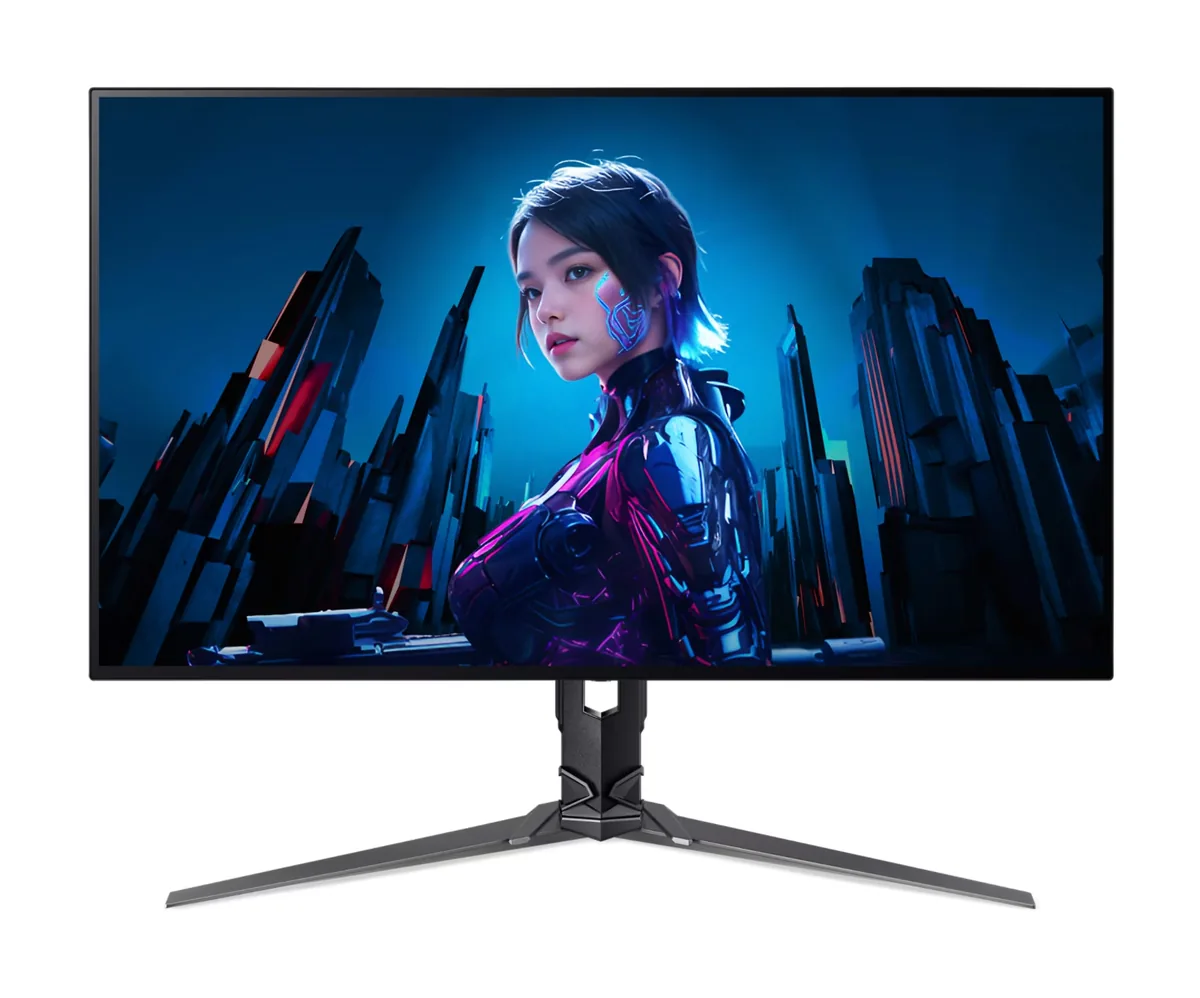
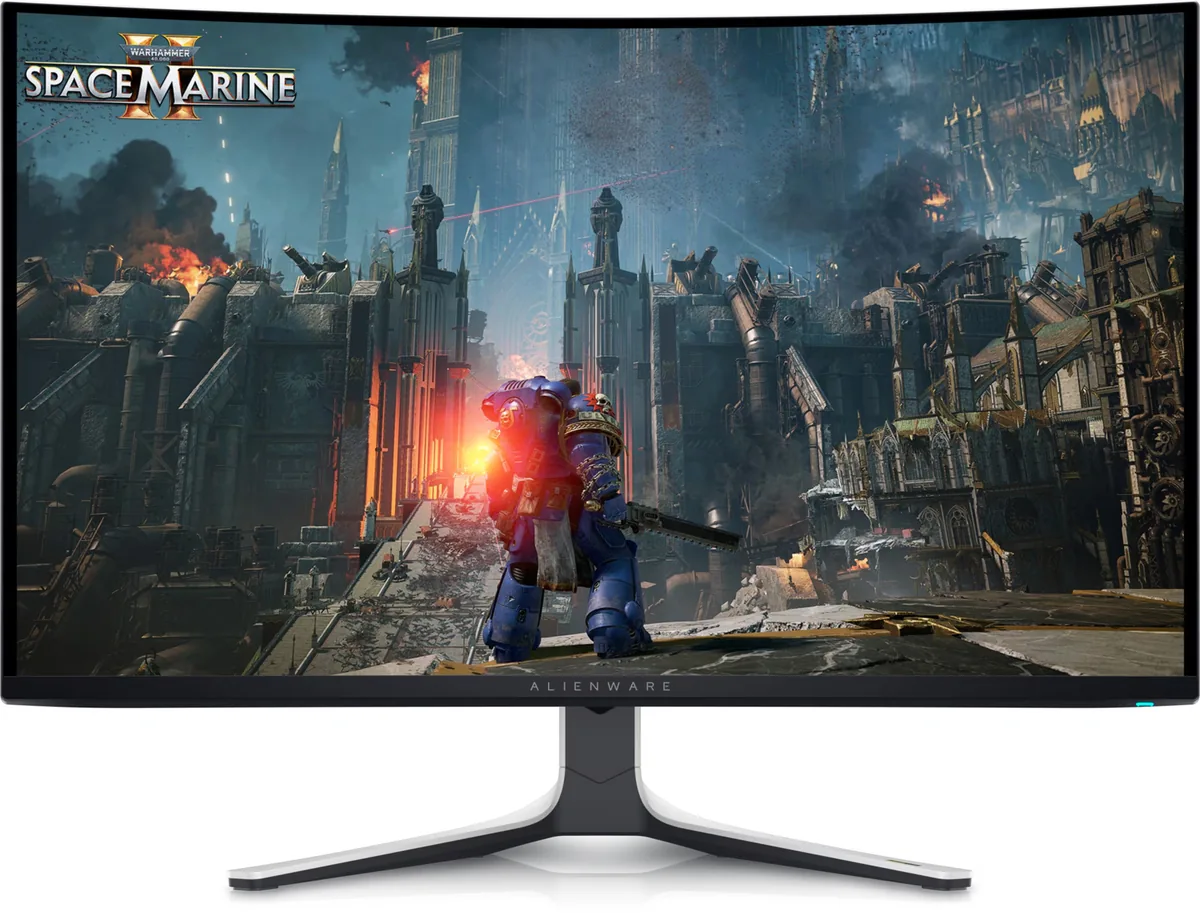
Alienware AW3225QF monitor
Alienware~$1,000

Alienware AW3225QF

31.6″ · 3840×2160 · 240 Hz · QD-OLED

Sharpness
58ppd · sharp
HDR
Real HDR
USB-C power
No USB-C power
  • 4K 240 Hz OLED
  • 1,014 nits measured
  • Dolby Vision
  • Console at full speed

Best for: A single flagship gaming panel where 4K and 240 Hz both matter

Alienware AW2725DF monitor
Alienware~$650

Alienware AW2725DF

26.7″ · 2560×1440 · 360 Hz · QD-OLED

Sharpness
46ppd · sharp
HDR
Real HDR
USB-C power
No USB-C power
  • 360 Hz QD-OLED
  • Around $650
  • 3-year burn-in cover

Best for: Competitive play on an OLED without flagship pricing

Acer Predator X32 X3 monitor
Acer~$880

Acer Predator X32 X3

31.5″ · 3840×2160 · 240 Hz · WOLED

Sharpness
59ppd · sharp
HDR
Real HDR
  • 4K 240 Hz / 1080p 480 Hz
  • Per-pixel contrast
  • 90 W USB-C
  • Console at full speed

Best for: One desk that has to serve 4K single-player games and competitive shooters

More from Alienware →

← Back to the catalog