ASUS ZenScreen MB16QHG vs ASUS ZenScreen MB249C
The ASUS ZenScreen MB16QHG is 40 pixels per degree sharper at a desk distance — 79 against 39, and that is the line between visible pixels and retina-class. Every other published specification for both is in the table, with the rows where they differ tinted.
ASUS
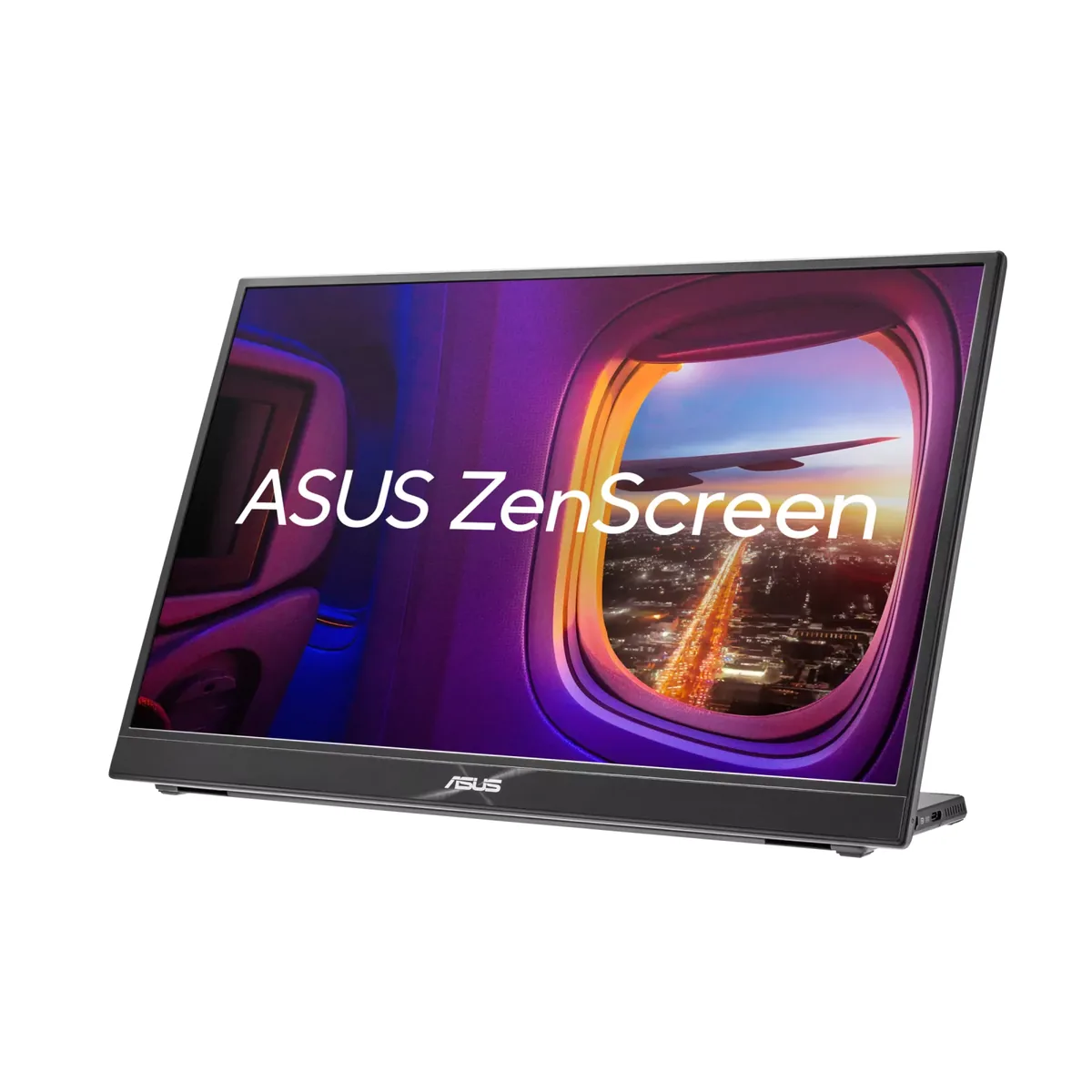
ASUS ZenScreen MB16QHG
79ppd · retina-classAccepts an HDR signal~$350
Two and a half pounds, 2560×1600, 120 Hz and 500 rated nits — and the brightness is the part that matters, because most portables stop near 300 and wash out anywhere near a window.
Best for: A second screen in a bag that is good enough to be the only screen
- HDMI 2.0· full speed
- USB-C (DP Alt Mode)· full speed
ASUS
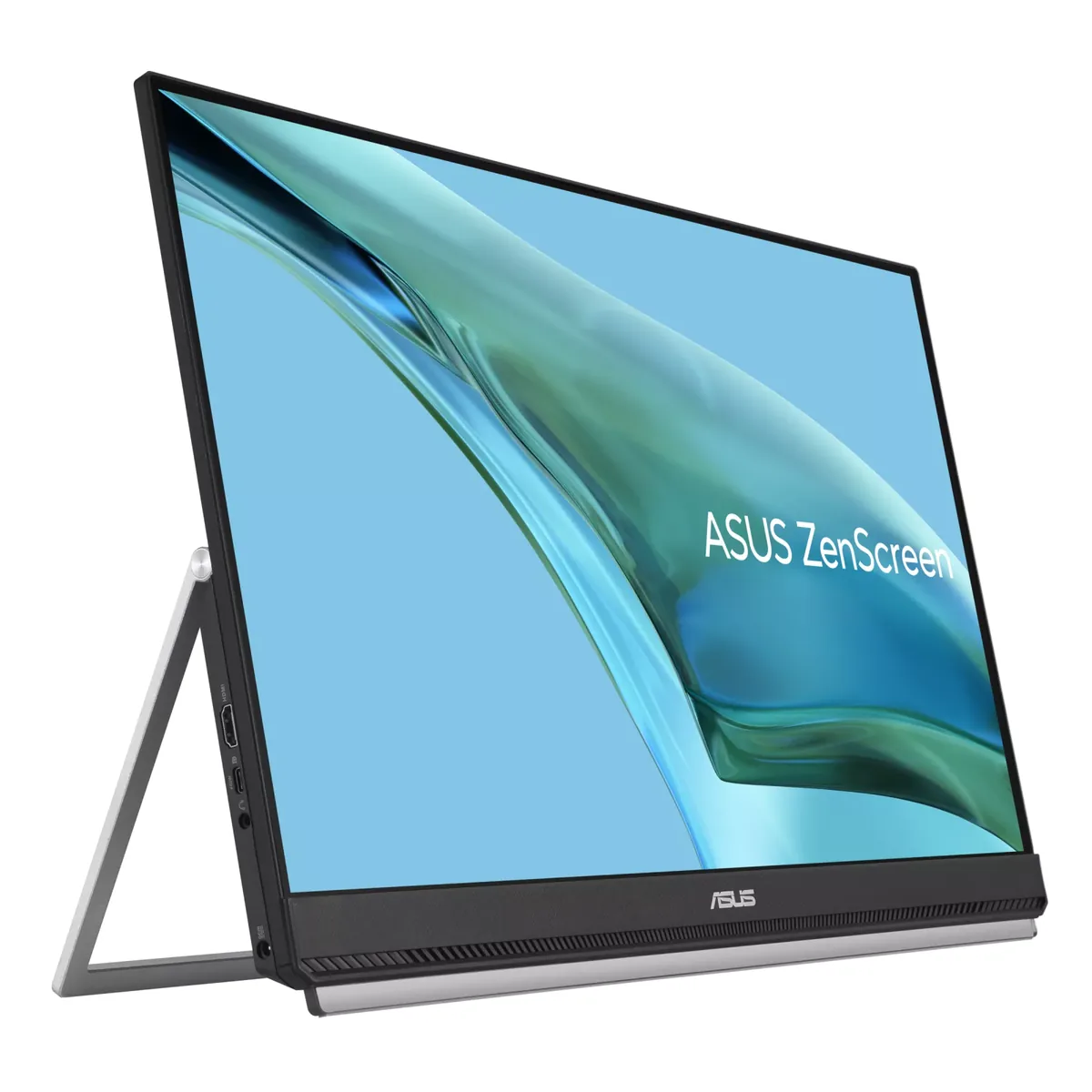
ASUS ZenScreen MB249C
39ppd · visible pixelsNo HDR~$349
Calling a 23.8-inch monitor portable stretches the word, but this one ships with a carrying handle, a C-clamp arm and a hook for cubicle partitions, which tells you who it is for: hot-deskers and contractors who need a full-size second screen wherever they land that week.
Best for: A full-size second screen for a desk you do not keep
- HDMI 1.4· full speed
- USB-C (DP Alt Mode)· full speed
| Specification | ASUS ZenScreen MB16QHG | ASUS ZenScreen MB249C |
|---|---|---|
| Approx. price | ~$350 | ~$349 |
| Type | Portable | Portable |
| Screen size | 16 in | 23.8 in |
| Resolution | 2560×1600 | 1920×1080 |
| Aspect ratio | 16:10 | 16:9 |
| Pixels per degree | 79 — retina-class | 39 — visible pixels |
| Pixels per inch | 189 | 93 |
| Panel | IPS | IPS |
| Finish | matte | matte |
| Curvature | Flat | Flat |
| Max refresh | 120 Hz | 75 Hz |
| Response time | 5 ms GtG | 5 ms GtG |
| VRR | None | Adaptive-Sync |
| HDR tier | Accepts an HDR signal | No HDR |
| HDR certification | DisplayHDR 400 | None |
| Peak brightness | 500 nits claimed | 250 nits claimed |
| SDR brightness | 500 nits | 250 nits |
| Local dimming | None | None |
| Static contrast | 1,200:1 | 1,000:1 |
| Colour gamut | 100% DCI-P3 | — |
| Colour depth | 8-bit | 8-bit |
| HDMI | 1 × HDMI 2.0 | 1 × HDMI 1.4 |
| DisplayPort | None | None |
| DSC | Not supported | Not supported |
| Port speed | 2 of 2 inputs at full speed | 2 of 2 inputs at full speed |
| USB-C | Video in over USB-C | Video in over USB-C |
| USB-C power | — | 60 W — Thin-and-light laptop |
| Thunderbolt | No | No |
| KVM | None | None |
| USB hub | None | None |
| Speakers | None | Built in |
| Stand | tilt | height, tilt, swivel, pivot |
| VESA | No mount | 100x100 |
| Weight | 2.65 lb | 10.67 lb |
| Released | 2023 | 2023 |
| $ per inch | $22 | $15 |
| $ per megapixel | $85 | $168 |
ASUS ZenScreen MB16QHG: what it gives up
- It draws power from the host rather than supplying any, and ASUS tells HDMI users to attach the in-box adapter rather than run it off the laptop
- No speakers, only a headphone jack, so sound stays with the laptop
- No VESA mount — a quarter-inch tripod socket is the only fixing point, and the kickstand only tilts
- DisplayHDR 400 over a 1200:1 IPS panel with no dimming zones is an HDR badge rather than HDR
ASUS ZenScreen MB249C: what it gives up
- 1080p across 23.8 inches is 93 pixels per inch — visibly coarse next to any modern laptop panel
- 250 nits is dim for a screen this size in a bright room
- At 10.7 pounds with the mounting hardware it is luggage rather than a bag accessory
- HDMI is 1.4, which ASUS's own signal table runs to the panel's full 75 Hz and no further — there is no headroom above this panel at all
- The mounting hardware is what the price buys; the panel itself is the same class as desk monitors costing half as much
Full specifications: ASUS ZenScreen MB16QHG · ASUS ZenScreen MB249C