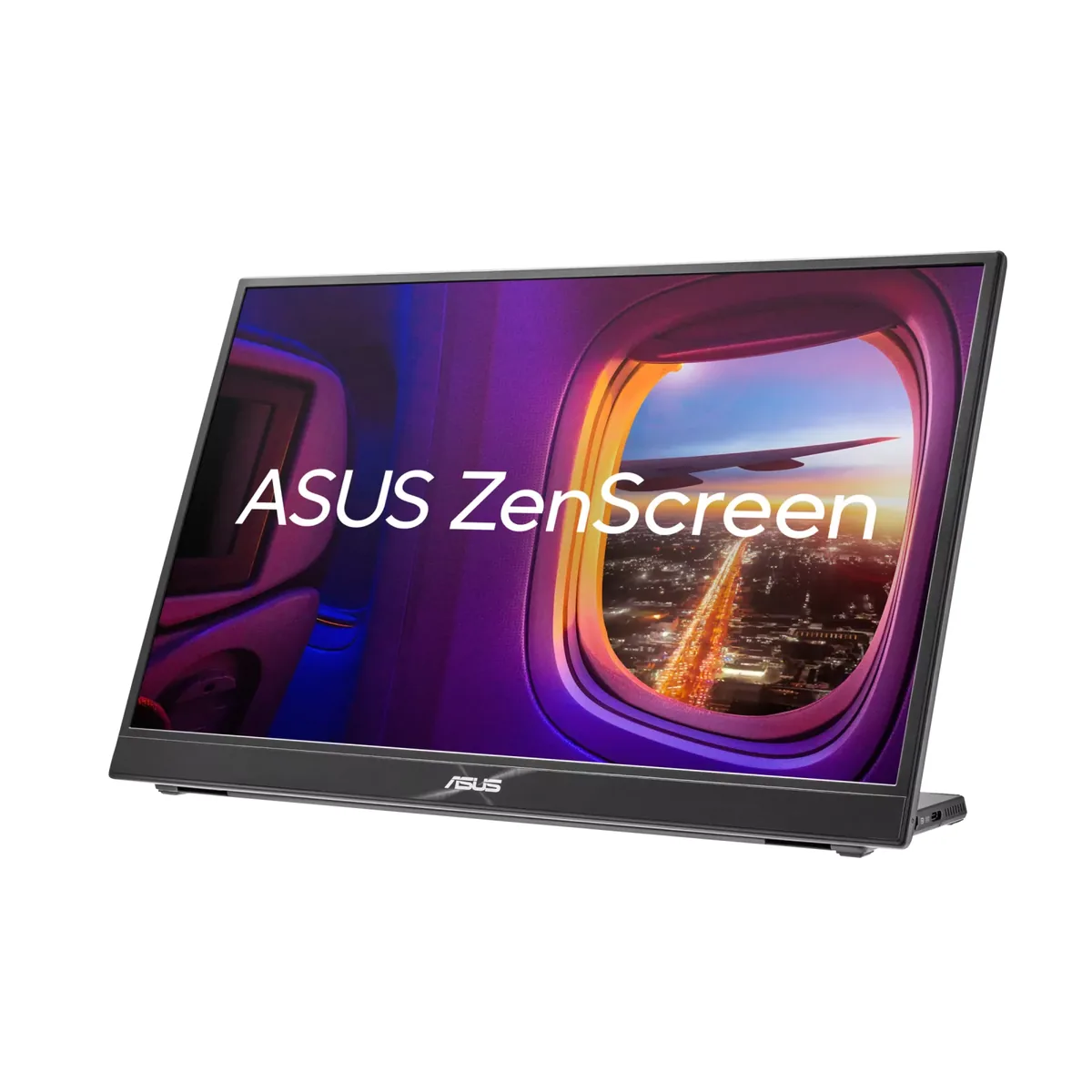
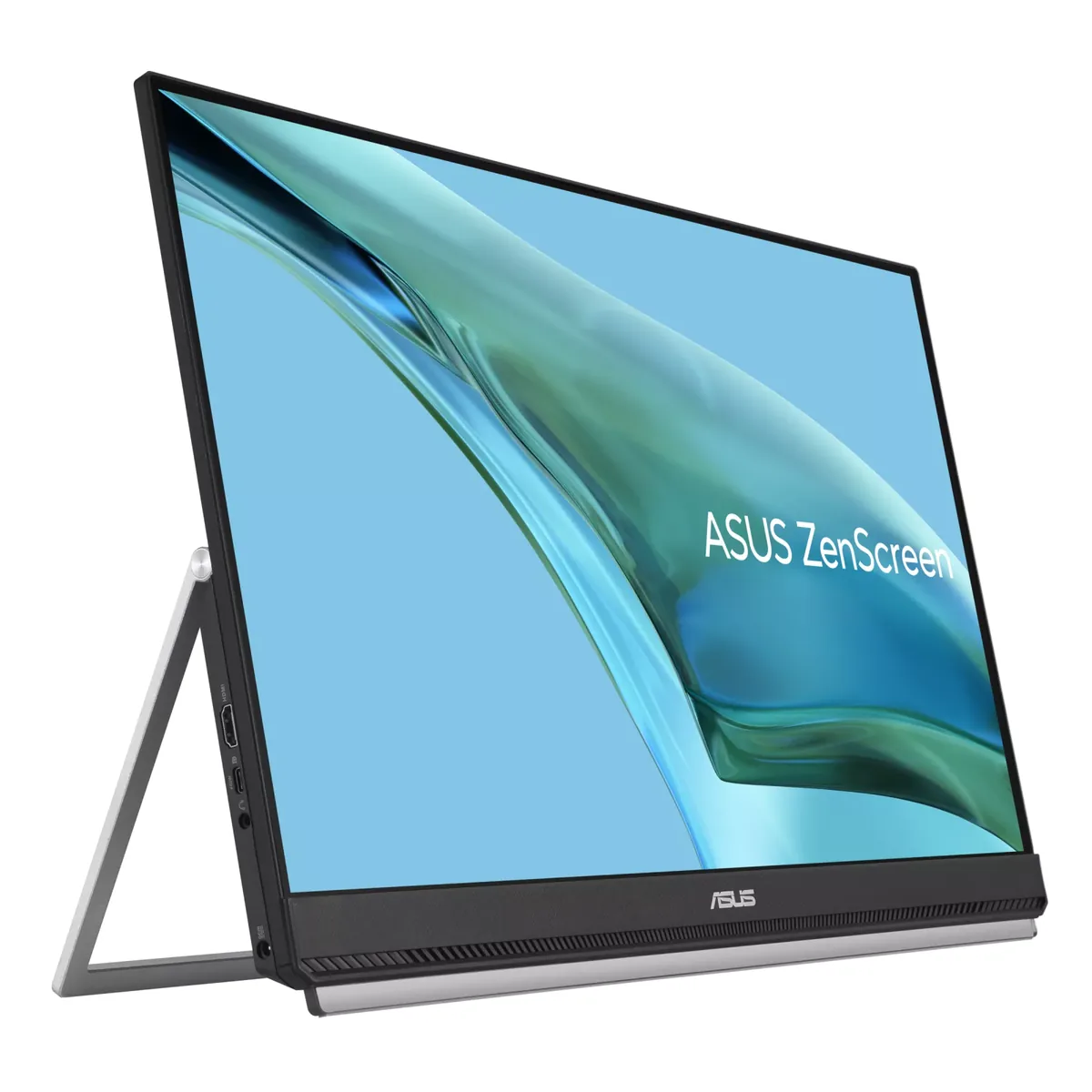
ASUS ZenScreen MB16QHG monitorPortable~$350

ASUS

ASUS ZenScreen MB16QHG

Two and a half pounds, 2560×1600, 120 Hz and 500 rated nits — and the brightness is the part that matters, because most portables stop near 300 and wash out anywhere near a window. The 16:10 shape gives back the vertical space a 16:9 portable wastes, and 100% DCI-P3 means it is usable for reviewing photos on the road rather than just for spreadsheets.

Approx. price

~$350

snapshot, not a live price

Sharpness

79ppd · retina-class

past the ~1 arcminute limit of 20/20 acuity — the grid is gone

HDR tier

Accepts an HDR signal

an edge-lit backlight with no dimming zones — HDR mode changes the tone curve, not the contrast

Peak brightness

500nits claimed

DisplayHDR 400

USB-C power

None

video and data only, or no USB-C at all

Max refresh

120 Hz

5 ms GtG rated

Port speed — can each input carry this panel?

  • HDMI 2.0· full speed
  • USB-C (DP Alt Mode)· full speed

This panel needs 14.2 Gbps at 2560×1600, 120 Hz and 24 bits per pixel, with no DSC to fall back on.

Best for: A second screen in a bag that is good enough to be the only screen

Specifications

Approx. price
~$350
Type
Portable
Resolution
2560×1600
Pixels per degree
79 — retina-class
Finish
matte
VRR
None
HDR tier
Accepts an HDR signal
HDR certification
DisplayHDR 400
Peak brightness
500 nits claimed
Colour gamut
100% DCI-P3
HDMI
1 × HDMI 2.0
DSC
Not supported
Port speed
2 of 2 inputs at full speed
USB-C
Video in over USB-C
KVM
None
Speakers
None
Stand
tilt
VESA
No mount
Weight
2.65 lb
Released
2023
$ per inch
$22
$ per megapixel
$85

Features

  • 2560×1600 at 120 Hz in a 2.6-pound chassis
  • 100% DCI-P3 coverage at 500 rated nits
  • Built-in kickstand and folding smart case
  • HDMI 2.0 input alongside two full-function USB-C ports
  • Quarter-inch tripod socket on the base

What it does well

  • 120 Hz on a travel panel, where 60 Hz is still the norm and a laptop GPU driving it feels immediately smoother
  • 189 pixels per inch works out to 79 pixels per degree — sharper than any 27-inch 1440p monitor here, and sharper than every 32-inch 4K one
  • 100% DCI-P3 and 500 rated nits make it usable for reviewing photographs away from a desk
  • Two and a half pounds with the kickstand built in, and it takes HDMI as well as USB-C, so a console or a camera can drive it

What it gives up

  • It draws power from the host rather than supplying any, and ASUS tells HDMI users to attach the in-box adapter rather than run it off the laptop
  • No speakers, only a headphone jack, so sound stays with the laptop
  • No VESA mount — a quarter-inch tripod socket is the only fixing point, and the kickstand only tilts
  • DisplayHDR 400 over a 1200:1 IPS panel with no dimming zones is an HDR badge rather than HDR

The two lists above come from the maker’s specifications and from published third-party measurements, not from owner reports. Where owner discussion has been read it appears in its own section below, so the two are never mistaken for each other.

What owners say

No owner discussion has been read for the ASUS ZenScreen MB16QHG yet. This section stays empty until there is something real to put in it.

Others in the same part of the catalog

ASUS ZenScreen MB249C monitor
ASUS~$349

ASUS ZenScreen MB249C

23.8″ · 1920×1080 · 75 Hz · IPS

Sharpness
39ppd · visible pixels
HDR
No HDR
  • 23.8 inches
  • 60 W USB-C
  • Clamp + hook included
  • Console at full speed

Best for: A full-size second screen for a desk you do not keep
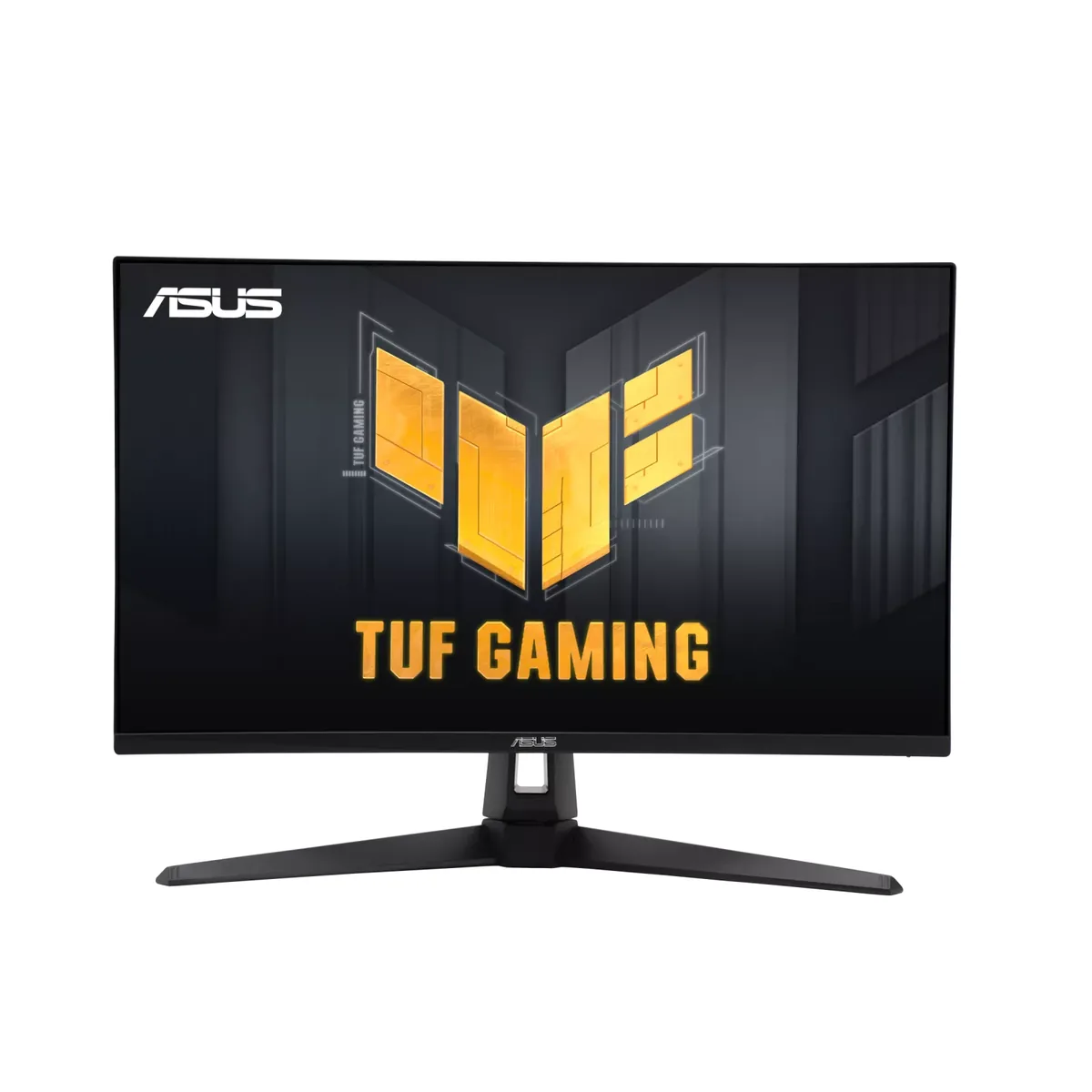
ASUS TUF Gaming VG27AQ3A monitor
ASUS~$209

ASUS TUF Gaming VG27AQ3A

27″ · 2560×1440 · 180 Hz · Fast IPS

Sharpness
46ppd · sharp
HDR
No HDR
USB-C power
No USB-C power
  • ELMB Sync strobing
  • 180 Hz
  • Around $210

Best for: Motion clarity on a budget, via backlight strobing rather than raw refresh

More from ASUS →

← Back to the catalog