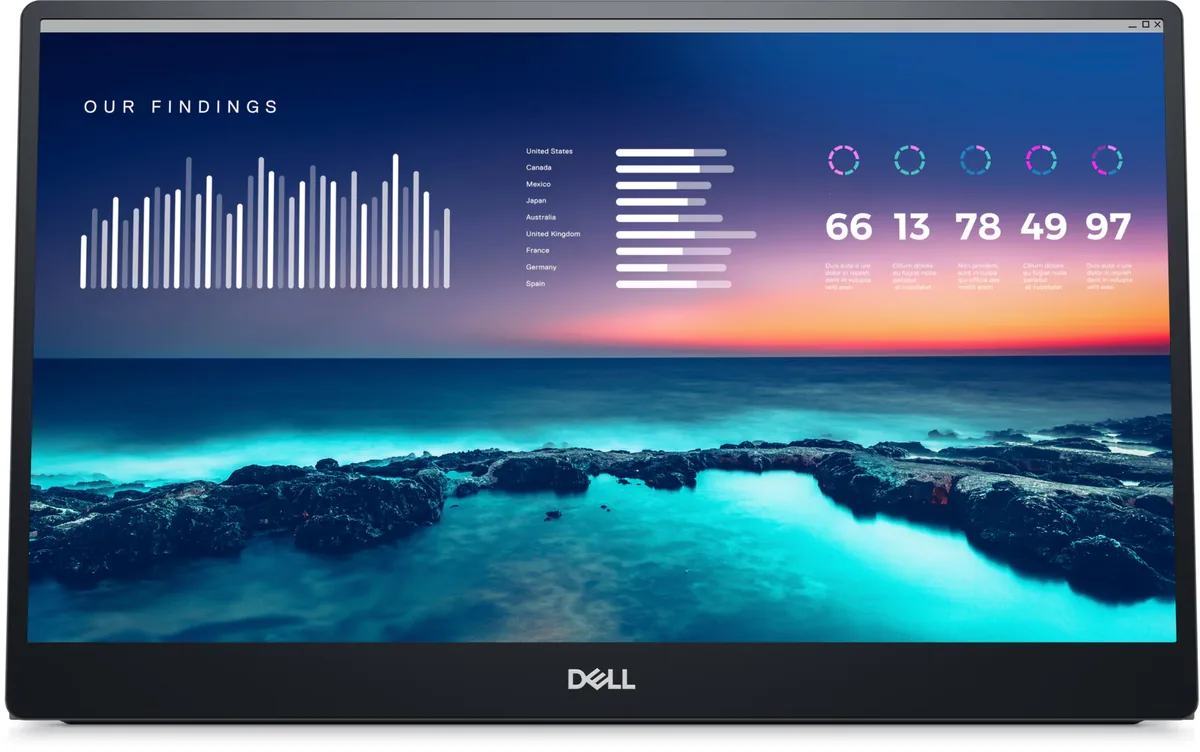
Dell~$290
Dell 14 Portable Monitor P1424H
14″ · 1920×1080 · 60 Hz · IPS
- Sharpness
- 66ppd · retina-class
- HDR
- No HDR
- USB-C power
- 65 W
- 1.3 lb
- Dual USB-C
- 3-year exchange cover
Best for: A travel second screen bought on warranty rather than specification
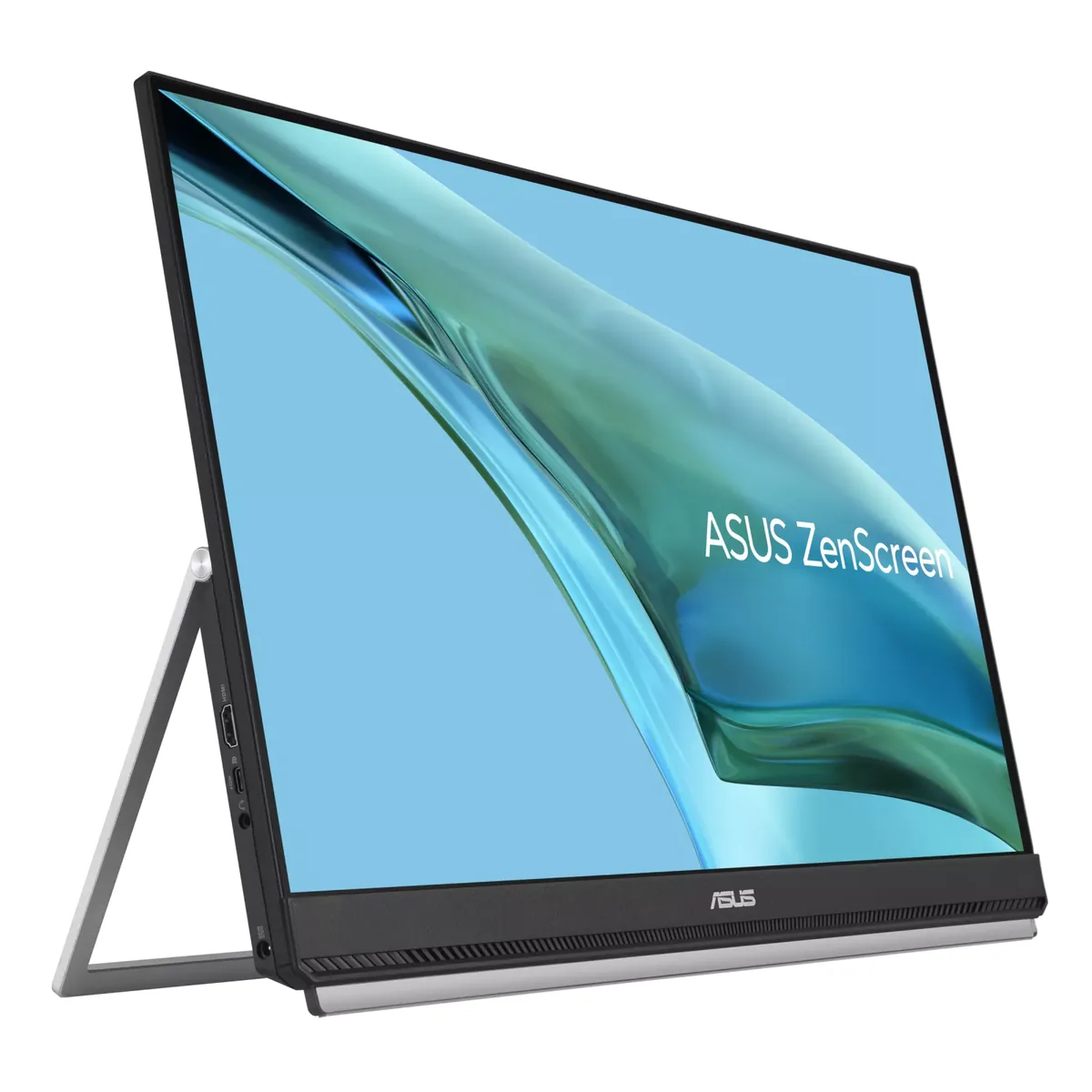 Portable~$349
ASUS
Calling a 23.8-inch monitor portable stretches the word, but this one ships with a carrying handle, a C-clamp arm and a hook for cubicle partitions, which tells you who it is for: hot-deskers and contractors who need a full-size second screen wherever they land that week. The panel is plain 1080p office glass at 250 nits. Everything interesting is in the mounting hardware and the 60 W USB-C connection.
Approx. price
~$349
snapshot, not a live price
Sharpness?Pixels per degree of vision at desk distance. Under 40 the pixel grid is visible, 40–60 is sharp, over 60 passes the limit of 20/20 eyesight.
39ppd · visible pixels
the pixel grid is visible at a desk distance
HDR tier?Whether the panel can really show HDR — per-pixel lighting (OLED) or 600+ nits behind dimming zones — or only accepts the signal.
No HDR
the maker makes no HDR claim for this panel
Peak brightness?The brightest the panel gets on a highlight, in nits. It matters for HDR more than for everyday use.
no HDR certification
USB-C power?How much charging power the USB-C port sends back to a laptop. Up to 65 W holds a 13-inch ultrabook, up to 100 W a 14-inch machine; a 16-inch laptop wants about 140 W.
60 W
holds a 13-inch ultrabook at a steady charge
Max refresh?The most frames per second the panel can draw. Higher makes motion and scrolling smoother.
75 Hz
5 ms GtG rated
Port speed?Whether each input has the bandwidth to carry the panel's full resolution and refresh rate at once. — can each input carry this panel?
This panel needs 4.5 Gbps at 1920×1080, 75 Hz and 24 bits per pixel, with no DSC to fall back on.
Best for: A full-size second screen for a desk you do not keep
The two lists above come from the maker’s specifications and from published third-party measurements, not from owner reports. Where owner discussion has been read it appears in its own section below, so the two are never mistaken for each other.
No owner discussion has been read for the ASUS ZenScreen MB249C yet. This section stays empty until there is something real to put in it.
14″ · 1920×1080 · 60 Hz · IPS
Best for: A travel second screen bought on warranty rather than specification
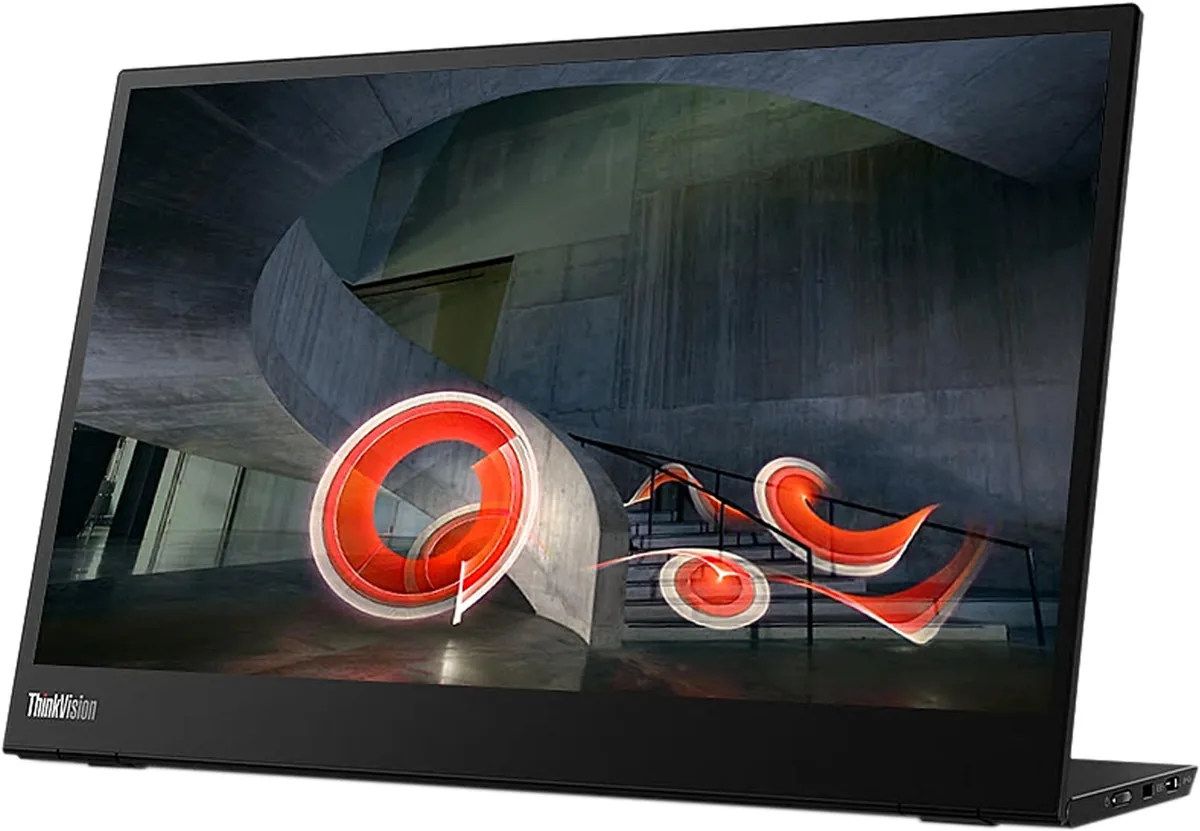
14″ · 1920×1080 · 60 Hz · IPS
Best for: The default laptop-bag second screen when nothing may go wrong
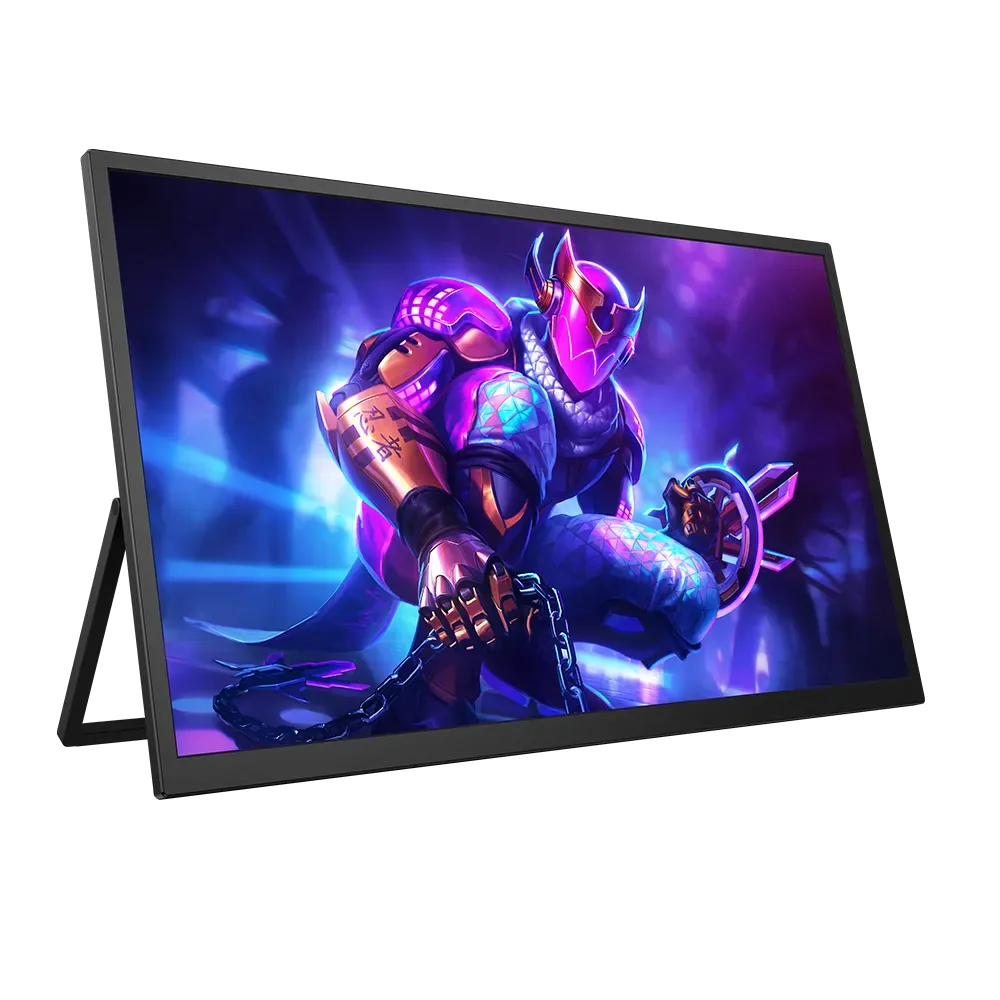
18.5″ · 1920×1080 · 120 Hz · IPS
Best for: Taking a console to a hotel room without hunting for a TV