Gigabyte M27U vs Gigabyte M27Q X
The Gigabyte M27U is 22 pixels per degree sharper at a desk distance — 68 against 46, and that is the line between sharp and retina-class. Every other published specification for both is in the table, with the rows where they differ tinted.
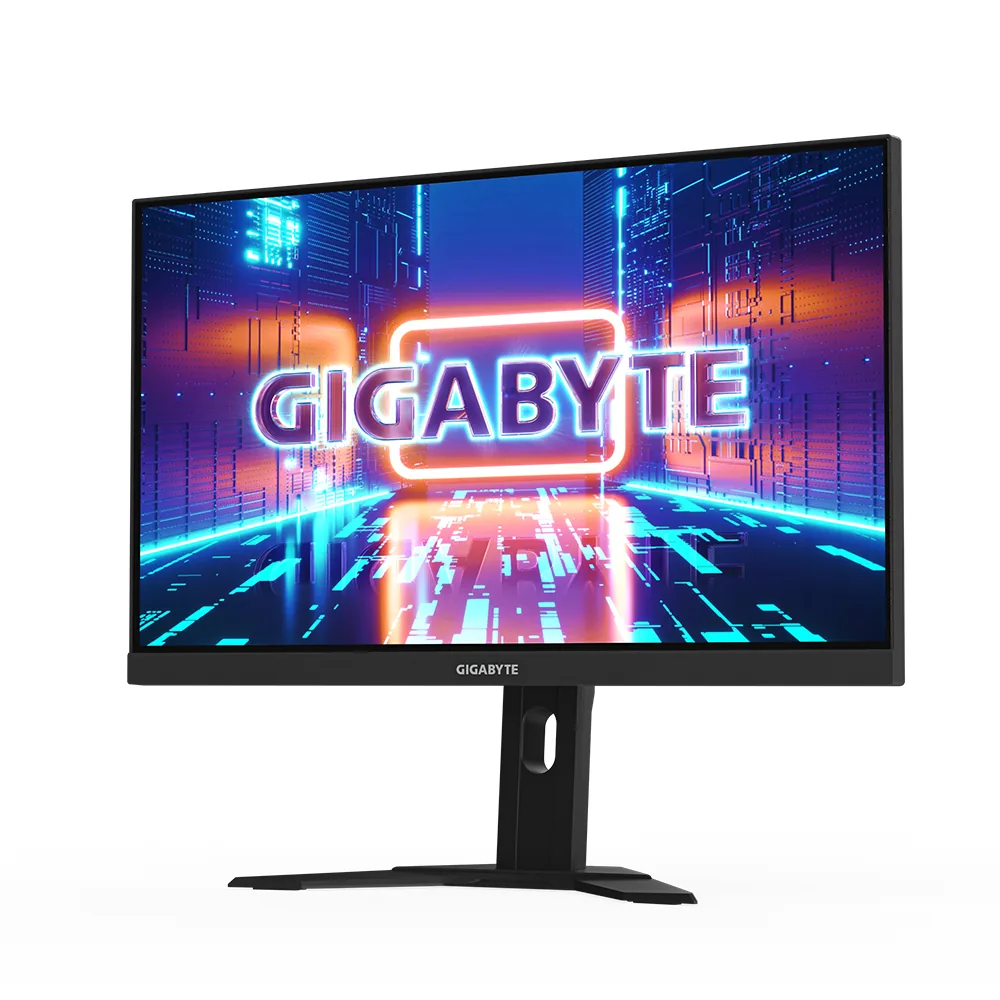
Gigabyte
Gigabyte M27U
68ppd · retina-classReal HDR~$530
Gigabyte's habit of fitting a KVM to mid-priced gaming monitors is what separates this from LG's 27GR93U, which is otherwise the same proposition: 27-inch 4K, two HDMI 2.1 ports and an edge-lit IPS panel, with no way to share one keyboard between two machines.
Best for: A 4K gaming desk shared between a PC and a work laptop
- 2×HDMI 2.1· full speed(DSC)
- DisplayPort 1.4· full speed(DSC)
- USB-C (DP Alt Mode)· full speed(DSC)
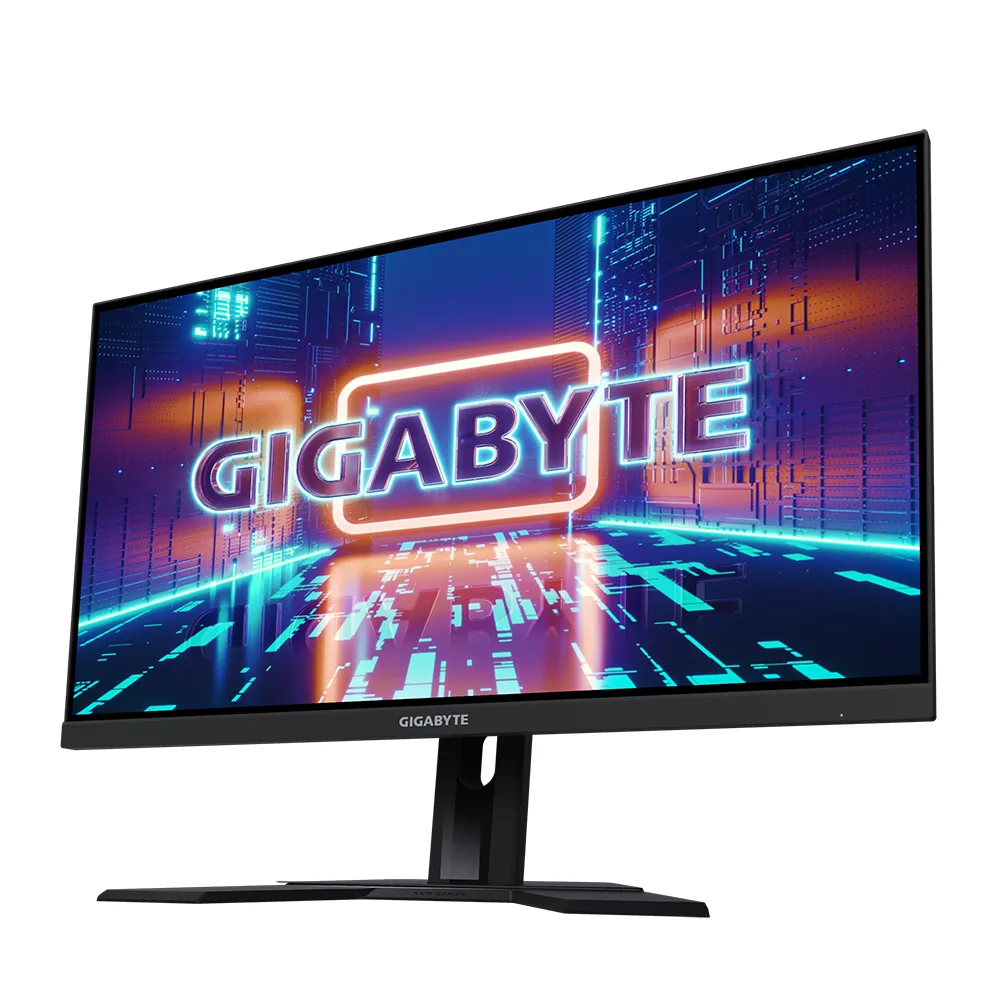
Gigabyte
Gigabyte M27Q X
46ppd · sharpAccepts an HDR signal~$400
Two hundred and forty hertz at 1440p with a KVM for around $400 undercuts the next monitor here that manages all three by more than $200.
Best for: High-refresh 1440p and a KVM on the smallest budget that buys both
- 2×HDMI 2.0· below the panel's maximum
- DisplayPort 1.4· full speed at 8-bit
- USB-C (DP Alt Mode)· full speed at 8-bit
| Specification | Gigabyte M27U | Gigabyte M27Q X |
|---|---|---|
| Approx. price | ~$530 | ~$400 |
| Type | Gaming | Gaming |
| Screen size | 27 in | 27 in |
| Resolution | 3840×2160 | 2560×1440 |
| Aspect ratio | 16:9 | 16:9 |
| Pixels per degree | 68 — retina-class | 46 — sharp |
| Pixels per inch | 163 | 109 |
| Panel | Fast IPS | Fast IPS |
| Finish | matte | matte |
| Curvature | Flat | Flat |
| Max refresh | 160 Hz | 240 Hz |
| Response time | — | 1 ms GtG |
| VRR | G-Sync Compatible | FreeSync Premium |
| HDR tier | Real HDR | Accepts an HDR signal |
| HDR certification | DisplayHDR 600 | DisplayHDR 400 |
| Peak brightness | 600 nits claimed | 400 nits claimed |
| Measured peak | 598 nits · PC Monitors | — |
| SDR brightness | 400 nits | 350 nits |
| Local dimming | 8 zones | None |
| Static contrast | 1,000:1 | 1,000:1 |
| Colour gamut | 95% DCI-P3 | 92% DCI-P3 |
| Colour depth | 8-bit+FRC | 8-bit+FRC |
| HDMI | 2 × HDMI 2.1 | 2 × HDMI 2.0 |
| DisplayPort | 1 × DisplayPort 1.4 | 1 × DisplayPort 1.4 |
| DSC | Supported | Not supported |
| Port speed | 3 of 3 inputs at full speed | No input reaches the panel's maximum |
| USB-C | Video in over USB-C | Video in over USB-C |
| USB-C power | 18 W — Phone and tablet | 18 W — Phone and tablet |
| Thunderbolt | No | No |
| KVM | Built in | Built in |
| USB hub | 3 ports | 2 ports |
| Speakers | Built in | Built in |
| Stand | height, tilt | height, tilt |
| VESA | 100x100 | 100x100 |
| Weight | 14.3 lb | — |
| Released | 2023 | 2021 |
| $ per inch | $20 | $15 |
| $ per megapixel | $64 | $109 |
Gigabyte M27U: what it gives up
- The USB-C port carries 18 W — enough for a phone, not for a laptop
- HDR reaches roughly the 600 nits it claims, but contrast stays at 1000:1, so bright scenes gain punch and dark ones stay grey
- Measured DCI-P3 coverage lands nearer 91% than the 95% on the spec sheet
- Tilts and raises 130 mm, but the stand neither swivels nor pivots
Gigabyte M27Q X: what it gives up
- HDR is a badge and little more: 350 nits, 1000:1 and no dimming zones, so SDR is the better place to live
- HDMI 2.0 with no DSC, so 240 Hz is DisplayPort-only and a console is capped at 1440p120
- Two revisions ship under one name and the later one covers 94% DCI-P3 rather than 92%, which sellers rarely state
- Tilt and height only, so squaring it up beside a second monitor means moving the whole stand
Full specifications: Gigabyte M27U · Gigabyte M27Q X