Lenovo ThinkVision M14t Gen 2 vs Lenovo ThinkVision M14
The Lenovo ThinkVision M14t Gen 2 is 13 pixels per degree sharper at a desk distance — 79 against 66, and both sit in the retina-class band. Every other published specification for both is in the table, with the rows where they differ tinted.
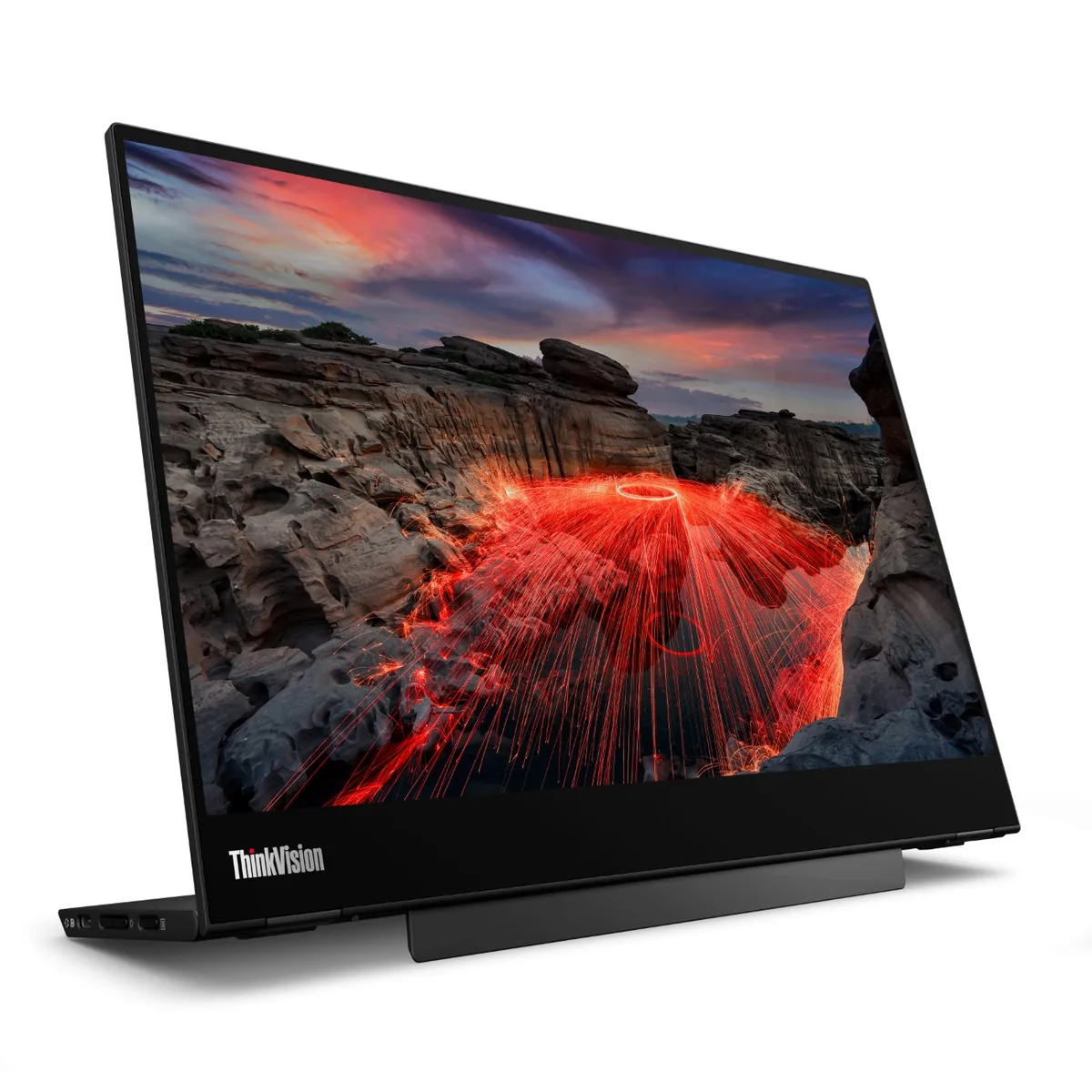
Lenovo
Lenovo ThinkVision M14t Gen 2
79ppd · retina-classNo HDR~$269
Lenovo built this one around the pen rather than around the pixels: ten-point touch, an included stylus, and a hinge that pivots the panel flat so you can write on it.
Best for: Marking up documents by hand next to a laptop
- USB-C (DP Alt Mode)· full speed
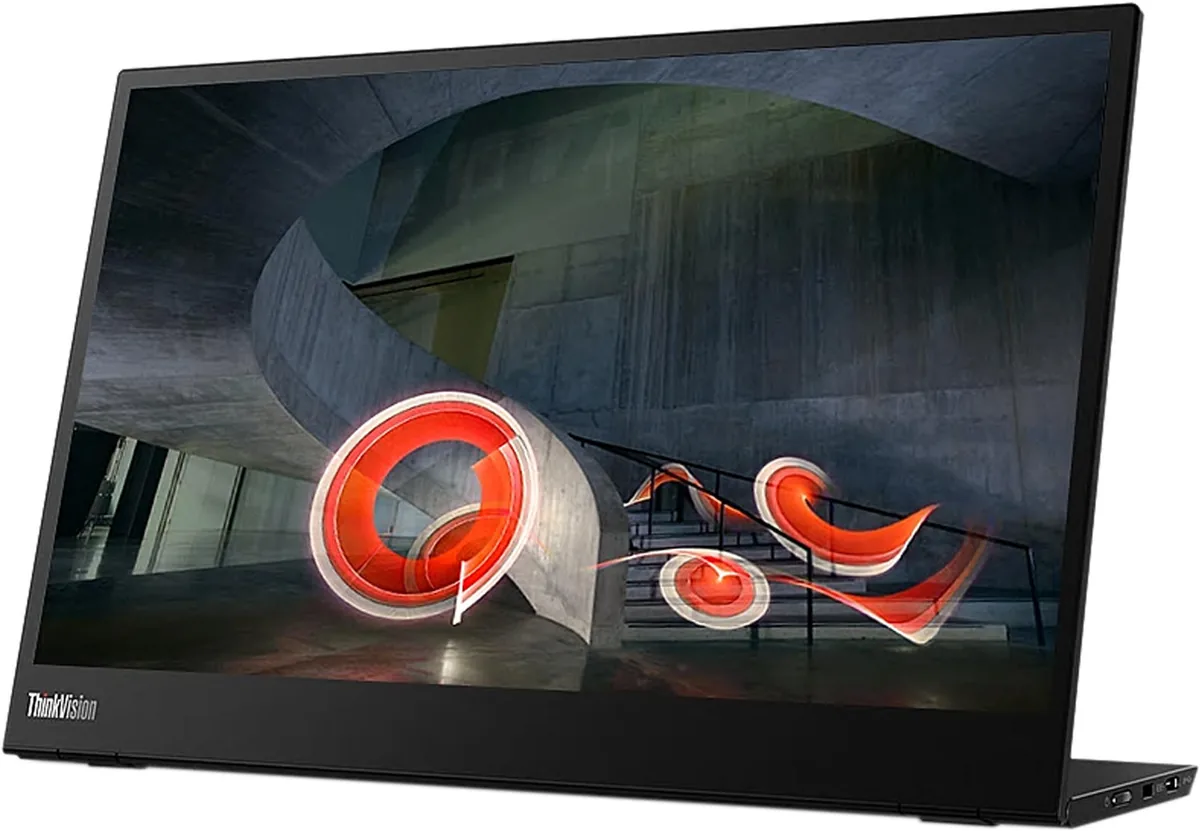
Lenovo
Lenovo ThinkVision M14
66ppd · retina-classNo HDR~$284
Seven years on the market has made this the reference against which other 14-inch travel screens get measured, and the reasons are mundane: 1.3 pounds, an anti-glare coating, a stand that folds out of the chassis, and a three-year warranty.
Best for: The default laptop-bag second screen when nothing may go wrong
- USB-C (DP Alt Mode)· full speed
| Specification | Lenovo ThinkVision M14t Gen 2 | Lenovo ThinkVision M14 |
|---|---|---|
| Approx. price | ~$269 | ~$284 |
| Type | Portable | Portable |
| Screen size | 14 in | 14 in |
| Resolution | 2240×1400 | 1920×1080 |
| Aspect ratio | 16:10 | 16:9 |
| Pixels per degree | 79 — retina-class | 66 — retina-class |
| Pixels per inch | 189 | 157 |
| Panel | IPS | IPS |
| Finish | glossy | matte |
| Curvature | Flat | Flat |
| Max refresh | 60 Hz | 60 Hz |
| Response time | 6 ms GtG | 6 ms GtG |
| VRR | None | None |
| HDR tier | No HDR | No HDR |
| HDR certification | None | None |
| Peak brightness | 300 nits claimed | 300 nits claimed |
| SDR brightness | 300 nits | 300 nits |
| Local dimming | None | None |
| Static contrast | 1,500:1 | 700:1 |
| Colour gamut | 100% sRGB | — |
| Colour depth | 8-bit | 8-bit |
| HDMI | None | None |
| DisplayPort | None | None |
| DSC | Not supported | Not supported |
| Port speed | 1 of 1 input at full speed | 1 of 1 input at full speed |
| USB-C | Video in over USB-C | Video in over USB-C |
| USB-C power | 65 W — Thin-and-light laptop | 65 W — Thin-and-light laptop |
| Thunderbolt | No | No |
| KVM | None | None |
| USB hub | None | None |
| Speakers | None | None |
| Stand | tilt, pivot | tilt |
| VESA | 100x100 | 100x100 |
| Weight | 1.5 lb | 1.31 lb |
| Released | 2024 | 2019 |
| $ per inch | $19 | $20 |
| $ per megapixel | $86 | $137 |
Lenovo ThinkVision M14t Gen 2: what it gives up
- The touch layer is glossy, so a bright window lands square in the middle of the picture
- 300 nits is a rated figure for an office, not for outdoor use behind that glossy layer
- 100% sRGB is standard gamut — fine for documents, short of wide-gamut colour work
- No speakers and no HDMI, so the host must supply USB-C video
- Around $270 buys a much larger desktop monitor if portability is not the point
Lenovo ThinkVision M14: what it gives up
- 700:1 contrast is as low as anything in this class — dark scenes read as washed-out grey rather than black
- The panel is 6-bit with dithering to reach 16.7 million colours, and 72% NTSC is standard gamut
- 1080p over 14 inches is 157 pixels per inch, behind the 2240×1400 panels Lenovo sells beside it
- Audio and video both have to arrive over USB-C: there is no HDMI input and no speaker in the chassis
- The design dates from 2019 and has never been refreshed, yet still sells for around $285
Full specifications: Lenovo ThinkVision M14t Gen 2 · Lenovo ThinkVision M14