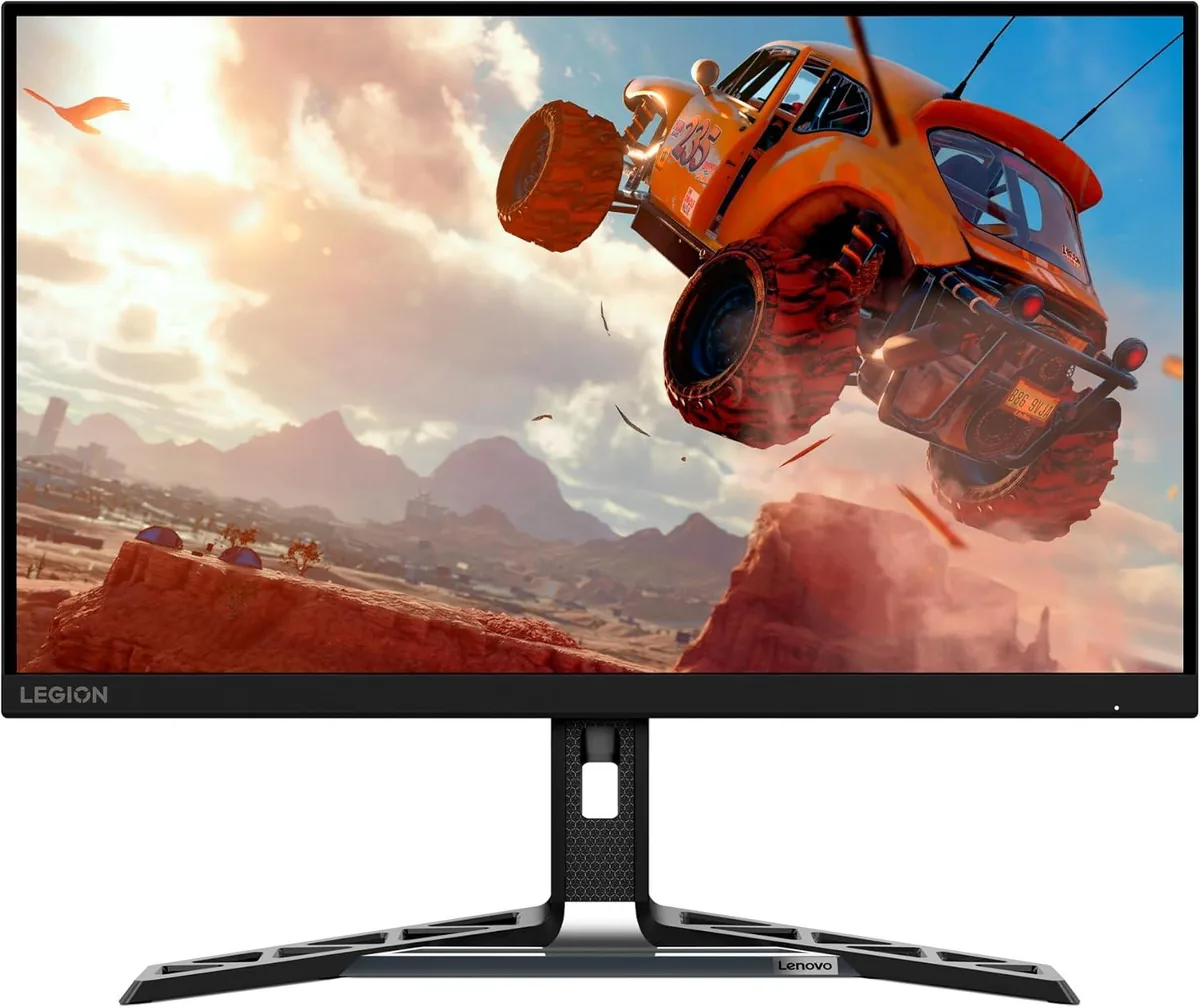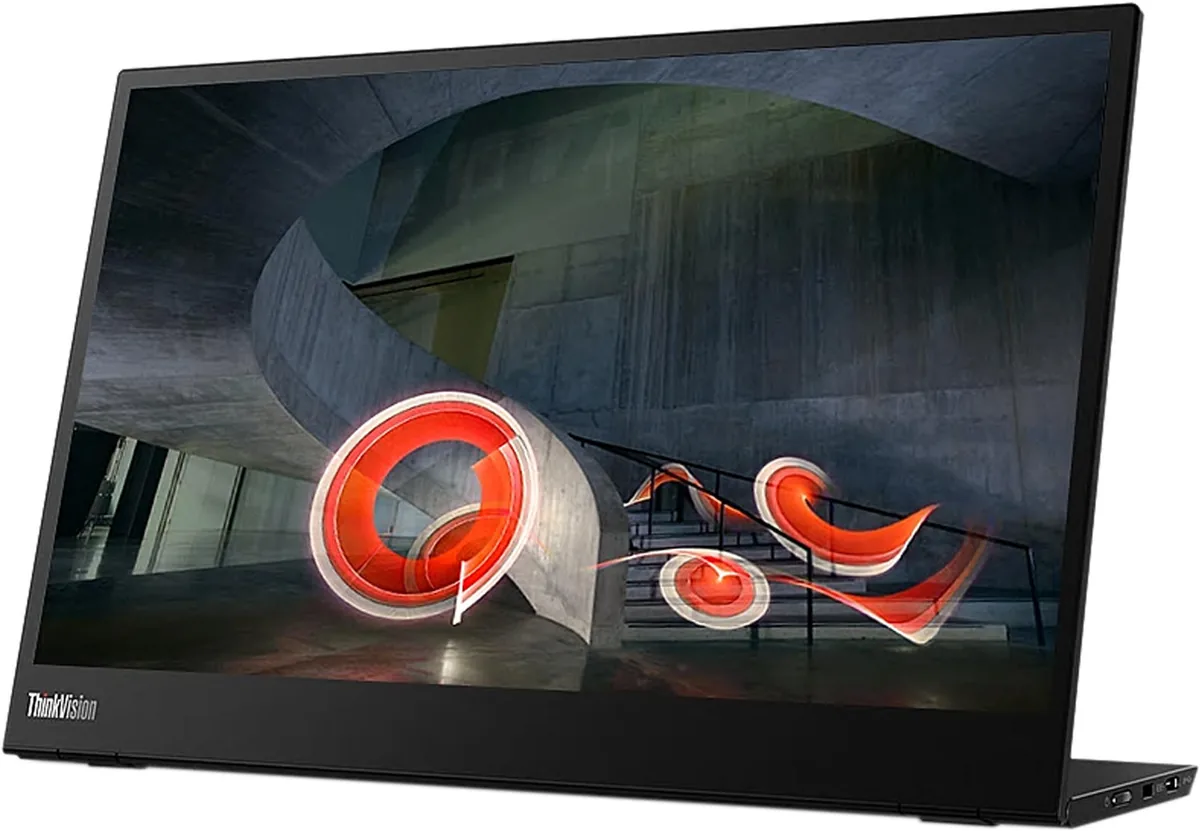
Lenovo ThinkVision M14t Gen 2 monitorPortable~$269

Lenovo

Lenovo ThinkVision M14t Gen 2

Lenovo built this one around the pen rather than around the pixels: ten-point touch, an included stylus, and a hinge that pivots the panel flat so you can write on it. The 2240×1400 panel is a genuine step above the 1080p field at 189 pixels per inch, and the stand tilts through 90 degrees rather than propping the screen at one fixed angle. A three-year warranty and Kensington lock slot mark it as a corporate-fleet product, not a travel gadget.

Approx. price

~$269

snapshot, not a live price

Sharpness

79ppd · retina-class

past the ~1 arcminute limit of 20/20 acuity — the grid is gone

HDR tier

No HDR

the maker makes no HDR claim for this panel

Peak brightness

300nits claimed

no HDR certification

USB-C power

65 W

holds a 13-inch ultrabook at a steady charge

Max refresh

60 Hz

6 ms GtG rated

Port speed — can each input carry this panel?

  • USB-C (DP Alt Mode)· full speed

This panel needs 5.4 Gbps at 2240×1400, 60 Hz and 24 bits per pixel, with no DSC to fall back on.

Best for: Marking up documents by hand next to a laptop

Specifications

Approx. price
~$269
Type
Portable
Resolution
2240×1400
Pixels per degree
79 — retina-class
Finish
glossy
VRR
None
HDR tier
No HDR
Peak brightness
300 nits claimed
Colour gamut
100% sRGB
HDMI
None
DSC
Not supported
Port speed
1 of 1 input at full speed
USB-C
Video in over USB-C
USB-C power
65 W — Thin-and-light laptop
KVM
None
Speakers
None
Stand
tilt, pivot
VESA
100x100
Weight
1.5 lb
Released
2024
$ per inch
$19
$ per megapixel
$86

Features

  • 2240×1400 at 14 inches — 189 pixels per inch
  • Ten-point touch with an included stylus
  • USB-C on both edges, up to 65 W passed to the host
  • Tilts 0 to 90 degrees and pivots for portrait
  • Three-year warranty, ENERGY STAR and EPEAT Gold

What it does well

  • 189 pixels per inch works out to 79 pixels per degree, so text is sharp without scaling tricks
  • Pen and touch together make it useful for signing and annotating, which no other portable here does
  • A USB-C port on each edge means the cable never has to cross the keyboard
  • 1500:1 contrast is higher than the 700-1200:1 typical of this class
  • Tilts flat and pivots to portrait, a wider range than a folding kickstand allows
  • Three-year warranty against the one or two years the import brands offer

What it gives up

  • The touch layer is glossy, so a bright window lands square in the middle of the picture
  • 300 nits is a rated figure for an office, not for outdoor use behind that glossy layer
  • 100% sRGB is standard gamut — fine for documents, short of wide-gamut colour work
  • No speakers and no HDMI, so the host must supply USB-C video
  • Around $270 buys a much larger desktop monitor if portability is not the point

The two lists above come from the maker’s specifications and from published third-party measurements, not from owner reports. Where owner discussion has been read it appears in its own section below, so the two are never mistaken for each other.

What owners say

No owner discussion has been read for the Lenovo ThinkVision M14t Gen 2 yet. This section stays empty until there is something real to put in it.

Others in the same part of the catalog

Lenovo ThinkVision M14 monitor
Lenovo~$284

Lenovo ThinkVision M14

14″ · 1920×1080 · 60 Hz · IPS

Sharpness
66ppd · retina-class
HDR
No HDR
  • 1.3 lb
  • 65 W pass-through
  • 3-year warranty

Best for: The default laptop-bag second screen when nothing may go wrong
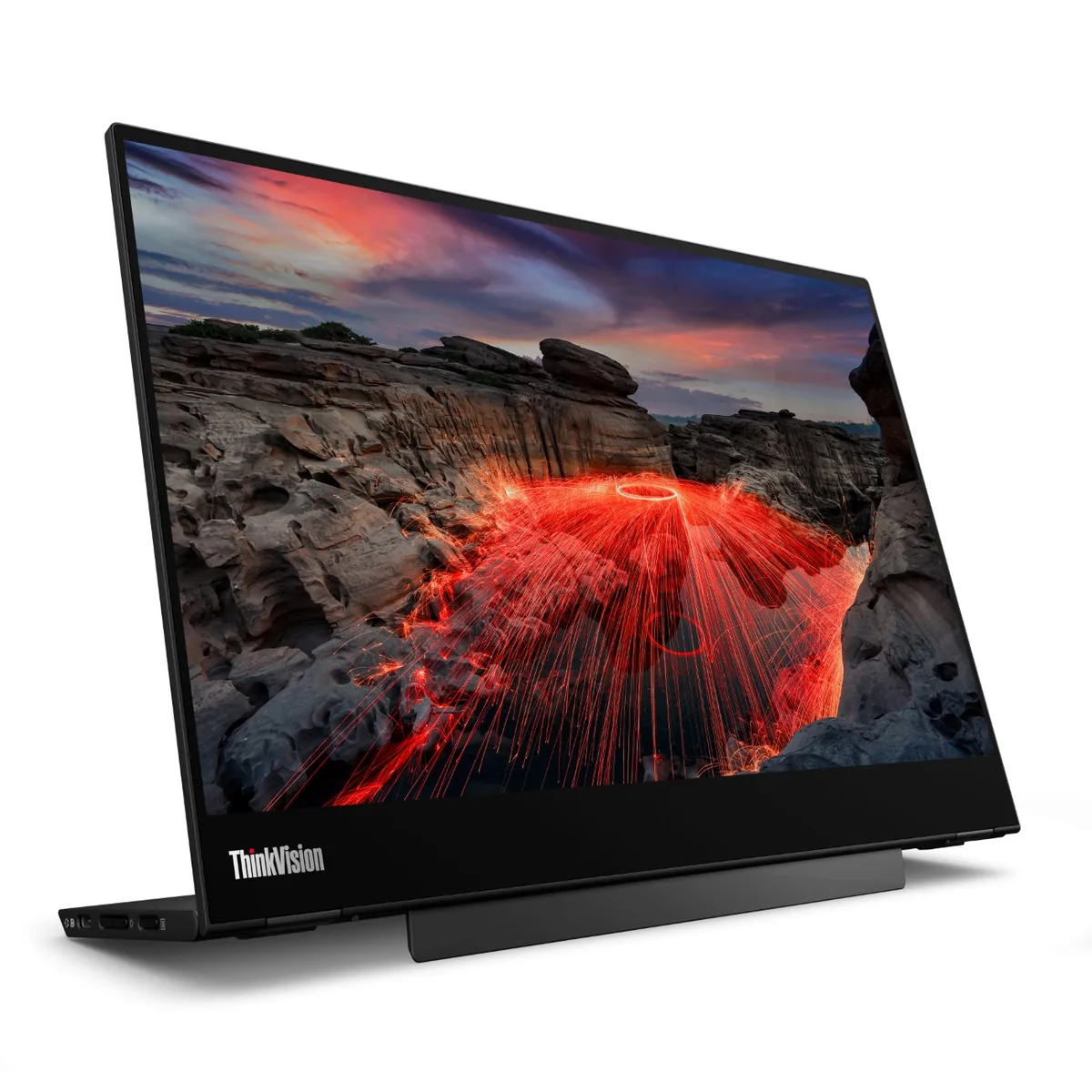
Lenovo Legion R27qe monitor
Lenovo~$200

Lenovo Legion R27qe

27″ · 2560×1440 · 180 Hz · IPS

Sharpness
46ppd · sharp
HDR
Accepts an HDR signal
USB-C power
No USB-C power
  • 180 Hz 1440p
  • 450 nits
  • Portrait pivot

Best for: A first 1440p high-refresh monitor where the stand still has to move
More from Lenovo →

← Back to the catalog