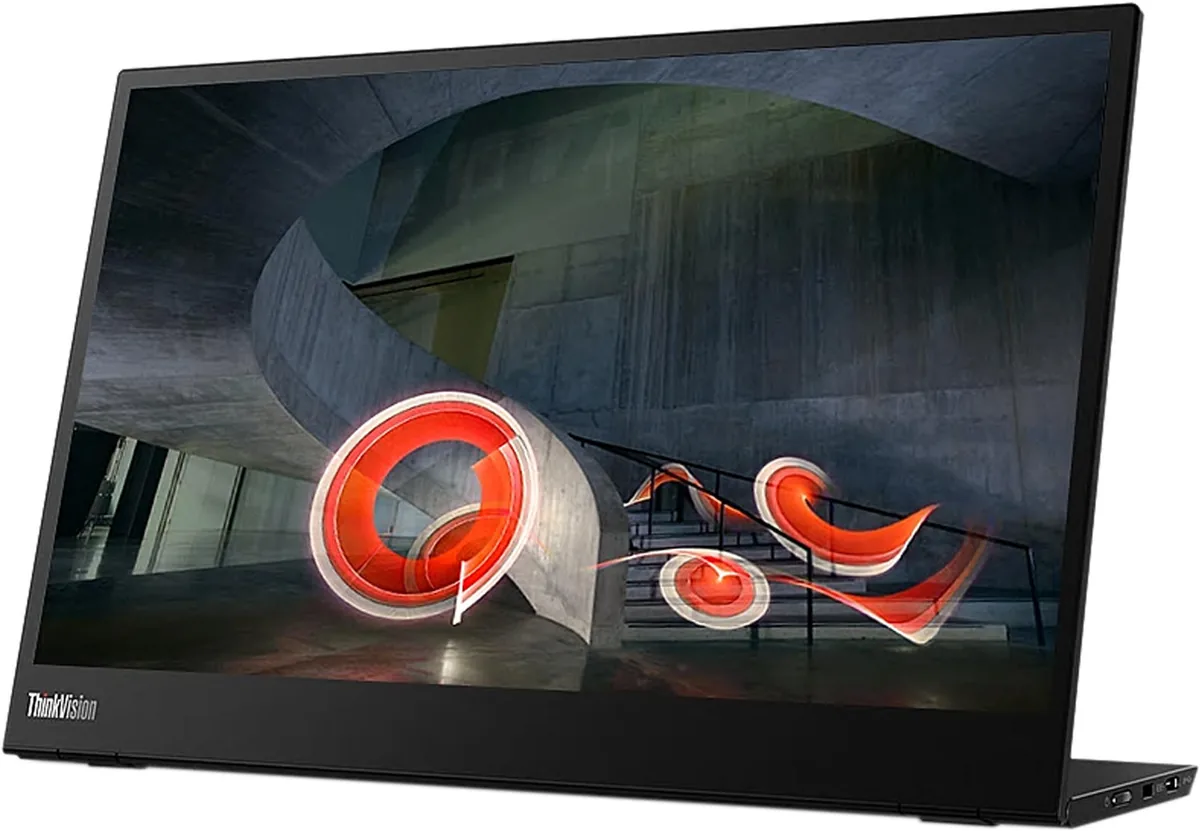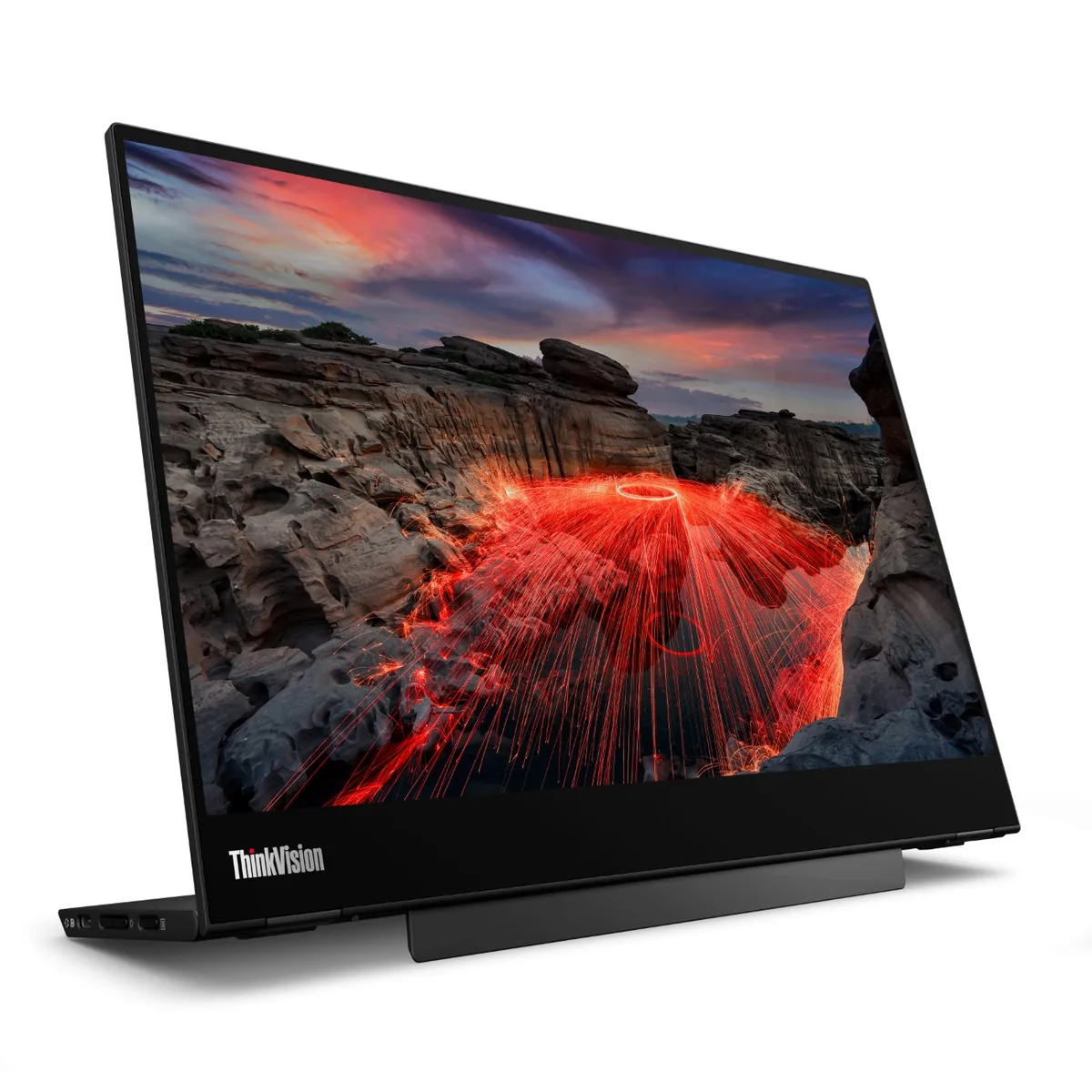
Lenovo ThinkVision M14 monitorPortable~$284

Lenovo

Lenovo ThinkVision M14

Seven years on the market has made this the reference against which other 14-inch travel screens get measured, and the reasons are mundane: 1.3 pounds, an anti-glare coating, a stand that folds out of the chassis, and a three-year warranty. Power pass-through is the part people actually notice — one charger into the free USB-C port runs the monitor and tops up the laptop. The panel is dated at 1080p and 700:1, and nothing about it has been refreshed.

Approx. price

~$284

snapshot, not a live price

Sharpness

66ppd · retina-class

past the ~1 arcminute limit of 20/20 acuity — the grid is gone

HDR tier

No HDR

the maker makes no HDR claim for this panel

Peak brightness

300nits claimed

no HDR certification

USB-C power

65 W

holds a 13-inch ultrabook at a steady charge

Max refresh

60 Hz

6 ms GtG rated

Port speed — can each input carry this panel?

  • USB-C (DP Alt Mode)· full speed

This panel needs 3.6 Gbps at 1920×1080, 60 Hz and 24 bits per pixel, with no DSC to fall back on.

Best for: The default laptop-bag second screen when nothing may go wrong

Specifications

Approx. price
~$284
Type
Portable
Resolution
1920×1080
Pixels per degree
66 — retina-class
Finish
matte
VRR
None
HDR tier
No HDR
Peak brightness
300 nits claimed
HDMI
None
DSC
Not supported
Port speed
1 of 1 input at full speed
USB-C
Video in over USB-C
USB-C power
65 W — Thin-and-light laptop
KVM
None
Speakers
None
Stand
tilt
VESA
100x100
Weight
1.31 lb
Released
2019
$ per inch
$20
$ per megapixel
$137

Features

  • 1.31 pounds with the stand built into the body
  • Power pass-through up to 65 W to the connected laptop
  • Anti-glare coating rather than a reflective touch layer
  • Tilts from -5 to +90 degrees
  • Three-year warranty, ENERGY STAR and TÜV Eye Comfort certified

What it does well

  • Power pass-through means one wall charger covers both the monitor and the laptop
  • Anti-glare finish keeps it usable at an airport gate or a window seat, where glossy panels fail
  • The stand folds out of the body rather than bolting on, which is how the whole thing stays at 1.31 pounds with nothing extra in the bag
  • Three-year warranty and a Kensington slot, which is why corporate fleets keep buying it
  • A USB-C port on each side, so the cable runs whichever way the desk demands

What it gives up

  • 700:1 contrast is as low as anything in this class — dark scenes read as washed-out grey rather than black
  • The panel is 6-bit with dithering to reach 16.7 million colours, and 72% NTSC is standard gamut
  • 1080p over 14 inches is 157 pixels per inch, behind the 2240×1400 panels Lenovo sells beside it
  • Audio and video both have to arrive over USB-C: there is no HDMI input and no speaker in the chassis
  • The design dates from 2019 and has never been refreshed, yet still sells for around $285

The two lists above come from the maker’s specifications and from published third-party measurements, not from owner reports. Where owner discussion has been read it appears in its own section below, so the two are never mistaken for each other.

What owners say

No owner discussion has been read for the Lenovo ThinkVision M14 yet. This section stays empty until there is something real to put in it.

Others in the same part of the catalog

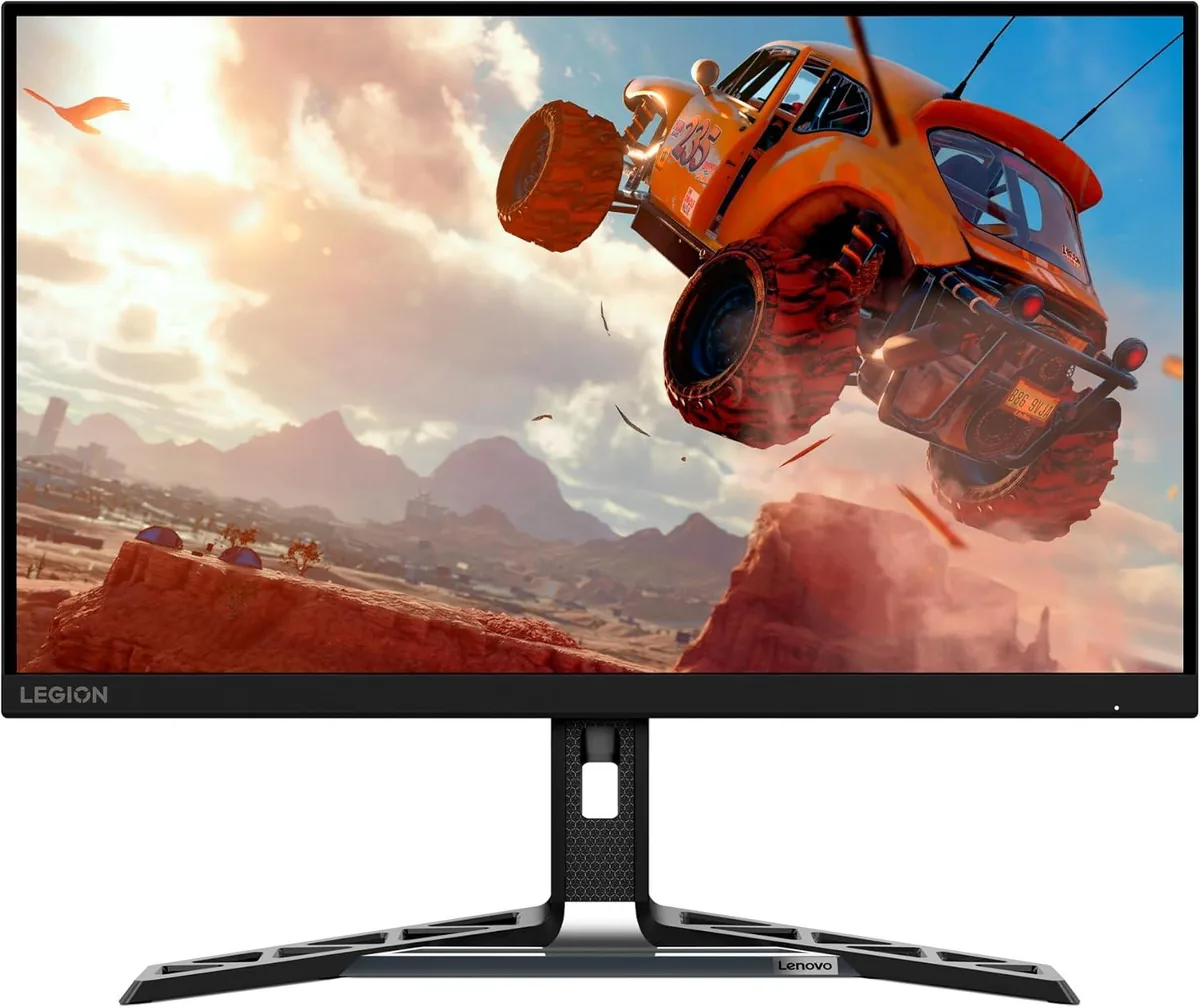
Lenovo Legion R27qe monitor
Lenovo~$200

Lenovo Legion R27qe

27″ · 2560×1440 · 180 Hz · IPS

Sharpness
46ppd · sharp
HDR
Accepts an HDR signal
USB-C power
No USB-C power
  • 180 Hz 1440p
  • 450 nits
  • Portrait pivot

Best for: A first 1440p high-refresh monitor where the stand still has to move
More from Lenovo →

← Back to the catalog