LG UltraGear 32GS95UE vs LG UltraGear 27GS95QE
The LG UltraGear 32GS95UE is 13 pixels per degree sharper at a desk distance — 59 against 46, and both sit in the sharp band. Every other published specification for both is in the table, with the rows where they differ tinted.
LG
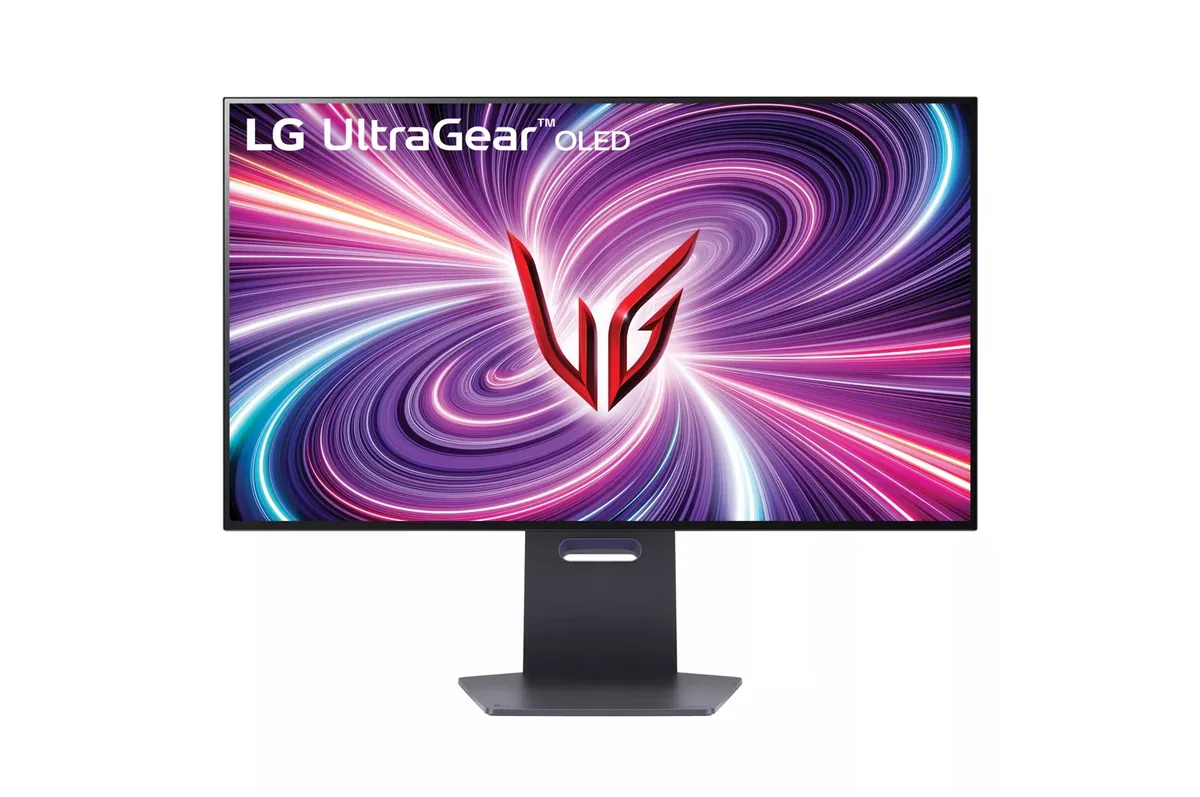
LG UltraGear 32GS95UE
59ppd · sharpReal HDR~$1,400
A button on the joystick drops the panel from 4K at 240 Hz to 1080p at 480 Hz, using the same physical pixels four at a time rather than scaling them — LG calls it Dual Mode, and it is what lets one screen serve both a cinematic single-player library and a competitive shooter.
Best for: One monitor covering both a single-player library and a competitive shooter
- 2×HDMI 2.1· full speed(DSC)
- DisplayPort 1.4· full speed(DSC)
LG
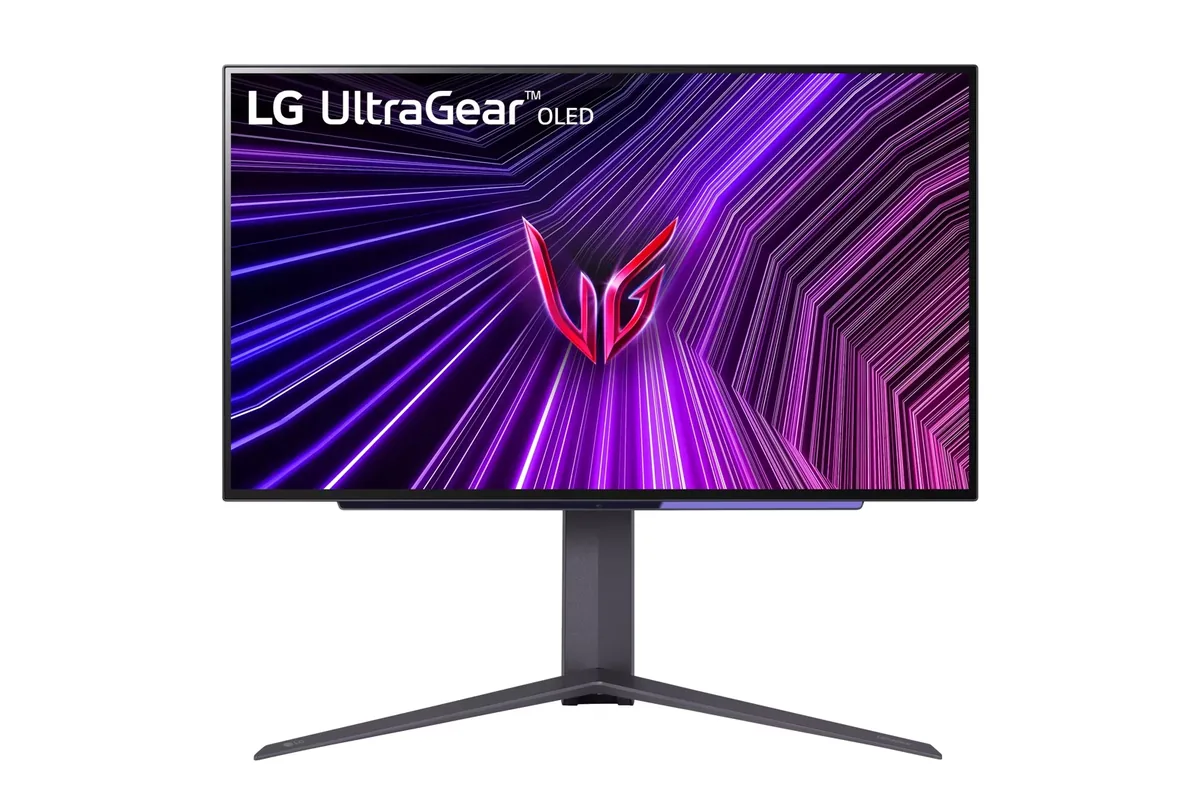
LG UltraGear 27GS95QE
46ppd · sharpReal HDR~$700
LG's second pass at the 27-inch 1440p OLED fixed the thing everyone complained about in the first: brightness.
Best for: Competitive play where motion clarity outranks desktop text sharpness
- 2×HDMI 2.1· full speed
- DisplayPort 1.4· full speed(DSC)
| Specification | LG UltraGear 32GS95UE | LG UltraGear 27GS95QE |
|---|---|---|
| Approx. price | ~$1,400 | ~$700 |
| Type | OLED gaming | OLED gaming |
| Screen size | 31.5 in | 26.5 in |
| Resolution | 3840×2160 | 2560×1440 |
| Aspect ratio | 16:9 | 16:9 |
| Pixels per degree | 59 — sharp | 46 — sharp |
| Pixels per inch | 140 | 111 |
| Panel | WOLED | WOLED |
| Finish | matte | matte |
| Curvature | Flat | Flat |
| Max refresh | 240 Hz | 240 Hz |
| Response time | 0.03 ms GtG | 0.03 ms GtG |
| VRR | G-Sync Compatible | G-Sync Compatible |
| HDR tier | Real HDR | Real HDR |
| HDR certification | DisplayHDR True Black 400 | DisplayHDR True Black 400 |
| Peak brightness | 1,300 nits claimed | 1,300 nits claimed |
| Measured peak | 1,324 nits · TFTCentral | — |
| SDR brightness | 275 nits | 275 nits |
| Local dimming | Per-pixel (emissive) | Per-pixel (emissive) |
| Static contrast | effectively infinite | effectively infinite |
| Colour gamut | 98.5% DCI-P3 | 98.5% DCI-P3 |
| Colour depth | 10-bit | 10-bit |
| HDMI | 2 × HDMI 2.1 | 2 × HDMI 2.1 |
| DisplayPort | 1 × DisplayPort 1.4 | 1 × DisplayPort 1.4 |
| DSC | Supported | Supported |
| Port speed | 2 of 2 inputs at full speed | 2 of 2 inputs at full speed |
| USB-C | None | None |
| Thunderbolt | No | No |
| KVM | None | None |
| USB hub | 2 ports | 2 ports |
| Speakers | Built in | None |
| Stand | height, tilt, swivel, pivot | height, tilt, swivel, pivot |
| VESA | 100x100 | 100x100 |
| Burn-in cover | 2 years | not covered |
| Weight | 19.8 lb | 16.2 lb |
| Released | 2024 | 2024 |
| $ per inch | $44 | $26 |
| $ per megapixel | $169 | $190 |
LG UltraGear 32GS95UE: what it gives up
- Full-field SDR brightness sits near 275 nits, so a sunlit room will beat it
- That 1,324-nit figure needs the peak-brightness control on High; at the default certified setting the same window measures closer to 630
- The matte coating raises black level slightly under room light compared with a glossy OLED
- No USB-C input at all, which is an odd omission at fourteen hundred dollars
- WOLED subpixel layout still puts colour fringing on small text in Windows, though less than the first generation
- Burn-in risk is real with a static taskbar, and the mitigation routines need the monitor left on standby to run
LG UltraGear 27GS95QE: what it gives up
- 1440p at 26.5 inches is 46 pixels per degree — the pixel grid is visible on text if you look for it
- WOLED's white subpixel puts colour fringes on thin black-on-white text, which is worst in a code editor
- No USB-C, no KVM, no speakers — this is a gaming-only feature set
- Static UI elements need the automatic dimming left on, and that dimming is visible when a bright window is open
Full specifications: LG UltraGear 32GS95UE · LG UltraGear 27GS95QE