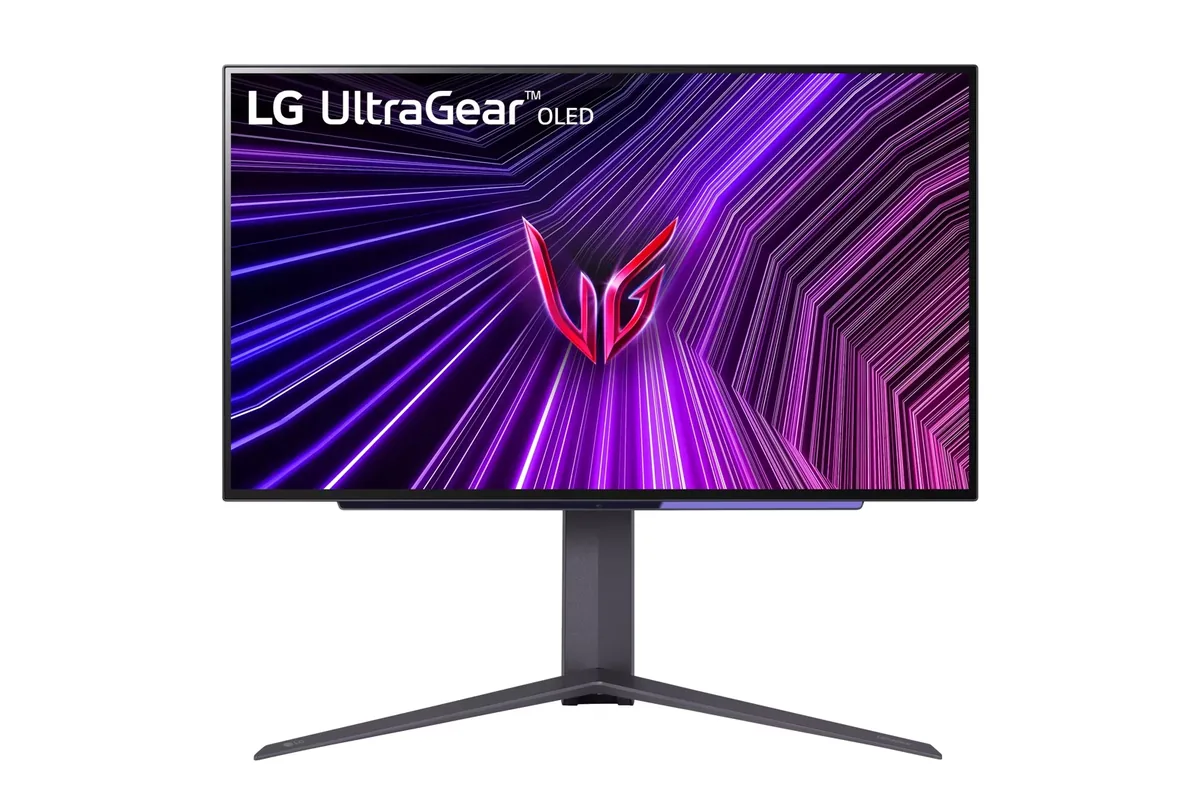
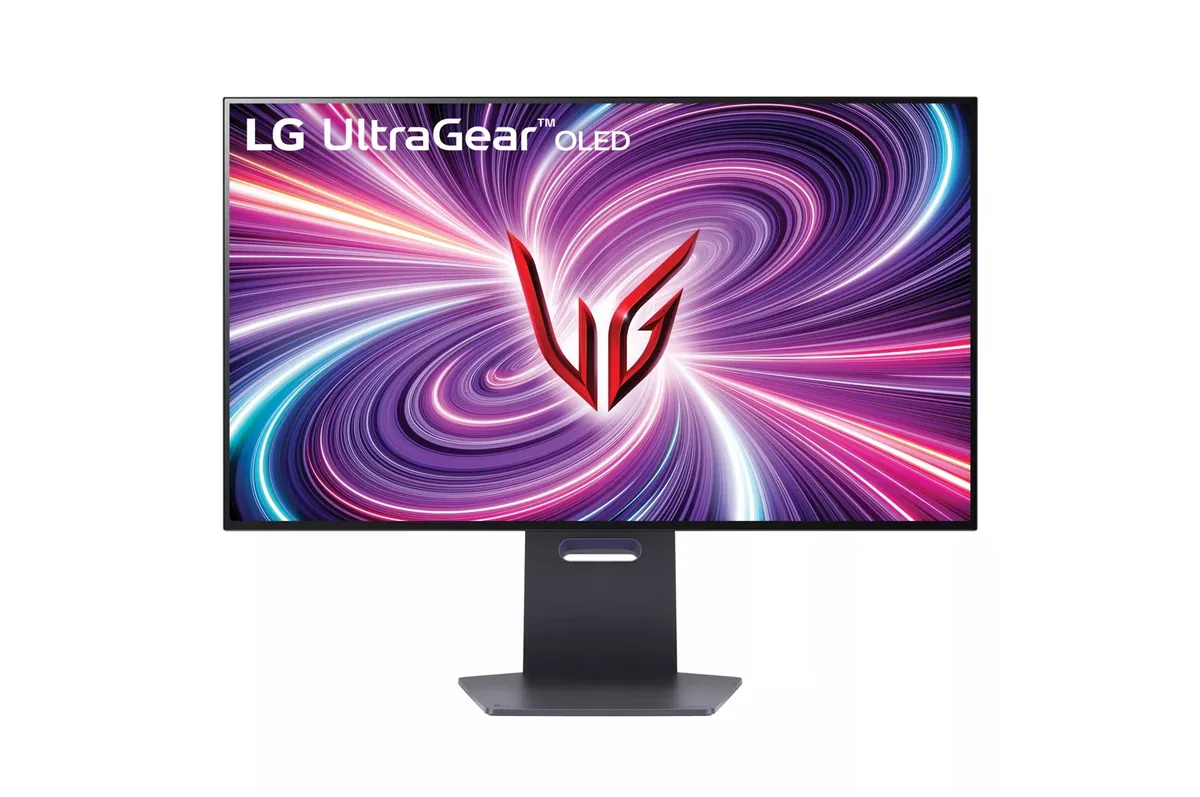
LG UltraGear 32GS95UE monitorOLED gaming~$1,400

LG

LG UltraGear 32GS95UE

A button on the joystick drops the panel from 4K at 240 Hz to 1080p at 480 Hz, using the same physical pixels four at a time rather than scaling them — LG calls it Dual Mode, and it is what lets one screen serve both a cinematic single-player library and a competitive shooter. TFTCentral measured 1,324 nits on a 1% window, the brightest reading of any monitor OLED here, though reaching it means setting peak brightness to High: at the default certified setting the same window lands nearer 630. Two 10-watt speakers fire through the panel itself, which is unusual on a gaming OLED.

Approx. price

~$1,400

snapshot, not a live price

Sharpness

59ppd · sharp

text is clean; pixel edges show if you look for them

HDR tier

Real HDR

per-pixel emissive — every pixel is its own backlight, so a highlight can sit beside true black

Peak brightness

1,300nits claimed1,324measured · TFTCentral

DisplayHDR True Black 400

USB-C power

None

video and data only, or no USB-C at all

Max refresh

240 Hz

0.03 ms GtG rated

Port speed — can each input carry this panel?

  • 2×HDMI 2.1· full speed(DSC)
  • DisplayPort 1.4· full speed(DSC)

This panel needs 71.7 Gbps at 3840×2160, 240 Hz and 30 bits per pixel, and supports DSC compression.

Best for: One monitor covering both a single-player library and a competitive shooter

Specifications

Approx. price
~$1,400
Type
OLED gaming
Resolution
3840×2160
Pixels per degree
59 — sharp
Panel
WOLED
Finish
matte
Response time
0.03 ms GtG
VRR
G-Sync Compatible
HDR tier
Real HDR
HDR certification
DisplayHDR True Black 400
Peak brightness
1,300 nits claimed
Measured peak
1,324 nits · TFTCentral
Local dimming
Per-pixel (emissive)
Static contrast
effectively infinite
Colour gamut
98.5% DCI-P3
HDMI
2 × HDMI 2.1
DisplayPort
1 × DisplayPort 1.4
DSC
Supported
Port speed
2 of 2 inputs at full speed
USB-C
None
KVM
None
USB hub
2 ports
Speakers
Built in
Stand
height, tilt, swivel, pivot
VESA
100x100
Weight
19.8 lb
Released
2024
$ per inch
$44
$ per megapixel
$169

Features

  • Dual Mode: 4K at 240 Hz or 1080p at 480 Hz
  • Micro Lens Array+ (MLA+) WOLED panel
  • Two HDMI 2.1 inputs at full bandwidth
  • Two-year warranty that covers burn-in
  • Pixel Sound: two 10 W speakers behind the panel
  • Matte anti-glare coating

What it does well

  • Dual Mode switches 1080p at 480 Hz by pixel-quadrupling, so the low-resolution mode is sharp rather than interpolated
  • The brightest measured OLED here: TFTCentral logged 1,324 nits on a 1% window, highlight punch a DisplayHDR 400 panel cannot produce
  • Per-pixel emissive blacks with no blooming, halos or dimming-zone artefacts anywhere
  • 0.03 ms response means motion clarity is limited by the refresh rate, not by the pixels
  • Two years of warranty that cover burn-in, which is the coverage that actually matters on OLED

What it gives up

  • Full-field SDR brightness sits near 275 nits, so a sunlit room will beat it
  • That 1,324-nit figure needs the peak-brightness control on High; at the default certified setting the same window measures closer to 630
  • The matte coating raises black level slightly under room light compared with a glossy OLED
  • No USB-C input at all, which is an odd omission at fourteen hundred dollars
  • WOLED subpixel layout still puts colour fringing on small text in Windows, though less than the first generation
  • Burn-in risk is real with a static taskbar, and the mitigation routines need the monitor left on standby to run

The two lists above come from the maker’s specifications and from published third-party measurements, not from owner reports. Where owner discussion has been read it appears in its own section below, so the two are never mistaken for each other.

What owners say

Finding out about Dual Mode lands as a small shock — a monitor that switches from 4K at 240 Hz to 1080p at 480 Hz on a button, and that can shrink the 1080p image to a 27-inch or 24-inch window while it does. That combination is why people who play half single-player and half competitive stopped shopping for two monitors.

Matte versus glossy is the fault line that runs through every discussion of it. Set beside a Samsung G80SD the coating here looks almost glossy by comparison, and set beside an ASUS PG32UCDM it is the reason people choose it — glare was the specific thing one owner could not live with on the glossy panel. HDR takes work: out of the box owners were clamped near 600 nits, and unlocking the panel's real output means the 3.04 firmware, Vivid mode, both brightness controls on High, and a re-run of Windows HDR calibration. Automatic brightness limiting is the residual annoyance nobody has beaten, and near-black detail stays crushed even after the firmware update that was meant to address it. A handful of owners also report it powering on at 144 Hz until adaptive sync is toggled off and on.

It suits somebody whose library spans cinematic single-player games and shooters, in a room with windows, who is willing to spend an evening on firmware and HDR calibration. An art director who used it for professional design work for two weeks judged the panel finally good enough for productivity — a verdict that would not have been offered about the generation before it. The one owner who moved away went back to 21:9 because he missed the aspect ratio, not because of anything the panel did wrong.
What owners like

  • Dual Mode is the feature owners actually rave about rather than the one they forget: a button drops 4K/240 to 1080p/480, and the 1080p image can be cropped down to a 27-inch or 24-inch window so competitive players get the smaller target area they are used to
  • The matte coating wins over the glossy QD-OLEDs for anyone with a lit room — one owner cross-shopping this against an ASUS PG32UCDM specifically cited hating the glare on the glossy panel, and several went out of their way to find this one in stock instead
  • The speakers get genuine, unprompted praise for what they are: nobody calls them good, but owners like having one less box on the desk and one less thing to buy
  • An art director who uses it for professional design work after two weeks concluded that this generation of panel is finally viable for productivity, not just games — the question people had been asking about every OLED monitor before it
  • Real peak brightness is available if you go and get it: with the 3.04 firmware, Vivid game mode, brightness and peak brightness both on High, and Windows HDR calibration re-run, owners measure luminance in the thousands rather than the roughly 600 nits they were clamped at before

Common complaints

  • It powers on at 144 Hz rather than 240 for some owners, who have to toggle adaptive sync off and back on every time to get the full refresh rate — no permanent fix has surfaced
  • Automatic brightness limiting is the complaint that sticks: one owner doing photo and video editing alongside games found the panel dimming on bright content maddening, and there is no setting that turns it off
  • Near-black detail is crushed even after the firmware update that adjusted the tone curve — one owner measuring it found the darkest test patches disappearing entirely in a pitch-dark room
  • Two flicker reports worth knowing about: a periodic shimmer in the pixel-shift band that clears by toggling Dual Mode and returns, and intermittent flashing lines over a USB-C-to-DisplayPort cable
  • The firmware update tool is unreliable — owners plug in the supplied cable and the software simply refuses to see the monitor, and there is no obvious channel for reporting a firmware regression when one lands
  • Burn-in warranty terms confuse even LG's own support: one buyer was told coverage applies but the agent's phrasing suggested it only counted if the damage were done deliberately, and UK buyers report being unable to confirm burn-in is covered at all

Questions owners ask about the LG UltraGear 32GS95UE

Why does it start up at 144 Hz instead of 240 Hz?

Several owners hit this and none has found a real fix. The workaround that works every time is turning adaptive sync off in the monitor menu and back on again, after which 240 Hz becomes selectable. It has to be repeated after a power cycle.

Is the HDR really as dim as people say out of the box?

Out of the box owners measure around 600 nits, which is the certified default rather than the panel's ceiling. The sequence that unlocks it: update to firmware 3.04, set Game Mode to Vivid, set both Brightness and Peak Brightness to High, then re-run the Windows HDR calibration app. Owners doing that report luminance readings several times higher. Near-black detail stays crushed regardless — the firmware update improved shadow tones but did not fix them.

Can the automatic brightness limiting be switched off?

No. Disabling the energy-saving mode is the only related setting and it does not stop the panel dimming when a large bright area fills the screen. The owner most bothered by it was editing photos and video, where a dimming white canvas is worse than it is in a game. If a bright static workflow is your main use, this is the trait to weigh.

Should I get this or a glossy QD-OLED like the PG32UCDM?

It comes down to the room. Owners who chose this one cite glare they could not tolerate on the glossy panel; owners who went the other way wanted the extra colour pop and had control over their lighting. Worth knowing that a Samsung G80SD's coating is more aggressive still — placed side by side it makes this monitor's matte look nearly glossy.

Does the warranty cover burn-in?

LG's own support has given owners contradictory answers, including one agent who confirmed coverage but phrased it as though it applied only to deliberate damage. UK buyers in particular report being unable to get it confirmed. Get the answer in writing for your region before you buy on the strength of it.

Any quirks worth knowing before it arrives?

Three small ones owners have logged. The on-screen crosshair and the frame-rate counter cannot be displayed at the same time. The firmware update tool frequently fails to detect the monitor over the supplied cable. And after one firmware release, a Nintendo Switch in its official dock lost audio on this display while the same console worked through a Steam Deck dock or a plain USB-C hub.

Others in the same part of the catalog

LG UltraGear 27GR95QE monitor
LG~$1,000

LG UltraGear 27GR95QE

26.5″ · 2560×1440 · 240 Hz · WOLED

Sharpness
46ppd · sharp
HDR
Real HDR
USB-C power
No USB-C power
  • 240 Hz OLED
  • Matte coating
  • Two-year burn-in cover
  • Console at full speed

Best for: OLED motion on a smaller budget, in a room you can keep dim

LG UltraGear 27GS95QE monitor
LG~$700

LG UltraGear 27GS95QE

26.5″ · 2560×1440 · 240 Hz · WOLED

Sharpness
46ppd · sharp
HDR
Real HDR
USB-C power
No USB-C power
  • 240 Hz OLED
  • Four-way stand
  • Console at full speed

Best for: Competitive play where motion clarity outranks desktop text sharpness

LG UltraGear 32GR93U monitor
LG~$600

LG UltraGear 32GR93U

31.5″ · 3840×2160 · 144 Hz · IPS

Sharpness
59ppd · sharp
HDR
Accepts an HDR signal
USB-C power
No USB-C power
  • 32-inch 4K
  • 144 Hz
  • 2× HDMI 2.1
  • Console at full speed

Best for: A big desktop where 4K at 100% scaling is the point

More from LG →

← Back to the catalog