LG UltraGear 34GS95QE vs LG UltraWide 40WP95C
The LG UltraWide 40WP95C is 13 pixels per degree sharper at a desk distance — 59 against 46, and both sit in the sharp band. Every other published specification for both is in the table, with the rows where they differ tinted.
LG
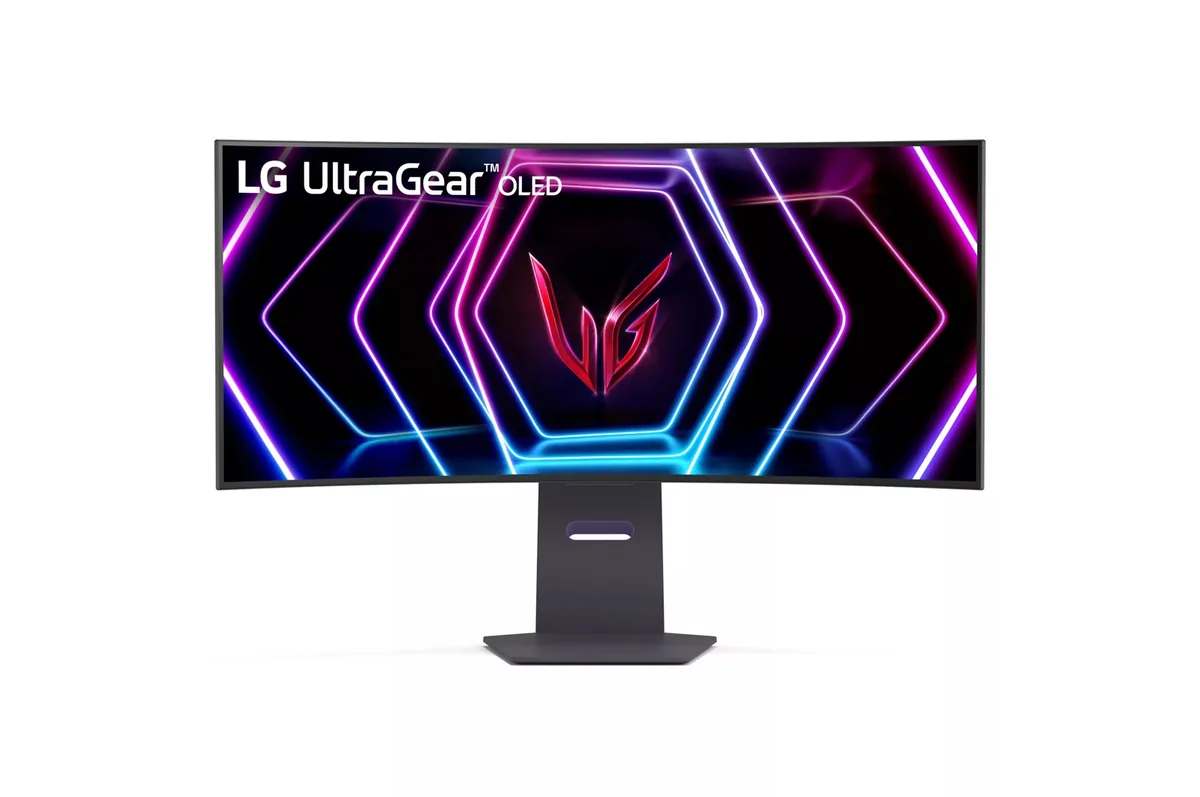
LG UltraGear 34GS95QE
46ppd · sharpReal HDR~$800
At 34 inches an 800R curve stops being a stunt and starts doing what it claims: the panel edges sit at roughly the same distance from your eyes as the centre.
Best for: A curved 21:9 gaming panel that still holds up for desktop work
- 2×HDMI 2.1· full speed(DSC)
- DisplayPort 1.4· full speed(DSC)
LG
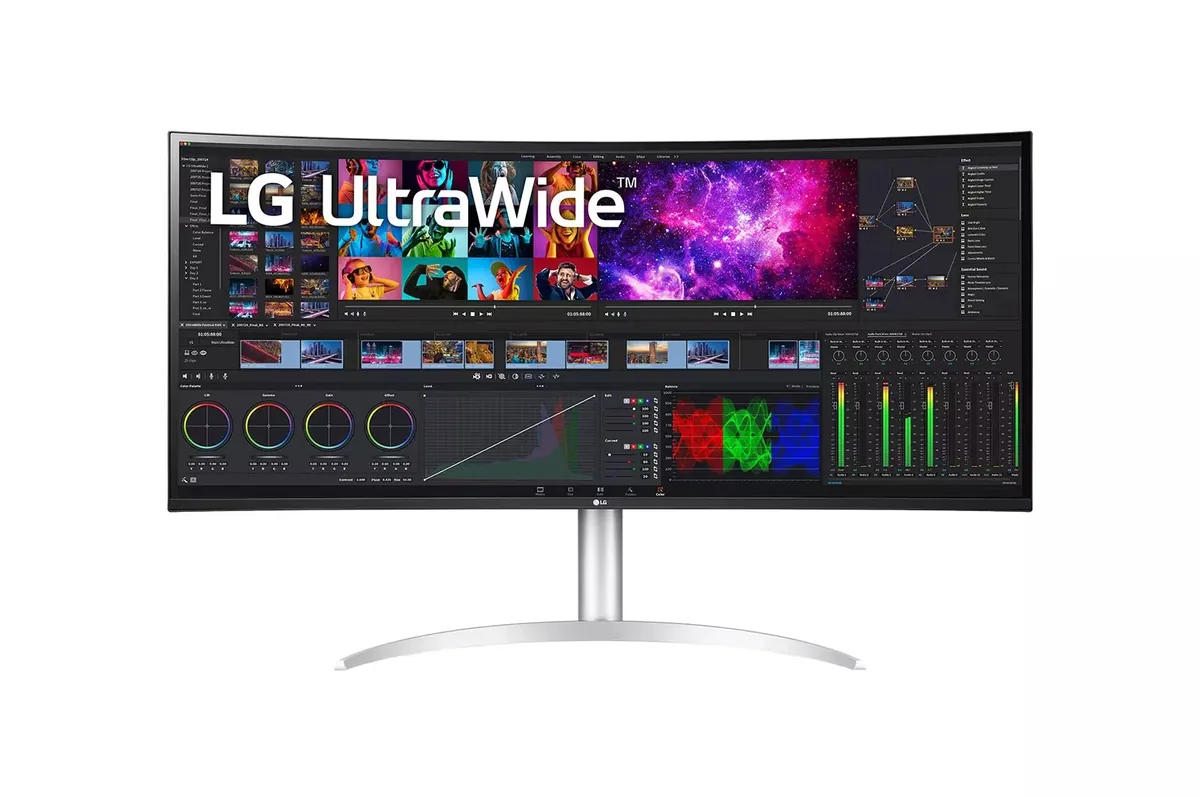
LG UltraWide 40WP95C
59ppd · sharpNo HDR~$1,800
5120×2160 across 40 inches gives two 2560-pixel-wide desktops side by side at the pixel density of a 32-inch 4K screen, which is why this one has outlived several generations of flashier ultrawides.
Best for: A wide code-and-timeline desktop driven by one Thunderbolt cable
- 2×HDMI 2.0· below the panel's maximum
- DisplayPort 1.4· full speed at 8-bit
- Thunderbolt (DP 1.4)· full speed at 8-bit
| Specification | LG UltraGear 34GS95QE | LG UltraWide 40WP95C |
|---|---|---|
| Approx. price | ~$800 | ~$1,800 |
| Type | Ultrawide | Ultrawide |
| Screen size | 34 in | 39.7 in |
| Resolution | 3440×1440 | 5120×2160 |
| Aspect ratio | 21:9 | 21:9 |
| Pixels per degree | 46 — sharp | 59 — sharp |
| Pixels per inch | 110 | 140 |
| Panel | WOLED | IPS |
| Finish | matte | matte |
| Curvature | 800R | 2500R |
| Max refresh | 240 Hz | 72 Hz |
| Response time | 0.03 ms GtG | 5 ms GtG |
| VRR | G-Sync Compatible | FreeSync |
| HDR tier | Real HDR | No HDR |
| HDR certification | DisplayHDR True Black 400 | None |
| Peak brightness | 1,300 nits claimed | 300 nits claimed |
| SDR brightness | 275 nits | 300 nits |
| Local dimming | Per-pixel (emissive) | — |
| Static contrast | effectively infinite | 1,000:1 |
| Colour gamut | 98.5% DCI-P3 | 98% DCI-P3 |
| Colour depth | 10-bit | 8-bit+FRC |
| HDMI | 2 × HDMI 2.1 | 2 × HDMI 2.0 |
| DisplayPort | 1 × DisplayPort 1.4 | 1 × DisplayPort 1.4 |
| DSC | Supported | Not supported |
| Port speed | 2 of 2 inputs at full speed | No input reaches the panel's maximum |
| USB-C | None | Video in over USB-C |
| USB-C power | — | 96 W — 14-inch class laptop |
| Thunderbolt | No | Yes |
| KVM | None | None |
| USB hub | 2 ports | 2 ports |
| Speakers | None | Built in |
| Stand | height, tilt, swivel | height, tilt, swivel |
| VESA | 100x100 | 100x100 |
| Burn-in cover | 2 years | — |
| Weight | 20.5 lb | 27.1 lb |
| Released | 2024 | 2021 |
| $ per inch | $24 | $45 |
| $ per megapixel | $161 | $163 |
LG UltraGear 34GS95QE: what it gives up
- No USB-C of any kind, so a laptop brings its own dock and its own power brick
- No speakers and no KVM: audio and a second machine each need separate hardware
- 275 nits full-field in SDR, so a bright room washes it out whatever the 1,300-nit peak says
- Ultrawide 21:9 still means letterboxing on most video and awkward scaling in some older games
- The WOLED subpixel layout fringes thin text, which makes it a poor first choice for a code editor
LG UltraWide 40WP95C: what it gives up
- 72 Hz is the ceiling, which leaves FreeSync almost no range to work in — this is not a gaming panel and does not pretend to be
- 5 ms response leaves visible smearing when dragging windows quickly
- LG claims HDR10 and no DisplayHDR tier at all, over a 300-nit backlight with no dimming-zone count — HDR here is a signal it accepts
- HDMI is 2.0, so the full 5120×2160 at 72 Hz needs DisplayPort or Thunderbolt
- No KVM despite being built for two machines
Full specifications: LG UltraGear 34GS95QE · LG UltraWide 40WP95C