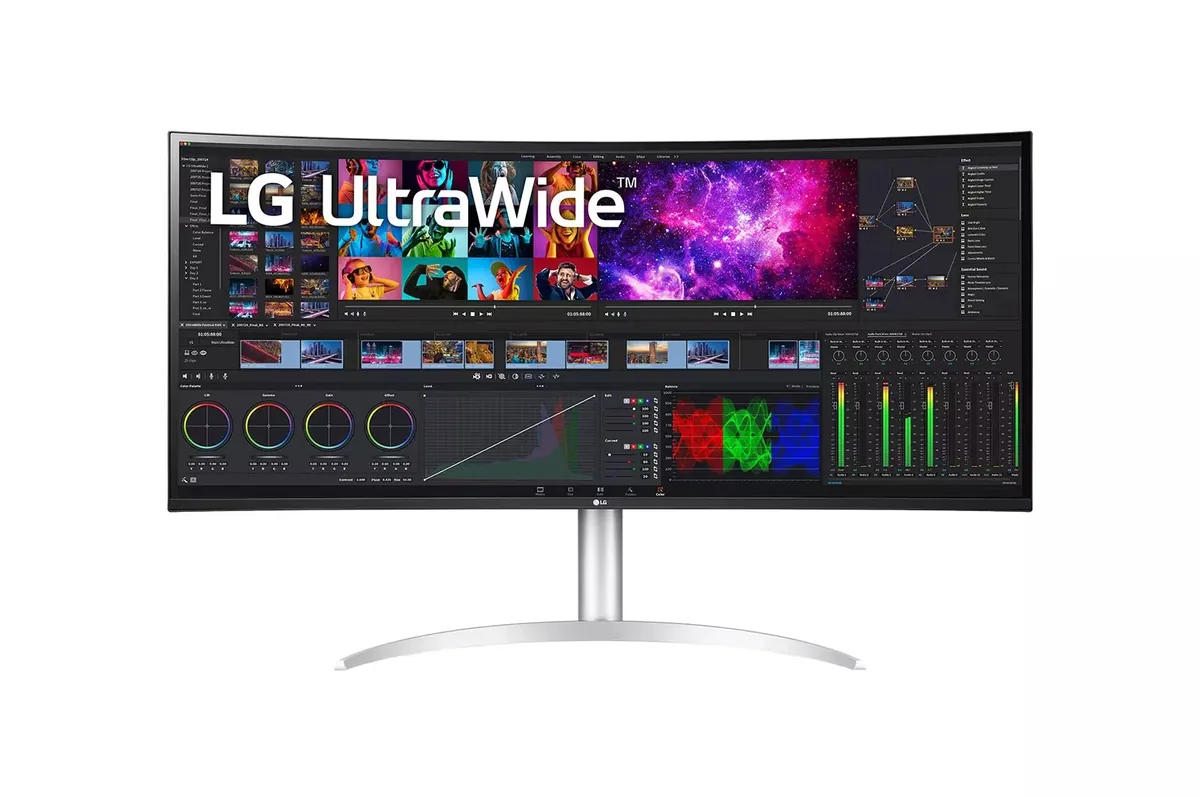
LG~$1,800
LG UltraWide 40WP95C
39.7″ · 5120×2160 · 72 Hz · IPS
- Sharpness
- 59ppd · sharp
- HDR
- No HDR
- USB-C power
- 96 W
- 5K2K 21:9
- Thunderbolt 4, 96 W
- 98% DCI-P3
Best for: A wide code-and-timeline desktop driven by one Thunderbolt cable
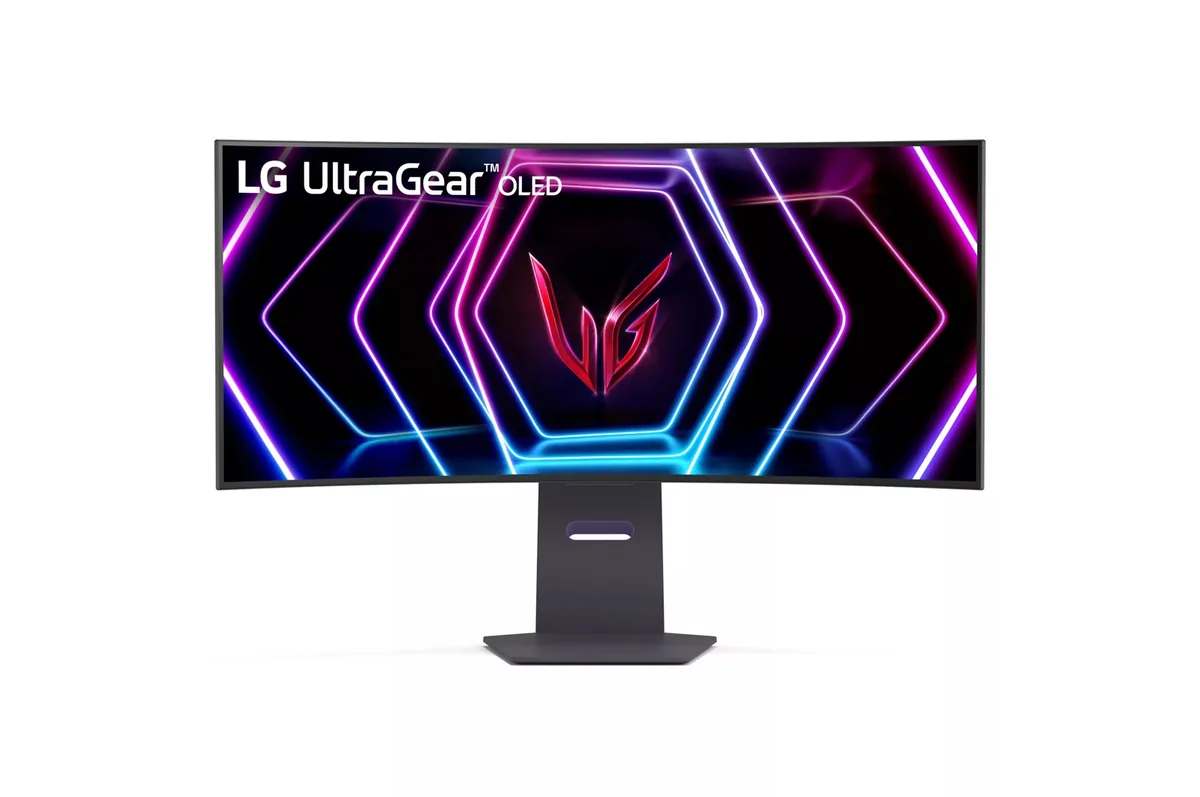 Ultrawide~$800
LG
At 34 inches an 800R curve stops being a stunt and starts doing what it claims: the panel edges sit at roughly the same distance from your eyes as the centre. Density is the other half of the argument — 110 pixels per inch works out to 46 pixels per degree, the sharpness of a 27-inch 1440p desktop stretched across a third more width. The back panel is gaming-only: two HDMI 2.1, one DisplayPort 1.4 with DSC, a two-port USB hub, and no USB-C at all.
Approx. price
~$800
snapshot, not a live price
Real HDR
per-pixel emissive — every pixel is its own backlight, so a highlight can sit beside true black
Port speed — can each input carry this panel?
This panel needs 42.8 Gbps at 3440×1440, 240 Hz and 30 bits per pixel, and supports DSC compression.
Best for: A curved 21:9 gaming panel that still holds up for desktop work
The two lists above come from the maker’s specifications and from published third-party measurements, not from owner reports. Where owner discussion has been read it appears in its own section below, so the two are never mistaken for each other.
Two things dominate what owners say about this one, and they pull in opposite directions. The first is price: it is repeatedly the cheapest way onto a 34-inch 240 Hz OLED, caught at $799 against a $1,299 list, and consistently undercutting the Alienware and MSI panels it gets shortlisted against.
The second is text. Colour fringing here draws the sharpest complaints of any trait on any LG OLED in the range — a red or blurred halo that is worst around yellow text, described by more than one owner as something they did not see at first and then could not stop seeing. Nobody has a fix. Set against that, the matte coating has defenders whose reasoning does not appear in reviews: an owner who wears glasses in a sunny climate chose it because glossy panels reflect his glasses back at him, and judges the sharpness cost overstated. New units also arrive with edge darkening or faint evenly-spaced vertical lines on dark backgrounds often enough that inspecting it properly in the first week is not optional.
Where it lands: a gaming and media ultrawide for somebody who keeps the room lit, who is not going to spend the day in a code editor, and who is happy to take a price that the QD-OLED alternatives rarely match. Anyone whose main use is text should read their own documents on it before the return window closes. Note also that the burn-in coverage is included rather than excluded — a detail buyers comparing warranty terms found to be less common than the headline year counts imply.
Subpixel fringing from the panel's white-subpixel layout, and it is the loudest complaint about this monitor. Owners describe it as worst around yellow text and yellow blocks of colour, and as something that goes unnoticed for the first few days and then becomes impossible to ignore. No owner has reported a setting or firmware change that removes it, so test it with your own documents while you can still send it back.
It is the question prospective buyers ask most about this monitor and the one they get the least agreement on. The honest summary is that nobody reports the curve costing them anything in fast games, and nobody claims it wins them anything either — people who dislike curves dislike this one, and people who wanted immersion got it. If you have never used a curved panel, buy from somewhere that takes returns.
Two separate new owners have reported exactly this: evenly-spaced dark lines running top to bottom, most visible on a dark background, plus darkening toward the panel edges. Neither got a clear answer on whether it settles with use. Treat it as a judgement call inside the return window — if you can see it during normal use rather than only on a test pattern, exchange it.
One owner hit this and found the cause: with the per-display G-Sync setting enabled, the colour-depth dropdown showed only 8-bit and the control panel crashed rather than saving. Unchecking that setting restored the deeper colour options. It is a driver interaction rather than a limitation of the panel.
No, and it is a real gap for anyone switching between two machines. An owner who runs both models says the 27-inch panel's remote makes changing inputs from across the desk trivial, and there is no equivalent on this one — you reach for the joystick under the panel instead.
The trade is real in both directions. Glossy gives more colour pop and cleaner text; matte trades a little of both for control over reflections. What tips it for some owners is specific: glasses and windows. One owner found glossy panels mirroring his own glasses back at him all day, and another who had been using a glossy ASUS in an office concluded after time with this one that he would rather have the matte.
39.7″ · 5120×2160 · 72 Hz · IPS
Best for: A wide code-and-timeline desktop driven by one Thunderbolt cable
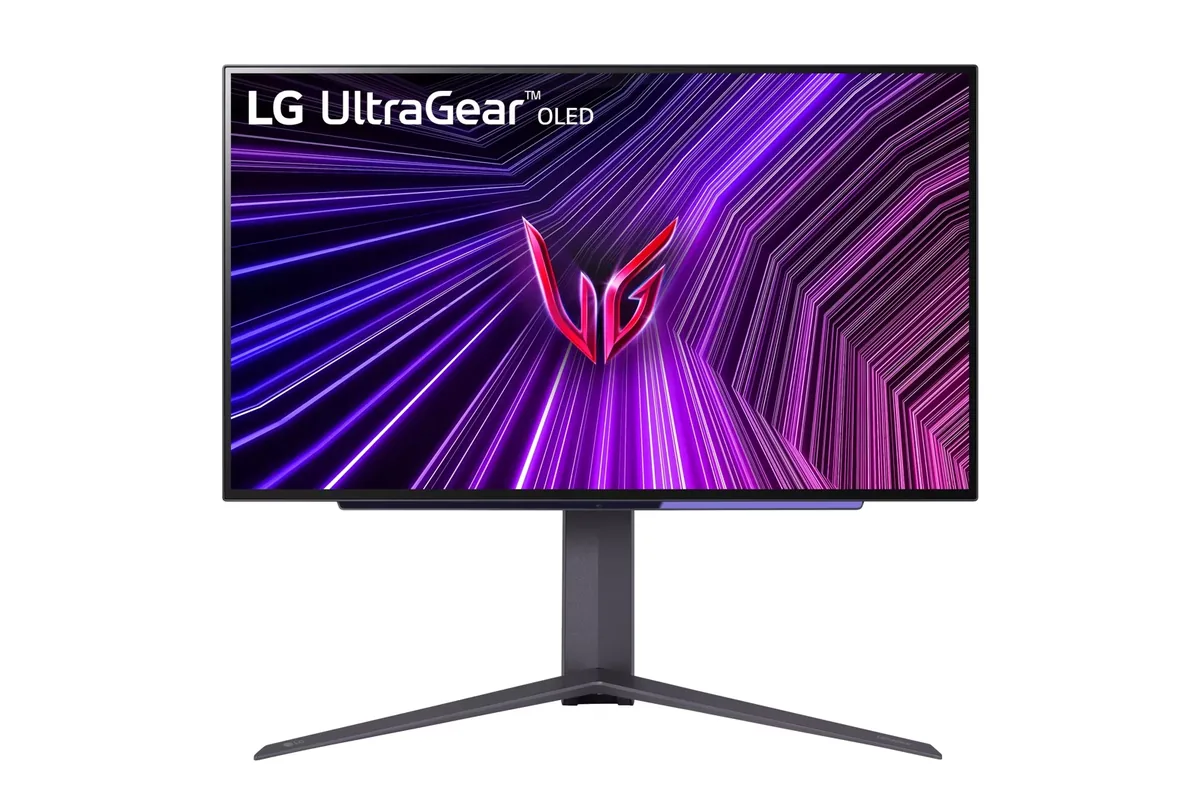
26.5″ · 2560×1440 · 240 Hz · WOLED
Best for: Competitive play where motion clarity outranks desktop text sharpness
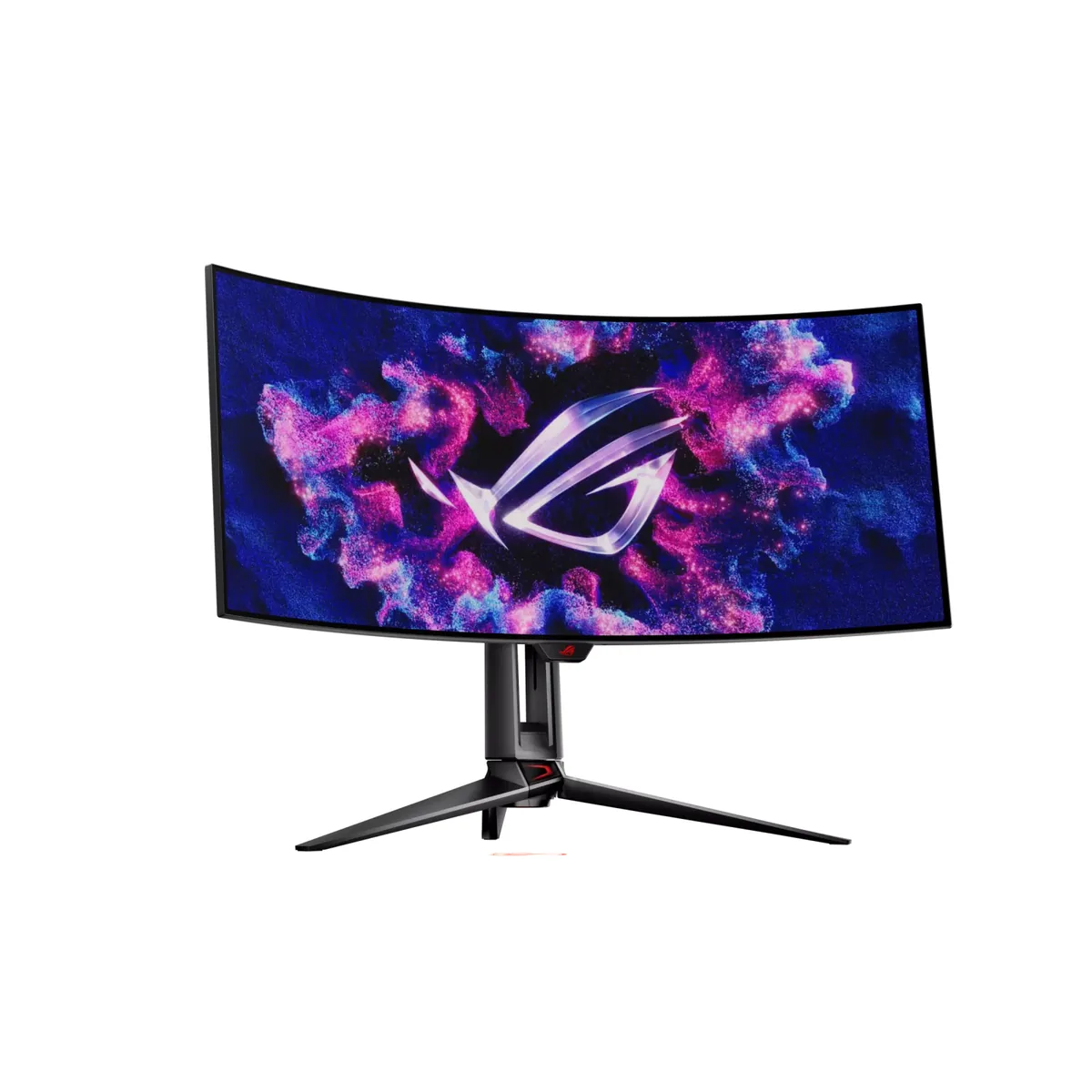
34″ · 3440×1440 · 240 Hz · WOLED
Best for: An immersive single-screen ultrawide for sims and first-person games