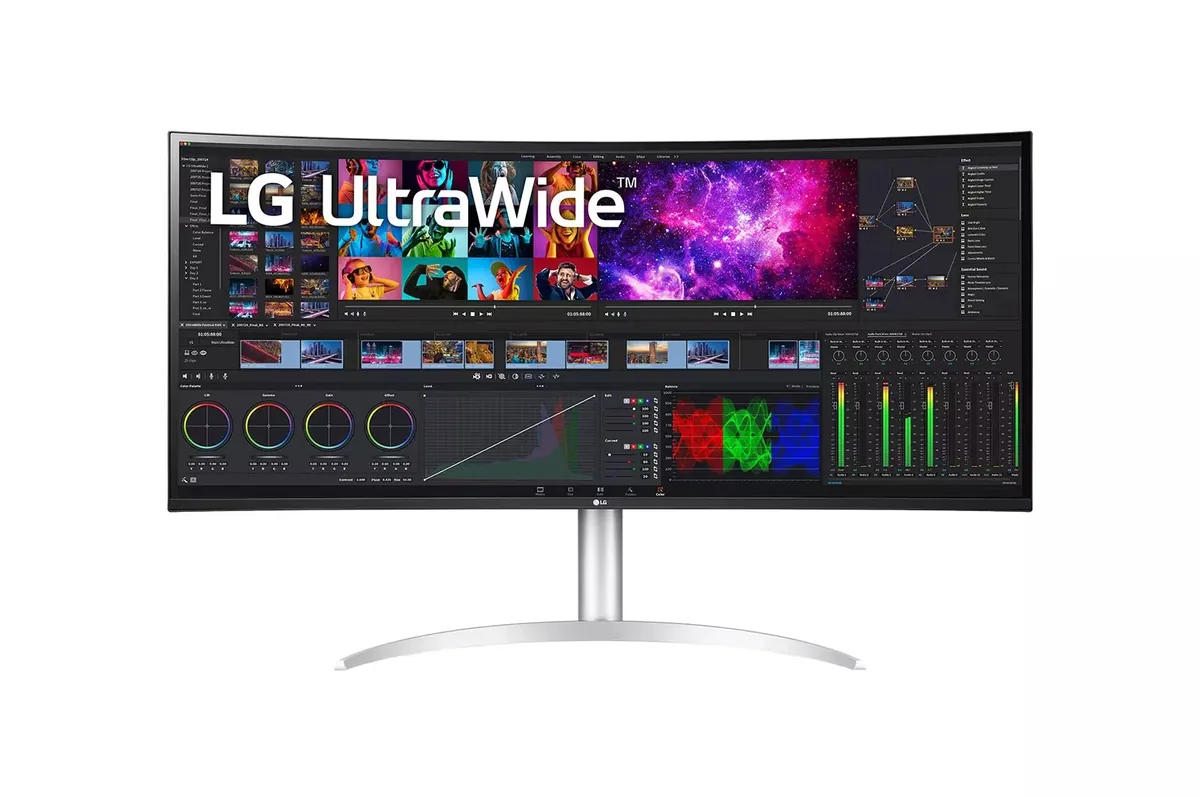
LG UltraWide 40WP95C monitorUltrawide~$1,800

LG

LG UltraWide 40WP95C

5120×2160 across 40 inches gives two 2560-pixel-wide desktops side by side at the pixel density of a 32-inch 4K screen, which is why this one has outlived several generations of flashier ultrawides. Thunderbolt 4 with 96 watts makes it a one-cable dock. It is emphatically not a gaming monitor: 72 Hz, 5 ms, and a FreeSync range that ends where a gaming panel's begins.

Approx. price

~$1,800

snapshot, not a live price

Sharpness

59ppd · sharp

text is clean; pixel edges show if you look for them

HDR tier

No HDR

the maker makes no HDR claim for this panel

Peak brightness

300nits claimed

no HDR certification

USB-C power

96 W

keeps a 14-inch machine charged under normal load

Max refresh

72 Hz

5 ms GtG rated

Port speed — can each input carry this panel?

  • 2×HDMI 2.0· below the panel's maximum
  • DisplayPort 1.4· full speed at 8-bit
  • Thunderbolt (DP 1.4)· full speed at 8-bit

This panel needs 28.7 Gbps at 5120×2160, 72 Hz and 30 bits per pixel, with no DSC to fall back on.

Best for: A wide code-and-timeline desktop driven by one Thunderbolt cable

No input on this monitor carries 5120×2160 at 72 Hz and 30 bits per pixel at once. The panel will reach its advertised refresh rate at 8 bits per channel instead, which is what the specification sheet is quietly describing. How the arithmetic works.

Specifications

Approx. price
~$1,800
Type
Ultrawide
Resolution
5120×2160
Pixels per degree
59 — sharp
Finish
matte
VRR
FreeSync
HDR tier
No HDR
Peak brightness
300 nits claimed
Colour gamut
98% DCI-P3
Colour depth
8-bit+FRC
HDMI
2 × HDMI 2.0
DisplayPort
1 × DisplayPort 1.4
DSC
Not supported
Port speed
No input reaches the panel's maximum
USB-C
Video in over USB-C
USB-C power
96 W — 14-inch class laptop
KVM
None
USB hub
2 ports
Speakers
Built in
Stand
height, tilt, swivel
VESA
100x100
Weight
27.1 lb
Released
2021
$ per inch
$45
$ per megapixel
$163

Features

  • 5120×2160 across 39.7 inches, 21:9
  • Thunderbolt 4 with 96 W power delivery
  • HDR10 support, with no VESA DisplayHDR certification
  • 98% DCI-P3, 8-bit with dithering
  • Built-in speakers

What it does well

  • 140 pixels per inch at 40 inches — the width of two monitors with none of the bezel down the middle
  • 96 watts of Thunderbolt power runs a 16-inch pro laptop and carries the display over the same cable
  • 98% DCI-P3 coverage, which is creator-grade colour on a productivity screen
  • Height, tilt and swivel on a 40-inch panel, where an ultrawide this wide usually gives at least one of them up

What it gives up

  • 72 Hz is the ceiling, which leaves FreeSync almost no range to work in — this is not a gaming panel and does not pretend to be
  • 5 ms response leaves visible smearing when dragging windows quickly
  • LG claims HDR10 and no DisplayHDR tier at all, over a 300-nit backlight with no dimming-zone count — HDR here is a signal it accepts
  • HDMI is 2.0, so the full 5120×2160 at 72 Hz needs DisplayPort or Thunderbolt
  • No KVM despite being built for two machines

The two lists above come from the maker’s specifications and from published third-party measurements, not from owner reports. Where owner discussion has been read it appears in its own section below, so the two are never mistaken for each other.

What owners say

Five thousand pixels of width at the density of a 32-inch 4K screen is a specific promise, and for the people it suits, nothing else quite does the job — owners split the canvas into thirds, park a 27-inch panel in portrait alongside it, and stop thinking about monitors for a couple of years.

Then there is the owner who has had one for three years and wants out. An accountant who also shoots and designs, working ten to fifteen hour days, cannot live with the brightness, the contrast or the 72 Hz refresh any longer, and has costed a 120 Hz replacement down to the resale value of this panel. His complaint is instructive because of what is absent from it: he says nothing against the resolution, which is exactly the thing he cannot give up. Scaling is the other surprise — 100% is not automatically readable at this size, and one owner worked his way down through 125% to 150% before he was comfortable, feeling he had given back the space he bought.

Mac buyers should be cautious. One long-term owner lost the resolution he wanted when his work laptop became an M4 Pro, and an M1 Max owner sees the panel dim and recover over half a minute. A single buyer received a dead-on-arrival unit and was refused warranty help, which is one data point but a bad one. What you are buying now is a mature, discounted panel with no announced replacement, aimed at somebody who wants width and density and is honest with themselves about not needing refresh rate.
What owners like

  • One cable genuinely does the job: owners run a personal MacBook straight into it over Thunderbolt at 96 watts, carrying picture and power at once, and put the work laptop through a dock on the second input
  • It replaces two monitors in a way that survives contact with real work — owners coming off a pair of 27-inch screens keep one of the old panels in portrait beside it and split the 40-inch canvas into thirds, a habit one owner has run for eighteen months without complaint
  • Pixel density is what keeps people on it. A designer and photographer putting in ten to fifteen hour days says his eyes cannot tolerate anything lower, and every criticism he has of the monitor is about brightness and refresh rate rather than about sharpness
  • LG's software controller lets one screen serve a Mac and a PC without a hardware switch, and buyers comparing it against a rival with a physical KVM specifically wanted the software route instead
  • Age has become an advantage: it now turns up discounted and as open-box stock with full warranty, at prices well below what its 120 Hz successors cost

Common complaints

  • The three-year verdict is the one to weigh hardest. An owner who uses it professionally every day ended up unable to stand the brightness, the contrast ratio or the 72 Hz refresh, and priced out a 120 Hz replacement including the resale value of this one
  • Running it at 100% scaling is not a given: one owner found text far too small at 100%, still uncomfortable to work in at 125%, and settled on 150% while feeling he had handed back the screen space he had paid for
  • Window resizing lags on modest hardware — dragging an empty spreadsheet out to the full width of the panel takes a visible beat on a laptop feeding it over USB-C to DisplayPort
  • Recent Macs are a genuine risk rather than a theoretical one: an owner eighteen months in lost his preferred resolution when his work machine moved to an M4 Pro laptop, and an M1 Max owner reports the screen dimming and then climbing back to normal over about thirty seconds
  • One buyer's brand-new unit, sticker still attached, had a dead left side and lines running through the panel on first power-up, and LG declined to help under warranty — he shared the account specifically so other people could factor it in
  • Supply has gone erratic with no successor announced, and at least one European buyer waited months on an order that never got a shipping date

Questions owners ask about the LG UltraWide 40WP95C

Can I run it at 100% scaling like a 32-inch 4K screen?

Maybe not, and it surprises people. One owner wanted 100% and found the text far too small, moved to 125% and still struggled to read comfortably through a working day, and ended up at 150% — at which point he felt he had surrendered the extra space the resolution was supposed to give him. Density on paper and comfortable text are different questions, and the answer depends on your eyes and your viewing distance.

Does one Thunderbolt cable really power a laptop and drive the display?

Yes. Owners run a MacBook directly into it and get 96 watts of charging alongside the picture on the same cable. A common two-machine setup puts the personal laptop on Thunderbolt and a work laptop through a Thunderbolt dock into the DisplayPort input, then switches between them. Be aware that chaining several additional displays off the same dock is where people run into limits.

Are there problems with recent Apple laptops?

Two worth knowing. An owner who had run the panel happily for eighteen months lost the resolution he preferred when his work machine changed to a 16-inch M4 Pro — macOS simply would not offer it. Separately, an M1 Max owner sees the screen suddenly darken and then climb back to normal brightness over roughly thirty seconds, and has not established whether it is a dimming feature or a fault. Test your own machine early.

Does it have a built-in KVM switch?

Not a hardware one. LG's approach is software — a controller application that moves keyboard and mouse between two connected machines. Buyers who compared it against a rival monitor with a physical KVM button went in knowing this, and some preferred the software route. If you want a button on the panel that switches everything, this is not that monitor.

Is 72 Hz a problem for office work?

It becomes one for some people. The owner three years in says it simply does not feel smooth enough for him, and lists it beside brightness and contrast as a reason to replace the monitor. Separately, window resizing on a large area can lag visibly on modest laptop graphics. For reading and typing it is fine; for dragging big windows around all day it is the trait that wears on people.

Is it still worth buying at its age?

It depends on what the alternative costs. The successors at this resolution run 120 Hz with better contrast but at a substantially higher price, which is why owners price the swap net of reselling this one. Meanwhile this panel appears discounted and as open-box stock with full warranty. The risk is supply — one European buyer waited months on an order with no shipping date and no announced replacement to wait for either.

Others in the same part of the catalog

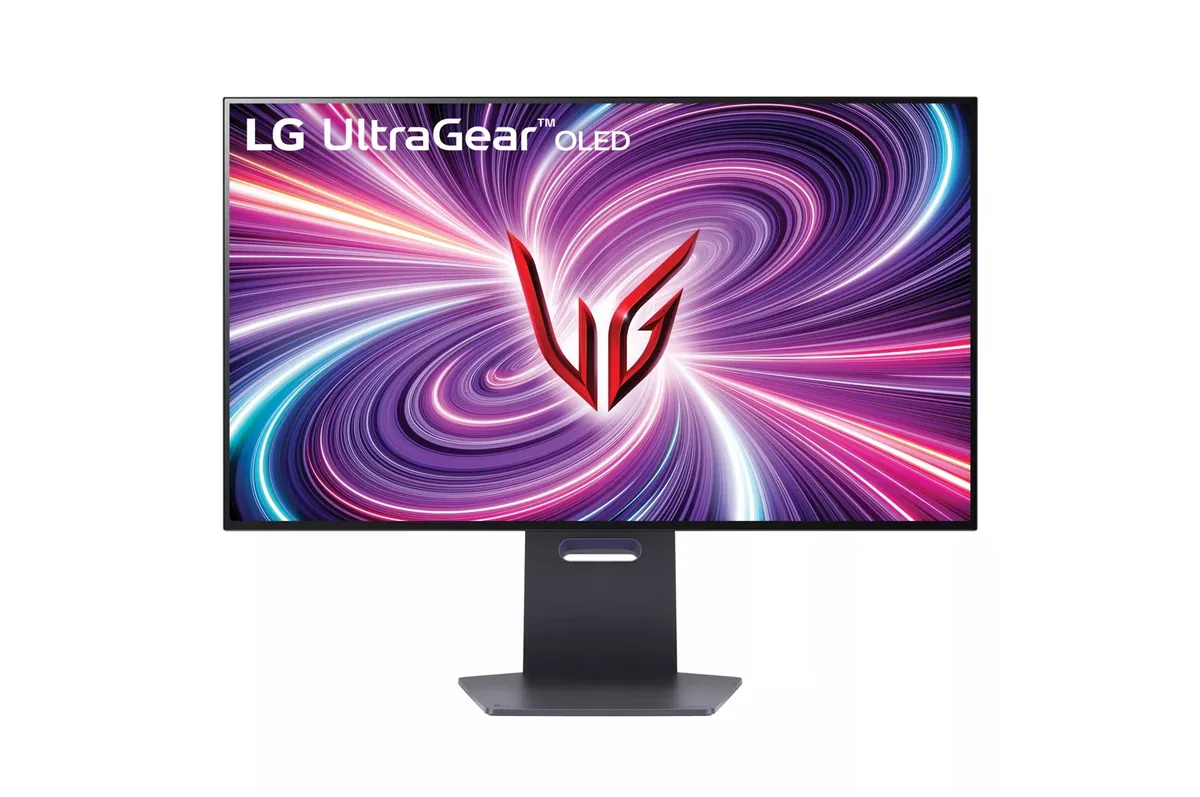
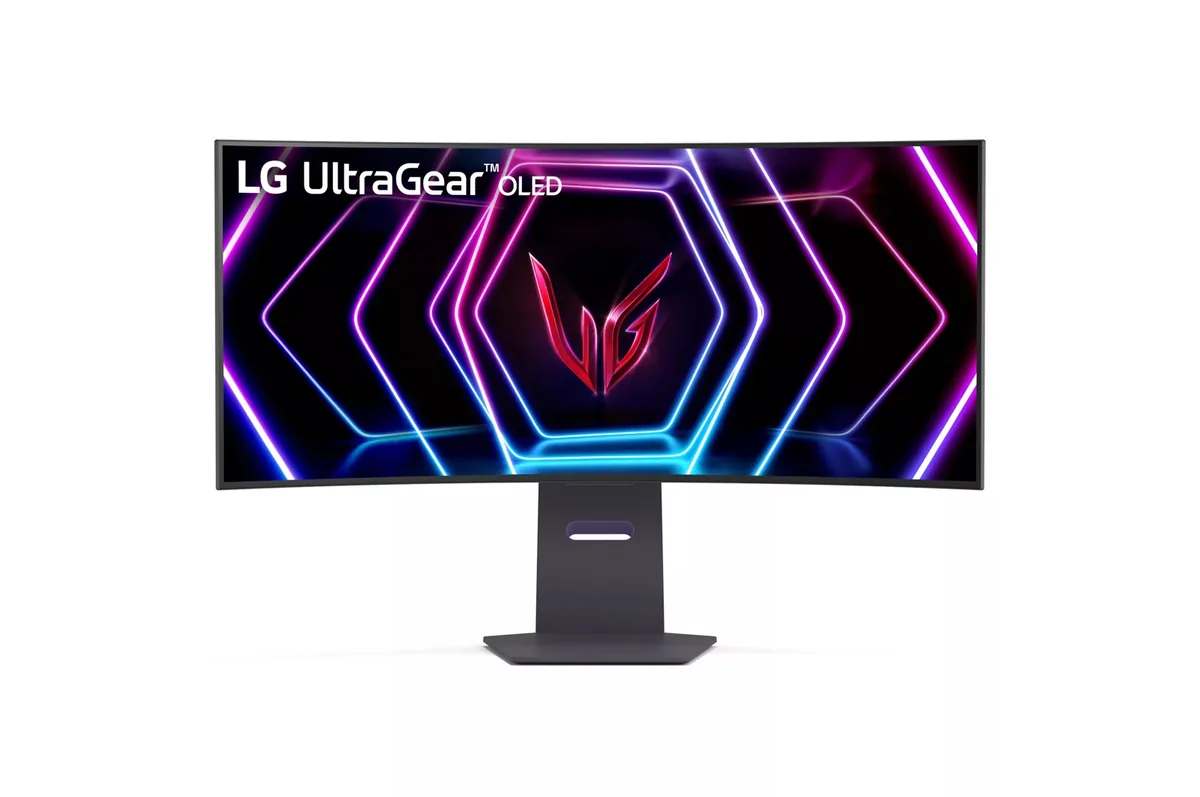
LG UltraGear 34GS95QE monitor
LG~$800

LG UltraGear 34GS95QE

34″ · 3440×1440 · 240 Hz · WOLED

Sharpness
46ppd · sharp
HDR
Real HDR
USB-C power
No USB-C power
  • 240 Hz 21:9
  • 800R curve
  • 98.5% DCI-P3
  • Console at full speed

Best for: A curved 21:9 gaming panel that still holds up for desktop work

LG UltraGear 32GS95UE monitor
LG~$1,400

LG UltraGear 32GS95UE

31.5″ · 3840×2160 · 240 Hz · WOLED

Sharpness
59ppd · sharp
HDR
Real HDR
USB-C power
No USB-C power
  • 4K240 / 1080p480
  • 1,324 nits measured
  • Per-pixel HDR
  • Console at full speed

Best for: One monitor covering both a single-player library and a competitive shooter

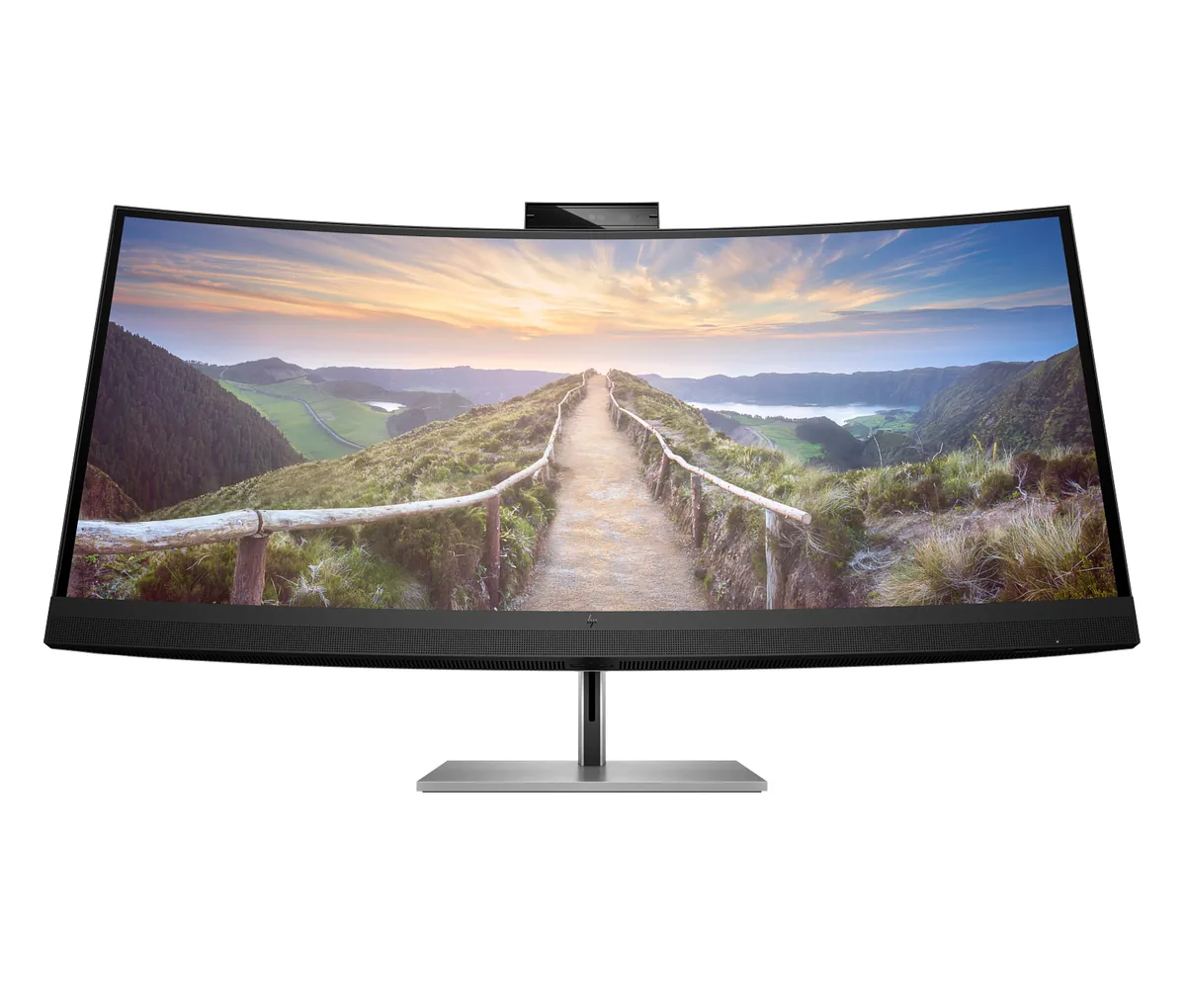
HP Z40c G3 monitor
HP~$1,499

HP Z40c G3

39.7″ · 5120×2160 · 60 Hz · IPS

Sharpness
59ppd · sharp
HDR
No HDR
  • 5120×2160
  • Thunderbolt dock
  • Pop-up webcam

Best for: Replacing a two-monitor desk with one curved panel and one cable

More from LG →

← Back to the catalog