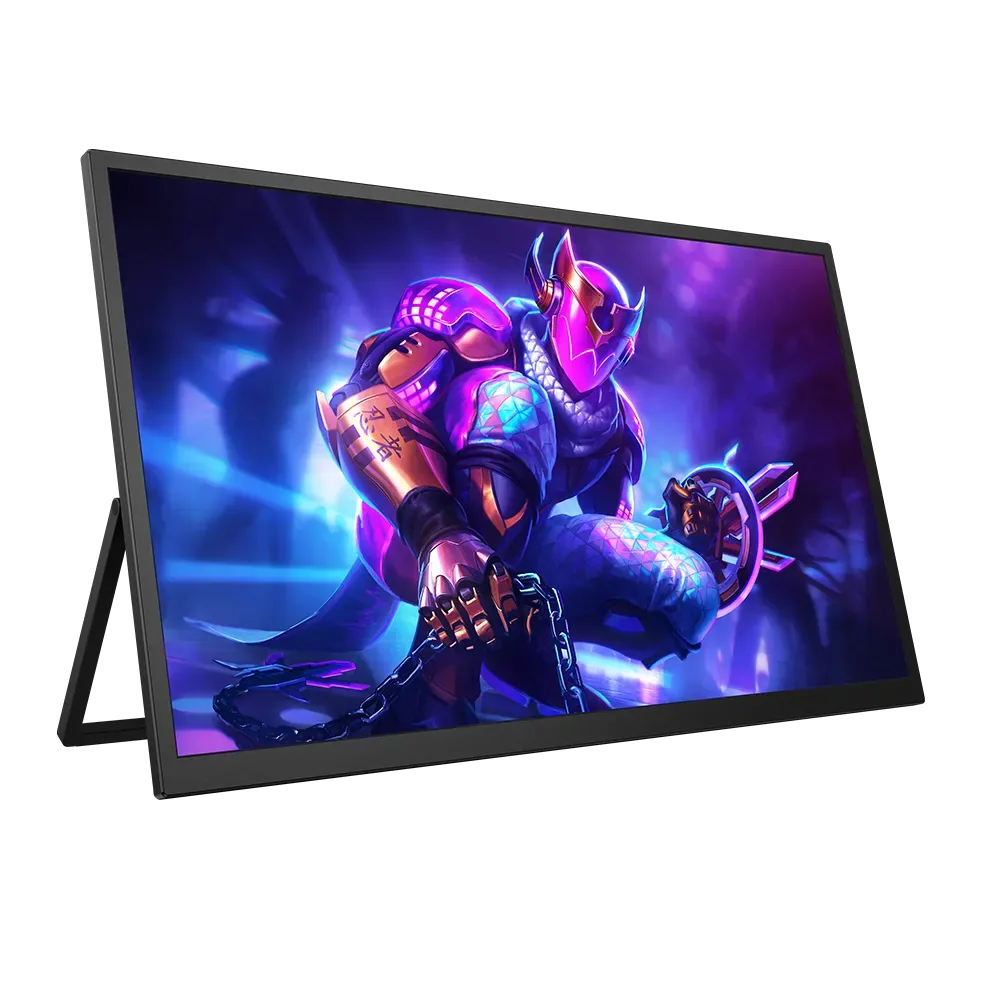
UPERFECT~$210
UPERFECT GR185CF
18.5″ · 1920×1080 · 120 Hz · IPS
- Sharpness
- 50ppd · sharp
- HDR
- No HDR
- USB-C power
- No USB-C power
- 18.5 inches
- 120 Hz
- Mini-HDMI in
Best for: Taking a console to a hotel room without hunting for a TV
Arzopa
Around $110 buys 16.1 inches of 144 Hz here, which is why this one turns up attached to so many Steam Decks. The panel itself is ordinary — 1080p, 300 nits, 1000:1 — and the refresh rate is doing all of the work. Mini-HDMI sits beside the USB-C input, so a console that has no USB-C video can still drive it.
Approx. price
~$110
snapshot, not a live price
Port speed — can each input carry this panel?
This panel needs 8.6 Gbps at 1920×1080, 144 Hz and 24 bits per pixel, with no DSC to fall back on.
Best for: A handheld console's travel screen on a tight budget
The two lists above come from the maker’s specifications and from published third-party measurements, not from owner reports. Where owner discussion has been read it appears in its own section below, so the two are never mistaken for each other.
Portable monitors at this price are bought for one number, and here it is refresh rate: 144Hz on a 16.1-inch screen for well under the cost of a sharper 2.5K rival. Buyers turn it up while shopping for a second screen to travel with, something to plug a docked console into at university, or a side panel for a gaming laptop, and the thing that seals it is that one USB-C cable carries both video and power.
The complaint that dominates owner reports is backlight bleed. Two separate owners raise it, one describing a sharply-defined bright block in a corner visible within the first ten minutes of use and bad enough to wash out colours elsewhere on the panel. Neither gets a confident answer about whether it settles down, which in practice means checking the panel on a dark screen the day it arrives and returning it if the answer is obvious. Mac owners have a second, smaller annoyance: 1080p spread over 16.1 inches leaves the default macOS scaling looking small, and the comfortable setting takes some hunting.
Where it lands well is as exactly what it costs. A freelance artist who had been working on an OLED laptop panel moved onto this after an accident and kept working, missing the vibrancy but not the money. Anyone weighing it against the 2.5K 144Hz portables from UPERFECT is choosing between resolution and price, and there is no clear owner verdict on which of these near-identical budget brands is more reliable — shoppers note the products and even the packaging look alike and cannot find much to separate them.
Owners here describe two different things. Soft glow at the edges of a dark screen is ordinary for a budget IPS panel. What one owner reports on this model is not that — a bright patch with a sharp, almost square boundary in the bottom-right corner, visible within minutes of unboxing and washing out colour across the screen. That is worth returning rather than waiting out, and nobody in the discussion reports bleed improving over time.
The native 1920×1080 over 16.1 inches lands small and zoomed-out for the owner who raised this, and the trade-off is the usual one: scale up and text softens, stay native and it is tight. There is no magic setting in the discussion. If crisp text at a comfortable size on macOS is the priority, the 2560×1600 portables people cross-shop it against are the honest answer.
Yes, and buyers check this specifically before ordering — the ability to skip a separate power supply is a deciding factor for people comparing it against the step-up model in the same family. That matters most when the source is a laptop or a dock with limited ports and you are carrying the screen around.
One owner uses it as their main drawing surface after their OLED laptop screen was destroyed, and reports the sRGB coverage is genuinely usable for art. The caveat comes from the same person: coming off OLED, the image looks flat by comparison. As a colour-reference display it is a compromise; as a working canvas at this price it evidently holds up.
Shoppers repeatedly find the two brands offering near-identical 16-inch 144Hz panels at similar prices, with packaging so alike they wonder whether it is the same product. The real fork is resolution: the UPERFECT models people compare against are 2560×1600 and cost roughly twice as much. No owner has enough long-term experience with either brand's support to recommend one over the other on reliability.
18.5″ · 1920×1080 · 120 Hz · IPS
Best for: Taking a console to a hotel room without hunting for a TV
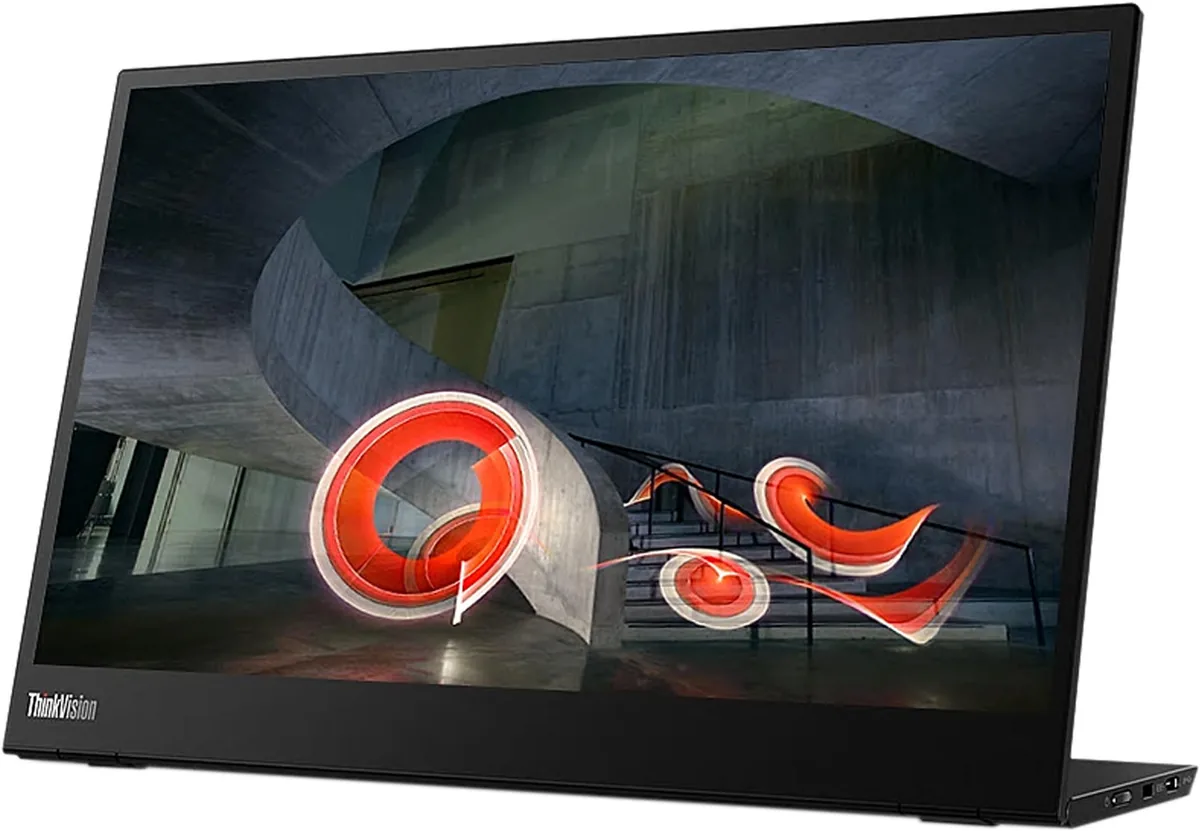
14″ · 1920×1080 · 60 Hz · IPS
Best for: The default laptop-bag second screen when nothing may go wrong
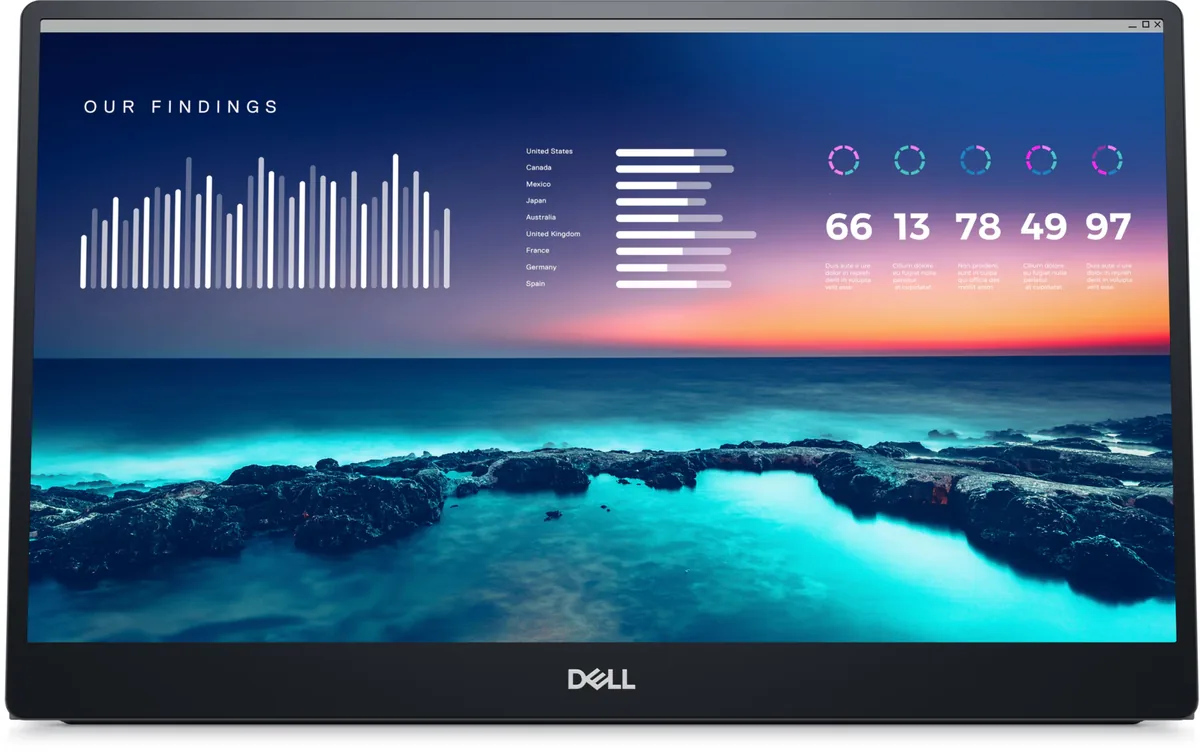
14″ · 1920×1080 · 60 Hz · IPS
Best for: A travel second screen bought on warranty rather than specification