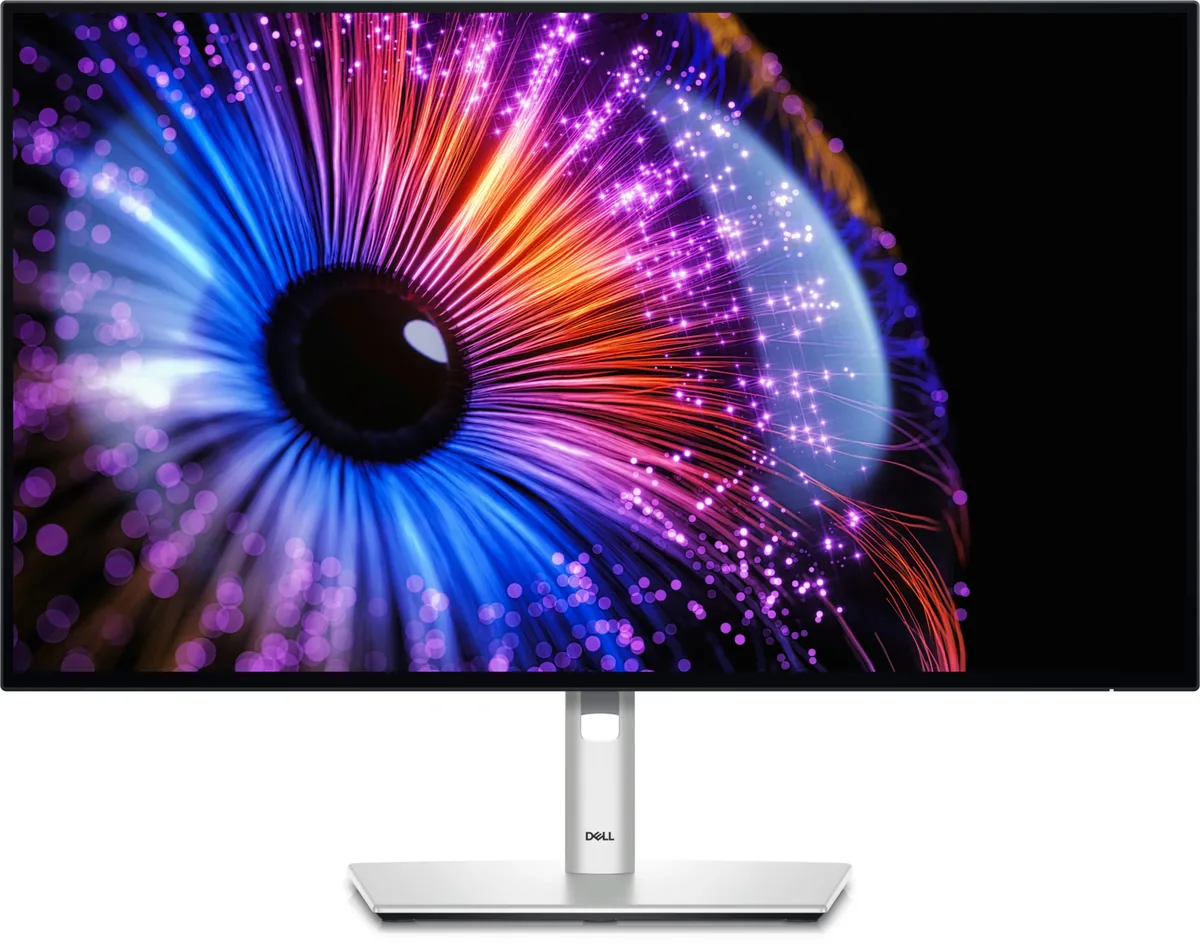
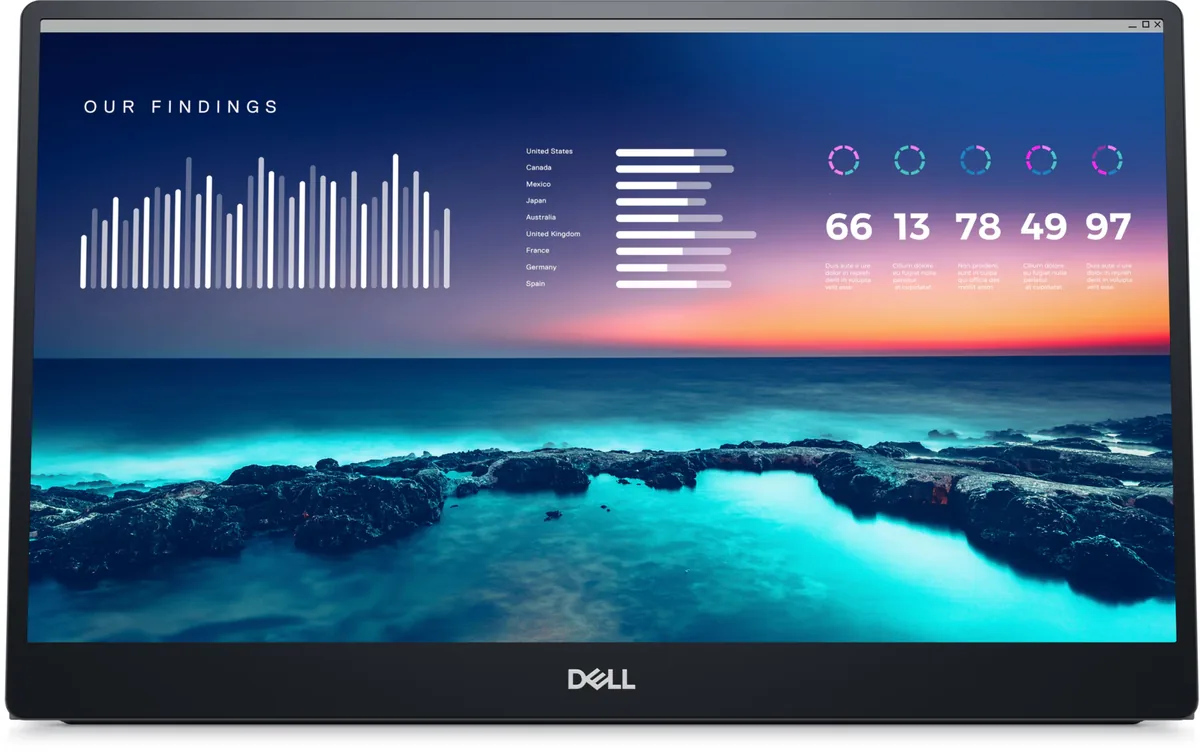
Dell S2725QS monitorProductivity~$300

Dell

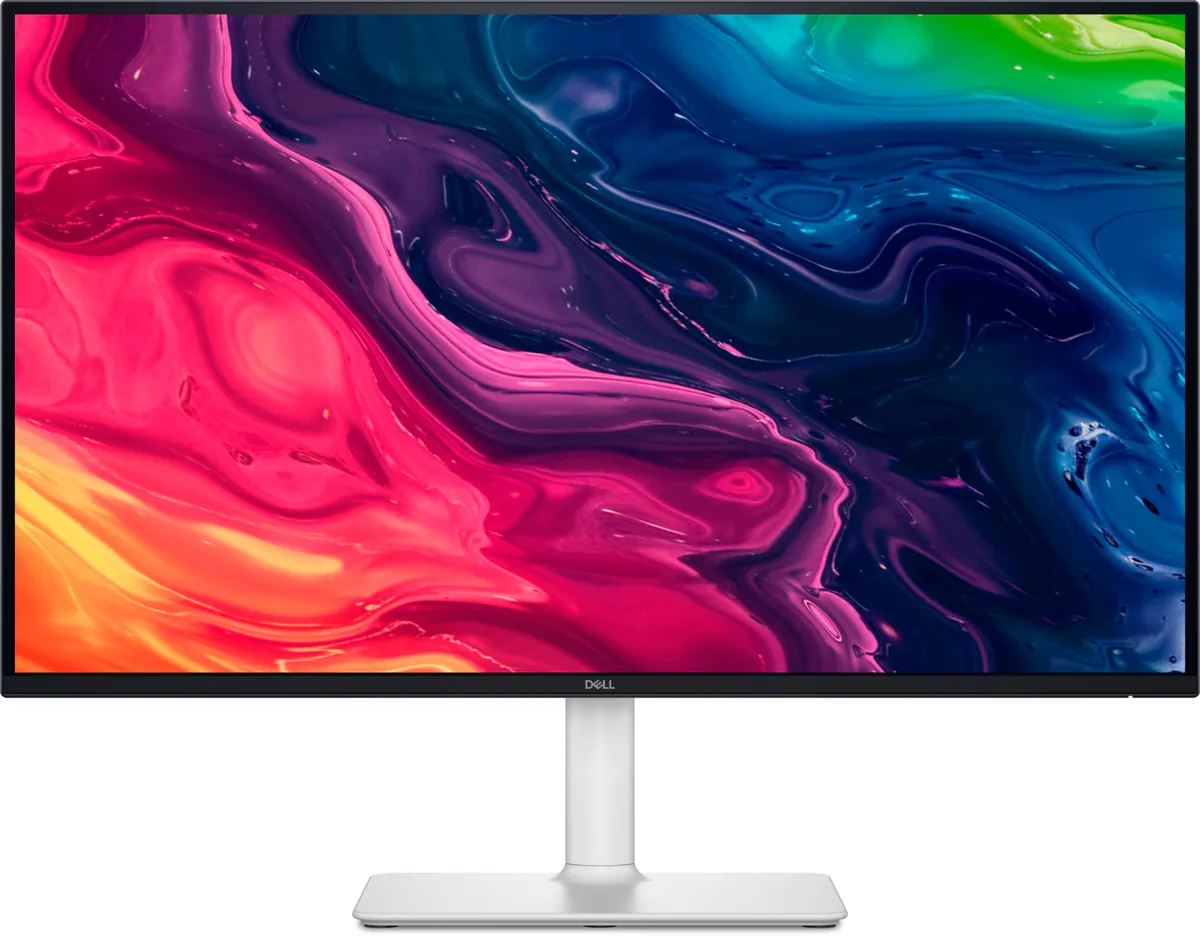
Dell S2725QS

About $300 buys 4K at 120 Hz here, with a stand that moves every way a $900 monitor's does. The corner Dell cut to get there is on the back panel: two HDMI 2.1 inputs and one DisplayPort 1.4 are the entire port list, so there is no hub, no USB-C and nothing to dock a laptop with. Dell claims no HDR certification either, which at 350 nits is the honest position.

Approx. price

~$300

snapshot, not a live price

Sharpness

68ppd · retina-class

past the ~1 arcminute limit of 20/20 acuity — the grid is gone

HDR tier

No HDR

the maker makes no HDR claim for this panel

Peak brightness

350nits claimed

no HDR certification

USB-C power

None

video and data only, or no USB-C at all

Max refresh

120 Hz

4 ms GtG rated

Port speed — can each input carry this panel?

  • 2×HDMI 2.1· full speed
  • DisplayPort 1.4· depends on DSC, which is not published

This panel needs 35.8 Gbps at 3840×2160, 120 Hz and 30 bits per pixel, and the maker does not say whether it supports DSC compression.

Best for: A cheap sharp desktop for a console and a recent graphics card

Specifications

Approx. price
~$300
Type
Productivity
Resolution
3840×2160
Pixels per degree
68 — retina-class
Finish
matte
VRR
FreeSync Premium
HDR tier
No HDR
Peak brightness
350 nits claimed
Colour gamut
99% sRGB
HDMI
2 × HDMI 2.1
DisplayPort
1 × DisplayPort 1.4
DSC
Not published
Port speed
1 of 2 inputs at full speed
USB-C
None
KVM
None
Speakers
Built in
Stand
height, tilt, swivel, pivot
VESA
100x100
Weight
14.26 lb
$ per inch
$11
$ per megapixel
$36

Features

  • 4K at 120 Hz for around $300
  • Two HDMI 2.1 inputs and a DisplayPort 1.4
  • Full four-way adjustable stand
  • Built-in speakers

What it does well

  • 4K at 120 Hz for about $300, which was flagship pricing two years ago
  • 68 pixels per degree — the pixel grid is genuinely invisible at desk distance
  • Fully adjustable stand including portrait pivot at a budget price
  • Both HDMI ports are 2.1, so a console runs at 4K120 on either

What it gives up

  • 1500:1 contrast is ordinary even by IPS standards, so dark scenes go grey in a dim room
  • No USB ports of any kind — no hub, and no USB-C to bring a laptop in on one cable
  • Dell publishes only 99% sRGB coverage and gives the panel as 1.07 billion colours without saying how it reaches them; fine for documents, thin for photo work
  • No HDR certification at all, and 350 nits over an edge-lit backlight would not carry HDR if it had one

The two lists above come from the maker’s specifications and from published third-party measurements, not from owner reports. Where owner discussion has been read it appears in its own section below, so the two are never mistaken for each other.

What owners say

Four thousand pixels wide at 120 Hz for around three hundred dollars was flagship money two years ago, and this is what Dell removed to get there: every USB port, the hub, the USB-C input and any pretence of HDR. What survives is a good IPS panel, a fully adjustable stand and two full-bandwidth HDMI inputs.

Owners confirm the bargain and also find its edges. The coating gets genuine praise — one person who replaced this monitor with another 27-inch 4K panel found themselves missing how little the Dell's surface glittered on white backgrounds. Set beside Dell's own 32-inch model with matching specs on paper but a different panel type, the colour and brightness advantage is stark. Against that, one owner returned theirs over image retention and response times, and the Extreme overdrive setting visibly overshoots — white smearing on road surfaces and haloing around trees in motion, all of which goes away in the normal setting, which is where most people should leave it.

Buy it as a second screen, a console screen, or a cheap sharp desktop for a machine that already has its own ports. Do not buy it expecting to dock a laptop, feed it HDR, or plug a keyboard into it — and check the model letters carefully, because the sibling that swaps DisplayPort for USB-C has caught buyers out.
What owners like

  • The price is the entire argument and owners keep confirming it: around three hundred dollars in the US and under four hundred in Canada and Australia for 4K at 120 Hz, against UltraSharp models several hundred more.
  • The anti-glare coating is unusually clean for this class. An owner who moved to another 27-inch 4K panel praised this one for showing almost none of the grainy shimmer on white backgrounds, and specifically missed it on the replacement.
  • Placed beside Dell's 32-inch sibling with the same headline specs but a different panel type, the colour and brightness are dramatically better — an owner running both side by side after factory-resetting each called the larger one muted and dim by comparison.
  • The stand adjusts every direction including portrait, which is not something you normally get at this price.
  • Both HDMI inputs are 2.1, so a console negotiates 4K at 120 Hz on either one — buyers shopping for a PlayStation and a Switch successor pick it for that.
  • It carries a four-star eye-comfort certification, which brings in buyers shopping on eye strain rather than gaming specifications and who are upgrading from decade-old panels.

Common complaints

  • Image retention and unimpressive response times sent one owner back to the shop for a different 27-inch 4K panel, keeping only their praise for the coating.
  • The Extreme response-time setting overshoots badly. An owner playing Red Dead Redemption 2 saw road surfaces smearing white and a white halo trailing tree edges in motion, all of which disappeared in the normal setting.
  • There is no HDR certification and no HDR handling, so an HDR video source is simply the wrong thing to plug in — one buyer chose a rival specifically because they wanted to feed it a streaming box.
  • No USB ports of any kind. It cannot dock a laptop, cannot host a keyboard and mouse, and cannot pass a single cable from a MacBook, which is what separates it from the UltraSharp line.
  • The naming catches people out: the nearly identically named S2725QC drops the DisplayPort input in favour of a 65-watt USB-C one, and at least one buyer with a desktop full of DisplayPort outputs bought the wrong model and had to ask about returning it.

Questions owners ask about the Dell S2725QS

What is the difference between the S2725QS and the S2725QC?

The port list, and it matters more than the one letter suggests. This model has a real DisplayPort input alongside its two HDMI ports; the QC drops DisplayPort and gives you a 65-watt USB-C input with DisplayPort Alt Mode instead, which is what you want for a laptop and useless for a desktop whose graphics card only has DisplayPort and HDMI outputs. A buyer who wanted laptop flexibility bought the QC and then found their desktop could not use it properly. Decide which source matters first, then pick the letter.

Why do moving objects leave white smears when I turn response time up?

That is overdrive overshoot, and it is why the Extreme setting exists as an option rather than a default. An owner saw road surfaces smearing white and a bright halo trailing tree edges in Red Dead Redemption 2 with Extreme enabled, and the artefacts vanished in the normal setting. Overdrive pushes each pixel past its target value to reach the next colour faster; push too hard and it overshoots and you see the inverse of ghosting. Leave it on normal.

Why does it cost hundreds less than the UltraSharp 27-inch 4K?

Almost all of the difference is on the back panel and in the panel type. The UltraSharp adds a USB-C or Thunderbolt input with power delivery, a USB hub, a KVM, Ethernet on some models, and an IPS Black panel with roughly double the static contrast. This one gives you the same resolution and a higher refresh rate with none of the dock hardware. If your PC has its own ports and you are not connecting a laptop, you are mostly paying for contrast.

Does it do HDR?

No, and that is the honest position rather than a shortcoming — Dell claims no HDR certification at all, which at this brightness level over an edge-lit backlight is more truthful than the badges some rivals carry. The practical consequence, which one buyer worked out before ordering, is that an HDR video source such as a streaming box will send HDR metadata the monitor cannot use and the picture will look wrong. Keep the source in SDR.

Can I run three of these from a laptop dock at full refresh?

Probably not, and the limit is your laptop rather than the monitors. An owner with three of them on a dock could get two to 60 Hz and the third only to 30 Hz, in any port combination, with the same total no matter which output they used — dropping one screen to 30 Hz freed the third to run at 60. That is the host's display bandwidth being divided up. Three 4K panels at 60 Hz needs a machine and dock rated for it, and no cable or BIOS setting works around a hard limit.

Others in the same part of the catalog

Dell UltraSharp U2725QE monitor
Dell~$850

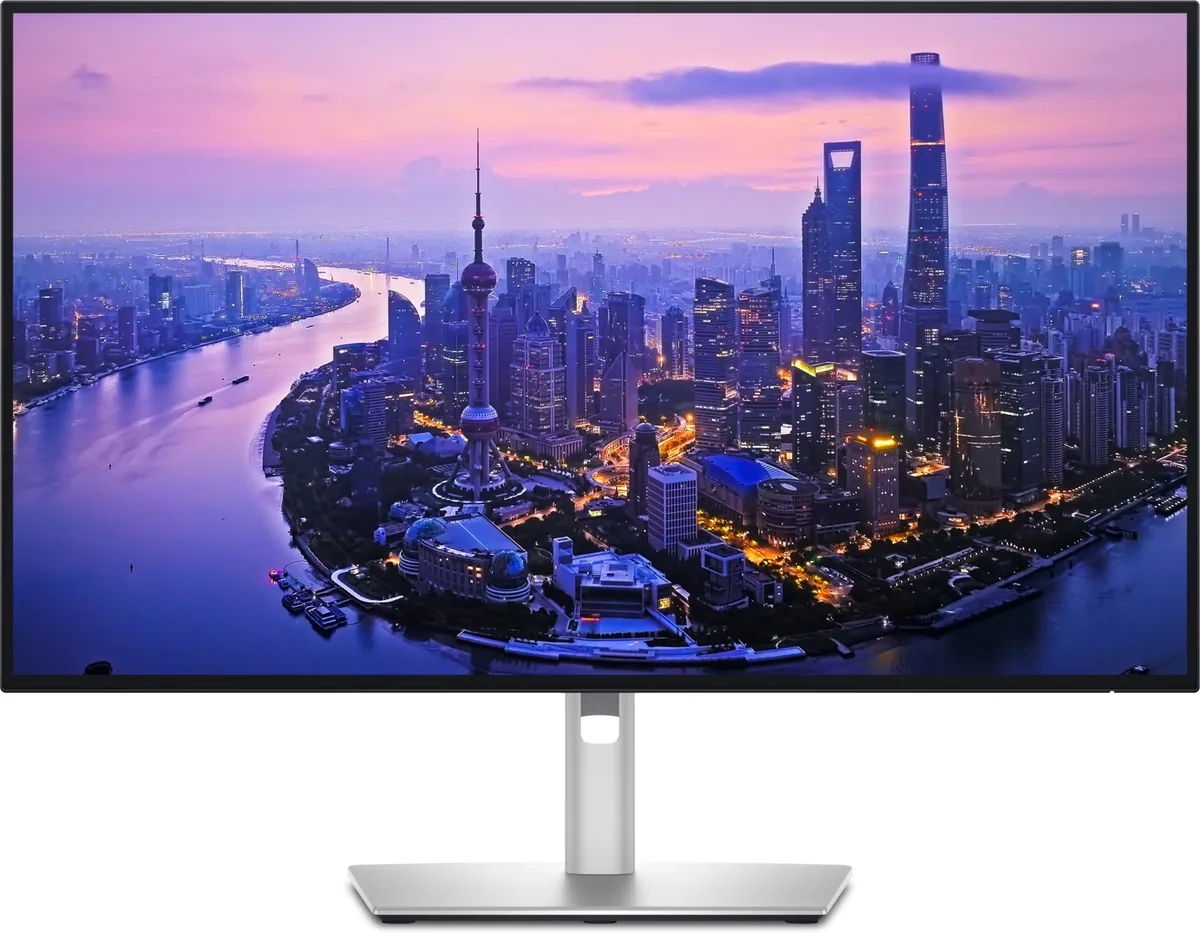
Dell UltraSharp U2725QE

27″ · 3840×2160 · 120 Hz · IPS

Sharpness
68ppd · retina-class
HDR
Accepts an HDR signal
  • IPS Black 3000:1
  • Thunderbolt 4, 140 W
  • KVM
  • Console at full speed

Best for: A two-machine desk that should run from one cable and one keyboard

Dell UltraSharp U2724DE monitor
Dell~$640

Dell UltraSharp U2724DE

27″ · 2560×1440 · 120 Hz · IPS

Sharpness
46ppd · sharp
HDR
No HDR
  • 1440p at 120 Hz
  • Thunderbolt 4, 90 W
  • KVM
  • Console at full speed

Best for: A docked work laptop where 100% scaling matters more than pixel density

More from Dell →

← Back to the catalog