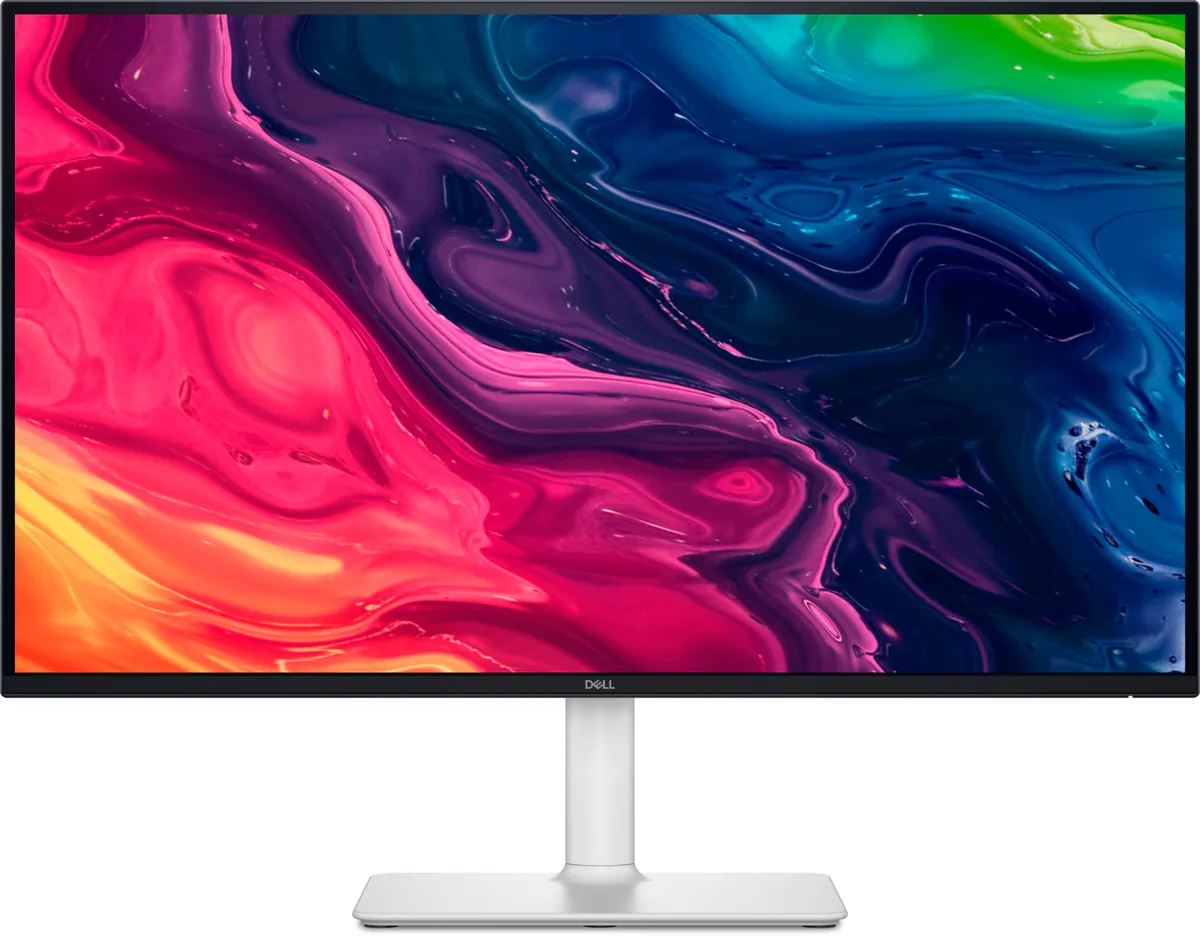
Dell S2725QS
27″ · 3840×2160 · 120 Hz · IPS
- Sharpness
- 68ppd · retina-class
- HDR
- No HDR
- USB-C power
- No USB-C power
- 4K at 120 Hz
- Around $300
- Four-way stand
- Console at full speed
Best for: A cheap sharp desktop for a console and a recent graphics card
Productivity~$850Dell
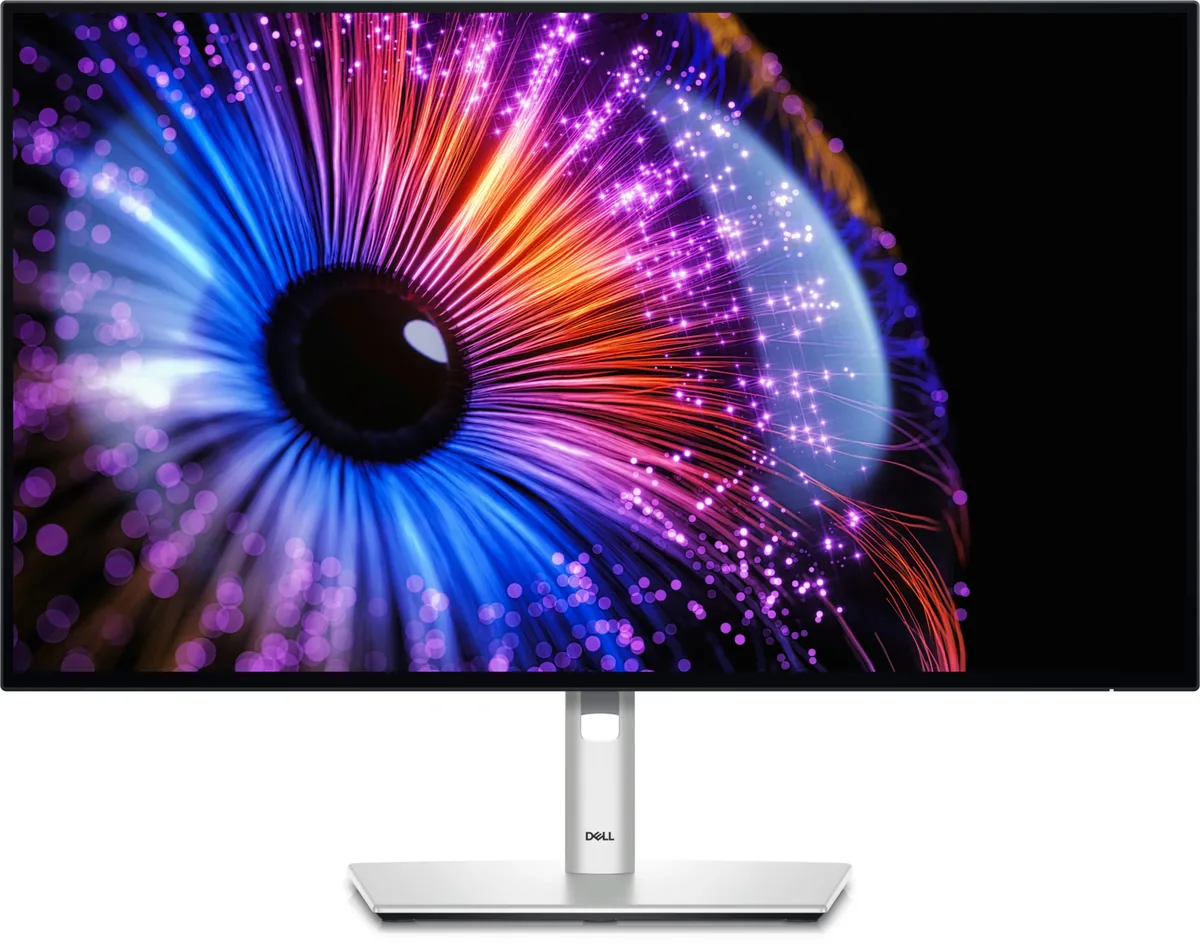
Dell's IPS Black panel technology exists to fix the one thing IPS has always been bad at, and it works: 3000:1 static contrast is triple a normal IPS panel and puts it within sight of VA without giving up the viewing angles. Add Thunderbolt 4 at 140 watts, a proper KVM and 120 Hz, and this is the monitor most office desks should be buying. It replaced the U2723QE, which Dell has discontinued.
Approx. price
~$850
snapshot, not a live price
Accepts an HDR signal
the maker publishes no dimming-zone count, so the certificate is the only evidence of local dimming there is
Port speed — can each input carry this panel?
This panel needs 35.8 Gbps at 3840×2160, 120 Hz and 30 bits per pixel, and supports DSC compression.
Best for: A two-machine desk that should run from one cable and one keyboard
The two lists above come from the maker’s specifications and from published third-party measurements, not from owner reports. Where owner discussion has been read it appears in its own section below, so the two are never mistaken for each other.
Owners split almost entirely along one line: whether they got a good panel. The features nobody disputes — a Thunderbolt hub generous enough to replace a dock, daisy-chaining that works even from a closed MacBook and even to a non-Thunderbolt second screen, 120Hz where the rest of the productivity market still sits at 60, and text that survives being placed next to a Retina display. An owner using it with two MacBooks and a console calls the combination of contrast and colour accuracy excellent for every practical purpose while being honest that IPS Black is not OLED.
Against that sit the returns, and they are specific. Backlight uniformity comes up again and again: muted, blurry text at the bottom of a white page for one owner, ridges of non-uniformity in a corner for another who had just upgraded from the previous generation and found the older panel cleaner. Coil whine audible in a quiet room. A warm-to-yellow cast that holds through every preset. Ghosting that spoils the 120Hz for casual gaming. None of these appear on every unit — the owner who posted reference footage of the glow was happy enough to keep theirs — but enough people have hit them that the first day should be spent checking rather than enjoying.
It makes the most sense as the one cable on a laptop desk: development, spreadsheets, documents, a webcam, a second screen off the back. Buyers who mainly watch video should know that 1080p sources look soft at this pixel density, and anyone expecting HDR or fast motion is buying the wrong monitor. Judged as a dock with an excellent screen attached, the price is defensible; judged as a $700 panel alone, several owners decided it was not.
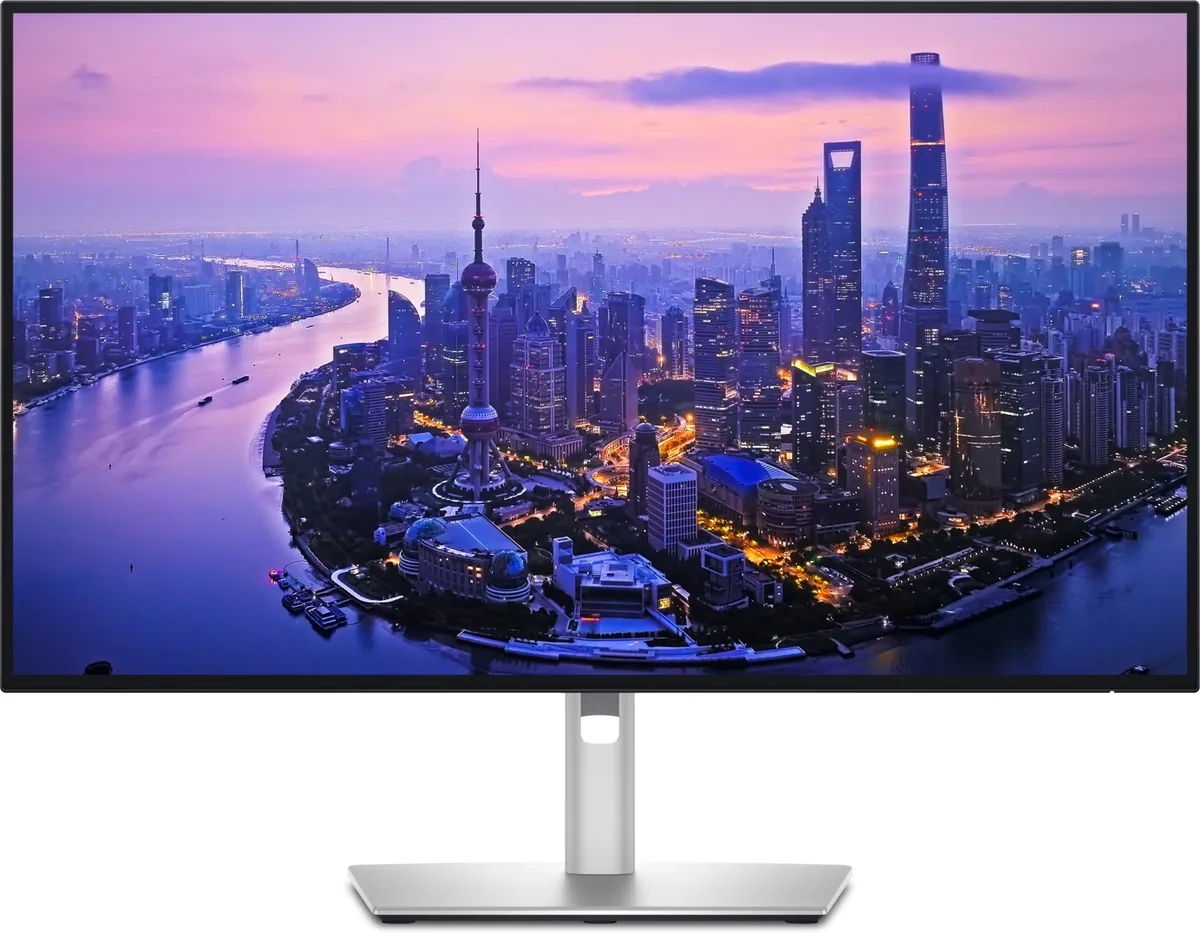
Yes, and no. An owner confirmed chaining works from an M1 Pro MacBook with the lid open and from an M3 with the lid closed, and that the downstream display does not need to be a Thunderbolt monitor — they chained an ordinary panel through a USB-C to DisplayPort cable. This is the feature that makes people call the hub worth the price premium.
Somewhere in between, according to the owners who have it. One is blunt that the deep blacks are nothing next to mini-LED or OLED, while still saying the extra contrast with the colour accuracy makes the image look noticeably richer than a traditional IPS screen. A prospective buyer hoping it would be a middle ground between IPS and OLED concluded from the discussion that he was talking himself into it. Set expectations at better IPS, not almost-OLED.
Common enough to plan for. Two owners returned units over it, one after watching a dark television show, and another described a visible effect even on a plain white screen with the text at the bottom looking washed and unclear. A third posted footage of their glow asking whether it was normal and decided they were happy. Put dark content and a white page on it the day it arrives, while a return is still easy.
For slow games, yes; for anything with fast motion, expect to notice. It has variable refresh and HDMI 2.1, but response times are the weak point of this panel and ghosting comes up as noticeable even from people who describe themselves as non-competitive players. Reviewers reached the same conclusion — an excellent productivity monitor that falls short on the gaming side.
Not by default. Owners consistently find it tuned warmer than a MacBook panel, and one who set both to the same colour space still saw a clear yellow cast against both a MacBook and an LG screen showing pure white. The fix that worked for one owner was moving the monitor to 7500K, after which the two looked close side by side. If a yellow cast persists across every preset, that is a unit worth exchanging.
Some units do. One owner returning theirs listed coil whine as a deciding factor — audible while working in a quiet room and more noticeable with the screen off but the monitor still plugged in. It is not in every account, and nobody reports it being loud, but if your room is silent it is worth listening for before the return window closes.

27″ · 3840×2160 · 120 Hz · IPS
Best for: A cheap sharp desktop for a console and a recent graphics card

27″ · 2560×1440 · 120 Hz · IPS
Best for: A docked work laptop where 100% scaling matters more than pixel density

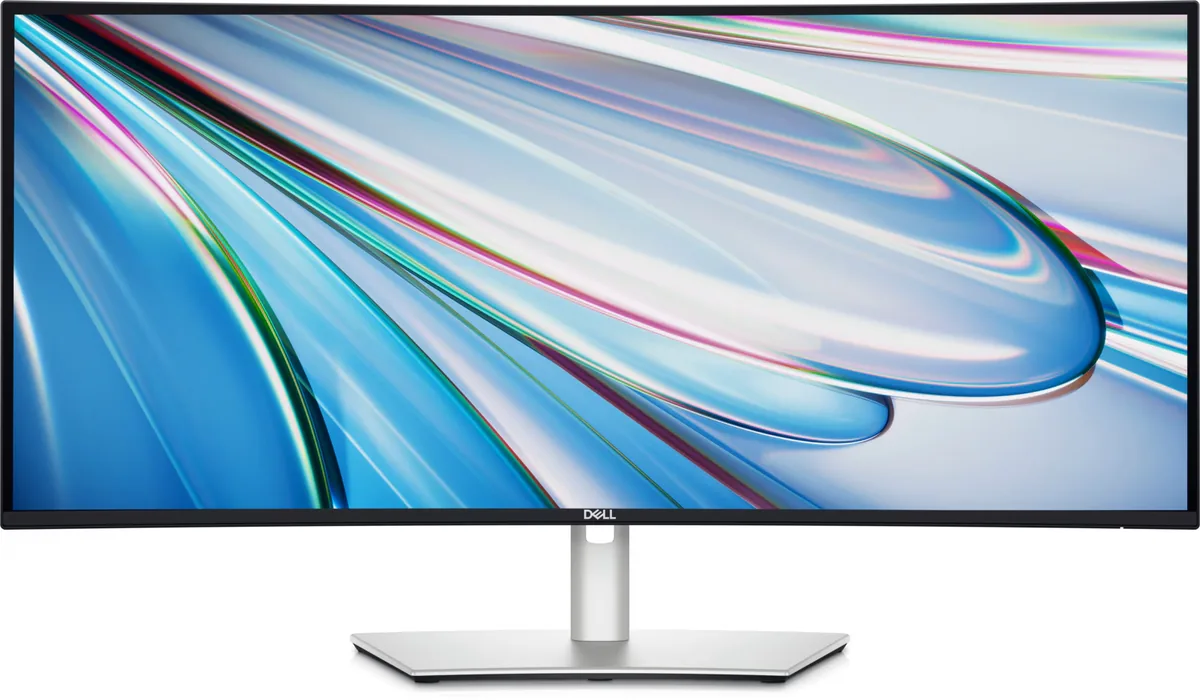
34″ · 3440×1440 · 120 Hz · IPS
Best for: A wide business desktop where two source machines share one keyboard