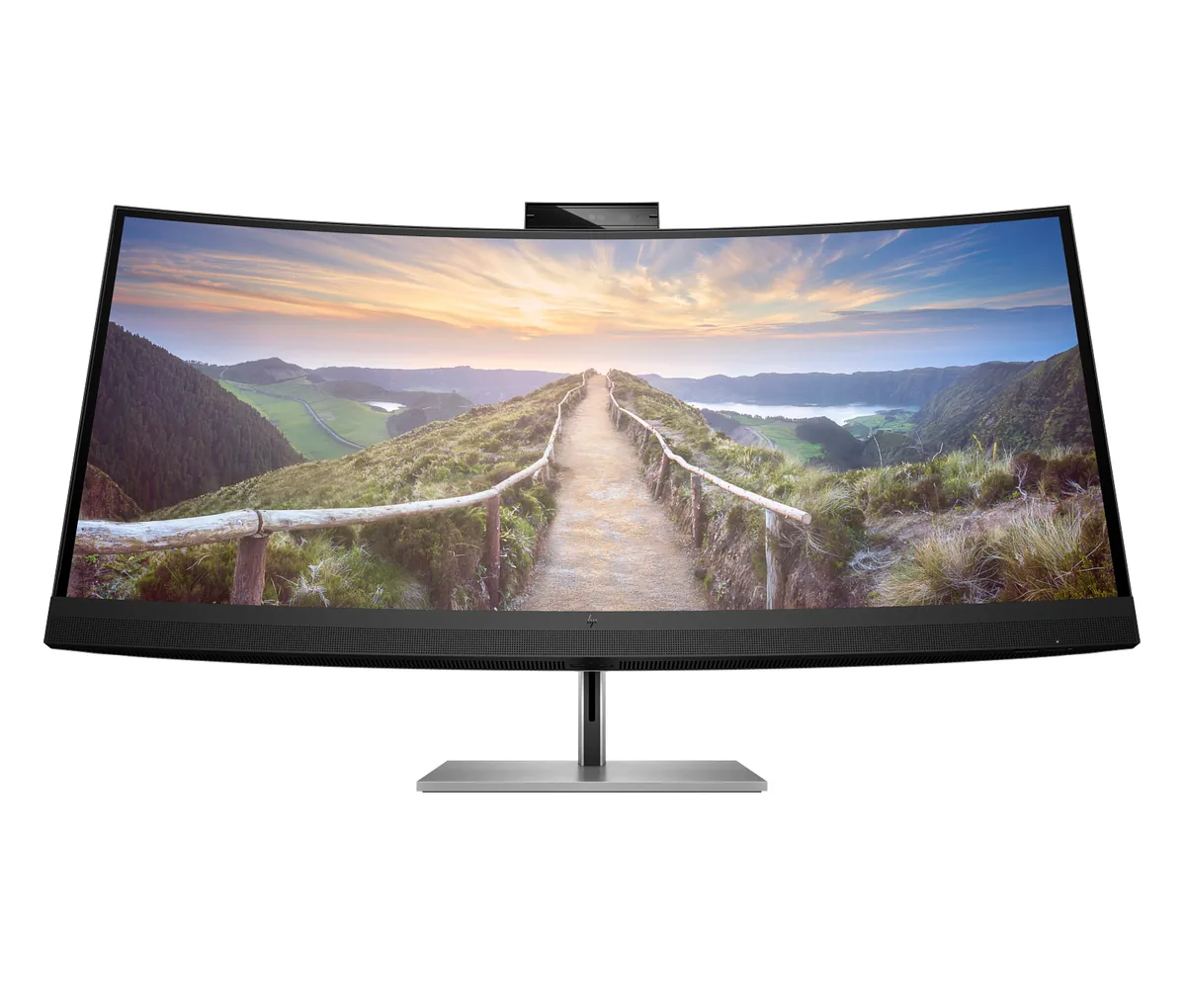
HP~$1,499
HP Z40c G3
39.7″ · 5120×2160 · 60 Hz · IPS
- Sharpness
- 59ppd · sharp
- HDR
- No HDR
- USB-C power
- 100 W
- 5120×2160
- Thunderbolt dock
- Pop-up webcam
Best for: Replacing a two-monitor desk with one curved panel and one cable
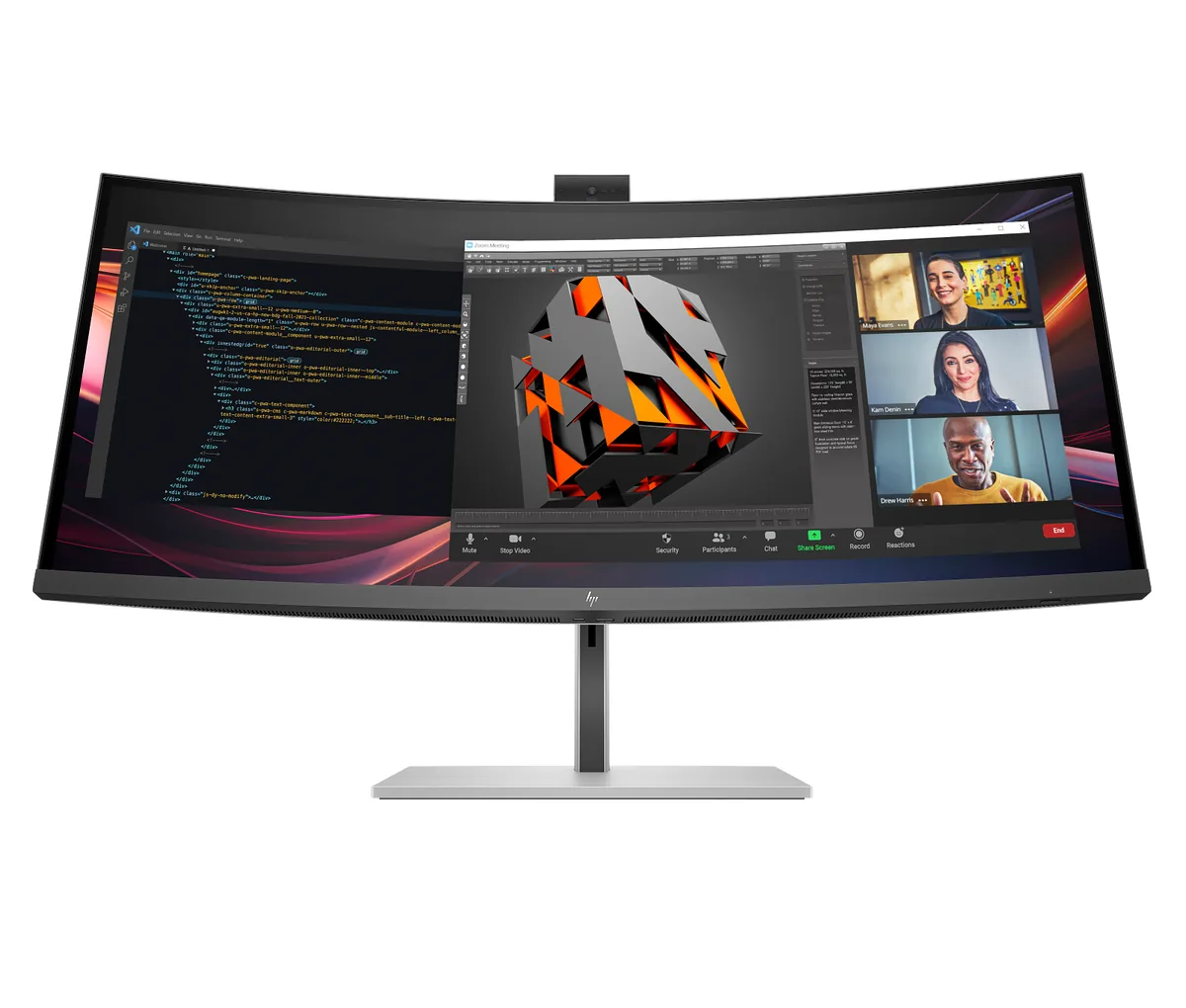 Ultrawide~$1,229
HP
Everything a hybrid-work desk usually needs three separate boxes for is inside this one: a Thunderbolt 4 dock with 100 W of charging and gigabit Ethernet, a pop-up 5 MP HDR webcam, a four-speaker Poly Studio array with dual noise-cancelling microphones, and a KVM that swaps keyboard and mouse between two machines. The panel underneath is an IPS Black at 3440×1440 and 120 Hz, so its 2,000:1 static contrast is roughly double a conventional IPS — noticeable on dark documents rather than in games. HP quotes 400 nits, 100% sRGB and 98% Display P3, with Pantone validation.
Approx. price
~$1,229
snapshot, not a live price
Accepts an HDR signal
an edge-lit backlight with no dimming zones — HDR mode changes the tone curve, not the contrast
Port speed — can each input carry this panel?
This panel needs 17.1 Gbps at 3440×1440, 120 Hz and 24 bits per pixel, with no DSC to fall back on.
Best for: One cable replacing a dock, a webcam and a speakerphone on a hybrid desk
The two lists above come from the maker’s specifications and from published third-party measurements, not from owner reports. Where owner discussion has been read it appears in its own section below, so the two are never mistaken for each other.
No owner discussion has been read for the HP Series 7 Pro 734pm yet. This section stays empty until there is something real to put in it.
39.7″ · 5120×2160 · 60 Hz · IPS
Best for: Replacing a two-monitor desk with one curved panel and one cable
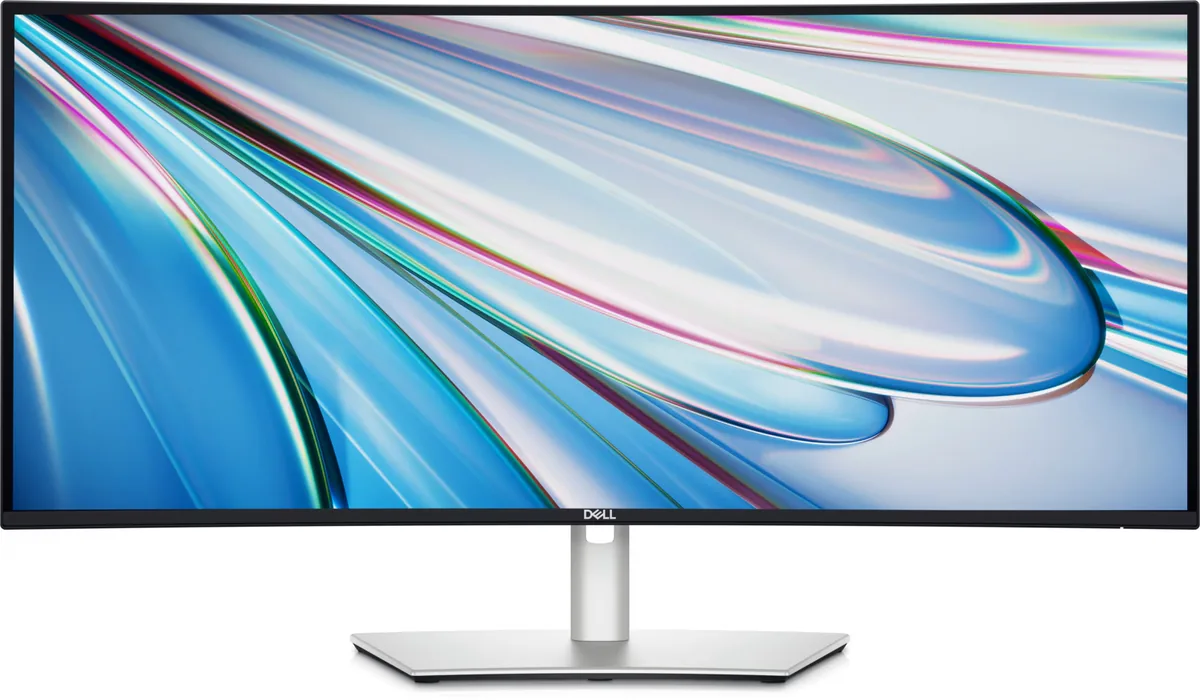
34″ · 3440×1440 · 120 Hz · IPS
Best for: A wide business desktop where two source machines share one keyboard
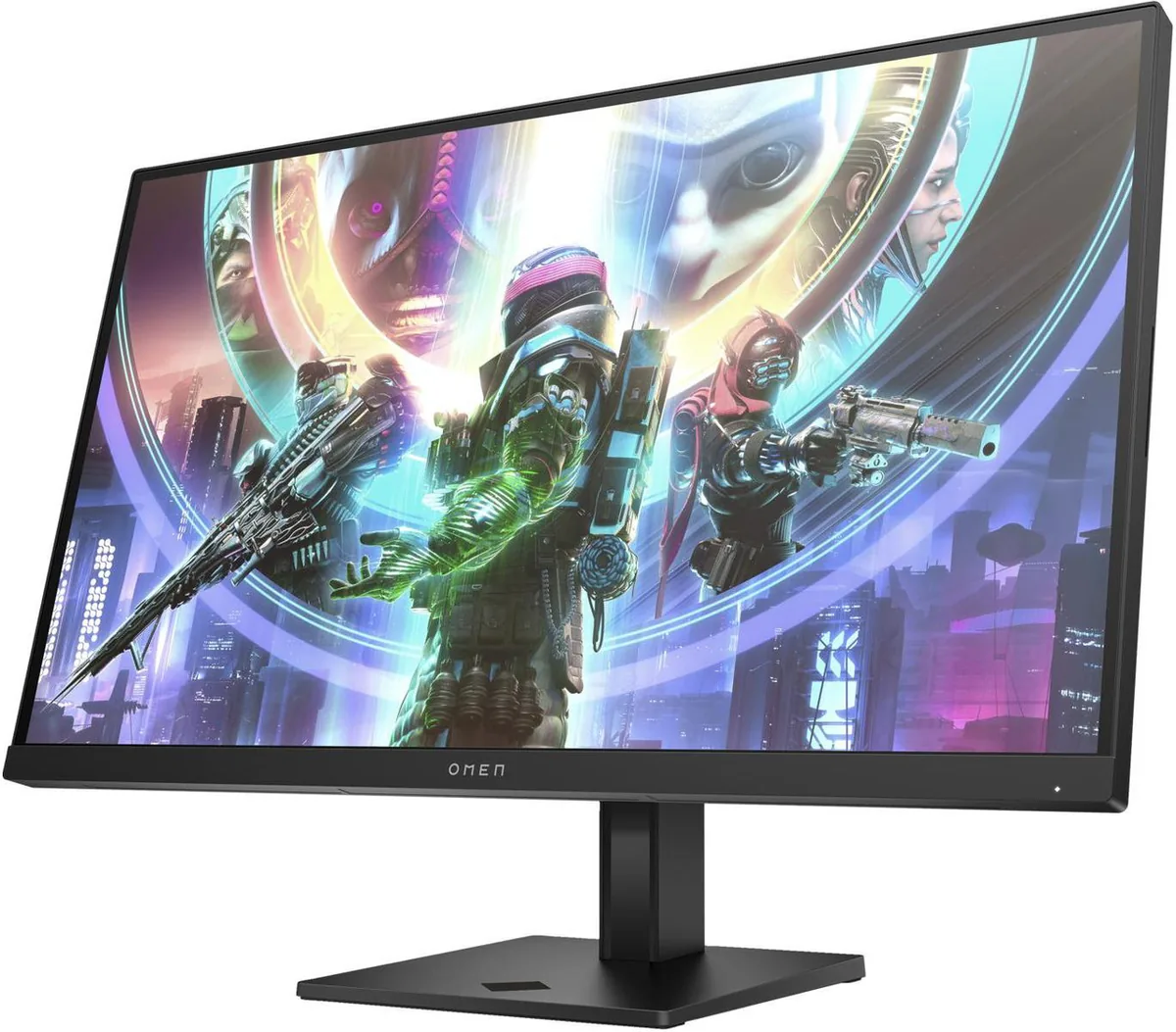
27″ · 2560×1440 · 240 Hz · IPS
Best for: A first 240 Hz monitor without paying OLED money