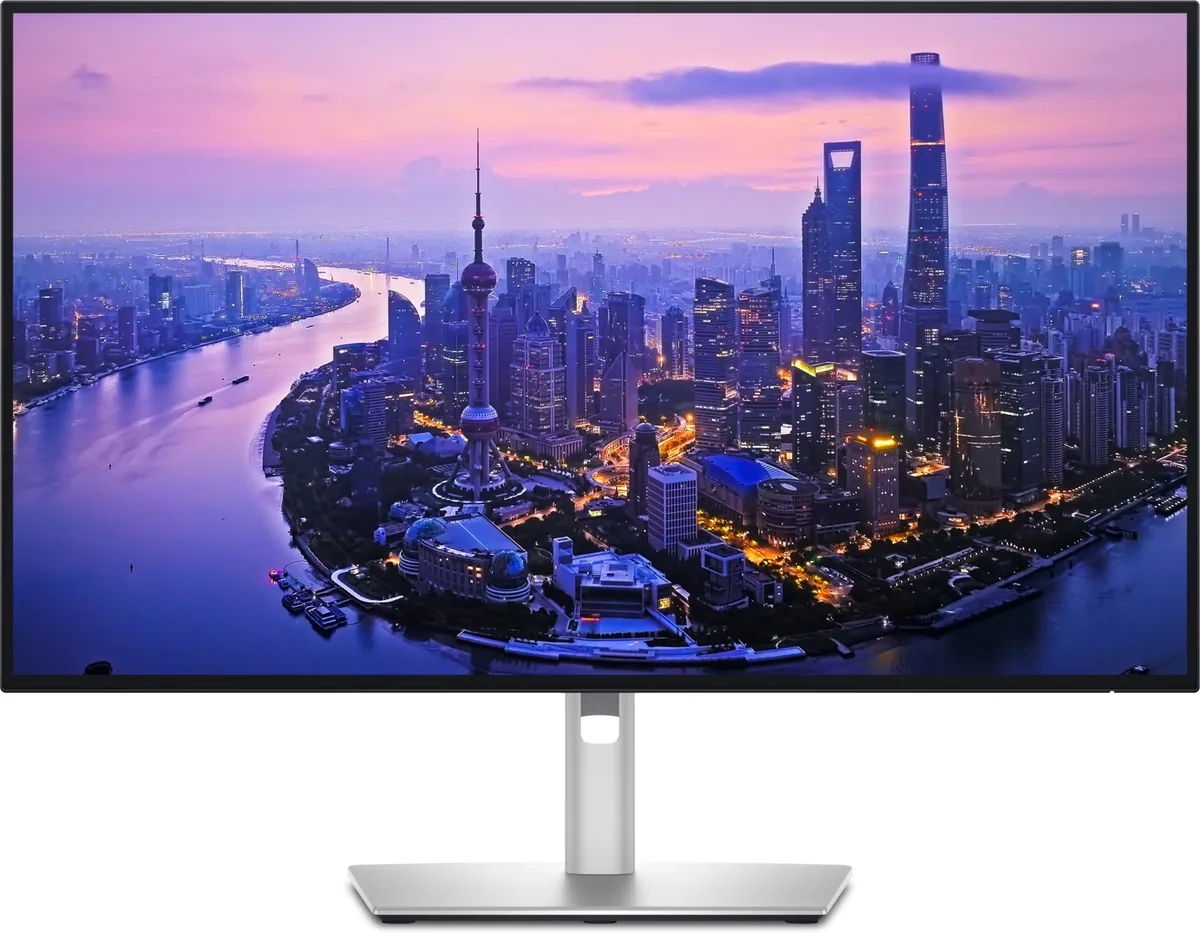
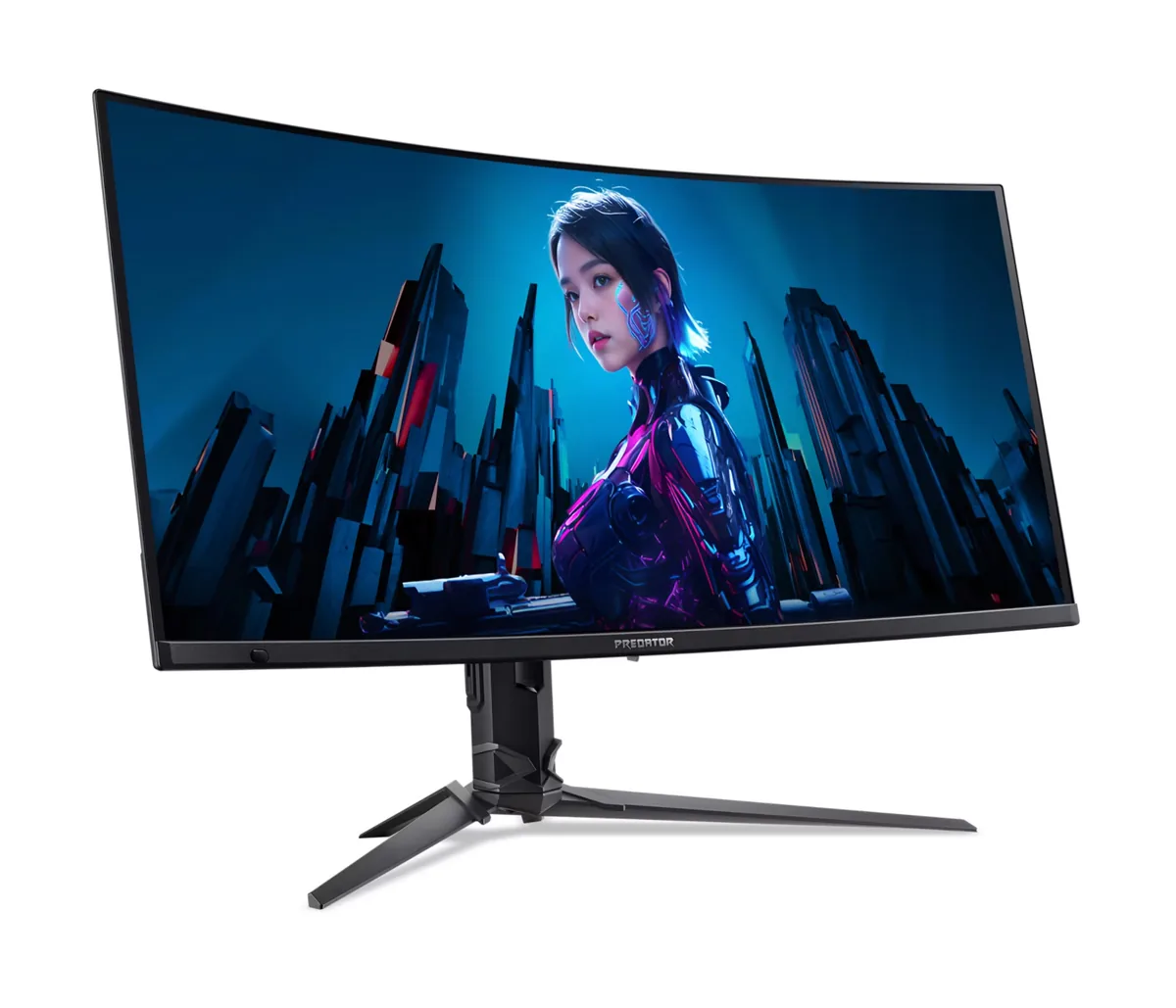
Dell UltraSharp U3425WE monitorUltrawide~$1,050

Dell

Dell UltraSharp U3425WE

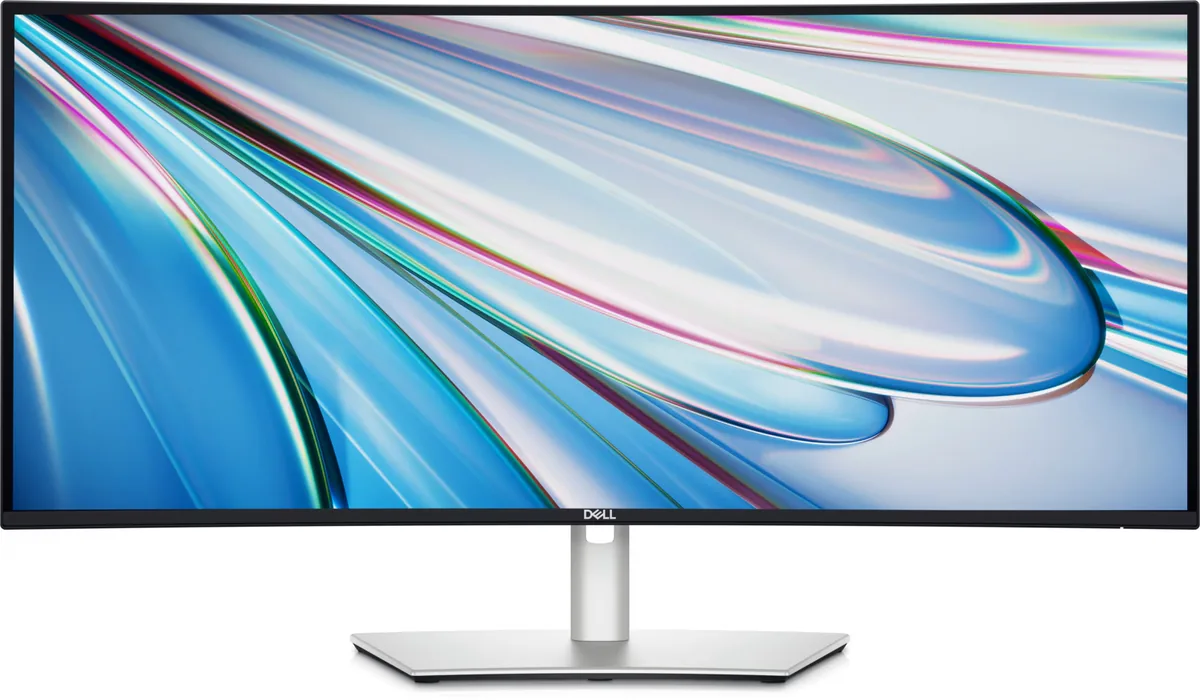
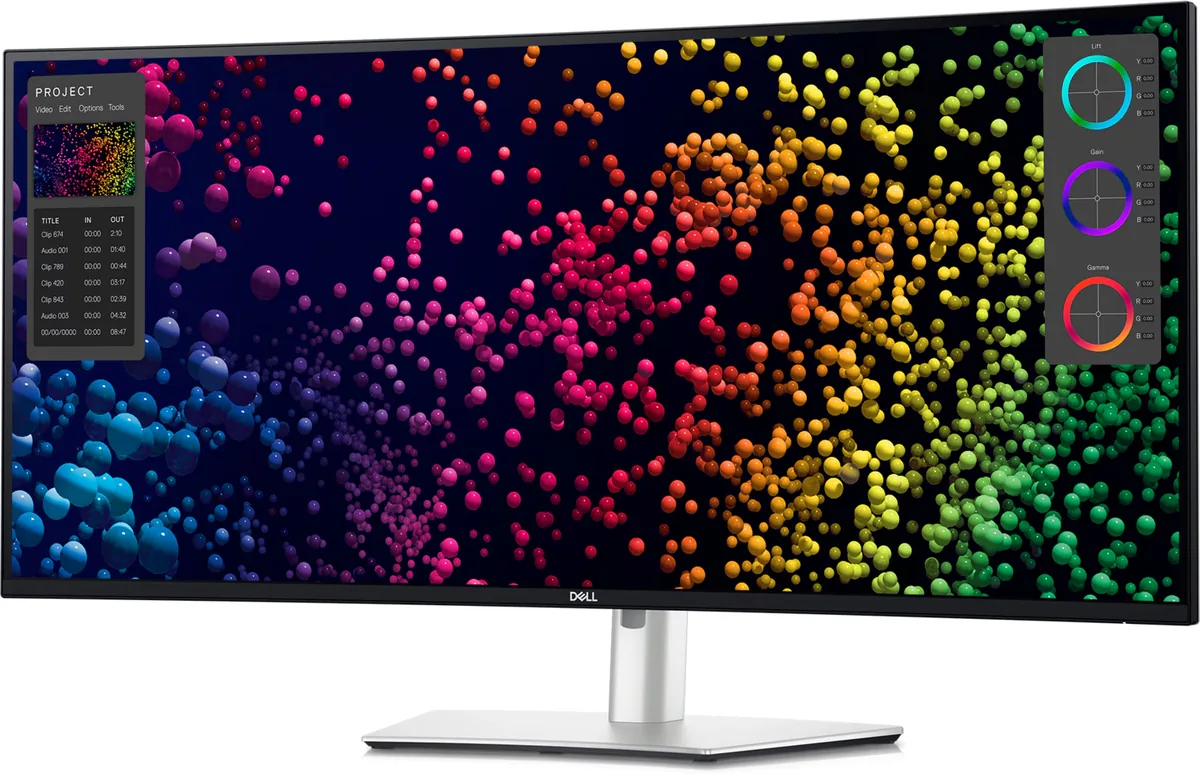
Dell's business ultrawide, and the sensible middle of the range: the same IPS Black panel and Thunderbolt dock as the 40-inch version, at 34 inches and well under half the price. A gentle 1900R curve keeps straight lines looking straight, which is the right call on a monitor that will spend its life showing spreadsheets and timelines.

Approx. price

~$1,050

snapshot, not a live price

Sharpness

46ppd · sharp

text is clean; pixel edges show if you look for them

HDR tier

No HDR

the maker makes no HDR claim for this panel

Peak brightness

300nits claimed

no HDR certification

USB-C power

90 W

keeps a 14-inch machine charged under normal load

Max refresh

120 Hz

5 ms GtG rated

Port speed — can each input carry this panel?

  • HDMI 2.1· full speed
  • DisplayPort 1.4· full speed
  • Thunderbolt (DP 1.4)· full speed

This panel needs 21.4 Gbps at 3440×1440, 120 Hz and 30 bits per pixel, with no DSC to fall back on.

Best for: A wide business desktop where two source machines share one keyboard

Specifications

Approx. price
~$1,050
Type
Ultrawide
Resolution
3440×1440
Pixels per degree
46 — sharp
Finish
matte
VRR
Adaptive-Sync
HDR tier
No HDR
Peak brightness
300 nits claimed
Colour gamut
98% DCI-P3
HDMI
1 × HDMI 2.1
DisplayPort
1 × DisplayPort 1.4
DSC
Not supported
Port speed
3 of 3 inputs at full speed
USB-C
Video in over USB-C
USB-C power
90 W — 14-inch class laptop
KVM
Built in
USB hub
7 ports
Speakers
Built in
Stand
height, tilt, swivel
VESA
100x100
Weight
23.83 lb
$ per inch
$31
$ per megapixel
$212

Features

  • 34-inch 21:9 IPS Black at 120 Hz
  • Thunderbolt 4 with 90 W power delivery
  • KVM and Ethernet built in
  • Gentle 1900R curve
  • Seven-port USB hub

What it does well

  • 2000:1 IPS Black contrast on an ultrawide, where the usual choice is washed-out IPS or smeary VA
  • KVM, Ethernet and 90 W charging over one Thunderbolt cable
  • 1900R is shallow enough that vertical rules in a spreadsheet still read as straight
  • 120 Hz, which is rare on a business ultrawide and obvious the moment you drag a window

What it gives up

  • 90 watts falls short of a 16-inch workstation under sustained load
  • Dell makes no DisplayHDR claim for it at all, and 300 nits over an edge-lit backlight would not carry one
  • 46 pixels per degree, the same as a 27-inch 1440p panel and well short of 4K density
  • No portrait pivot, though on a 34-inch ultrawide that is hardly a loss

The two lists above come from the maker’s specifications and from published third-party measurements, not from owner reports. Where owner discussion has been read it appears in its own section below, so the two are never mistaken for each other.

What owners say

Almost nobody buys this for the panel. They buy it for the back of the panel: Thunderbolt in, ninety watts out, a hub, Ethernet, a KVM and picture-by-picture, on a 34-inch canvas wide enough to retire a second monitor. Owners describe the goal the same way — a MacBook and a work laptop, one keyboard, one cable each, no dock.

When it works, it works well, and buyers coming off cheap curved gaming ultrawides are struck by how much better text and colour are. Two things complicate the picture. The first is that the dock features are less frictionless than the spec sheet suggests: the KVM needs software to be genuinely usable, one owner abandoned the whole dual-laptop plan over the cable clutter it still required, and pushing 3440×1440 at 120 Hz over USB-C forces a choice between full RGB and 10-bit colour unless you drop to 100 Hz.

The second is reliability, and it is the part worth reading twice. Reports include backlight bleed bad enough that an owner bought a second unit to check and got a worse one, a USB and KVM board that failed with visible smoke while switching inputs, a 90-watt Thunderbolt port that died while the display carried on working, and vertical lines appearing at seven months answered with an offer of a refurbished replacement. Dell's support handled these, but on a monitor priced like this the frequency is the thing to weigh — buy it somewhere with a generous return window and check it hard in the first week.
What owners like

  • The reason people buy it is the single-cable dual-laptop desk — a MacBook and a work machine sharing one screen, one keyboard and one power supply — and the hardware for that is all here: Thunderbolt in, 90 watts back out, a hub, Ethernet and picture-by-picture.
  • Buyers are overwhelmingly here for text and long working days rather than games, and owners replacing a cheap curved gaming ultrawide report the difference in text and colour being obvious immediately.
  • It is the choice people make when they want OLED-grade contrast but cannot live with how OLED renders text — an IPS Black ultrawide keeps glyph edges clean, which matters when you read for ten hours a day.
  • Street pricing runs well under list. Owners report paying around $795 and £673 against a figure closer to a thousand, which changes the comparison against a 34-inch OLED considerably.
  • It replaces a two-monitor setup cleanly, and several people choosing between one of these and a pair of screens for a new job picked the single panel for the tidier desk.

Common complaints

  • Backlight bleed turns up badly enough to matter. One owner compared theirs against an older Dell ultrawide, ordered a second unit of this model to check whether the first was a one-off, and found the replacement worse than the original.
  • Hardware failures are reported more than once and they are not small ones. An owner watched the USB and KVM board fail while switching from Thunderbolt to HDMI, with visible smoke; the replacement developed screen problems within months.
  • Another owner's 90-watt Thunderbolt port stopped delivering power to anything while the display itself kept working perfectly over HDMI and DisplayPort — resets and firmware checks changed nothing.
  • Dell's remedy is a refurbished unit rather than a new one. An owner who developed three vertical lines at seven months was offered exactly that and was not happy about it on a monitor at this price.
  • The KVM is not the seamless hardware switch people expect. One owner setting up two laptops found it needed software to be usable, decided the extra cable clutter was not worth it, and ended up remoting into the work machine instead.
  • Full colour at full refresh does not fit over one cable. An owner on a Mac could only get RGB 10-bit by dropping to 100 Hz — at 120 Hz the choice was YCbCr 10-bit or RGB 8-bit.

Questions owners ask about the Dell UltraSharp U3425WE

Is the KVM seamless, or do I need software running?

Owners describe it as needing software rather than working as a pure hardware switch, and one person who set it up for a MacBook and a work laptop with picture-by-picture concluded it was not seamless enough to build a workflow on. They also found that the second machine still needed its own HDMI, charger and USB cables in their configuration, which defeated the tidy-desk goal. If a truly invisible switch is the requirement, test it inside your return window before you commit.

Why can't I get RGB 10-bit colour at 120 Hz over USB-C?

Bandwidth. An owner on a Mac found that at 120 Hz the only options were YCbCr at 10-bit or RGB at 8-bit, and dropping the refresh rate to 100 Hz made full RGB 10-bit available. For design and video work the colour format usually matters more than the last twenty hertz, so 100 Hz with RGB 10-bit is the setting most people in that position land on. A shorter, fully rated Thunderbolt cable is worth trying first.

Is visible backlight bleed normal on this monitor?

Some is normal on any edge-lit IPS panel, but one owner's experience suggests unit variation is wide: theirs was noticeably worse than an older Dell ultrawide they owned, so they ordered a second of this model to compare and found the new one worse still. That is a return case, not something to accept. Check on a full-black screen in a dark room, and be honest about whether you are seeing bleed at the edges or the ordinary IPS glow that shifts with your viewing angle.

Can I daisy-chain a second monitor from it?

Only over Thunderbolt, and that is the catch owners run into: the downstream video port is Thunderbolt, so the second screen has to be a Thunderbolt monitor rather than any cheap 27-inch. For a portrait-mode second screen used only for documents, most people conclude a hub or a direct connection from the laptop is the better answer than paying the Thunderbolt premium twice.

If it fails, will Dell send a new monitor or a refurbished one?

Owners report being offered refurbished replacements, including one whose seven-month-old unit developed three vertical lines. Dell's handling of failures otherwise gets good marks in these reports — tickets created quickly, pickup and delivery arranged, warranty extended on the replacement — but a refurbished unit is the normal remedy rather than the exception. Push back if you want, and keep the original purchase documentation.

Others in the same part of the catalog

Dell UltraSharp U4025QW monitor
Dell~$2,400

Dell UltraSharp U4025QW

39.7″ · 5120×2160 · 120 Hz · IPS

Sharpness
59ppd · sharp
HDR
Accepts an HDR signal
  • 5K2K at 120 Hz
  • Thunderbolt 4, 140 W
  • KVM
  • Console at full speed

Best for: One screen replacing a dual-4K setup, driven and powered by one cable

Dell UltraSharp U2725QE monitor
Dell~$850

Dell UltraSharp U2725QE

27″ · 3840×2160 · 120 Hz · IPS

Sharpness
68ppd · retina-class
HDR
Accepts an HDR signal
  • IPS Black 3000:1
  • Thunderbolt 4, 140 W
  • KVM
  • Console at full speed

Best for: A two-machine desk that should run from one cable and one keyboard

Acer Predator X34 X5 monitor
Acer~$900

Acer Predator X34 X5

34″ · 3440×1440 · 240 Hz · QD-OLED

Sharpness
46ppd · sharp
HDR
Real HDR
  • 34" 240 Hz QD-OLED
  • 1800R curve
  • 90 W USB-C + KVM
  • Console at full speed

Best for: Single-player games and sim racing where the extra width does the work

More from Dell →

← Back to the catalog