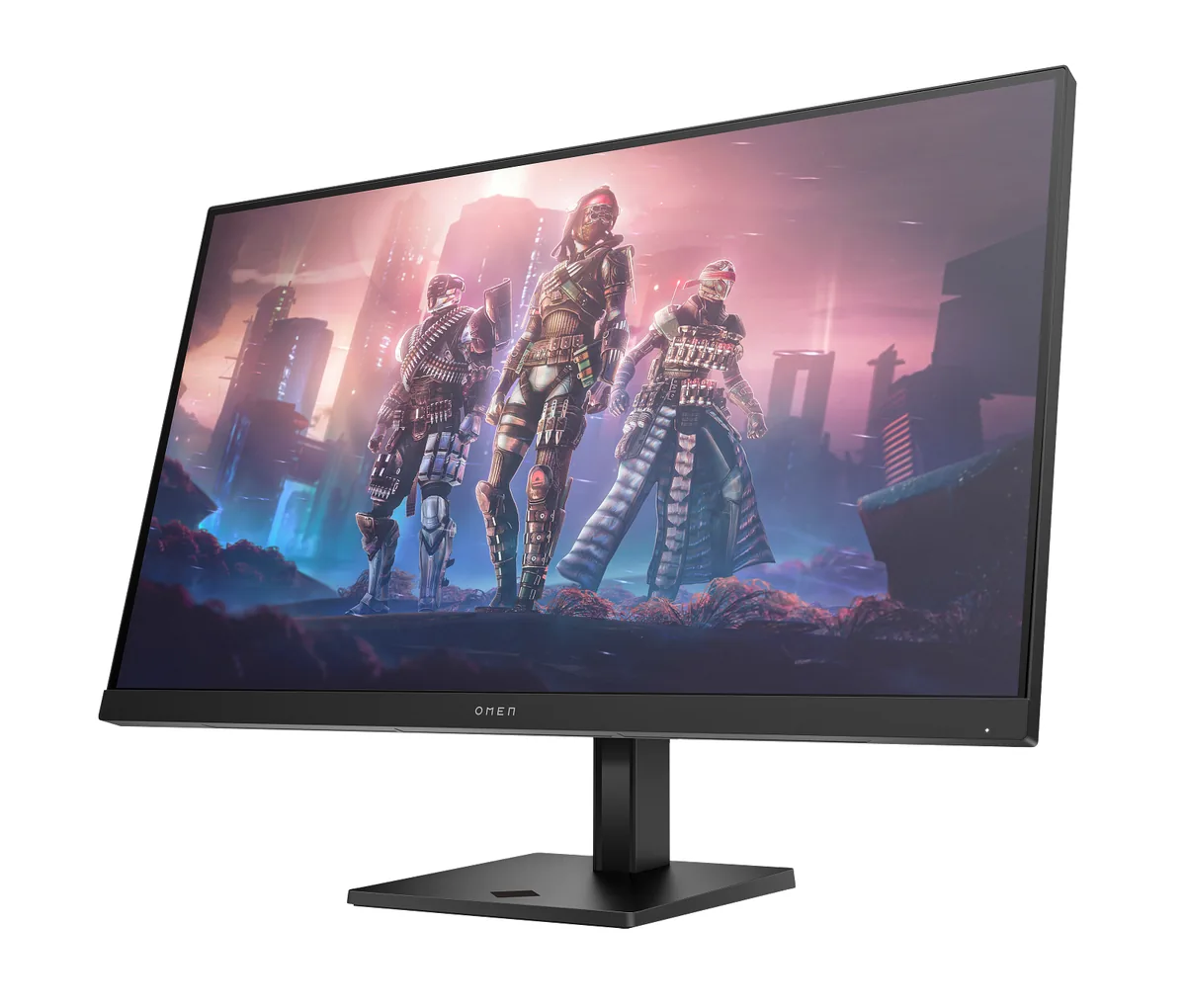
HP~$400
HP OMEN 32q
31.5″ · 2560×1440 · 165 Hz · IPS
- Sharpness
- 39ppd · visible pixels
- HDR
- Accepts an HDR signal
- USB-C power
- No USB-C power
- 31.5-inch 1440p
- 165 Hz
- 95% DCI-P3
Best for: The largest 1440p screen a modest budget will buy
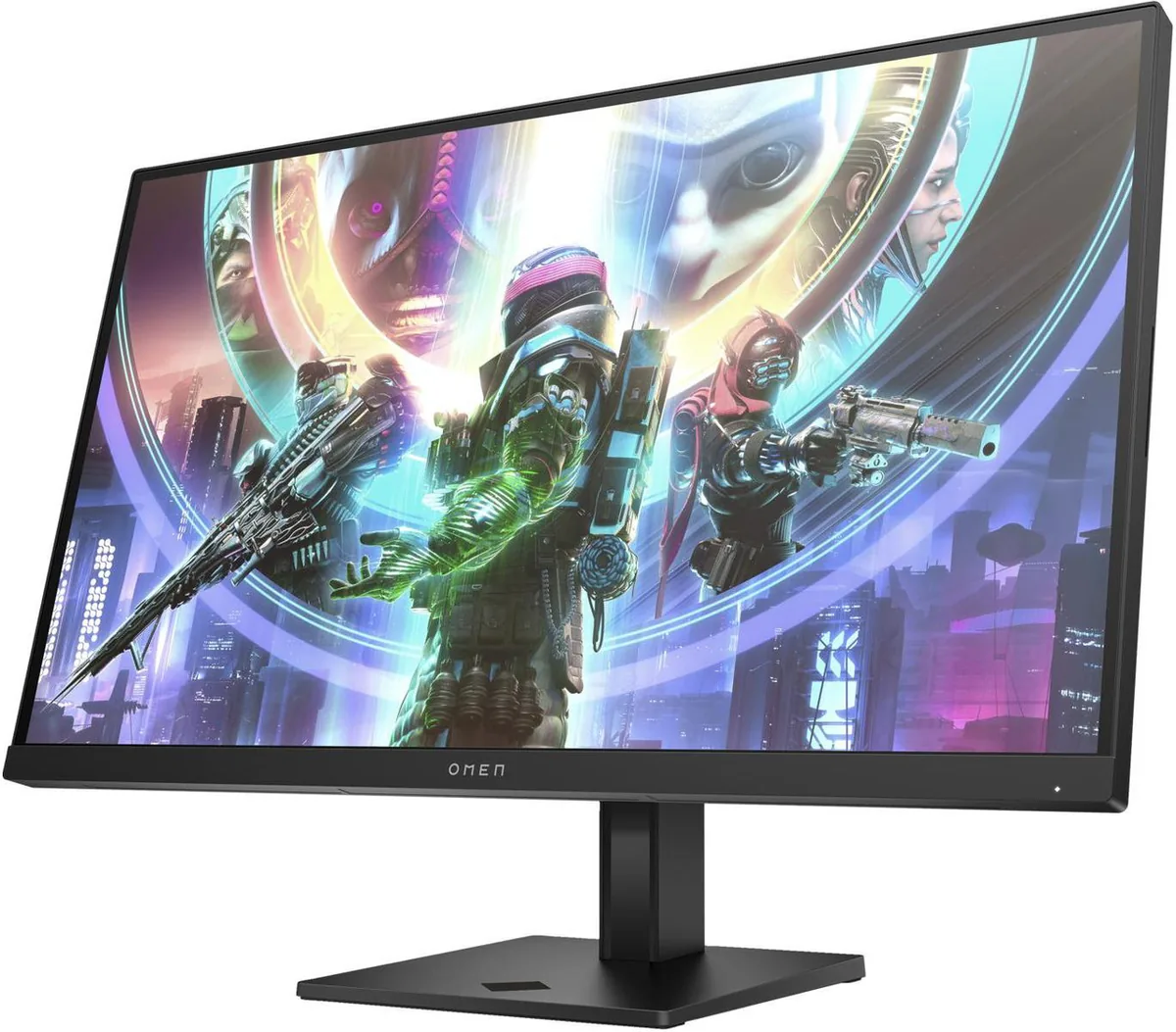 Gaming~$430
HP
HP's answer to the crowded 1440p/240 Hz bracket, and it competes on the boring things: 400 nits, 95% DCI-P3, a full 240 Hz over DisplayPort, and a stand that raises and rotates to portrait. Nothing about the panel is exotic — 1,000:1 static contrast, 8-bit, edge-lit — but the video processing and input lag are the parts reviewers keep singling out, and those are what a 240 Hz panel is bought for.
Approx. price
~$430
snapshot, not a live price
Accepts an HDR signal
400 nits claimed, short of the 600 this site treats as the floor for a visible HDR effect
Port speed — can each input carry this panel?
This panel needs 25.5 Gbps at 2560×1440, 240 Hz and 24 bits per pixel, with no DSC to fall back on.
Best for: A first 240 Hz monitor without paying OLED money
The two lists above come from the maker’s specifications and from published third-party measurements, not from owner reports. Where owner discussion has been read it appears in its own section below, so the two are never mistaken for each other.
Search any thread asking for 1440p at 240 Hz for around 400 dollars and this name turns up, usually with somebody pointing out that it measures better than the LG everyone recommends while being harder to find a review of. That combination — good numbers, thin coverage — defines the buying experience. People end up choosing it on one measurement source and a handful of owner reports, then mostly turning out pleased.
The faults split into two groups. A small number of units go genuinely wrong: white static appearing at random, a picture breaking every few minutes within the first hour, artefacting at high refresh rates that makes the panel unusable. And then there are the design decisions — colour management locked behind HP's companion app rather than the monitor's own menu, a chassis nobody has worked out how to open, and replacement panels that cannot be sourced, so a knock off the desk ends the monitor's life.
What complicates it now is HP's own successor, which arrived with a faster, much higher contrast panel and sometimes sells for less. For a first 240 Hz monitor, at a discount, with a decent return policy behind it, the original is still an easy recommendation. At full price beside its replacement, it is not the obvious buy it was in 2024.
Because HP put them in its companion software rather than the on-screen display. Owners have gone looking for a way to reach colour management and the advanced picture options without installing that application and have not found one. If you object to running vendor software in the background, this is worth weighing before you buy, because the settings you actually want to tune are on the wrong side of it.
Not on paper. The second-generation version brought a higher refresh rate and a much higher contrast panel, which is the opposite of what a lower price usually signals. Buyers find this genuinely confusing. The likely explanation is ordinary product-cycle pricing rather than a hidden downgrade. Owners who moved to the newer panel describe darker dark scenes and more natural colour than the IPS panels they compared it against, so if both are in front of you at similar money, the newer one is the safer pick.
Several owners have hit versions of this: random white static, a picture breaking every few minutes from new, and artefacting specifically at the highest refresh rates. Before assuming the panel, swap the cable and try the other input — at 1440p and 240 Hz you are near the limit of what a marginal DisplayPort cable will carry, and dropping to 144 Hz as a test is diagnostic. If it persists on a known-good cable at a lower refresh rate, it is the monitor, and it needs to go back.
Realistically, no. Two owners searched for a replacement panel without success, and one who found a part with a matching number discovered it was missing the side connectors and had the wrong ribbon plug. Another owner could not get the rear cover off at all, having tried a card, a butter knife and a screwdriver on the clips. Treat it as a sealed item, keep it out of the path of anything you reach past, and rely on the warranty rather than on parts.
It is one of the better attempts at that split at this price, which is why buyers who do both keep shortlisting it. You get 240 Hz and fast response for shooters and a wide colour panel for artwork. The compromise is contrast — ordinary 1000:1 with an HDR badge that adds nothing — so dark scenes and any colour-critical work under controlled lighting are where it shows its price. For screen-delivered artwork and serious gaming, it holds up.
31.5″ · 2560×1440 · 165 Hz · IPS
Best for: The largest 1440p screen a modest budget will buy
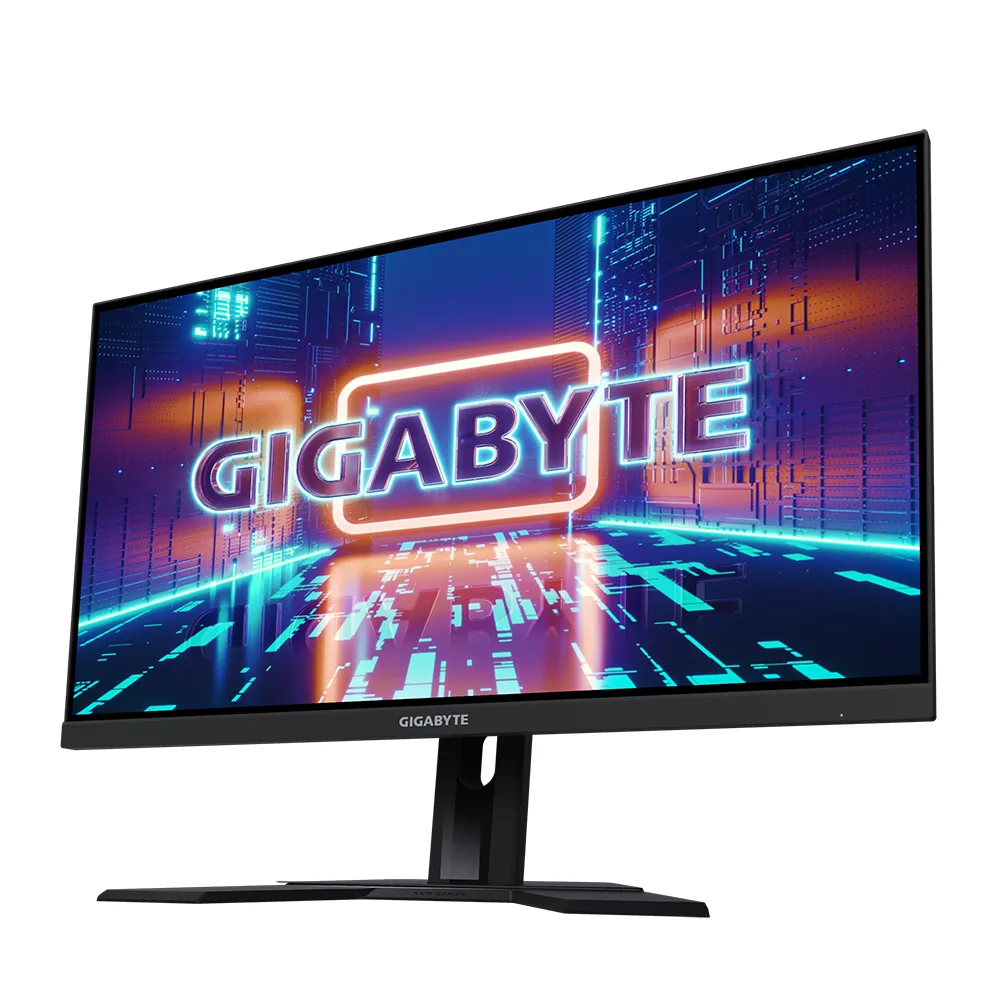
27″ · 2560×1440 · 240 Hz · Fast IPS
Best for: High-refresh 1440p and a KVM on the smallest budget that buys both
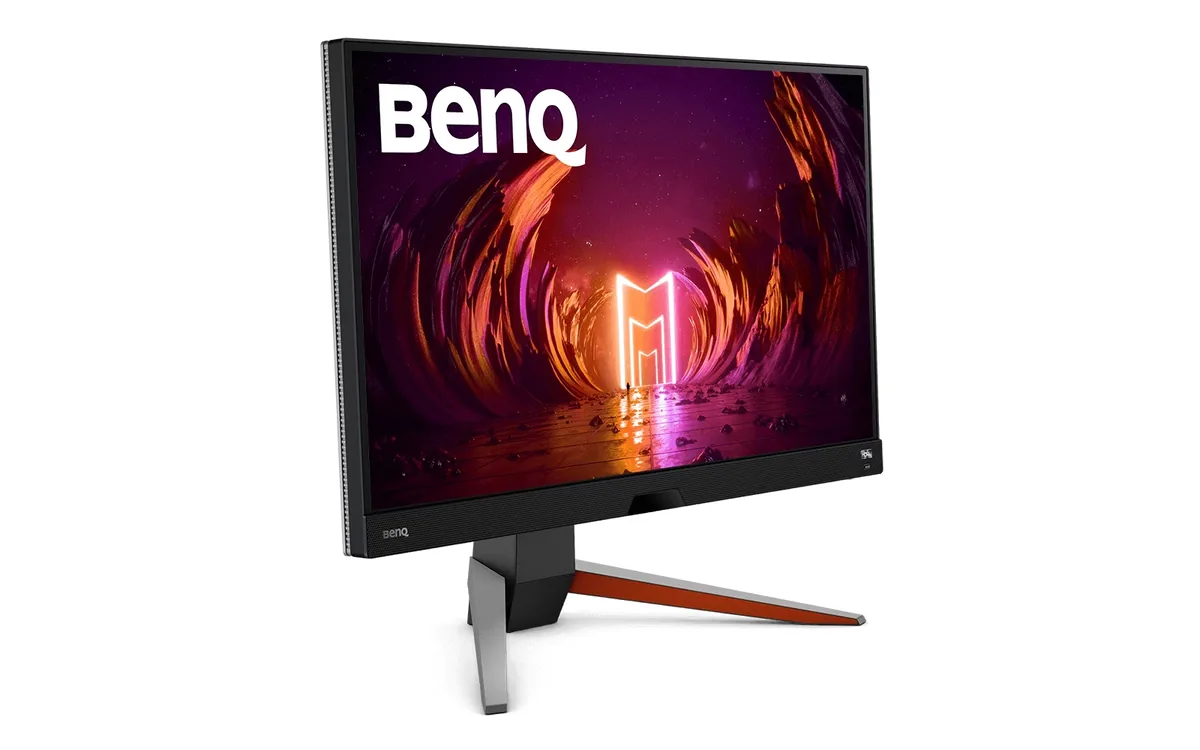
27″ · 2560×1440 · 165 Hz · IPS
Best for: A single-monitor console-and-PC desk with no room for speakers