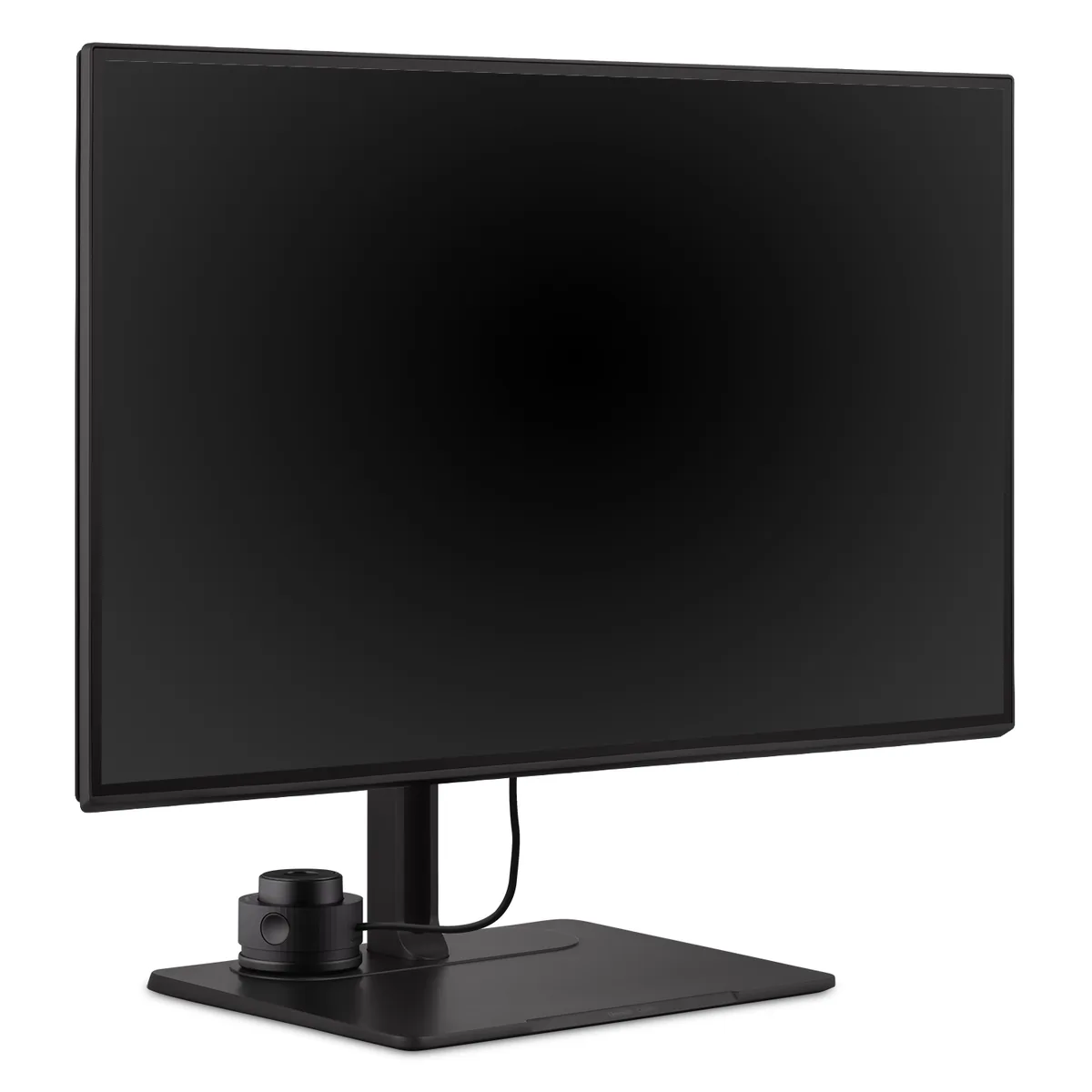
ViewSonic ColorPro VP2786-4K
27″ · 3840×2160 · 60 Hz · IPS
- Sharpness
- 68ppd · retina-class
- HDR
- No HDR
- USB-C power
- 90 W
- 100% Adobe RGB
- Colour wheel included
- 90 W USB-C
Best for: Print and prepress work where Adobe RGB matters more than refresh rate
4K/5K creator~$884Lenovo
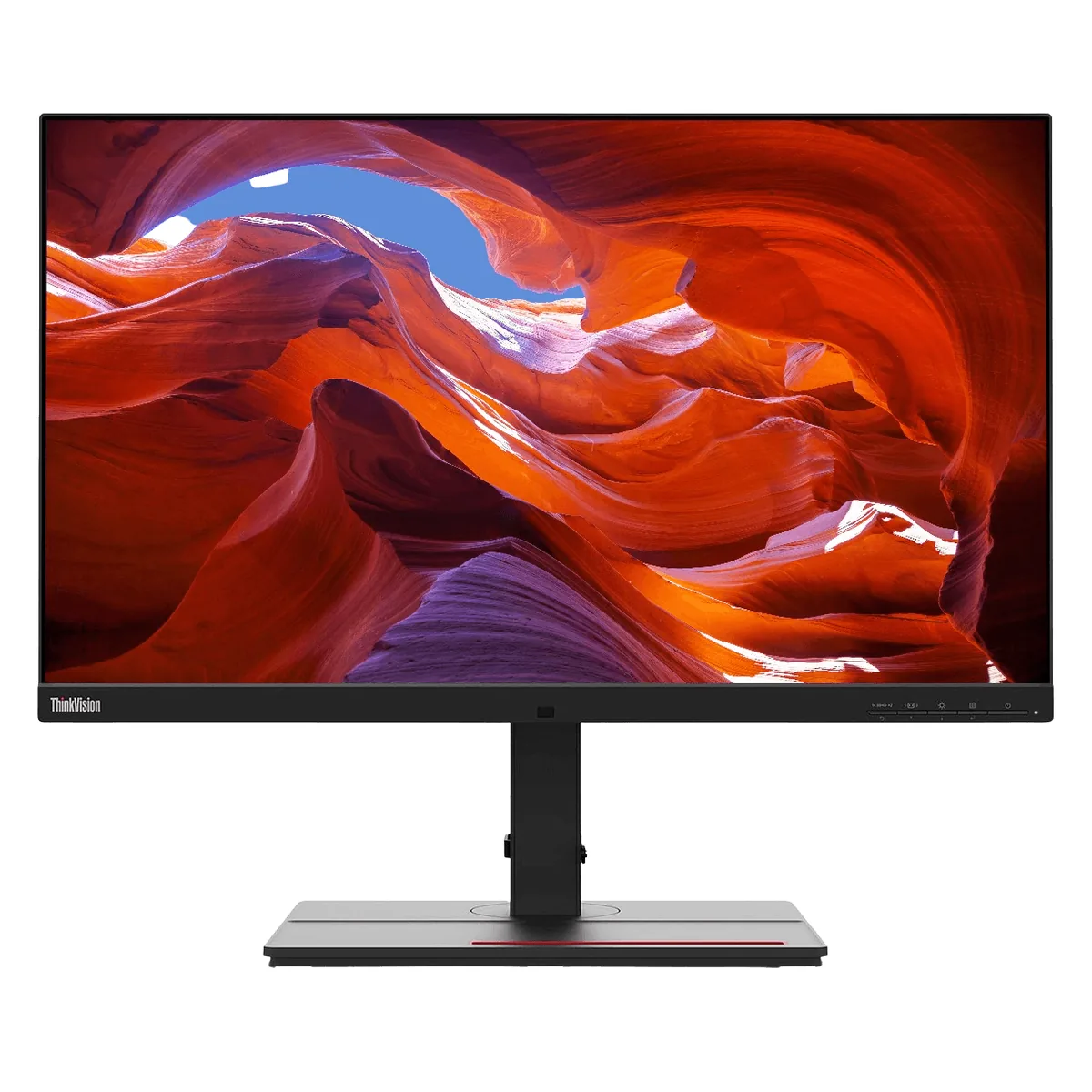
Thunderbolt 4 in, Thunderbolt 4 out, gigabit Ethernet and 100 W of charging make this a dock that happens to have a screen attached. Lenovo factory-calibrates every unit to an average Delta E under 1 and ships the report in the box, which is the part creative work actually depends on. It covers 99.1% of DCI-P3 and 99.5% of Adobe RGB — the second figure is the rarer one, and it is why print and photo people still look at this panel.
Approx. price
~$884
snapshot, not a live price
Accepts an HDR signal
an edge-lit backlight with no dimming zones — HDR mode changes the tone curve, not the contrast
Port speed — can each input carry this panel?
This panel needs 17.9 Gbps at 3840×2160, 60 Hz and 30 bits per pixel, with no DSC to fall back on.
Best for: Photo and print work off a single laptop cable
The two lists above come from the maker’s specifications and from published third-party measurements, not from owner reports. Where owner discussion has been read it appears in its own section below, so the two are never mistaken for each other.
No owner discussion has been read for the Lenovo ThinkVision P27u-20 yet. This section stays empty until there is something real to put in it.

27″ · 3840×2160 · 60 Hz · IPS
Best for: Print and prepress work where Adobe RGB matters more than refresh rate
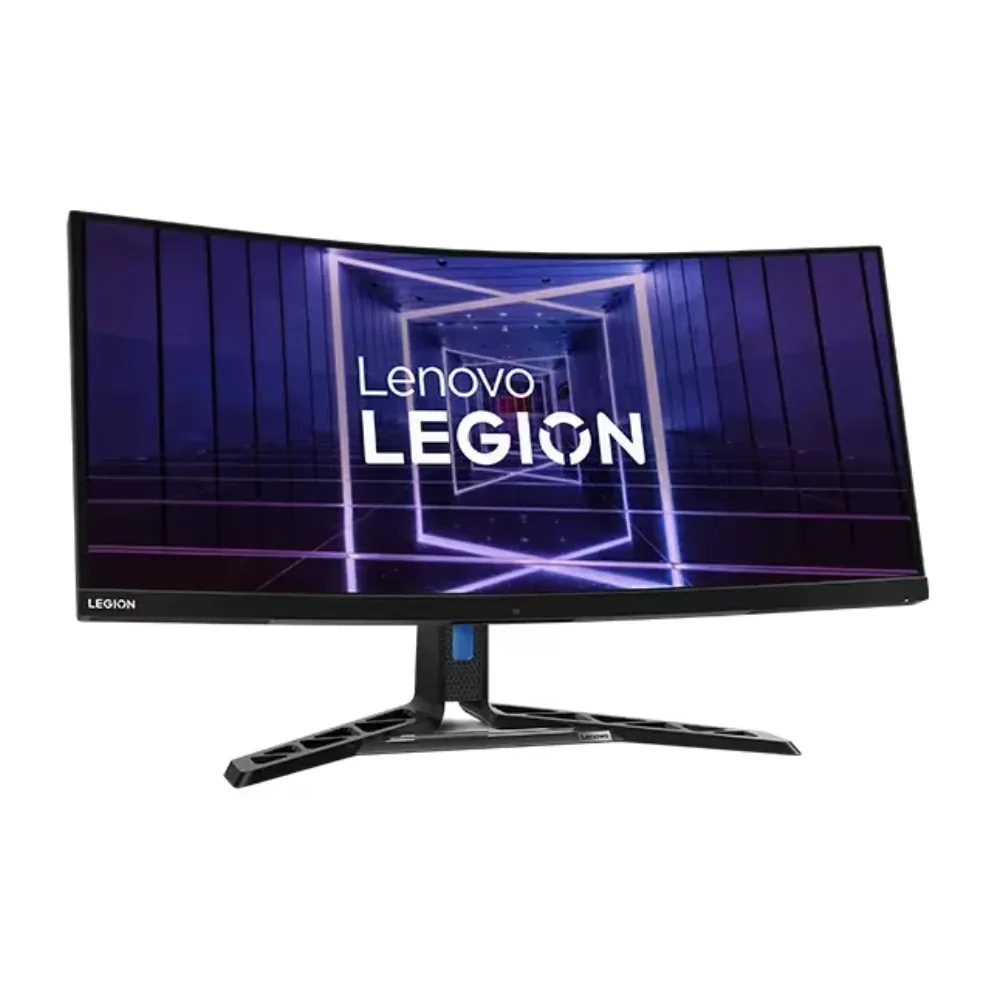
34″ · 3440×1440 · 165 Hz · Mini-LED VA
Best for: One ultrawide doing HDR gaming and laptop docking without a separate hub

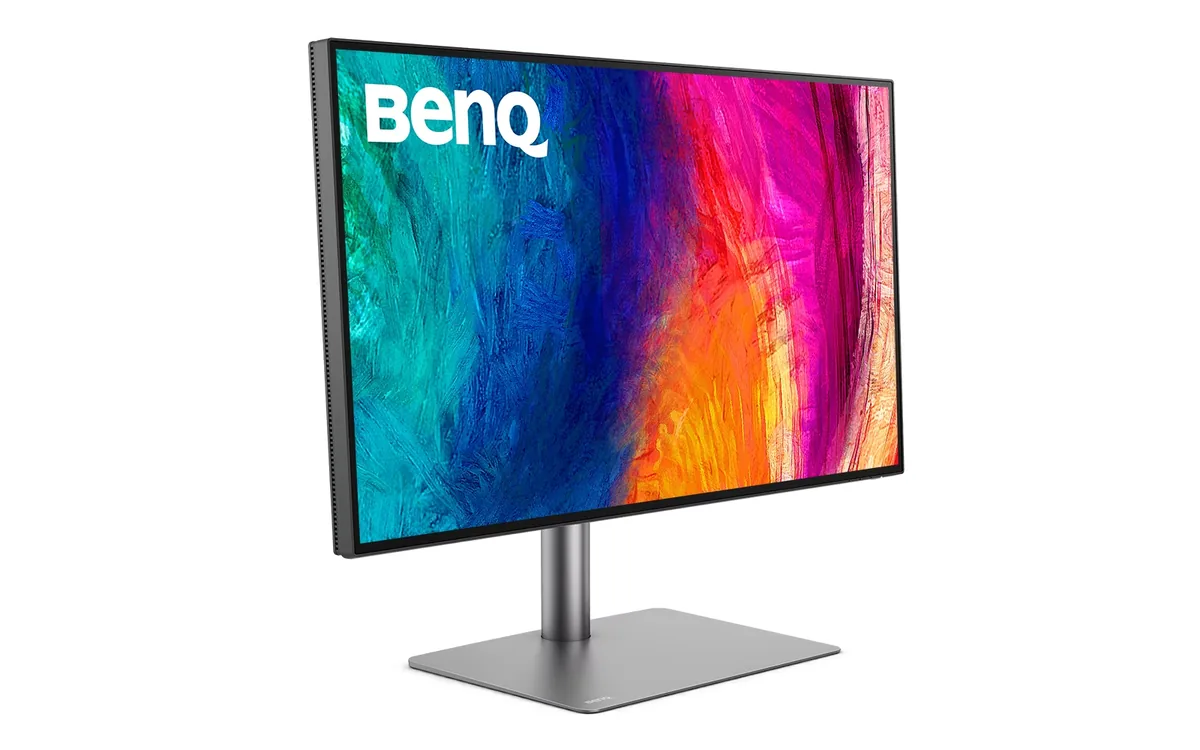
31.5″ · 3840×2160 · 60 Hz · IPS
Best for: Mac-based photo and video work that needs deep blacks and a Thunderbolt dock in one box