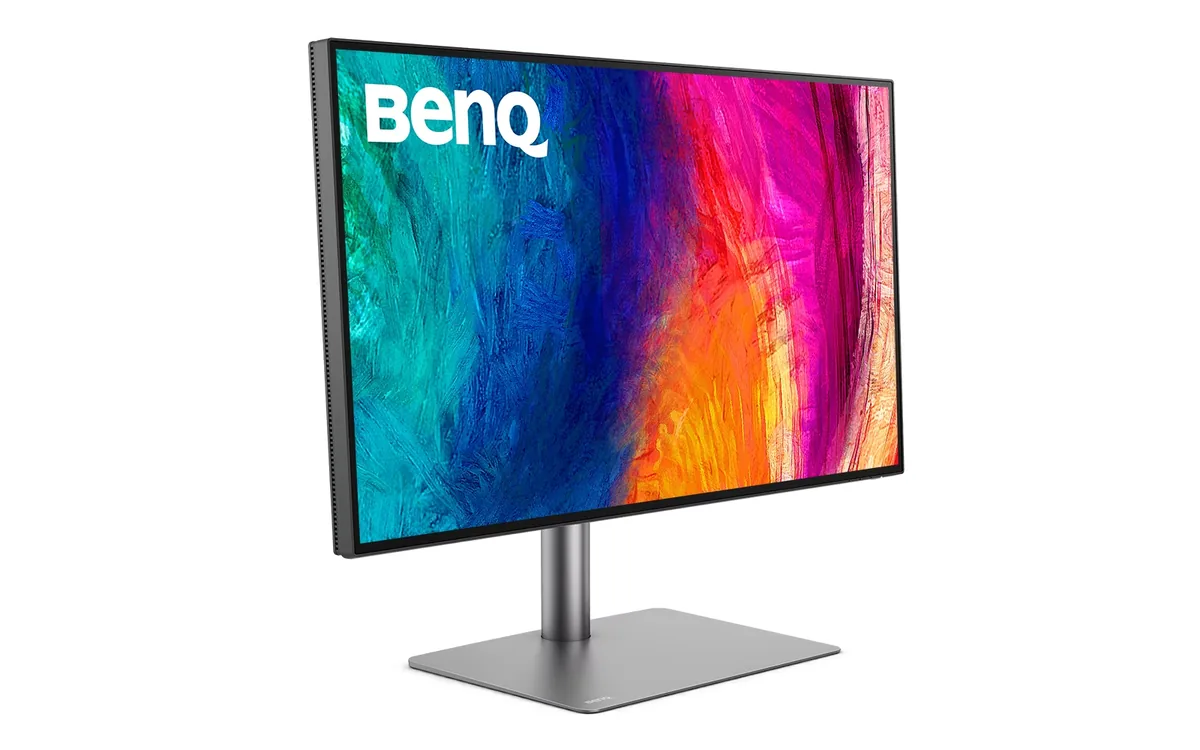
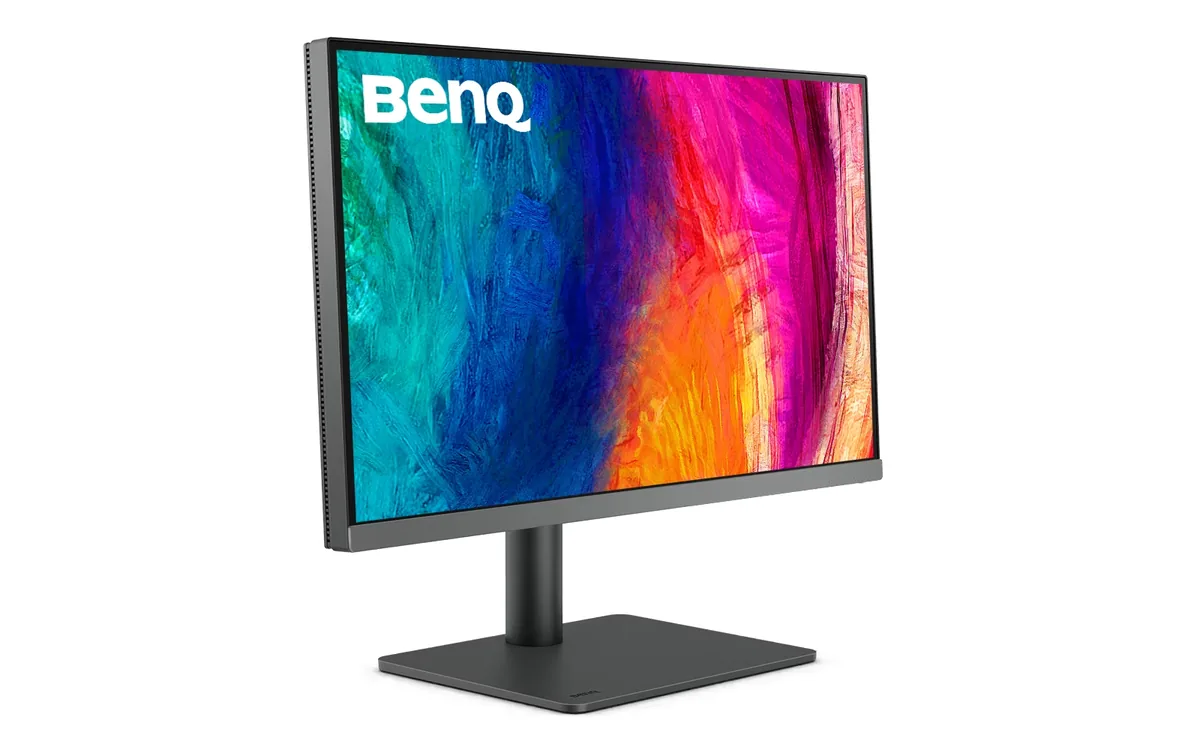
BenQ PD2706U
27″ · 3840×2160 · 60 Hz · IPS
- Sharpness
- 68ppd · retina-class
- HDR
- Accepts an HDR signal
- USB-C power
- 90 W
- 4K at 163 PPI
- 90 W USB-C
- KVM + 4-port hub
Best for: A designer who wants one cable to a laptop and calibrated colour out of the box
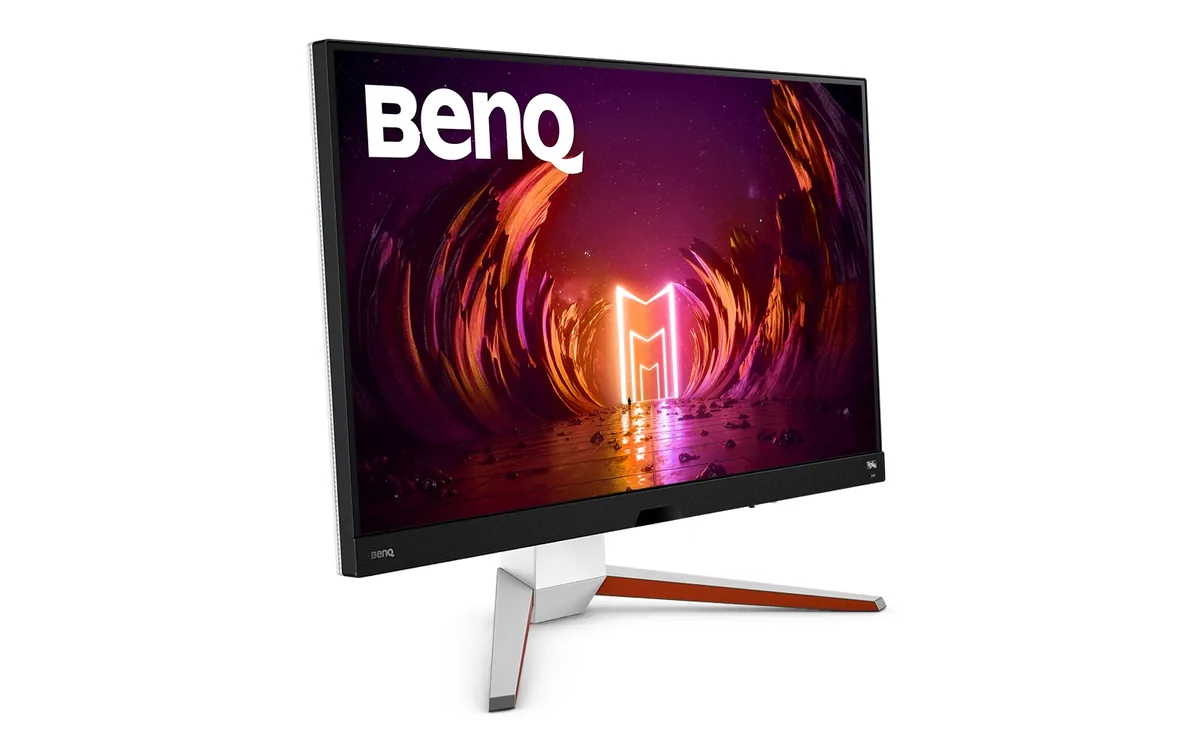
4K/5K creator~$1,100BenQ
The panel here is the IPS Black generation, which is where the 2000:1 native contrast comes from — roughly twice what a conventional IPS manages, and the single most visible difference between this and BenQ's cheaper 32-inch designer panels. Two Thunderbolt 3 ports let it dock a Mac at 85 W and daisy-chain a second display off the same bus. Colour covers 98% of Display P3 with Pantone and Pantone SkinTone validation, and M-book mode matches the panel to a MacBook's own output.
Approx. price
~$1,100
snapshot, not a live price
Accepts an HDR signal
the maker publishes no dimming-zone count, so the certificate is the only evidence of local dimming there is
Port speed — can each input carry this panel?
This panel needs 17.9 Gbps at 3840×2160, 60 Hz and 30 bits per pixel, with no DSC to fall back on.
Best for: Mac-based photo and video work that needs deep blacks and a Thunderbolt dock in one box
The two lists above come from the maker’s specifications and from published third-party measurements, not from owner reports. Where owner discussion has been read it appears in its own section below, so the two are never mistaken for each other.
No owner discussion has been read for the BenQ PD3225U yet. This section stays empty until there is something real to put in it.

27″ · 3840×2160 · 60 Hz · IPS
Best for: A designer who wants one cable to a laptop and calibrated colour out of the box
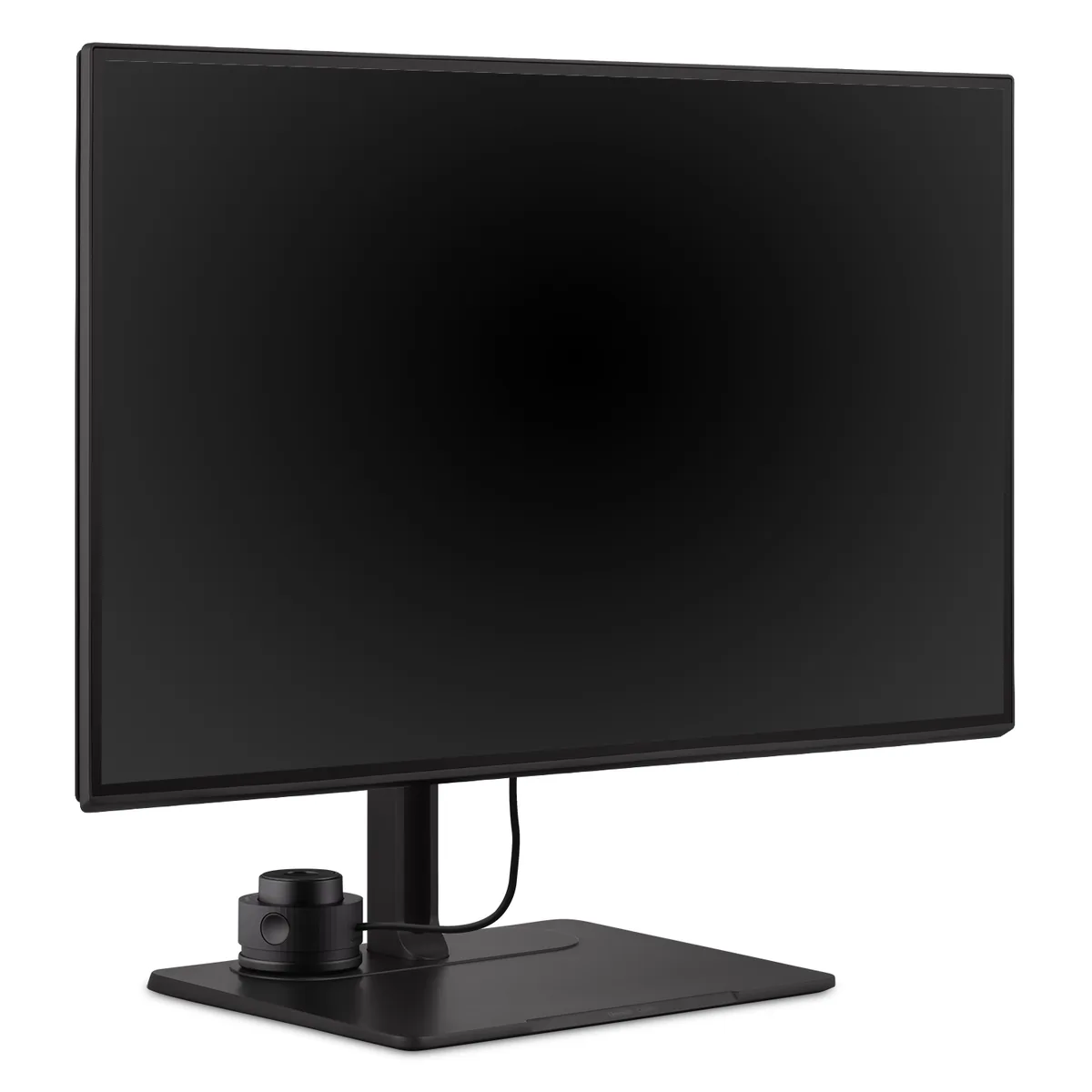
31.5″ · 3840×2160 · 144 Hz · IPS
Best for: A living-room-style desk running a PC and two consoles off one screen

27″ · 3840×2160 · 60 Hz · IPS
Best for: Print and prepress work where Adobe RGB matters more than refresh rate