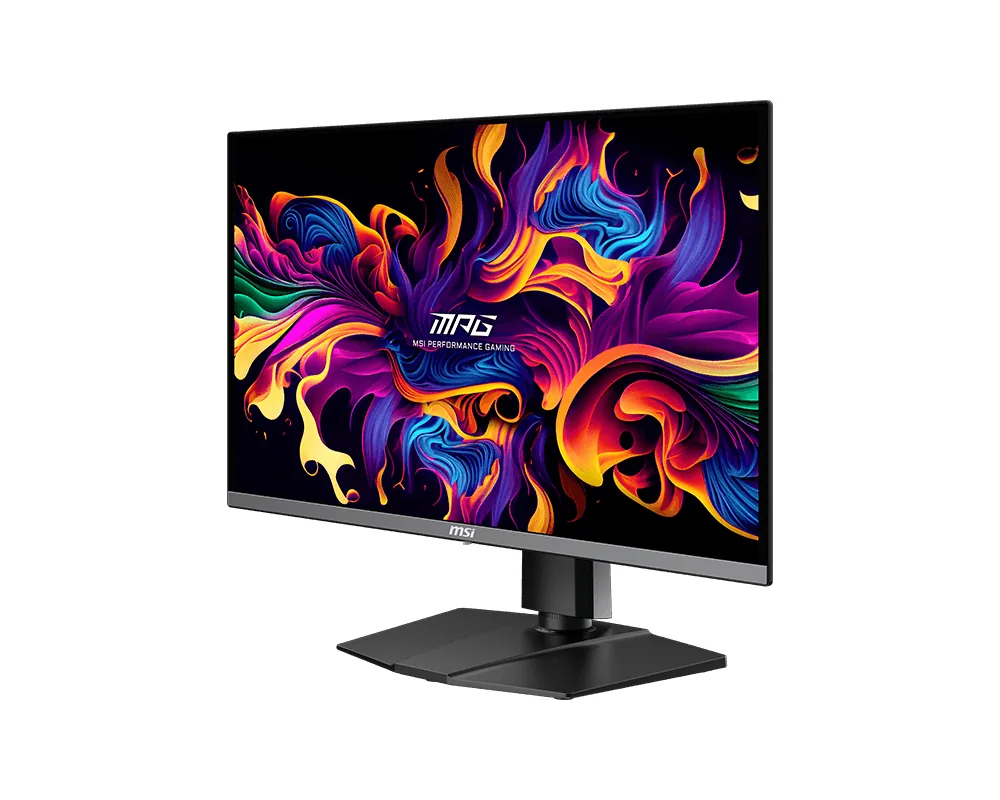
MSI~$630
MSI MPG 271QRX QD-OLED
26.5″ · 2560×1440 · 360 Hz · QD-OLED
- Sharpness
- 46ppd · sharp
- HDR
- Real HDR
- USB-C power
- 90 W
- 90 W USB-C
- 360 Hz OLED
- KVM
- Console at full speed
Best for: A gaming OLED that is also the dock for a work laptop
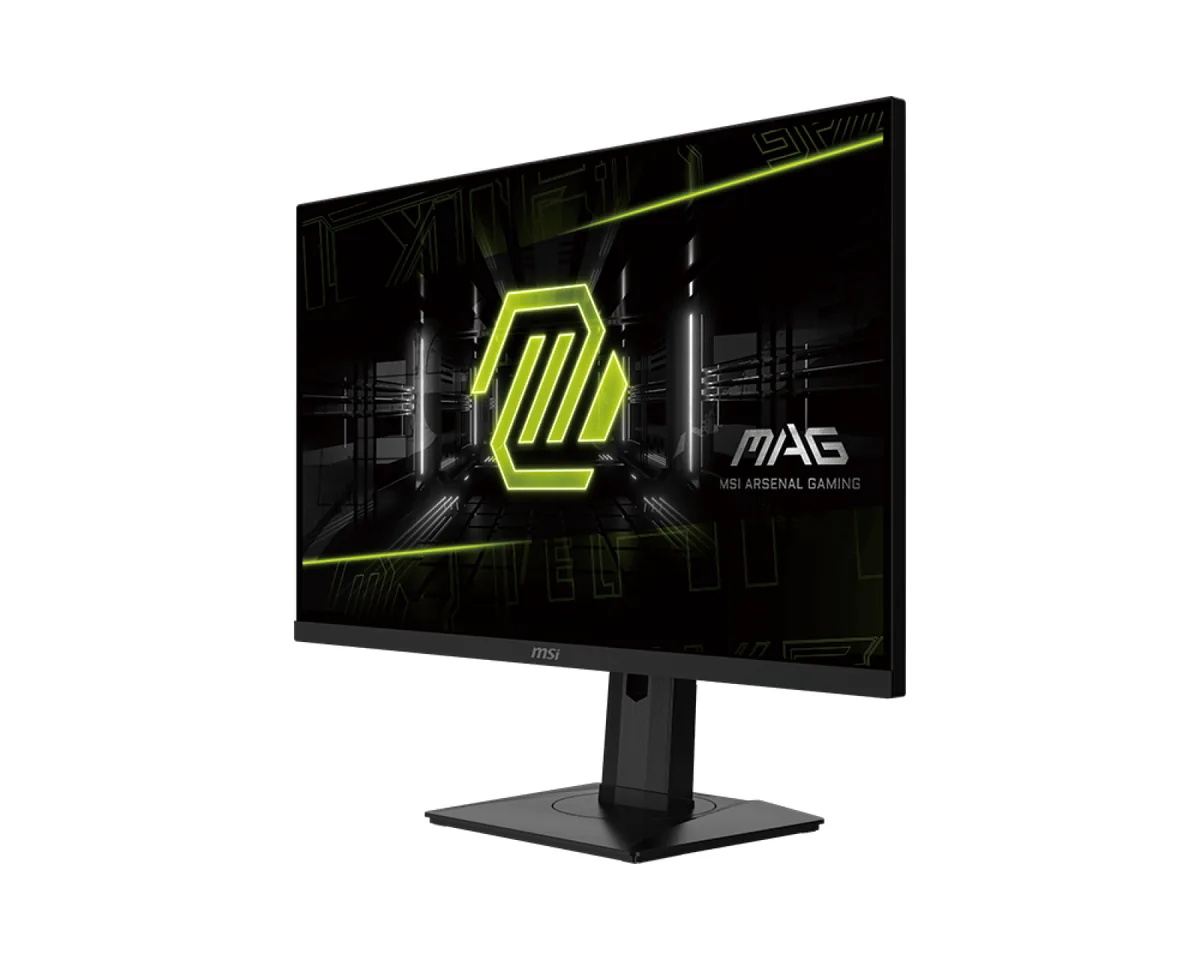 Gaming~$250
MSI
Quantum-dot film over a Fast IPS panel is what gets 98% of DCI-P3 out of a $250 monitor, and a KVM at that price is close to unheard of. The USB-C input carries 65 W as well, enough to charge the laptop it switches between. The stand does all four moves as well, which panels at this money sometimes skip.
Approx. price
~$250
snapshot, not a live price
Accepts an HDR signal
the maker publishes no dimming-zone count, so the certificate is the only evidence of local dimming there is
Port speed — can each input carry this panel?
This panel needs 23.9 Gbps at 2560×1440, 180 Hz and 30 bits per pixel, with no DSC to fall back on.
Best for: Wide colour and a KVM on a $250 budget
The two lists above come from the maker’s specifications and from published third-party measurements, not from owner reports. Where owner discussion has been read it appears in its own section below, so the two are never mistaken for each other.
Set a budget near $250 for a 27-inch 1440p gaming panel and this one turns up in the shortlist within minutes, beside Dell's G2724D, AOC's Q27G3XMN and Gigabyte's M27Q — and the quantum-dot colour is usually what tips it.
Owners who like it describe a monitor that punches above its bracket in the two areas that are expensive elsewhere: gamut and text. Colour coverage lands where the marketing says, which people editing photos as a hobby notice, and matte IPS renders small fonts cleanly enough that programmers pick it over OLEDs costing twice as much. 180 Hz with adaptive sync feels smooth, and the unusual ability to run backlight strobing alongside variable refresh gets called out by owners who care about motion clarity. The stand is better than the plastic suggests.
The cost shows up in consistency and in HDR. Backlight bleed in the lower corners is the single most reported issue, benign in games and obvious in a letterboxed film, and dead-pixel reports come often enough that the return window matters. DisplayHDR 400 with no dimming zones means HDR is something the monitor accepts rather than something it does, and anyone weighing this against a cheap mini-LED is really choosing colour accuracy and text over highlight punch. Console owners should note that the full 180 Hz needs DisplayPort — over HDMI it stops at 144.
HDMI on this model is limited to 144 Hz; the 180 Hz headline applies to DisplayPort only. It is not a fault or a setting you have missed. For a PS5 or Xbox the practical ceiling is 120 Hz anyway, so the difference rarely matters in use.
Some unevenness is normal for an edge-lit IPS panel and this model attracts more of those reports than average. Judge it at your normal viewing distance with the room lit as you usually have it, not with a camera at maximum exposure in the dark. If it is visible during ordinary use rather than only on a black test screen, exchange it while you still can — owners who waited generally found it did not improve with age.
There are no dimming zones and peak brightness is modest, so enabling HDR mostly changes the tone curve rather than adding highlight range. Several owners also traced odd colour-temperature shifts to toggling HDR on and off, fixed by a full OSD reset. Leaving it off and using the wide-gamut SDR modes is what most settle on.
That is one of its stronger arguments. The matte IPS panel has no subpixel fringing to fight, 1440p across 27 inches gives comfortable font sizes without scaling, and owners who spend a full working day in an editor on it are the ones recommending it most consistently.
A budget mini-LED will beat it on HDR highlights and black depth; this one beats it on colour accuracy, text, firmware support and port speed. Owners who mostly play story-driven games and watch films leaned mini-LED, while those doing mixed work and gaming preferred the more predictable IPS behaviour here.
Yes — the USB-C input carries video and delivers 65 W, which covers most thin-and-light laptops, and the KVM lets a Mac and a desktop share the same keyboard and mouse. Owners running this alongside a console and a laptop report input switching as uneventful, which was not true of the Cooler Master panel some of them left behind.
26.5″ · 2560×1440 · 360 Hz · QD-OLED
Best for: A gaming OLED that is also the dock for a work laptop
27″ · 2560×1440 · 300 Hz · IPS
Best for: The cheapest route to a 300 Hz 1440p panel over DisplayPort
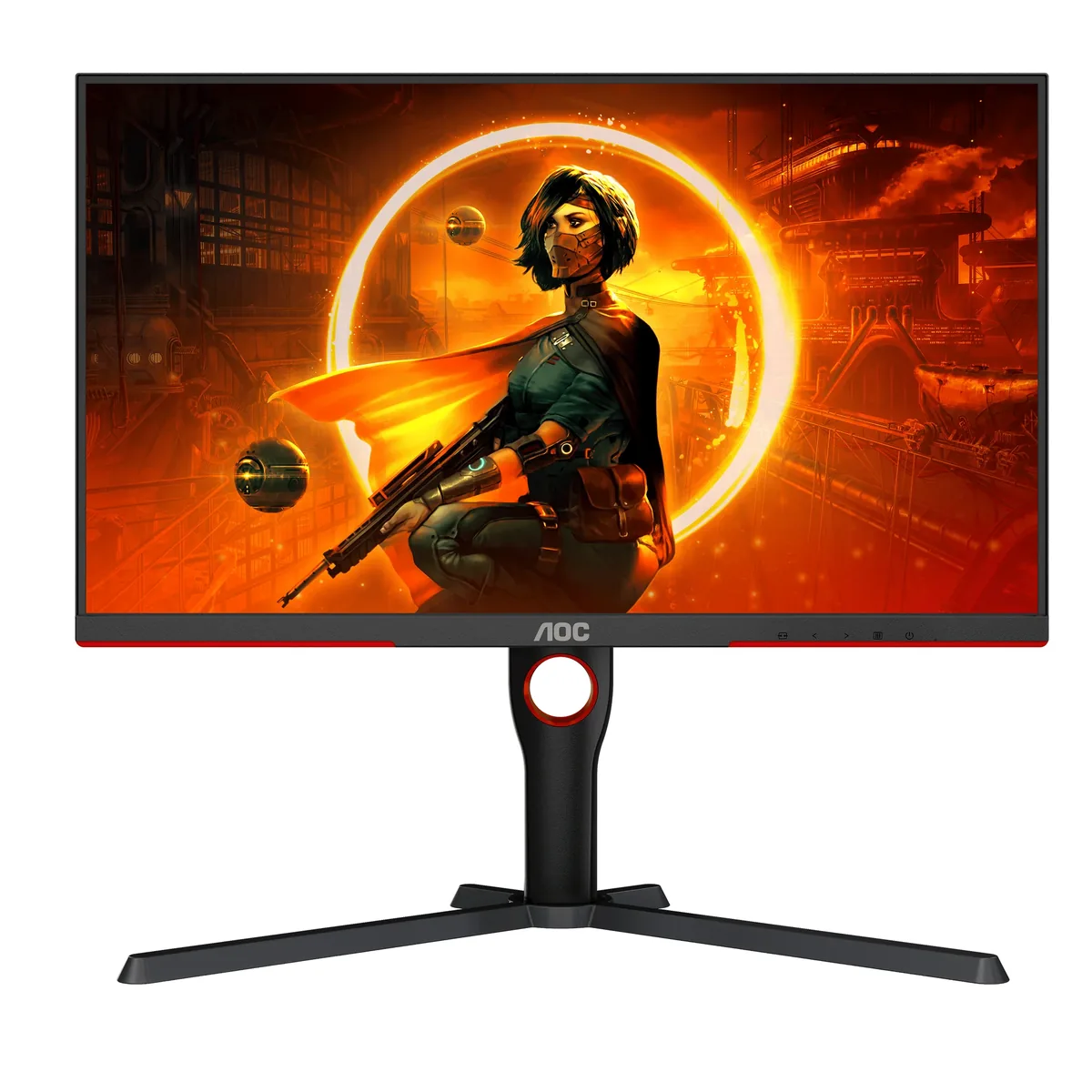
27″ · 2560×1440 · 180 Hz · Mini-LED VA
Best for: Real HDR highlights on a budget that normally buys edge-lit DisplayHDR 400