MSI MPG 271QRX QD-OLED monitorOLED gaming~$630

MSI

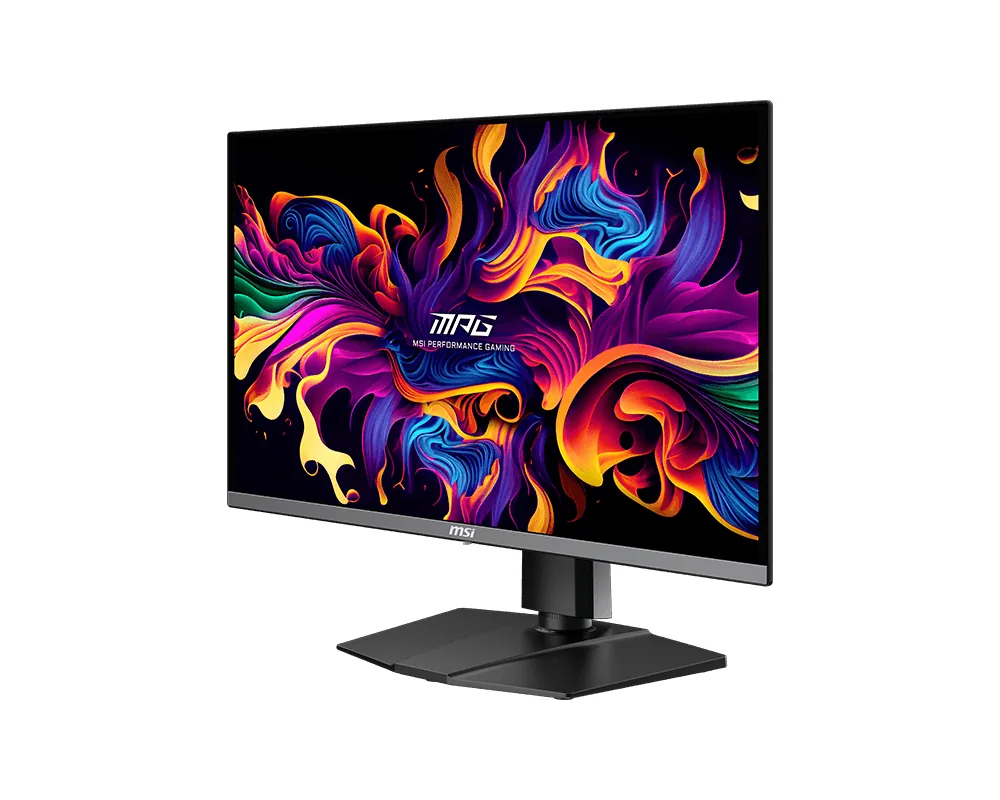
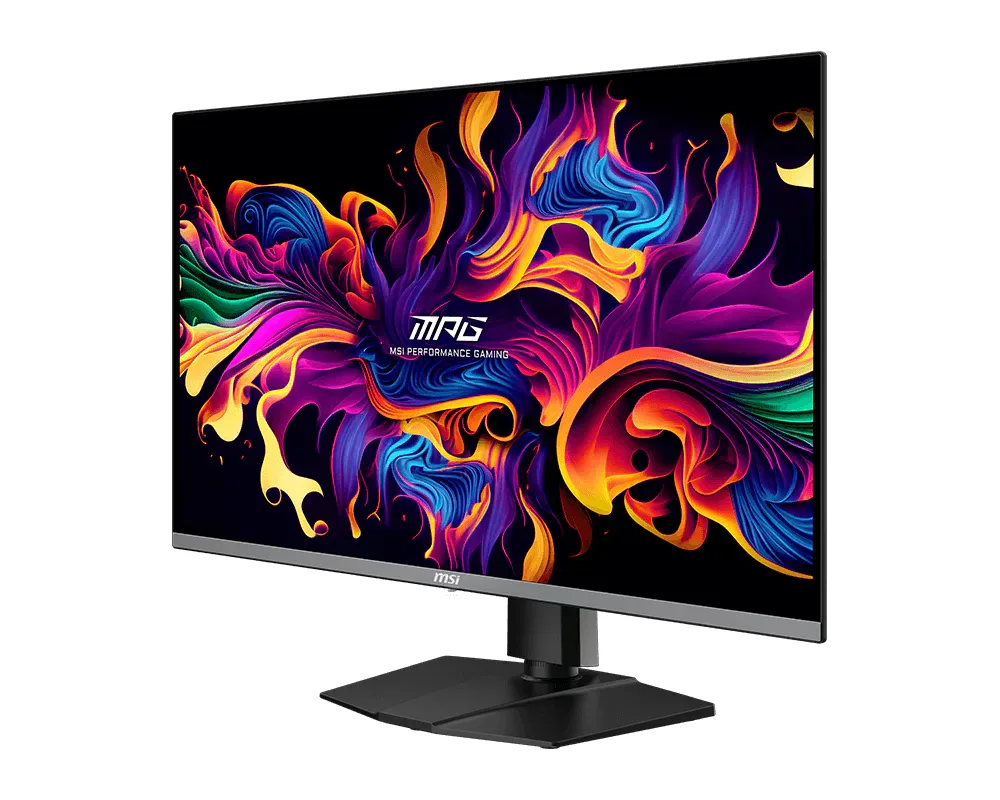
MSI MPG 271QRX QD-OLED

Ninety watts of USB-C, a KVM and a 360 Hz QD-OLED panel add up to a gaming monitor that also replaces a docking station. The wattage keeps a thin-and-light charged while it drives the screen down the same cable, and the KVM hands the keyboard and mouse to whichever machine is in front. MSI asks around $630 for that, slightly less than Alienware charges for the same panel without the USB-C power or the KVM.

Approx. price

~$630

snapshot, not a live price

Sharpness

46ppd · sharp

text is clean; pixel edges show if you look for them

HDR tier

Real HDR

per-pixel emissive — every pixel is its own backlight, so a highlight can sit beside true black

Peak brightness

1,000nits claimed

DisplayHDR True Black 400

USB-C power

90 W

keeps a 14-inch machine charged under normal load

Max refresh

360 Hz

0.03 ms GtG rated

Port speed — can each input carry this panel?

  • 2×HDMI 2.1· full speed(DSC)
  • DisplayPort 1.4· full speed(DSC)
  • USB-C (DP Alt Mode)· full speed(DSC)

This panel needs 47.8 Gbps at 2560×1440, 360 Hz and 30 bits per pixel, and supports DSC compression.

Best for: A gaming OLED that is also the dock for a work laptop

Specifications

Approx. price
~$630
Type
OLED gaming
Resolution
2560×1440
Pixels per degree
46 — sharp
Panel
QD-OLED
Finish
glossy
Response time
0.03 ms GtG
VRR
G-Sync Compatible
HDR tier
Real HDR
HDR certification
DisplayHDR True Black 400
Peak brightness
1,000 nits claimed
Local dimming
Per-pixel (emissive)
Static contrast
effectively infinite
Colour gamut
99% DCI-P3
HDMI
2 × HDMI 2.1
DisplayPort
1 × DisplayPort 1.4
DSC
Supported
Port speed
3 of 3 inputs at full speed
USB-C
Video in over USB-C
USB-C power
90 W — 14-inch class laptop
KVM
Built in
USB hub
2 ports
Speakers
None
Stand
height, tilt, swivel, pivot
VESA
100x100
Weight
18.3 lb
Released
2024
$ per inch
$24
$ per megapixel
$171

Features

  • 90 W USB-C power delivery with KVM
  • 360 Hz QD-OLED at 1440p
  • Two HDMI 2.1 inputs
  • Three-year burn-in warranty
  • Four-way adjustable stand

What it does well

  • 90 W over USB-C charges a thin-and-light while carrying its video on the same cable
  • The KVM moves keyboard and mouse with the video input, so a work laptop and a gaming PC share one set of peripherals
  • Burn-in is covered for three years, and MSI's panel-care routines run to delay it
  • The stand pivots to portrait, which suits a second panel turned on its side for code or chat

What it gives up

  • A bright room cancels out the contrast advantage: full-field SDR stops at 250 nits and the finish is glossy
  • Text density is no better than a $200 1440p panel: the same 46 pixels per degree
  • No speakers, and the hub runs at USB 2.0 rates — fine for a keyboard and mouse, slow for anything else

The two lists above come from the maker’s specifications and from published third-party measurements, not from owner reports. Where owner discussion has been read it appears in its own section below, so the two are never mistaken for each other.

What owners say

Shooters at 360 Hz are what this monitor was built to sell. 1440p on a QD-OLED panel, priced below the Alienware and ASUS versions of roughly the same idea, is a specific pitch to people whose games run fast enough to use it — and owner after owner frames the purchase as exactly that choice, usually against the AW2725DF, the ASUS XG27AQDMG or Gigabyte's FO27Q3.

The speed lands. What divides owners is everything the panel does when it is not moving. Text is the loudest complaint by a wide margin: the subpixel layout fringes small fonts, sharpening tools do not really fix it, and people who spend a working day in documents or code notice immediately even when they love the monitor for games. SDR brightness is modest enough that owners upgrading from a bright LCD initially read the image as dim and muted rather than better. Dark scenes bring their own questions — black crush, and on some units faint vertical lines through darker areas that disabling adaptive sync does not remove.

Reliability reports run hotter here than on most monitors this site covers. Alongside the ordinary first-OLED anxiety about panel-care timers and how to clean the glass, there are owners whose units simply stopped working inside a few hundred hours and one whose firmware update failed mid-flash and left the screen cycling. Those are individual accounts, not a failure rate, but they come with a widely shared impression that MSI's warranty handling is the weak part of ownership. Buy it for the refresh rate, keep the receipt through the return window, and go in knowing the text is what most returners cited.
What owners like

  • Speed is the part nobody argues with — even owners who returned the monitor over picture quality singled out how 360 Hz plus very low input lag feels in CS2 and Valorant.
  • It usually lands well under the Alienware and ASUS 27-inch QD-OLEDs it gets compared against, and shoppers weighing it against 240 Hz alternatives were mostly deciding whether the extra refresh was worth about $150.
  • Glossy glass keeps contrast intact in a controlled room, which is why owners coming from matte IPS describe the black level as the thing they notice first.
  • The stand tilts, swivels, raises and rotates to portrait, and at 15 lb it is light enough that people mounting it on an arm do not need a heavy-duty one.
  • A KVM and 90 W USB-C charging handle the common split setup — a laptop for work hours and a desktop for games — from one cable each.
  • Unlike some of MSI's cheaper OLEDs, this one takes firmware updates, and the releases that followed launch reduced input lag and fixed HDR refusing to turn on with compression disabled.

Common complaints

  • Text rendering is the recurring disappointment. QD-OLED's triangular subpixels put coloured fringing on thin fonts, and at least one buyer returned an otherwise-working unit because no amount of sharpening cleaned it up.
  • Full-field SDR brightness is modest, and owners switching from a bright VA panel describe the image as muted and dim in a well-lit room before they get the settings sorted.
  • Shadow detail crushes in dark scenes on some units, and first-time OLED owners consistently arrive unsure whether what they are seeing is a defect or the panel behaving normally.
  • Brief black-screen dropouts — the picture vanishes for two or three seconds and returns — turn up repeatedly, surviving cable swaps, driver reinstalls and the latest firmware for some owners.
  • A handful of outright failures appear in owner reports: one unit died after about two hundred hours, another bricked itself at 99% through a firmware update with no easy recourse.
  • The coating is unforgiving. Marks picked up in transit are not covered by warranty, MSI's own cleaning guidance surprises people by recommending ethanol, and owners are visibly nervous about touching the screen at all.

Questions owners ask about the MSI MPG 271QRX QD-OLED

Is the text really as bad as people say for office work?

Small text picks up colour fringing from the triangular subpixel arrangement, and ClearType or third-party sharpening only partly disguises it. Owners who mostly game barely register it; owners who spend eight to ten hours in Figma, spreadsheets or an editor are the ones who describe it as unacceptable. If reading is the main job, test it inside a return window before committing.

What are the faint vertical lines I see in dark parts of games?

Several owners describe something like very fine CRT scanlines appearing only in certain dark areas, more obvious in motion and often invisible to a camera or a test pattern. Turning adaptive sync off does not reliably remove it. Reports are not universal, so a unit showing it strongly is worth exchanging rather than accepting.

How am I supposed to clean it?

MSI's own guidance points to 70% ethanol on a microfibre cloth, which startles people who expected distilled water. Owners have gone both ways without consensus. What is clear from their experience is that marks acquired in shipping or from aggressive rubbing are treated as cosmetic and not covered, so a gentle dry microfibre first is the cautious approach.

Does the 360 Hz matter if my graphics card cannot reach it?

Running the panel at its full refresh still lowers input latency even when frame rates fall short, which is why owners with mid-range cards keep it set to 360 Hz rather than dropping to 240. If your games sit in the 100 to 150 range and always will, the cheaper 240 Hz QD-OLEDs give up very little.

What is the panel protect timer counting down to?

It tracks accumulated on-time between the automatic pixel-refresh cycles the monitor runs to manage wear. New owners frequently read a large number there as evidence the maintenance never ran; it is simply the usage counter, and manually triggering the routine at the end of a session is optional rather than required.

How does it compare with the Alienware and ASUS 27-inch QD-OLEDs?

Same panel generation, so picture differences are small and mostly down to coating and tuning. Buyers choosing between them usually decide on price, stand and support: Alienware's warranty handling has the better reputation among owners, while this one tends to be cheaper and carries the KVM and higher-wattage USB-C that the others sometimes drop.

Others in the same part of the catalog

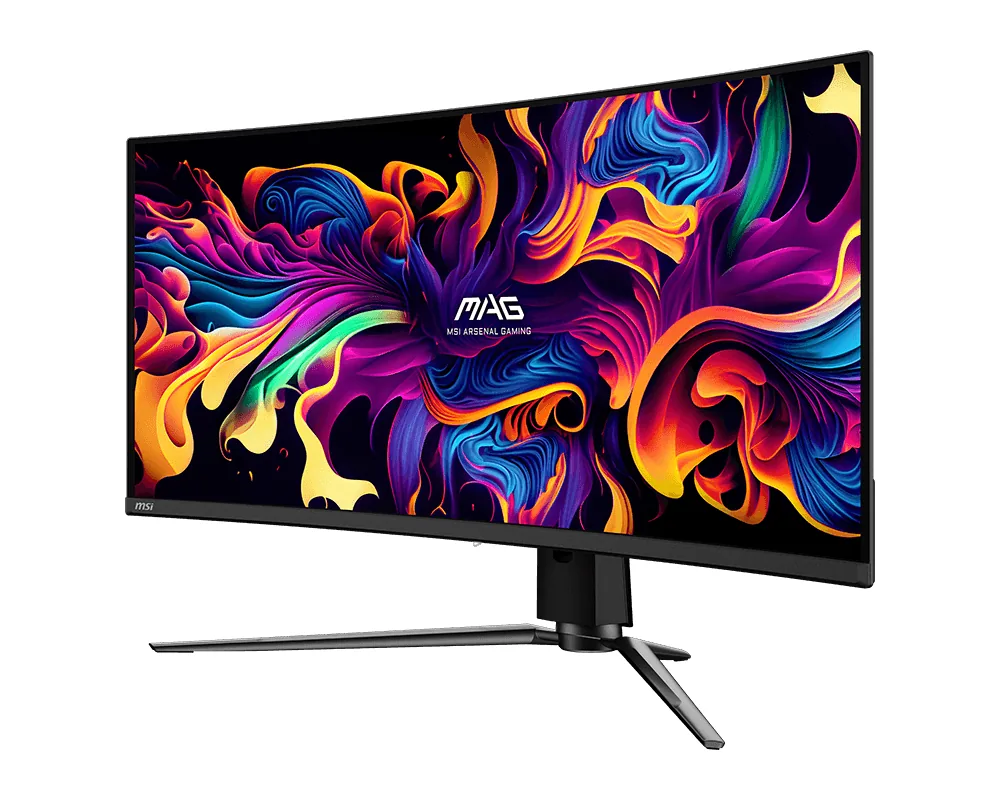
MSI MPG 321URX QD-OLED monitor
MSI~$950

MSI MPG 321URX QD-OLED

31.5″ · 3840×2160 · 240 Hz · QD-OLED

Sharpness
59ppd · sharp
HDR
Real HDR
  • 4K 240 Hz OLED
  • 90 W USB-C + KVM
  • Under $1,000
  • Console at full speed

Best for: A 32-inch 4K OLED that docks a laptop without flagship pricing

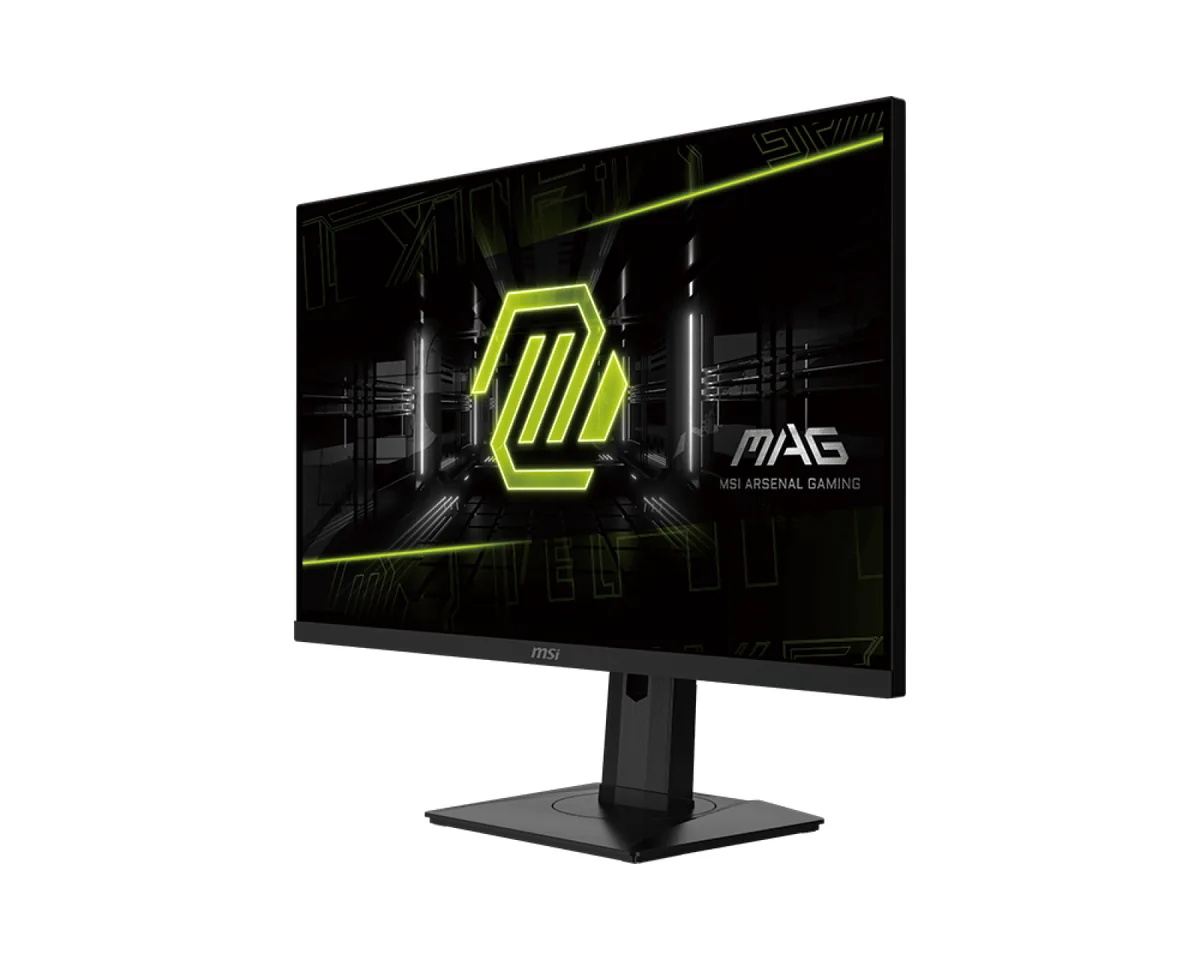
MSI MAG 341CQP QD-OLED monitor
MSI~$700

MSI MAG 341CQP QD-OLED

34″ · 3440×1440 · 175 Hz · QD-OLED

Sharpness
46ppd · sharp
HDR
Real HDR
  • QD-OLED under $750
  • HDMI 2.1
  • KVM
  • Console at full speed

Best for: An ultrawide OLED where 175 Hz is enough and the price is not

More from MSI →

← Back to the catalog