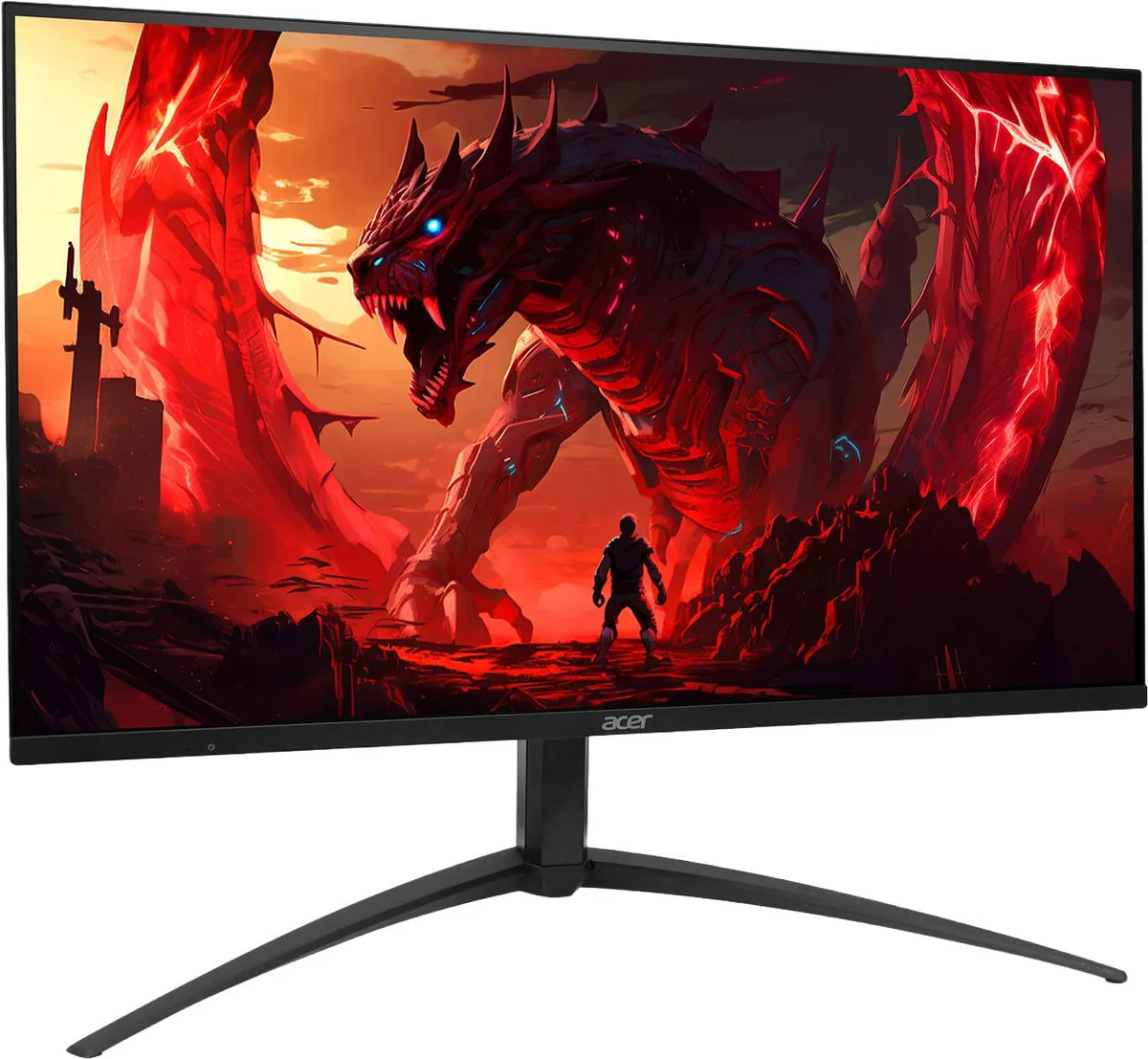
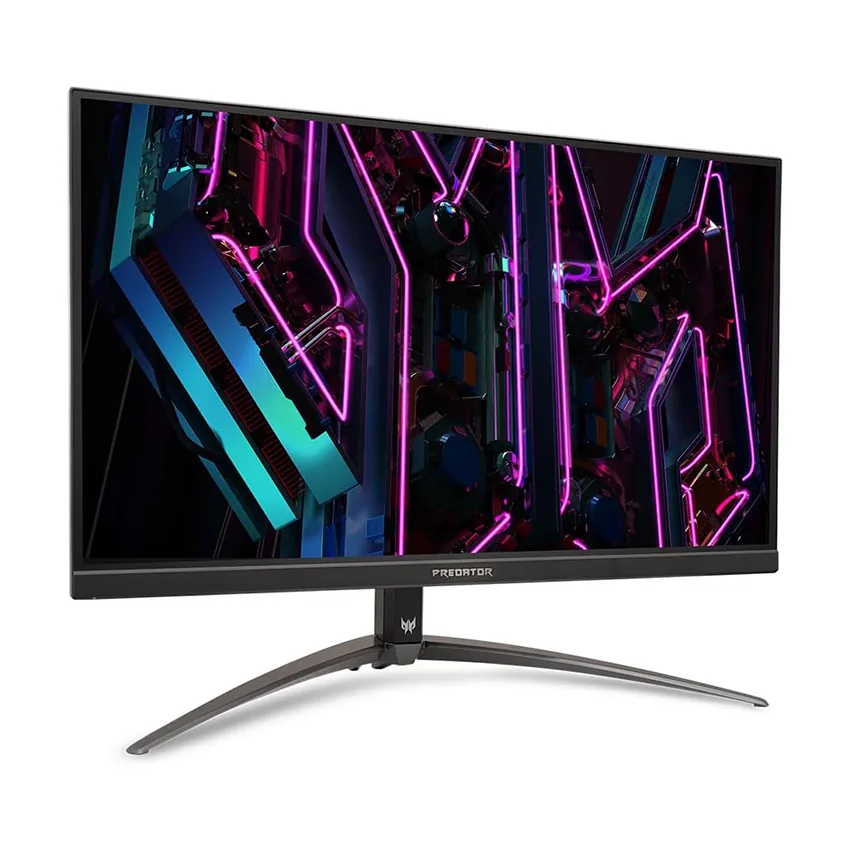
Acer Predator XB273U V3
27″ · 2560×1440 · 180 Hz · IPS
- Sharpness
- 46ppd · sharp
- HDR
- No HDR
- USB-C power
- No USB-C power
- 180 Hz 1440p
- FreeSync + G-Sync certified
Best for: An Nvidia build that wants certified G-Sync without paying for a hardware module
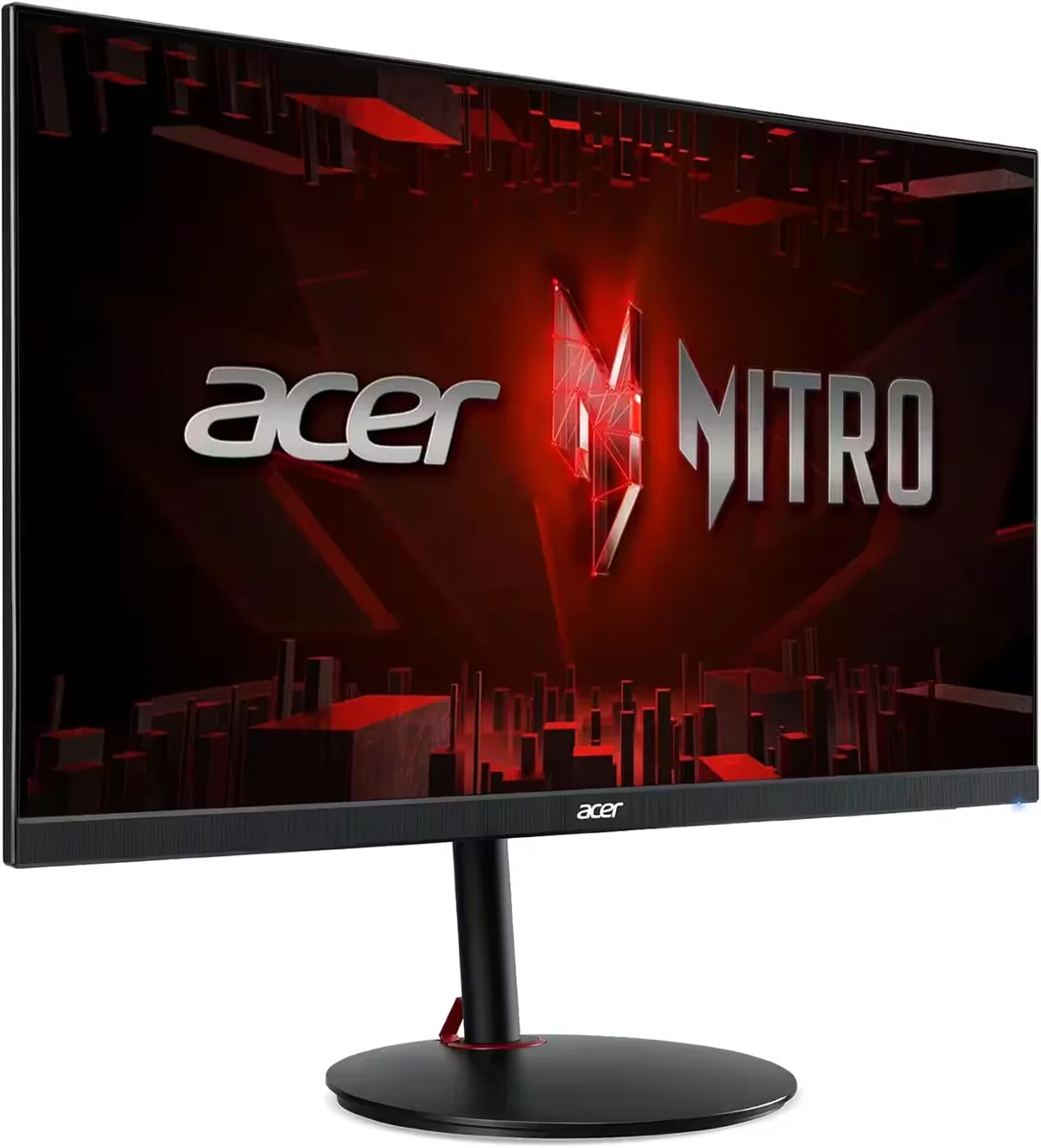
Gaming~$400Acer
VESA DisplayHDR 1000 on a 4K 160 Hz panel at four hundred dollars is the pitch, and the certification is the evidence behind it: VESA does not award that tier without real local dimming, however many zones do the work — Acer publishes no count for this version. What the spec sheet does carry is 1,000 nits claimed, 0.5 ms, FreeSync Premium, two HDMI 2.1 inputs and a stand that tilts and raises and nothing more. The model name is shared across versions with different port sets and different backlights, so the version letter is the thing to check before buying.
Approx. price
~$400
snapshot, not a live price
Port speed — can each input carry this panel?
This panel needs 38.2 Gbps at 3840×2160, 160 Hz and 24 bits per pixel, and the maker does not say whether it supports DSC compression.
Best for: HDR gaming on a budget that will not stretch to an OLED
The two lists above come from the maker’s specifications and from published third-party measurements, not from owner reports. Where owner discussion has been read it appears in its own section below, so the two are never mistaken for each other.
No owner discussion has been read for the Acer Nitro XV275K V3 yet. This section stays empty until there is something real to put in it.

27″ · 2560×1440 · 180 Hz · IPS
Best for: An Nvidia build that wants certified G-Sync without paying for a hardware module
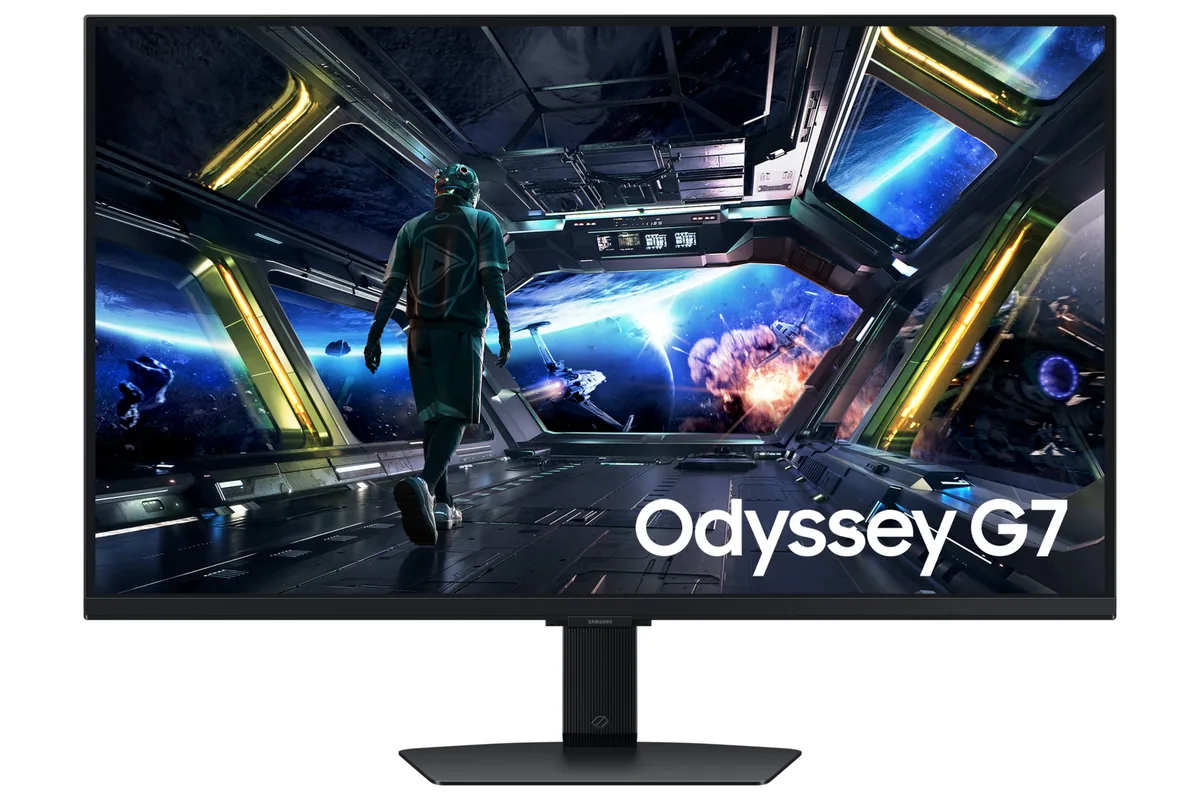
27″ · 2560×1440 · 180 Hz · IPS
Best for: A mid-range gaming PC that needs refresh rate and colour more than ports

27″ · 3840×2160 · 144 Hz · IPS
Best for: 4K at 144 Hz for a console and a PC, with streaming apps built in