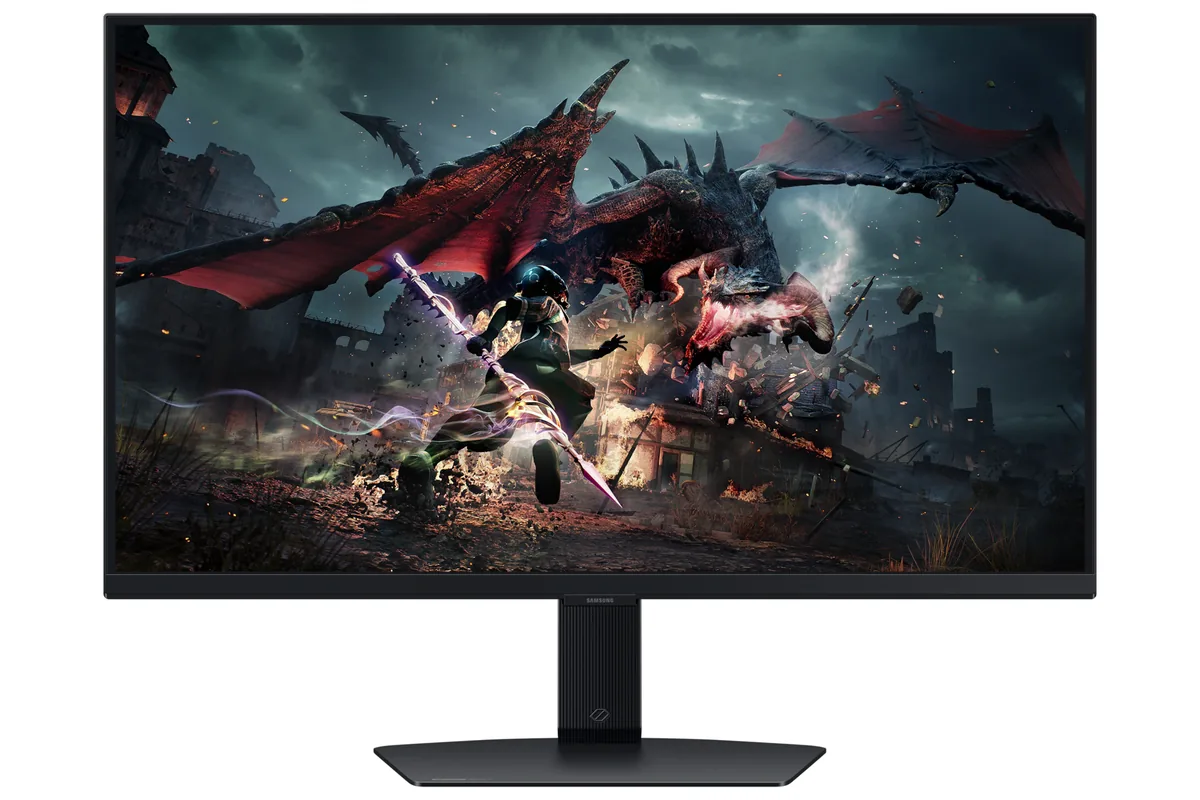
Samsung~$350
Samsung Odyssey G5 G50D
27″ · 2560×1440 · 180 Hz · IPS
- Sharpness
- 46ppd · sharp
- HDR
- Accepts an HDR signal
- USB-C power
- No USB-C power
- 180 Hz for ~$350
- Adjustable stand
Best for: A first 1440p high-refresh screen on a strict budget
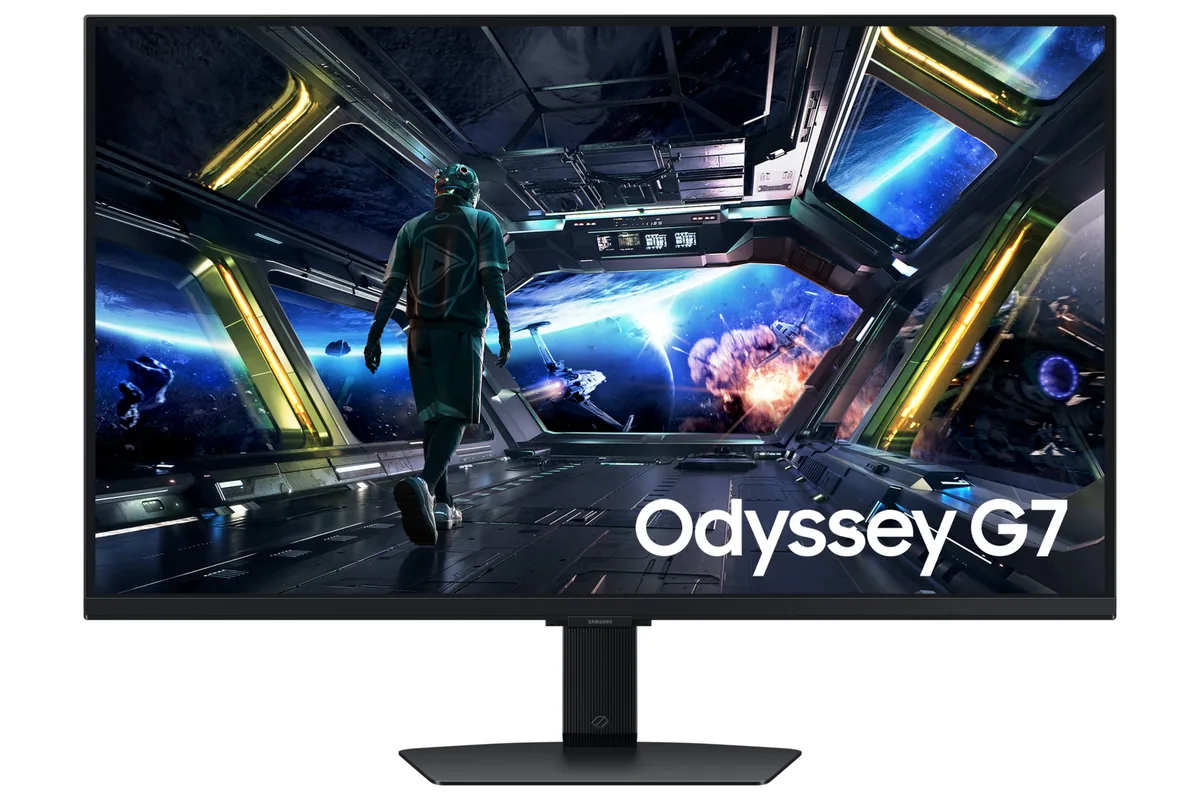 Gaming~$400
Samsung
Samsung builds the G70D in two sizes and this is the 27-inch one: 4K at 144 Hz over two HDMI 2.1 inputs, with Samsung's smart platform and Gaming Hub on board so the screen runs streaming and cloud titles with no PC attached. At 163 pixels per inch it is dense enough to run Windows at 125% scaling and still leave a usable desktop. It sits in the cheapest tier of 4K/144 panels here rather than at the bottom of it, and the smart platform is what it adds over the two that undercut it.
Approx. price
~$400
snapshot, not a live price
Accepts an HDR signal
the maker publishes no dimming-zone count, so the certificate is the only evidence of local dimming there is
Port speed — can each input carry this panel?
This panel needs 43.0 Gbps at 3840×2160, 144 Hz and 30 bits per pixel, and the maker does not say whether it supports DSC compression.
Best for: 4K at 144 Hz for a console and a PC, with streaming apps built in
Whether any input carries 3840×2160 at 144 Hz and 30 bits per pixel depends on Display Stream Compression, and Samsung publishes no DSC figure for this model. The link rate clears the panel with compression and falls short without it, so this page leaves the verdict open rather than picking one. How the arithmetic works.
The two lists above come from the maker’s specifications and from published third-party measurements, not from owner reports. Where owner discussion has been read it appears in its own section below, so the two are never mistaken for each other.
Shoppers find this one by accident. A 4K 144Hz IPS panel from Samsung that arrived with almost no press coverage, it turns up as the cheaper alternative to the Gigabyte M32U or the LG UltraGear, and the first question is always the same: what does the extra money buy, and is the newer model actually better than the G70B it replaces? Samsung's own support staff could not answer the second question for one buyer, which tells you how thin the information is.
The owners who did buy are consistent about where it is good and where it is not. Colour is excellent and the panel is unusually clean for IPS — very little bleed, no obvious flaws. The software layer is the weak point: sluggish menus, a remote that double-registers, and a general sense of features shipped before they were finished. And it is an IPS panel, which matters most for the person who has already lived with OLED — one side-by-side against a WOLED in a lit room ended with the Samsung being described as dismal, not because of colour but because grey passes for black.
At full price the verdict among owners is to wait; at the discounts Samsung routinely runs, it becomes the obvious choice for a desk that has to do eight hours of text and a few hours of games without burn-in anxiety. Two separate dead-pixel returns are worth factoring in, as is the reality that you are buying a monitor almost nobody has tested — expect to form your own opinion rather than confirm someone else's.
Not clearly. An owner who used both says response times felt slightly slower on the newer model and that the G70B got brighter, while colour and bleed were better here. Samsung's support staff could not name a single concrete difference beyond the model being newer when a buyer asked. If both are discounted and the older one is meaningfully cheaper, the advice leans toward the older one.
Badly, in the one direct comparison available. An owner put it beside a 32-inch WOLED with a window to the side, expecting the IPS to cope better with the bright room, and instead found the blacks almost absent and the gap far larger in person than a photograph could show. If inky black is what you are used to, the brightness advantage of IPS will not compensate.
The differences buyers can identify are HDR10+ gaming support, the smart operating system with a remote, the USB hub and rear lighting — not the panel. One graduate student comparing it directly with an LG UltraGear could not justify the gap and found no English-language reviews to help. At sale pricing the question goes away; at list it is a fair objection.
No, and shoppers notice — one called the omission odd for a monitor at this price with these features. Variable refresh works over the adaptive-sync standard, which is what most owners run, but if the certification itself matters to you the competing LG and Alienware 4K panels in the same bracket carry it.
It is the most common pre-purchase question about this model, and two buyers here did return units for dead pixels — one of whom then discovered their return relisted as an ex-demo unit. Reports of edge lines and flicker on Samsung panels generally colour the discussion too. Buy it where an exchange is painless, and check a full-screen colour set on the first day.
27″ · 2560×1440 · 180 Hz · IPS
Best for: A first 1440p high-refresh screen on a strict budget
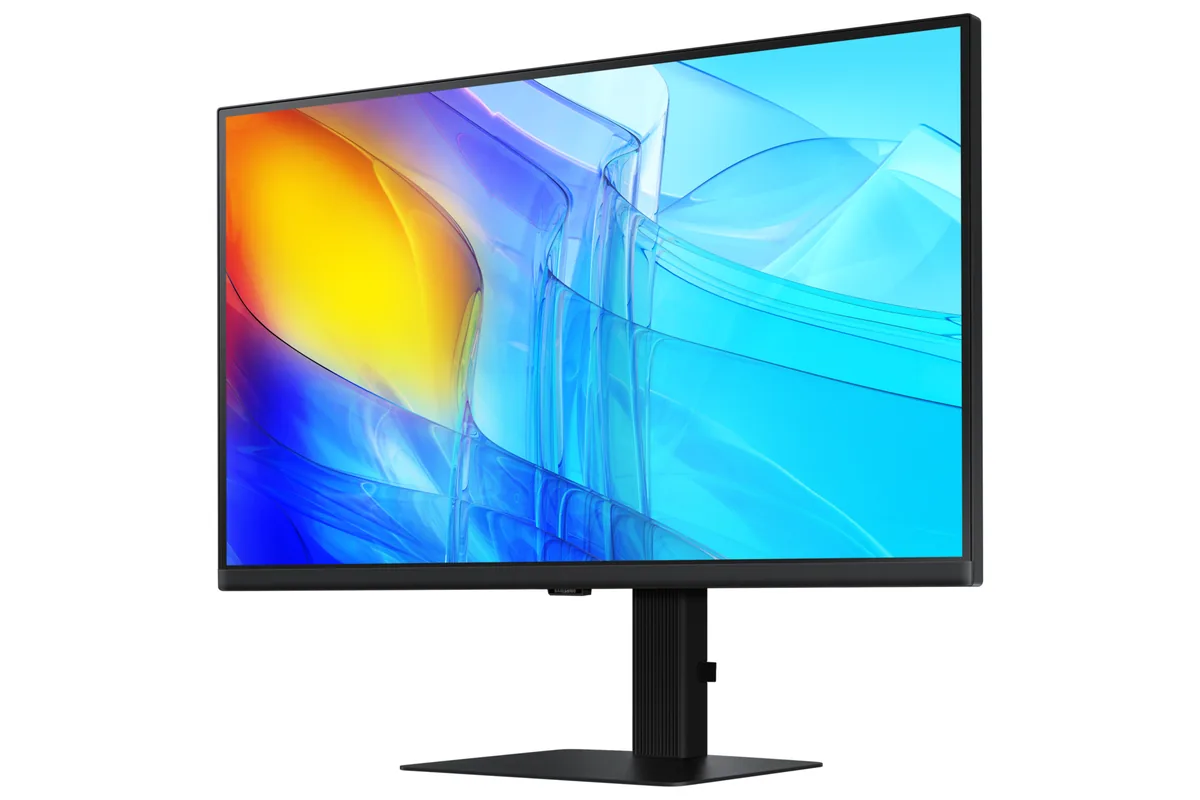
27″ · 3840×2160 · 60 Hz · IPS
Best for: A cheap one-cable 4K dock for a work laptop
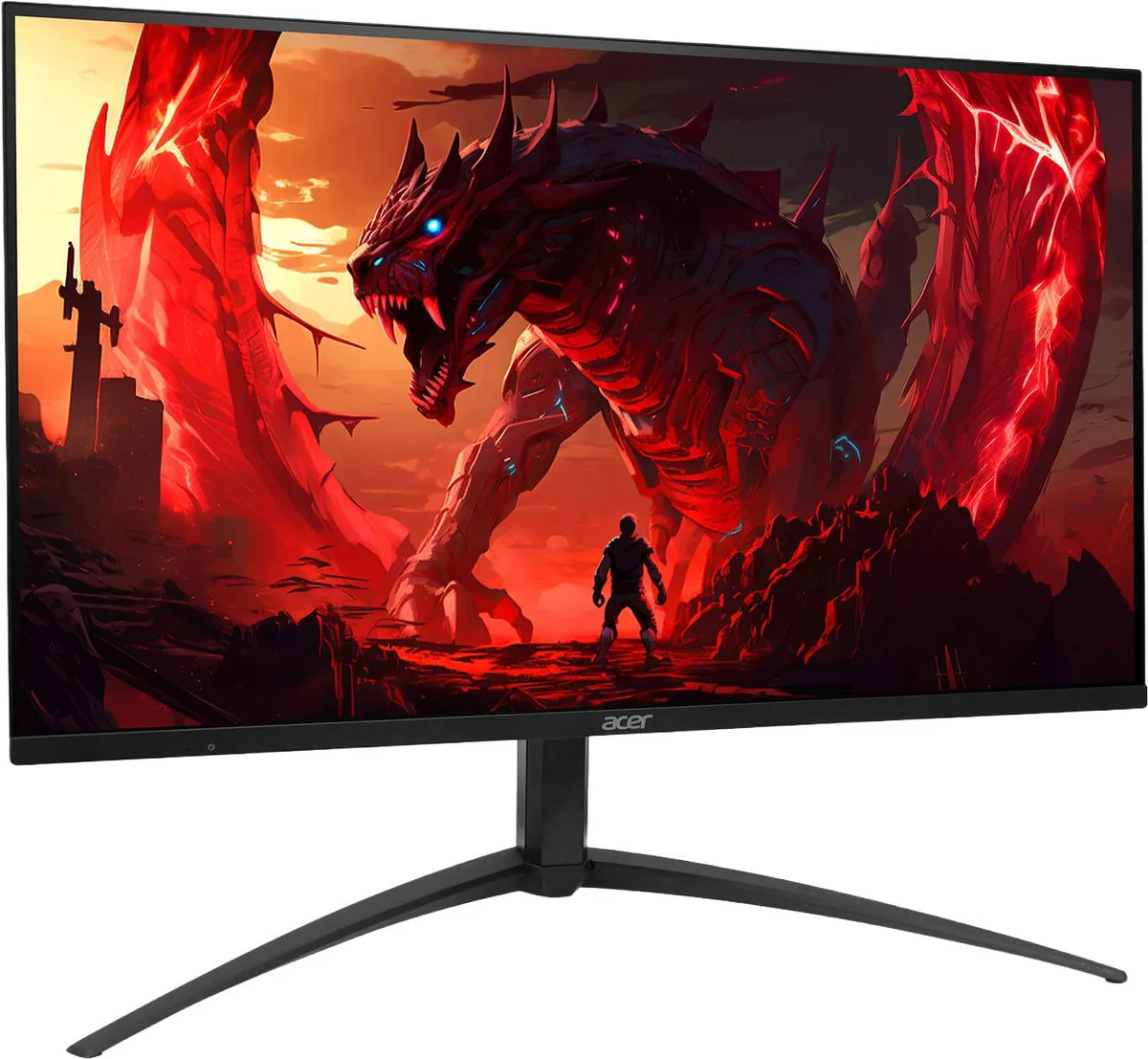
27″ · 3840×2160 · 160 Hz · IPS
Best for: HDR gaming on a budget that will not stretch to an OLED