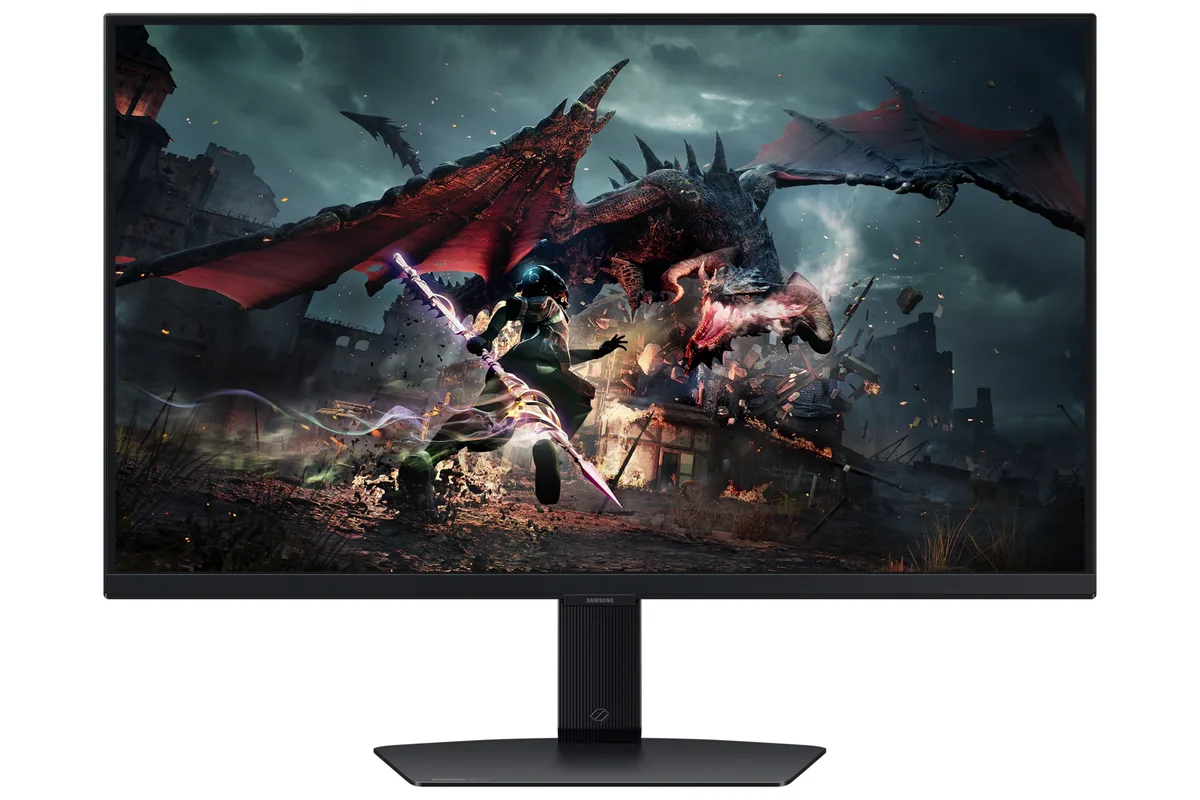
Samsung~$350
Samsung Odyssey G5 G50D
27″ · 2560×1440 · 180 Hz · IPS
- Sharpness
- 46ppd · sharp
- HDR
- Accepts an HDR signal
- USB-C power
- No USB-C power
- 180 Hz for ~$350
- Adjustable stand
Best for: A first 1440p high-refresh screen on a strict budget
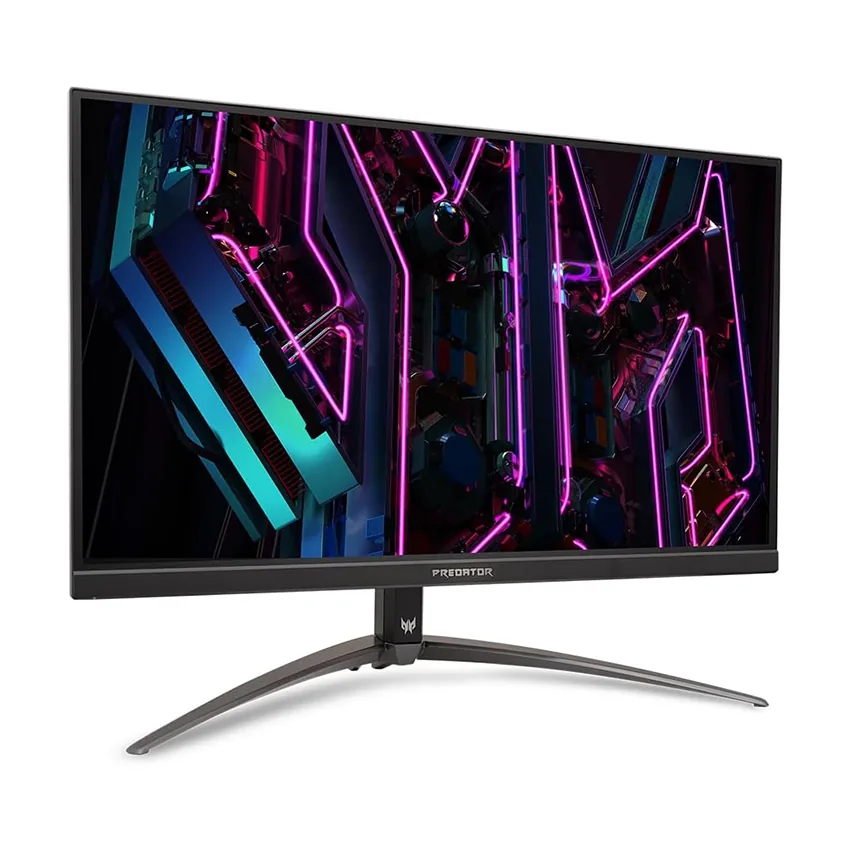 Gaming~$350
Acer
Predator is Acer's gaming brand rather than a specification, and on this model the difference from the cheaper Nitro amounts to 50 more nits, a red-accented chassis and G-Sync Compatible certification on top of FreeSync Premium; the panel underneath is the same class of 27-inch 1440p IPS at 180 Hz with 0.5 ms rated response. Nothing docks to it — no USB-C and no hub — so the extra fifty dollars over the Nitro buys 50 more nits and the Nvidia certification, and nothing else.
Approx. price
~$350
snapshot, not a live price
Sharpness?Pixels per degree of vision at desk distance. Under 40 the pixel grid is visible, 40–60 is sharp, over 60 passes the limit of 20/20 eyesight.
46ppd · sharp
text is clean; pixel edges show if you look for them
HDR tier?Whether the panel can really show HDR — per-pixel lighting (OLED) or 600+ nits behind dimming zones — or only accepts the signal.
No HDR
the maker makes no HDR claim for this panel
Peak brightness?The brightest the panel gets on a highlight, in nits. It matters for HDR more than for everyday use.
no HDR certification
USB-C power?How much charging power the USB-C port sends back to a laptop. Up to 65 W holds a 13-inch ultrabook, up to 100 W a 14-inch machine; a 16-inch laptop wants about 140 W.
None
video and data only, or no USB-C at all
Max refresh?The most frames per second the panel can draw. Higher makes motion and scrolling smoother.
180 Hz
0.5 ms GtG rated
Port speed?Whether each input has the bandwidth to carry the panel's full resolution and refresh rate at once. — can each input carry this panel?
This panel needs 19.1 Gbps at 2560×1440, 180 Hz and 24 bits per pixel, with no DSC to fall back on.
Best for: An Nvidia build that wants certified G-Sync without paying for a hardware module
No input on this monitor carries 2560×1440 at 180 Hz and 24 bits per pixel at once. There is no lower bit depth to fall back to either — this is already an 8-bit panel — so the advertised refresh rate is available only at a lower resolution, or on the reduced-blanking timing a DisplayPort link can use in place of the television timing this figure assumes. How the arithmetic works.
The two lists above come from the maker’s specifications and from published third-party measurements, not from owner reports. Where owner discussion has been read it appears in its own section below, so the two are never mistaken for each other.
No owner discussion has been read for the Acer Predator XB273U V3 yet. This section stays empty until there is something real to put in it.
27″ · 2560×1440 · 180 Hz · IPS
Best for: A first 1440p high-refresh screen on a strict budget
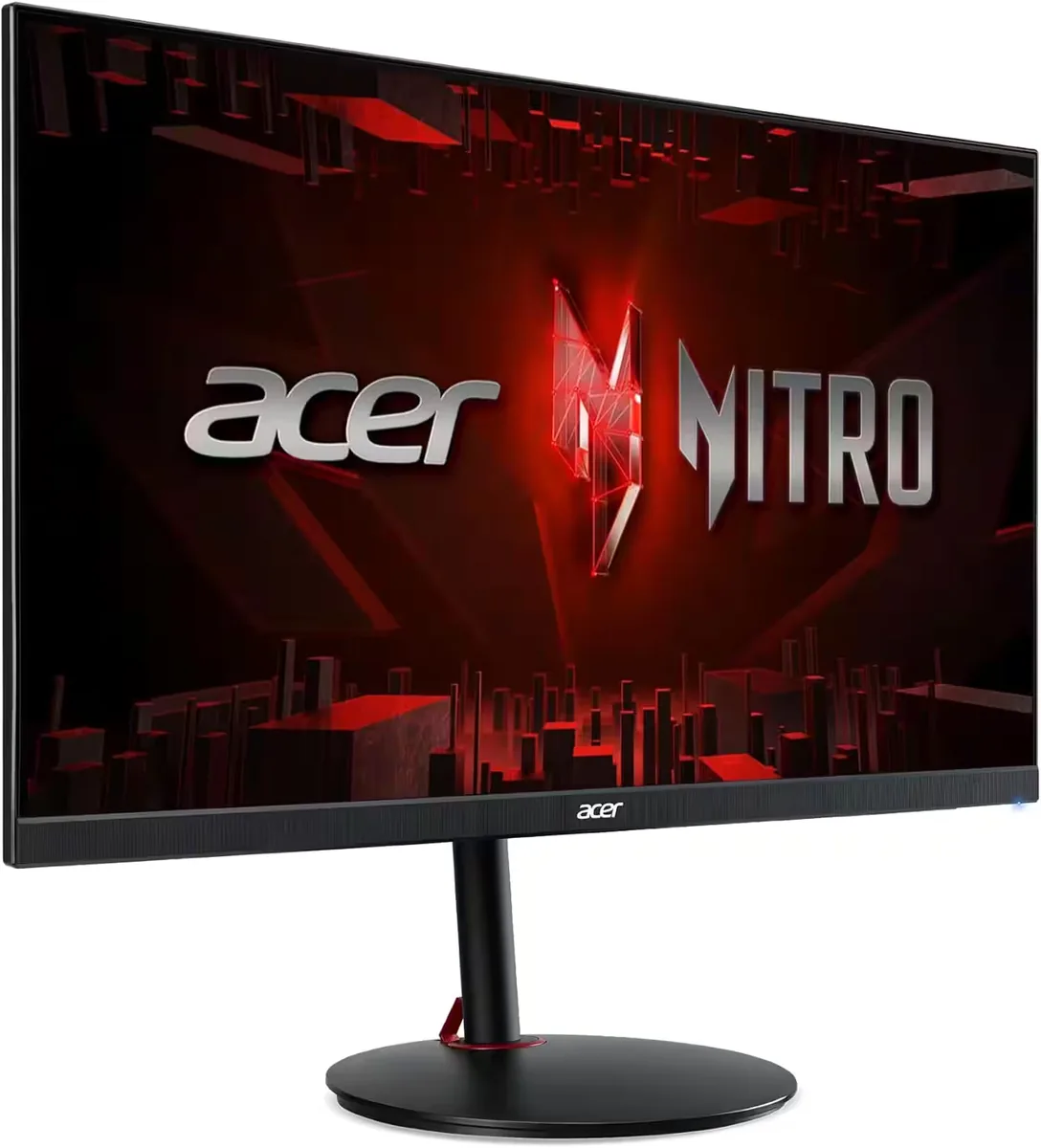
27″ · 2560×1440 · 180 Hz · IPS
Best for: A mid-range gaming PC that needs refresh rate and colour more than ports
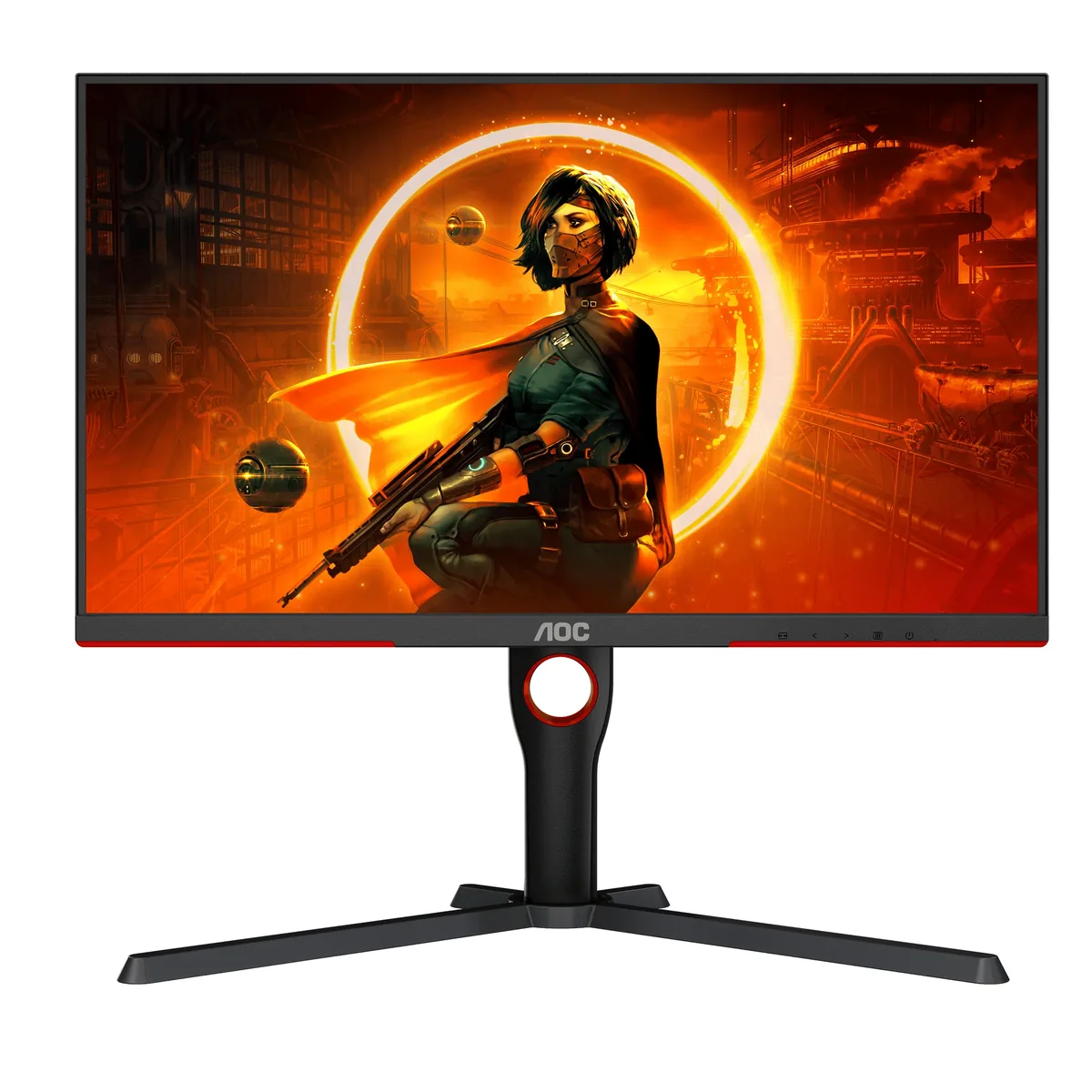
27″ · 2560×1440 · 180 Hz · Mini-LED VA
Best for: Real HDR highlights on a budget that normally buys edge-lit DisplayHDR 400