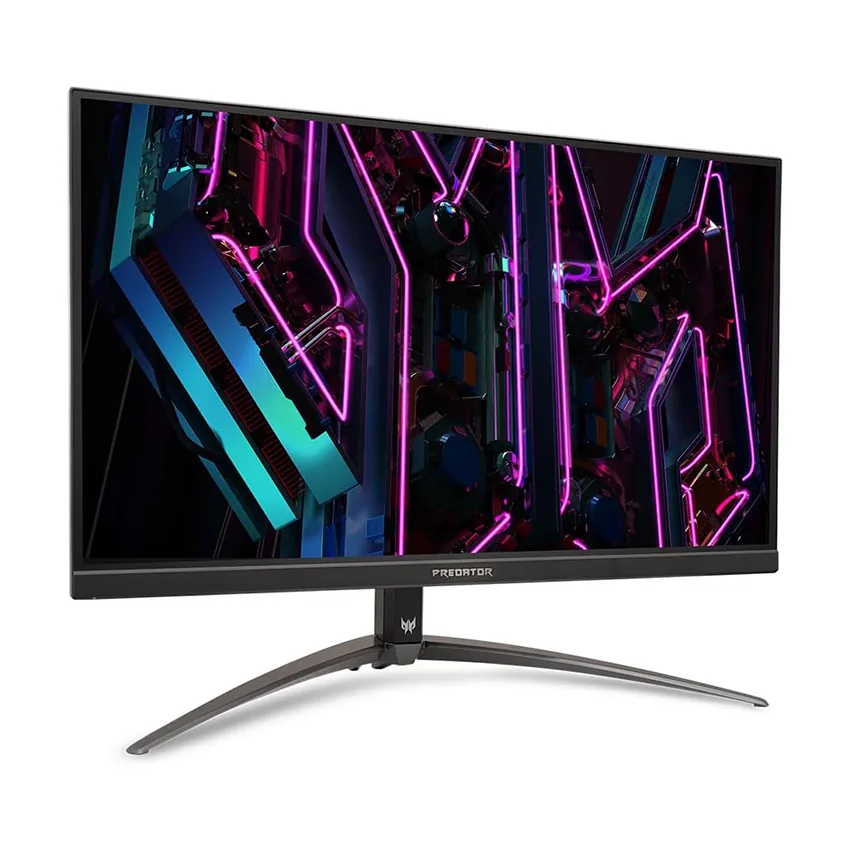
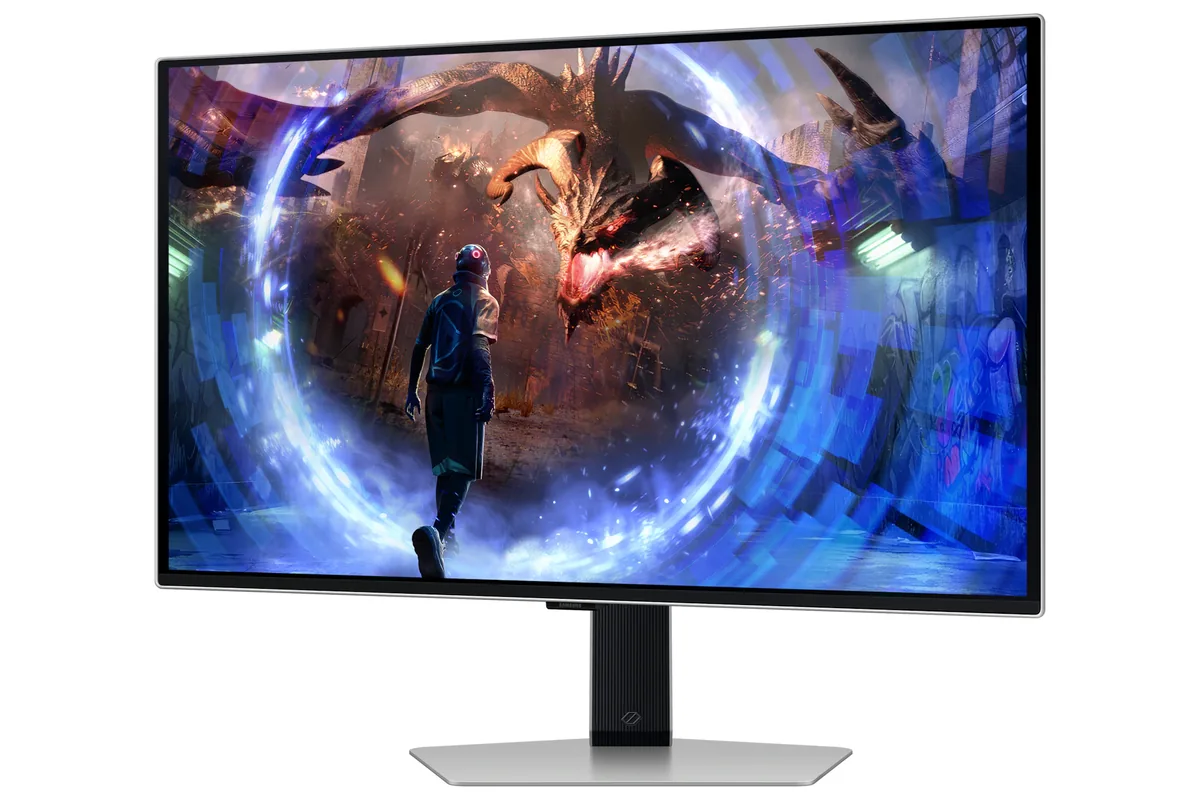
Samsung Odyssey G5 G50D monitorGaming~$350

Samsung

Samsung Odyssey G5 G50D

The floor for a 1440p panel worth owning sits about here. It gets the two things that matter at this price right — 180 Hz and a stand that goes up and down — and gives up everything else, including the USB hub, the second HDMI port and any DisplayPort newer than 1.2.

Approx. price

~$350

snapshot, not a live price

Sharpness

46ppd · sharp

text is clean; pixel edges show if you look for them

HDR tier

Accepts an HDR signal

the maker publishes no dimming-zone count, so the certificate is the only evidence of local dimming there is

Peak brightness

400nits claimed

DisplayHDR 400

USB-C power

None

video and data only, or no USB-C at all

Max refresh

180 Hz

1 ms GtG rated

Port speed — can each input carry this panel?

  • HDMI 2.0· below the panel's maximum
  • DisplayPort 1.2· below the panel's maximum

This panel needs 19.1 Gbps at 2560×1440, 180 Hz and 24 bits per pixel, with no DSC to fall back on.

Best for: A first 1440p high-refresh screen on a strict budget

No input on this monitor carries 2560×1440 at 180 Hz and 24 bits per pixel at once. There is no lower bit depth to fall back to either — this is already an 8-bit panel — so the advertised refresh rate is available only at a lower resolution, or on the reduced-blanking timing a DisplayPort link can use in place of the television timing this figure assumes. How the arithmetic works.

Specifications

Approx. price
~$350
Type
Gaming
Resolution
2560×1440
Pixels per degree
46 — sharp
Finish
matte
VRR
G-Sync Compatible
HDR tier
Accepts an HDR signal
HDR certification
DisplayHDR 400
Peak brightness
400 nits claimed
Colour gamut
99% sRGB
HDMI
1 × HDMI 2.0
DisplayPort
1 × DisplayPort 1.2
DSC
Not supported
Port speed
No input reaches the panel's maximum
USB-C
None
KVM
None
Speakers
None
Stand
height, tilt, swivel, pivot
VESA
100x100
Weight
14.1 lb
$ per inch
$13
$ per megapixel
$95

Features

  • 1440p IPS at 180 Hz
  • G-Sync Compatible and FreeSync
  • Height, tilt and pivot adjustment
  • Under $400

What it does well

  • 180 Hz and a height-adjustable stand for around $350, which is unusual at this price
  • 46 pixels per degree — sharp enough that the pixel grid is not the thing you notice
  • IPS viewing angles rather than the washed-out corners of a cheap VA panel
  • Pivots to portrait, which almost nothing else at this price does

What it gives up

  • DisplayPort 1.2 has only just enough bandwidth for 1440p at 180 Hz and no headroom above it
  • One HDMI 2.0 port means a console is limited to 1440p at 120 Hz and there is nowhere else to plug in
  • 8-bit panel, 99% sRGB coverage with no DCI-P3 figure published, and a DisplayHDR 400 badge over an edge-lit backlight
  • No USB hub at all

The two lists above come from the maker’s specifications and from published third-party measurements, not from owner reports. Where owner discussion has been read it appears in its own section below, so the two are never mistaken for each other.

What owners say

Budget 1440p shopping ends here for a lot of people, usually after comparing four monitors that cost within thirty euros of each other. At list price the case is unremarkable; at the roughly $200 owners keep reporting, it becomes the obvious answer for someone who wants 180Hz and 27 inches without thinking about it further. The person who bought one on sale and put it beside a 1080p panel is unequivocal — they love it — and the buyer who had settled for a fast 1080p Samsung and missed the sharpness of their old 1440p came straight here.

Where it disappoints, it disappoints early. Two buyers received units with visible faults, one a dead pixel and one a pink cast that appeared after a few days of normal use and could not be traced to a cable, a port or a setting. The relevant detail is not the failure rate, which nobody can establish from a handful of posts, but Samsung's five-day window for returning a defective monitor — check a full-screen colour set the day it arrives rather than the week after.

One quirk to expect if you use variable refresh: enabling it takes the refresh-rate control out of the monitor's own menu, and at least one owner lost access to 144Hz entirely as a result, left choosing between 180Hz with G-Sync or 144Hz without it. For gaming at 1440p on a mid-range card, or a pair of them for code and engine work, it is a lot of panel for the money. Anyone who needs USB-C, a hub, or documented specifications should look at the productivity ranges instead.
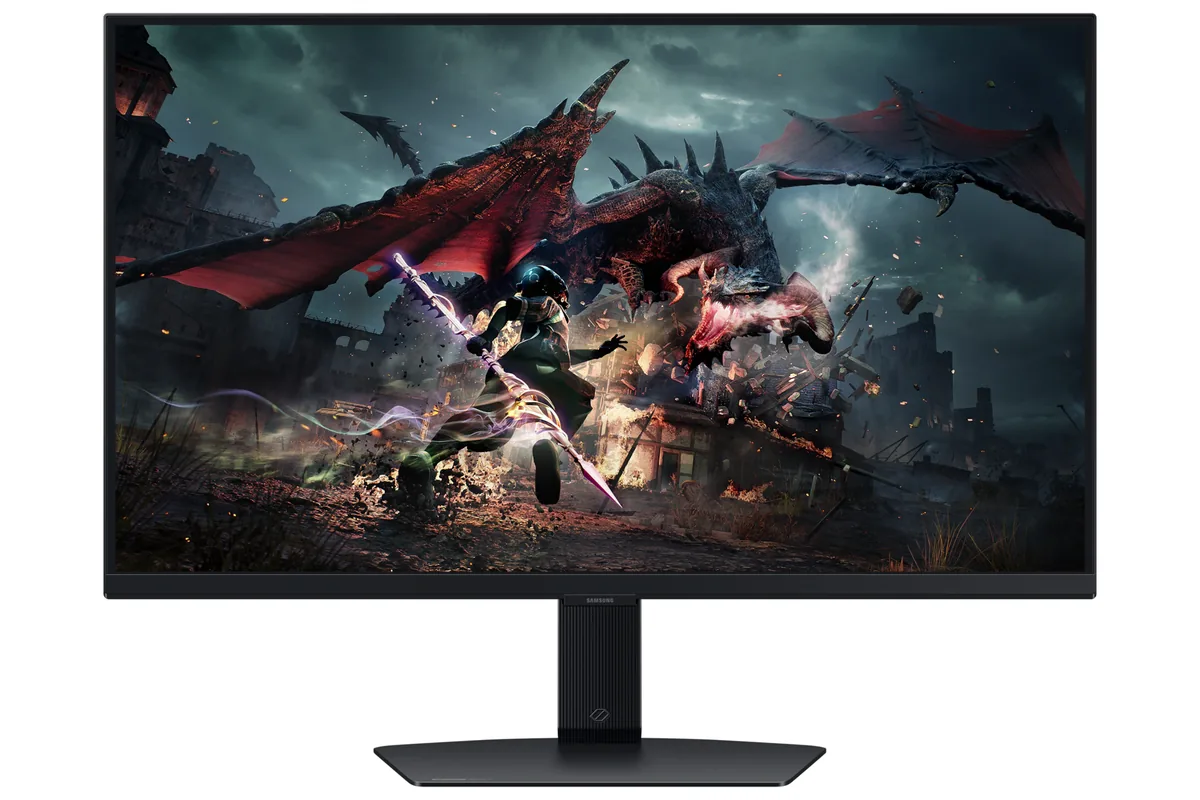
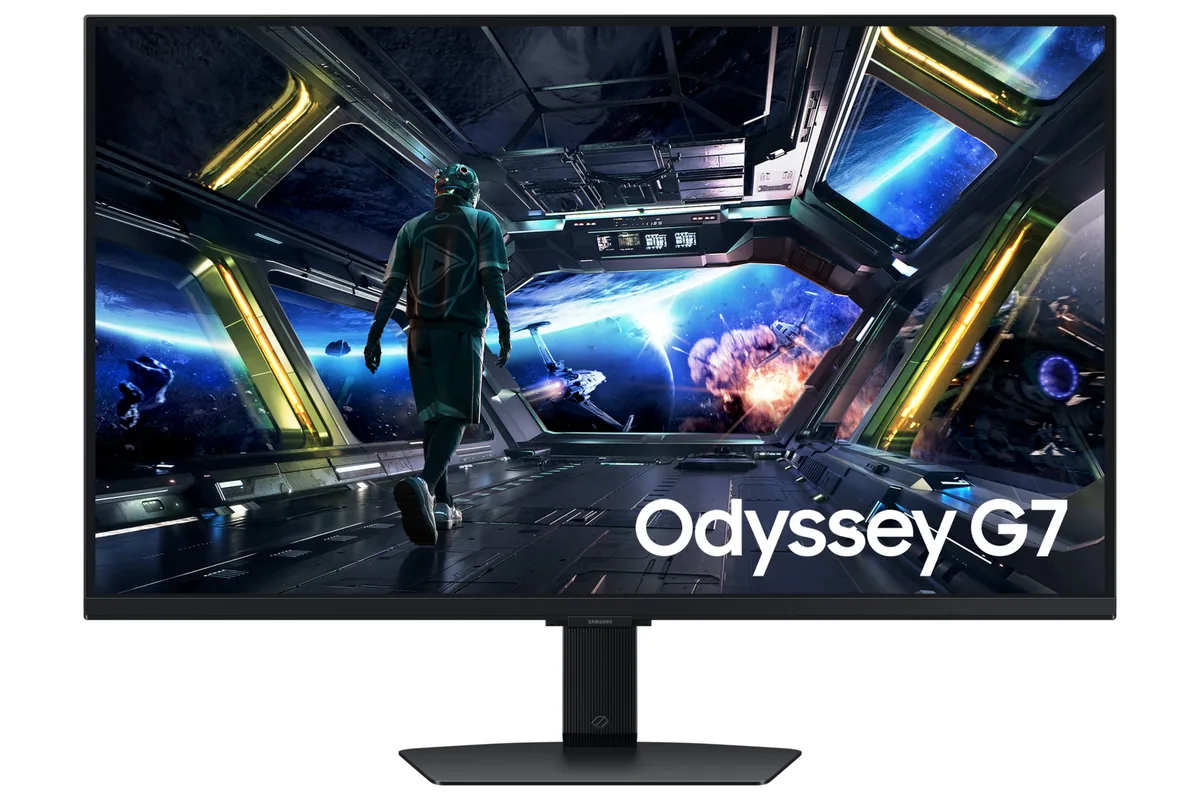
What owners like

  • Bought on sale it is hard to argue with — owners report paying around $200, and one running it as their main display beside a 1080p secondary says they have loved it since
  • 1440p at 180Hz is enough to be the reason people stop looking: a buyer who had replaced a dead 1440p panel with a 1080p 240Hz Samsung came back to this specifically to get the sharpness back
  • The stand does more than the price suggests, with height and pivot adjustment as well as tilt, where several competitors at the same money are tilt-only
  • It holds its own in the crowded cross-shopping comparisons against the LG 27GS75Q, MSI and AOC panels people compare it with, usually on the strength of slightly higher rated brightness for a similar price
  • Owners buying two at once for programming and engine work treat it as the sensible volume choice, and the 32-inch version keeps the same panel behaviour at a modest premium

Common complaints

  • Turning adaptive sync on locks the refresh rate out of the on-screen menu, and one owner found 144Hz then disappearing from both Windows and the Nvidia control panel — you get 180, 165, 120 or 60, or you disable variable refresh and lose G-Sync recognition
  • Two separate buyers hit panel defects on arrival: a dead pixel out of the box, and a pink cast that appeared across one of two units after a few days and survived three DisplayPort cables, an HDMI cable, every port and every picture setting
  • Samsung's own return window for a defective monitor is five days, which the owner with the pink cast discovered too late to send it back
  • The model numbering is a mess — near-identical listings differ by two digits with different prices, Samsung sells only one of them directly, and buyers cannot find out what actually changed
  • Basic specification pages leave gaps that matter: an owner with a 50cm desk clearance could not find the minimum stand height anywhere on Samsung's site, only the maximum

Questions owners ask about the Samsung Odyssey G5 G50D

Why can't I select 144Hz with G-Sync turned on?

Enabling adaptive sync locks the refresh rate out of the monitor's own menu, and an owner on an RTX 3080 then found Windows and the Nvidia settings offering 180, 165, 120 and 60Hz but not 144. Switching adaptive sync off restores 144Hz in the menu but the monitor stops being recognised as G-Sync capable. If you specifically want 144Hz with variable refresh, this is a real limitation.

What do the different model numbers mean?

They are the same monitor sold through different channels, and the confusion is common enough that buyers post about it repeatedly. Listings differing by two digits carry identical specifications at different prices, Samsung's own store sells only one variant, and no buyer has managed to establish a hardware difference. Buy on price and on the returns policy of whoever is selling it.

What happens if mine arrives with a fault?

Move fast. Samsung's return window for a defective monitor is five days according to the owner who missed it — a pink cast appeared across their panel after a few days of use and they were refused a return, having already ruled out three DisplayPort cables, an HDMI cable, every port and every colour setting. Another buyer found a dead pixel on a brand-new unit. Run a full-screen colour check immediately.

Is it worth it over the 4K Odyssey G7 if I do creative work?

The buyers weighing that up are mostly deciding whether resolution or money matters more, since the G7 runs roughly double the price for 4K at 144Hz. For colour-sensitive work the 4K panel is the better tool; for a mix of light content creation and competitive shooters, owners here take the 1440p 180Hz panel and put the difference elsewhere. Two of these for a dual setup costs less than one of those.

Will it fit under a low shelf or hutch?

Check before you buy, because Samsung makes it awkward. An owner with 50cm of clearance found only the maximum height listed — 58.1cm with the stand at the 32-inch size — with no minimum figure published anywhere. The stand does have real height adjustment plus tilt and pivot, so there is travel to work with, but you will not find the number on a specification page.

Others in the same part of the catalog

Samsung Odyssey G7 G70D monitor
Samsung~$400

Samsung Odyssey G7 G70D

27″ · 3840×2160 · 144 Hz · IPS

Sharpness
68ppd · retina-class
HDR
Accepts an HDR signal
USB-C power
No USB-C power
  • 4K at 144 Hz
  • Under $450
  • 2× HDMI 2.1

Best for: 4K at 144 Hz for a console and a PC, with streaming apps built in

Acer Predator XB273U V3 monitor
Acer~$350

Acer Predator XB273U V3

27″ · 2560×1440 · 180 Hz · IPS

Sharpness
46ppd · sharp
HDR
No HDR
USB-C power
No USB-C power
  • 180 Hz 1440p
  • FreeSync + G-Sync certified

Best for: An Nvidia build that wants certified G-Sync without paying for a hardware module

Samsung Odyssey OLED G6 G60SD monitor
Samsung~$900

Samsung Odyssey OLED G6 G60SD

27″ · 2560×1440 · 360 Hz · QD-OLED

No longer listed by Samsung
Sharpness
46ppd · sharp
HDR
Real HDR
USB-C power
No USB-C power
  • 360 Hz
  • Matte QD-OLED
  • Burn-in covered
  • Console at full speed

Best for: A room with windows that would defeat a glossy OLED

More from Samsung →

← Back to the catalog