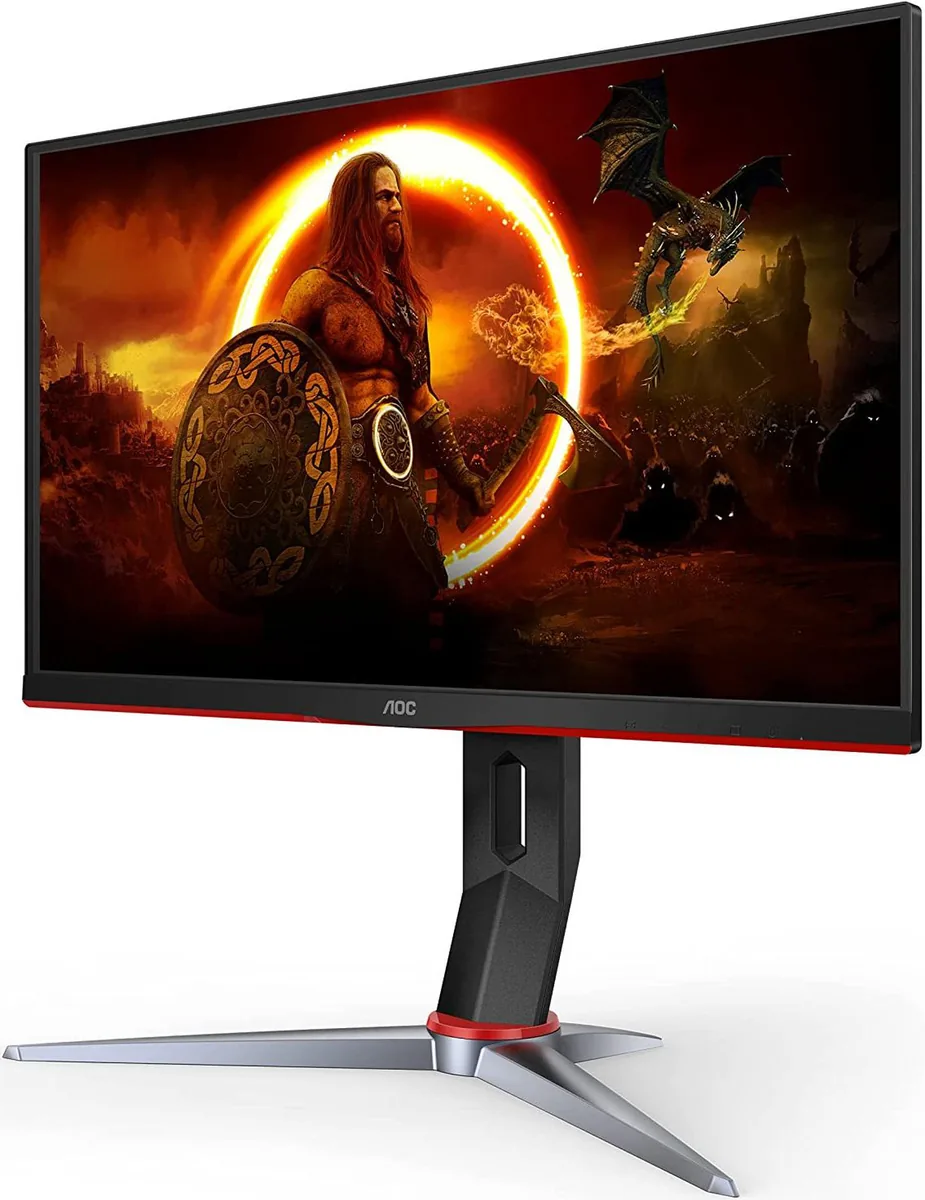
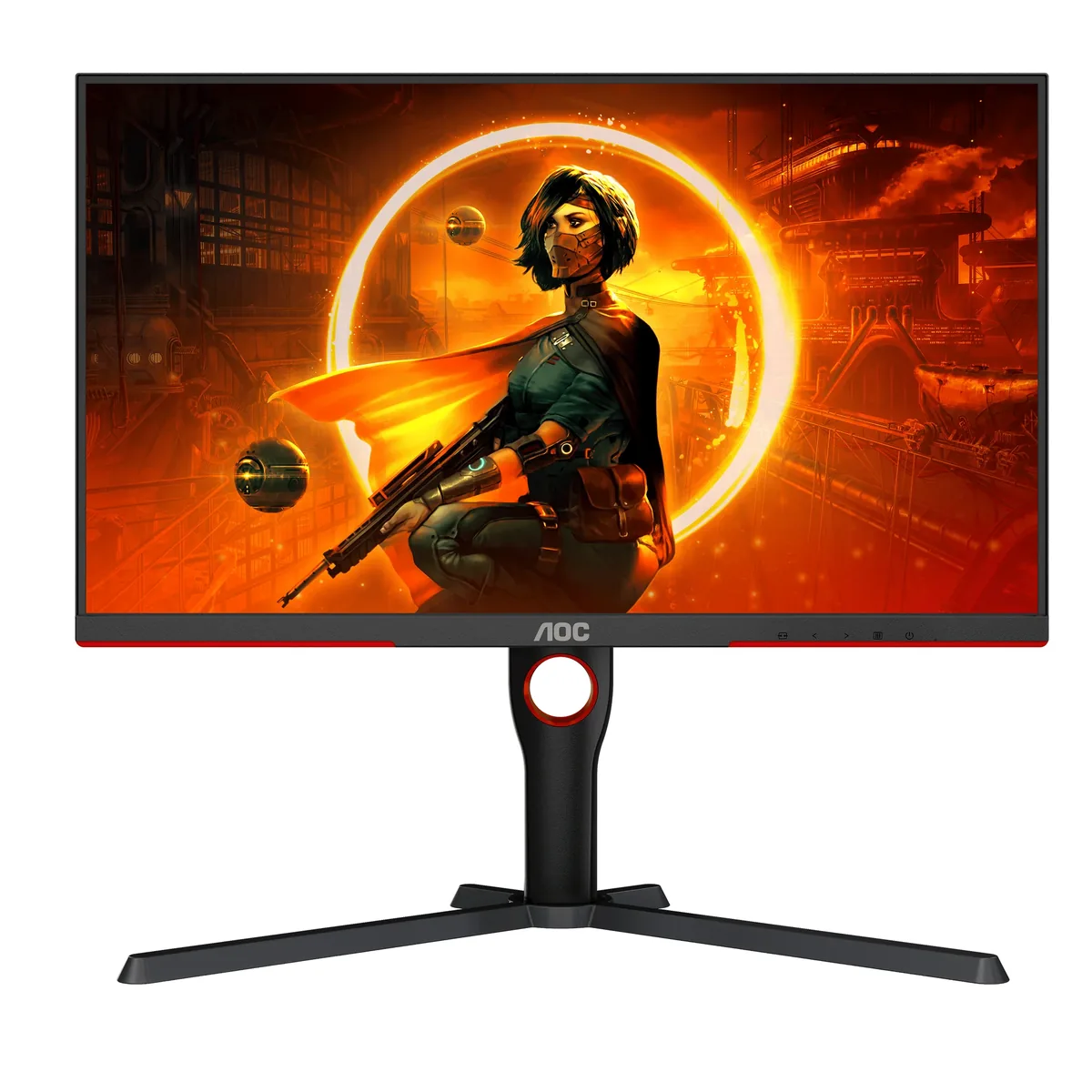
AOC Gaming 24G2SP monitorGaming~$190

AOC

AOC Gaming 24G2SP

The cheapest way into a four-way adjustable stand. AOC's 24-inch 1080p line has been the default budget recommendation for years, and the SP revision moved it to 165 Hz on an IPS panel that covers sRGB fully. Note the input situation carefully: the HDMI ports are 1.4, which caps them at 144 Hz, so the full 165 Hz only arrives over DisplayPort.

Approx. price

~$190

snapshot, not a live price

Sharpness

39ppd · visible pixels

the pixel grid is visible at a desk distance

HDR tier

No HDR

the maker makes no HDR claim for this panel

Peak brightness

300nits claimed

no HDR certification

USB-C power

None

video and data only, or no USB-C at all

Max refresh

165 Hz

4 ms GtG rated

Port speed — can each input carry this panel?

  • 2×HDMI 1.4· below the panel's maximum
  • DisplayPort 1.2· full speed

This panel needs 9.9 Gbps at 1920×1080, 165 Hz and 24 bits per pixel, with no DSC to fall back on.

Best for: A first 1080p gaming monitor, or a second screen that still needs to move

Specifications

Approx. price
~$190
Type
Gaming
Resolution
1920×1080
Pixels per degree
39 — visible pixels
Finish
matte
VRR
Adaptive-Sync
HDR tier
No HDR
Peak brightness
300 nits claimed
Colour gamut
92% DCI-P3
HDMI
2 × HDMI 1.4
DisplayPort
1 × DisplayPort 1.2
DSC
Not supported
Port speed
1 of 2 inputs at full speed
USB-C
None
KVM
None
Speakers
None
Stand
height, tilt, swivel, pivot
VESA
100x100
Weight
9.4 lb
$ per inch
$8
$ per megapixel
$92

Features

  • 165 Hz over DisplayPort on an IPS panel
  • Full height, tilt, swivel and pivot adjustment
  • Adaptive-Sync down to 48 Hz
  • 100% sRGB coverage
  • Four overdrive settings

What it does well

  • A height-adjustable, pivoting stand at this price is rare — most sub-$200 monitors give you tilt and nothing else
  • IPS viewing angles rather than the VA panels that usually turn up at this price
  • 165 Hz is genuinely useful in competitive 1080p titles
  • VGA alongside HDMI and DisplayPort, which matters for older machines and KVM boxes

What it gives up

  • HDMI 1.4 caps HDMI sources at 144 Hz; the rated 165 Hz needs DisplayPort
  • No HDR of any kind, 300 nits, and 1000:1 contrast — a bright-room panel that turns grey scenes flat in a dark one
  • 39 pixels per degree — you will see the pixel grid on a 24-inch 1080p screen at desk distance
  • No USB hub and no speakers; the 24G2SPU is the variant that adds both

The two lists above come from the maker’s specifications and from published third-party measurements, not from owner reports. Where owner discussion has been read it appears in its own section below, so the two are never mistaken for each other.

What owners say

Value is the whole pitch, and buyers behave accordingly — this monitor turns up on shortlist after shortlist of near-identical 24-inch 1080p IPS panels in the €115 to €170 range, usually as the cheapest credible option. When owners are happy with it, they are properly happy: one searching for a replacement described it as the best monitor they had owned, and another noted their previous AOC ran ten years before it started tearing. It is also the model people keep failing to buy, since it goes in and out of availability by region and warranty replacements now arrive as a different model entirely.

The failure pattern is what a prospective buyer most needs to know. Faint horizontal lines in a top corner, most visible against white or bright yellow, appear across several separate owner reports, and the people affected had already tried a different cable, a different port, driver reinstalls, resolution and refresh changes, and reseating the graphics card. One owner's lines were severe below 120 Hz and barely visible above it, eleven months into ownership. Beyond that, outright deaths cluster around thirteen to twenty months: flickering that started at thirteen months, a monitor that died at a year and a half after a bottom-edge line appeared, and roughly twenty pixels along the bottom that went miscoloured, then dim, then random, at a year and seven months. One owner trying to file a warranty claim could not get past an authorization error on AOC's support site.

The other recurring problem is buying the right one. The 24G2SP is IPS and the similarly named 24G2S is VA, and one buyer received the VA panel three separate times from the same retailer while trying to order the IPS. Beyond that, 24G2SPU, 24G2SPE and 24G2SPAE/BK all exist alongside it with different stands, hubs and speakers, and video reviews mostly cover the 24G2SPU rather than whichever variant a given shop stocks. Owners moved onto the 24G2SPAE under warranty noticed at once that it gave up the height-adjustable stand.
What owners like

  • It is the default budget recommendation and owners treat it that way — buyers repeatedly find it at €115 to €170 and pick it over pricier 24-inch rivals with near-identical specs
  • One owner hunting for a replacement called it simply the best monitor they had owned, and another buying a second AOC noted their first had run for ten years before showing any trouble
  • The 1080p-at-24-inch combination is exactly what buyers here want, and several describe arriving at this model after deciding that resolution and size ratio suits them better than a bigger screen would
  • Height, swivel and pivot adjustment sets it apart from the near-identical 24G2SPAE variant, which owners moved onto it under warranty were disappointed to find lacks a height-adjustable stand

Common complaints

  • Faint horizontal lines are the signature failure. Several owners describe them in the top corner, most visible on white and yellow, surviving cable swaps, driver reinstalls, resolution changes and power cycles — one found the lines appeared aggressively at anything below 120 Hz and faded above it, at eleven months old
  • Outright failures cluster around the 13 to 20-month mark: one monitor began flickering at thirteen months, another died at roughly a year and a half after a line and faint flicker at the bottom, and a third developed about twenty miscoloured then dimmed pixels along the bottom edge at a year and seven months
  • Warranty claims have been an ordeal for at least one owner, whose submissions to AOC's support site kept bouncing to an 'authorization required' page across multiple browsers and devices; others report being offered a different model entirely because the original was out of stock
  • The variant naming traps buyers constantly — one ordered the IPS 24G2SP three times and was sent the VA 24G2S each time, and shoppers regularly cannot tell 24G2SP, 24G2SPU, 24G2SPE and 24G2SPAE/BK apart or find reviews of the exact one they are buying
  • Adaptive-sync labelling is disputed: buyers point out AOC's own page advertises FreeSync Premium while AMD's certification list shows only basic FreeSync for the same model

Questions owners ask about the AOC Gaming 24G2SP

What are the faint horizontal lines people report?

They show up in a top corner of the screen, are most visible on white or bright yellow, and have survived everything owners have thrown at them: new cables, different ports, driver reinstalls, reseating the graphics card, changing resolution and refresh rate, and power cycling. One owner found the lines were severe at any refresh rate below 120 Hz and nearly invisible above it, eleven months after purchase. Owners consistently conclude it is a hardware fault and pursue warranty rather than a fix.

How long do these actually last?

Owner reports are split. On one side are people whose AOC monitors ran for years, including one that reached ten. On the other is a distinct cluster of failures between thirteen and twenty months — flickering that began at thirteen, a monitor that died outright at about a year and a half, and one that lost roughly twenty pixels along the bottom edge at a year and seven months. Anyone buying should keep the proof of purchase accessible.

Which version should I buy — 24G2SP, 24G2SPU, 24G2SPE or 24G2SPAE?

This trips up more buyers than any other question, and the most important distinction is not among those at all: the 24G2S, one letter short, is a VA panel rather than IPS, and one buyer received it three times running while trying to order the IPS model. Among the rest, the 24G2SPU adds a USB hub and speakers, and owners transferred onto the 24G2SPAE/BK under warranty found it drops the height-adjustable stand. Most video reviews cover the 24G2SPU specifically.

Does it really have FreeSync Premium?

Buyers have noticed the inconsistency themselves: AOC's own product page advertises FreeSync Premium, while AMD's certification listing shows only basic FreeSync for the same monitor. Separately, one owner reported their on-screen menu showing 'G-Sync' where review videos showed 'Adaptive Sync', which suggests the menu labelling varies with firmware and the connected graphics card.

Is the 1 ms response time real?

Buyers ask this and the answer is in the small print: AOC quotes 1 ms MPRT, a motion-blur measurement, rather than a grey-to-grey figure, and the grey-to-grey number is not published on the product page at all. One owner who compared their own panel against review footage felt it showed more ghosting than the videos did. Treat it as a competent budget IPS panel, not as a fast one.

Others in the same part of the catalog

AOC Gaming Q27G3XMN monitor
AOC~$270

AOC Gaming Q27G3XMN

27″ · 2560×1440 · 180 Hz · Mini-LED VA

Sharpness
46ppd · sharp
HDR
Real HDR
USB-C power
No USB-C power
  • 336 dimming zones
  • DisplayHDR 1000
  • 180 Hz

Best for: Real HDR highlights on a budget that normally buys edge-lit DisplayHDR 400

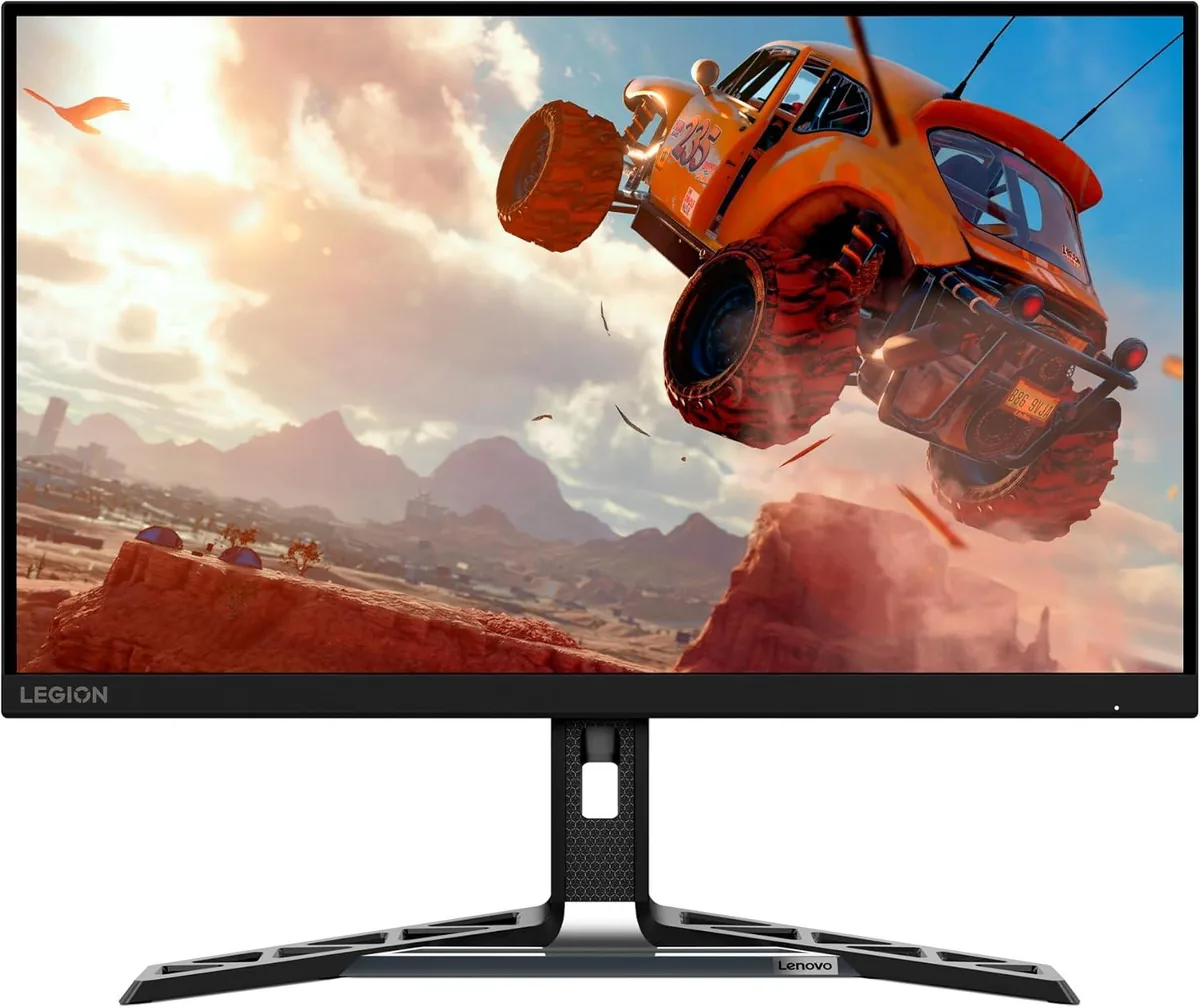
Lenovo Legion R27qe monitor
Lenovo~$200

Lenovo Legion R27qe

27″ · 2560×1440 · 180 Hz · IPS

Sharpness
46ppd · sharp
HDR
Accepts an HDR signal
USB-C power
No USB-C power
  • 180 Hz 1440p
  • 450 nits
  • Portrait pivot

Best for: A first 1440p high-refresh monitor where the stand still has to move

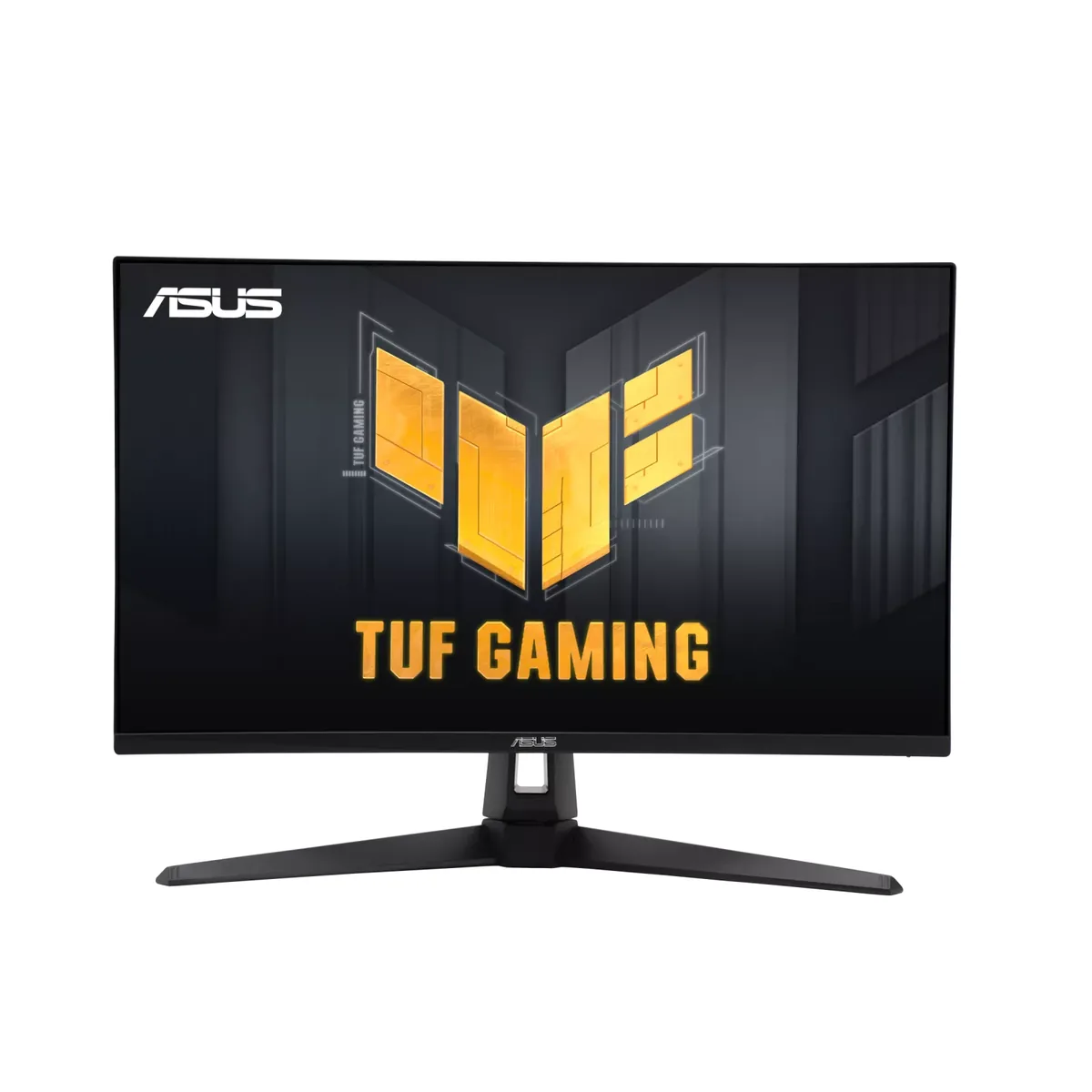
ASUS TUF Gaming VG27AQ3A monitor
ASUS~$209

ASUS TUF Gaming VG27AQ3A

27″ · 2560×1440 · 180 Hz · Fast IPS

Sharpness
46ppd · sharp
HDR
No HDR
USB-C power
No USB-C power
  • ELMB Sync strobing
  • 180 Hz
  • Around $210

Best for: Motion clarity on a budget, via backlight strobing rather than raw refresh

More from AOC →

← Back to the catalog