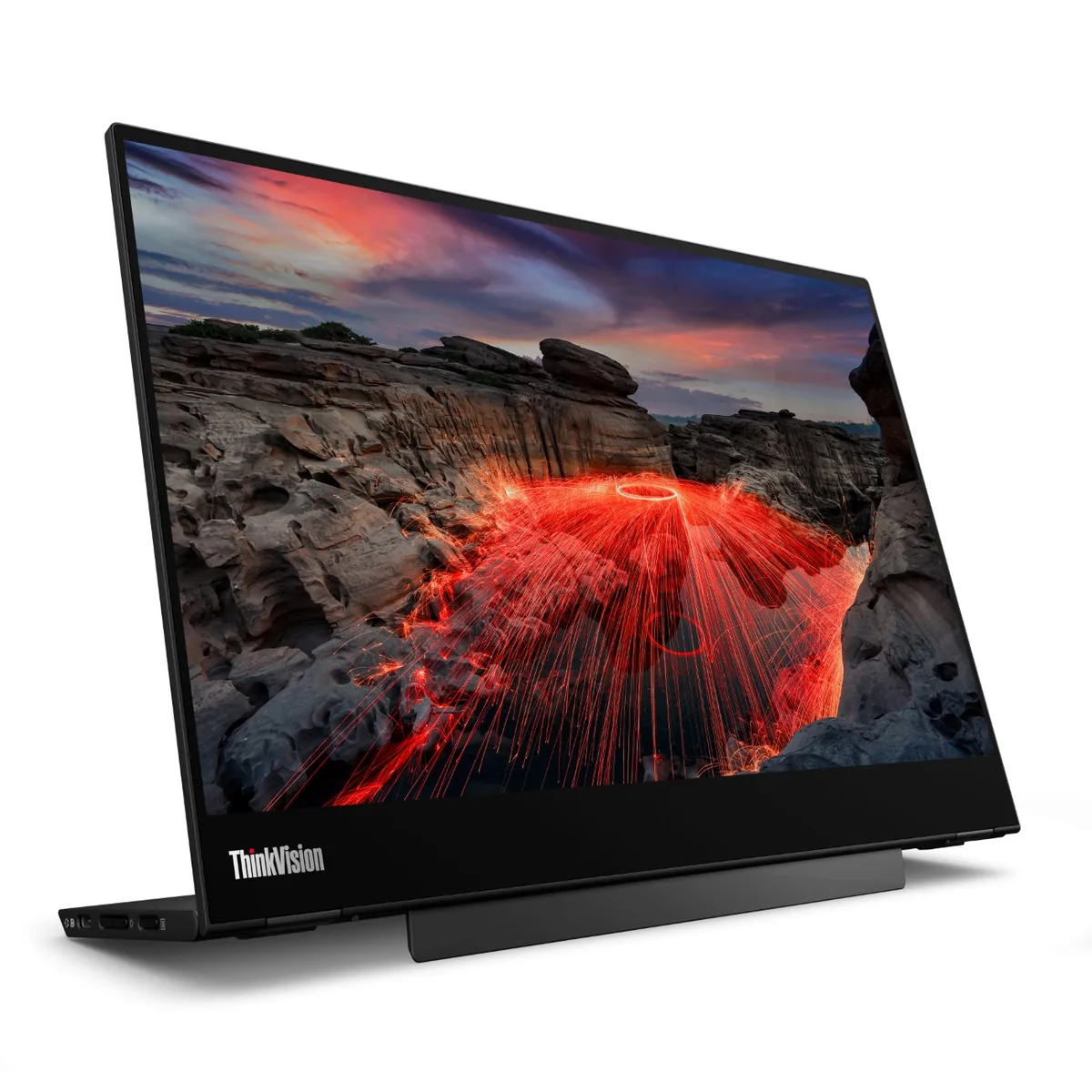
Lenovo~$269
Lenovo ThinkVision M14t Gen 2
14″ · 2240×1400 · 60 Hz · IPS
- Sharpness
- 79ppd · retina-class
- HDR
- No HDR
- USB-C power
- 65 W
- Touch + pen
- 2240×1400
- 1.5 lb
Best for: Marking up documents by hand next to a laptop
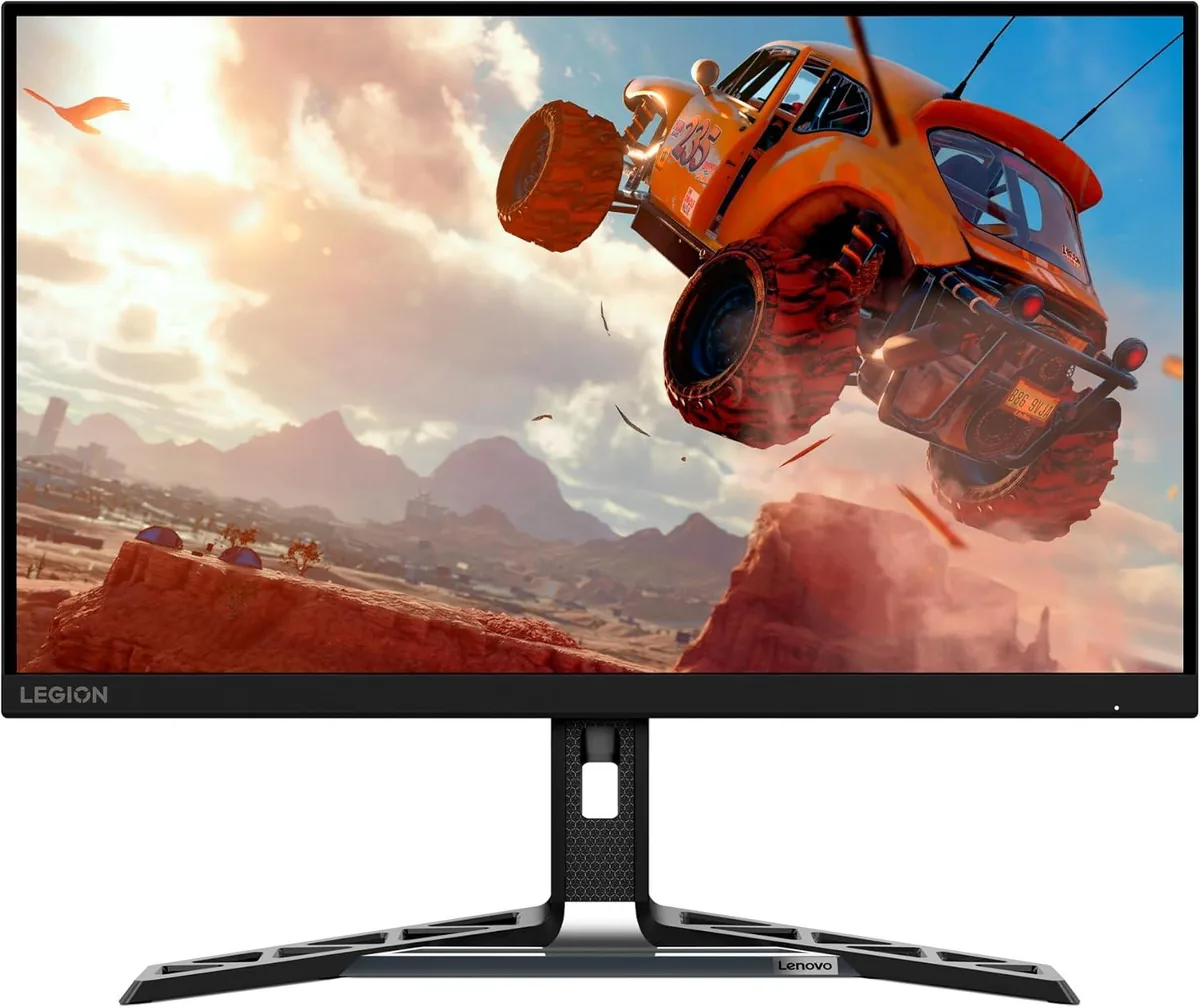 Gaming~$200
Lenovo
Two hundred dollars, 180 Hz at 1440p, and a stand that lifts 120 mm and rotates into portrait — that combination is the entire argument for this monitor. Lenovo quotes 450 nits and 90% DCI-P3 coverage, both of which are above what the price bracket usually manages. The corners cut are the ones that cost money to include: no USB hub, no speakers, no KVM, and a 1000:1 IPS contrast ratio that no amount of tuning improves.
Approx. price
~$200
snapshot, not a live price
Accepts an HDR signal
the maker publishes no dimming-zone count, so the certificate is the only evidence of local dimming there is
Port speed — can each input carry this panel?
This panel needs 23.9 Gbps at 2560×1440, 180 Hz and 30 bits per pixel, with no DSC to fall back on.
Best for: A first 1440p high-refresh monitor where the stand still has to move
No input on this monitor carries 2560×1440 at 180 Hz and 30 bits per pixel at once. There is no lower bit depth to fall back to either — this is already an 8-bit panel — so the advertised refresh rate is available only at a lower resolution, or on the reduced-blanking timing a DisplayPort link can use in place of the television timing this figure assumes. How the arithmetic works.
The two lists above come from the maker’s specifications and from published third-party measurements, not from owner reports. Where owner discussion has been read it appears in its own section below, so the two are never mistaken for each other.
Almost every mention of this monitor is somebody trying to decide between it and three or four near-identical rivals at the same price, and that is the honest shape of it: a 27-inch 1440p 180 Hz IPS panel whose case rests entirely on costing less than the alternatives. Buyers cite the spec sheet — 450 nits, 90% DCI-P3, 180 Hz — and note it undercuts comparable LG, AOC, Dell and Philips models by $30 to $50. The most quoted verdict on it is a four-word review title that calls it good, just good.
Owner reports cluster around one weakness, and it is well corroborated. Viewing angles draw complaints from at least four separate owners, and the clearest account came from someone who bought two units for programming and game development: both were bright in the middle and dark at the edges, and the shading tracked their head as they moved it. Another owner finds themselves shifting position to get the best picture; a third, comparing it head-on against a ten-year-old panel, saw more colour distortion at the edges on the new Lenovo. Uniformity troubles follow — light bleed along the top edge and lower-left corner in one case, a dead pixel on arrival in another. A separate owner who expected an upgrade from a four-year-old LG ran this one at full brightness beside the LG at 60% and still preferred the older screen.
Two practical traps are worth knowing. A buyer who chose it for HDMI 2.1 variable refresh rate with a PlayStation 5 found the setting greyed out entirely, matching what they had already experienced on the related R27q-30 model, and shipped it back. Someone else connecting a laptop with an older HDMI cable could only reach 144 Hz rather than the rated 180. The broader caution, which buyers raise themselves, is how little independent testing exists for this model — people repeatedly note that nobody has reviewed it, and one shopper found 30 to 40 one and two-star ratings among roughly 300 on a regional retailer's listing.
This is the most consistently reported weakness. One buyer who ordered two units found both bright in the centre and noticeably darker toward the edges, with the bright area following their head as they leaned to one side; they returned both. Another owner describes moving their head to find the best picture, and a third — sitting square to the screen, not at an angle — saw more edge colour distortion on it than on a ten-year-old panel. At 60 to 75 cm from a 27-inch screen, the screen's own edges are far enough off-axis for this to matter.
One buyer specifically chose it for HDMI 2.1 VRR with a PS5 and found the setting greyed out in the monitor's menu, exactly as they had already experienced on the related R27q-30. They boxed it back up. If console VRR is the reason you are considering it, verify before committing rather than assuming the port specification delivers it.
An owner connecting it to a laptop with a spare HDMI cable hit exactly this — the maximum available was 144 Hz. Older HDMI cables lack the bandwidth for 1440p at 180 Hz, so budget for a properly rated cable, or use DisplayPort where the machine has one.
Buyers comparing the two report that the Legion version drops the built-in speakers, which is the difference people can actually identify. Notably, the one console owner who tested both found variable refresh rate unavailable on each of them, so the two behave alike in that respect too.
Not reliably, according to owners. One ran it at 100% brightness alongside a four-year-old LG set to 60% and still felt the Lenovo looked dimmer, as well as less colour-accurate, and was baffled by how the picture modes interacted with manual settings. A different owner found it too bright in the evening and wanted an automatic brightness feature their old office monitor had. Expect to spend time in the menu either way.
Several owners did exactly that, returning this one for a Dell, ASUS or AOC model $30 to $70 dearer, and the reasons they gave were viewing angles, contrast and text clarity rather than anything about speed. Others kept it and were content — one comparing a second-generation unit against a WOLED panel found the colour gap smaller than expected. The deciding factor in these accounts is how tolerant you are of off-axis dimming on a large IPS panel.
14″ · 2240×1400 · 60 Hz · IPS
Best for: Marking up documents by hand next to a laptop
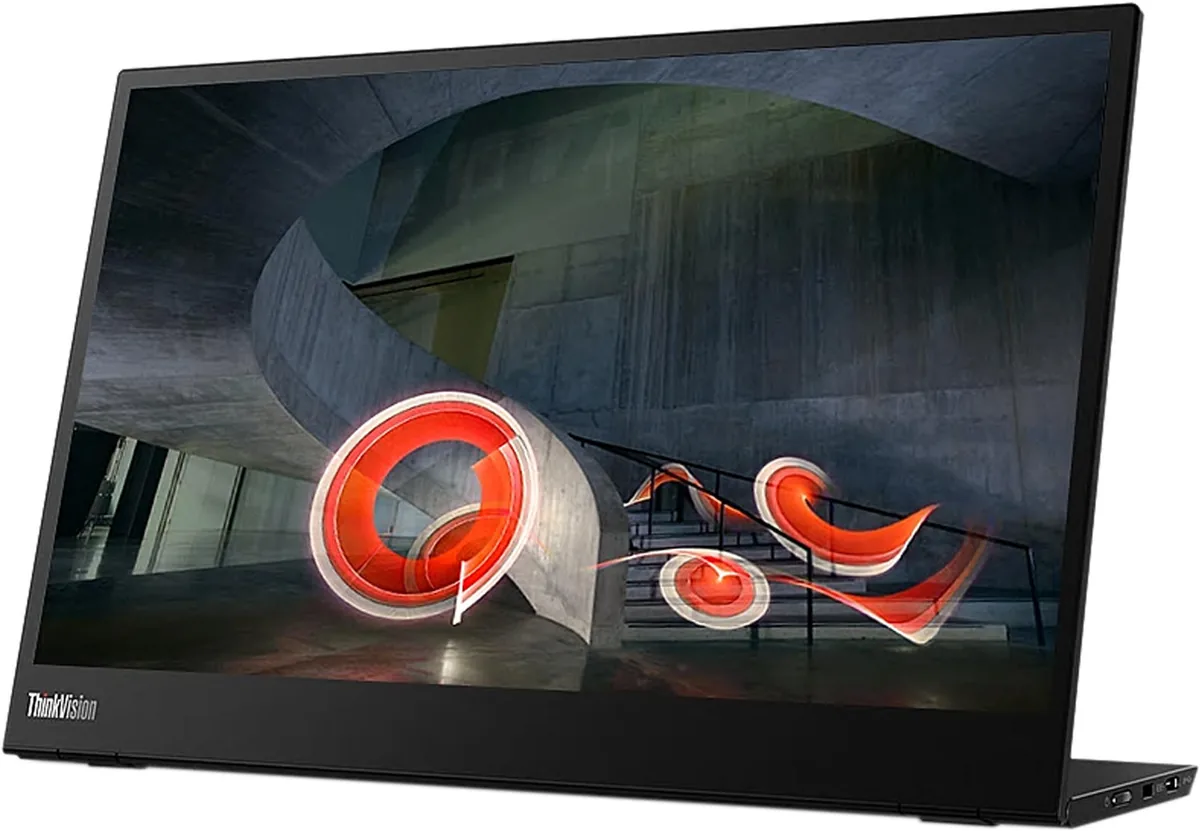
14″ · 1920×1080 · 60 Hz · IPS
Best for: The default laptop-bag second screen when nothing may go wrong
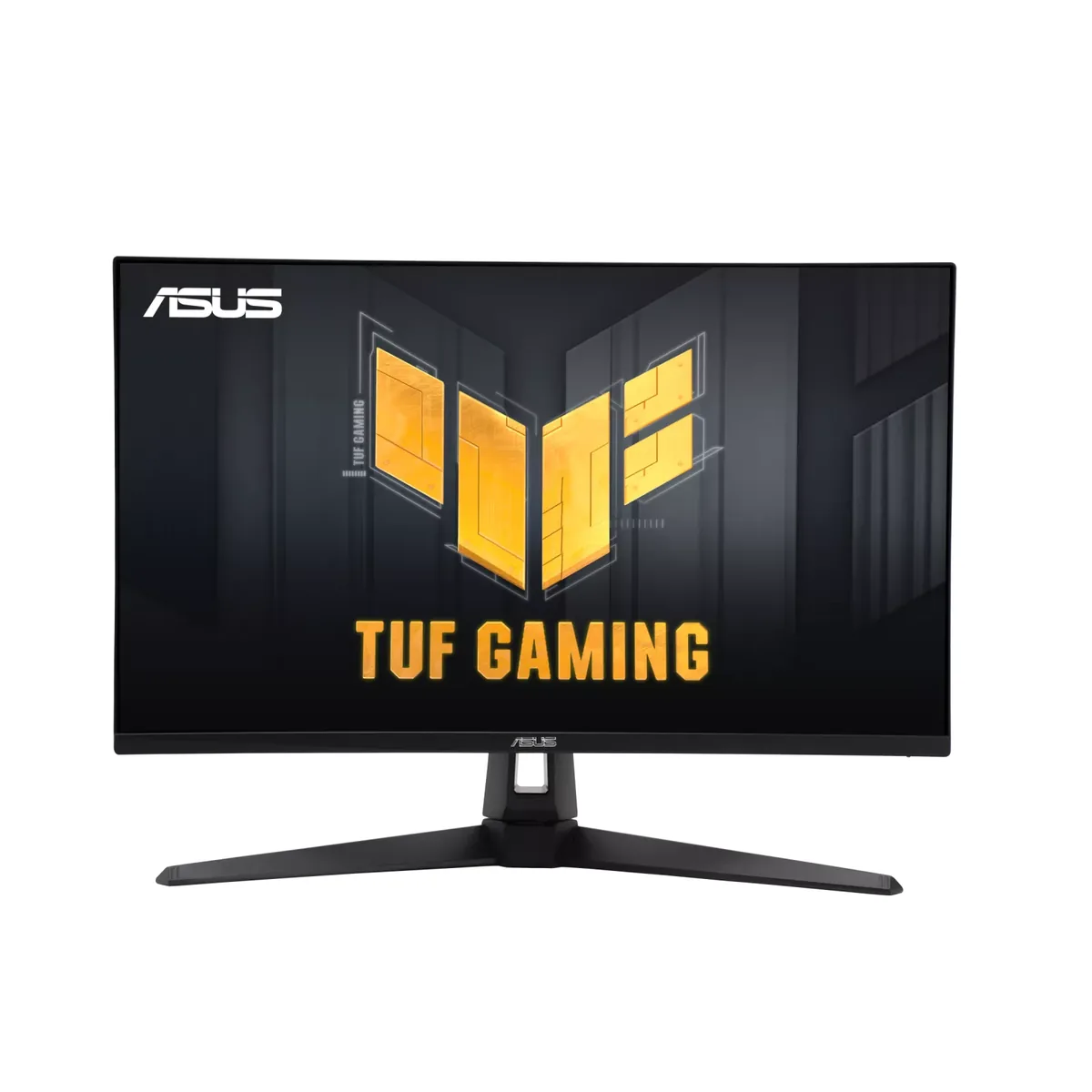
27″ · 2560×1440 · 180 Hz · Fast IPS
Best for: Motion clarity on a budget, via backlight strobing rather than raw refresh