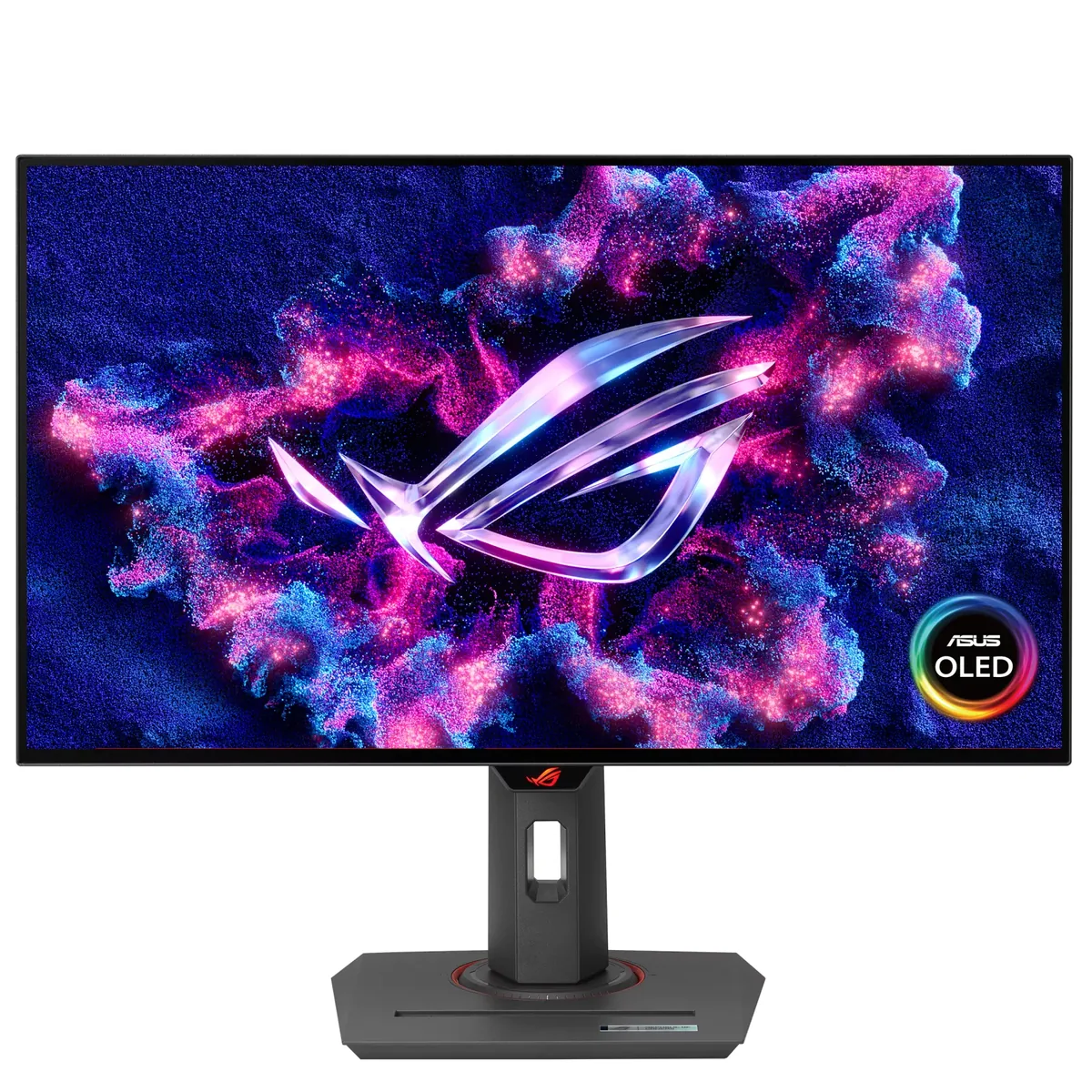
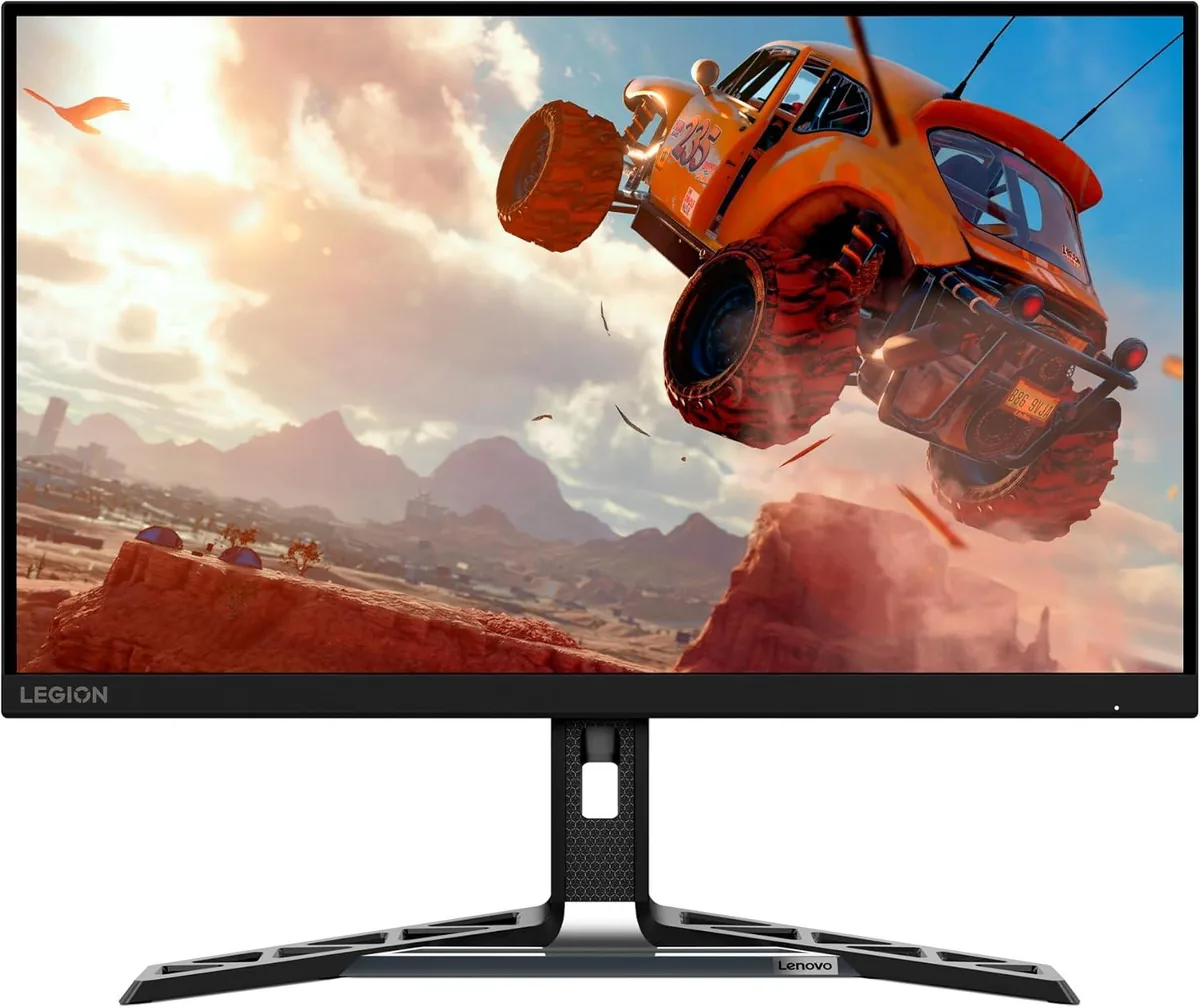
ASUS TUF Gaming VG27AQ3A monitorGaming~$209

ASUS

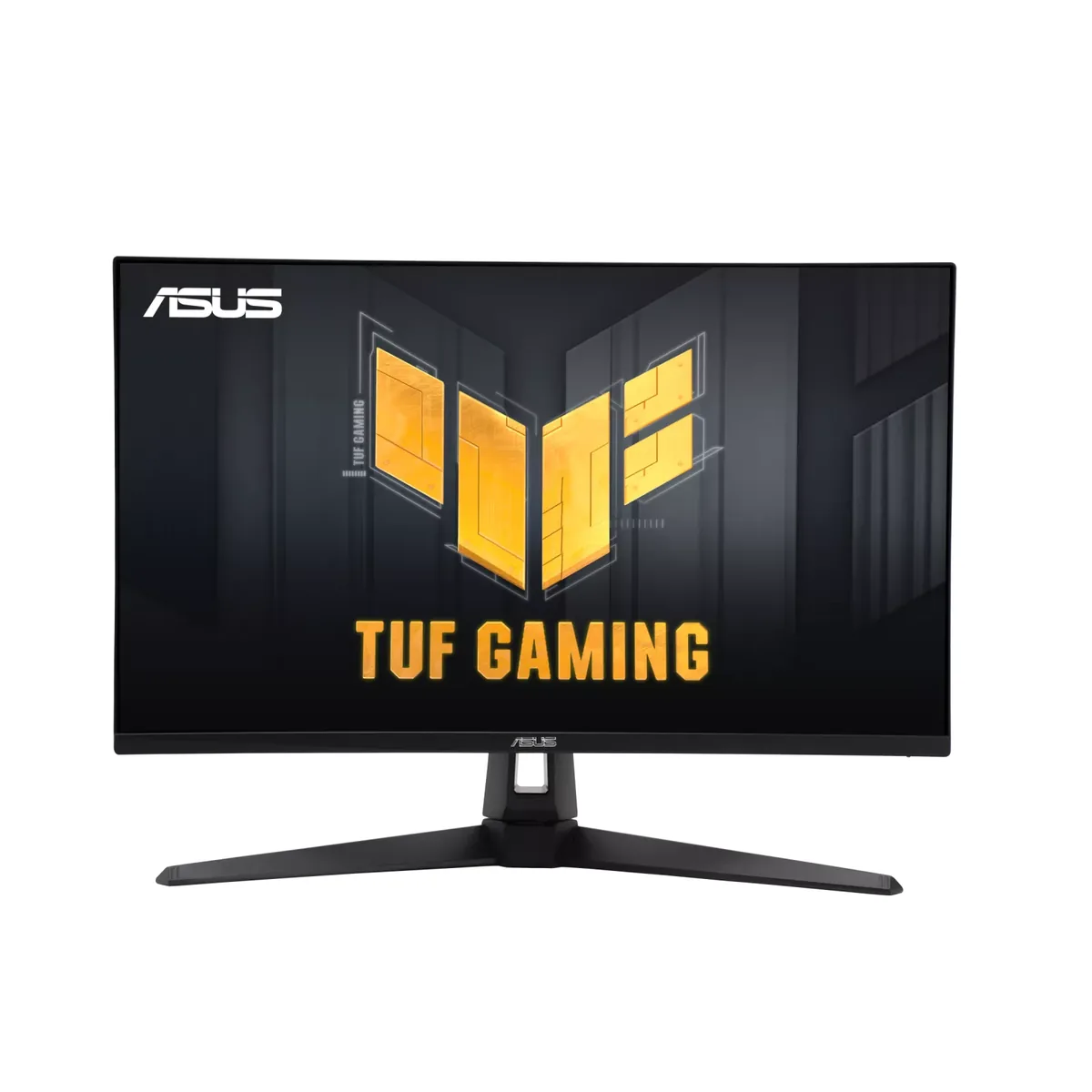
ASUS TUF Gaming VG27AQ3A

The spec worth knowing about here is not the 180 Hz — it is ELMB Sync, which runs backlight strobing and adaptive sync at the same time. Most monitors force a choice between the two, and strobing is what makes 180 Hz look closer to a CRT than a sample-and-hold LCD usually can. Everything else is built to a $209 price, starting with a stand that only tilts and swivels.

Approx. price

~$209

snapshot, not a live price

Sharpness

46ppd · sharp

text is clean; pixel edges show if you look for them

HDR tier

No HDR

the maker makes no HDR claim for this panel

Peak brightness

250nits claimed

no HDR certification

USB-C power

None

video and data only, or no USB-C at all

Max refresh

180 Hz

1 ms GtG rated

Port speed — can each input carry this panel?

  • 2×HDMI 2.0· below the panel's maximum
  • DisplayPort 1.4· full speed

This panel needs 19.1 Gbps at 2560×1440, 180 Hz and 24 bits per pixel, with no DSC to fall back on.

Best for: Motion clarity on a budget, via backlight strobing rather than raw refresh

Specifications

Approx. price
~$209
Type
Gaming
Resolution
2560×1440
Pixels per degree
46 — sharp
Panel
Fast IPS
Finish
matte
VRR
G-Sync Compatible
HDR tier
No HDR
Peak brightness
250 nits claimed
Colour gamut
130% sRGB
HDMI
2 × HDMI 2.0
DisplayPort
1 × DisplayPort 1.4
DSC
Not supported
Port speed
1 of 2 inputs at full speed
USB-C
None
KVM
None
Speakers
Built in
Stand
tilt, swivel
VESA
100x100
Weight
10.1 lb
Released
2023
$ per inch
$8
$ per megapixel
$57

Features

  • ELMB Sync — backlight strobing with adaptive sync active
  • 180 Hz Fast IPS panel
  • 130% sRGB coverage as rated
  • 100×100 VESA mount
  • Built-in speakers

What it does well

  • ELMB Sync runs strobing and adaptive sync together, which most monitors will not do at any price
  • ASUS rates the gamut at 130% of sRGB, wider than panels at this price usually bother with
  • Ten pounds with a 100×100 mount, so a cheap arm buys back the height adjustment the stand does not have
  • Two HDMI inputs and built-in speakers, so a console and a PC can both stay plugged in without a sound bar on the desk

What it gives up

  • HDMI 2.0 caps a console at 1440p120
  • Turning strobing on costs brightness, which a 250-nit panel can ill afford — ASUS publishes no figure for how much
  • 8-bit with no FRC, so gradients band
  • ASUS claims HDR10 support and no DisplayHDR tier at all, over an edge-lit backlight with no dimming zones
  • The stand tilts and swivels, and that is the end of it — no height, no portrait

The two lists above come from the maker’s specifications and from published third-party measurements, not from owner reports. Where owner discussion has been read it appears in its own section below, so the two are never mistaken for each other.

What owners say

Shortlists for the cheapest respectable 27-inch 1440p gaming panel nearly always have this one on them, usually beside an Acer Nitro or an MSI at the same money. Most of the posts about it are pre-purchase rather than post-purchase, which itself says something: it is a safe, unexciting shortlist entry that people buy as a first step up from 24-inch 1080p and then mostly stop talking about.

The owners who do come back have two consistent gripes. Brightness is the sharper one — 250 nits with no HDR certification means the picture reads as flat to anyone expecting modern punch, and the most detailed critical post describes going back to an older monitor for everyday reading despite a fully curtained room. Colour temperature compounds it, since white leans warm enough that owners notice it immediately against a second screen and then cannot find settings that correct it without a colorimeter. Beyond that, the grumbles are ordinary: a stand that tilts and swivels but does not rise, a bundled DisplayPort cable rated below the port it serves, and the usual scattering of line defects and uniformity complaints that any volume seller collects.

It suits someone on a firm budget who wants more pixels and more refresh than a 1080p panel and who games in a room where they can keep the lights low anyway. Anyone who cares about how photos or HDR video look, or who needs the screen at a specific height, should spend the extra and move up a tier.
What owners like

  • Price is what puts it on nearly every shortlist — buyers report finding it around the $200 mark on sale, which is where it gets compared head-to-head with the cheapest 1440p 180 Hz panels from Acer, MSI and AOC
  • Built-in speakers are the tiebreaker for console owners choosing between this and an identically-priced rival, even though nobody claims they sound good
  • Shoppers who came in specifically hunting low ghosting keep it on their lists, and the backlight-strobing mode gives them something to experiment with that most panels at this price omit
  • Availability is unusually wide — owners posting from Australia, Turkey, Germany, Ireland and the Philippines all name it as one of the few 1440p options actually in stock locally
  • It is a common first 1440p monitor, and the upgrade from 24-inch 1080p reads as worth it in most posts even from owners who later found things to complain about

Common complaints

  • Brightness is the complaint that carries real detail: one owner in a curtained, light-controlled room calls the picture dull and dim enough that they pulled an older monitor back out for browsing, and with no HDR certification there is no headroom to fall back on
  • White runs warm out of the box, to the point that a side-by-side photo against another brand's panel drew a long argument about whether white was really white, and owners struggle to find calibration settings or a profile that fixes it
  • The stand tilts and swivels but will not raise, which buyers notice before ordering and console owners in particular call out as the one thing they dislike
  • Grey and black uniformity draws complaints, and individual units show up with a thin green line down one edge, faint horizontal banding visible off-angle, or clusters of bright pixels on black
  • The DisplayPort cable in the box is a lower-rated one than the input it plugs into, and owners chasing instability at 180 Hz end up buying a better cable to rule it out

Questions owners ask about the ASUS TUF Gaming VG27AQ3A

Is 250 nits bright enough for a normal room?

It depends heavily on how much daylight reaches your desk. The harshest owner review comes from someone with the curtains shut who still found the picture dim and dull, while plenty of other owners never mention brightness at all. With no HDR certification there is no extra headroom for highlights, so treat it as a screen for controlled lighting rather than a sunny room.

Why does white look yellow or washed out, and can settings fix it?

Warm white is the most-reported colour issue, and it is most obvious when the monitor sits beside a cooler-looking second screen. Owners work through the colour-temperature presets and the user mode in the menu, and several go looking for a downloadable profile, but the consistent verdict is that you can improve it rather than eliminate it. Buyers who care about accuracy end up borrowing or buying a colorimeter.

Does the included cable actually run 180 Hz?

Owners have noticed that the bundled DisplayPort cable carries a lower rating than the monitor's own DisplayPort input, and people troubleshooting dropouts or refresh-rate problems at the top setting commonly replace it first. It is a cheap thing to rule out. If you are connecting over HDMI instead, check what refresh rate that input actually offers before assuming it matches.

Can the screen be raised, and what do owners do about it?

No — the stand only tilts and swivels, and this is one of the few criticisms buyers raise before they even order. Owners who need a different height use the standard 100 mm VESA pattern on the back with an arm or a third-party stand, which also frees up desk space. Budget for that if your seating position needs the screen higher than the factory stand puts it.

Does the backlight strobing mode shorten the monitor's life?

One owner asked exactly this after buying it, having noticed the strobing option in the menu. Strobing works by flickering the backlight in sync with the refresh rate rather than by overdriving it, so it is not generally treated as a wear problem. The real trade-offs owners run into are a large brightness drop and the fact that it cannot run at the same time as variable refresh.

Others in the same part of the catalog

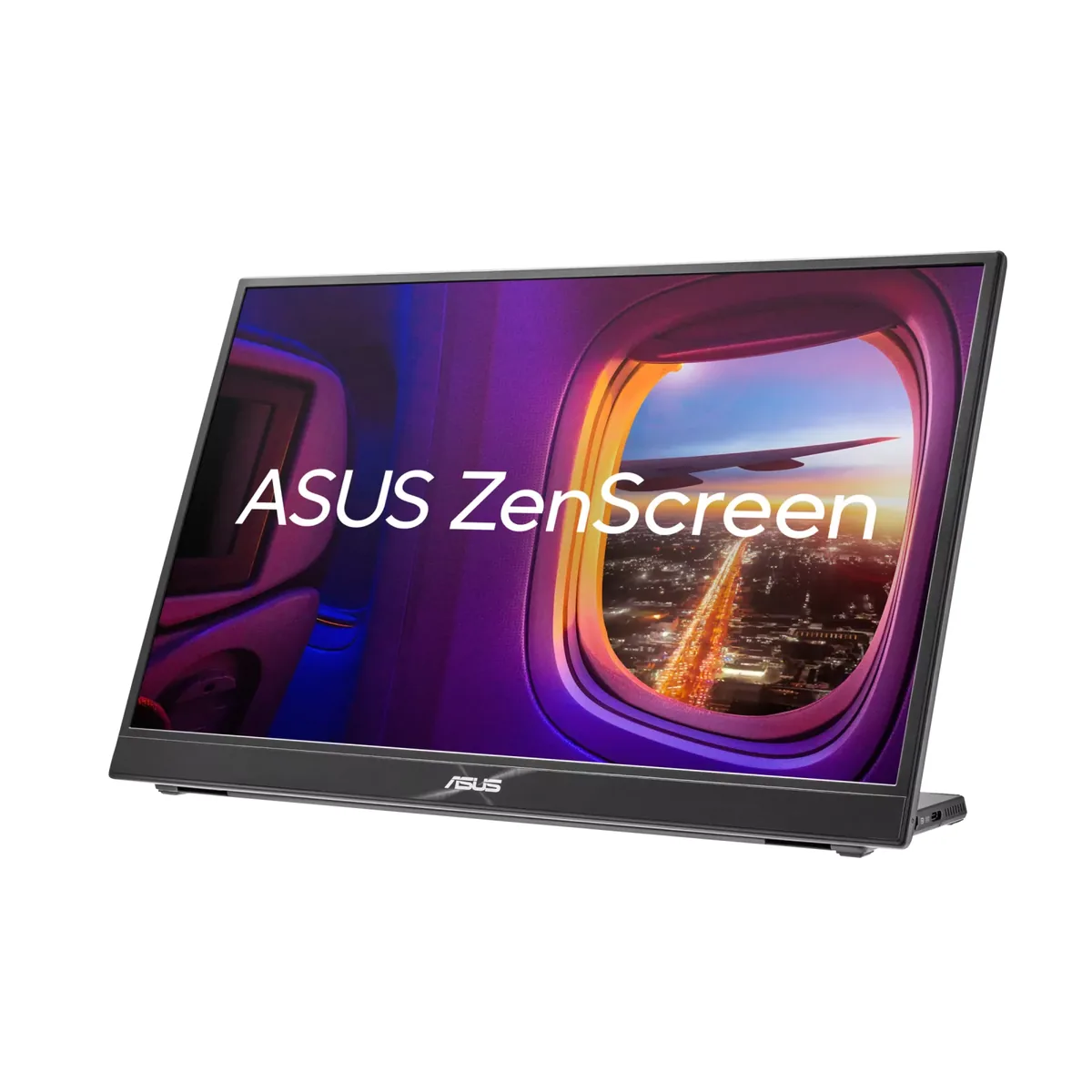
ASUS ZenScreen MB16QHG monitor
ASUS~$350

ASUS ZenScreen MB16QHG

16″ · 2560×1600 · 120 Hz · IPS

Sharpness
79ppd · retina-class
HDR
Accepts an HDR signal
USB-C power
No USB-C power
  • 120 Hz portable
  • 2560×1600
  • 500 nits
  • Console at full speed

Best for: A second screen in a bag that is good enough to be the only screen

Lenovo Legion R27qe monitor
Lenovo~$200

Lenovo Legion R27qe

27″ · 2560×1440 · 180 Hz · IPS

Sharpness
46ppd · sharp
HDR
Accepts an HDR signal
USB-C power
No USB-C power
  • 180 Hz 1440p
  • 450 nits
  • Portrait pivot

Best for: A first 1440p high-refresh monitor where the stand still has to move

More from ASUS →

← Back to the catalog