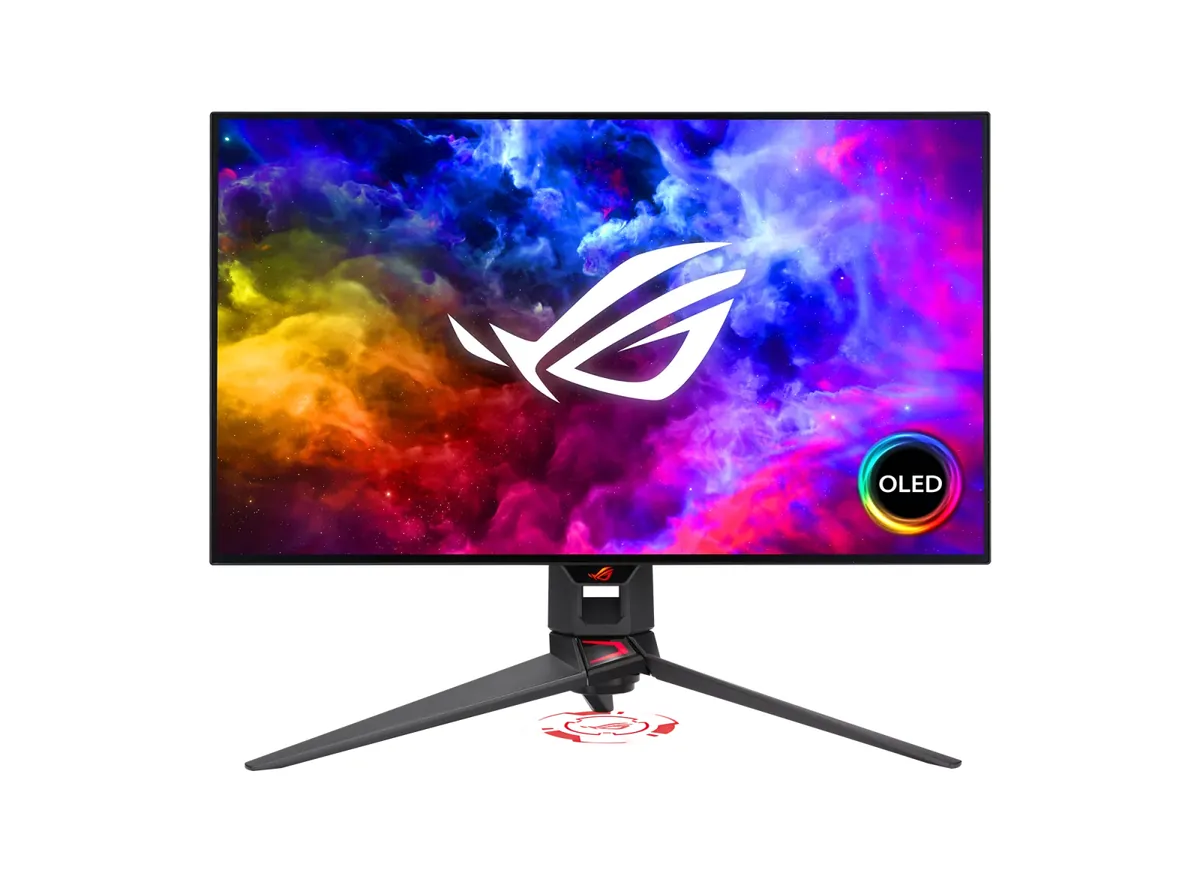
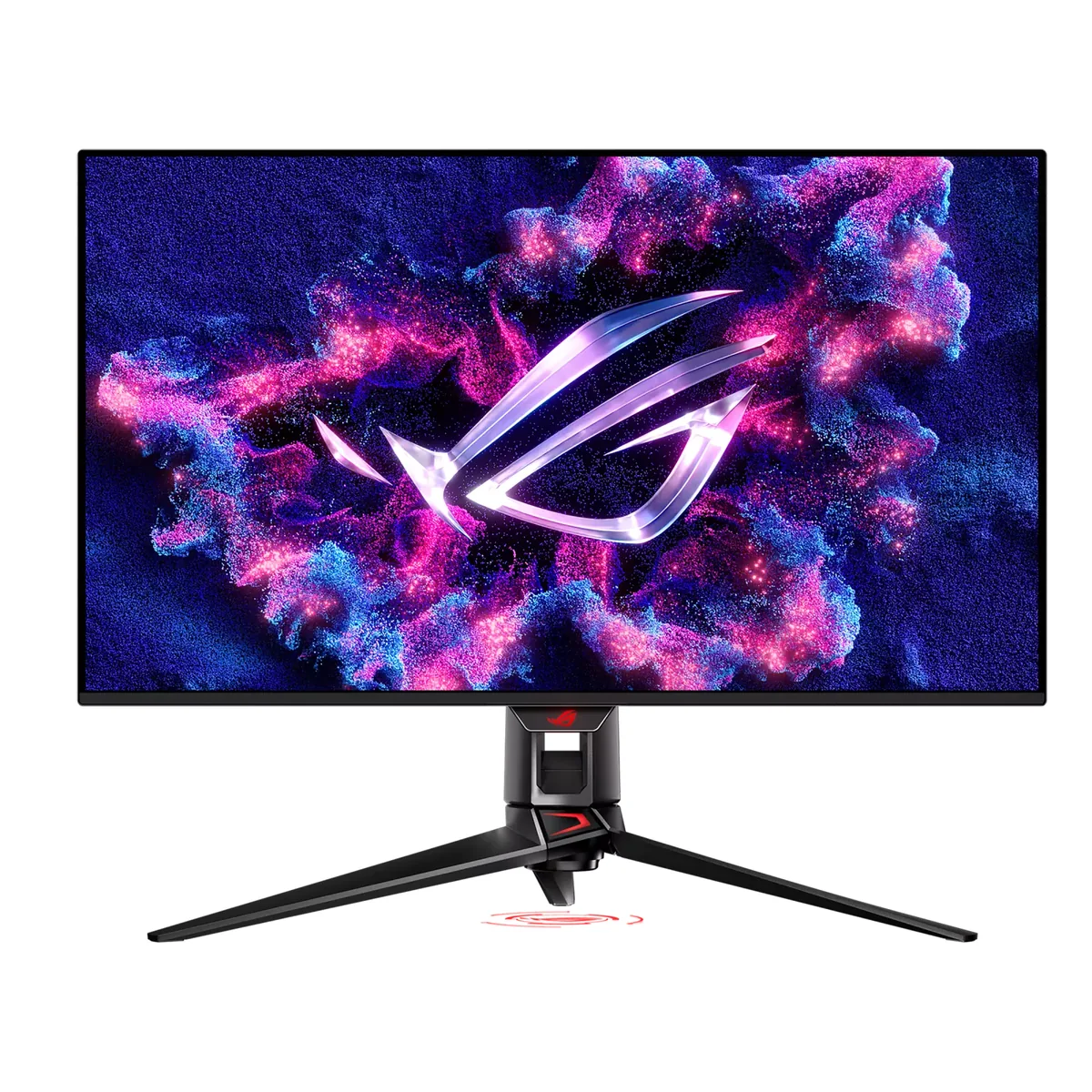
ASUS ROG Strix XG27AQDMG monitorOLED gaming~$599

ASUS

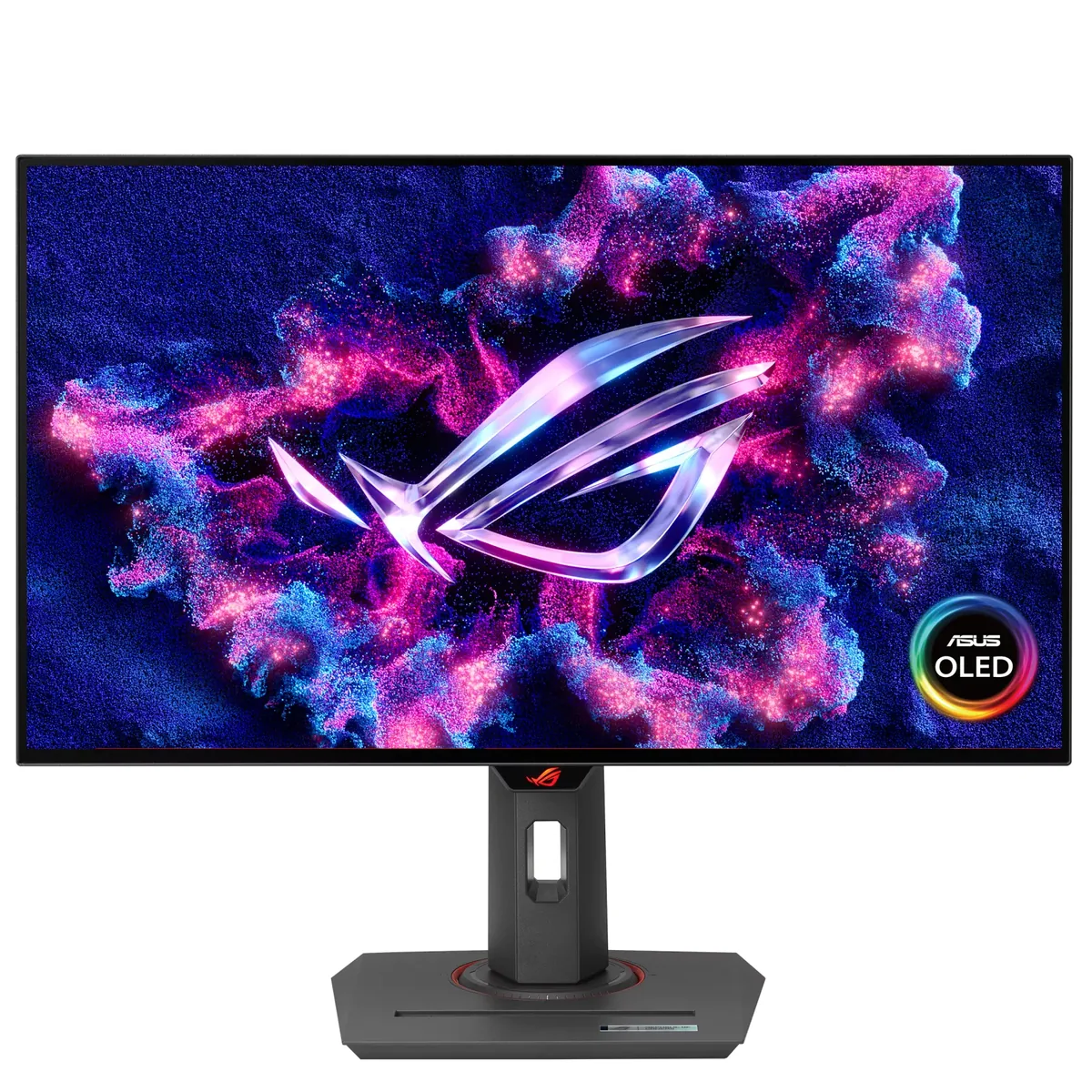
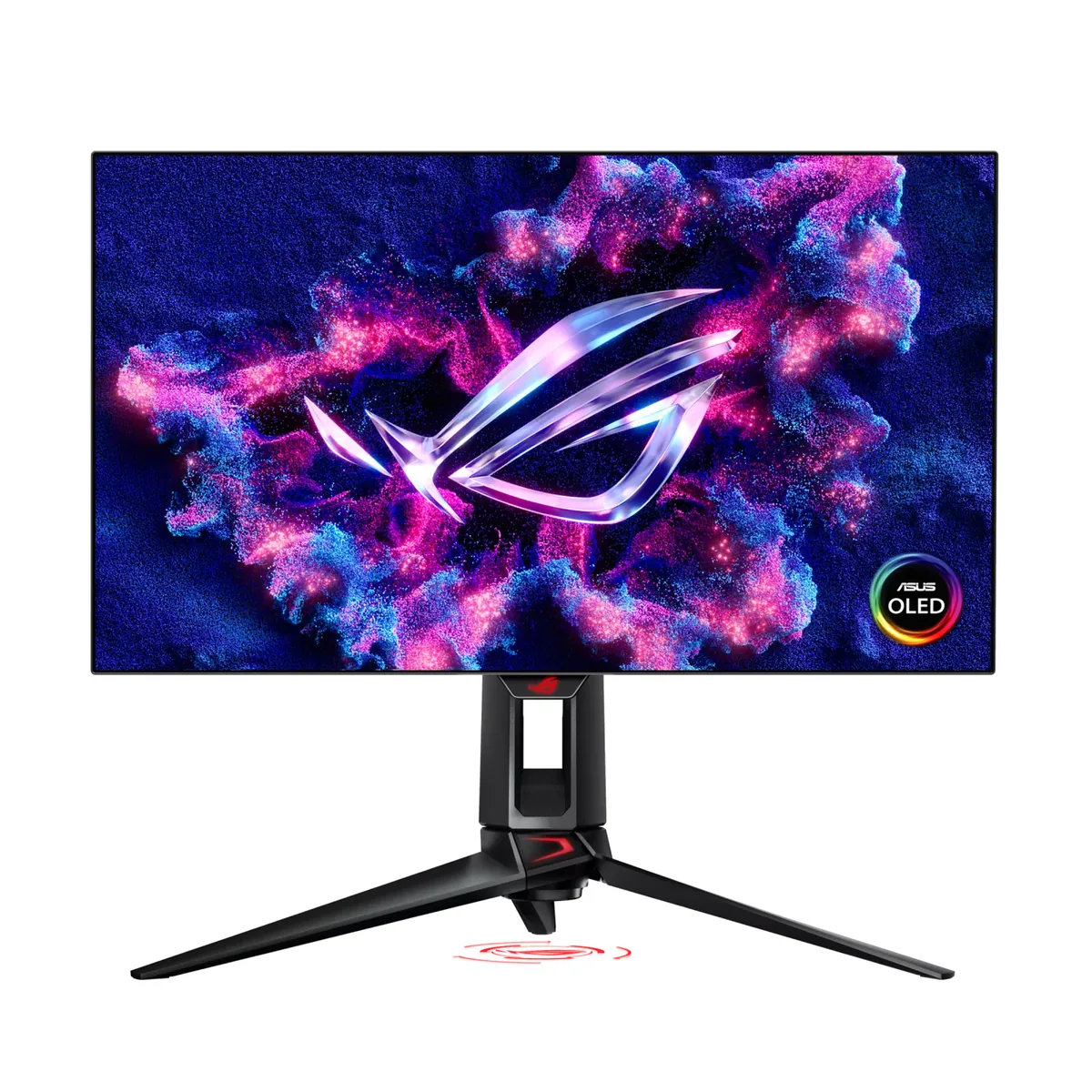
ASUS ROG Strix XG27AQDMG

Same 26.5-inch 1440p size and 240 Hz refresh as the PG27AQDM, but a newer panel generation behind it: ASUS claims 1,300 nits peak against the older model's 1,000, and three years of burn-in cover against two. The saving comes off the coating — plain glossy instead of micro-texture matte — and off HDMI, which stays at 2.0. At $599 it is the cheapest 240 Hz OLED in this catalog.

Approx. price

~$599

snapshot, not a live price

Sharpness

46ppd · sharp

text is clean; pixel edges show if you look for them

HDR tier

Real HDR

per-pixel emissive — every pixel is its own backlight, so a highlight can sit beside true black

Peak brightness

1,300nits claimed

DisplayHDR True Black 400

USB-C power

None

video and data only, or no USB-C at all

Max refresh

240 Hz

0.03 ms GtG rated

Port speed — can each input carry this panel?

  • 2×HDMI 2.0· below the panel's maximum
  • DisplayPort 1.4· full speed(DSC)

This panel needs 31.9 Gbps at 2560×1440, 240 Hz and 30 bits per pixel, and supports DSC compression.

Best for: OLED motion at the lowest price ASUS sells it for

Specifications

Approx. price
~$599
Type
OLED gaming
Resolution
2560×1440
Pixels per degree
46 — sharp
Panel
WOLED
Finish
glossy
Response time
0.03 ms GtG
VRR
G-Sync Compatible
HDR tier
Real HDR
HDR certification
DisplayHDR True Black 400
Peak brightness
1,300 nits claimed
Local dimming
Per-pixel (emissive)
Static contrast
effectively infinite
Colour gamut
99% DCI-P3
HDMI
2 × HDMI 2.0
DisplayPort
1 × DisplayPort 1.4
DSC
Supported
Port speed
1 of 2 inputs at full speed
USB-C
None
KVM
None
USB hub
2 ports
Speakers
None
Stand
height, tilt, swivel, pivot
VESA
100x100
Weight
14.8 lb
Released
2024
$ per inch
$23
$ per megapixel
$162

Features

  • 240 Hz WOLED at 1440p with a 1,300-nit peak claim
  • Two HDMI 2.0 inputs plus DisplayPort 1.4 with DSC
  • Three-year burn-in warranty
  • Four-way adjustable stand

What it does well

  • $599 for a 240 Hz 1440p OLED, the cheapest OLED of any refresh rate here
  • A 1,300-nit peak claim against the PG27AQDM's 1,000 — the newer panel generation, at the lower price
  • Three years of burn-in cover, one more than the PG27AQDM carries
  • Four-way stand with pivot survived the cost reduction

What it gives up

  • Glossy rather than the micro-texture matte that is the PG27AQDM's main selling point
  • HDMI tops out at 2.0, so a console runs 1440p120 and the full 240 Hz needs DisplayPort
  • 46 pixels per degree, with WOLED text fringing on top
  • ASUS publishes no full-field SDR figure at all, only a 1,300-nit HDR peak — plan for the usual OLED ceiling, on a glossy panel, in a controlled room

The two lists above come from the maker’s specifications and from published third-party measurements, not from owner reports. Where owner discussion has been read it appears in its own section below, so the two are never mistaken for each other.

What owners say

Glossy is the entire pitch here, and owners split hard on whether that was the right call. The buyers who chose it deliberately, especially people trading up from the matte-finished version of the same LG panel, write the most enthusiastic posts on the whole 27-inch OLED shelf: blacks that look genuinely black, colour that pops, and text that stopped looking fuzzy. The buyers who underestimated the coating write the opposite post, and the phrase that keeps recurring is that they could change clothes in front of it.

Day-to-day complaints cluster in two places. The first is low-frame-rate behaviour: run a game at 60 fps with variable refresh engaged and owners describe visibly wrong gamma and coarse steps in dark gradients, a trait they trace to the panel type rather than this specific model, though it was enough to send at least one monitor back. The second is the housekeeping OLEDs do on their own — brightness stepping down under panel protection, the signal dropping out when a game starts or HDR toggles, and a firmware page with two similarly-named update files that owners cannot tell apart. Reported picture faults exist but read as individual units rather than a pattern: streaks, a grey patch at one edge, compression-like blocking.

It lands best with someone who games in a room where they control the light and who wants the contrast of an OLED without paying the QD-OLED premium — the burn-in-covered warranty is cited as often as the price. Anyone shopping for a screen that sits under a window, or one that will show spreadsheets eight hours a day, gets pushed toward a matte panel by owners of this one.
What owners like

  • Owners upgrading from the matte-coated PG version of the same panel describe the glossy finish as the whole reason to buy it — deeper-looking blacks, more separation in dark scenes, and text that reads as defined rather than smeared
  • Buyers coming off 1440p IPS panels repeatedly say the contrast jump felt bigger than a graphics card upgrade, calling out depth in dark games they had never seen on their old screens
  • Several owners who work on the monitor all day, including people who specifically worried about subpixel fringing beforehand, report that text at normal desk distance looks fine to them once ClearType is off
  • The three-year warranty that explicitly covers burn-in comes up often as the deciding factor over cheaper panels, and buyers who wanted more piggybacked a retailer accidental-damage plan on top
  • Street pricing moved fast after launch and buyers reported talking retailers into matching lower online prices, landing it well under competing 27-inch OLEDs in the same week
  • A few owners specifically note they never saw the variable-refresh flicker they had been warned about, so the panel-level anti-flicker work appears to help on at least some units

Common complaints

  • Reflections are the single most common complaint: owners in rooms they describe as dim still see themselves in the panel, and more than one buyer warns that the mirror effect is worse than reviews prepared them for
  • Gamma and colour shift below the top refresh rate is the issue that produced actual returns — a 60 fps game with variable refresh on is described as wrong-looking, with ugly banding in near-black gradients
  • The panel-protection dimming is noticeable in normal use, not just on a static desktop, and owners report the screen stepping down in brightness while content is still moving
  • Launching or closing a game, or toggling HDR, drops the video signal long enough for the screen to go black and re-handshake, which owners coming from IPS panels did not expect
  • There is no HDMI 2.1 input, which console buyers raise before ordering even though the panel's own resolution limits what that would buy them
  • Scattered unit-level faults show up in owner posts — faint vertical streaking, a patch of grey pixels near one edge, blocky compression-like artifacts — and the built-in pixel-cleaning cycle did not clear them

Questions owners ask about the ASUS ROG Strix XG27AQDMG

How bad is the glare in a normally lit room?

This is the thing buyers most often wish they had weighed harder. Owners in rooms they describe as dim still see clear reflections, and several say the coating behaves like a mirror when anything bright sits behind them. The counter-argument from happy owners is that it diffuses ambient light reasonably well and only becomes a problem with a direct light source in view, so the practical test is whether you can put a lamp or window behind the screen instead of in front of it.

Is text sharp enough to work on all day?

Owners are split by expectation rather than by outcome. People who moved here from the matte version of the same panel consistently say text got noticeably sharper; people benchmarking against an IPS monitor still see some fringing on thin fonts. The common advice from owners who kept it for work is to turn ClearType off rather than tune it, and to accept that burn-in risk from static interface elements is the bigger productivity question.

Why do colours look wrong when a game runs at 60 fps?

Owners report a clear gamma shift at low refresh rates with variable refresh enabled, with dark gradients breaking into visible steps. It is a characteristic of this panel family rather than a defect, and the workarounds owners land on are capping frame rate high enough to stay out of the worst range or turning variable refresh off for slower titles. One owner returned the monitor specifically over this, so it is worth testing early in a return window.

Does the warranty really cover burn-in, and for how long?

Three years of burn-in coverage is the figure buyers cite, and it is a repeated reason for choosing this over cheaper panels. Owners who wanted more certainty bought a retailer protection plan alongside it, partly because of a general nervousness about how warranty claims go. Buyers purchasing from a third-party retailer specifically asked whether the coverage still applies, so keeping the original proof of purchase matters.

Why does dropping to 1080p cap the refresh rate below 240 Hz?

At least one owner found the on-screen display reporting 180 Hz after switching a shooter to 1080p while every driver and in-game setting still claimed 240 Hz. The fix owners point to is setting the refresh rate for that specific resolution in the graphics driver rather than assuming the monitor's top rate carries over, since non-native modes get their own timing entry.

Why is the screen dimming on its own, and can I stop it?

The panel-protection routine lowers brightness when it thinks content is static, and owners report it triggering even while the picture is still moving. The screen-saver and logo-protection settings in the menu control it, but owners weigh turning them off against the fact that these features exist to slow uneven wear — most keep them on and live with the dip.

Others in the same part of the catalog

ASUS ROG Swift OLED PG27AQDP monitor
ASUS~$999

ASUS ROG Swift OLED PG27AQDP

26.5″ · 2560×1440 · 480 Hz · WOLED

Sharpness
46ppd · sharp
HDR
Real HDR
USB-C power
No USB-C power
  • 480 Hz
  • WOLED
  • 3-year burn-in cover
  • Console at full speed

Best for: Competitive shooters where frame timing is the only spec that counts

ASUS ROG Swift OLED PG27AQDM monitor
ASUSNo price published

ASUS ROG Swift OLED PG27AQDM

26.5″ · 2560×1440 · 240 Hz · WOLED

Sharpness
46ppd · sharp
HDR
Real HDR
USB-C power
No USB-C power
  • 240 Hz WOLED
  • Micro-texture matte
  • 2-year burn-in cover

Best for: OLED contrast in a room with light you cannot control

ASUS ROG Swift OLED PG32UCDM monitor
ASUS~$1,199

ASUS ROG Swift OLED PG32UCDM

31.5″ · 3840×2160 · 240 Hz · QD-OLED

Sharpness
59ppd · sharp
HDR
Real HDR
  • 4K 240 Hz QD-OLED
  • 1,065 nits measured
  • 90 W USB-C + KVM
  • Console at full speed

Best for: A flagship OLED that is also the dock and the KVM for a work laptop

More from ASUS →

← Back to the catalog