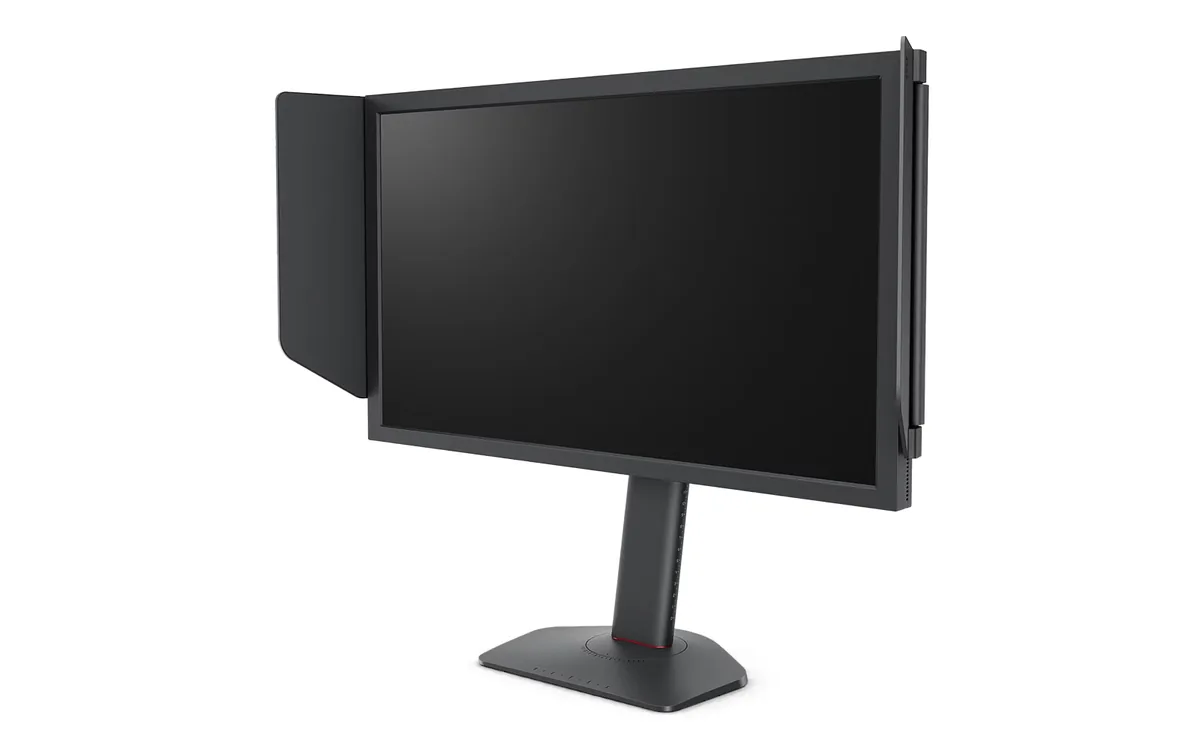
BenQ~$650
BenQ ZOWIE XL2566X+
24.1″ · 1920×1080 · 400 Hz · TN
- Sharpness
- 38ppd · visible pixels
- HDR
- No HDR
- USB-C power
- No USB-C power
- 400 Hz Fast-TN
- DyAc 2 strobing
Best for: Tournament-style FPS practice where motion clarity outranks everything else
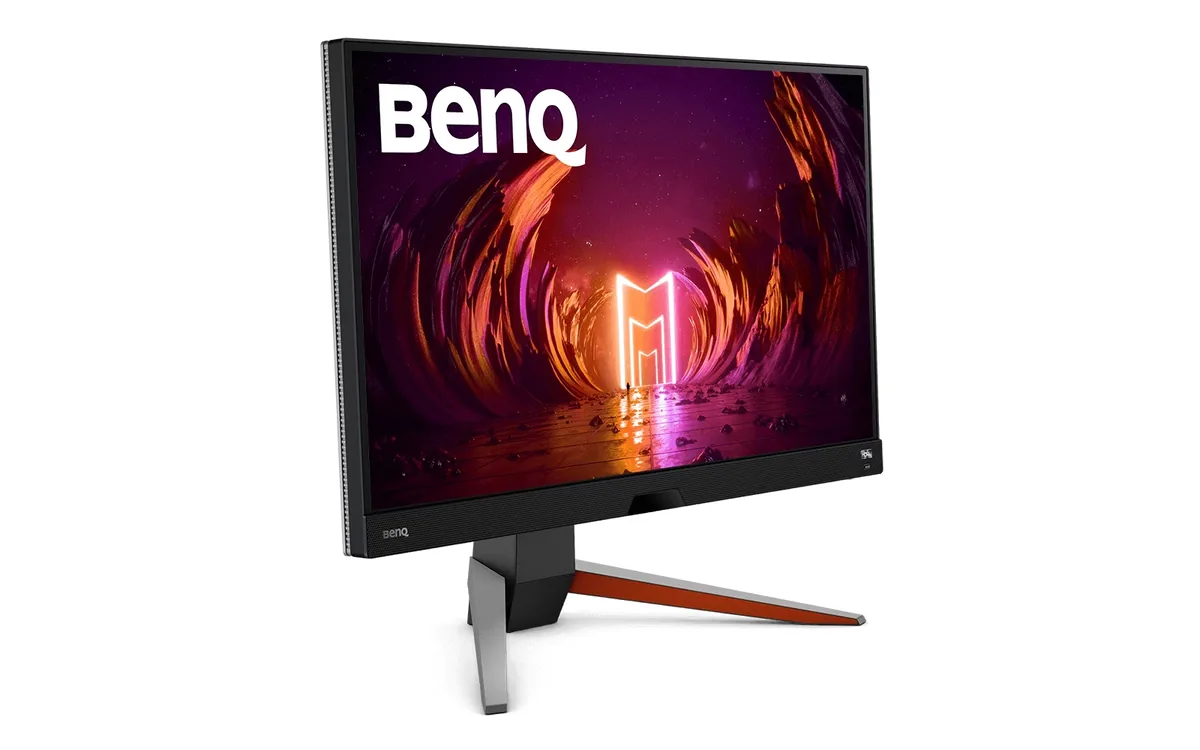 Gaming~$400
BenQ
The unusual thing about this 1440p 165 Hz panel is the audio: a 2.1-channel system with a real 5 W woofer built into the base, tuned by BenQ's treVolo people. The same 2.1 system turns up on MOBIUZ models costing twice as much. The rest is a conventional 27-inch IPS — 95% DCI-P3, FreeSync Premium, 2 ms rated response — sold at a price that has drifted down steadily since 2021.
Approx. price
~$400
snapshot, not a live price
Accepts an HDR signal
the maker publishes no dimming-zone count, so the certificate is the only evidence of local dimming there is
Port speed — can each input carry this panel?
This panel needs 21.9 Gbps at 2560×1440, 165 Hz and 30 bits per pixel, with no DSC to fall back on.
Best for: A single-monitor console-and-PC desk with no room for speakers
The two lists above come from the maker’s specifications and from published third-party measurements, not from owner reports. Where owner discussion has been read it appears in its own section below, so the two are never mistaken for each other.
Two panels ship under this name, and that single fact shapes almost every conversation about it. Buyers pass the warning along to each other — an LG panel or an Innolux one, different gamut coverage, no way to know which is in the box — and it is the reason some shoppers walk away from an otherwise well-liked 27-inch 1440p monitor.
What keeps it on shortlists is the stuff around the panel. The speakers are genuinely good enough to replace desk speakers, which almost nothing else at the price manages; the remote makes it practical as a console screen; and it is old enough now that sale prices drop it far below the list figure. Against that: IPS glow that several owners could not live with, ordinary 1000:1 contrast, HDMI 2.0, and an HDR mode that is a label rather than a feature. The eye-care marketing also draws in people who get headaches from VA panels, and for the most part they seem to get on with it.
Buy it on sale, for a desk where one screen handles a PC and a console and you do not want a separate speaker setup. Inspect it in a dark room on day one, because bleed is the complaint that makes owners return it. If you want HDR that does anything, or a slim chassis for a multi-monitor wall, look elsewhere.
No, and that is exactly what frustrates buyers. Units have shipped with an LG panel and with an Innolux one, the colour gamut differs between them, and the retail box does not say. The practical approach owners land on is to buy from somewhere with a painless return policy and check colour and uniformity immediately. Interestingly, the LG panel is desirable enough that one owner with a cracked screen looked into sourcing a replacement panel specifically to get it.
They are separate systems and that catches people out. HDRi is BenQ's own processing inside the monitor and works on whatever it is fed; Windows HDR changes what the PC sends. Some owners prefer running Game HDRi with Windows HDR off entirely, because the Windows desktop looks washed out with HDR enabled and this panel has no local dimming to exploit anyway. Try both on the same scene and keep whichever you prefer — there is no correct answer at this HDR tier.
1440p at 120 Hz is within HDMI 2.0's bandwidth, and console owners do use it that way, but there is no room above that — no 4K input, no VRR headroom to spare. If the console is your main source and you want future margin, a panel with HDMI 2.1 is the safer purchase. Enough buyers ask this before committing that it is worth confirming your console's video output settings match once it arrives.
One owner hit exactly this: the remote's volume worked, macOS listed the display as an audio device, and nothing played. The monitor needs to actually be selected as the output device in the Mac's sound settings, and audio only travels over a connection carrying it — a DisplayPort-to-HDMI adapter chain is a common place for it to be dropped. Check the OSD audio source too, since the monitor can be set to listen to the wrong input.
Some is normal for IPS; a lot is common on this model specifically, and it is the single most frequent reason people return it. Owners describe glow that spoils dark scenes rather than faint corner lift. Check it on black content with the room lights off within your return window, and be willing to exchange — the owners who talked themselves into accepting it stayed annoyed about it.
One owner with three trouble-free years plugged in a Wii and afterwards had persistent flickering lines exactly where the console's image border had been, which survived changing inputs and cables. That is one report, not a pattern, and a low-resolution source should not harm a panel. But it is a reminder to be wary of retention-style artefacts from a static border left on screen for long stretches, which is not unique to this monitor.
24.1″ · 1920×1080 · 400 Hz · TN
Best for: Tournament-style FPS practice where motion clarity outranks everything else
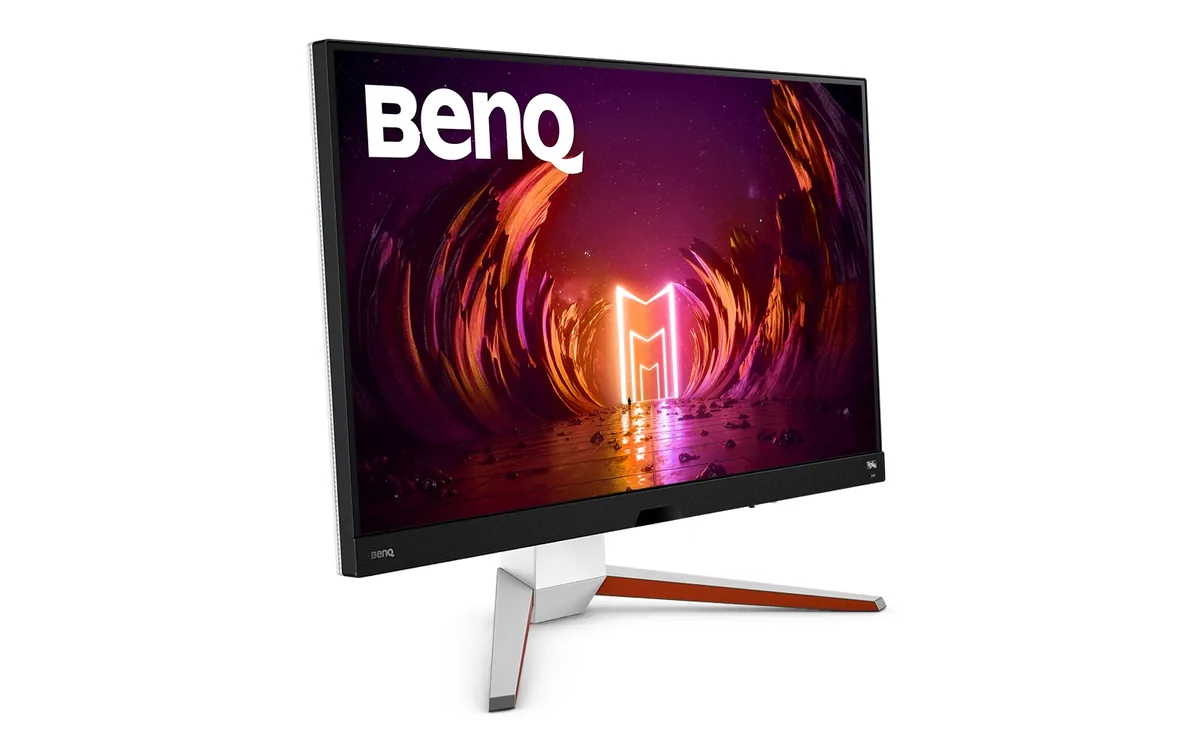
31.5″ · 3840×2160 · 144 Hz · IPS
Best for: A living-room-style desk running a PC and two consoles off one screen
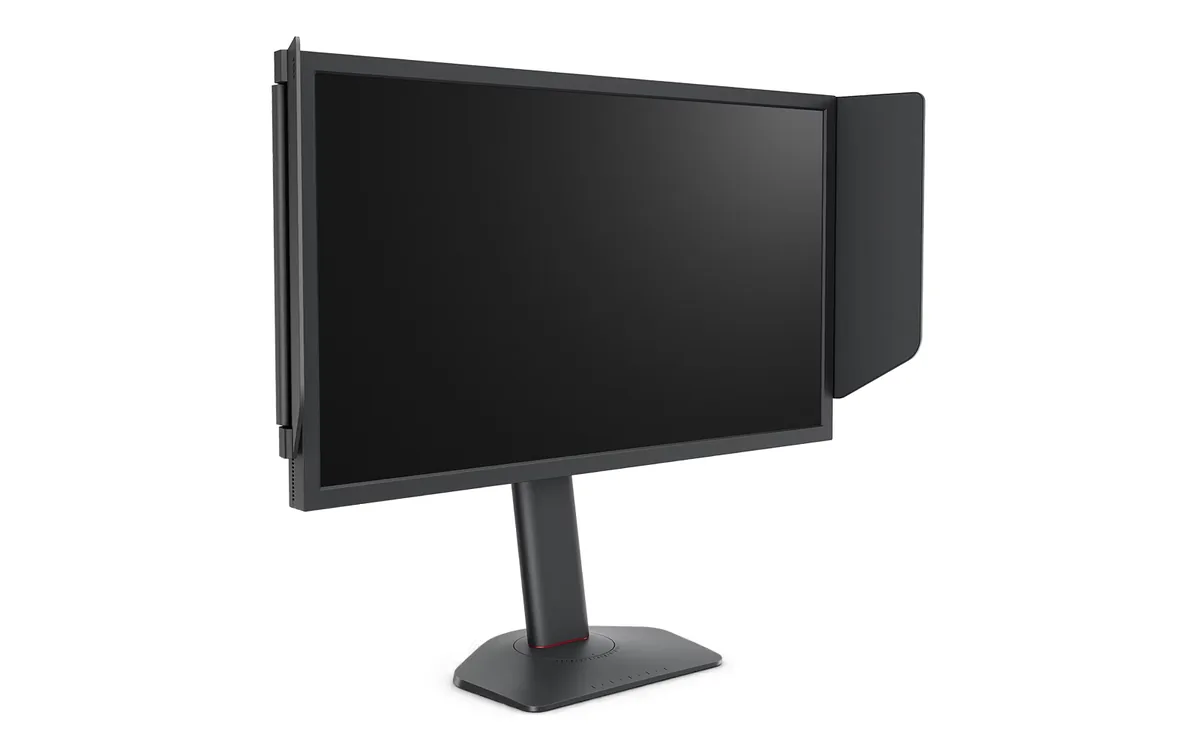
24.1″ · 1920×1080 · 280 Hz · TN
Best for: A competitive player who wants DyAc 2 without paying the 400 Hz premium