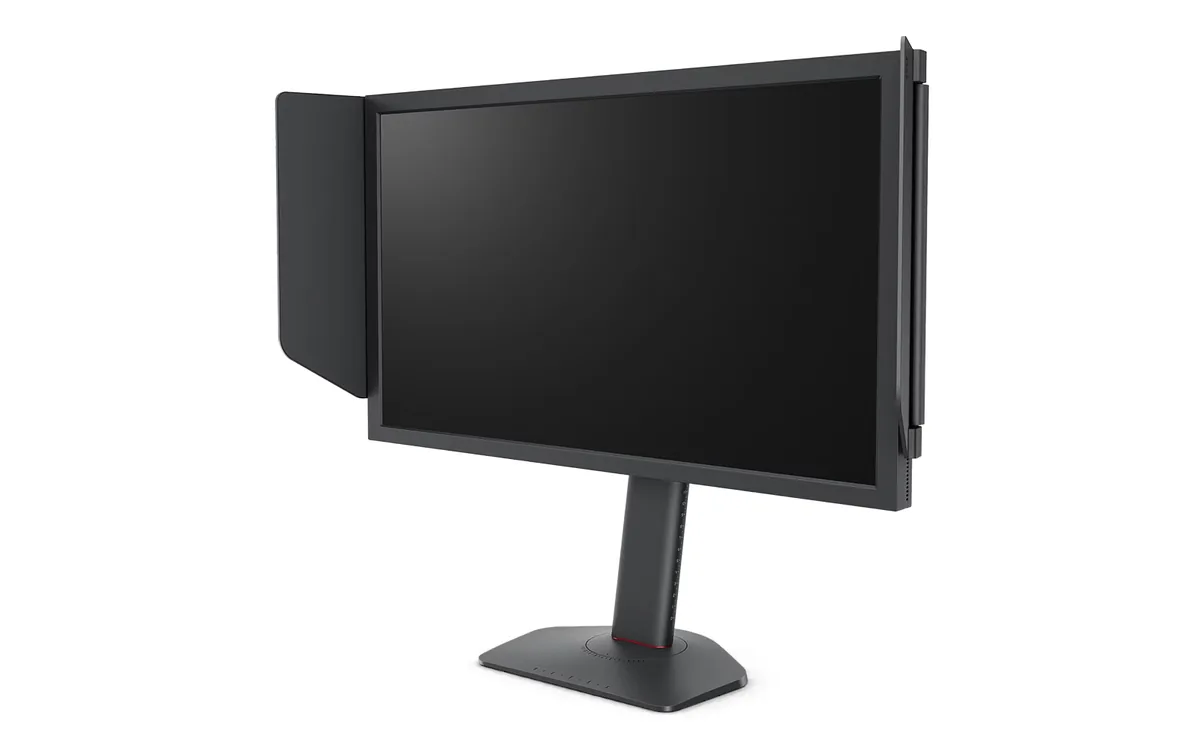
BenQ~$650
BenQ ZOWIE XL2566X+
24.1″ · 1920×1080 · 400 Hz · TN
- Sharpness
- 38ppd · visible pixels
- HDR
- No HDR
- USB-C power
- No USB-C power
- 400 Hz Fast-TN
- DyAc 2 strobing
Best for: Tournament-style FPS practice where motion clarity outranks everything else
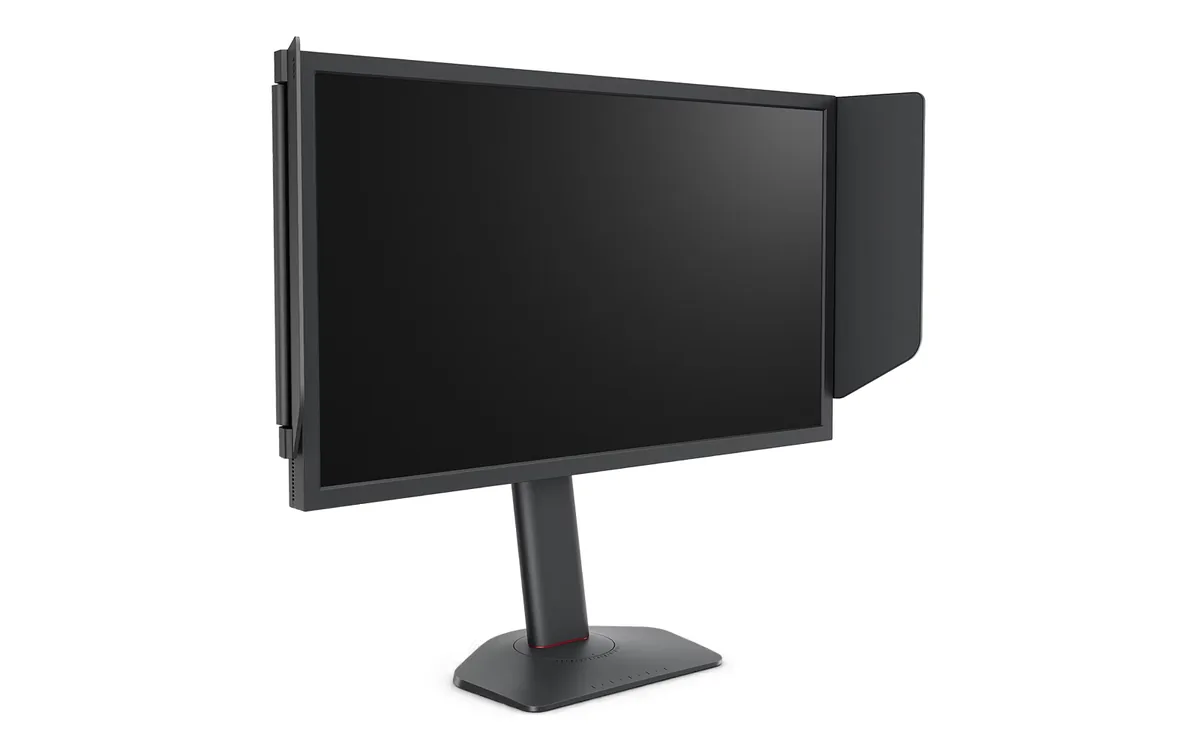 Gaming
BenQ
This is the cheaper half of the DyAc 2 pair: the same 24.1-inch Fast-TN chassis and the same backlight-strobing trick, capped at 280 Hz instead of 400. For most players that is the sensible stopping point, because holding 280 frames a second in a competitive shooter is already a serious GPU ask. The compromise is the video input — DisplayPort here is 1.2, which is exactly enough for 1080p at 280 Hz and nothing beyond it.
Port speed — can each input carry this panel?
This panel needs 16.7 Gbps at 1920×1080, 280 Hz and 24 bits per pixel, with no DSC to fall back on.
Best for: A competitive player who wants DyAc 2 without paying the 400 Hz premium
The two lists above come from the maker’s specifications and from published third-party measurements, not from owner reports. Where owner discussion has been read it appears in its own section below, so the two are never mistaken for each other.
Sitting one step below the 400 Hz flagship, this is where most people who want BenQ's strobing actually end up — 280 Hz instead of 400, roughly 150 less, and a frame rate their machine can genuinely feed. The distinction matters more than the spec gap suggests, because strobing is tuned for a panel's top refresh rate: an owner who tested this generation found essentially no blur and almost no crosstalk at full rate, and said the same panel at 120 Hz looks terrible.
The case against it is the same case made against every ZOWIE. It costs more than a 27-inch 1440p OLED that looks better at everything, and one buyer worked out it costs over double an older 240 Hz model in the same family. Defects turn up — stuck pixels, a vertical line, one owner who found support unhelpful with a panel that arrived faulty. And one owner returned his after discovering he disliked the strobing on his eyes and disliked the added delay without it, which is a trap worth knowing about in advance.
Where it wins is with a player who has a fast machine, one game that matters, and no expectation that this screen will also be pleasant for films. Somebody who wants one monitor for everything should buy an OLED and accept slightly less motion clarity; somebody who already has that OLED and wants a practice screen beside it is exactly who this is for.
Much less, and that is the most important thing to know before buying. Strobing is tuned to the panel's top refresh rate, and an owner who tested this generation carefully found the result at 120 Hz looked bad enough to call it a write-off for console players and anyone who cannot push high frame rates. If your source tops out near 120, you are paying a large premium for the part of the monitor you cannot use.
This is the honest question, and a buyer upgrading from a 144 Hz panel put it exactly that way. If you intend to disable the strobing, you are buying a fast TN panel with 280 Hz and paying a large premium over an older 240 Hz one for a modest gain. The technology is most of the value here. Buyers who are unsure whether they will use it — or whether they can tolerate it — generally do better with the cheaper model.
Match it to your frame rate rather than to your budget ceiling. Owners with recent high-end processors report holding these rates in CS2 and Valorant while missing 400 by a wide margin in heavier titles, and the strobing is at its best only near the panel's top refresh. If your main game genuinely lives near 400, the flagship rewards it. If it lives near 280, the flagship's advantage largely evaporates and the extra money buys nothing.
Bad enough that people who want one say so while buying it anyway. It is 1080p on 24 inches with TN colour and viewing angles, no HDR and no speakers, so films, single-player games and photo work all look better on almost anything else at the price. Owners typically pair it with a larger second screen. If it has to be your only monitor, a 1440p panel with decent colour will make you happier ninety percent of the time.
24.1″ · 1920×1080 · 400 Hz · TN
Best for: Tournament-style FPS practice where motion clarity outranks everything else
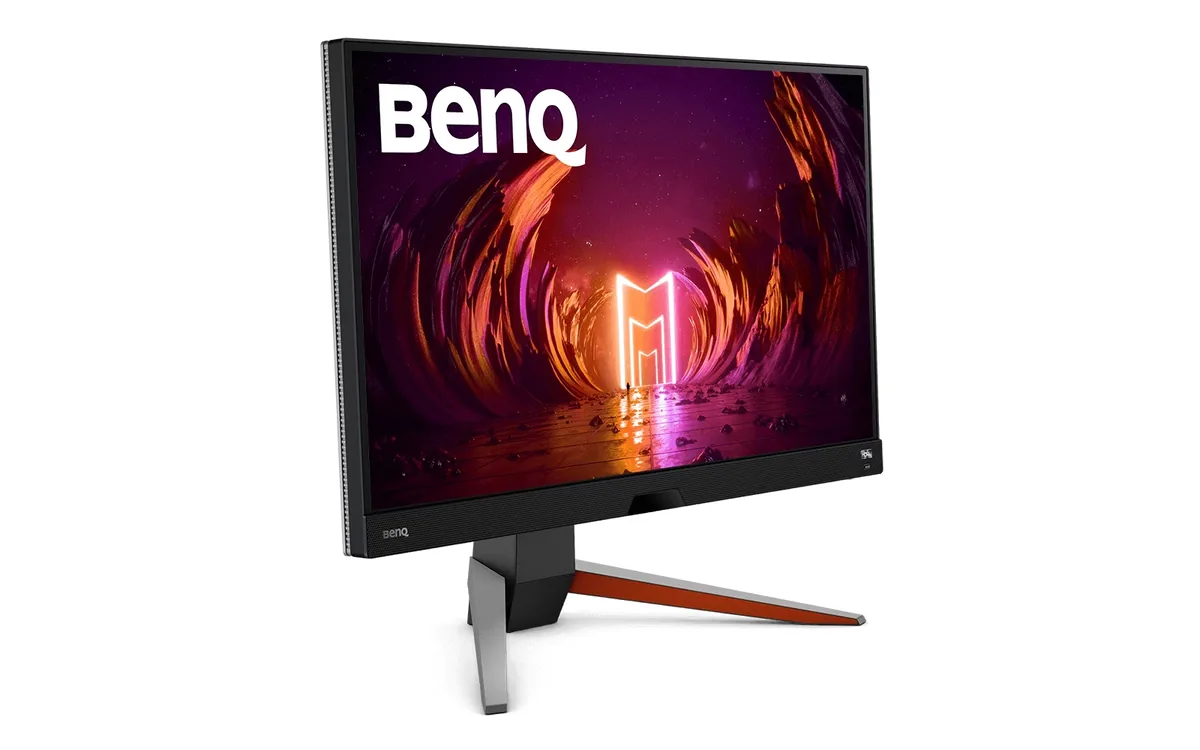
27″ · 2560×1440 · 165 Hz · IPS
Best for: A single-monitor console-and-PC desk with no room for speakers
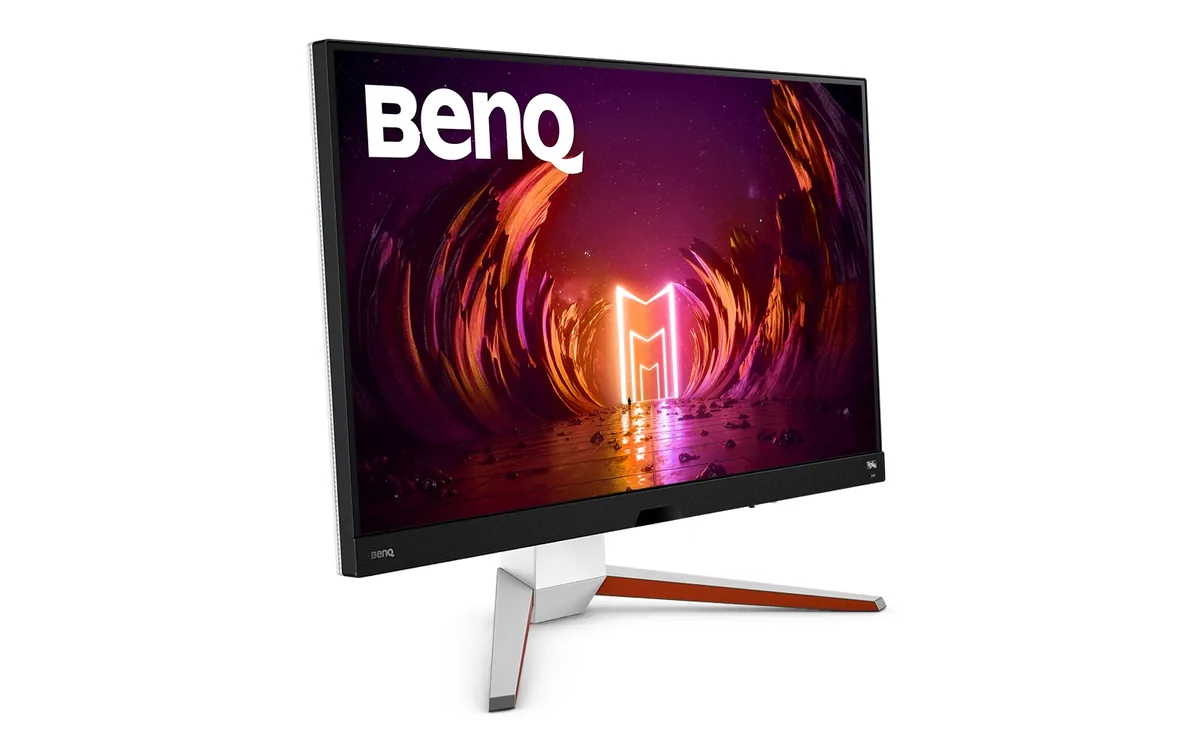
31.5″ · 3840×2160 · 144 Hz · IPS
Best for: A living-room-style desk running a PC and two consoles off one screen