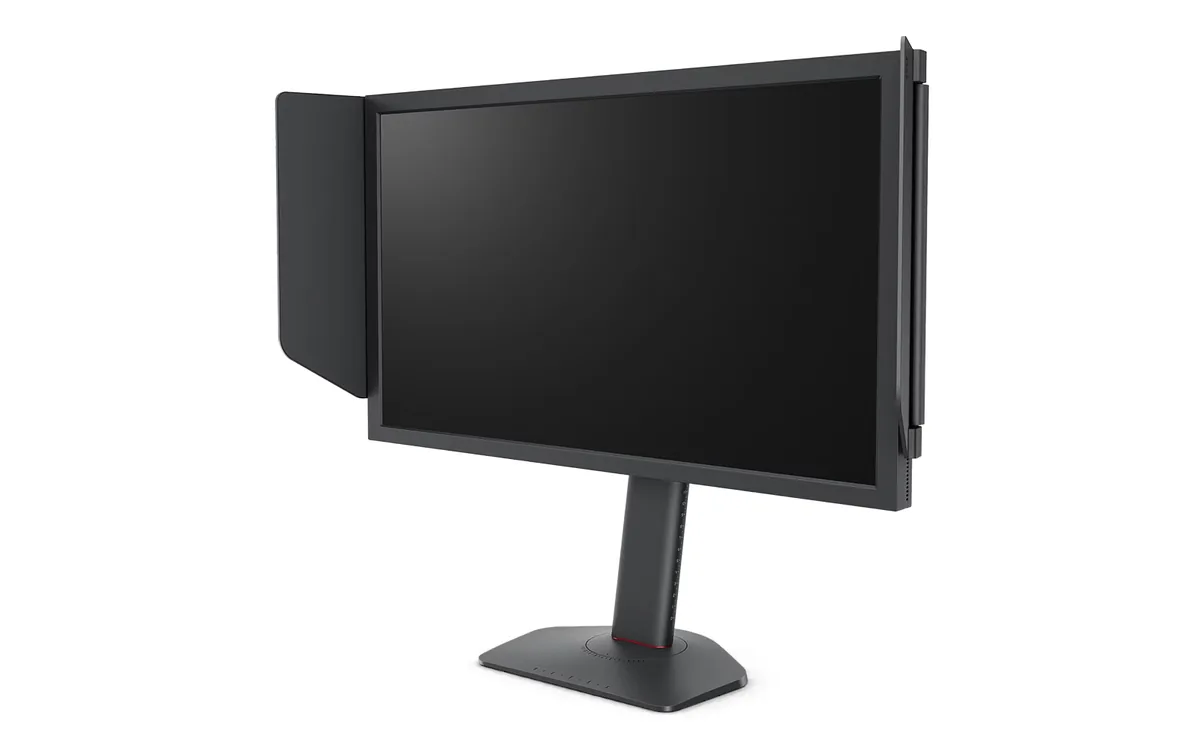
BenQ~$650
BenQ ZOWIE XL2566X+
24.1″ · 1920×1080 · 400 Hz · TN
- Sharpness
- 38ppd · visible pixels
- HDR
- No HDR
- USB-C power
- No USB-C power
- 400 Hz Fast-TN
- DyAc 2 strobing
Best for: Tournament-style FPS practice where motion clarity outranks everything else
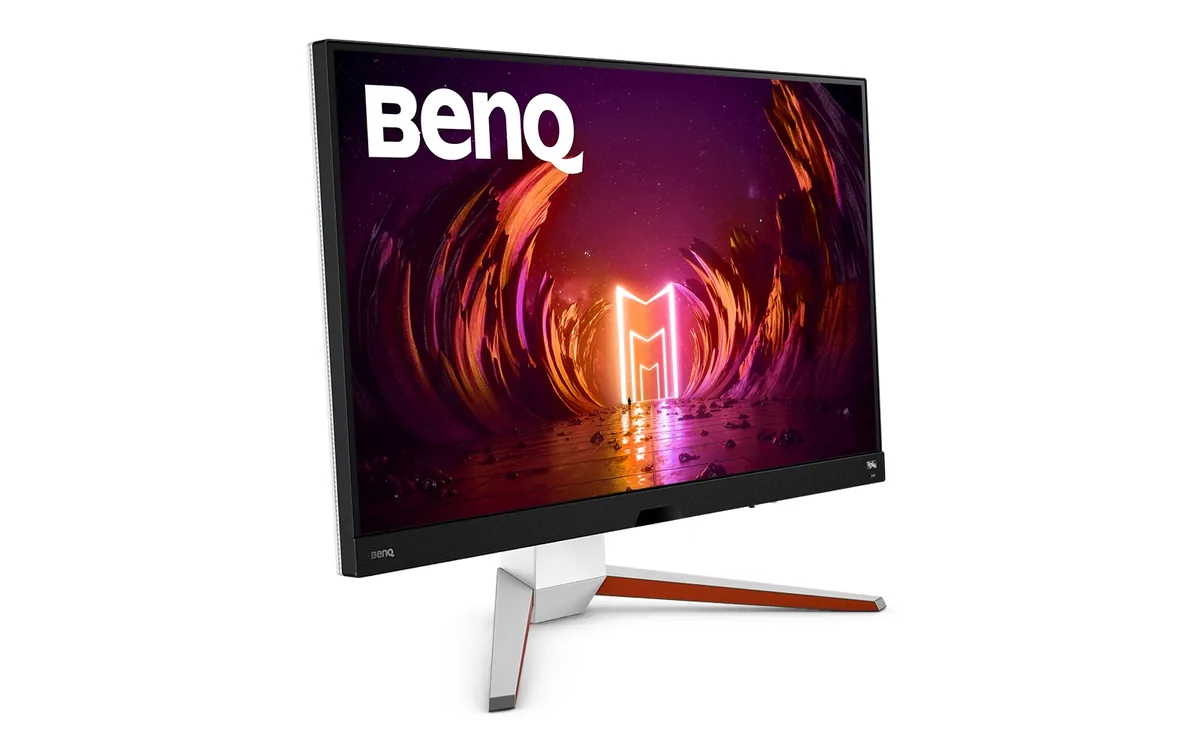 Gaming~$700
BenQ
Sixteen dimming zones is not many, and BenQ never pretended otherwise — what they buy is enough highlight headroom to clear DisplayHDR 600 on a 4K 144 Hz panel that covers 98% of Display P3. The bigger draw is the sound: a 2.1 system with a 5 W woofer in the base, a noise-cancelling microphone and a physical remote, which together replace a desk speaker set and a headset for casual play. Both HDMI ports are 48 Gbps, so a PS5 and an Xbox can sit alongside the PC without a switch.
Approx. price
~$700
snapshot, not a live price
Port speed — can each input carry this panel?
This panel needs 43.0 Gbps at 3840×2160, 144 Hz and 30 bits per pixel, and supports DSC compression.
Best for: A living-room-style desk running a PC and two consoles off one screen
The two lists above come from the maker’s specifications and from published third-party measurements, not from owner reports. Where owner discussion has been read it appears in its own section below, so the two are never mistaken for each other.
Here is a monitor that keeps getting recommended for a job it was not sold for. It is marketed as a 32-inch gaming panel, but the people who buy it are as likely to be doing digital art, editing video, or wanting 144 Hz for spreadsheets — and when they line its spec sheet up against professional 32-inch screens at the same price, the gaming model wins on paper often enough to make them suspicious.
The experience is more mixed than the spec sheet. Owners arriving from VA panels are consistently unhappy with glow in dark scenes; one buyer returned his the same day over colour. HDR 600 without a full-array backlight satisfies nobody who has read about it. On the other hand, two HDMI 2.1 ports at 4K, a remote that saves you reaching behind a 32-inch chassis, a white option for people who want one, and a price that has drifted down over three years all keep it in play.
The desk it fits is a mixed one: a PC plus a console or two, work during the day and games at night, and a buyer who cares more about resolution and refresh rate than about black levels. Anyone chasing contrast or real HDR at this size has better options now than when it launched, and should take them.
Because you have swapped a high-contrast panel for an IPS one, and that trade is the single most common disappointment reported here. An owner who made exactly that switch said the glow in dark areas ruined the experience for him. Nothing in the settings fixes it — the panel type sets the floor. Room lighting helps: a bias light behind the screen makes the lifted blacks much less obvious than they are in a dark room.
Buyers ask this constantly after noticing it matches professional panels on gamut, resolution and brightness while costing much less. What the professional models add is factory calibration with a report, hardware calibration support, tighter uniformity and colour-space emulation modes — not better raw specs. If your work is delivered for screens and you calibrate yourself, this is a defensible buy. If a client depends on your colour being right, buy the calibrated panel.
Not much. The 600-nit rating sits over a backlight with very few dimming zones, so highlights brighten a little and black levels do not improve. Buyers researching it in Europe concluded that neither this nor its usual ASUS rival has HDR anyone is happy with, and went looking for mini-LED or OLED instead. Treat HDR here as a checkbox rather than a reason to buy.
One owner went looking for anyone who had tried it with a stepped-sine-wave, line-interactive UPS and could not find a single report. The relevant detail is that this monitor uses a large external power brick, and brick-style supplies vary in how they tolerate a stepped waveform — buzzing or a restart on switchover are the risks. A pure-sine UPS removes the question entirely and is the safer purchase if the monitor matters to you.
Owners recommending it now caveat it as an old design, and that is the honest position: it launched in 2022, and 32-inch 4K OLEDs and mini-LEDs have since landed near its price with far better contrast. It is still a sensible pick if you want 4K at 144 Hz with two HDMI 2.1 ports, no burn-in worry, and a white chassis. If contrast is what you are shopping for, your money now buys more than it did.
24.1″ · 1920×1080 · 400 Hz · TN
Best for: Tournament-style FPS practice where motion clarity outranks everything else
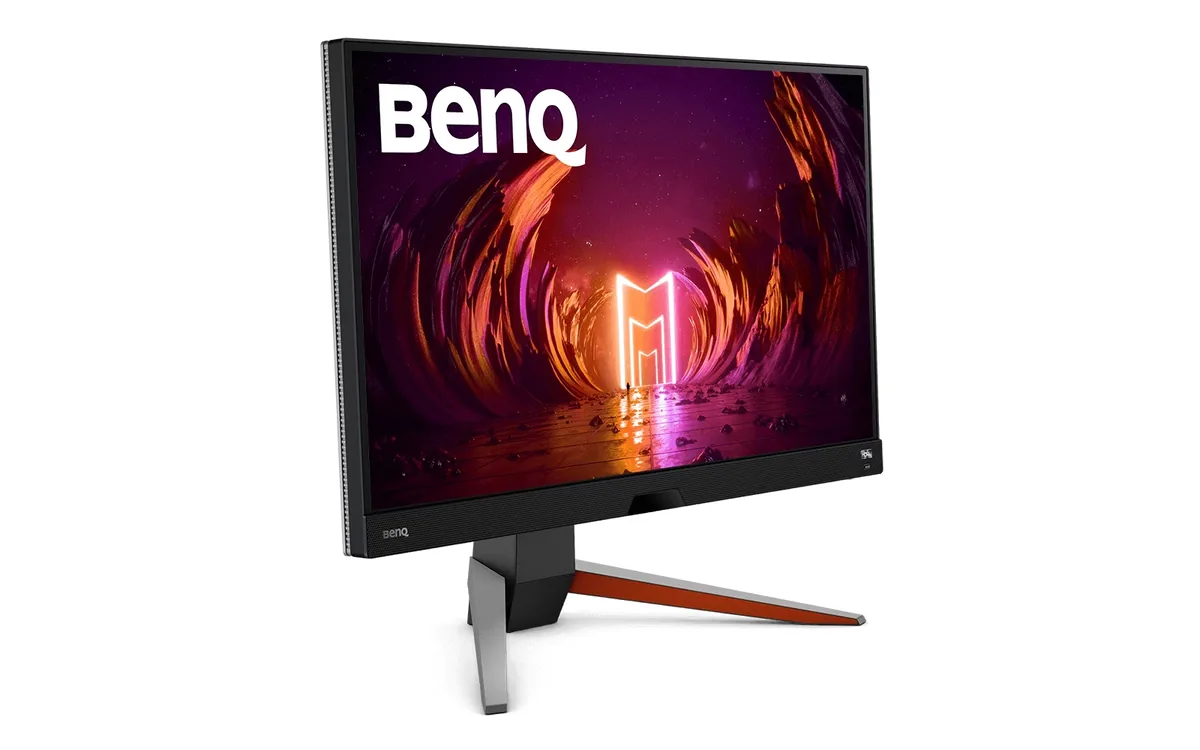
27″ · 2560×1440 · 165 Hz · IPS
Best for: A single-monitor console-and-PC desk with no room for speakers
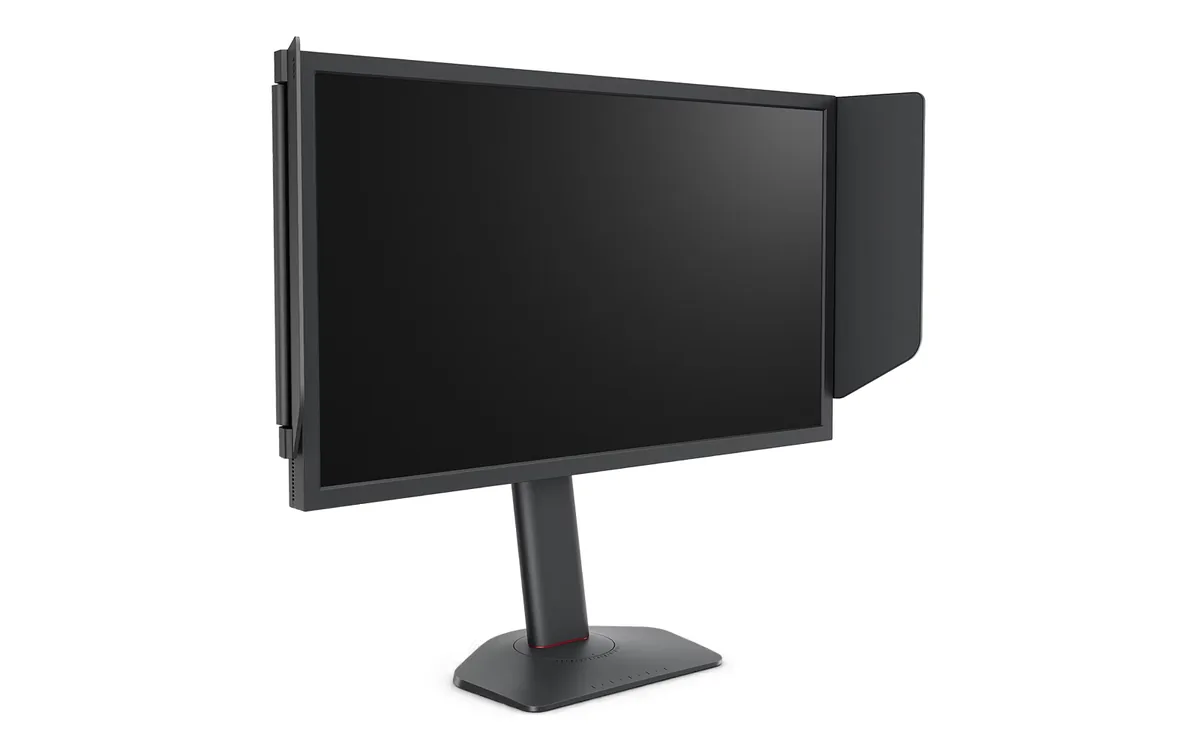
24.1″ · 1920×1080 · 280 Hz · TN
Best for: A competitive player who wants DyAc 2 without paying the 400 Hz premium