BenQ PD2706U monitor4K/5K creator~$580

BenQ

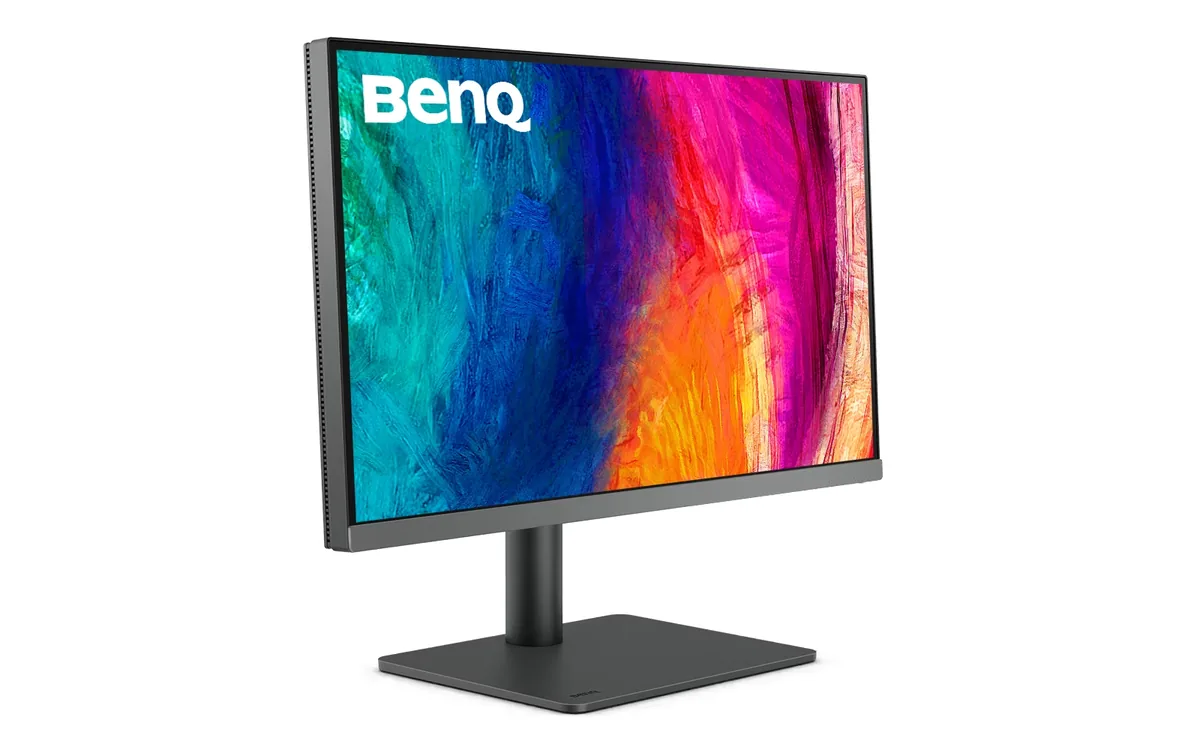
BenQ PD2706U

Everything on this monitor is pointed at one job: getting a laptop onto a colour-accurate 4K panel over a single cable. The USB-C input carries 90 W, which covers a 13- or 14-inch laptop outright and keeps a 16-inch machine topped up at light load, while the built-in KVM hands the keyboard and mouse to whichever machine you switch to. Colour is factory-calibrated to Delta E under 3 across 100% sRGB, 100% Rec.709 and 95% of DCI-P3, and the panel is a plain 60 Hz IPS — there is no gaming pretence here at all.

Approx. price

~$580

snapshot, not a live price

Sharpness

68ppd · retina-class

past the ~1 arcminute limit of 20/20 acuity — the grid is gone

HDR tier

Accepts an HDR signal

the maker publishes no dimming-zone count, so the certificate is the only evidence of local dimming there is

Peak brightness

400nits claimed

DisplayHDR 400

USB-C power

90 W

keeps a 14-inch machine charged under normal load

Max refresh

60 Hz

5 ms GtG rated

Port speed — can each input carry this panel?

  • HDMI 2.0· full speed at 8-bit
  • DisplayPort 1.4· full speed
  • USB-C (DP Alt Mode)· full speed

This panel needs 17.9 Gbps at 3840×2160, 60 Hz and 30 bits per pixel, with no DSC to fall back on.

Best for: A designer who wants one cable to a laptop and calibrated colour out of the box

Specifications

Approx. price
~$580
Type
4K/5K creator
Resolution
3840×2160
Pixels per degree
68 — retina-class
Finish
matte
VRR
None
HDR tier
Accepts an HDR signal
HDR certification
DisplayHDR 400
Peak brightness
400 nits claimed
Colour gamut
95% DCI-P3
HDMI
1 × HDMI 2.0
DisplayPort
1 × DisplayPort 1.4
DSC
Not supported
Port speed
2 of 3 inputs at full speed
USB-C
Video in over USB-C
USB-C power
90 W — 14-inch class laptop
KVM
Built in
USB hub
4 ports
Speakers
Built in
Stand
height, tilt, swivel, pivot
VESA
100x100
Weight
18.3 lb
Released
2023
$ per inch
$21
$ per megapixel
$70

Features

  • 90 W USB-C single-cable docking
  • Factory-calibrated sRGB, Rec.709 and Display P3 modes
  • Built-in KVM switch for two machines
  • Four-port USB hub including a downstream USB-C
  • M-book mode matched to MacBook colour
  • Pantone Validated and Calman Verified

What it does well

  • 90 W over USB-C covers a 13- or 14-inch laptop outright and keeps a 16-inch machine topped up at light load
  • 163 pixels per inch works out to 68 pixels per degree at a normal desk distance — past the point where individual pixels are resolvable
  • The KVM is on a physical hotkey rather than buried in the OSD, which is the difference between using it and forgetting it exists
  • Factory calibration report in the box, with sRGB and Rec.709 modes that hold Delta E under 3
  • Height, tilt, swivel and a full 90-degree pivot for reading long documents in portrait

What it gives up

  • 60 Hz and a 5 ms rated response make it a poor second monitor for anyone who also games on this desk
  • One HDMI port only, and it is HDMI 2.0, so a second console or camera has nowhere to go
  • DisplayHDR 400 with no dimming-zone count published, so it accepts an HDR signal rather than showing one
  • 1200:1 contrast is ordinary IPS — blacks lift noticeably in a dim room

The two lists above come from the maker’s specifications and from published third-party measurements, not from owner reports. Where owner discussion has been read it appears in its own section below, so the two are never mistaken for each other.

What owners say

Somebody working out what to put beside a MacBook for eight hours of code or layout work will hear this among three or four names every time, almost always against a Dell UltraSharp and an ASUS ProArt. The appeal is unglamorous and specific: 4K at 27 inches so text stops being a compromise, 90 W over one USB-C cable so the laptop charges off the same lead, a KVM for the second machine, and a stand that pivots to portrait for anyone who reads papers rather than plays games.

Where it disappoints owners, it does so early. Brighter corners and edge bleed come up again and again from people photographing their new panel in a dark room and asking whether to send it back. One design buyer hit something worse — white text retaining on dark backgrounds for a minute or more, on two BenQ units in a row — and took a refund rather than a third. The 60 Hz ceiling is a real constraint for anyone who games at all, and there is no Adobe RGB, which sends print-focused buyers to ASUS instead.

It suits someone whose work is text and sRGB or P3 colour, on a laptop they want docked with one cable, who will inspect the panel properly while the return window is open. If your work touches print, or you want more than 60 Hz on the same desk, the money is better spent elsewhere.
What owners like

  • Buyers assembling a Mac desk keep landing on this one for the cable count: 90 W over USB-C carries power, video and the four-port hub on a single lead, and the daisy-chain output means a second panel off the same connection. Several people shopping for a MacBook Pro or Mac mini narrowed a ten-monitor list to this and a Dell UltraSharp purely on that basis
  • 4K across 27 inches is why it dominates shortlists written by developers who spend eight to ten hours a day in an editor — the recurring ask in those threads is text clarity and eye comfort first, refresh rate last, and this lands squarely on it
  • The stand tilts, swivels, raises and pivots to portrait, which matters more than it sounds for the PhD and research buyers who compare it specifically for reading long PDFs and want a page-shaped screen
  • It also sells as the PD2706UA with an ergonomic arm in the box, and buyers who had already priced a separate arm worked out the arm version closed most of that gap for them
  • One owner whose panel misbehaved found BenQ's warranty process tested the unit, offered a replacement, and then let him move into a different model entirely rather than taking the same one back
  • The built-in KVM and four USB ports get used the way they were meant to be — people running a work laptop beside a personal desktop pick it so one keyboard and mouse serve both

Common complaints

  • Backlight bleed is the first-week discovery here. Multiple owners have posted photographs of glowing edges and brighter corners asking whether it is normal, including one working through BenQ India's returns process on the arm version, and the answers they get back are rarely reassuring
  • One designer saw white interface elements ghost onto dark backgrounds for a minute or two after switching screens, filed a warranty claim, was given a different BenQ as the replacement, and watched the identical retention appear on that unit too before taking a refund
  • 60 Hz with no adaptive sync, and owners do notice. One who received it from work kept his 144 Hz panel on the desk beside it rather than retiring it, and spent a thread working out which screen should do which job
  • No Adobe RGB coverage, which is quietly decisive: shoppers who print work compare it with the ASUS PA279CRV, find the ASUS covers Adobe RGB as well as sRGB and P3, and leave on that point alone
  • One buyer running it as a second screen off a GTX 1650 laptop reported video stuttering during YouTube playback — the kind of fault that usually traces to the source rather than the panel, but it cost him time to work out which

Questions owners ask about the BenQ PD2706U

Does it cover Adobe RGB for print work?

No — its gamut work is sRGB, DCI-P3 and Rec. 709, and that gap decides a lot of purchases. Buyers who scan film or send banner artwork to print repeatedly narrow down to this and the ASUS PA279CRV, then choose the ASUS specifically because it adds Adobe RGB. If your output is screens rather than paper, the omission costs you nothing.

My corners and edges look brighter than the middle — is that normal or should I return it?

Enough owners have asked this, with photographs, that it is clearly a common outcome rather than a freak unit. Some bleed at the extreme edges of an IPS panel is ordinary; distinct bright patches or corner clouding visible on dark content in a dim room is not, and the owners who accepted it stayed unhappy. Judge it on a black screen with the lights off, inside your return window, and exchange rather than tolerate it.

What is the USB-C cable that comes in the box for?

It is the single-cable connection: video from the laptop, up to 90 W of charging back to it, and the monitor's USB hub and KVM, all on that one lead. Owners have opened the box and not recognised it because it looks like a charging cable. Keep it — substituting a random USB-C cable is the usual reason video refuses to come up or charging drops to a trickle, since many cables carry power but not DisplayPort.

Is 60 Hz going to bother me if I game occasionally?

Probably, if you already use anything faster. There is no adaptive sync here at all, so tearing is on the table. One owner given this monitor by his employer kept a 144 Hz panel alongside it and split duties between the two rather than choosing. Buyers who game even a couple of evenings a week generally end up looking at 4K panels that run 120 Hz or better.

Is the version with the arm worth the extra money?

It comes down to whether you were going to buy a monitor arm anyway. Buyers who had already put a decent arm in their basket found the bundled-arm version cost roughly what the two would have separately, which makes it the easier purchase. If you are happy with the included stand — and it does height, tilt, swivel and portrait pivot — the plain version is the cheaper way in.

Others in the same part of the catalog

BenQ PD3225U monitor
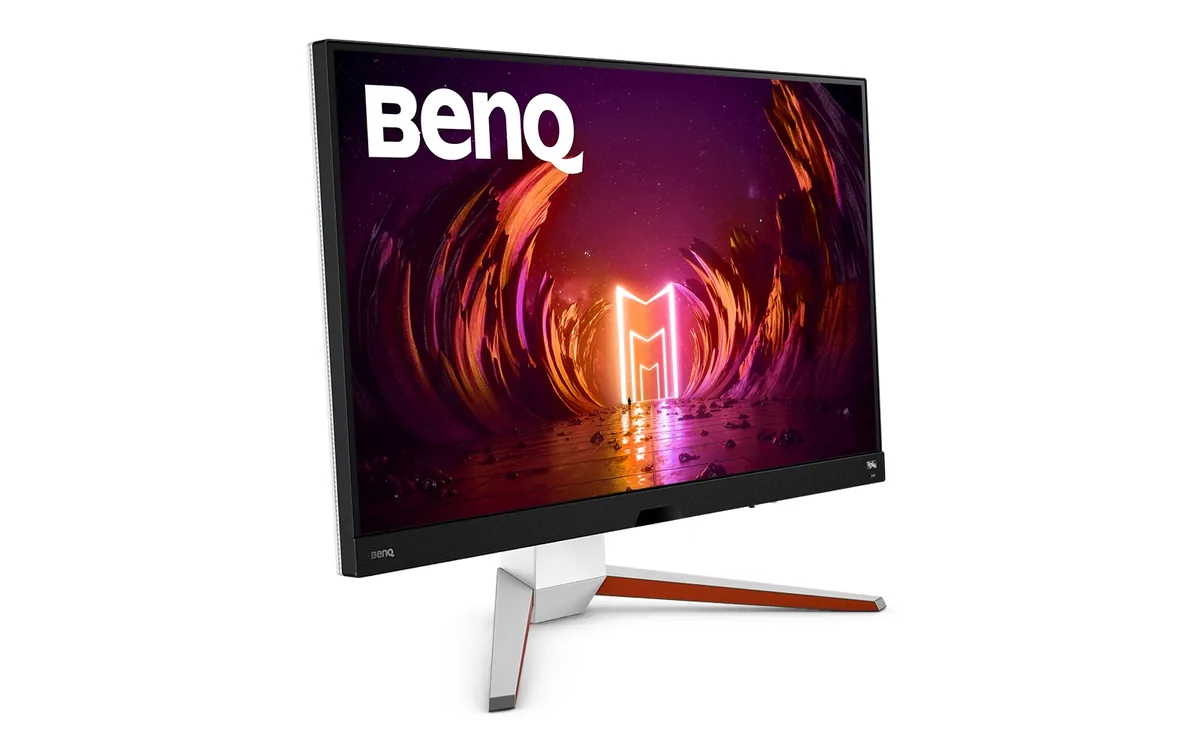
BenQ~$1,100

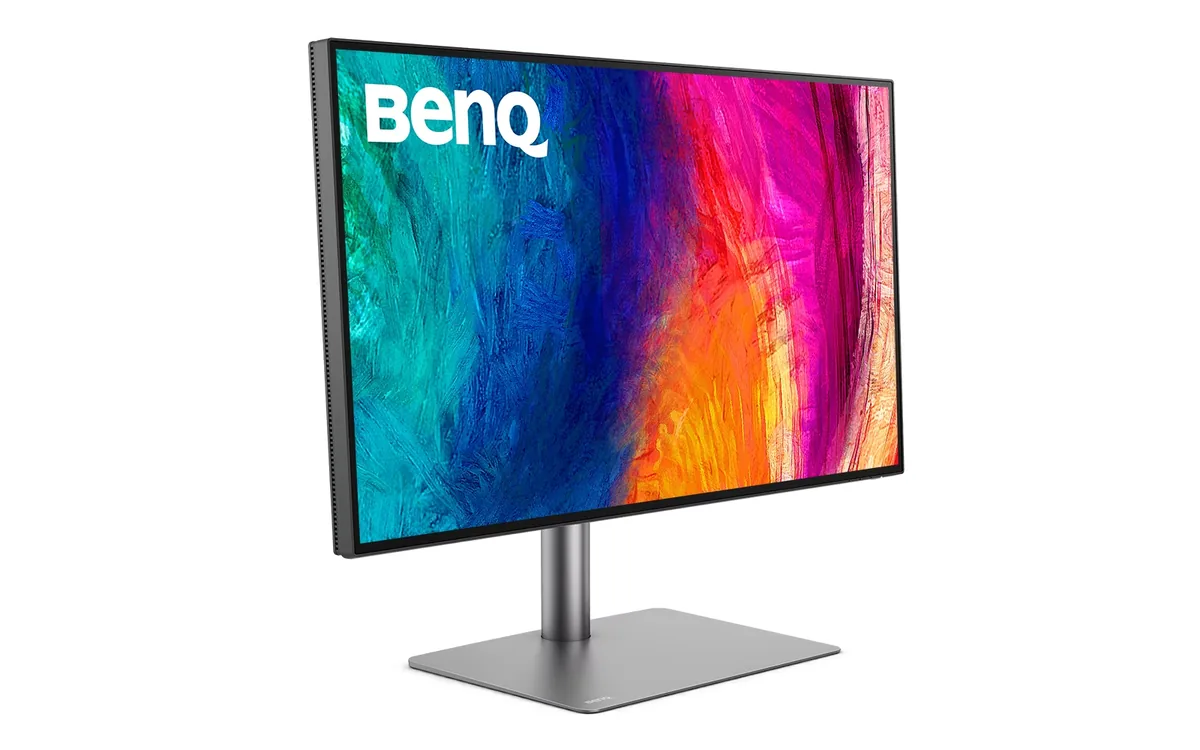
BenQ PD3225U

31.5″ · 3840×2160 · 60 Hz · IPS

Sharpness
59ppd · sharp
HDR
Accepts an HDR signal
  • IPS Black 2000:1
  • Thunderbolt 3 85 W
  • 98% Display P3

Best for: Mac-based photo and video work that needs deep blacks and a Thunderbolt dock in one box

BenQ MOBIUZ EX3210U monitor
BenQ~$700

BenQ MOBIUZ EX3210U

31.5″ · 3840×2160 · 144 Hz · IPS

Sharpness
59ppd · sharp
HDR
Real HDR
USB-C power
No USB-C power
  • 4K 144 Hz
  • DisplayHDR 600
  • 2.1 audio with woofer
  • Console at full speed

Best for: A living-room-style desk running a PC and two consoles off one screen

BenQ ZOWIE XL2566X+ monitor
BenQ~$650

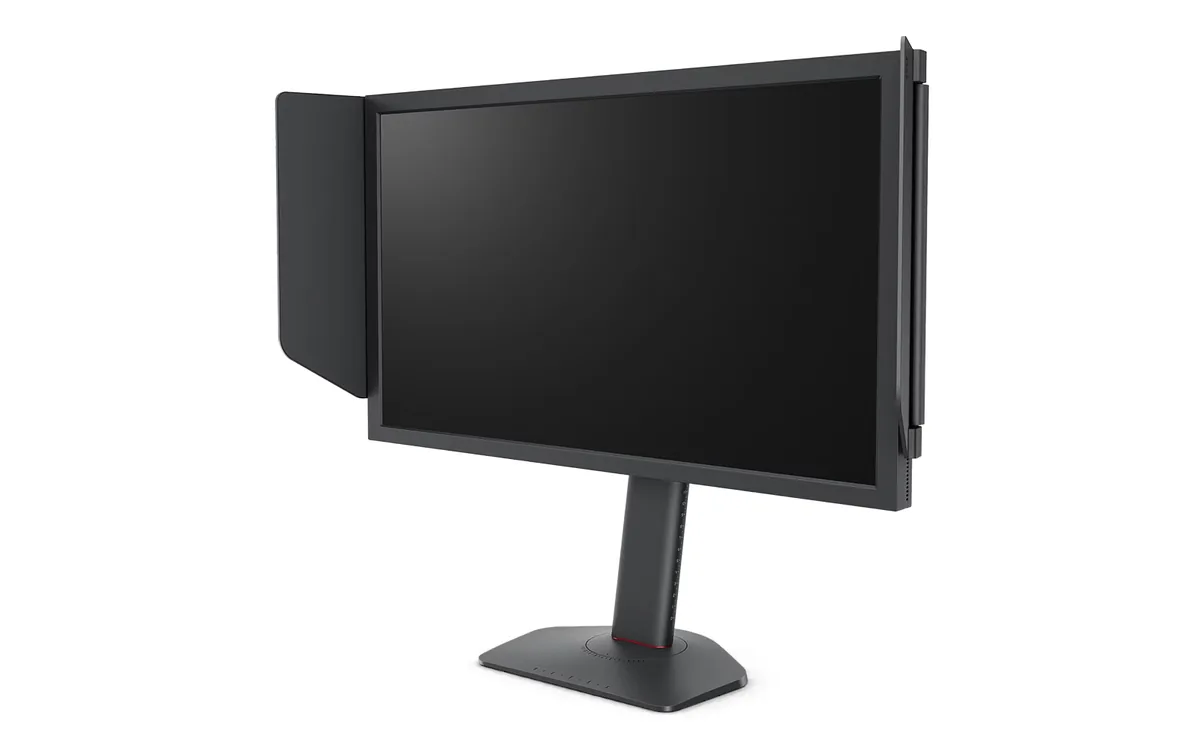
BenQ ZOWIE XL2566X+

24.1″ · 1920×1080 · 400 Hz · TN

Sharpness
38ppd · visible pixels
HDR
No HDR
USB-C power
No USB-C power
  • 400 Hz Fast-TN
  • DyAc 2 strobing

Best for: Tournament-style FPS practice where motion clarity outranks everything else

More from BenQ →

← Back to the catalog