Dough Spectrum One monitorGaming~$349

Dough

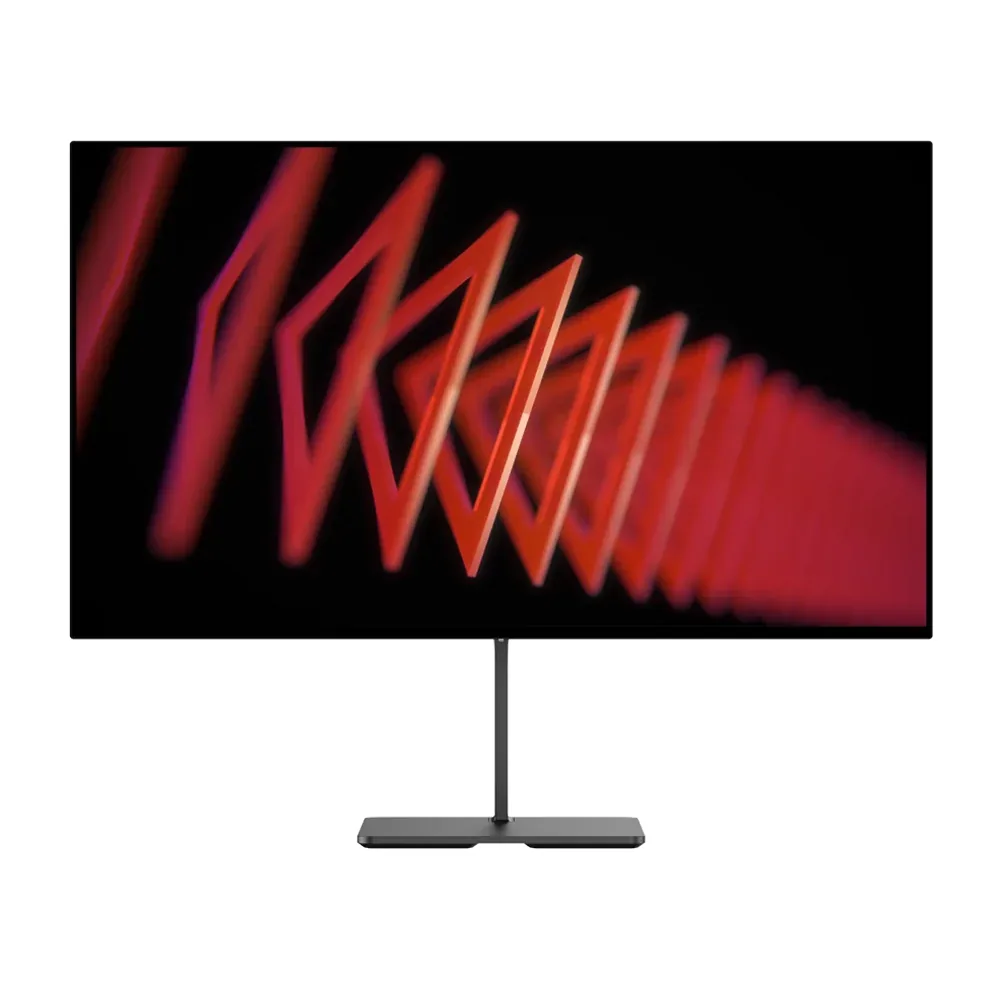
Dough Spectrum One

It ships without a stand, and that is the clearest statement of intent on this page — the assumption is that you already own an arm. What arrives is a 27-inch 4K 144 Hz Nano-IPS panel with DisplayHDR 600, a 16-zone dimming backlight and 100 W of USB-C charging, sold in three different coatings so you pick the reflection behaviour instead of accepting it. Dough stocks it in Irvine, California and quotes 72-hour shipping, which is worth saying about a company whose earlier reputation was built on the opposite.

Approx. price

~$349

snapshot, not a live price

Sharpness

68ppd · retina-class

past the ~1 arcminute limit of 20/20 acuity — the grid is gone

HDR tier

Real HDR

750 nits claimed behind 16 dimming zones

Peak brightness

750nits claimed692measured · TFTCentral

DisplayHDR 600

USB-C power

100 W

keeps a 14-inch machine charged under normal load

Max refresh

144 Hz

1 ms GtG rated

Port speed — can each input carry this panel?

  • 2×HDMI 2.1· full speed(DSC)
  • DisplayPort 1.4· full speed(DSC)
  • USB-C (DP Alt Mode)· full speed(DSC)

This panel needs 43.0 Gbps at 3840×2160, 144 Hz and 30 bits per pixel, and supports DSC compression.

Best for: A monitor-arm desk that wants 4K120 for a console and 144 Hz for a PC

Specifications

Approx. price
~$349
Type
Gaming
Resolution
3840×2160
Pixels per degree
68 — retina-class
Finish
matte
VRR
FreeSync Premium Pro
HDR tier
Real HDR
HDR certification
DisplayHDR 600
Peak brightness
750 nits claimed
Measured peak
692 nits · TFTCentral
Colour gamut
98% DCI-P3
Colour depth
8-bit+FRC
HDMI
2 × HDMI 2.1
DisplayPort
1 × DisplayPort 1.4
DSC
Supported
Port speed
3 of 3 inputs at full speed
USB-C
Video in over USB-C
USB-C power
100 W — 14-inch class laptop
KVM
None
USB hub
3 ports
Speakers
None
Stand
Fixed
VESA
100x100
Weight
10.4 lb
Released
2021
$ per inch
$13
$ per megapixel
$42

Features

  • 4K at 144 Hz with DisplayHDR 600 and a 16-zone dimming backlight
  • Three coating choices: matte, anti-reflective glossy, or Gorilla Glass
  • 100 W USB-C power delivery plus a three-port hub: two 10 Gbps USB-A and a 15 W USB-C
  • Two HDMI 2.1 inputs, so a console runs 4K120 natively
  • Certified for VESA Adaptive-Sync, G-Sync Compatible and FreeSync Premium Pro
  • Sold stand-free for arm and wall mounting, with an optional aluminium stand

What it does well

  • Buying the coating separately is unique here — glossy for contrast, matte for a bright room, glass for durability
  • 68 pixels per degree at desk distance, past the resolving limit of 20/20 vision
  • Two HDMI 2.1 ports mean a PS5 and an Xbox can both sit at 4K120 without swapping cables
  • 100 W USB-C charging is laptop-class, and the three downstream ports run at 10 Gbps rather than the usual 5
  • Paying nothing for a stand you were going to replace anyway is a real saving, not a cut corner
  • All three adaptive-sync certifications rather than one brand's

What it gives up

  • No stand in the box; the matching aluminium one is another $99
  • 16 dimming zones is a token number — expect obvious blooming around bright objects on black
  • 1000:1 native IPS contrast, so the DisplayHDR 600 badge is mostly about brightness
  • No speakers and no KVM switch
  • The 1 ms figure is the overdrive best case, not what the panel does with overdrive off

The two lists above come from the maker’s specifications and from published third-party measurements, not from owner reports. Where owner discussion has been read it appears in its own section below, so the two are never mistaken for each other.

What owners say

No monitor in this catalog is bought for a narrower reason. People want a glossy 4K 27-inch panel, discover that outside of Apple the market offers essentially one option, and then have to decide how much brand risk a screen coating is worth. Owners who take the deal are generally happy with what they are looking at — the clarity is real, and one long-time owner shopping for a replacement admits the glossy finish is the thing keeping them from switching.

Everything behind the glass is where it goes wrong. The firmware draws the harshest language owners use about this monitor: black screens, failures to wake, and input switching that stops working often enough that owners with a PC, a laptop and a console call it the reason they are upgrading. Updates are hard to apply, so those bugs tend to be permanent. Coil whine in standby shows up on units built years apart, and backlight uniformity varies badly from panel to panel — one owner holding two glossy 4K units describes a 2024 example with corners grey enough to spoil films, next to an apparently refurbished 2022 unit with less glow but audible whine.

The company is the other half of the calculation, and it is the half most shoppers act on. Owners describe multi-year pre-order sagas, refund requests that go unanswered, a complaint site they built themselves, and a steady stream of people who name the monitor as exactly what they want and then rule it out anyway. What has changed is the price: it now shows up new through ordinary retail channels for under £300 and used for a few hundred dollars, and the owners who recommend it at all recommend buying it that way, where a return is possible and the warranty is beside the point.
What owners like

  • The glossy version is the reason this monitor still has owners at all — buyers hunting a 4K glossy panel that is not an Apple display report searching for years and finding literally nothing else, and the ones who own it call the finish great even while listing the monitor's faults
  • Text and fine detail land noticeably sharper than on matte equivalents; one owner shopping replacements says the thing holding them back is knowing they will lose the clarity the glossy coating gives
  • It turns up as the only monitor a shopper could find that supports integer scaling, which matters if you run older games or emulators at exact pixel multiples
  • Prices have collapsed on the open market — owners report new glossy units under £300 and used ones changing hands around $475, which reframes the whole risk calculation
  • Bought through mainstream retail rather than direct, it comes with a normal returns path, and that is precisely the route owners recommend to anyone who still wants one

Common complaints

  • Firmware is the defining complaint: owners describe it as full of bugs and black screens, and the monitor frequently fails to switch inputs, which is miserable on a desk with a PC, a Mac and a console attached
  • Updating that firmware is itself a problem — owners report being unable to apply updates, so the bugs they have are the bugs they keep
  • Coil whine in standby comes up repeatedly across units from several manufacturing years, loud enough that owners list it as a reason to replace the monitor
  • Backlight uniformity is poor and inconsistent between units; one owner with two glossy 4K panels describes a 2024-built unit whose bottom corners go visibly grey during films
  • The company behind it has a long record of unresolved pre-orders and unanswered support tickets, to the point that buyers maintain a dedicated complaint site and many shoppers rule the brand out on principle without ever evaluating the panel
  • Anyone counting on the three-year warranty is taking a real bet, since owners openly question whether there will be a company left to honour it

Questions owners ask about the Dough Spectrum One

Is the glossy finish really worth the trouble?

For the people who buy it, yes — and they are unusually clear-eyed about what they are accepting. Owners describe searching the market repeatedly over four or more years and finding no non-Apple 4K glossy alternative. The ones who look at replacements keep stalling on the same point: a matte panel will cost them the clarity they bought this for. If you do not specifically want glossy, there is no reason to consider this monitor.

What exactly goes wrong with the firmware?

Two things owners raise constantly. First, black screens and wake-from-standby failures. Second, input switching — the monitor stops reliably moving between sources, which is the whole problem on a desk where a PC, a MacBook, a console and a handheld all share the panel. Owners also report being unable to apply firmware updates at all, so a unit with these bugs is likely to keep them.

Should I buy one directly from the company?

Owners are close to unanimous that you should not. There are pre-orders placed in 2020 that shipped in 2022, refund requests that go unanswered for months, and buyers who say their questions were removed from the company's own support channel. The advice that survives is to buy through a mainstream retailer where a return is straightforward, or to buy used and treat the warranty as worthless.

How bad is the IPS glow and backlight bleed?

It varies enough between units that owner reports contradict each other, which is itself the warning. One owner running two glossy 4K panels describes a 2024-manufactured example with glow severe enough that the bottom corners read grey in dark film scenes, while an older unit they believe is refurbished shows less. Anyone sensitive to corner brightness should plan on inspecting the unit on a dark screen immediately.

Is the coil whine constant or only sometimes?

Owners describe it specifically when the monitor drops into standby, not during normal use, and it appears on units built years apart. That is worse than it sounds for anyone who leaves a machine on overnight in the same room as their bed or desk — one owner lists it among the reasons they are looking to replace an otherwise-liked monitor.

Does it work well as a Mac display?

It comes up as a candidate for MacBook owners because of the glossy panel and the USB-C input, and people specifically cross-shop it against the INNOCN 27M2V for that role. The caution is the same as everywhere else: the input-switching bugs hit hardest on exactly this use case, where the monitor is expected to hand off cleanly between a laptop and a desktop.

Others in the same part of the catalog

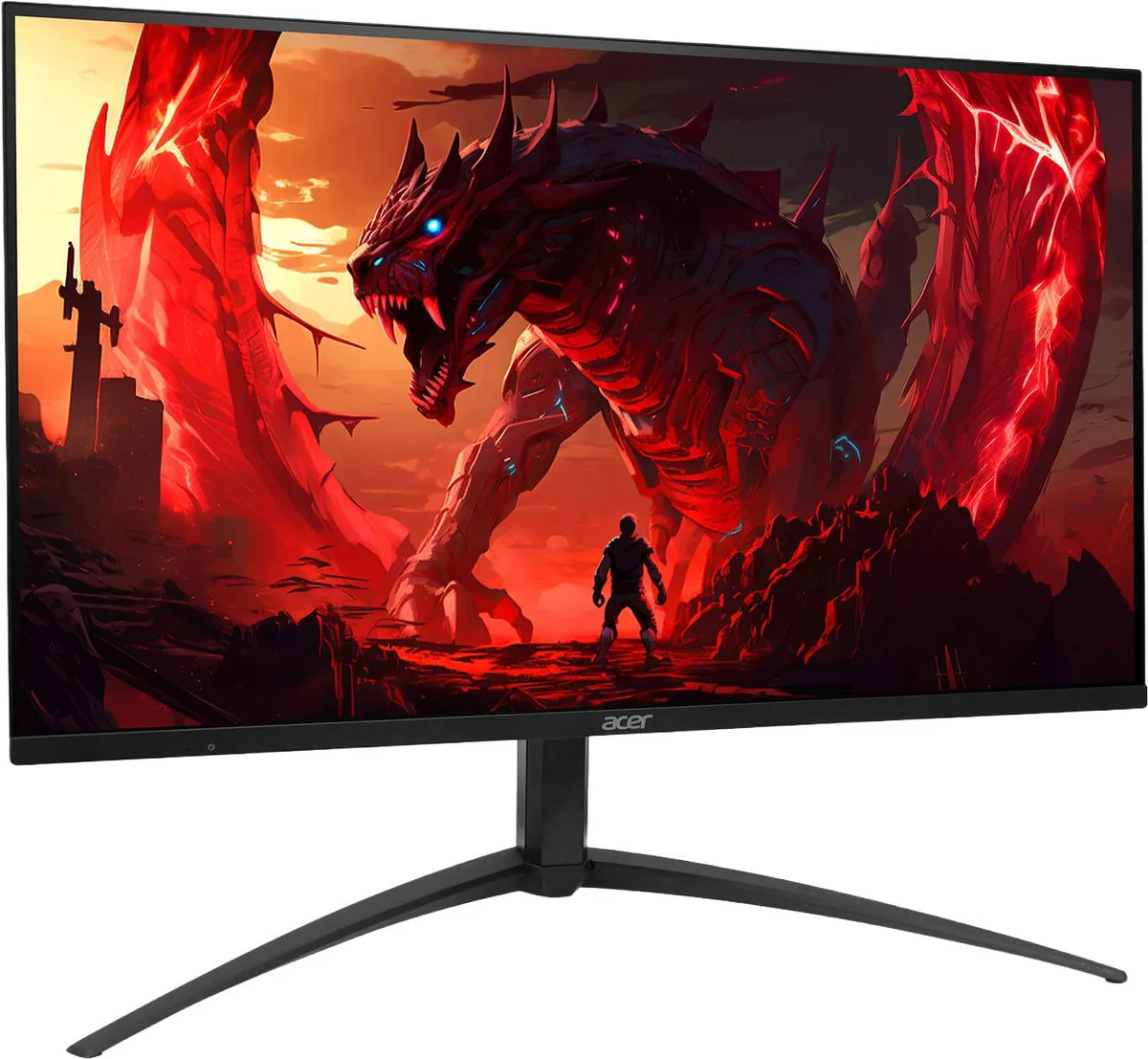
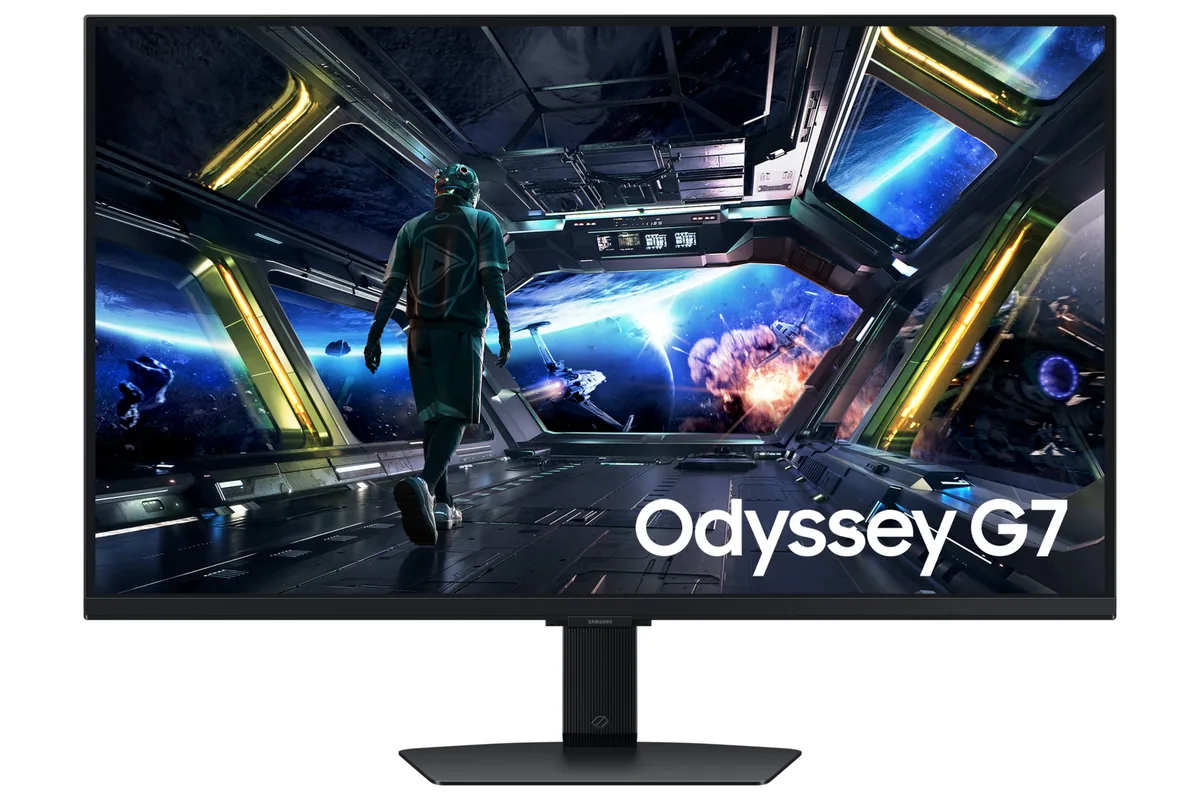
Samsung Odyssey G7 G70D monitor
Samsung~$400

Samsung Odyssey G7 G70D

27″ · 3840×2160 · 144 Hz · IPS

Sharpness
68ppd · retina-class
HDR
Accepts an HDR signal
USB-C power
No USB-C power
  • 4K at 144 Hz
  • Under $450
  • 2× HDMI 2.1

Best for: 4K at 144 Hz for a console and a PC, with streaming apps built in

Acer Nitro XV275K V3 monitor
Acer~$400

Acer Nitro XV275K V3

27″ · 3840×2160 · 160 Hz · IPS

Sharpness
68ppd · retina-class
HDR
Real HDR
USB-C power
No USB-C power
  • 1,000 nits claimed
  • 4K 160 Hz
  • DisplayHDR 1000
  • Console at full speed

Best for: HDR gaming on a budget that will not stretch to an OLED

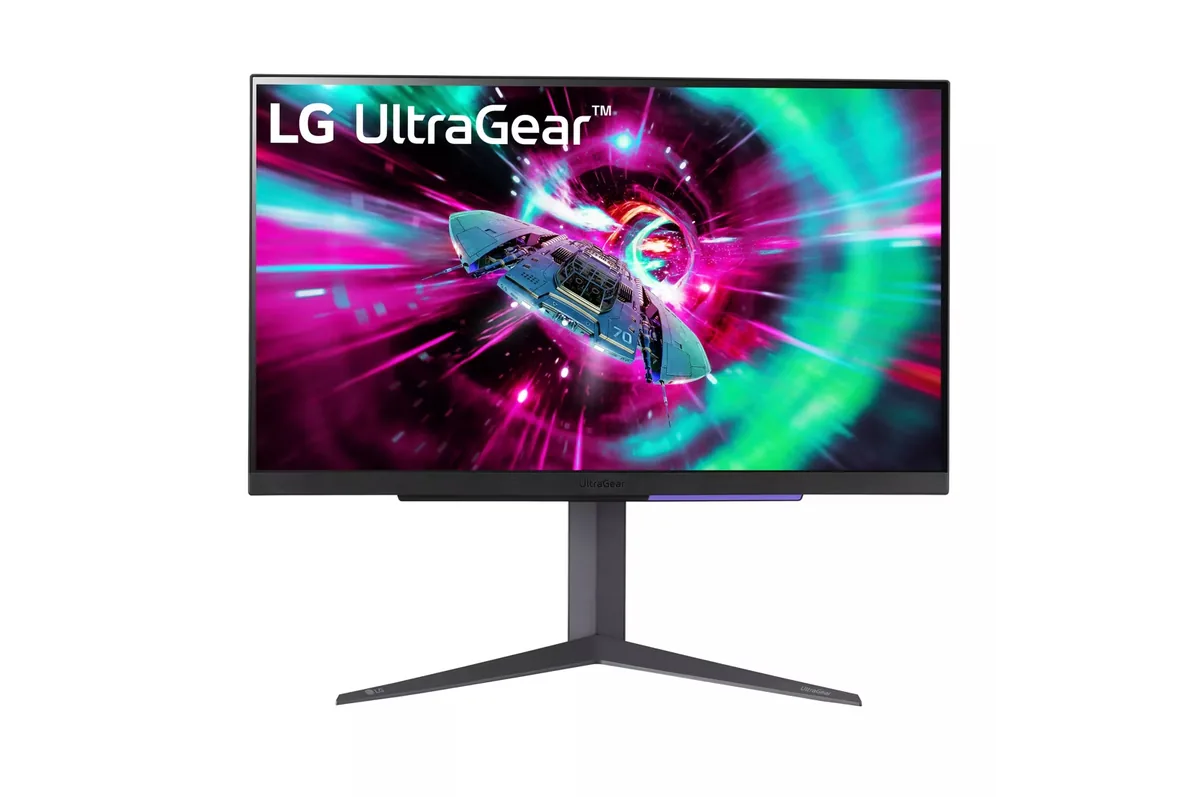
LG UltraGear 27GR93U monitor
LG~$500

LG UltraGear 27GR93U

27″ · 3840×2160 · 144 Hz · IPS

Sharpness
68ppd · retina-class
HDR
Accepts an HDR signal
USB-C power
No USB-C power
  • 4K at 144 Hz
  • 2× HDMI 2.1
  • 95% DCI-P3
  • Console at full speed

Best for: One desk shared by a PC and a current console, without a bandwidth compromise on either

Every gaming monitor here →

← Back to the catalog