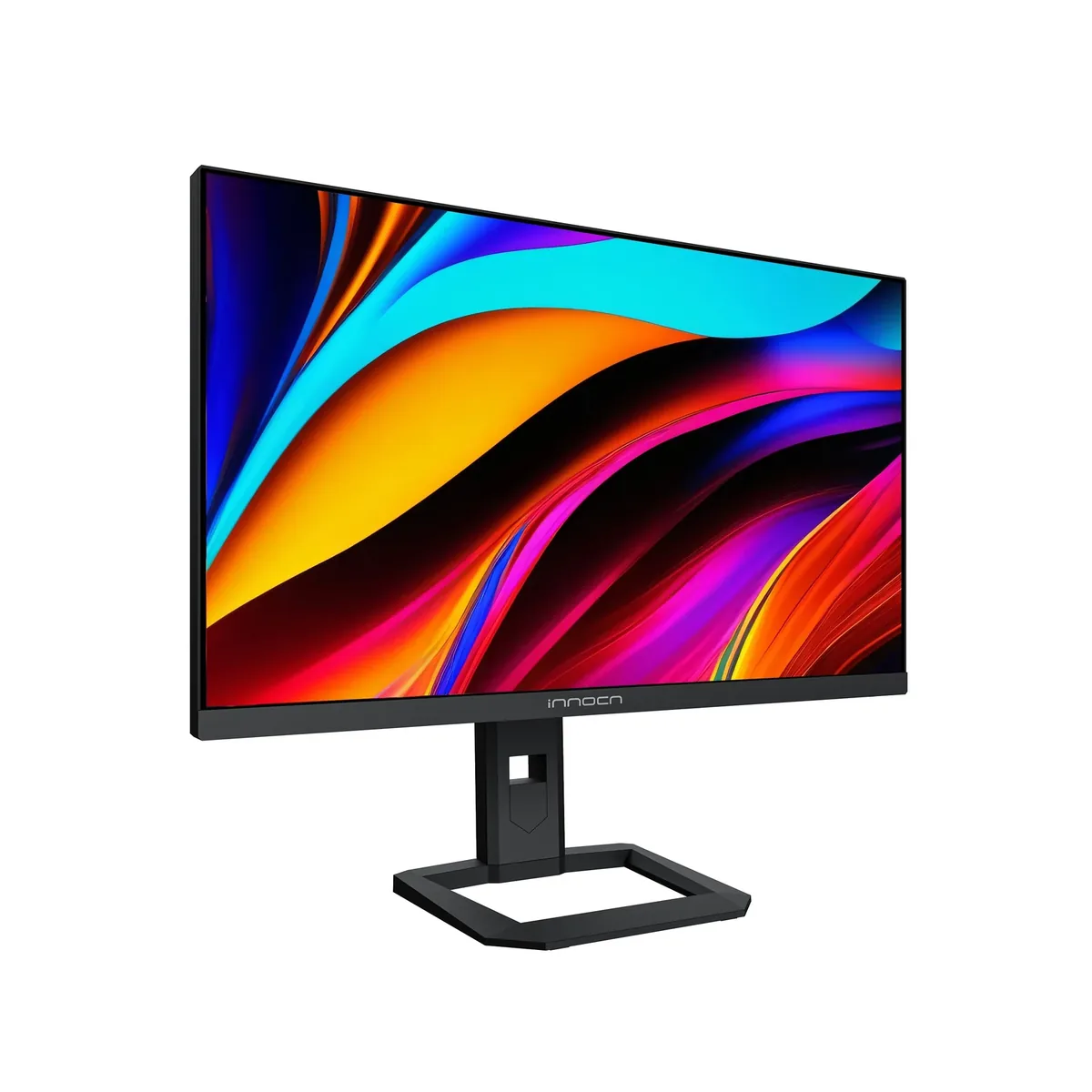
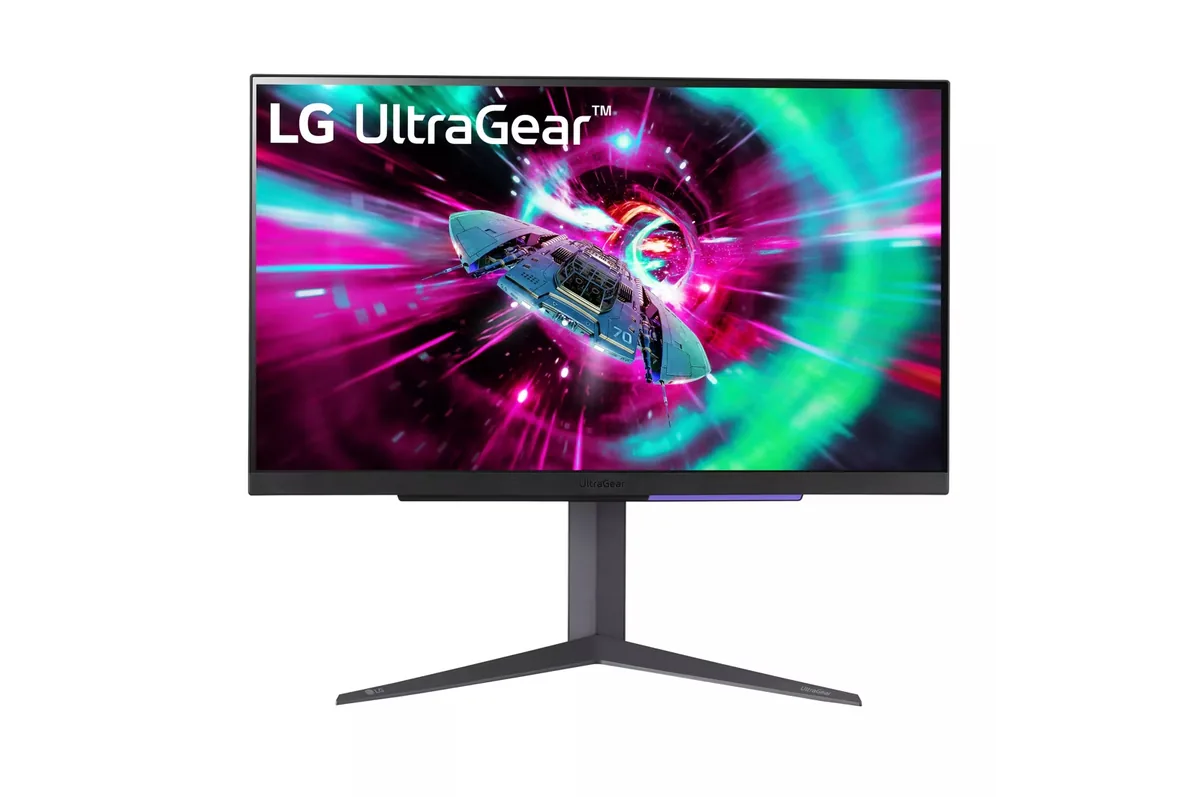
LG UltraGear 27GR93U monitorGaming~$500

LG

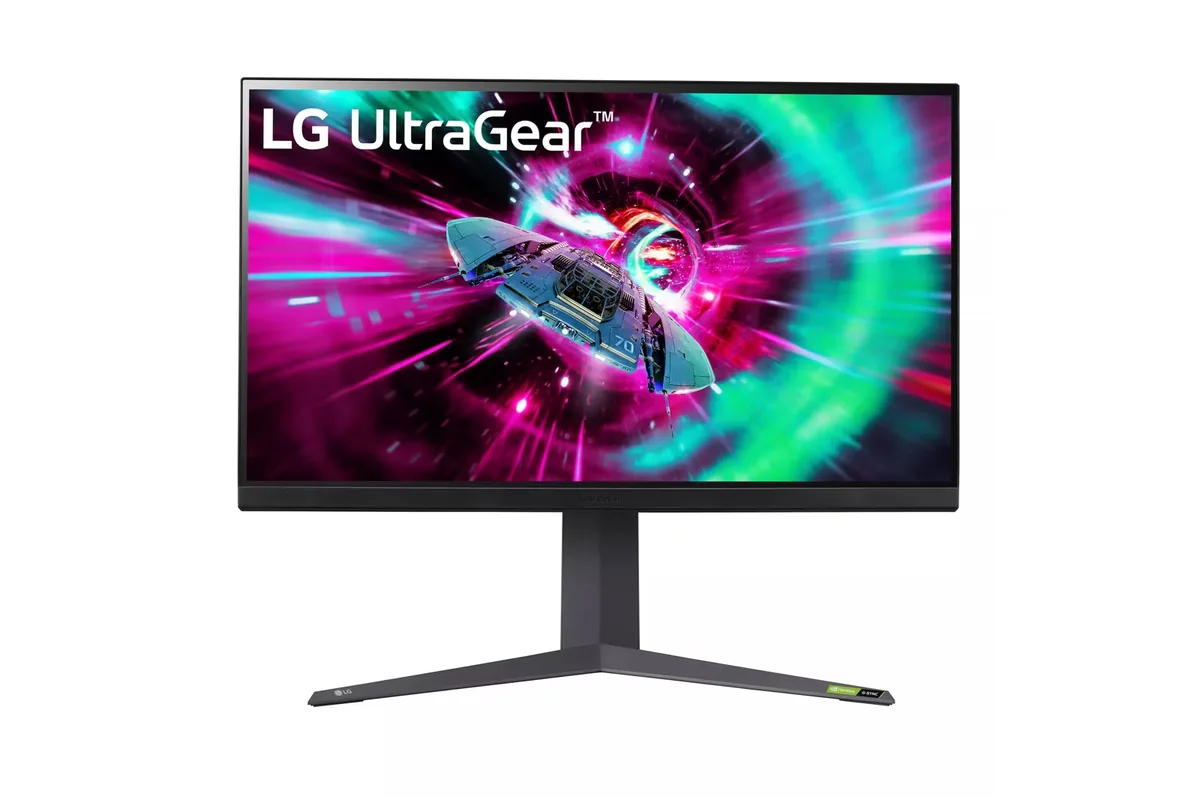
LG UltraGear 27GR93U

Two HDMI 2.1 inputs are what separates this one from the rest of LG's 27-inch 4K line, and they are the reason it keeps turning up in console threads: a PS5 or a Series X drives it at 4K120 without compression or a fallback mode. On a PC it runs 4K at 144 Hz over DisplayPort with DSC. The HDR badge is DisplayHDR 400 with no local dimming behind it, so HDR here is a signal the monitor accepts rather than an image it can produce.

Approx. price

~$500

snapshot, not a live price

Sharpness

68ppd · retina-class

past the ~1 arcminute limit of 20/20 acuity — the grid is gone

HDR tier

Accepts an HDR signal

an edge-lit backlight with no dimming zones — HDR mode changes the tone curve, not the contrast

Peak brightness

500nits claimed

DisplayHDR 400

USB-C power

None

video and data only, or no USB-C at all

Max refresh

144 Hz

1 ms GtG rated

Port speed — can each input carry this panel?

  • 2×HDMI 2.1· full speed(DSC)
  • DisplayPort 1.4· full speed(DSC)

This panel needs 43.0 Gbps at 3840×2160, 144 Hz and 30 bits per pixel, and supports DSC compression.

Best for: One desk shared by a PC and a current console, without a bandwidth compromise on either

Specifications

Approx. price
~$500
Type
Gaming
Resolution
3840×2160
Pixels per degree
68 — retina-class
Finish
matte
VRR
G-Sync Compatible
HDR tier
Accepts an HDR signal
HDR certification
DisplayHDR 400
Peak brightness
500 nits claimed
Colour gamut
95% DCI-P3
Colour depth
8-bit+FRC
HDMI
2 × HDMI 2.1
DisplayPort
1 × DisplayPort 1.4
DSC
Supported
Port speed
2 of 2 inputs at full speed
USB-C
None
KVM
None
USB hub
2 ports
Speakers
None
Stand
height, tilt, pivot
VESA
100x100
Weight
14.1 lb
Released
2023
$ per inch
$19
$ per megapixel
$60

Features

  • Two HDMI 2.1 inputs that carry 4K 120 from a console
  • 4K at 144 Hz over DisplayPort 1.4 with DSC
  • G-Sync Compatible and FreeSync Premium certified
  • Black Stabilizer and crosshair overlay
  • Height, tilt and pivot adjustment

What it does well

  • Both HDMI ports are 2.1 and both drive a console at 4K 120, rather than only the better one — LG publishes no link rate for either, so that is as far as the claim goes
  • 68 pixels per degree at a normal desk distance — text is past the point where the grid is visible
  • IPS response is genuinely quick for an LCD, with an overdrive setting that does not smear at 144 Hz
  • Matte coating handles a window behind you far better than the glossy OLEDs in the same price band
  • Pivots to portrait and takes a 100×100 arm, so it can become the tall secondary screen once something newer takes the middle of the desk

What it gives up

  • DisplayHDR 400 with an edge-lit backlight and no dimming zones — the HDR mode makes the picture dimmer and flatter, not better
  • 1000:1 static contrast means blacks are grey in a dark room, which is the whole reason people cross-shop this against an OLED
  • IPS glow in the corners on dark content is the usual lottery and LG does not screen for it
  • No USB-C, so a laptop needs a separate dock
  • Speakers are absent entirely; the headphone jack is the only audio path

The two lists above come from the maker’s specifications and from published third-party measurements, not from owner reports. Where owner discussion has been read it appears in its own section below, so the two are never mistaken for each other.

What owners say

Ask what to buy for a PS5 and this is the answer that comes back most often, usually beside an Inzone M9 and something OLED at twice the price. The reason is narrow and real: two HDMI 2.1 ports that both run at full bandwidth, so a console gets 4K120 whichever one you plug into, and 4K at 144 Hz on a PC over DisplayPort with compression.

The complaints cluster in two places. The first is panel quality control — dust under the coating found in the first week, backlight bleed worse than reviews suggested, and a handful of owners chasing flickering or coloured vertical lines through multiple panel swaps. The second is HDR, which owners describe as grey and washed out until they start compensating in the GPU driver; with no local dimming behind a 400-nit backlight, there is nothing there to fix. Colour also arrives warm enough that people retune the RGB sliders on day one.

Who it suits: somebody with a console and a PC sharing one desk who wants 4K sharpness and does not care about HDR, and who will actually inspect the panel carefully while the return window is open. People who bought it and later moved to OLED did so for contrast and HDR, not for motion — several say the response handling is close enough to much dearer panels that motion was never the reason they switched.
What owners like

  • Turns up on almost every shortlist people build for a PS5 or Series X, usually against monitors costing twice as much, and the owners who bought it for that reason report the console negotiating 4K at 120 Hz on either HDMI port without a fallback mode
  • Wakes from sleep reliably, which sounds like faint praise until you read the buyers who landed here after returning two Samsung panels that would not come back on, or a Gigabyte M28U that needed its KVM disabled to wake at all
  • One owner found HDR plus variable refresh behaved better over HDMI 2.1 than over DisplayPort 1.4, where enabling VRR with HDR dropped the panel's brightness noticeably — a useful thing to know before you assume DisplayPort is the better cable
  • Sharp enough at 27 inches that people run two and three of them for work, and the matte coating means a window behind the desk becomes a dull patch rather than a mirror
  • One buyer who tried a mini-LED alternative for its deeper blacks sent it back over its motion performance and kept this one — the response tuning holds up against panels with far better contrast on paper

Common complaints

  • Specks of debris under the coating are a recurring first-week discovery: several buyers photographed dust or grey smudges that would not clean off because they sit beneath the screen surface, and the only fix is an exchange inside the return window
  • Backlight bleed and corner glow run worse than the reviews prepared people for — one owner photographed his and asked outright whether the unit was faulty
  • Panel faults come up more often than they should: coloured vertical lines appearing after four days on one unit (cured by a full OSD reset), and another owner who went through four panel swaps and a replacement over eighteen months before getting a refund
  • LG's after-sales handling is the reason several owners say they will not buy LG again, independent of what they think of the monitor
  • HDR mode looks grey and flat rather than brighter, and owners end up raising brightness and saturation in the GPU control panel to compensate — which is what DisplayHDR 400 with no dimming zones gets you
  • Colour runs warm out of the box; one owner had to pull red down and push blue up by twenty points to match another LG IPS sitting next to it

Questions owners ask about the LG UltraGear 27GR93U

Will a PS5 or Xbox Series X run at 4K 120 Hz on either input?

Yes — both HDMI ports carry the full bandwidth, so there is no good port and bad port to keep straight. Owners running a console report the handshake working without a reduced-bandwidth fallback. One Series X owner was underwhelmed by the picture at first; that usually traces to the console's own HDR calibration and the monitor's picture mode rather than the link.

Why does HDR look grey and washed out compared with SDR?

Because the HDR badge here sits over an edge-lit backlight with no dimming zones, so HDR mode mostly flattens the tone curve without adding any highlight range. Owners work around it by raising brightness and saturation in the GPU control panel, which helps the look but is not real HDR. One owner also found that enabling VRR alongside HDR over DisplayPort 1.4 dimmed the panel sharply, while the same combination over HDMI 2.1 did not.

There are specks or grey smudges under the screen — can they be cleaned?

No, and several buyers have hit this. The debris sits under the panel's coating, so wiping the front does nothing. Every owner who reported it concluded the same thing: exchange the unit while the return window is still open, because it does not go away and it does not get better.

Can I actually select 10-bit colour at 144 Hz?

One owner found 10-bit only offered at 120 Hz when connected over HDMI, with 144 Hz forcing 8-bit. DisplayPort 1.4 with compression enabled is the path that carries 4K at 144 Hz with the deeper colour, and it needs a GPU that supports compression on that output.

My laptop only offers 60 Hz on it — what is wrong?

Almost always the laptop's output or the dock in between, not the monitor. One owner had a PS5 pulling 120 Hz on the same panel while a work laptop was stuck at 60 over both DisplayPort and HDMI. 4K at high refresh needs a source that can actually drive that link rate, and a laptop docking station frequently cannot. Mac owners also report a pink tint that clears by switching the input's picture mode from PC to AV.

Others in the same part of the catalog

LG UltraGear 32GR93U monitor
LG~$600

LG UltraGear 32GR93U

31.5″ · 3840×2160 · 144 Hz · IPS

Sharpness
59ppd · sharp
HDR
Accepts an HDR signal
USB-C power
No USB-C power
  • 32-inch 4K
  • 144 Hz
  • 2× HDMI 2.1
  • Console at full speed

Best for: A big desktop where 4K at 100% scaling is the point

INNOCN 32M2V monitor
Innocn~$500

INNOCN 32M2V

32″ · 3840×2160 · 160 Hz · Mini-LED IPS

Sharpness
58ppd · sharp
HDR
Real HDR
  • 2,304 zones
  • 4K 160 Hz
  • 100% Adobe RGB

Best for: The most local dimming per dollar on a 32-inch 4K desktop

More from LG →

← Back to the catalog