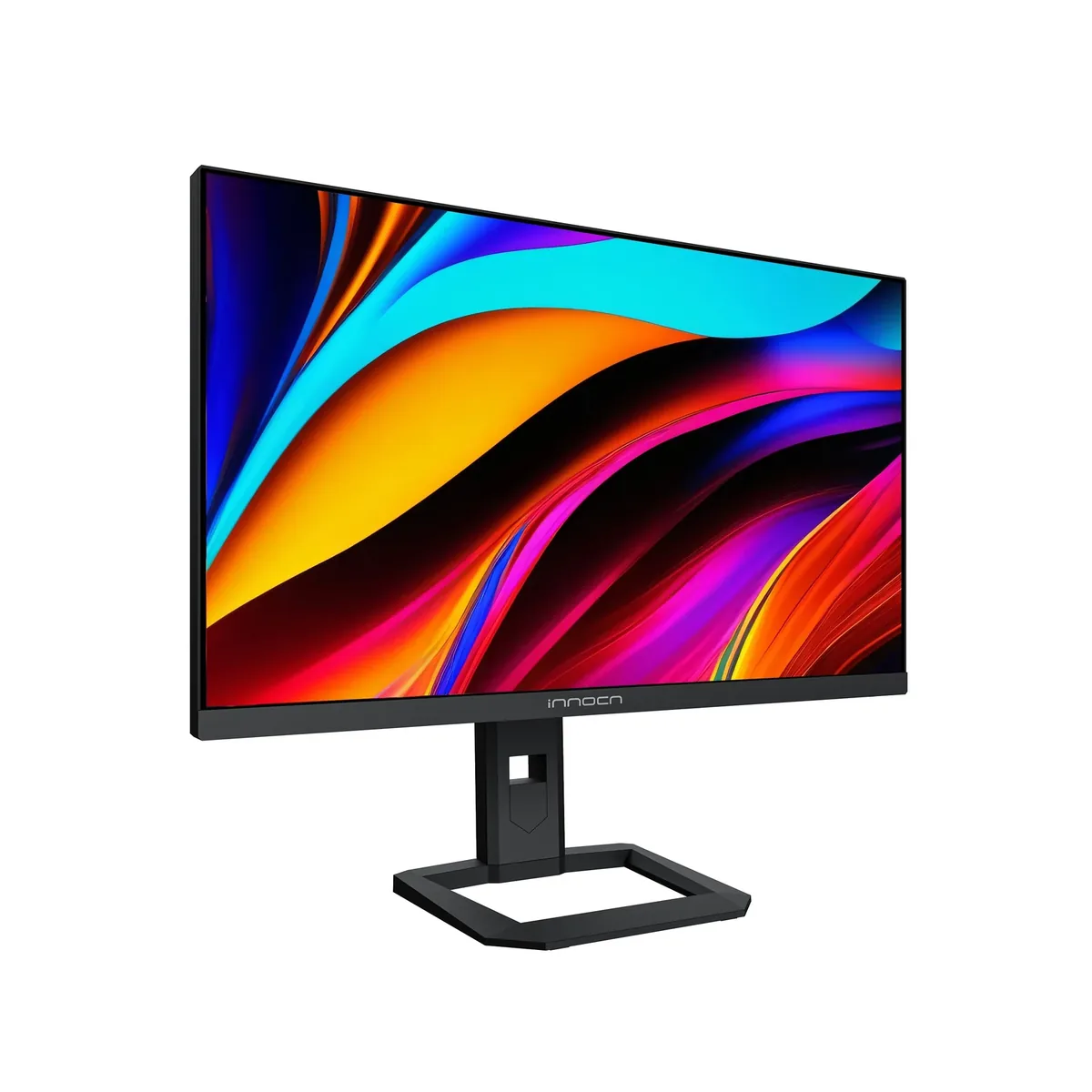
INNOCN 32M2V monitorGaming~$500

Innocn

INNOCN 32M2V

A 2,304-zone backlight normally turns up on an $1,800 superultrawide, not a $500 32-inch 4K desktop panel — only Samsung's Neo G9 fields more zones in this catalog, at three and a half times the price. It arrives alongside 100% Adobe RGB and 99% DCI-P3 claims, 160 Hz and a 65 W USB-C input. The catch is the paperwork: the 1,000-nit HDR figure is INNOCN's own label with no VESA certification cited, and the warranty runs 12 months where the brands above it run three years.

Approx. price

~$500

snapshot, not a live price

Sharpness

58ppd · sharp

text is clean; pixel edges show if you look for them

HDR tier

Real HDR

1000 nits claimed behind 2,304 dimming zones

Peak brightness

1,000nits claimed

no HDR certification

USB-C power

65 W

holds a 13-inch ultrabook at a steady charge

Max refresh

160 Hz

1 ms GtG rated

Port speed — can each input carry this panel?

  • 2×HDMI 2.1· full speed at 8-bit
  • DisplayPort 1.4· below the panel's maximum
  • USB-C (DP Alt Mode)· below the panel's maximum

This panel needs 47.8 Gbps at 3840×2160, 160 Hz and 30 bits per pixel, with no DSC to fall back on.

Best for: The most local dimming per dollar on a 32-inch 4K desktop

No input on this monitor carries 3840×2160 at 160 Hz and 30 bits per pixel at once. The panel will reach its advertised refresh rate at 8 bits per channel instead, which is what the specification sheet is quietly describing. How the arithmetic works.

Specifications

Approx. price
~$500
Type
Gaming
Resolution
3840×2160
Pixels per degree
58 — sharp
Panel
Mini-LED IPS
Finish
matte
VRR
FreeSync Premium
HDR tier
Real HDR
Peak brightness
1,000 nits claimed
Local dimming
2,304 zones
Colour gamut
99% DCI-P3
Colour depth
8-bit+FRC
HDMI
2 × HDMI 2.1
DisplayPort
1 × DisplayPort 1.4
DSC
Not supported
Port speed
No input reaches the panel's maximum
USB-C
Video in over USB-C
USB-C power
65 W — Thin-and-light laptop
KVM
None
USB hub
2 ports
Speakers
Built in
Stand
height, tilt, swivel
VESA
100x100
Weight
14.2 lb
Released
2026
$ per inch
$16
$ per megapixel
$60

Features

  • 2,304 mini-LED dimming zones behind a 32-inch 4K panel
  • 160 Hz at 4K with FreeSync Premium
  • 100% Adobe RGB and 99% DCI-P3 claimed coverage
  • 65 W USB-C input alongside two HDMI 2.1 ports
  • 5 W stereo speakers and a height-adjustable stand

What it does well

  • 2,304 zones is twice what the next mini-LED monitor near this price fields, and no monitor here gives you more dimming zones per dollar
  • Adobe RGB coverage at the claimed 100% is unusual outside dedicated creator panels
  • A 32-inch 4K panel at 160 Hz for $500 undercuts every other 31-inch-plus 4K high-refresh screen here
  • 58 pixels per degree — a 32-inch 4K screen sits just under the retina-class threshold at desk distance, and far above any 1440p panel
  • One USB-C cable carries 4K video and 65 W of charge, which is unusual on a gaming-first panel at this price

What it gives up

  • The HDR1000 label is INNOCN's own; no VESA DisplayHDR certification is cited for it
  • Twelve-month warranty against three years from Lenovo, AOC and KTC
  • New stock sells out for long stretches, and the refurbished listing is often the only one available
  • 1000:1 native IPS contrast means the dimming array is doing all the heavy lifting
  • The stand lifts only 80 mm and does not rotate to portrait
  • No KVM switch, so the USB-C dock serves one machine at a time

The two lists above come from the maker’s specifications and from published third-party measurements, not from owner reports. Where owner discussion has been read it appears in its own section below, so the two are never mistaken for each other.

What owners say

Brightness is this monitor's whole personality, and owners do not hedge about it. The person who bought five mini-LED panels at once to compare — this one, the 27-inch sibling, the KTC M32P10, a Porsche Design PD32M and Samsung's Neo G7 — rated it the brightest display they had ever owned and gave its dimming algorithm the highest marks of the group. Another owner arriving from a fourth-generation tandem WOLED found sunlit, sparkle-heavy scenes looking better here than on the OLED they came from, and went looking for an explanation. At the prices this thing routinely sells for, that is a lot of HDR for the money.

Where it disappoints is everything you touch. The chassis feels cheap and weighs little, the stand tops out too low for a 32-inch screen so most owners end up on an arm, and the menu system is bad enough that people configure it once and never return. Dimming behaviour needs learning: leave local dimming on with SDR video and whites wash toward grey, dark backgrounds show inverse blooming, and there is an automatic brightness behaviour owners go hunting for a way to kill. Mac users have the most specific complaints — full refresh rate only at native and 1440p, so the scaled resolutions that make this size usable cost you frames.

The real risk is the unit lottery. Stuck and dead pixels come up again and again, one owner found dust sealed inside the panel and another something worse, and the support story that should worry buyers most is the owner whose approved pixel claim could not be honoured because the model was out of stock with no restock planned — they were offered twenty dollars. Several owners also note it has already gone unavailable in Europe. Buy it somewhere with a real return window, inspect it hard in the first week, and treat the warranty as optimistic rather than load-bearing. Note too that the badge covers several variants: a re-coloured 32A6V, a 32M2V-B, and a newer revision with a much higher zone count, and shoppers regularly cannot tell which one a listing is selling.
What owners like

  • Brightness is what owners lead with every time — one reviewer who bought five mini-LED monitors to compare scored it a flat ten out of ten and called it the brightest display they had ever used, in SDR as well as HDR
  • Its local dimming algorithm came out ahead of the KTC M32P10 and Samsung's Neo G7 in the same owner's side-by-side, with less blooming and less inverse blooming than either
  • Owners coming off high-end OLED panels are the ones most surprised by it: one running a fourth-generation tandem WOLED says bright, sparkly, sunlit scenes look exceptional here in a way they did not expect from an LCD
  • It is perennially discounted far below list — owners report paying $400, $500 and $550 against a $799-999 sticker, which is where it beats the Neo G7 and Neo G8 on value rather than on paper
  • It is the default recommendation for developers and designers who want HDR punch but cannot take a burn-in risk on a screen full of static toolbars all day
  • Cable management and stability are better than the Samsung it is usually compared against, even though nobody would call the chassis premium

Common complaints

  • Build quality is the consistent weak point — owners describe it as feeling and looking cheap, unusually light for a 32-inch panel, and the stand does not rise far enough, so a monitor arm becomes a near-requirement
  • Quality control is a real gamble: dead and stuck pixels come up constantly, and owners have found dust and a foreign object sealed inside the panel on units only days old
  • One owner's warranty claim for stuck pixels ended with the company saying the model was out of stock and would not be restocked, then offering $20 in compensation instead of the replacement they normally do
  • The on-screen menu is genuinely unpleasant to navigate; owners set it once, assign shortcuts and avoid going back in
  • Dimming behaviour confuses people in ordinary use — whites turn grey when local dimming is left on with SDR video, inverse blooming shows on dark backgrounds, and there is an auto-brightness behaviour owners actively look for a way to switch off
  • Mac owners hit two walls: 144Hz is only offered at 3840×2160 and 2560×1440, so the scaled resolutions that make a 32-inch panel comfortable drop the refresh rate, and one owner six months in developed fuzzy text and stray border lines on white backgrounds over DisplayPort

Questions owners ask about the INNOCN 32M2V

Why do whites look grey when I turn local dimming on?

Owners hit this with SDR video specifically and assume the monitor is broken. What they conclude is that the dimming mode is tuned for games and HDR, and applying it to ordinary SDR content pulls bright areas down. The practical answer people land on is to leave local dimming off for desktop and SDR video work and switch it on for HDR games, using the OSD shortcut buttons rather than digging through menus each time.

Does it really get brighter than an OLED?

In the way that matters for HDR highlights, yes, and owners who have both say so unprompted. One compares it directly against LG OLED televisions and calls this the best HDR experience they have had despite the OLEDs having better blacks. Another notes it clears 1000 nits on a full white field where Samsung's Neo G8 manages closer to 350. Dark scenes still belong to OLED — this is a highlight-brightness advantage, not an all-round one.

How likely am I to get a unit with bad pixels?

Likely enough that owners raise it as the main reason to hesitate. Stuck and dead pixels are the single most repeated defect, and other owners have found dust or debris sealed inside the panel within days of delivery. One buyer who had never received a flawless IPS monitor in five attempts found this one pixel-perfect but with dust behind the glass. Order where returns are free and check on a full-screen white and a full-screen black slide immediately.

What happened when someone tried to claim warranty?

The one documented case is discouraging. The owner reported stuck pixels, was initially told the photographs were not convincing, eventually got the claim accepted, and was then told a replacement was impossible because the model was out of stock and would not be restocked. The offer made instead was $20. Treat this as a budget purchase whose support path may be a refund from the retailer rather than a repair from the maker.

Which version am I actually buying?

This is a genuine problem. Shoppers ask whether the 32A6V is simply a re-coloured 32M2V, what the 32M2V-B is, and what to make of a newer revision advertised with a much higher dimming-zone count and a higher refresh rate. Compare the refresh rate and zone count on the specific listing rather than assuming owner reports about one revision apply to the one in your cart.

Is it a good display for a MacBook?

It works, with caveats owners found the hard way. macOS only offers the full 144Hz at 3840×2160 and 2560×1440, so the in-between scaled resolutions that make a 32-inch 4K panel comfortable knock the refresh rate down, and third-party scaling tools did not fix that for the owner who tried. One owner six months in also developed fuzzy text and stray outlines on white backgrounds over DisplayPort with an M2 Max. If colour-critical Adobe work on a Mac is the job, budget time for calibration.

Others in the same part of the catalog

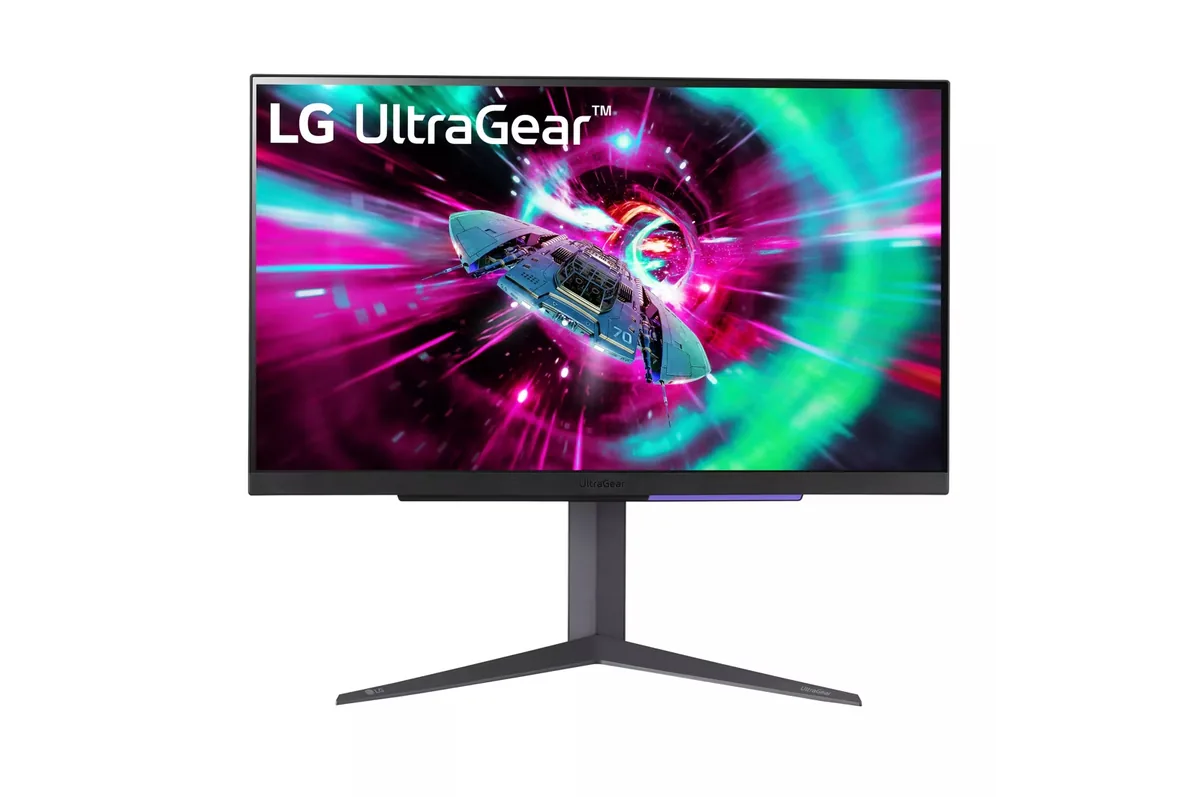
LG UltraGear 27GR93U monitor
LG~$500

LG UltraGear 27GR93U

27″ · 3840×2160 · 144 Hz · IPS

Sharpness
68ppd · retina-class
HDR
Accepts an HDR signal
USB-C power
No USB-C power
  • 4K at 144 Hz
  • 2× HDMI 2.1
  • 95% DCI-P3
  • Console at full speed

Best for: One desk shared by a PC and a current console, without a bandwidth compromise on either

Gigabyte M27U monitor
Gigabyte~$530

Gigabyte M27U

27″ · 3840×2160 · 160 Hz · Fast IPS

Sharpness
68ppd · retina-class
HDR
Real HDR
  • 4K at 160 Hz
  • KVM built in
  • 2× HDMI 2.1
  • Console at full speed

Best for: A 4K gaming desk shared between a PC and a work laptop

Gigabyte M32U monitor
Gigabyte~$550

Gigabyte M32U

31.5″ · 3840×2160 · 144 Hz · Fast IPS

Sharpness
59ppd · sharp
HDR
Accepts an HDR signal
  • 32-inch 4K 144 Hz
  • KVM
  • Under $600
  • Console at full speed

Best for: A large 4K gaming desktop that also has to switch between two machines

Every gaming monitor here →

← Back to the catalog