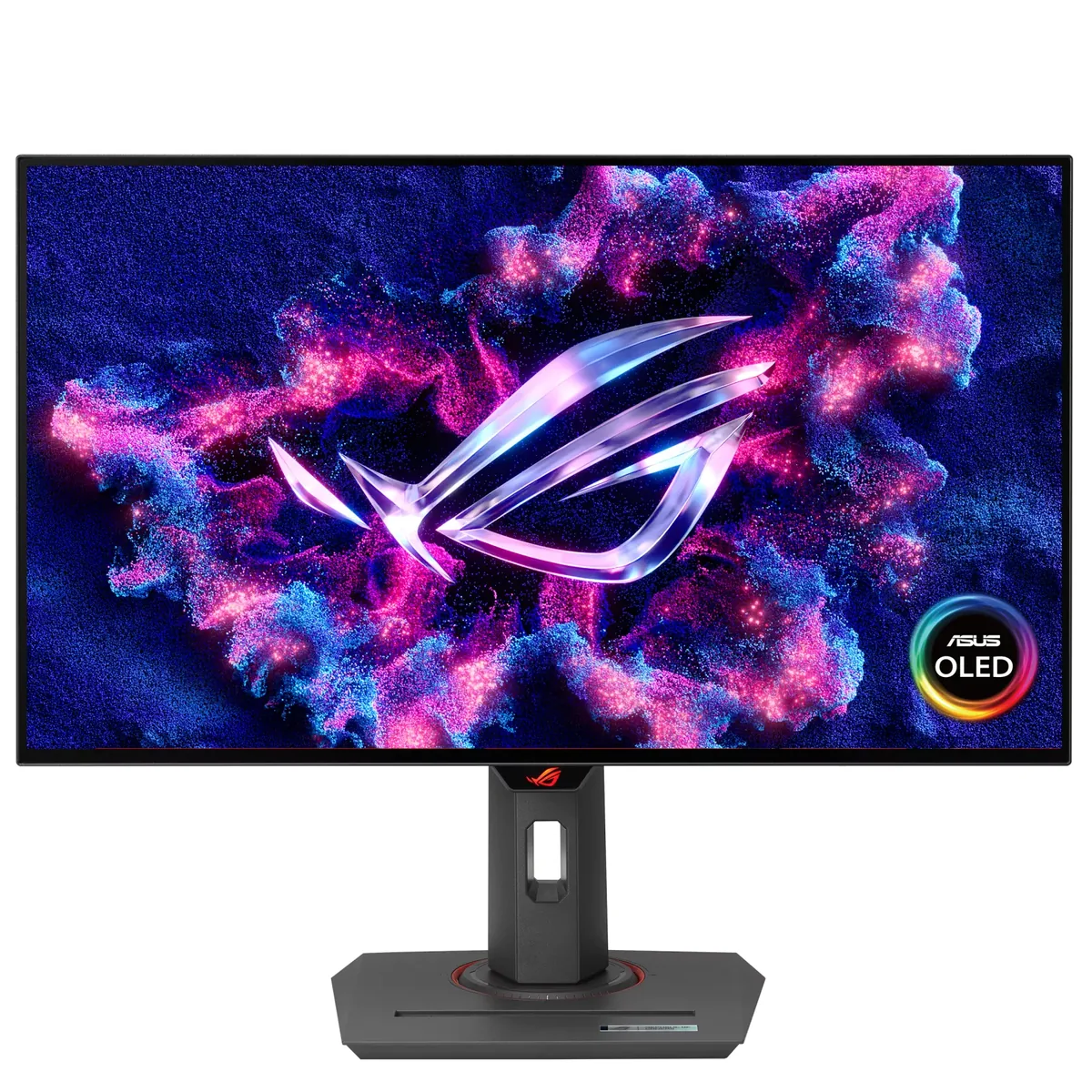
ASUS~$599
ASUS ROG Strix XG27AQDMG
26.5″ · 2560×1440 · 240 Hz · WOLED
- Sharpness
- 46ppd · sharp
- HDR
- Real HDR
- USB-C power
- No USB-C power
- 240 Hz OLED
- Under $600
- 3-year burn-in cover
Best for: OLED motion at the lowest price ASUS sells it for
KTC
Same LG Display WOLED panel as the far pricier 27-inch OLEDs of its generation, and it measures accordingly: TFTCentral recorded 904 nits of HDR peak against KTC's 1,000-nit spec, and 209 nits on a full white screen once the brightness limiter settles. Add a 65 W USB-C input, a KVM switch and speakers — none of which the ASUS and LG versions of this panel bothered with — and the gap to the big-brand versions stops looking like a quality difference.
Approx. price
~$590
snapshot, not a live price
Real HDR
per-pixel emissive — every pixel is its own backlight, so a highlight can sit beside true black
Port speed — can each input carry this panel?
This panel needs 31.9 Gbps at 2560×1440, 240 Hz and 30 bits per pixel, and supports DSC compression.
Best for: OLED contrast plus a USB-C dock for well under a thousand dollars
The two lists above come from the maker’s specifications and from published third-party measurements, not from owner reports. Where owner discussion has been read it appears in its own section below, so the two are never mistaken for each other.
Price is the entire argument here, and it is a strong one. Buyers hunting a 1440p 240Hz OLED under $550 keep turning this up next to the AOC AG276QZD2, Samsung's G6 and the MSI 271QPX, usually a hundred dollars or more cheaper than any of them, and a fair number take the gamble on a brand they had never heard of. Most who do are happy with the panel, and the owners coming off cheap IPS are the most enthusiastic voices this catalog has recorded.
The frustration is all in the electronics around the panel. HDR is the recurring wall — owners describe the screen washing white when HDR is enabled in the monitor menu, Windows HDR looking flat and grey, and the monitor telling them to disable it in one place and enable it in another. Even in plain SDR the brightness limiter is conspicuous, swinging when dark scenes play or when a bright UI element opens, and the colour menu is unusually restrictive: choose the sRGB gamut and you are stuck with a warm white point, with no gamma control to compensate. Several owners solve this with third-party gamut clamping rather than the OSD. A handful return the monitor over exactly this and move to an LG, ASUS or MSI equivalent.
It is worth knowing what you are not getting for the saving. HDMI is 2.0 only, which makes it an awkward console monitor — the one PS5 owner on record running an adapter fights random blanking — and 10-bit at 240Hz over DisplayPort 1.4 means turning DSC on. Out-of-box vertical lines come up more than once, including on the newer S variant, so buy where returns are painless and check a grey full-screen slide on day one. Get past all that and you have the cheapest well-reviewed WOLED going, with a KVM that its pricier rivals often omit.
More than one owner hits this when HDR is switched on in the monitor's own menu, and it is the single most common complaint about this display. The pattern owners describe is a conflict between the monitor-side HDR toggle and Windows' own: the monitor prompts you to disable it in Windows and enable it on the display, and the combinations behave inconsistently. Some owners never get a result they like and leave HDR off entirely.
Owners see this and it is not imagined. Dark scenes in streamed video brighten for a moment and then dim, and one owner found the entire desktop lifting in brightness just because a bright search panel opened in Photoshop. This is the panel's brightness limiter reacting to how much of the screen is lit, and on this model it is aggressive enough that people notice it in ordinary use, not just in test patterns.
No owner gets a clear answer, which is a problem in itself. Shoppers find the S listed at a higher price with a later release date and no visible spec difference, and the newer M is a fourth-generation WOLED variant announced in China at a lower price with different brightness claims. Confirm the exact model on the listing you are buying and treat owner reports about one variant as only roughly applicable to the others.
It is a poor console match. There is no HDMI 2.1, so the one PS5 owner on record runs an HDMI-to-DisplayPort adapter and reports the monitor shutting off or restarting at random, sometimes every thirty seconds. If a console is the main source, the money is better spent on a display with a native HDMI 2.1 input.
Yes, over DisplayPort 1.4 that is the only way to reach 10-bit at the full refresh rate, and owners ask whether the compression is worth it. The practical answer from the discussion is that DSC is visually lossless in normal use, so there is no reason to give up 10-bit to avoid it — but the question comes up often enough that it is worth knowing before you buy.
It splits owners. Some bought it deliberately over a glossy panel because they work with the blinds open, and are pleased. One owner coming from a glossy laptop screen describes a persistent sparkle or sprinkled texture that bothered them enough to look into having the coating removed. If you have only ever used glossy panels, this is the thing most likely to disappoint you about an otherwise good screen.
26.5″ · 2560×1440 · 240 Hz · WOLED
Best for: OLED motion at the lowest price ASUS sells it for
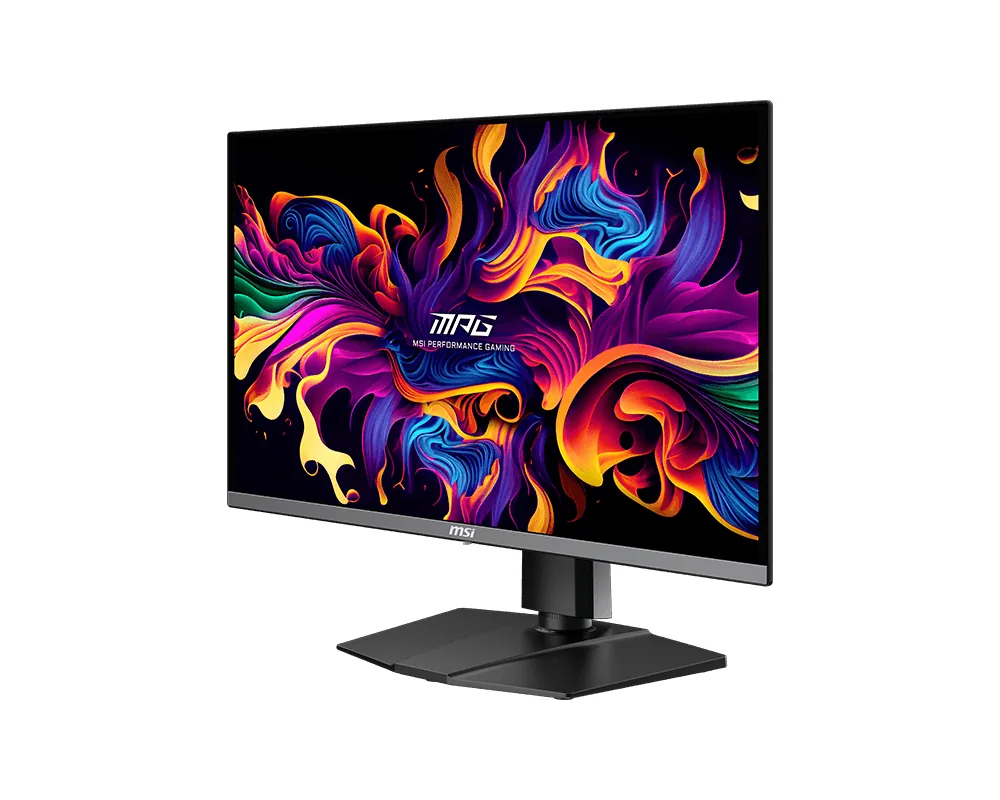
26.5″ · 2560×1440 · 360 Hz · QD-OLED
Best for: A gaming OLED that is also the dock for a work laptop
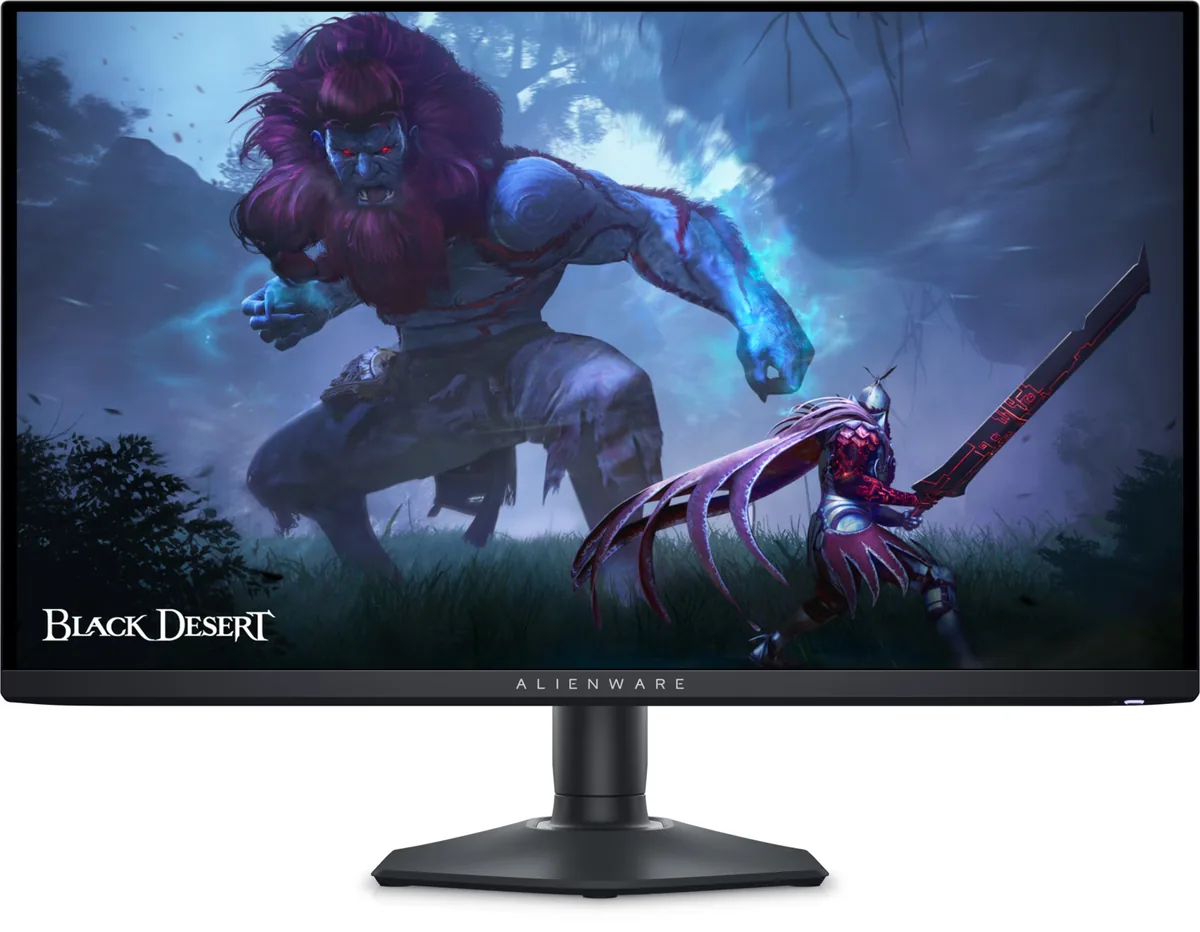
26.7″ · 2560×1440 · 360 Hz · QD-OLED
Best for: Competitive play on an OLED without flagship pricing